-
-
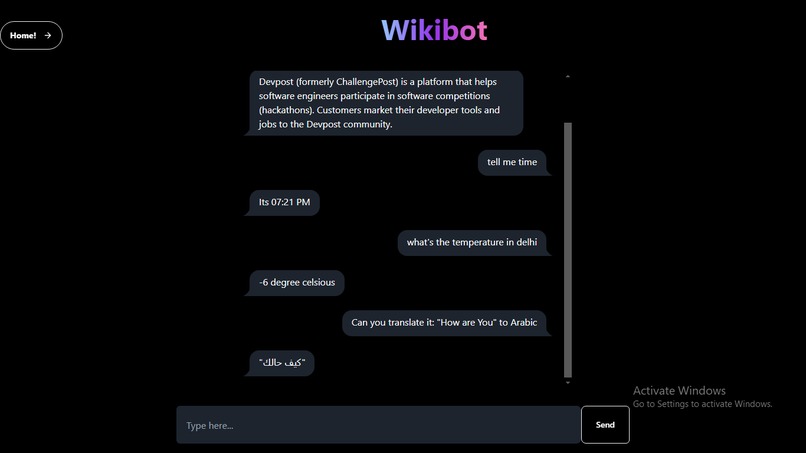
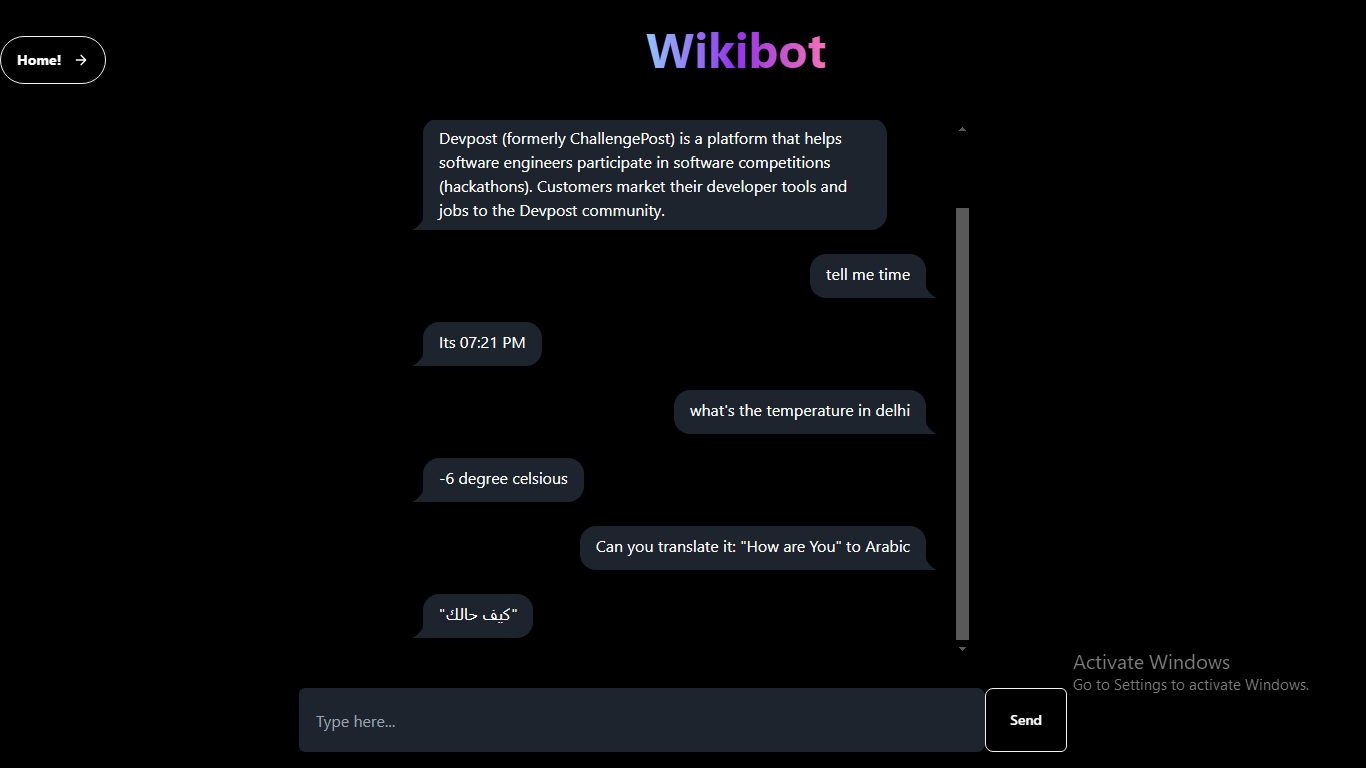
Wiki Bot
-
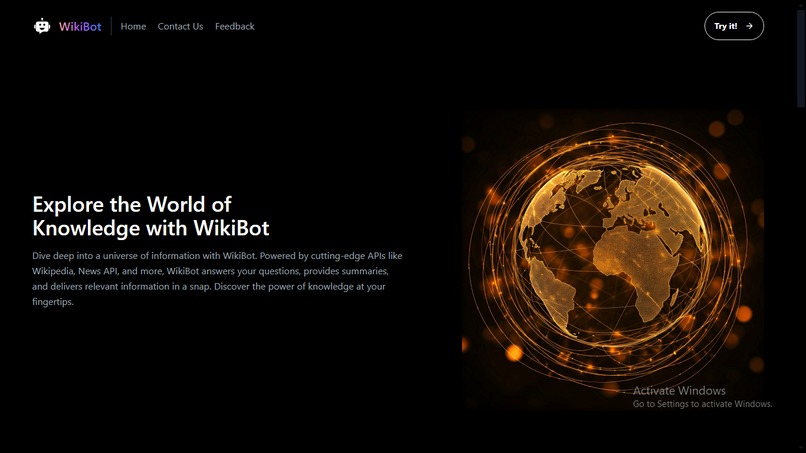
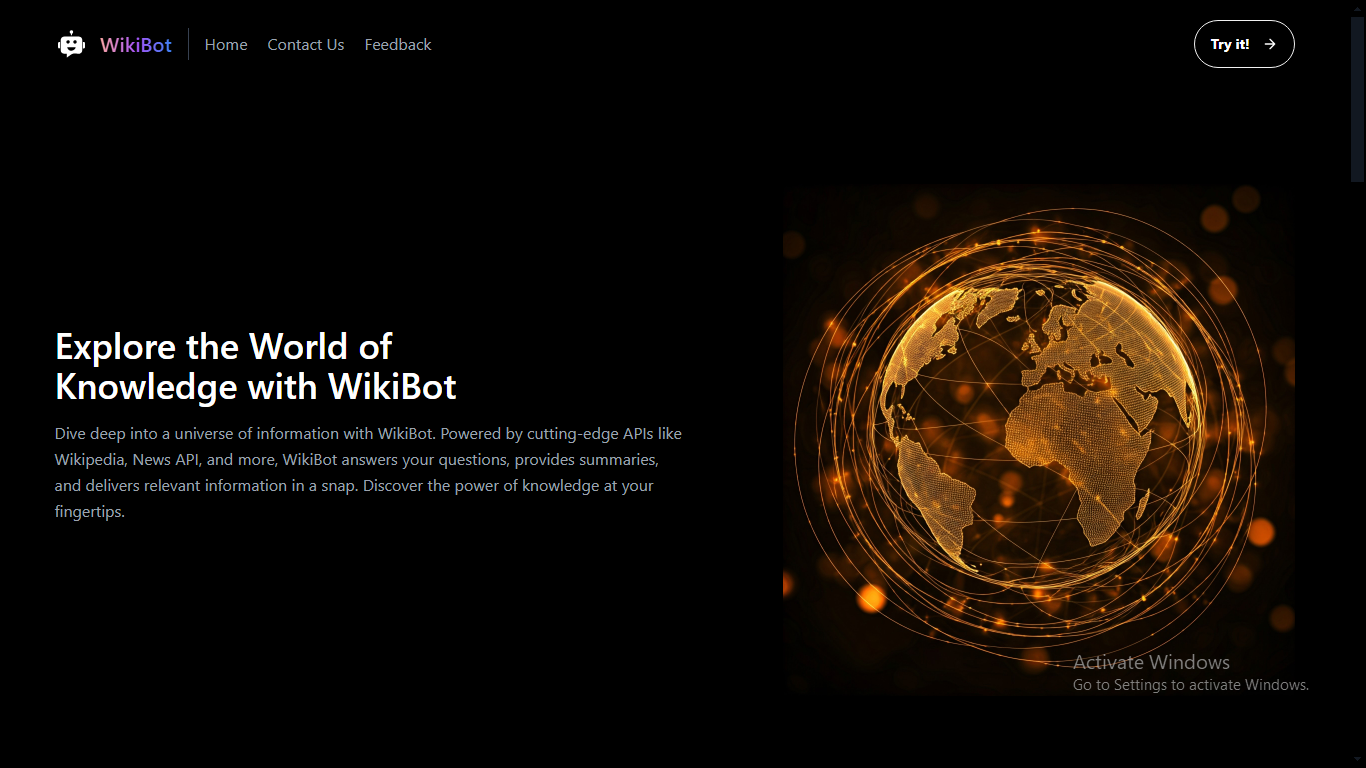
Landing Page
Inspiration
Sometime when I sit to study at home and encounter some terms I don't fully understand, I used ChatGPT to get answers. However, ChatGPT often provides lengthy responses. I wanted to create an informative chatbot called WikiBot that generates shorter, to-the-point responses and provides a comprehensive summary of the topic.
What it does
WikiBot uses Wikipedia's information to generate concise responses that summarize topics efficiently and effectively.
How we built it
I used Tailwind CSS, specifically the DaisyUI components, to streamline the development process and enhance productivity. For fetching the relevant information, I integrated the Wikipedia API to ensure fast and accurate responses.
Challenges we ran into
This was my first time using Tailwind CSS, and I didn’t initially know that it could be used with Django. I am more familiar with Bootstrap, so I had to learn how to integrate Tailwind with Django. I found a YouTube tutorial about using Django with Tailwind and spent time exploring it, which ultimately helped me set up the UI for this project.
Accomplishments that we're proud of
I've built WikiBot, a chatbot that provides concise summaries using Wikipedia’s data. It fetches accurate information quickly through the Wikipedia API. I also successfully integrated Tailwind CSS with Django for a sleek and responsive design.
What we learned
I learned how to use Tailwind CSS with Django, which was new to me. I also became familiar with using the Wikipedia API to retrieve and display information effectively.
What's next for Wiki Bot
I wanted to add login and registration forms along with user chat history, and integrate MongoDB with Django. However, due to the limited 20-hour time span and being the only person working on the project, I couldn’t implement these features at this time. But I plan to work on them in the near future.


Log in or sign up for Devpost to join the conversation.