Inspiration
The idea for Wigion was born out of personal frustration. While setting up my own Notion workspace, I realized that the available widgets fell short of my expectations. They couldn't display Notion database data in the way I envisioned, but at the time, I reluctantly set the issue aside.
Weeks later, I was helping a friend configure his Notion setup when he innocently asked, "Can I display my daily habits and tasks on my home screen (like I was used to previously)?" My immediate response was "no," but that seemingly mundane question became the catalyst for Wigion. It was a lightbulb moment that illuminated a gap in the market and set me on the path to creating a solution that would bridge Notion's powerful databases with the at-a-glance convenience of iOS widgets.
What it does
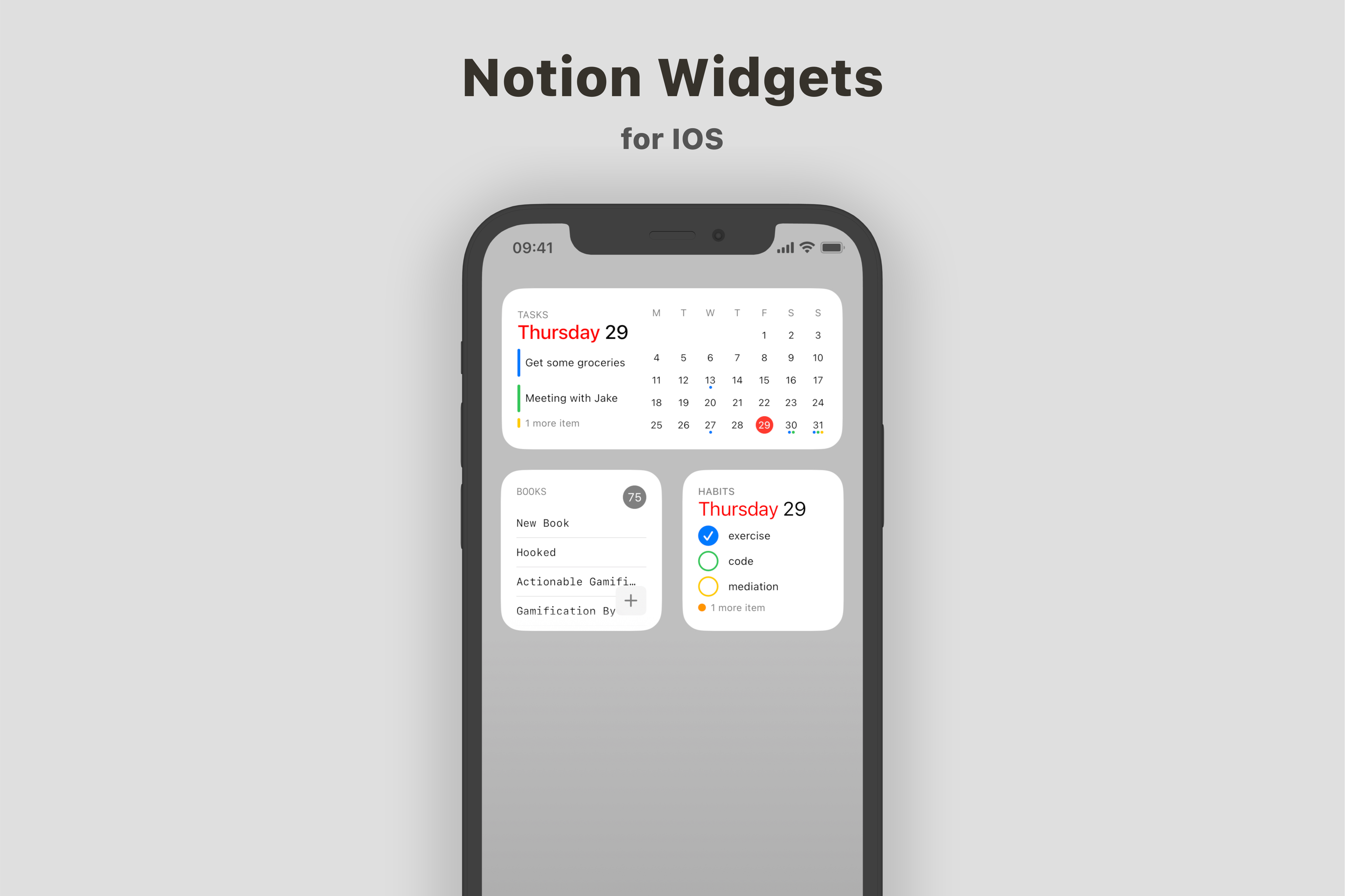
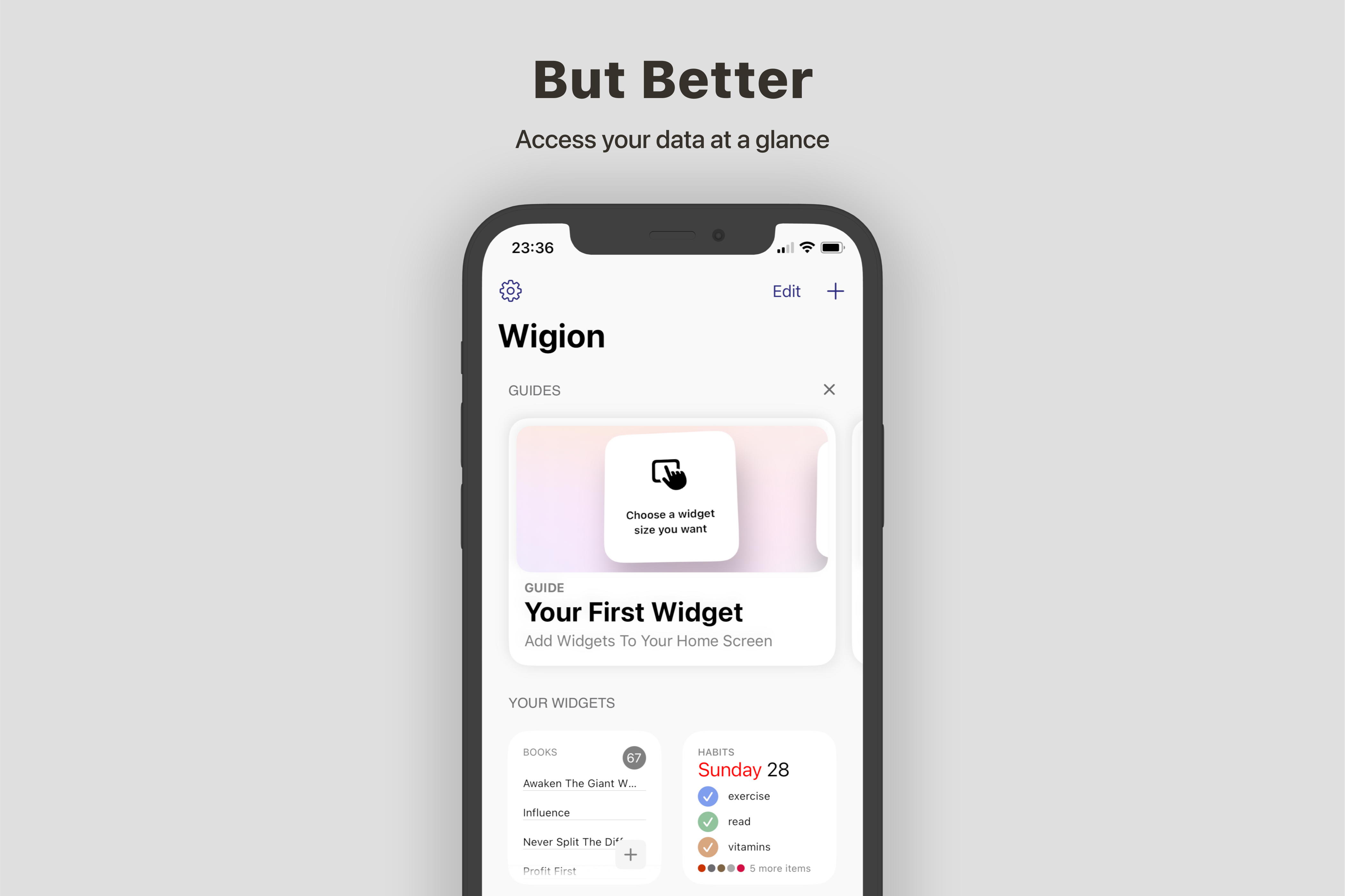
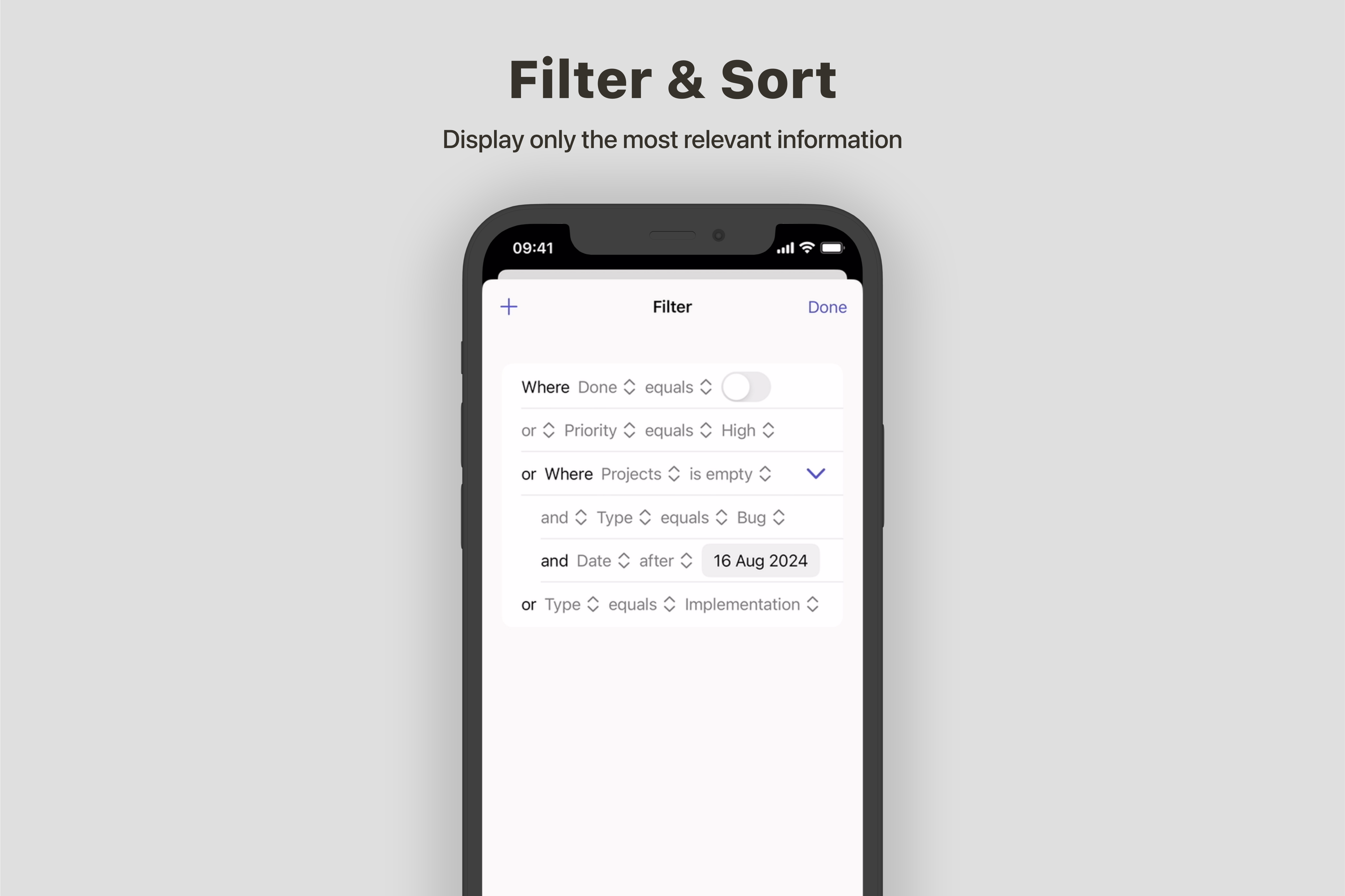
Wigion is an innovative iOS app that revolutionizes how users interact with their Notion databases through customizable widgets. It offers functionality to view and interact with database data at a glance, right from the iOS home screen. With powerful filtering and sorting capabilities, users can ensure they only see the information they need, when they need it.
Key Features:
- Versatile widget types: Calendar, Matrix, and List
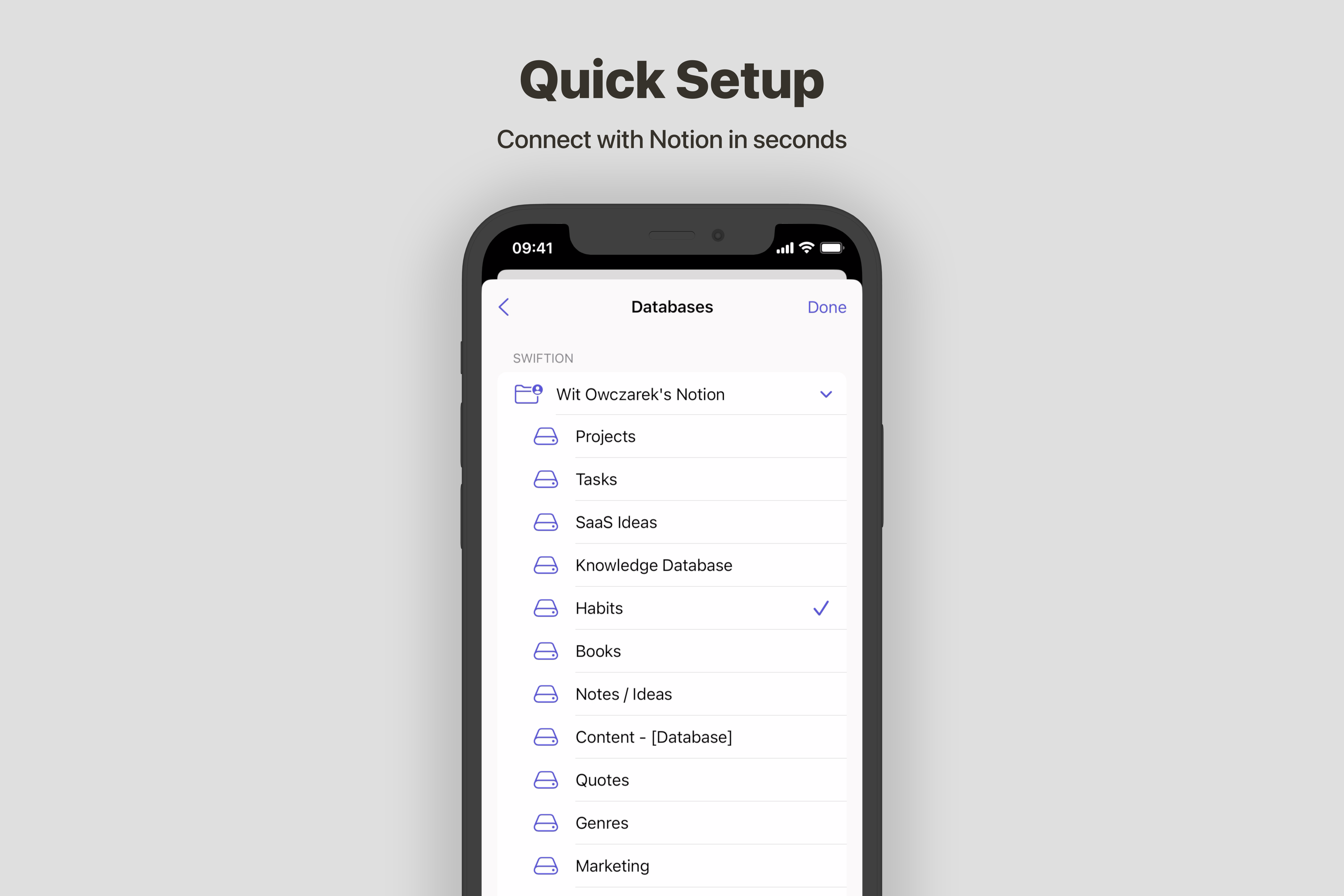
- Seamless integration with Notion databases
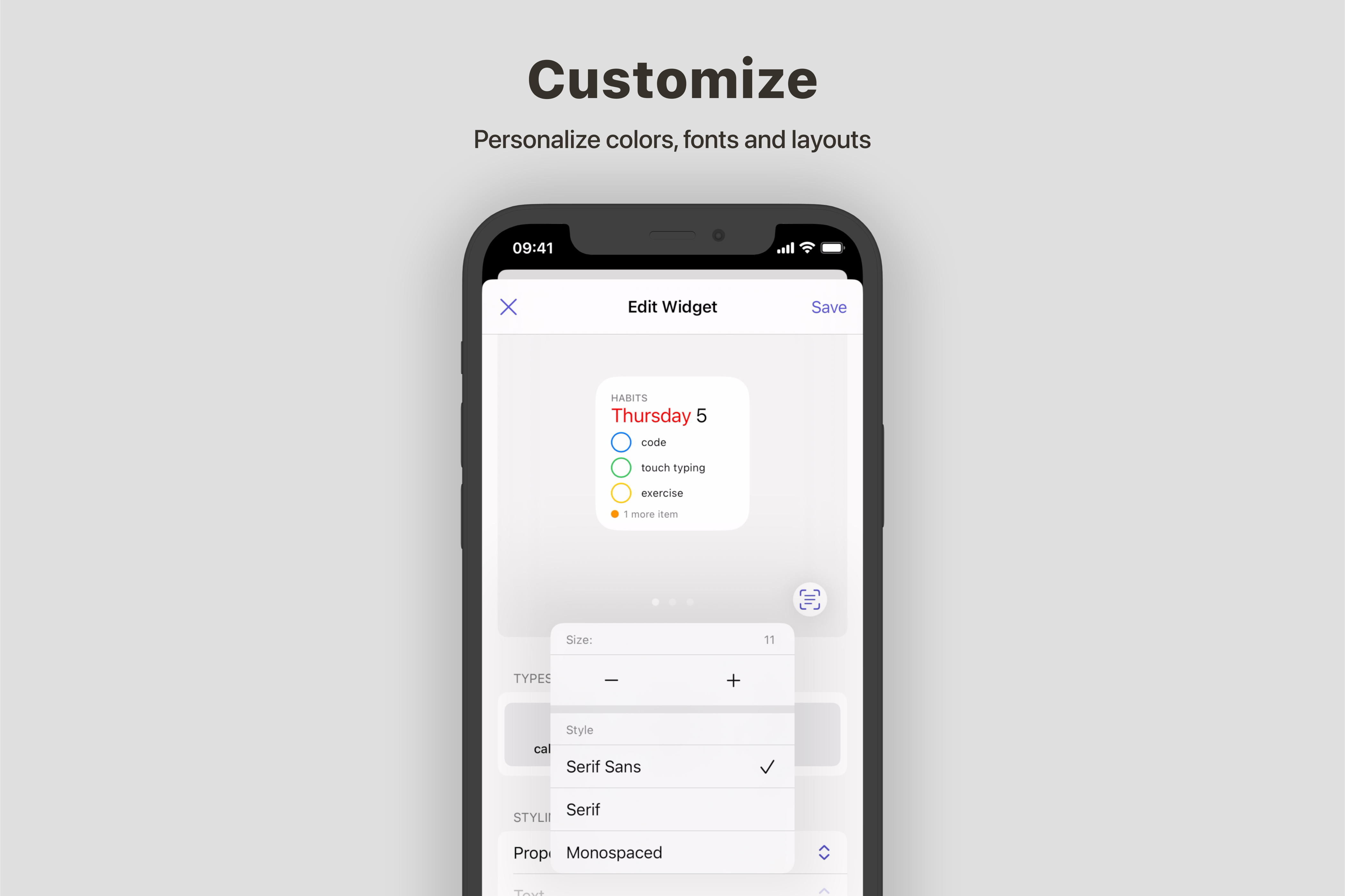
- Customizable appearance with adjustable fonts, colors, styles, and sizes
- Robust filtering and sorting options for precise data display
Widget Types:
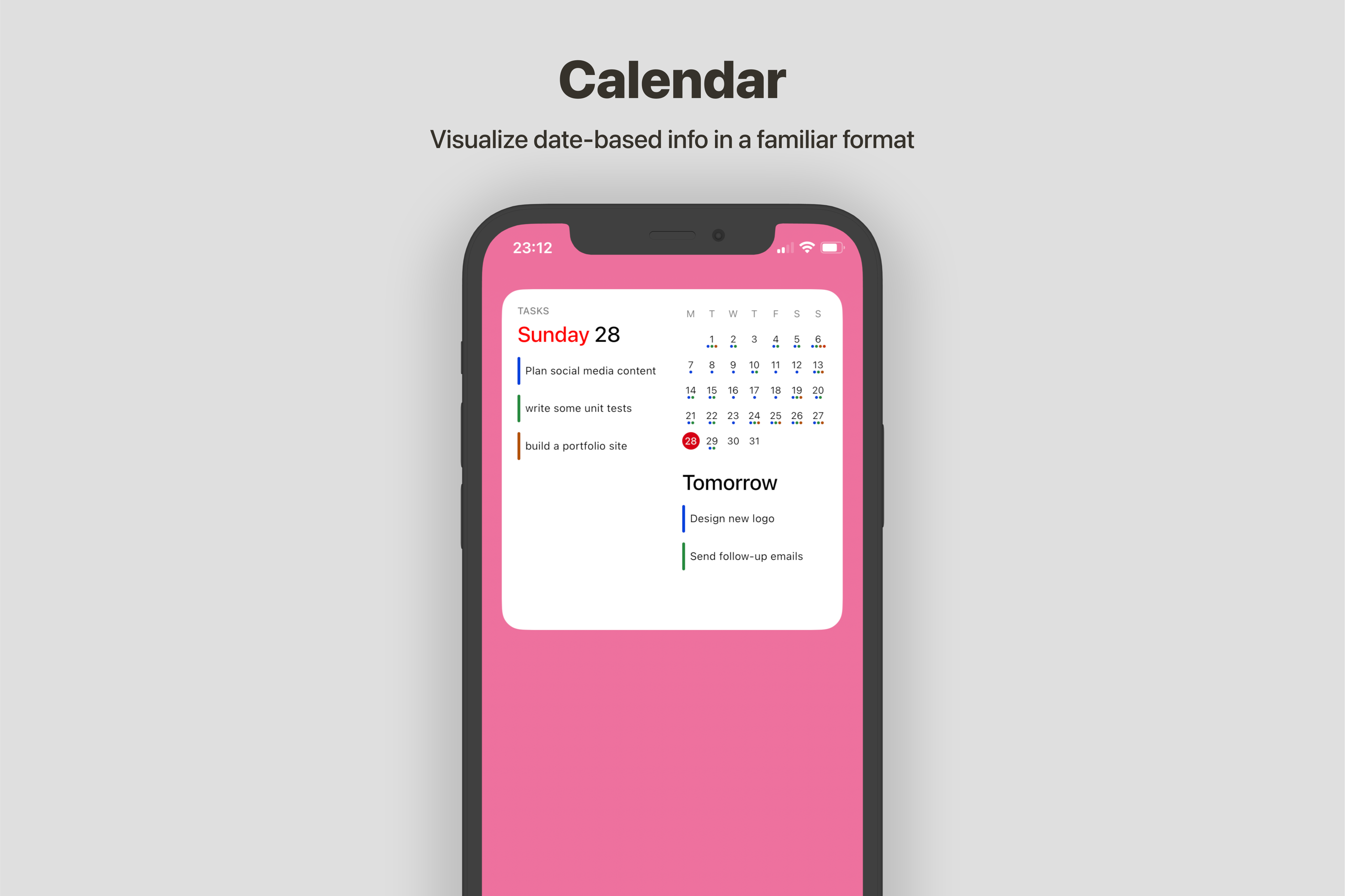
- Calendar Widget: Ideal for date-based data, providing a clear overview of time-sensitive information. Perfect for tracking deadlines, appointments, or project milestones.
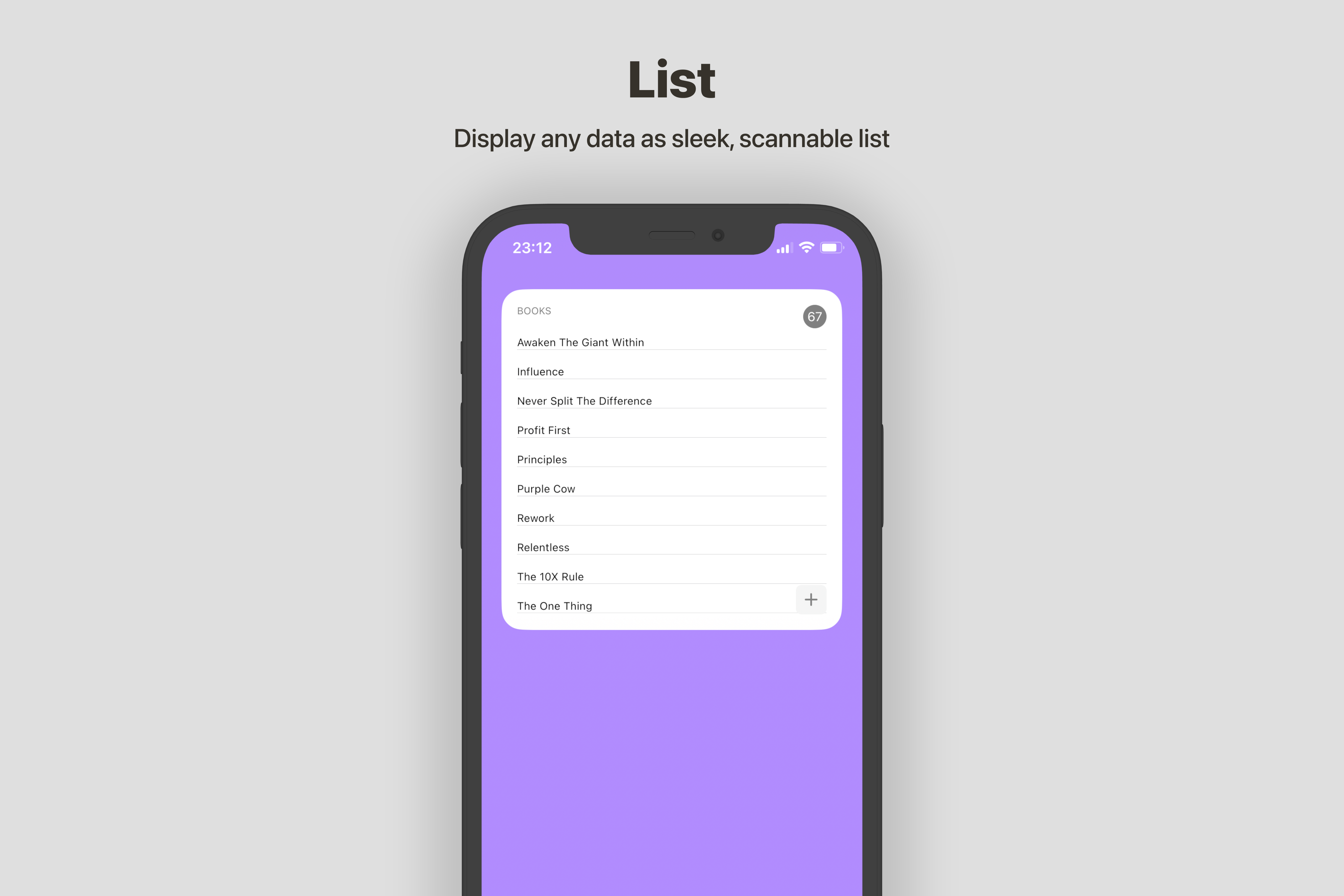
- List Widget: Perfect for general data display, offering a clean and organized view of information. Great for to-do lists, project tasks, or any list-based data from Notion.
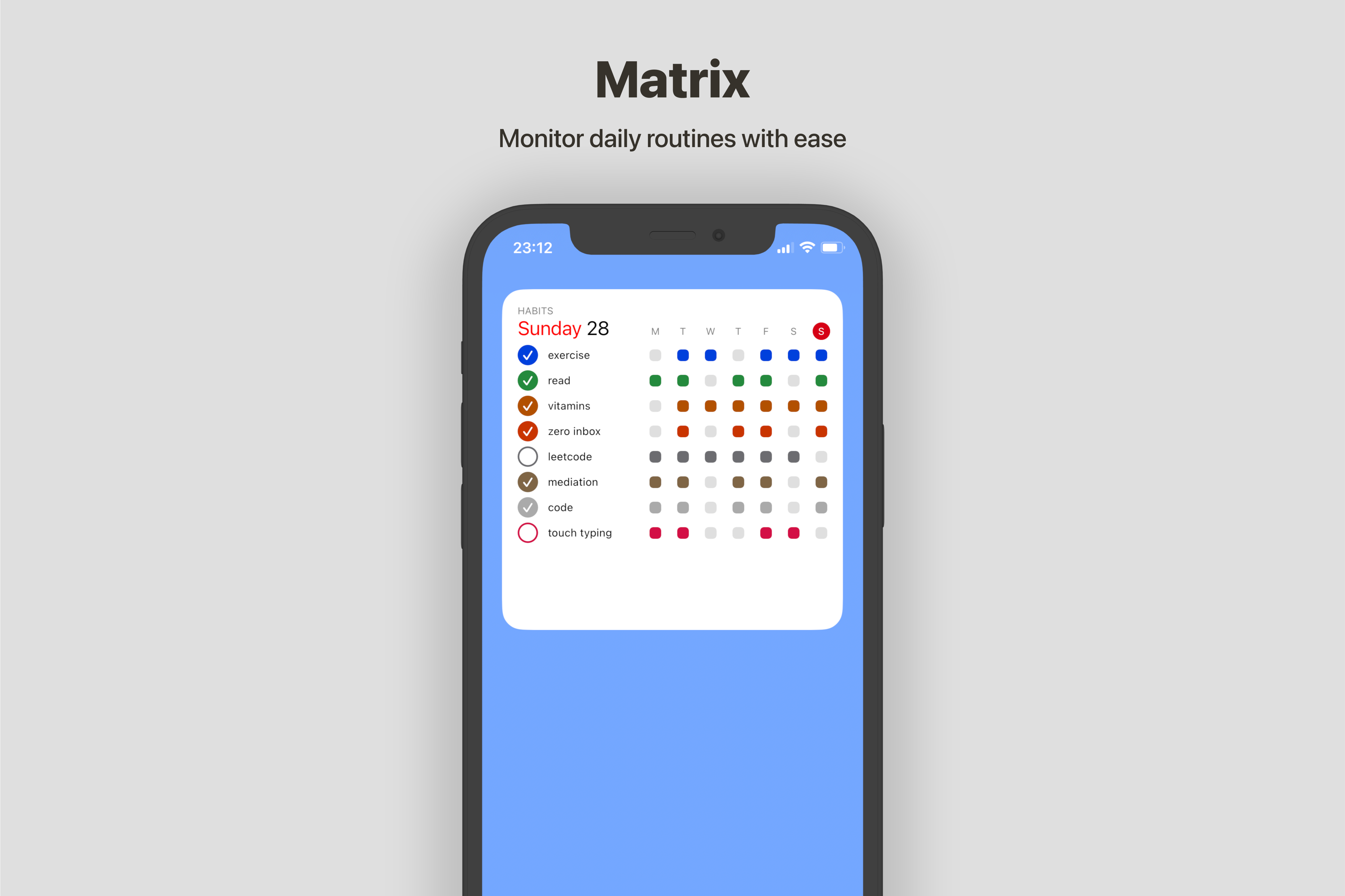
- Matrix Widget: Designed for tracking daily routines, occurrences, or habits with an easy-to-read grid layout. Excellent for habit tracking, daily goal monitoring, or any recurring data points.
How I built it
To bring Wigion to life, I leveraged the Notion API public integration.
Challenges I ran into
Notion's OAuth 2.0 flow was a major hurdle, as it only allowed HTTPS redirect URLs for integrations. This meant I couldn't use the usual URL schemes and had to implement universal links, which caused numerous issues. Initially, I used the old ASWebAuthenticationSession, but it was very inconsistent in redirecting users. The game-changer came with iOS 17.4's new ASWebAuthenticationSession with WebCredentials, which finally supported universal links reliably. Another ongoing challenge is keeping up with Notion's rapid expansion and ensuring Wigion stays compatible with all the new features they frequently add.
What I Learned
My biggest lesson was about the importance of launching early. I made the mistake of not releasing my app sooner because I kept thinking it wasn't good enough. Instead of getting it out there and iterating based on real user feedback, I ended up redesigning the app from the ground up twice. This taught me the value of the "release early, release often" philosophy in app development. It's better to get a functional product into users' hands and improve it based on their needs, rather than aiming for perfection in isolation.
What's next for Wigion
- Expanding widget types to include more visualization options (e.g., timeline, table)
- Adding new customization options

Log in or sign up for Devpost to join the conversation.