Inspiration
At home and in class we often sit away from the computer: a laptop on a TV, a PC across the room, a presentation running while you walk around. Remote apps exist, but they are either a dumb mouse or a heavy server with accounts. We wanted the phone in your hand to be the whole interface, the keyboard, the trackpad, the microphone, the speaker, and an assistant that understands "open Notepad and write hello world", while the PC side stays tiny and trustworthy.
What it does
- One screen on the iPhone controls the Windows PC over the local Wi-Fi:
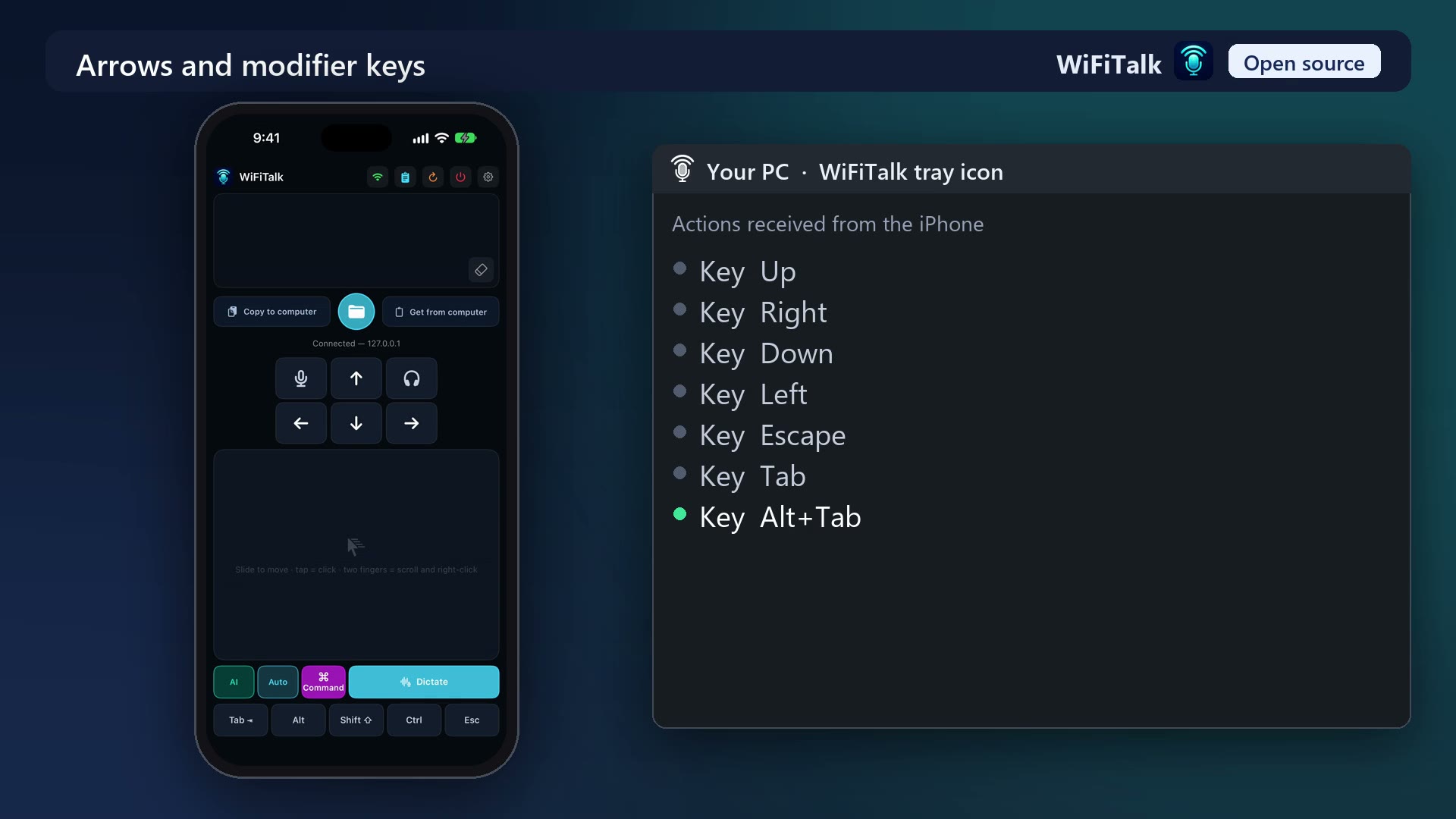
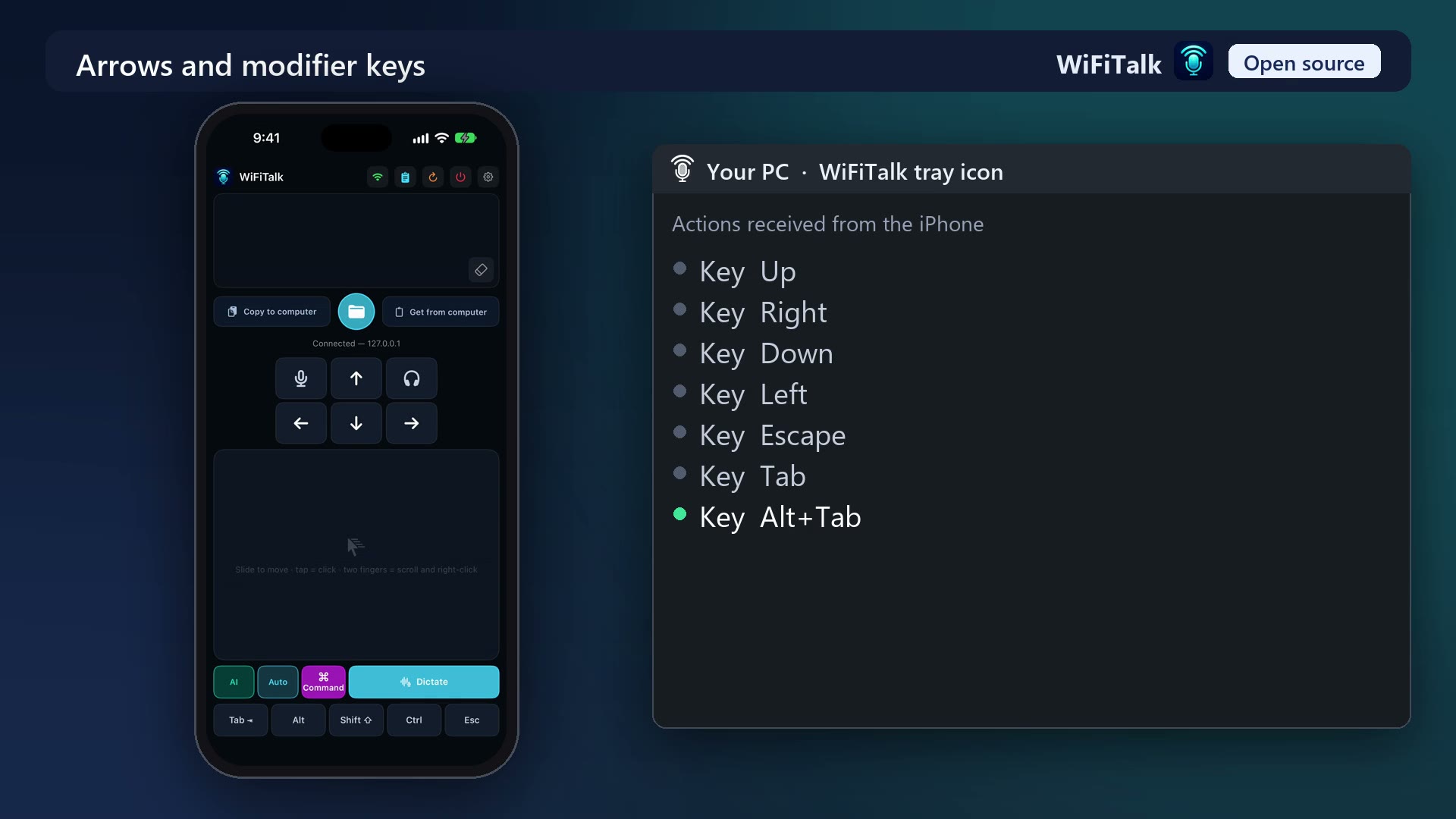
- Arrows, Esc, Tab, Alt, Shift and Ctrl, including combinations like Alt+Tab.
- A trackpad: slide to move, tap to click, two fingers to scroll.
- A text box: whatever you type goes straight to the active window.
- The clipboard in both directions, and saved texts typed with one tap.
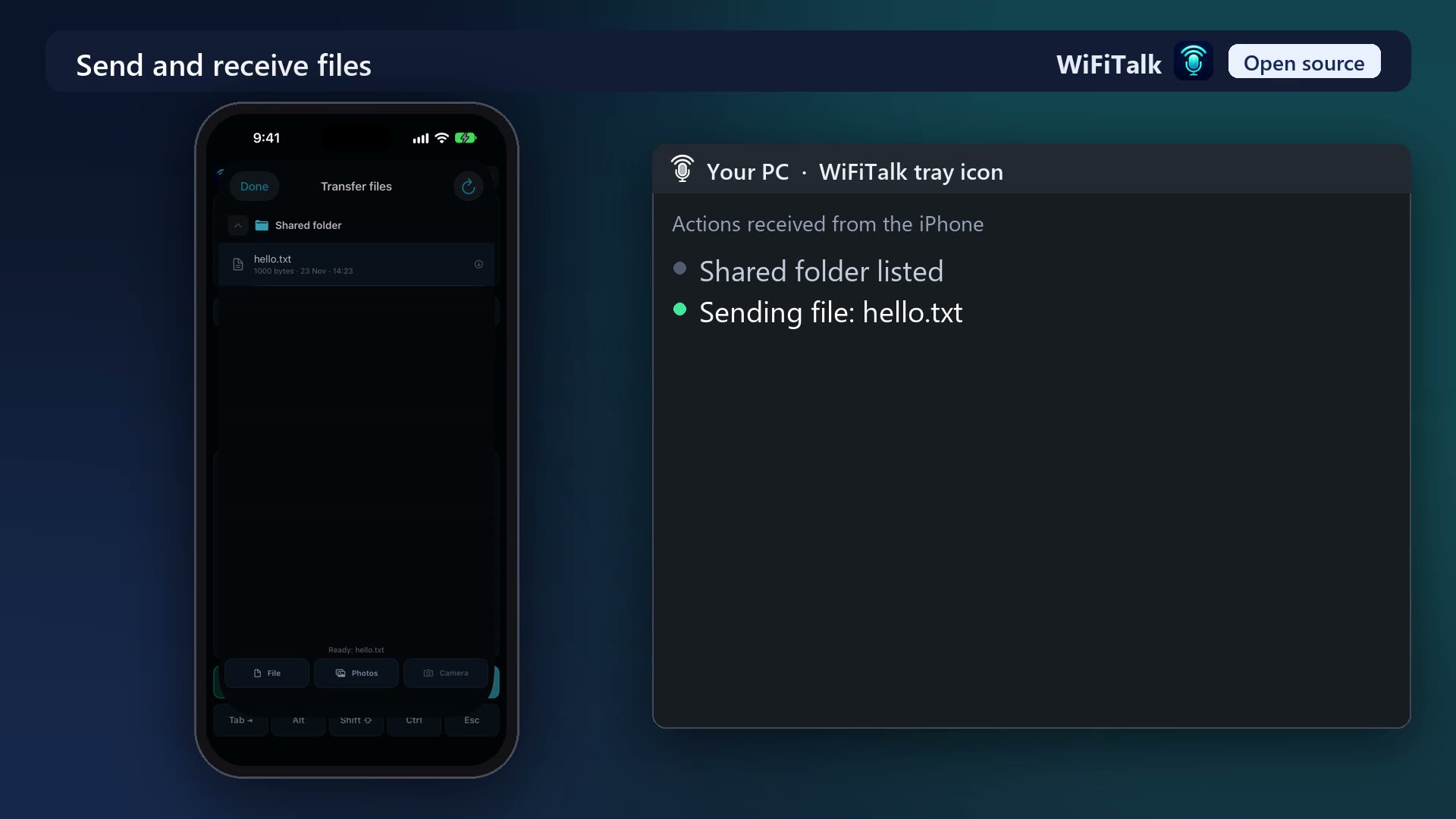
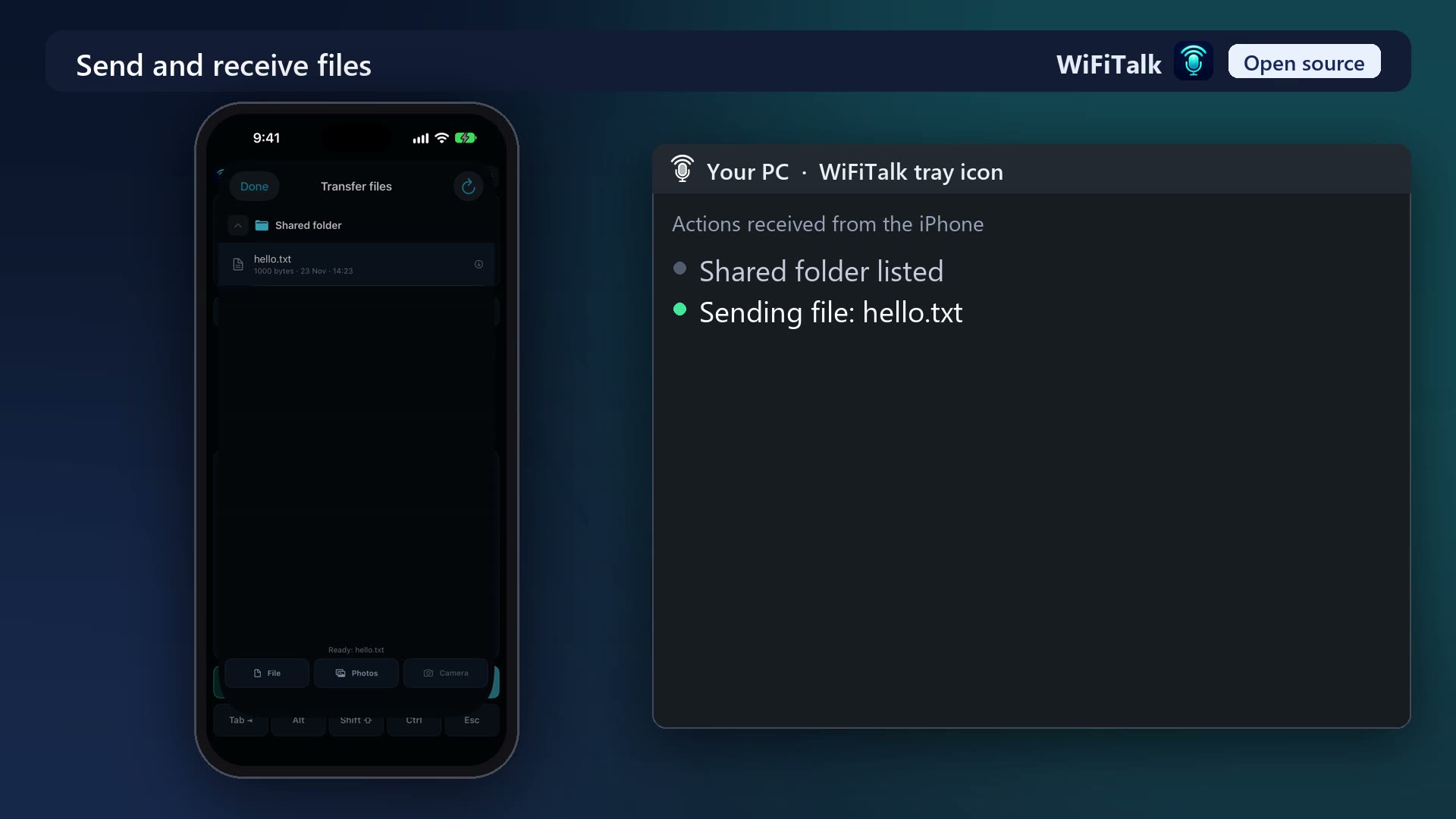
- Sending and receiving files through a shared folder.
- The PC's sound plays on the iPhone, and the iPhone becomes the PC's microphone.
- Restart and shut down, each asking first.
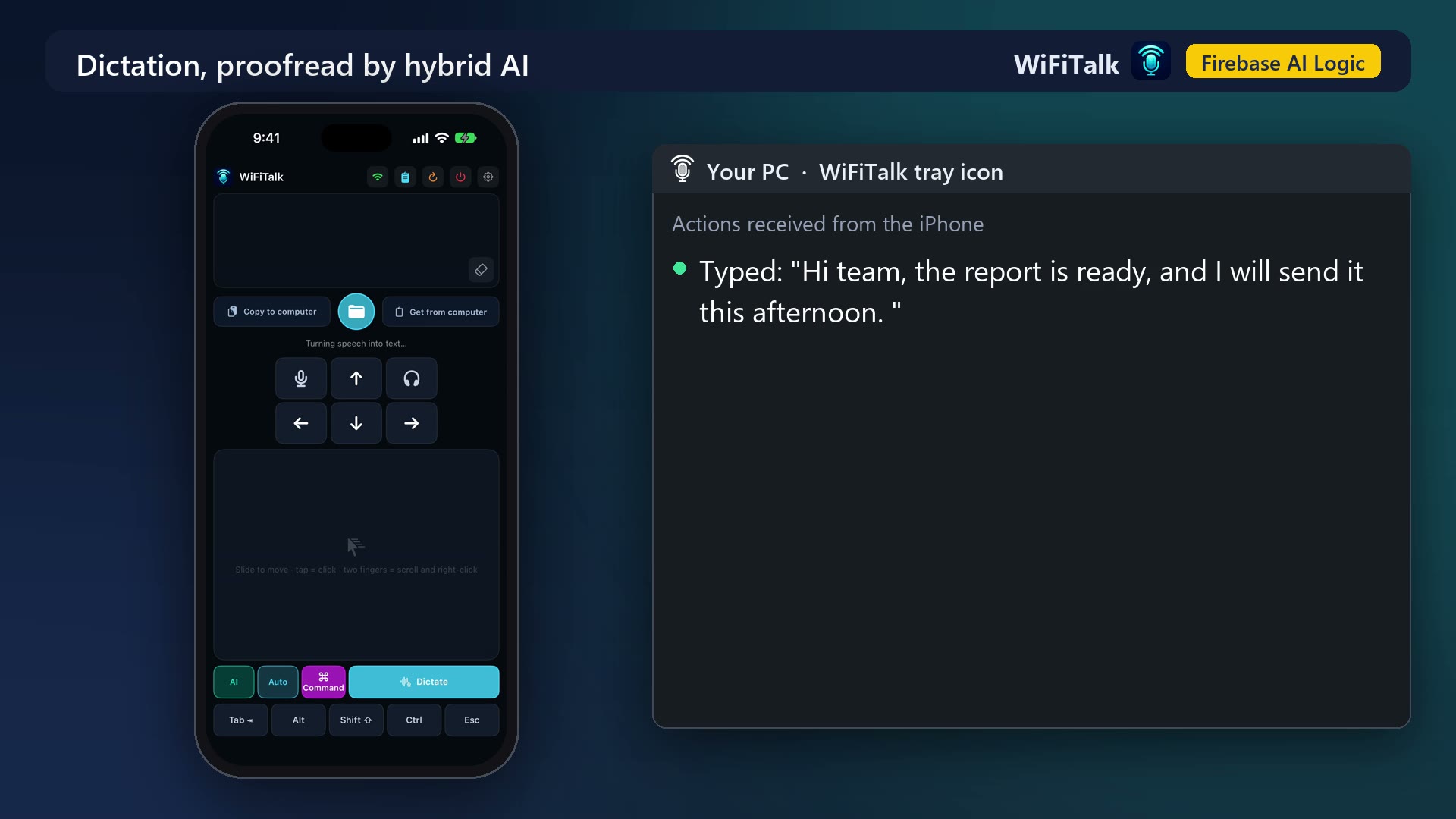
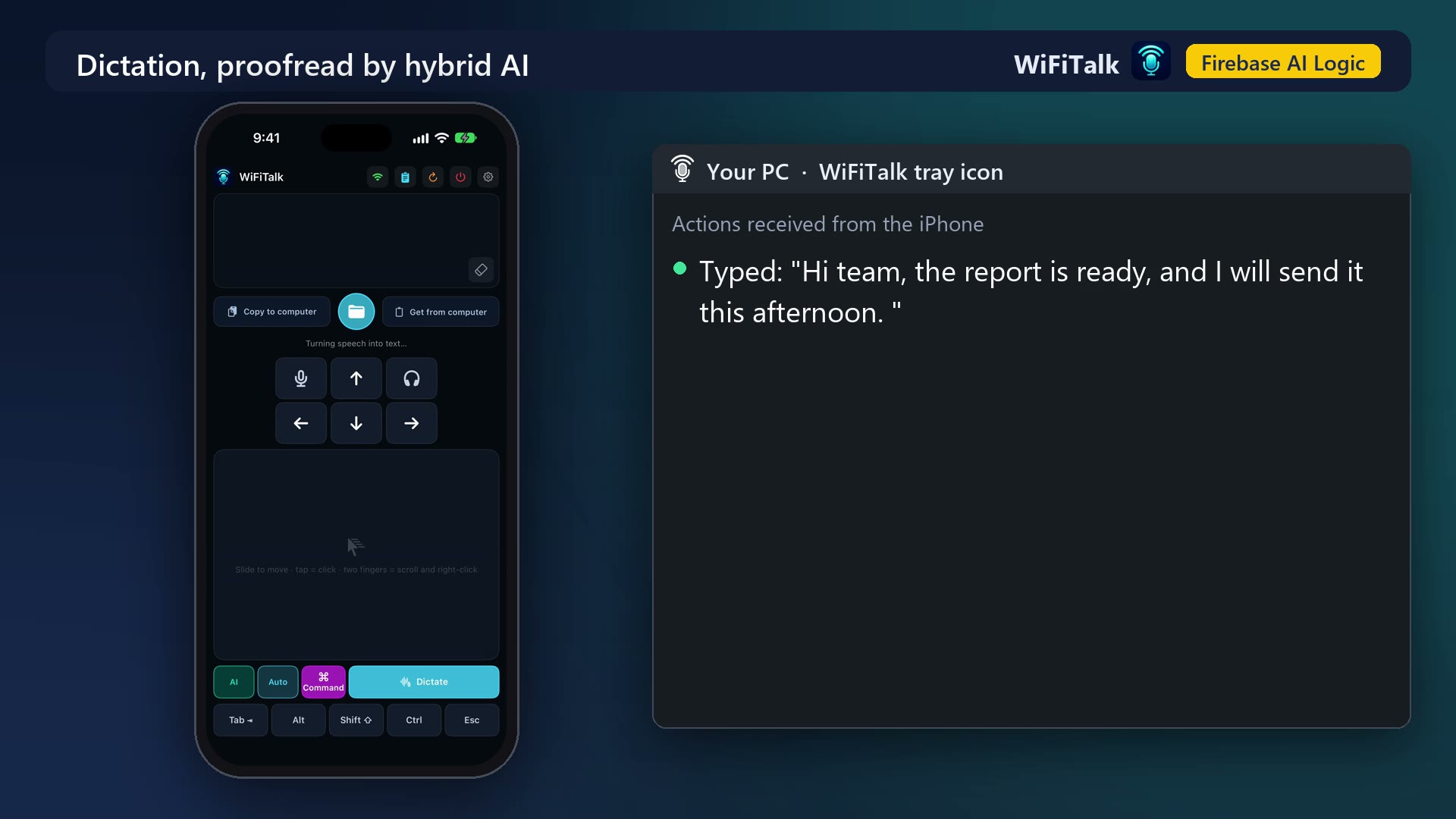
- Dictation: Apple speech writes the words, and the hybrid AI proofreads them before they are typed.
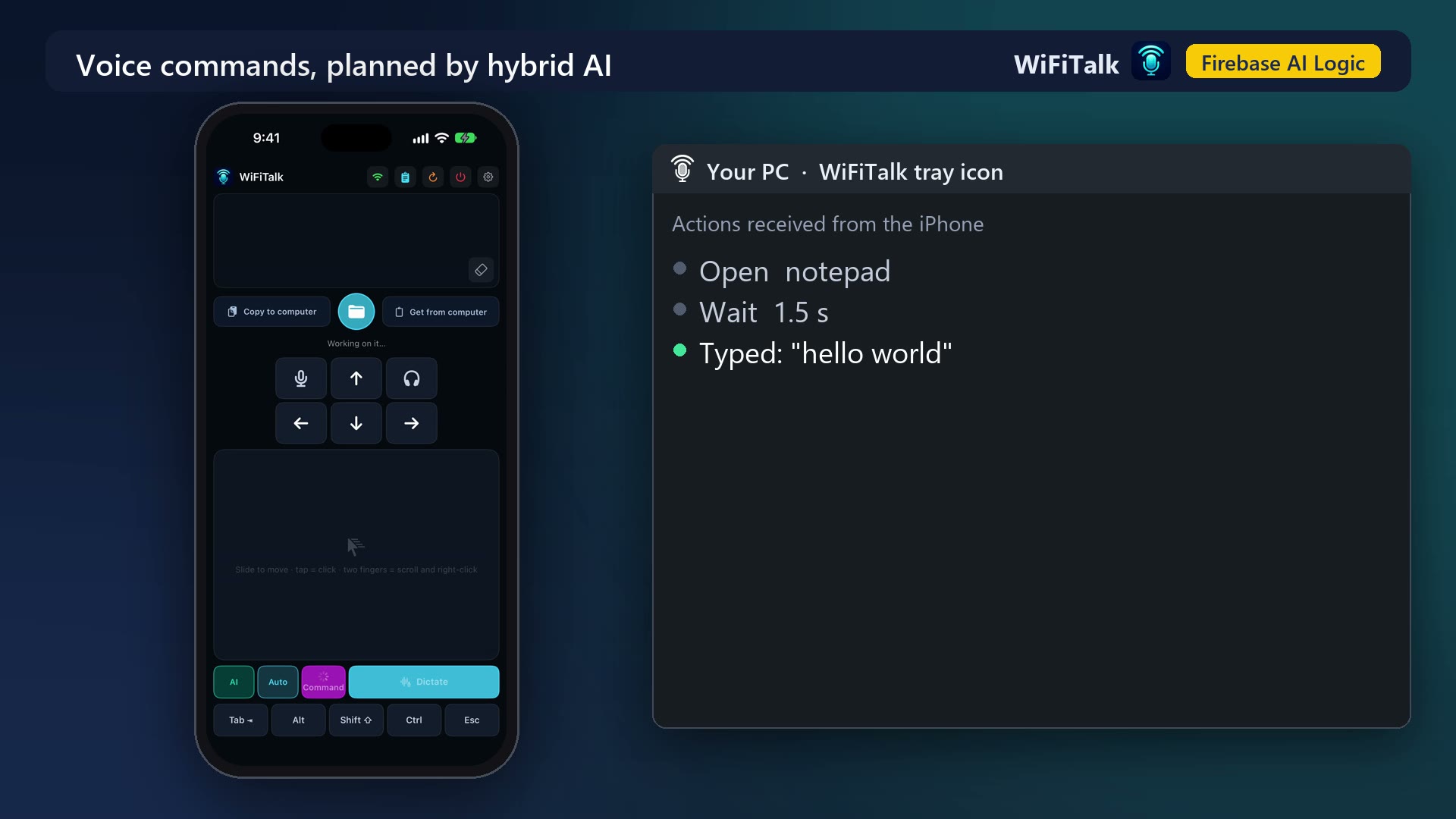
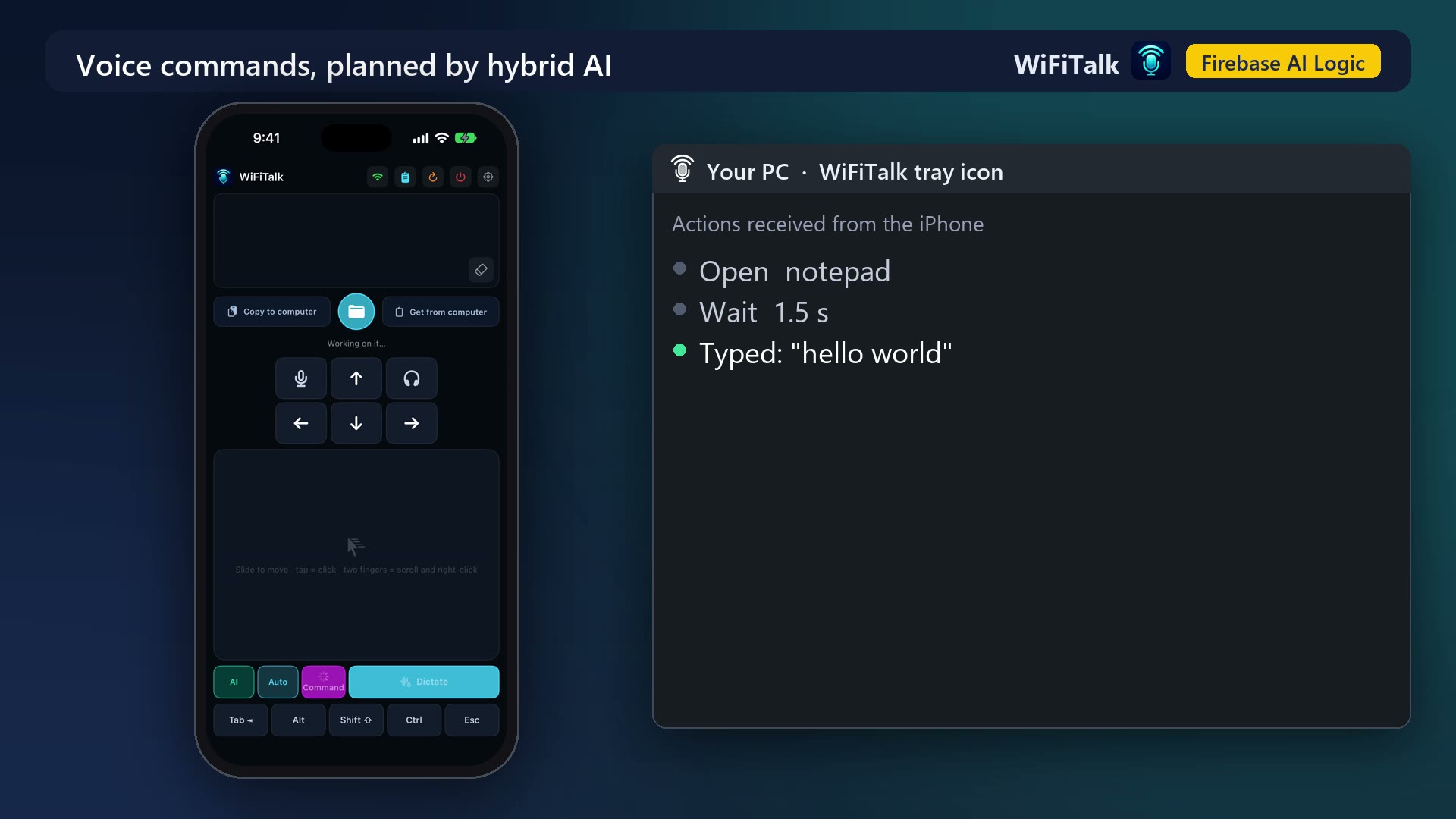
- Voice and typed commands: "Open Notepad and write hello world" becomes a safe plan of plain actions (open, wait, type), which the PC carries out. Power actions are on a short allowed list, and only lock runs without asking.
- The Windows companion is deliberately tiny: one C# file, a tray icon that only executes plain actions. No AI, no keys, no decisions on the PC. Pairing uses a six-digit PIN, and it works on the local network only.
How we built it (how we used Firebase AI Logic)
All the intelligence lives in the iPhone app, in one hybrid engine, ios/WiFiTalk/AI/FirebaseHybrid.swift:
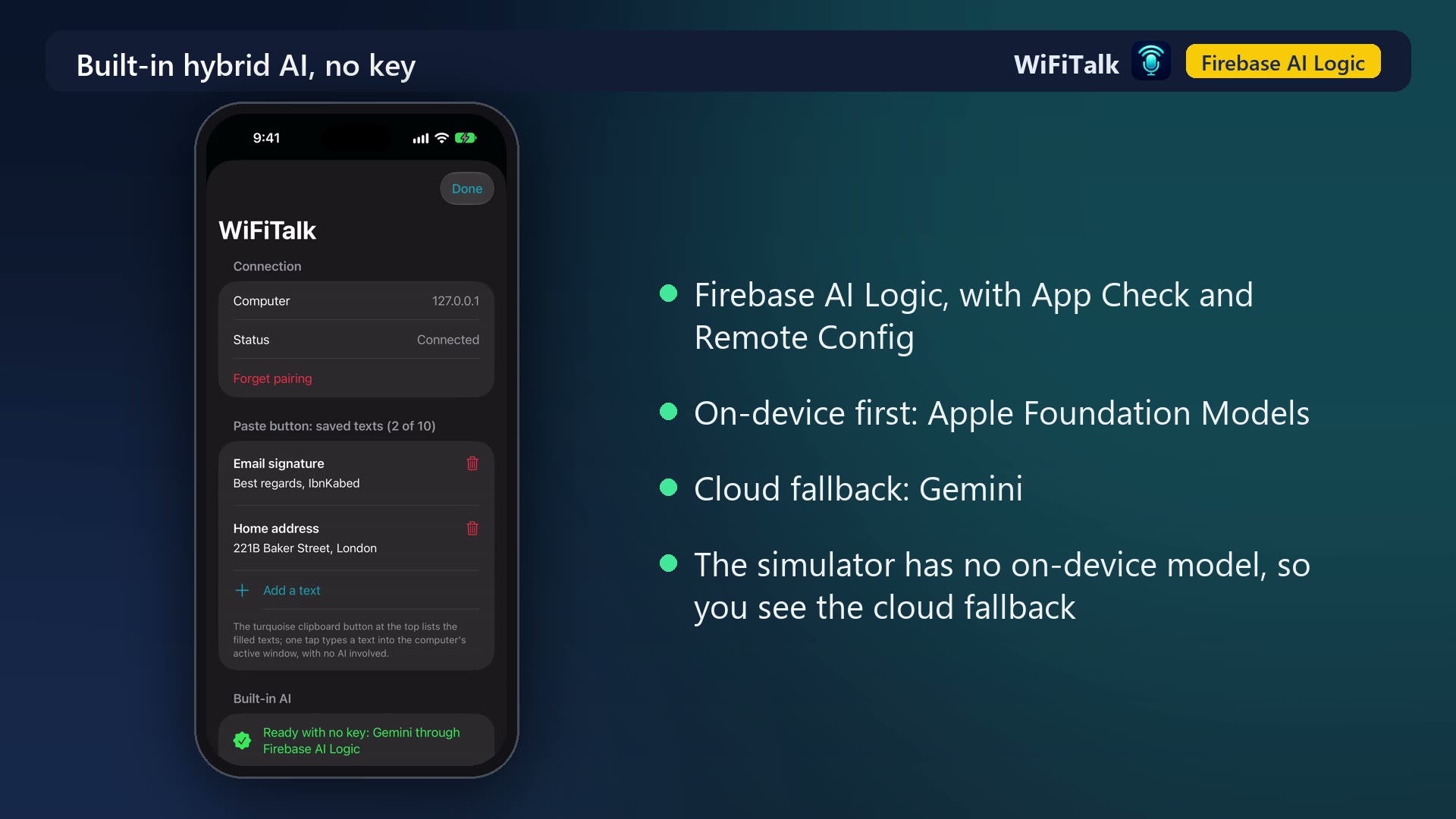
- On-device first. If Apple Intelligence is available and the request is short and in a supported language, it runs on the iPhone through Apple's Foundation Models: private, free and offline.
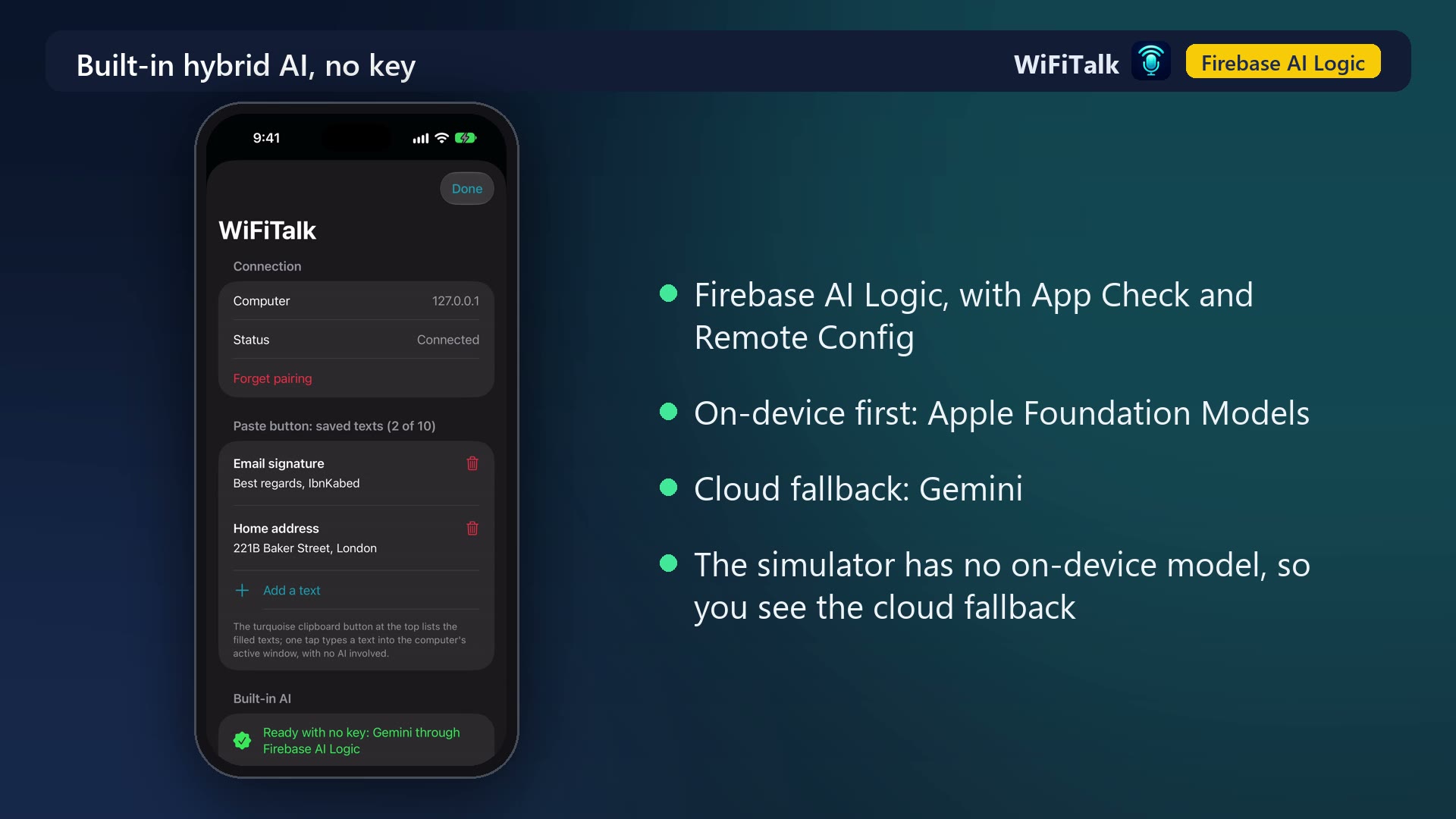
- Cloud fallback through Firebase AI Logic. Longer requests, unsupported languages such as Arabic, and phones without Apple Intelligence go to Gemini through Firebase AI Logic, with an automatic fallback to a second Gemini model when one is busy.
- The assistant (
ios/WiFiTalk/AI/Assistant.swift) asks the model for a JSON plan and accepts only whitelisted actions (open, text, keys, wait, power). Anything else is dropped before it reaches the PC. - Dictation proofreading sends Apple's raw transcript through the same engine, so a short English sentence is fixed on the device.
- Supporting Firebase products:
- App Check is enforced for AI Logic (the builds use a debug token).
- Remote Config holds the cloud model's name and an on-device switch.
- The PC companion (
windows/WiFiTalk.cs) speaks a small framed TCP protocol: JSON actions, float32 audio both ways (WASAPI loopback for the PC's sound, a virtual cable for the phone's microphone) and file chunks. - No-Mac CI. Everything is built and tested on GitHub Actions: the companion on Windows with a protocol test, the IPA on the
xcode-27runner, a simulator UI test of every control against a stand-in PC, and the workflow that recorded the demo video.
What we built during the submission period (existing app, significantly updated)
WiFiTalk started as a private app for my own PC, where the Windows side did the heavy work (speech, AI through server keys, a sign-in service). For #BuildHybridAI we rebuilt it as a new public, open-source project:
- The built-in hybrid AI on the iPhone through Firebase AI Logic: Apple Foundation Models on the device, Gemini in the cloud. No key needed.
- Every decision moved to the phone, and a brand-new Windows companion that only executes plain actions.
- Dictation proofreading and voice and typed commands with a whitelisted action plan.
- App Check and Remote Config.
- An English-only interface, the protocol test, the simulator UI test of every control, and the demo-recording workflow.
Core value of the existing app
A phone-sized remote for the whole PC: keyboard, trackpad, clipboard, files and two-way audio, used daily. The hybrid AI adds what a remote never had: you say what you want, and it happens.
Challenges we ran into
- Keeping the PC side tiny. Every feature had to be expressed as plain actions the phone plans, so the companion stays one auditable file.
- Safety of AI commands. The model only proposes a plan; a whitelist filters it, and power actions other than lock need a confirmation on the phone.
- Real-time audio over Wi-Fi in both directions, with resampling to 48 kHz.
- No Mac. Building, UI testing and recording the demo all run on GitHub Actions.
Accomplishments that we're proud of
- A full PC remote plus a voice assistant, with zero AI setup and no server.
- A companion so simple that its whole job fits in one
switch. - Every control verified by an automated UI test against a stand-in PC.
What we learned
Hybrid AI fits remote control well: short commands are exactly what the on-device model does best, privately and offline, and the cloud covers everything else. Putting the AI only on the phone also made the PC side safer.
What's next for WiFiTalk
- More on-device commands, such as window management and media keys.
- A macOS companion with the same tiny protocol.
- Arabic on the device when Apple's model supports it.
Testing instructions for judges
- On the Windows PC, run
WiFiTalk.exefrom the release (or build it withwindows\build.ps1). A tray icon appears; open it to see the PC's address and the six-digit PIN. - Install
WiFiTalk-unsigned.ipaon an iPhone (iOS 17+) with Sideloadly and a free Apple ID. - On the same Wi-Fi, enter the address and PIN, and tap Connect.
- Try the keys, the trackpad, the clipboard and files, the headphones and microphone keys, and Restart (it asks first).
- Tap Command, say "Open Notepad and write hello world", and tap it again. Or long-press Command and type a request.
- Settings → Built-in AI shows "Ready with no key" and whether Apple's on-device model is available.
The source is all in the repository. The runtime Firebase calls are in ios/WiFiTalk/AI/FirebaseHybrid.swift.
