-
-
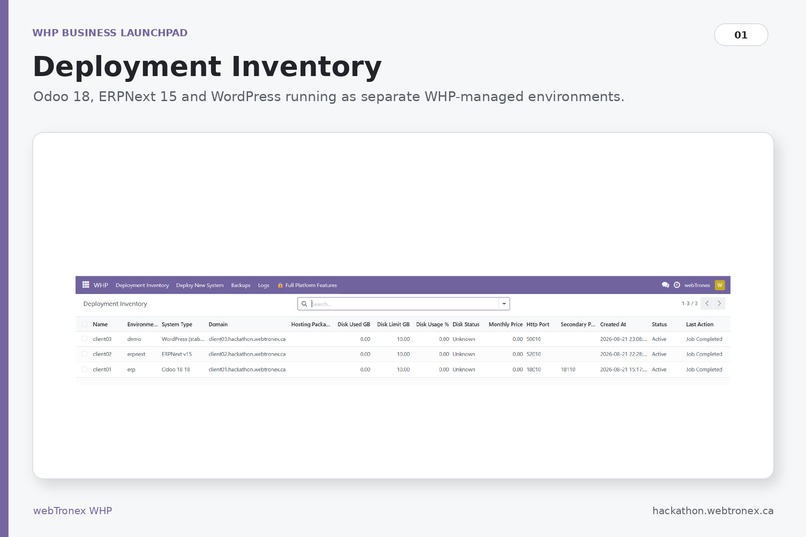
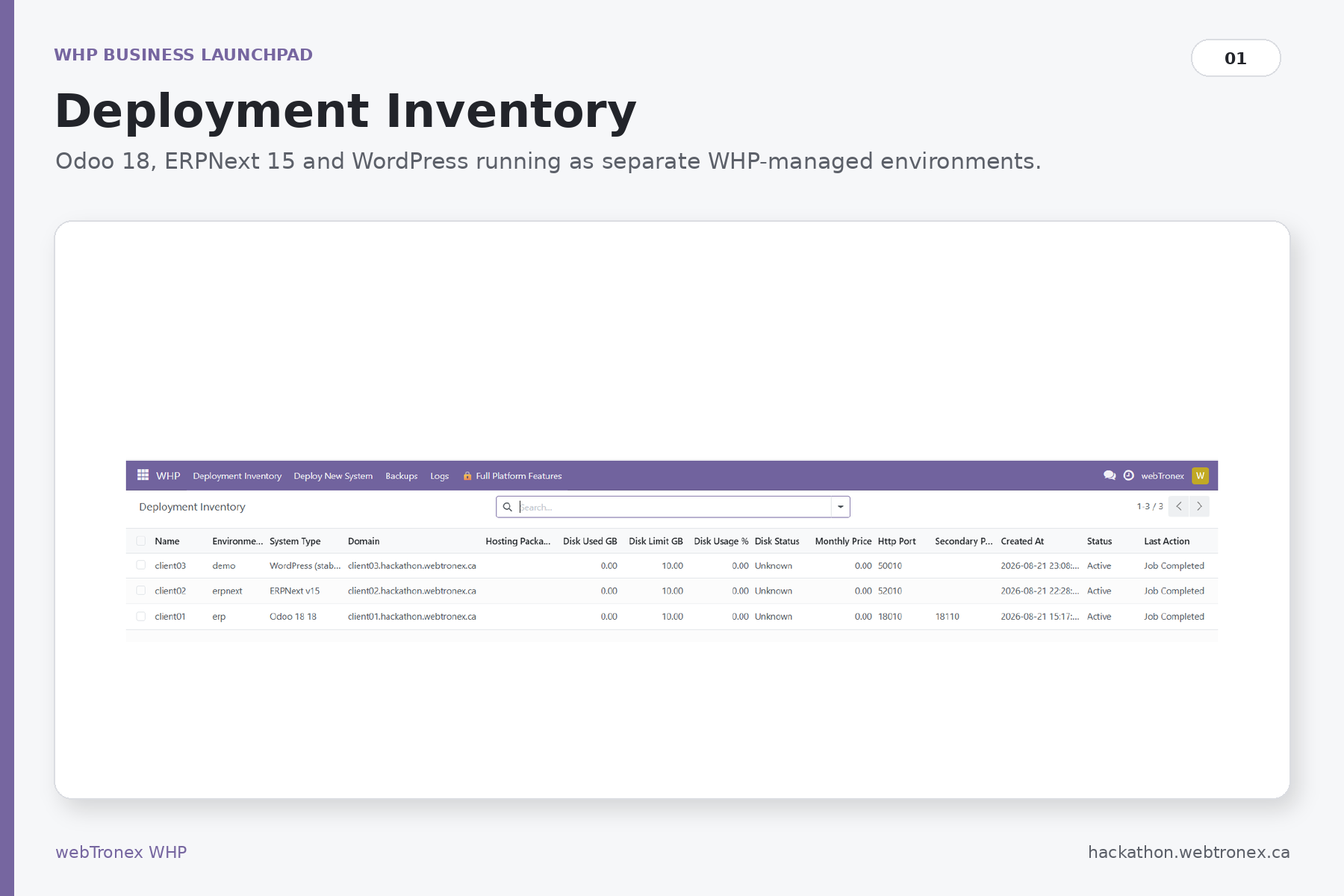
Deployment inventory
-
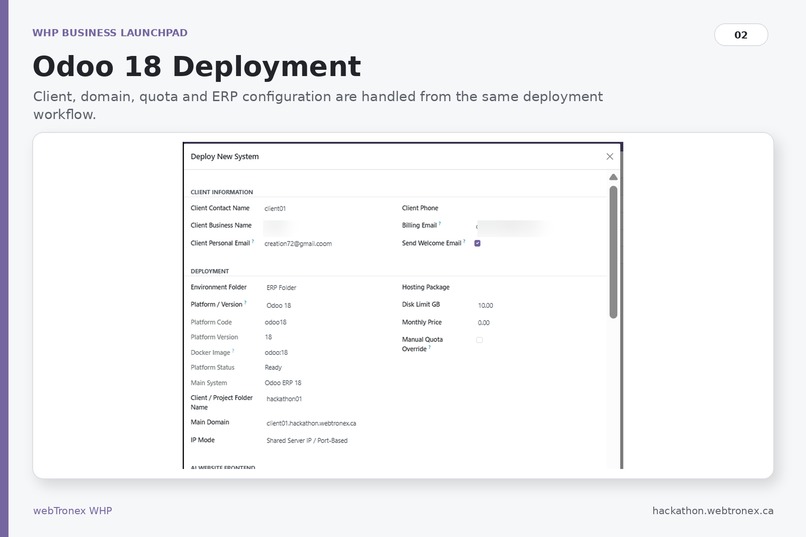
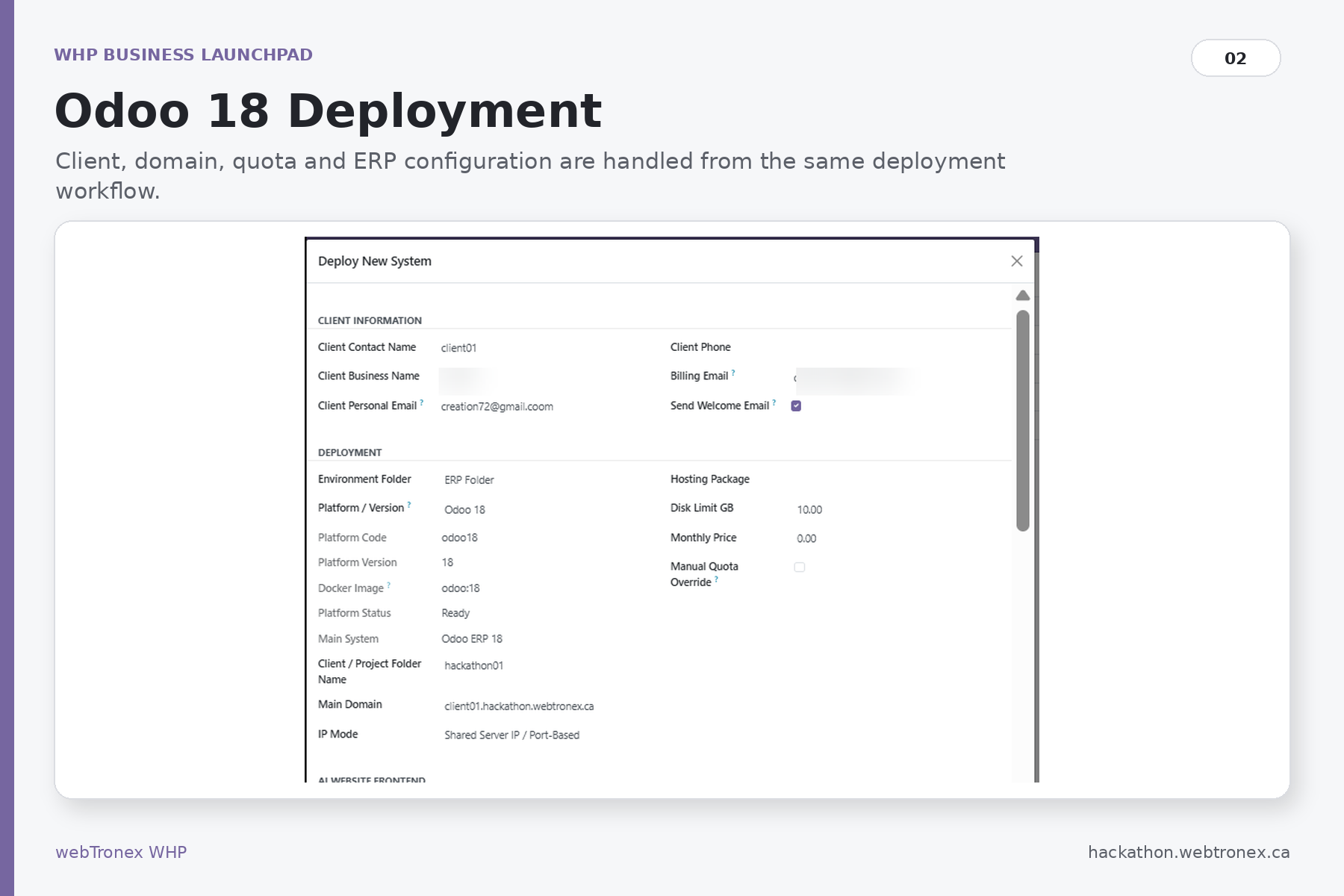
Odoo18 deployment
-
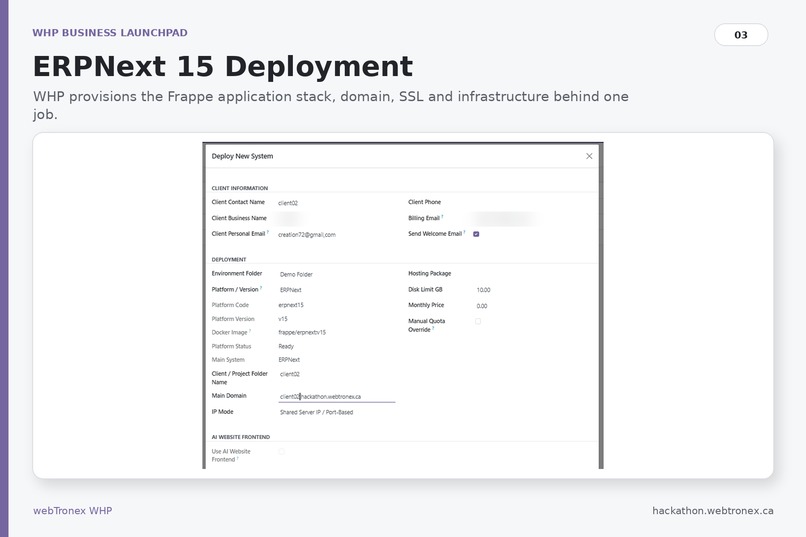
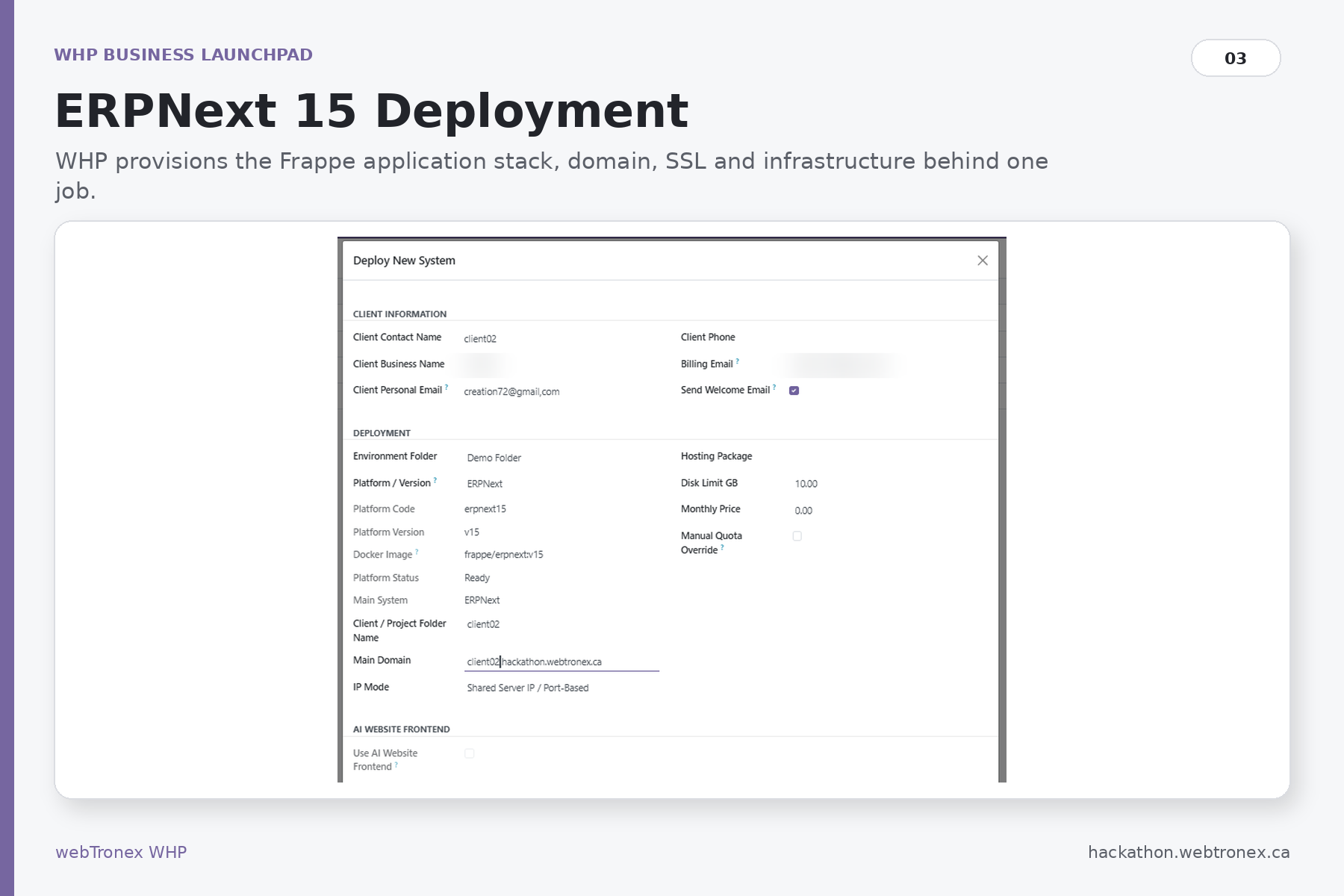
ERPNext15 deployment
-
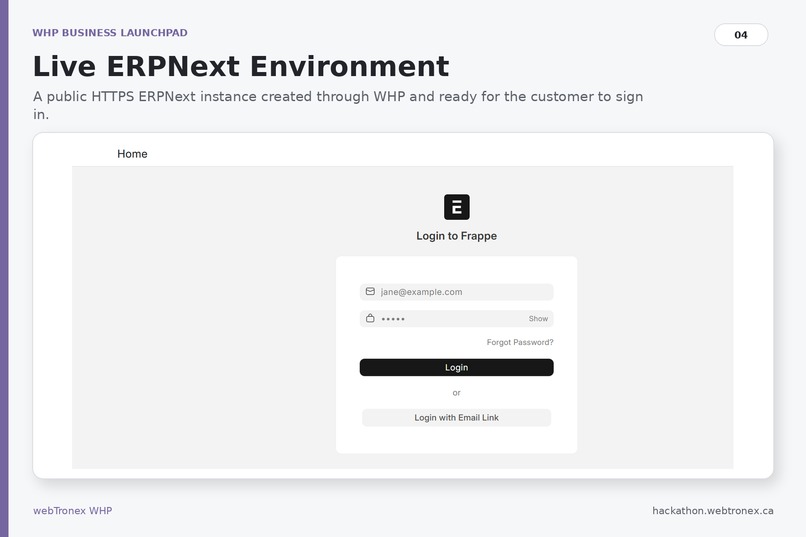
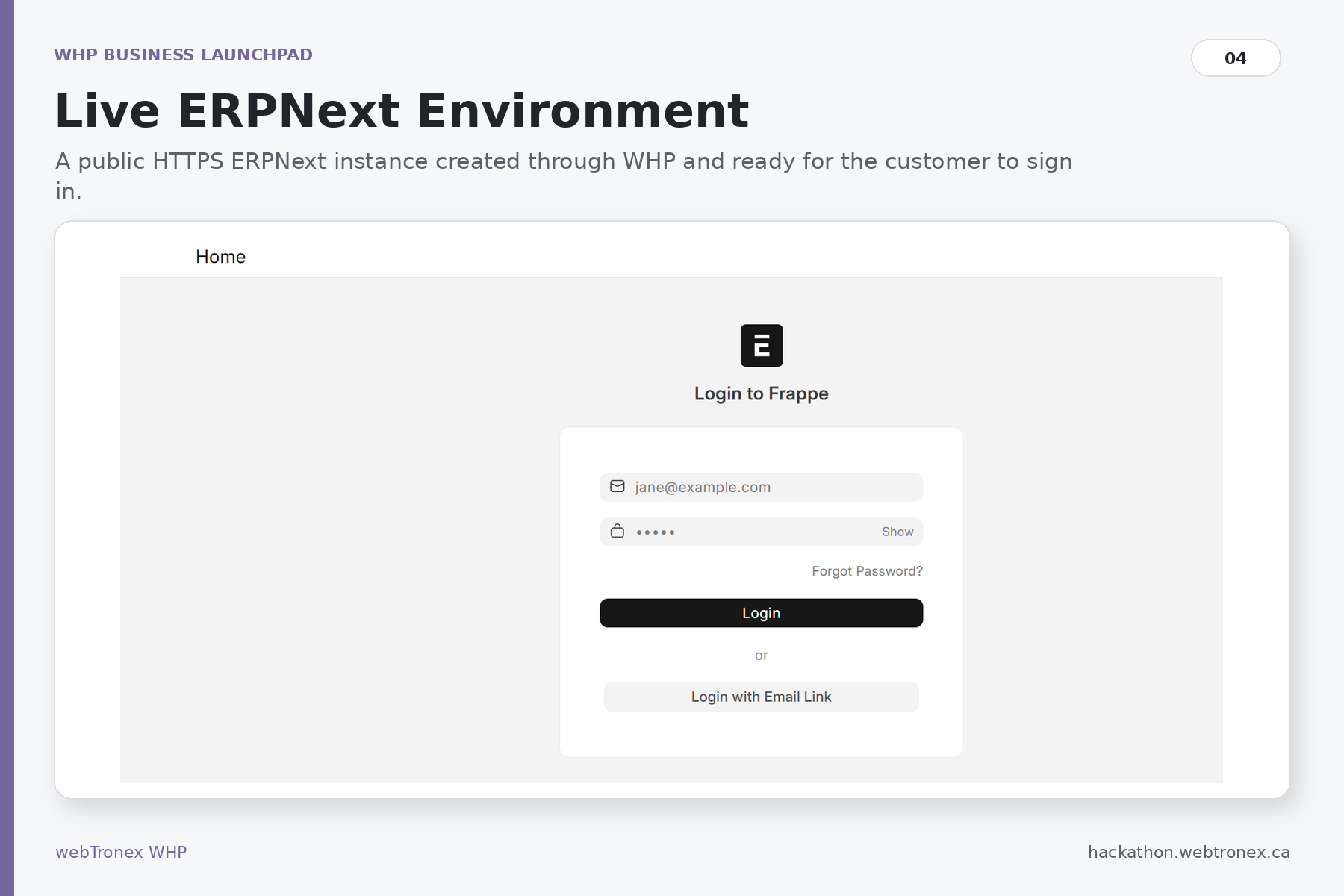
ERPNext live
-
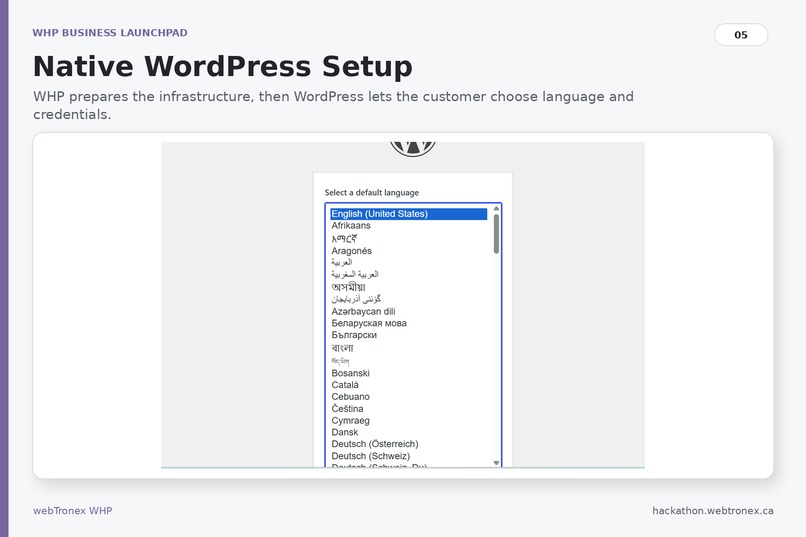
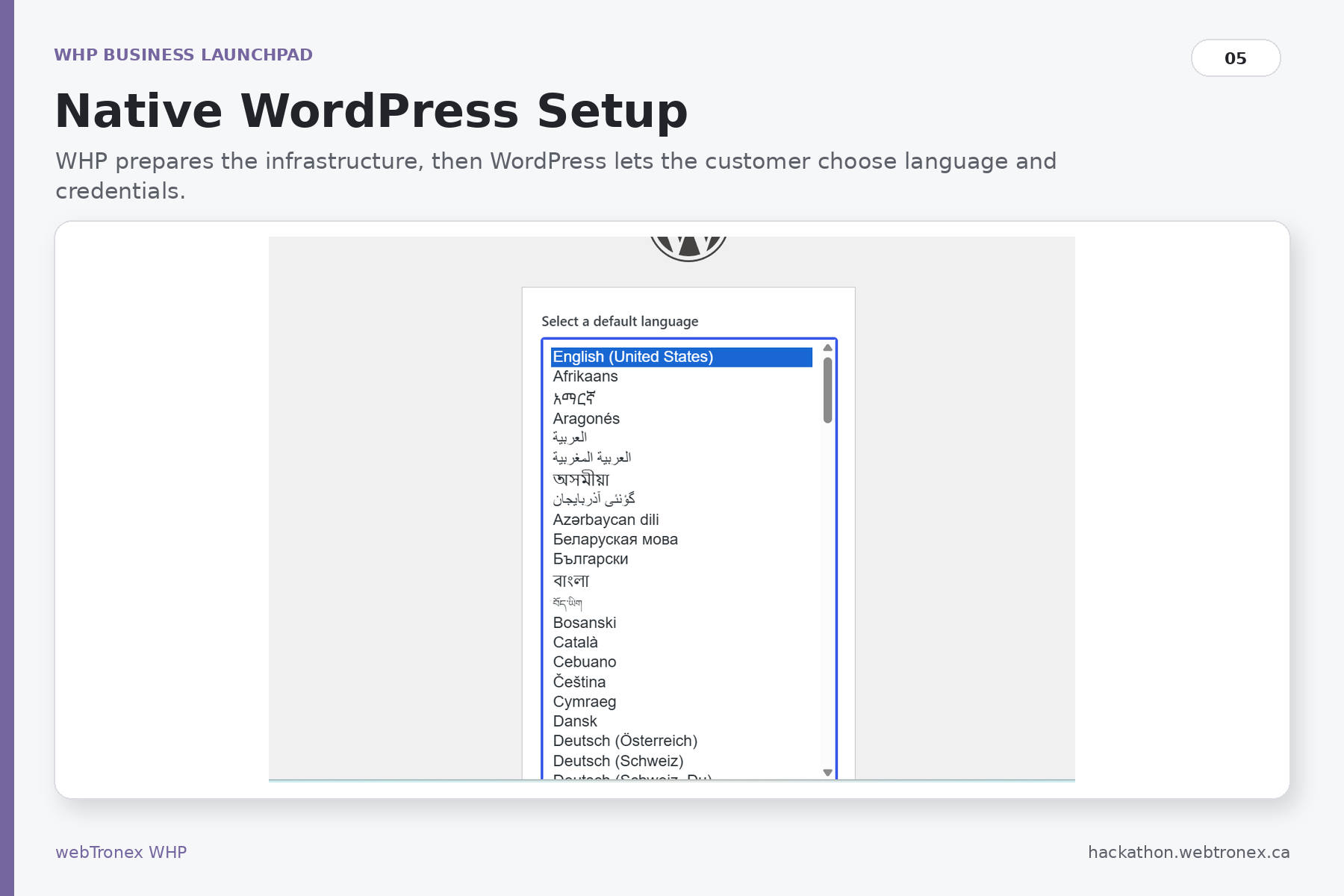
WordPress_ etup
-
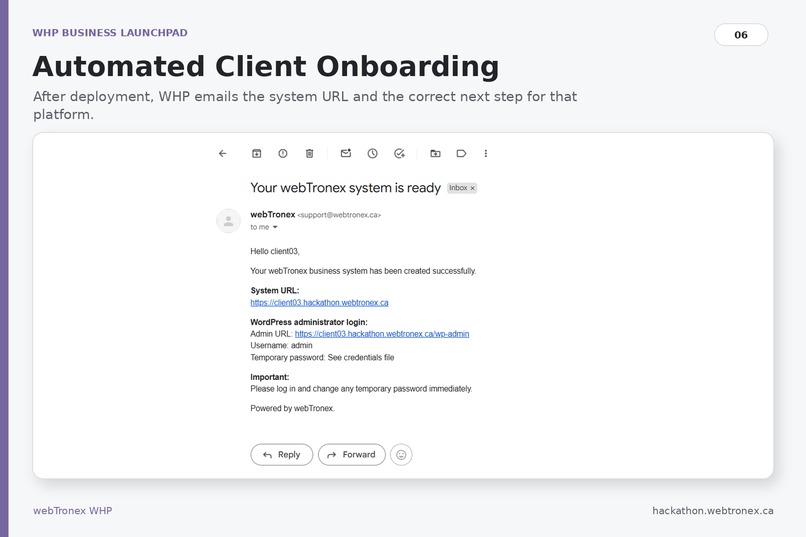
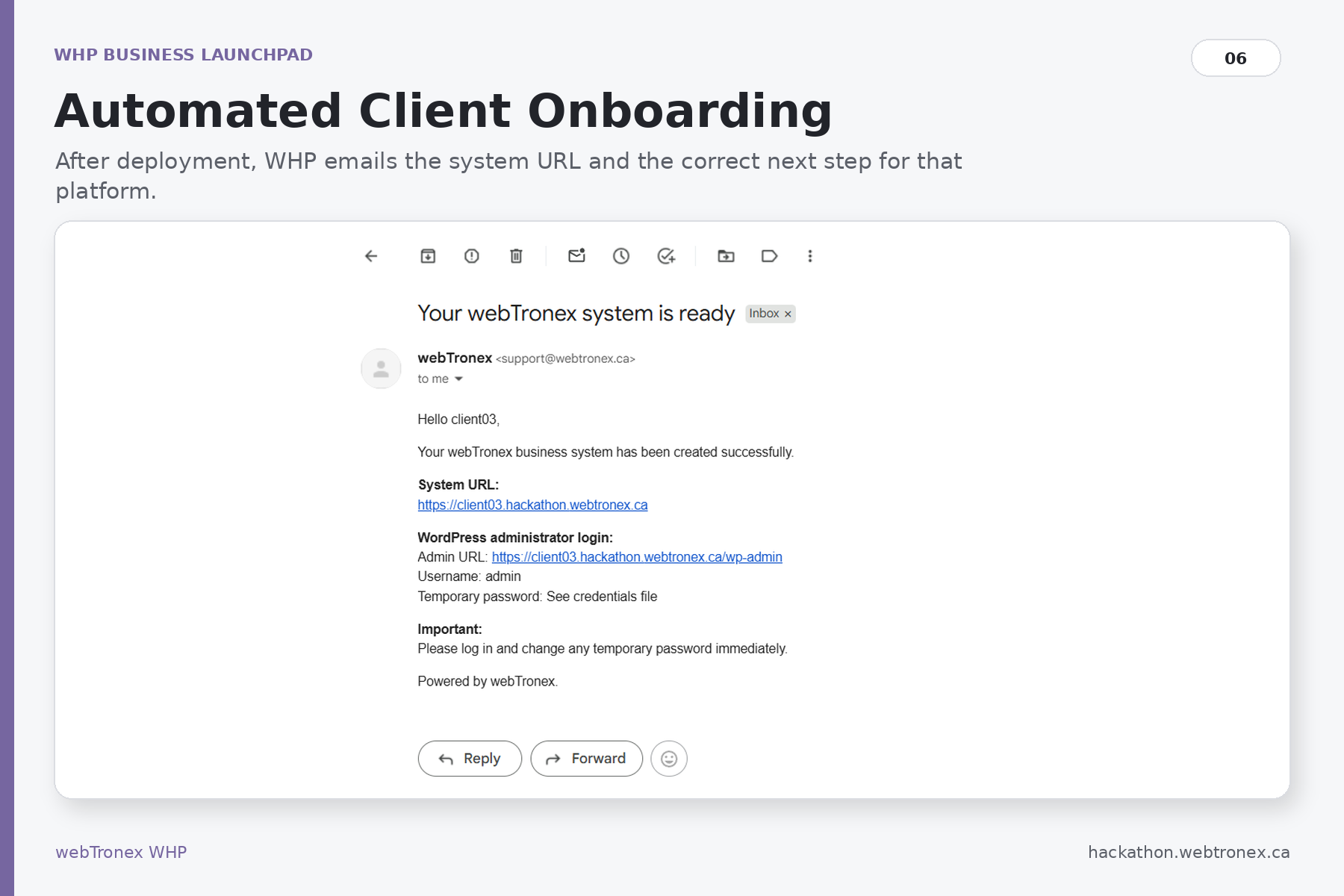
Client onboarding
-
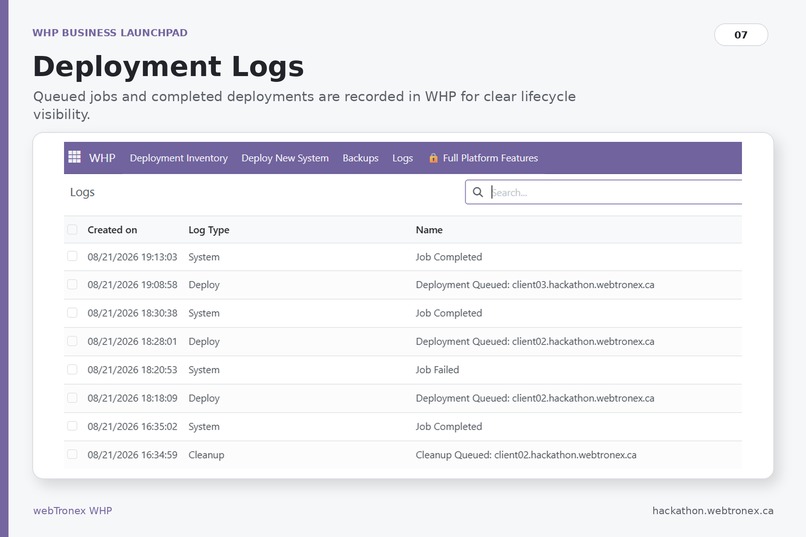
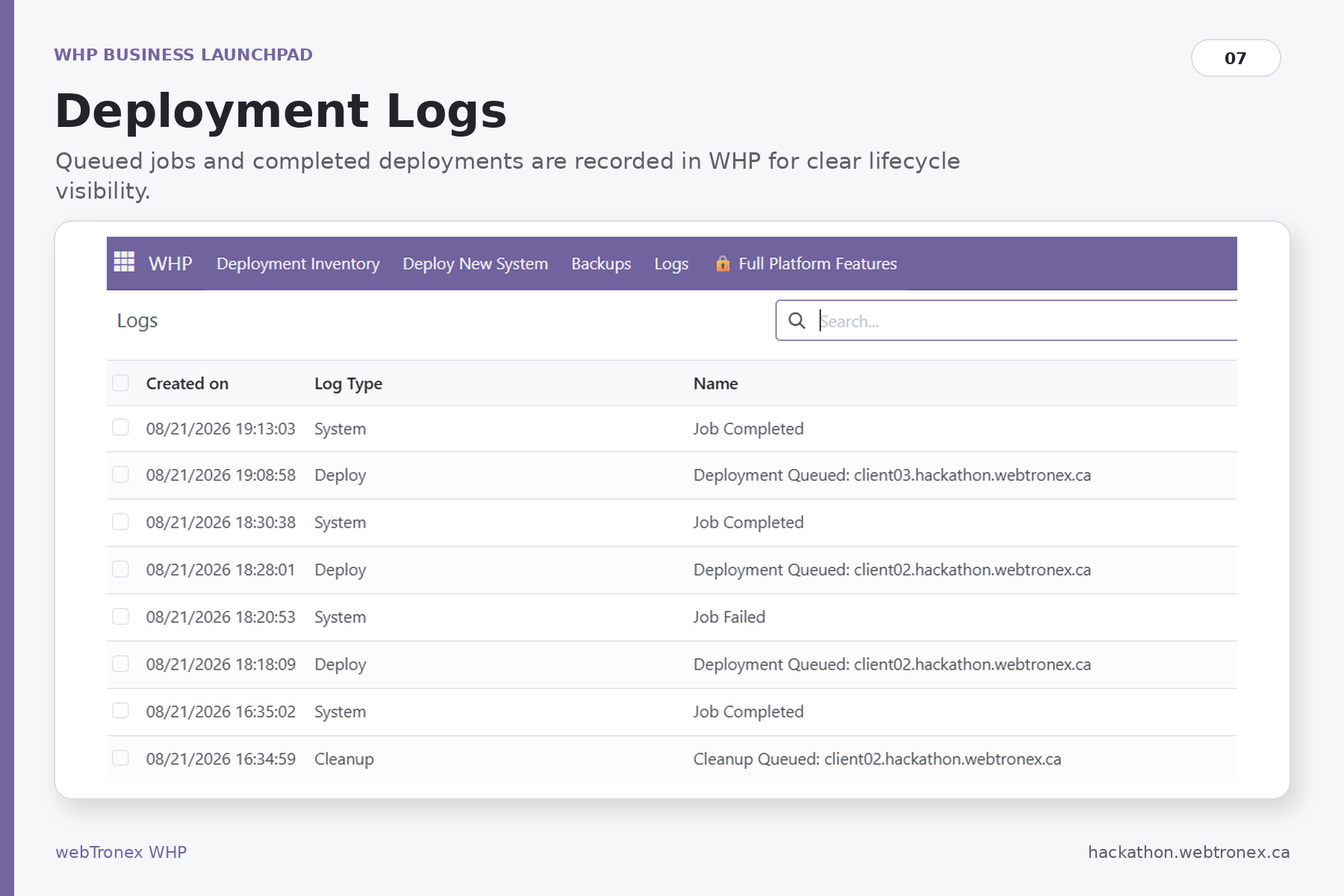
Deployment logs
Inspiration
I have been designing and implementing technical solutions for businesses for a very long time, and one problem kept repeating itself: companies often need many separate subscription services just to operate. A business may pay separately for hosting, email, ERP, CRM, websites, databases, backups, infrastructure management, security tools, and other services. Each platform solves one part of the problem, but the business ends up managing multiple subscriptions, multiple control panels, and multiple vendors. Even traditional hosting control panels such as cPanel are primarily focused on websites and email. They are useful tools, but they were never designed to become a complete business infrastructure platform. That experience inspired WHP. I wanted one platform that could deploy and manage the systems a business actually needs on infrastructure it controls, instead of forcing the business to rent every function separately. For this hackathon, I wanted to demonstrate that idea in its simplest form: enter the client information, choose a business system, and let WHP build the infrastructure behind it automatically.
What it does
WHP Business Launchpad is a browser-based deployment platform for business applications.
A user enters basic client information, selects an available platform, chooses a domain, and queues the deployment. WHP then performs the infrastructure work automatically. The hackathon environment currently provides tested deployment workflows for:
- Odoo 18 / 19
- ERPNext 15
- WordPress WHP handles Docker-based isolation, application databases, networking, port allocation, domain routing, Nginx configuration, HTTPS certificates, deployment status, client onboarding, and cleanup. Odoo and ERPNext are also configured to use authenticated outbound email through the webTronex mail infrastructure. WordPress keeps its normal first-run setup experience, allowing the customer to choose their own language, administrator account, password, and site settings. The result is a real working business environment rather than a simulated deployment screen. ## How we built it WHP uses an Odoo-based control layer for the management interface, with Python, Bash automation, Docker, and Docker Compose handling the infrastructure lifecycle. Each deployment creates an isolated application environment with its own containers, database, networking, domain and SSL configuration. Nginx provides public routing, Let's Encrypt handles TLS certificates, and platform-specific finalization logic prepares each application according to the way that application is designed to work. The deployment worker processes jobs asynchronously and records the result back into the WHP deployment inventory. For the hackathon environment, I also strengthened the deployment engine so that a job is not considered successful simply because a container started. The automation verifies application-specific conditions before recording the deployment as complete. I deployed the public hackathon version on a dedicated VPS so judges can use the platform themselves rather than only watching a prerecorded demonstration. ## Challenges we ran into The biggest challenge was making infrastructure automation reliable enough for someone other than the system administrator to use. A Docker container being "running" does not necessarily mean the application inside it is ready. Different platforms also behave very differently. ERPNext required a multi-container Frappe environment with MariaDB, Redis, workers, scheduler, websocket services, and application-specific database permissions. Odoo required its own database initialization, application configuration, and authenticated SMTP handling. WordPress follows a different model again, where infrastructure is provisioned first, and the customer completes WordPress's own first-run configuration. Email was another important challenge. WHP needed to send onboarding messages, while deployed applications also needed to send their own email. During testing, I traced and corrected SMTP configuration, application sender behavior, deployment email hooks, and service discovery issues. Failure handling was equally important. A failed deployment must not leave abandoned containers, folders, ports, Nginx configurations, or stale inventory records behind. ## Accomplishments that we're proud of The biggest accomplishment is that the submission is not a mockup. The public WHP environment actually deploys real business systems. During final testing, I deployed Odoo 18, ERPNext 15 and WordPress through the same browser-based WHP workflow. The deployments received working public domains and HTTPS certificates. For ERPNext, WHP created the full Frappe stack, configured its outbound SMTP account, and an email generated directly inside the deployed ERPNext system was successfully delivered to an external Gmail inbox. WHP also sends the customer a welcome email after deployment with the information needed to access or finish configuring the new environment. I am especially proud that the platform coordinates many technologies behind one simple user action while still respecting the native behavior of each application. ## What we learned The most important lesson was that infrastructure automation must validate outcomes, not just commands. A successful Docker command, an HTTP response, or an issued SSL certificate does not automatically mean the customer's system is ready. A deployment platform has to consider what the user actually receives at the end: Can they open the domain? Is the application ready? Does authentication work? Can the application send email? Is the deployment correctly represented in inventory? Can it be removed cleanly afterward? I also learned that building one deployment interface for multiple applications does not mean forcing every application into the same installation process. The common infrastructure can be automated while still allowing Odoo, ERPNext, WordPress, and future systems to keep the behavior that makes sense for them. ## What's next for WHP Business Launchpad The next step is to expand the application catalog while keeping the same focus on isolation, automation, and end-result validation. WHP is intended to grow beyond a deployment demo into a platform for MSPs, cybersecurity providers, digital agencies, professional IT service providers, and organizations that want more control over their own business infrastructure. Future development includes additional business applications, stronger backup and restore workflows, monitoring, white-label MSP capabilities, customer self-service tools, infrastructure provisioning, and optional AI-assisted deployment and design workflows. The long-term goal is simple: Give businesses and the professionals who support them one platform to build, deploy, and manage their business systems on infrastructure they control. Own the infrastructure. Own the business system.


Log in or sign up for Devpost to join the conversation.