
Inspiration
We were inspired by classroom quiz software we have used these past few years, namely Kahoot and Mentimeter. We really wanted to combine them with the emotion felt in popular game shows such as Jeopardy, Family Feud and the Chase, as well as giving them a University of Bath spin.
What it does
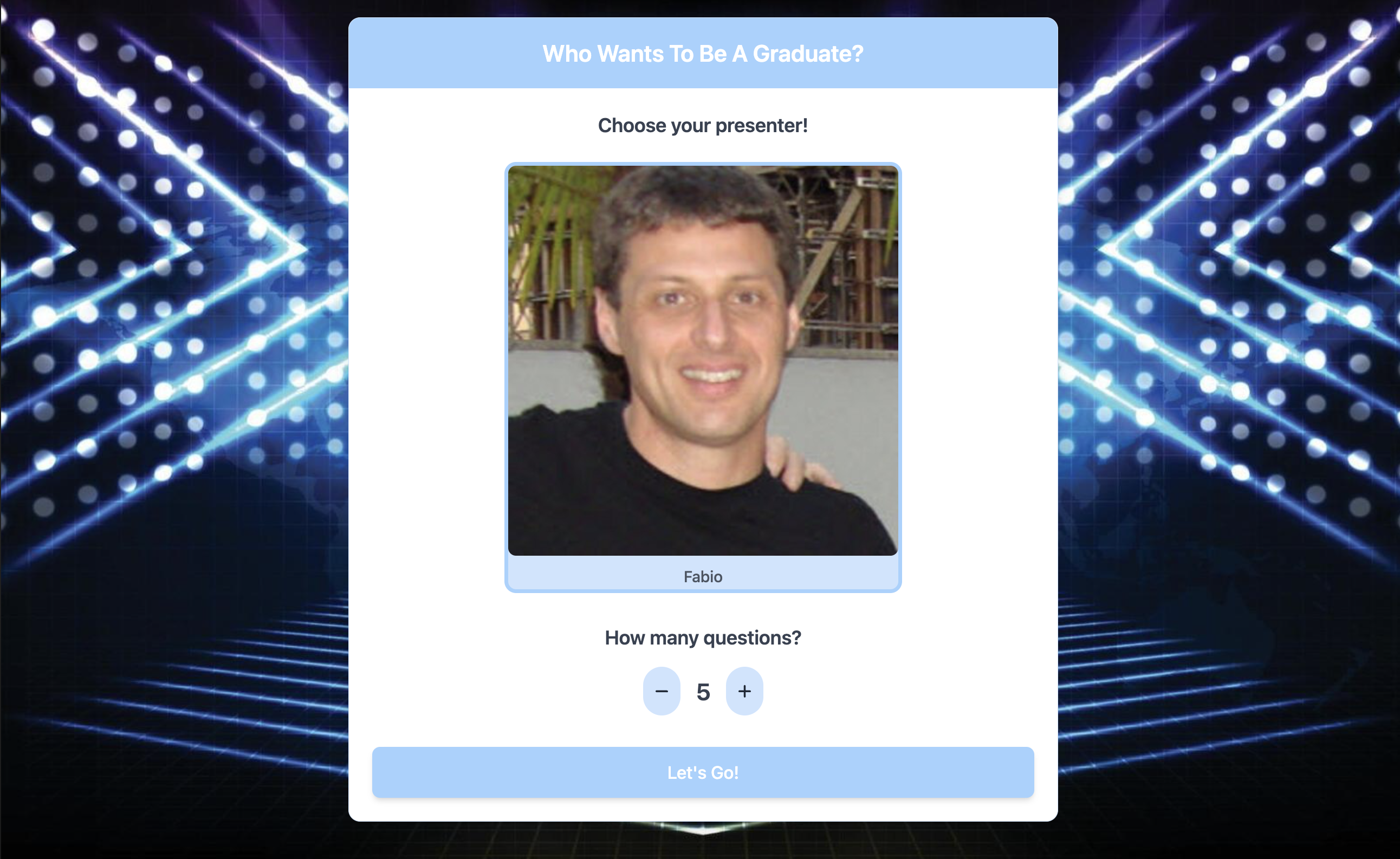
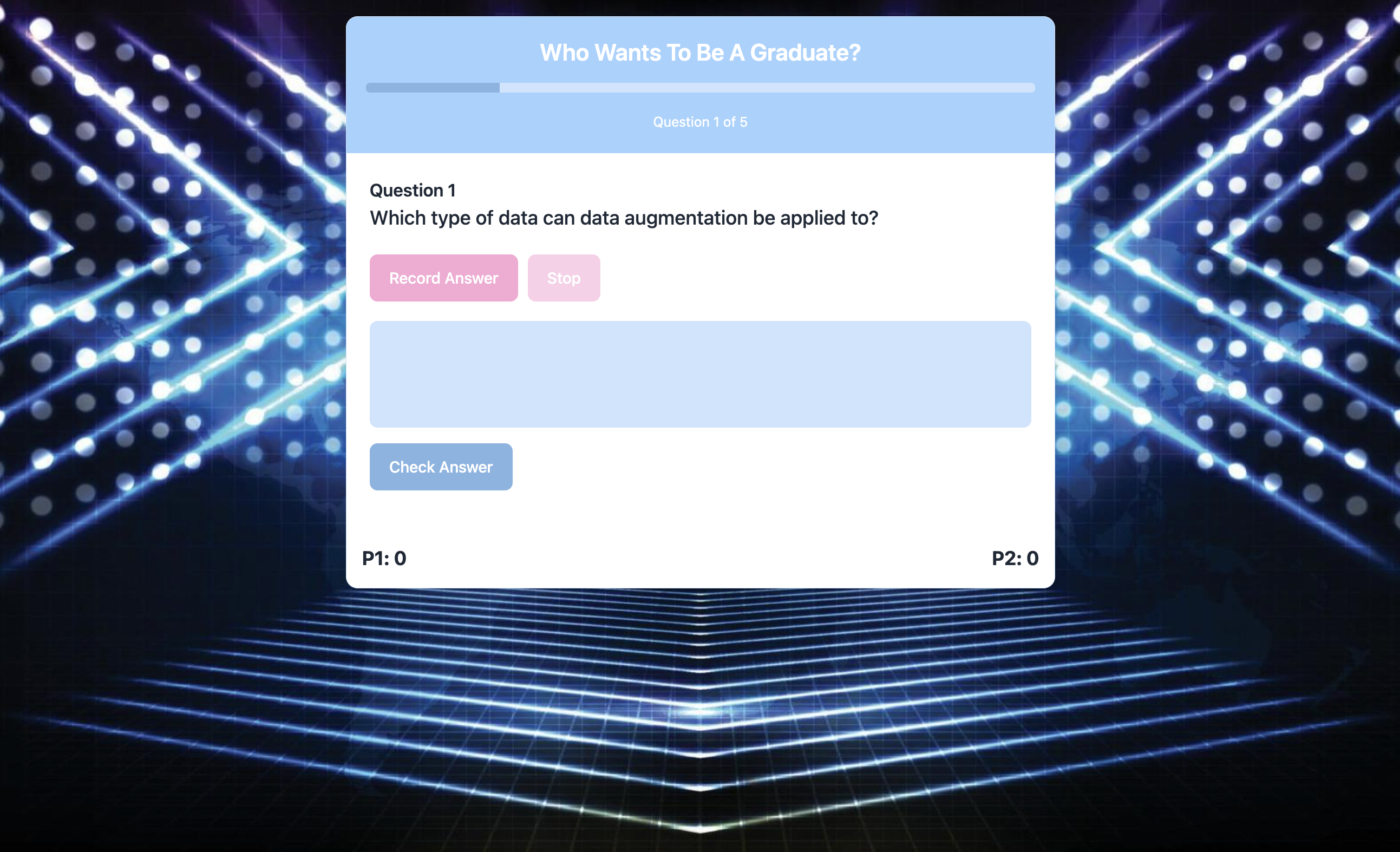
While on a Panopto recording of a lecture, access the chrome extension to gather the information of the lecture and generate a quiz of with a chosen number of questions. Two players will then compete to buzz in first and answer each question verbally correctly to gain a point. A flagship feature is the AI game show announcer, taking the form of our very own Fabio Nemetz. This elevates the game from a simple quiz to a show fit for audiences at the univeristy!
How we built it
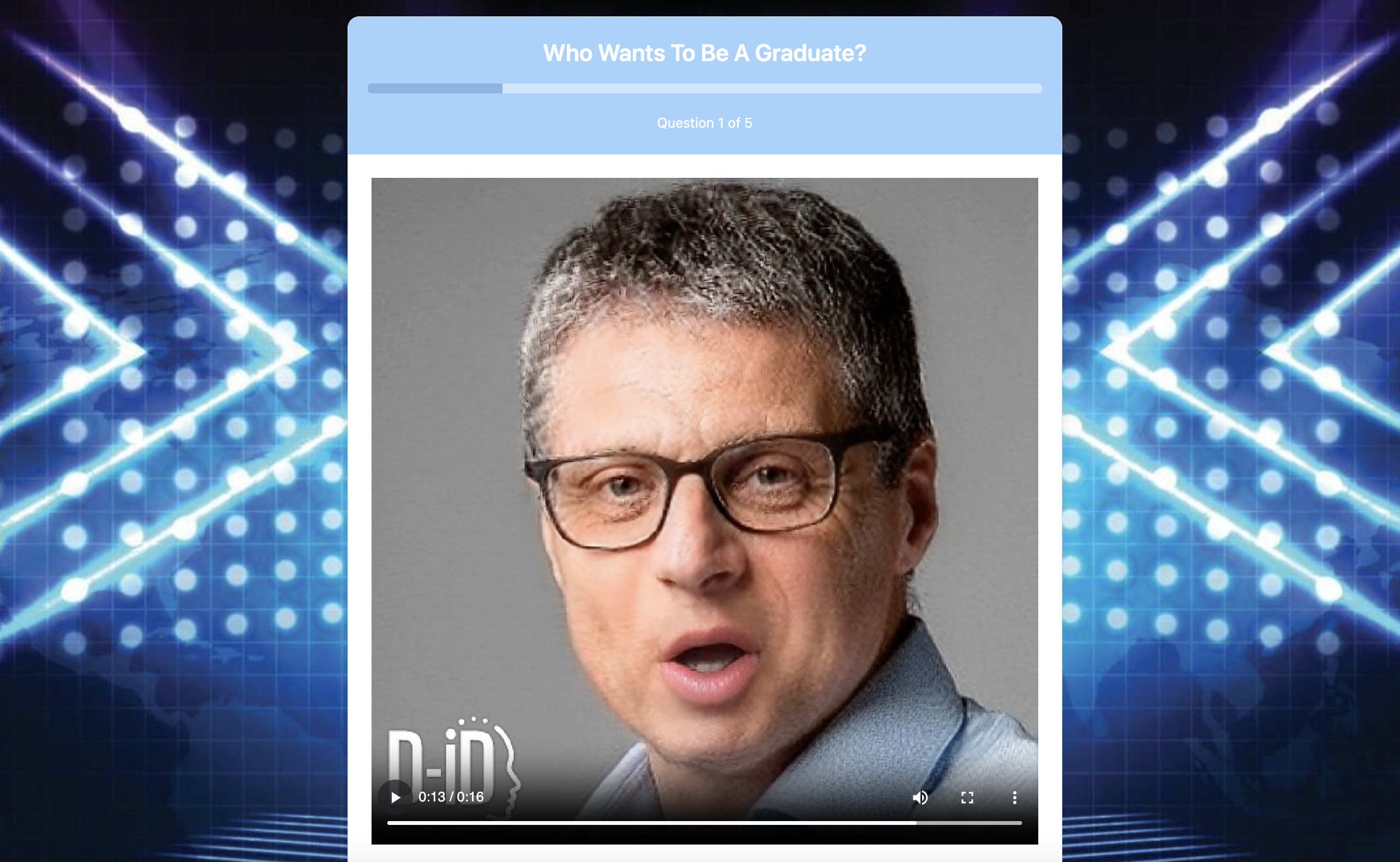
Voice reproducing AIs: For the voice cloning function, we use an AI system that learns to imitate a person's speaking style from just a small audio sample. Our process works in two steps: first, the voice cloning function analyses the audio and creates a unique voice profile; then, the speech generation function uses this profile (identified by a voice ID) to convert any written text into speech that sounds like the original speaker. We applied this technology to a recording of Fabio giving a lecture, allowing us to generate introductions, conclusions, and various quips in his distinctive. Then, combined with an image of Fabio, our lip-syncing function generates a talking head with synchronised mouth movements, head movements, and blinking that we use at key points throughout the gameshow.
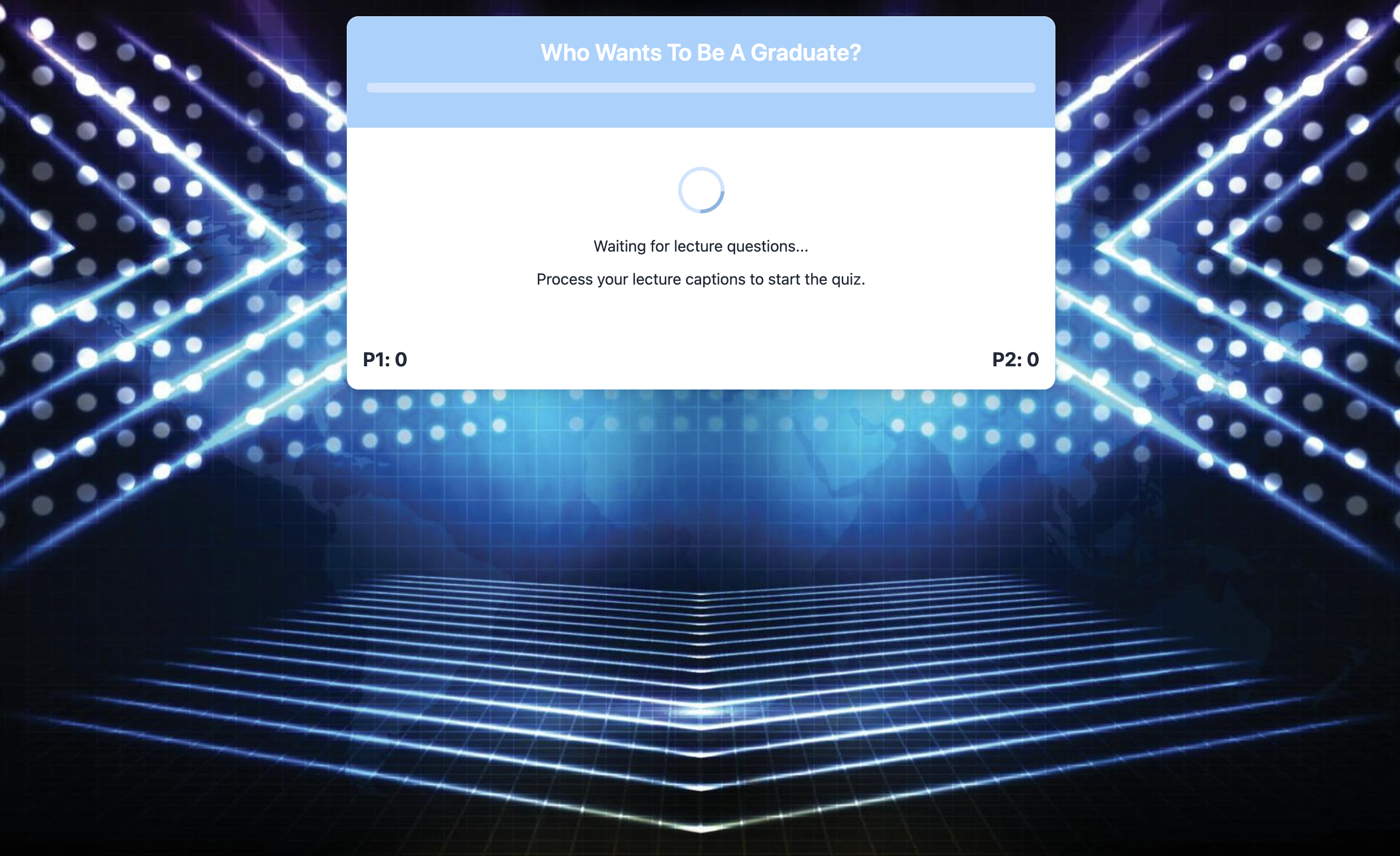
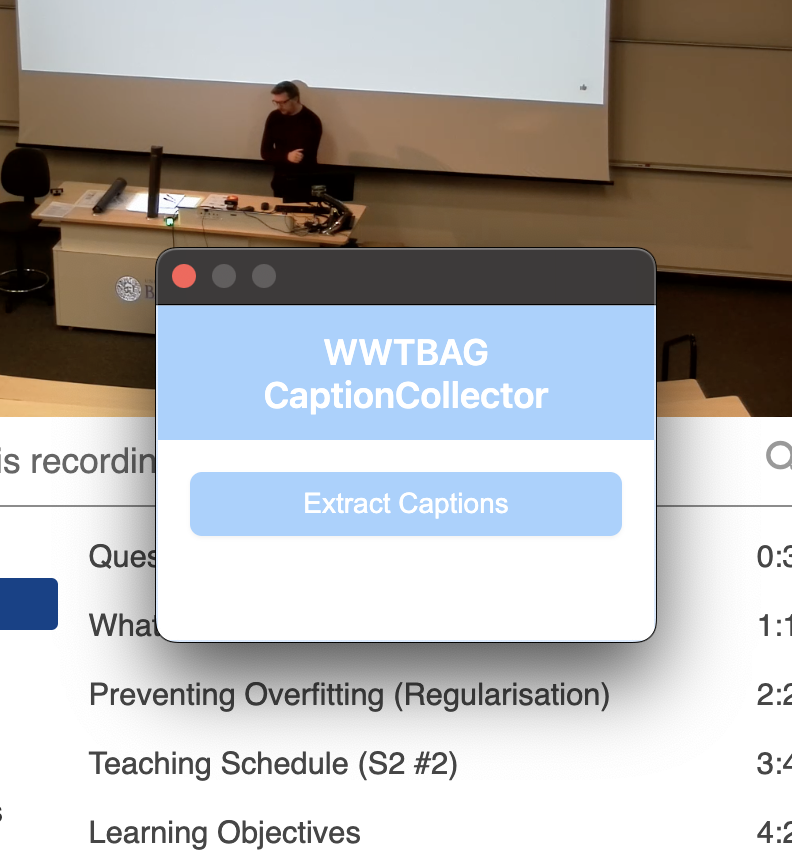
Generating a quiz: We have a Chrome extension that uses an extractor to pull captions directly from Panopto lectures. These captions are then processed through ChatGPT with a specialised prompt designed to transform lecture content into a series of relevant questions based on the material presented.
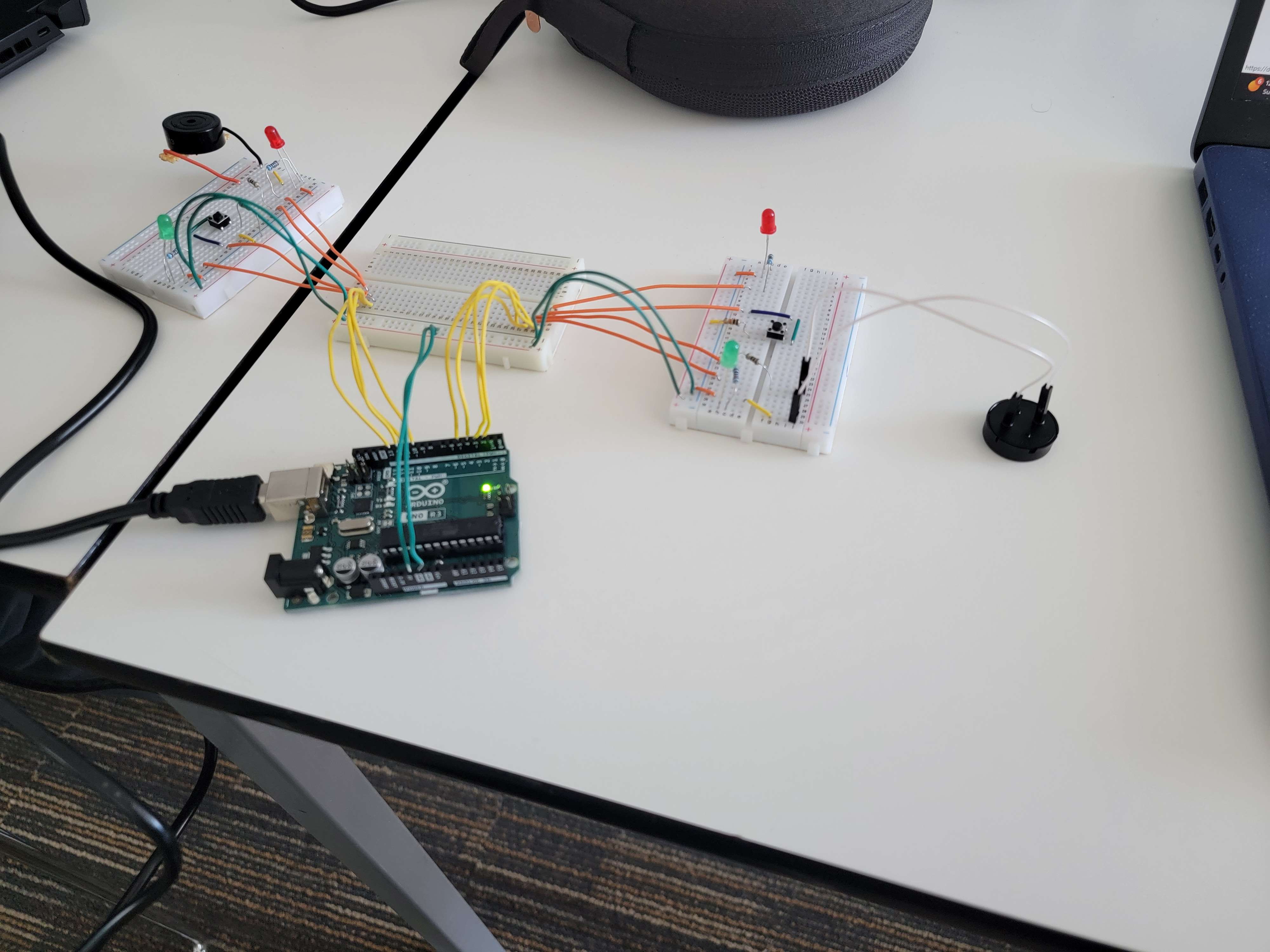
Arduino interface: The Arduino connects to 2 boards, one for each player, with each board equipped with a button, a buzzer and LEDs to feedback to the user. The Arduino communicates directly with the main webapp to tell it which player buzzed in, then it receives back data on whether that player got the answer right or wrong, at which point the Arduino will play an appropriate fanfare.
Challenges we ran into
We had very few issues with many of the separate components. Problems arose when we tried to integrate the different parts of the application, mainly the Arduino and video components with the main flask application.
Accomplishments that we're proud of
We survived the 24 hours, and managed to produce a fun and creative app which does function in real time and runs cleanly. We managed to meet all our initial aims and exceeded them, implementing further features which we initially thought to be beyond the scope and time of this hack.
What we learned
We all learnt more specifics on how to integrate different components into one app, as this was a significant challenge to which we dedicated a lot of time to. Different team members also learnt and brushed up skills on working with AI apis and with arduino.
What's next for Who Wants to Be a Graduate?
We plan to add more game presenters and to clean up the physical design for our buzzers, turning them more into something resembling a game controller, or a big red button.


Log in or sign up for Devpost to join the conversation.