-
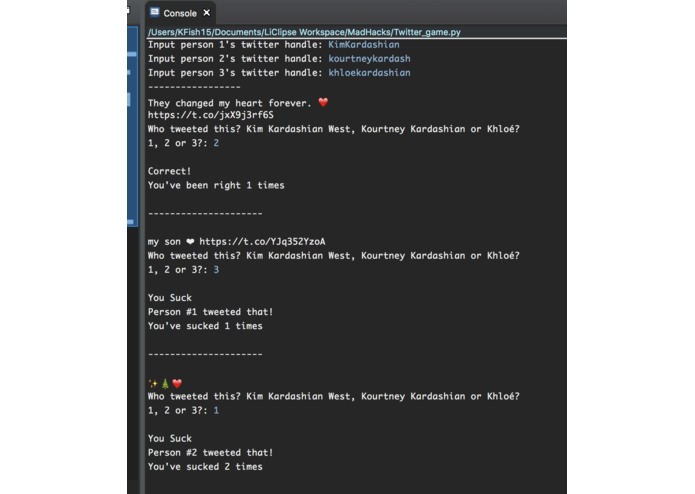
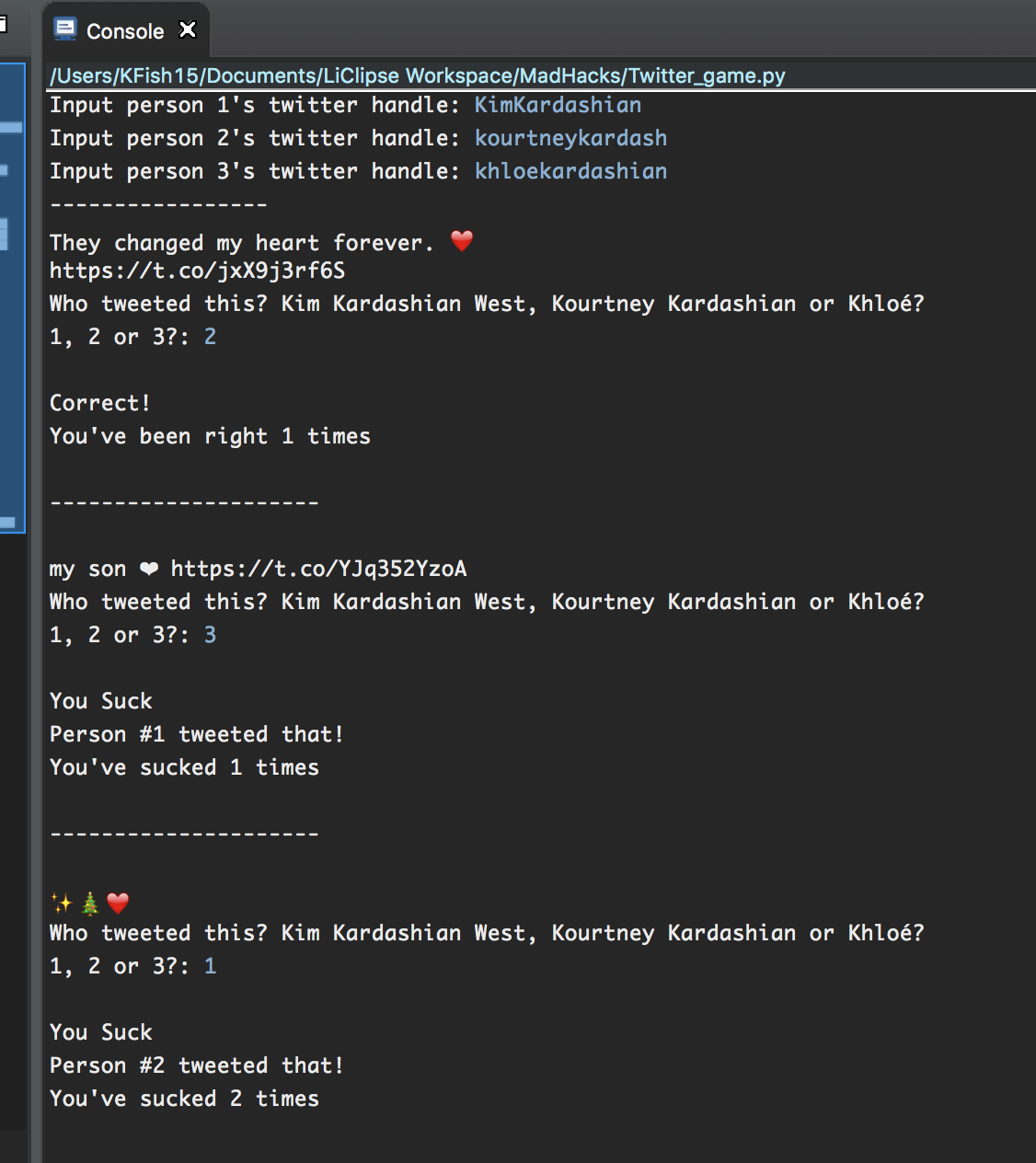
Version in Python Console
-
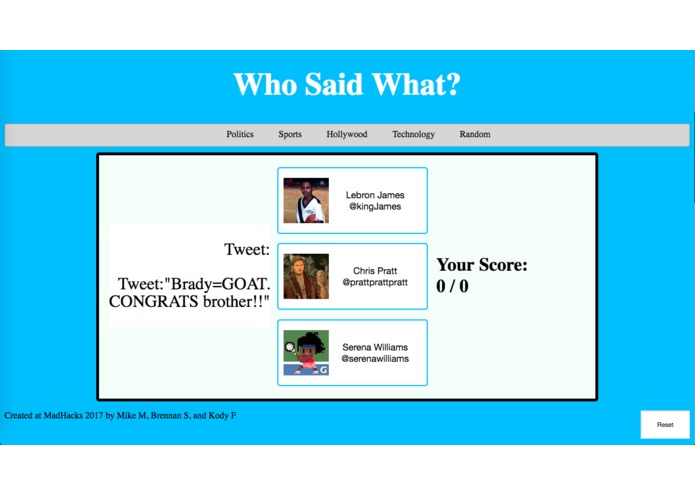
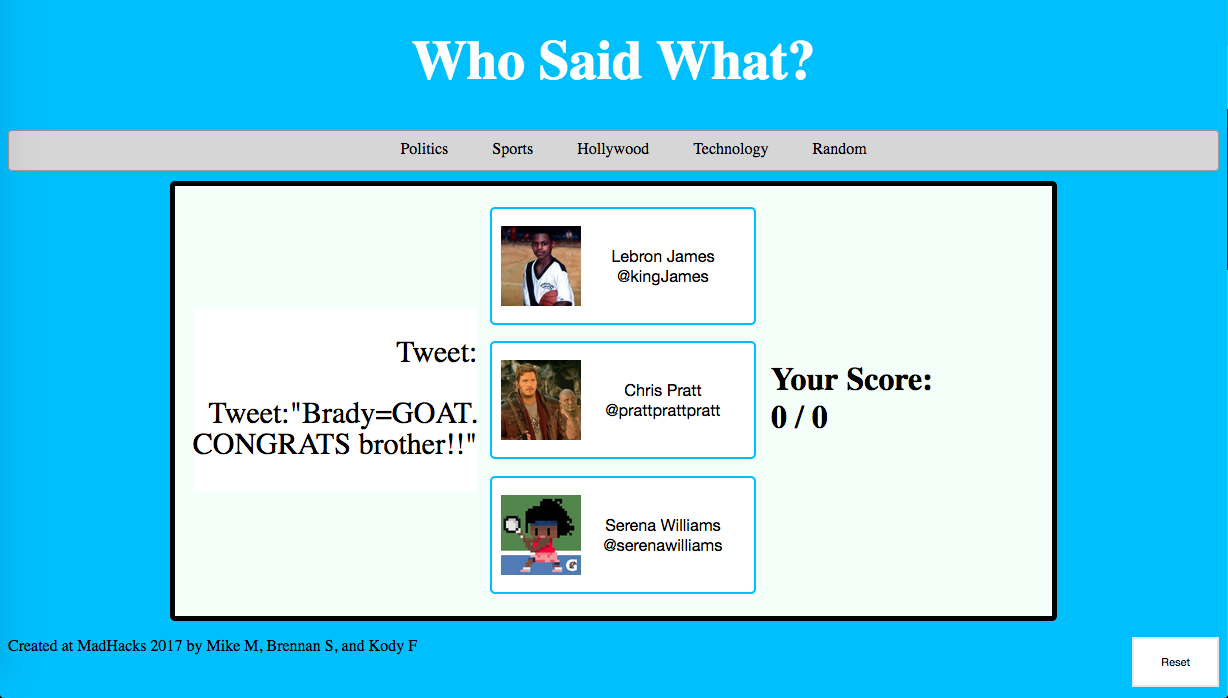
Landing Page
-
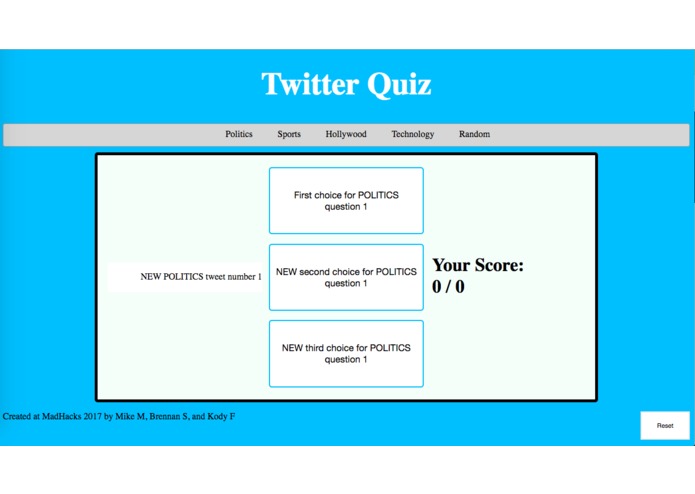
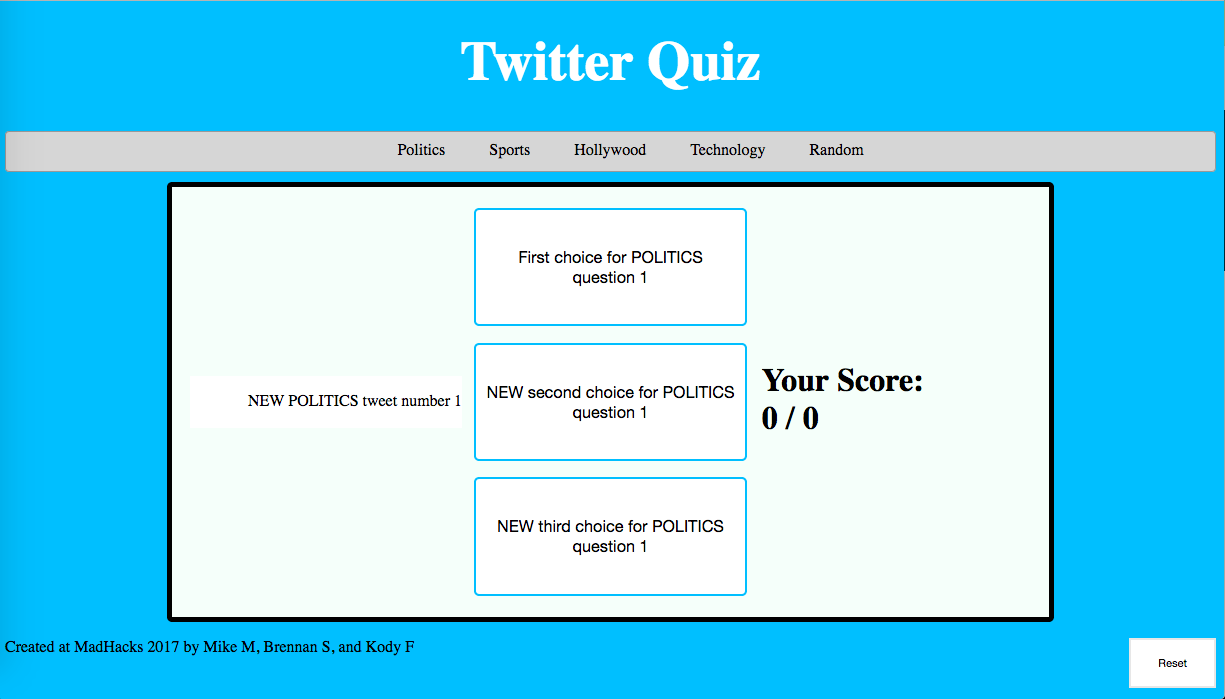
Skeleton of Webpage
-
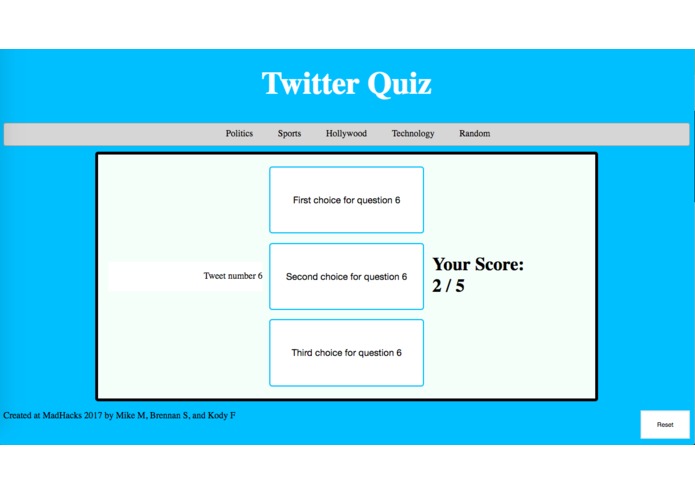
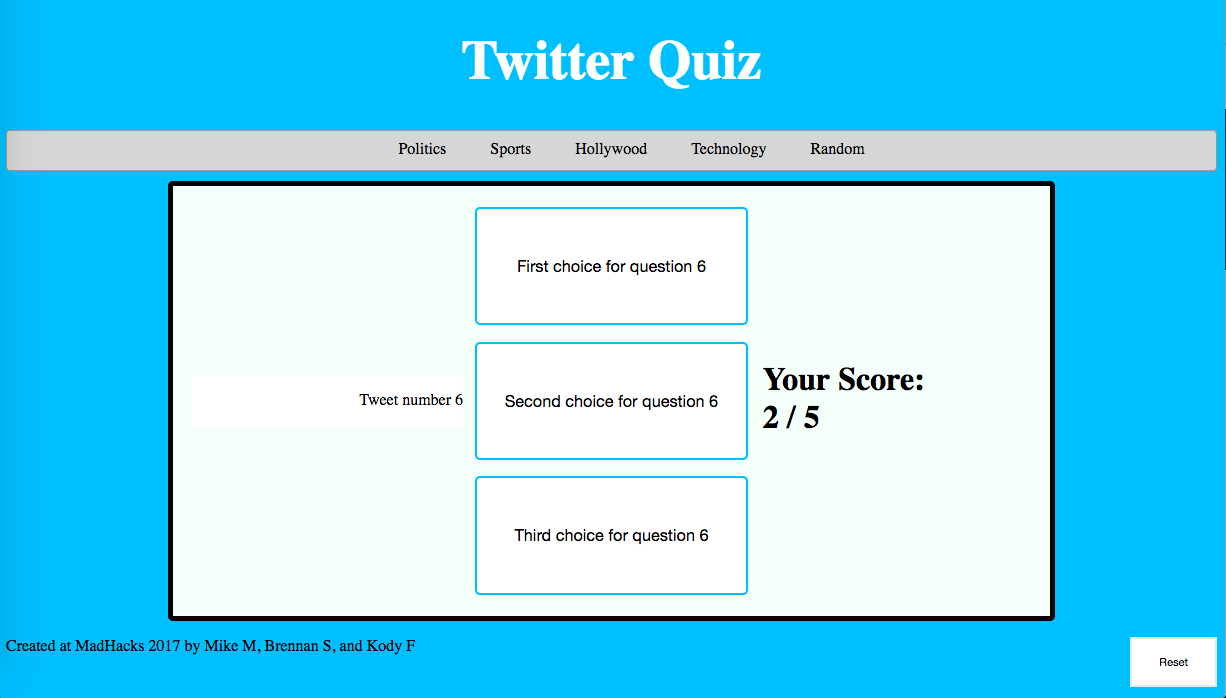
Alternate Page
Inspiration
- We wanted a fun game that we could play with friends to guess who tweeted what on Twitter. This
What it does
This is a simple single-player game where randoms quotes are drawn from a large bank of curated tweets. The user then must determine, amongst three possible choices, who tweeted those words. A point system tracks the number of correct and incorrect answers.
How we built it
Python was used to leverage a Twitter API called "Birdy" to query Twitter for tweets from a hard-coded list of ten prominent Twitter users. These tweets were collected, vetted, and packaged into a JSON file. This process took longer than expected as we were all unfamiliar with leveraging APIs. Getting OAUTH credentials, understanding the API methods, understanding Twitter's queries and JSON fields, and manipulating that data all took research.
Once tweets were curated, the game itself needed to be constructed. A working model was built in Python, albeit a primitive console interface. Designing a website using HTML, CSS, and Javascript proved to be far more difficult. We all had novice experience with basic web design, but none of us had any notable experience with Javascript. As a result, we did not complete this final task. We had hopes to use Bootstrap for styling and to speed up development time but it proved to do the opposite.
Challenges I ran into
- Opening a JSON file in Javascript on the website
- CSS styling
- Resizing images from Twitter
- Opening images from Twitter
Accomplishments that I'm proud of
We're proud of learning how to scrape tweets from twitter including all their meta information, and although we haven't mastered it yet, we're happy to have learned some basics of Bootstrap. We are also proud of learning how to access and use a REST API (Twitter's) and pull data from it.
What I learned
- How to access, pull data from and more generally work with an API
- How to parse JSON files using Python
What's next for Who Said What?
- Create a functioning website
- Scrape data (tweets) in real time
- Add leaderboards


Log in or sign up for Devpost to join the conversation.