-
-
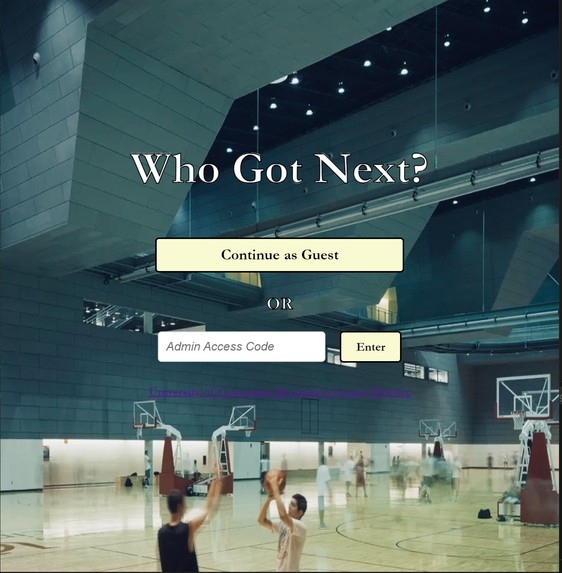
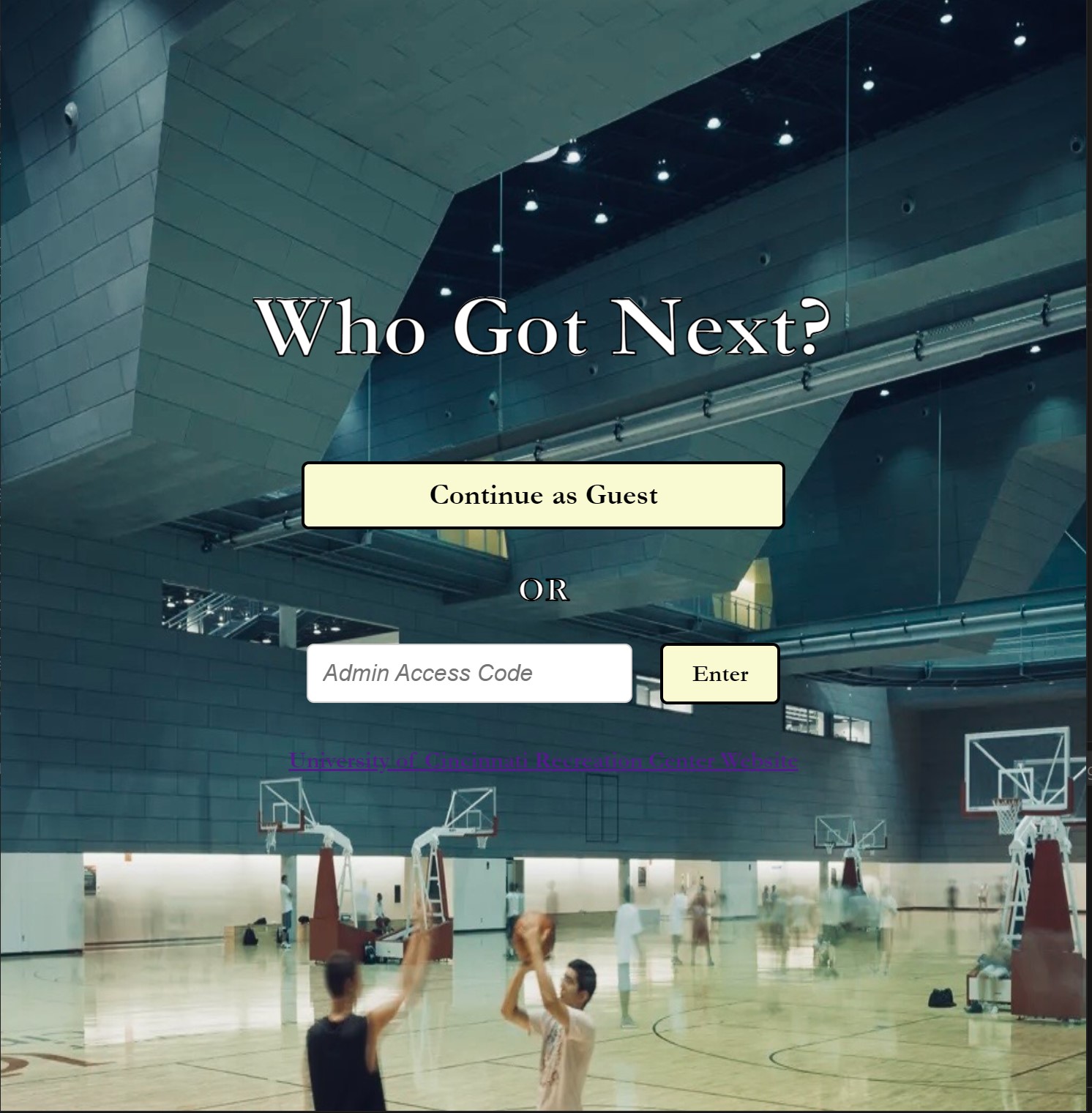
Menu
-
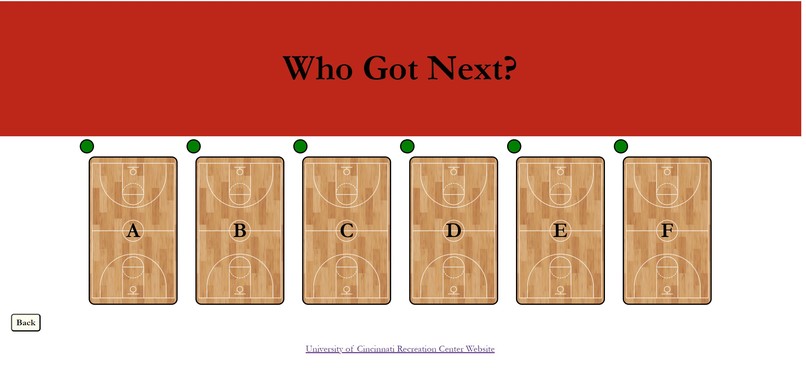
Client Page
-
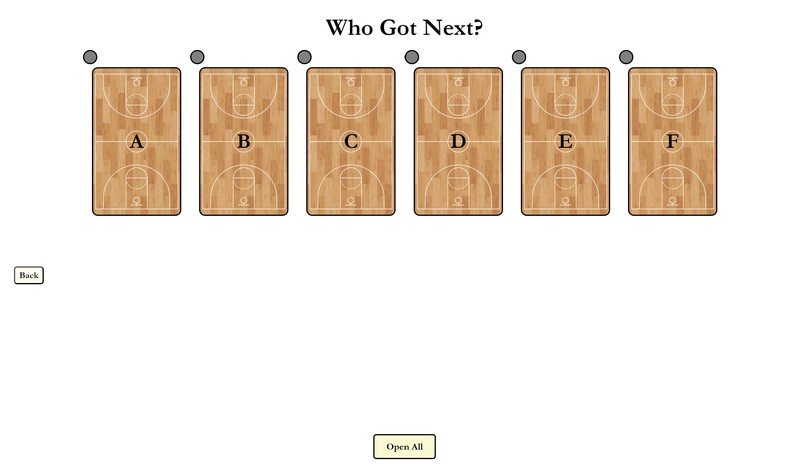
Admin Page
Inspiration
'''When trying to play basketball in a gym setting, it can be hard to determine who is next, how many people are ahead of you, and when your turn is. That is the problem we sought to fix'''
What it does
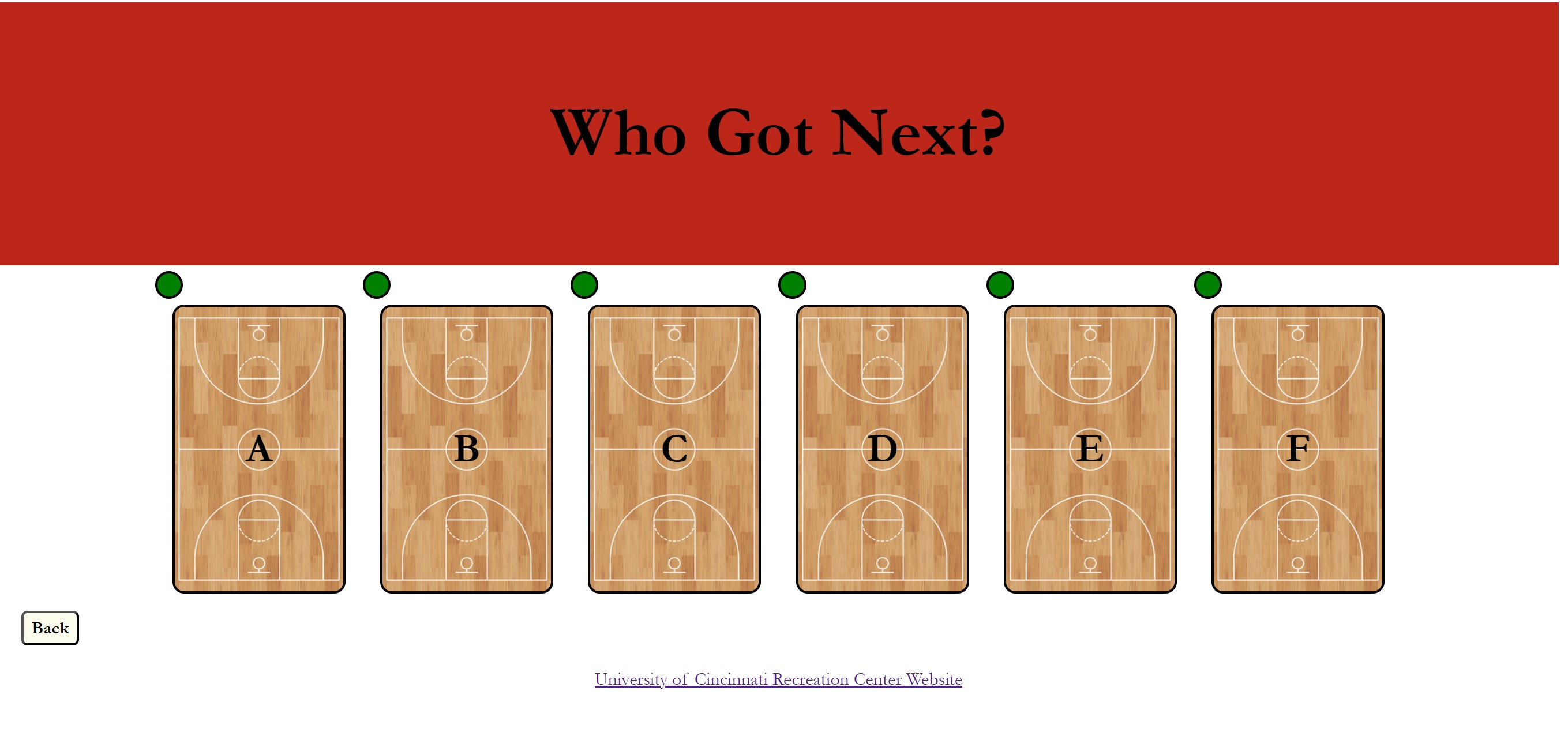
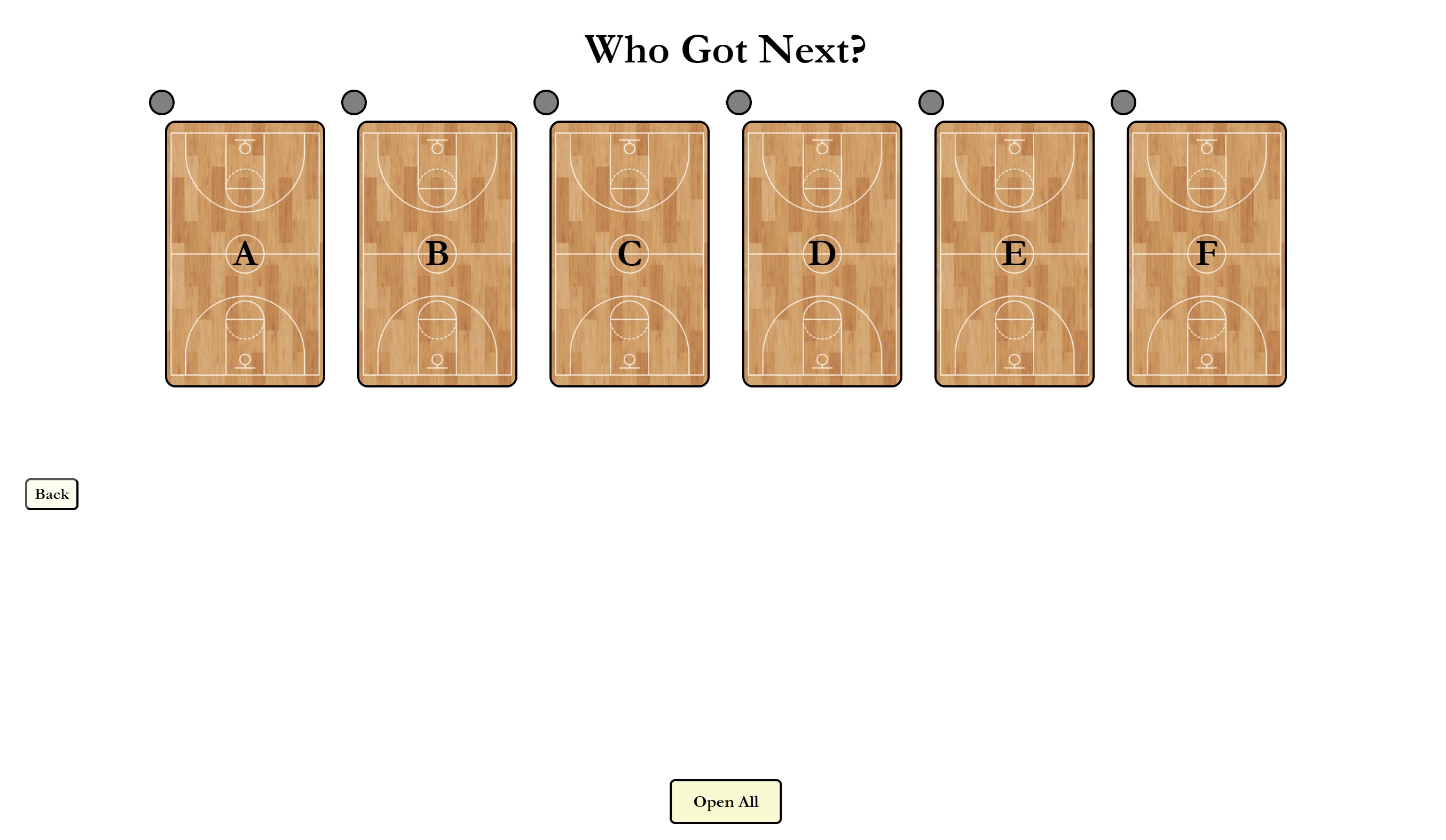
'''Who Got Next, allows the users to queue up for a selected court to determine an order for who gets to play when. Each court is labeled as a letter and include an indicator circle to easily determine the length of the queue. As an admin, you gain a couple extra features. The ability to close courts allows for the gym to decide which courts are open and which are not. Admins can also add players to the queue if they do not have the app and clear the court of all players in the queue. A moderate button also appears when a court has reached the required 10 players for a game. This allows the moderator to determine the winner of the game and also clear 5 spots for the queue to fill. '''
How we built it
'''We utilized HTML and JavaScript to implement the front and back end of the program
Challenges we ran into
'''Most of our group had never used HTML or JavaScript, so a major part of our time was learning how the language works and the syntax'''
Accomplishments that we're proud of
'''Because we have little experience in front-end and actual development of programs, we are proud to have created an interactive program that works. '''
What we learned
'''We learned the basics of web development in terms of both front and back-end, while also learning a completely new language in the process.'''
What's next for Who Got Next?
'''We would like to get this application setup as an actual website or mobile app that can be utilized at any gym, recreation center, or school to efficiently organize their basketball courts.'''

Log in or sign up for Devpost to join the conversation.