-
-
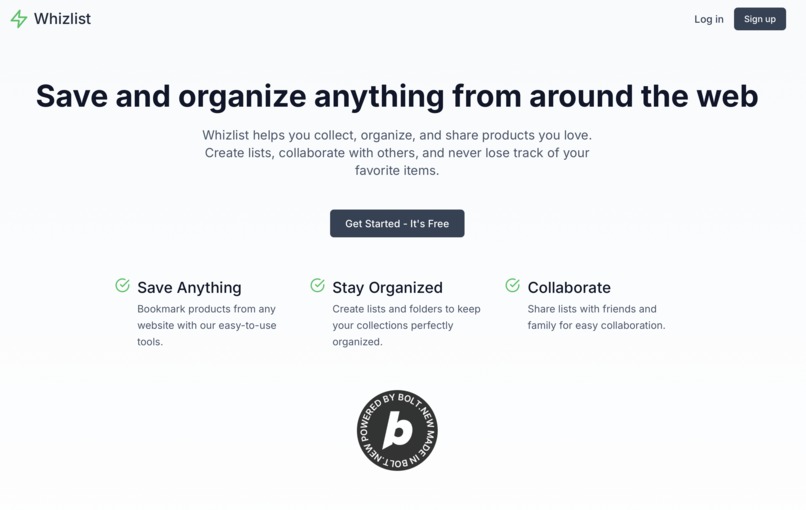
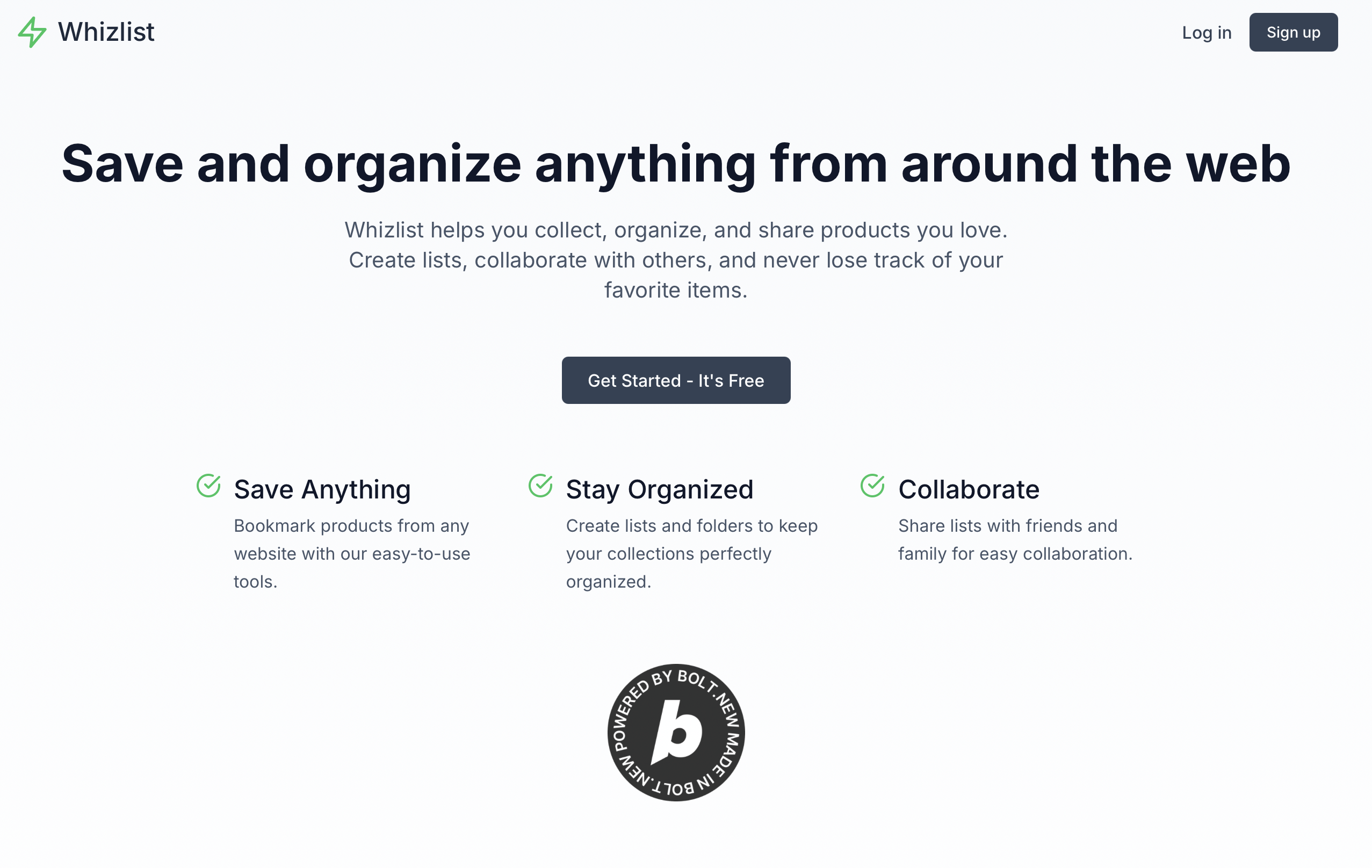
Landing Page
-
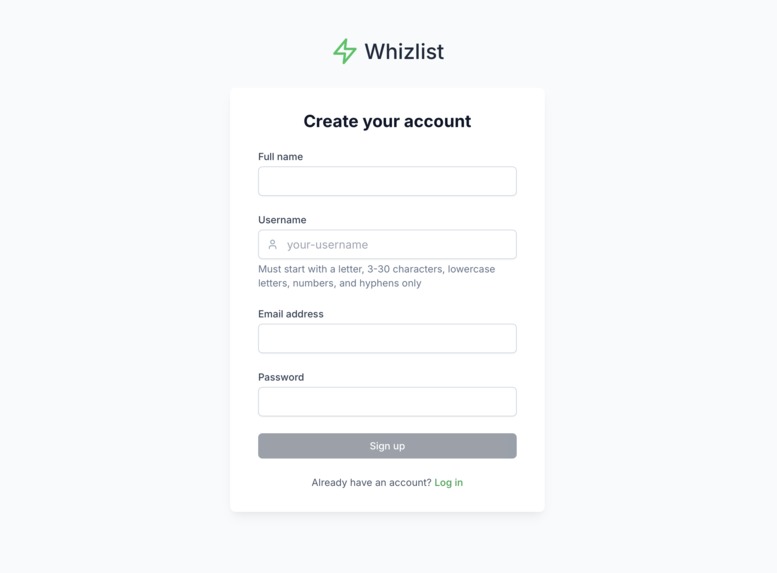
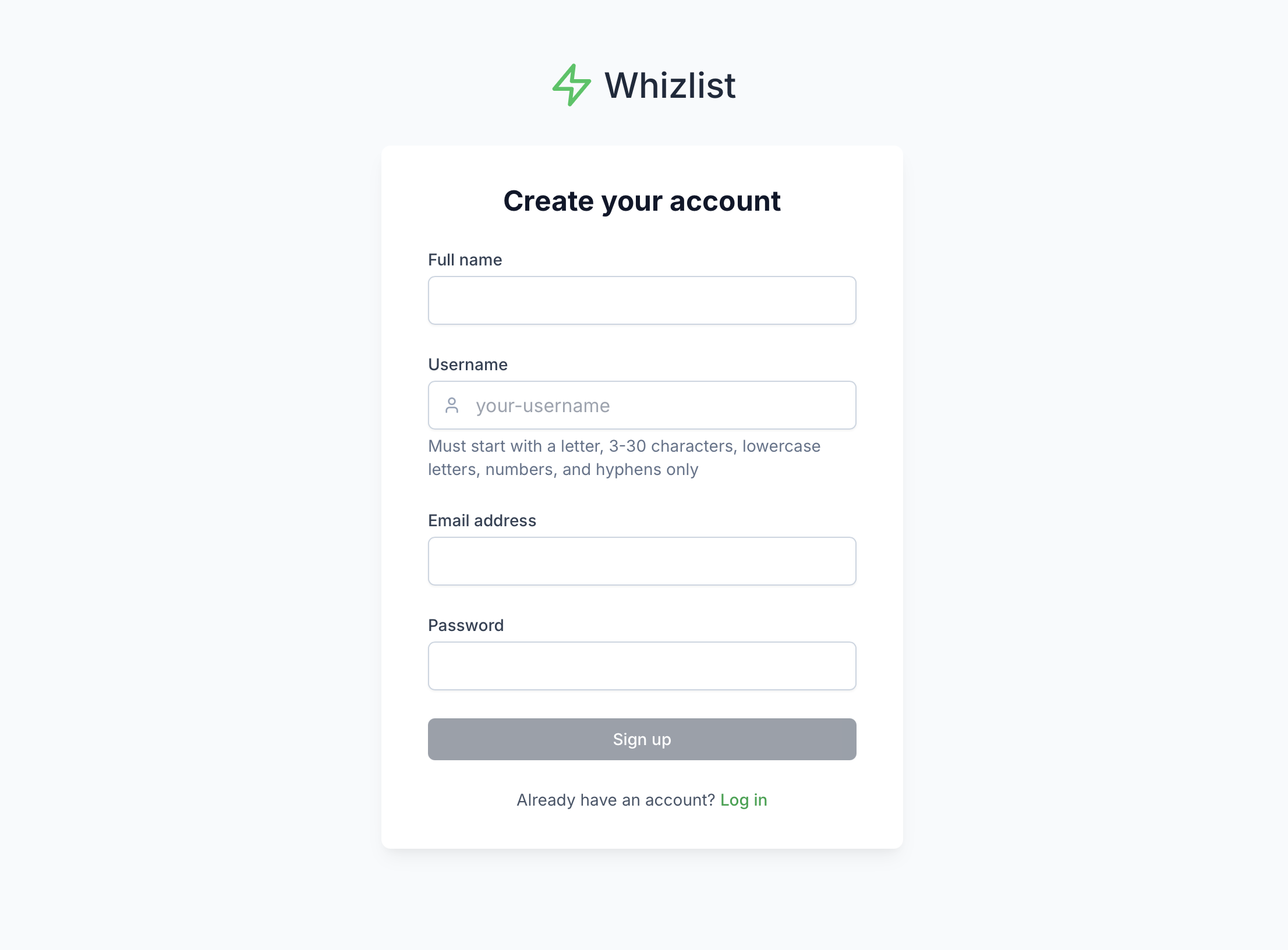
Signup Page
-
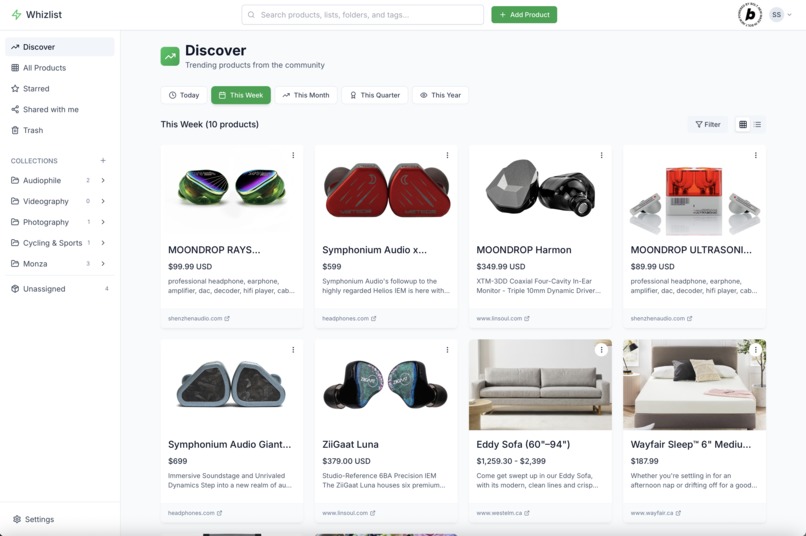
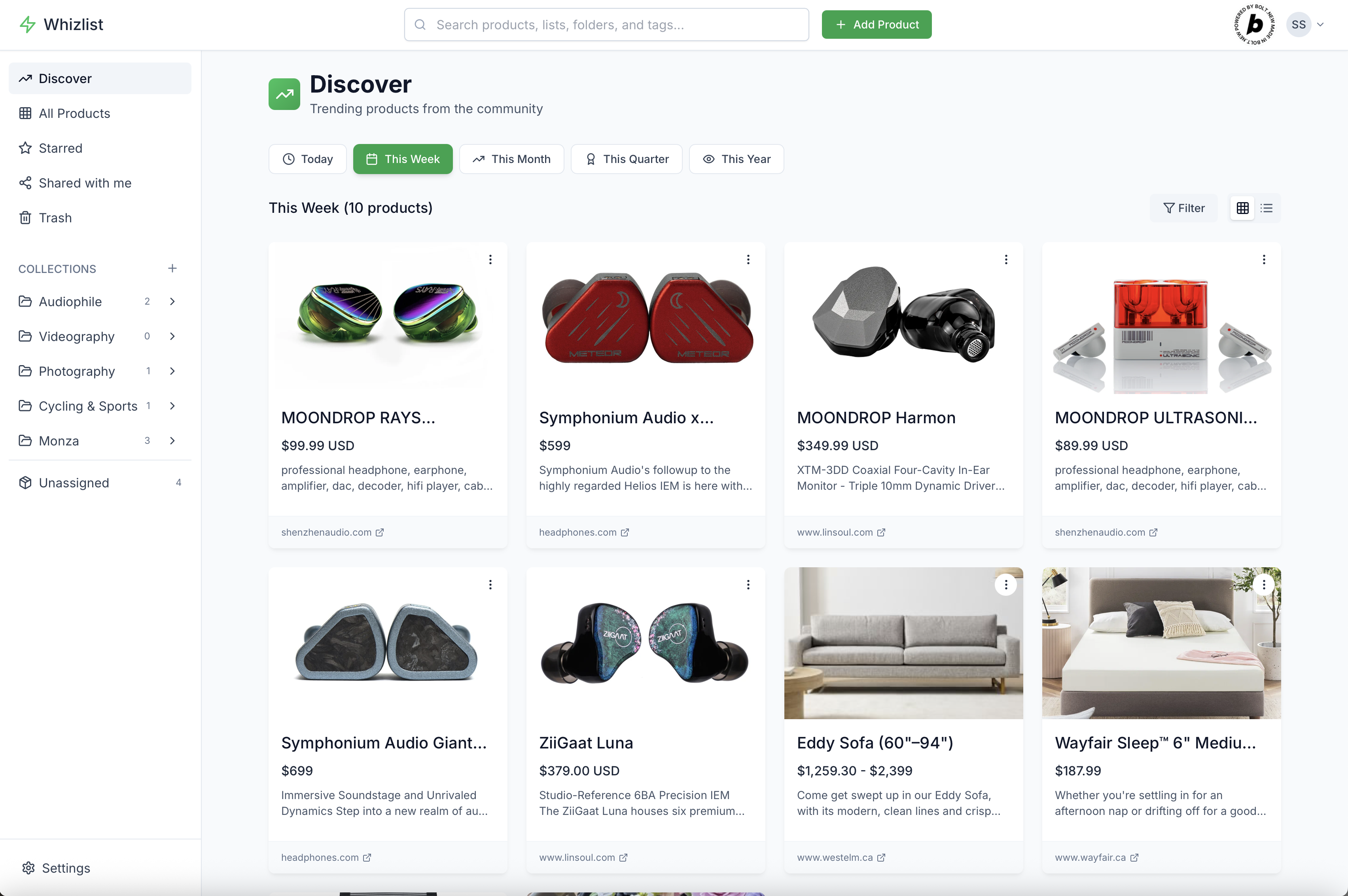
Discover Page
-
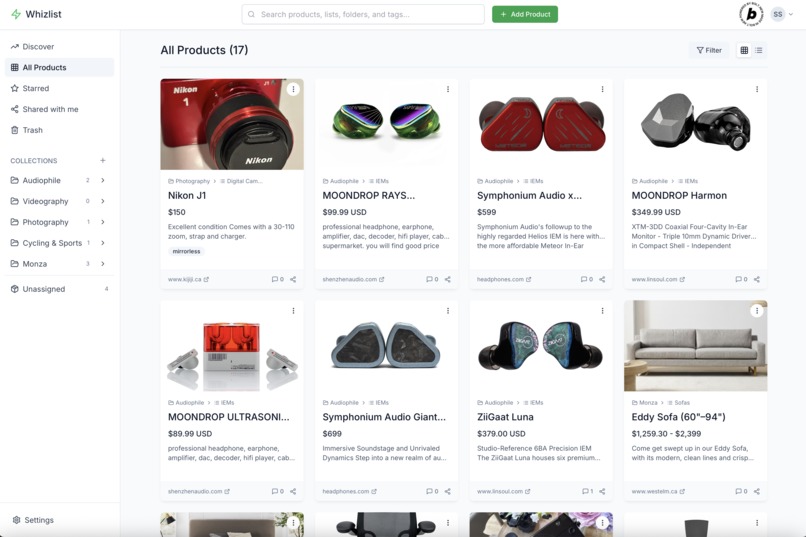
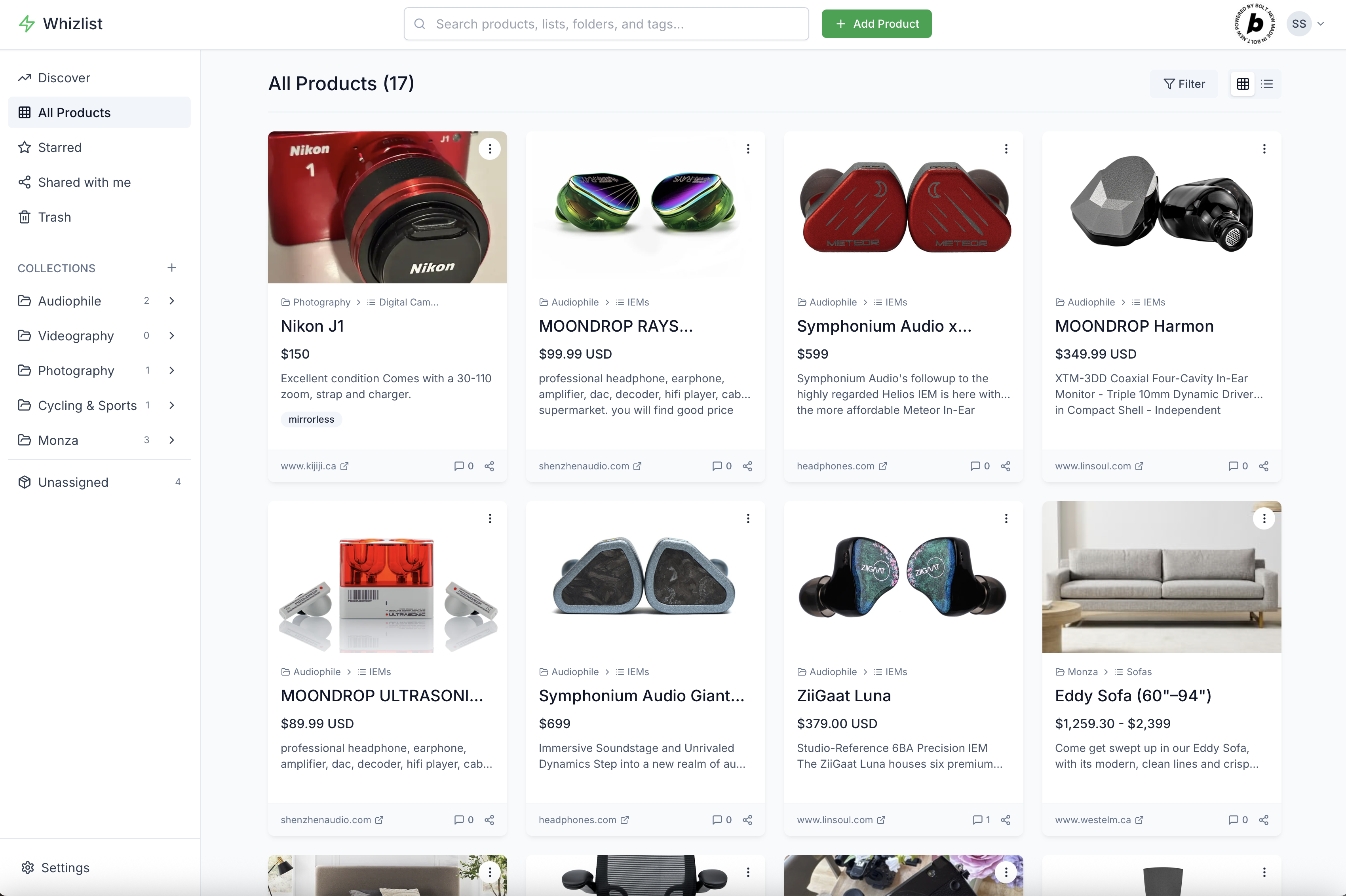
All Products Page
-
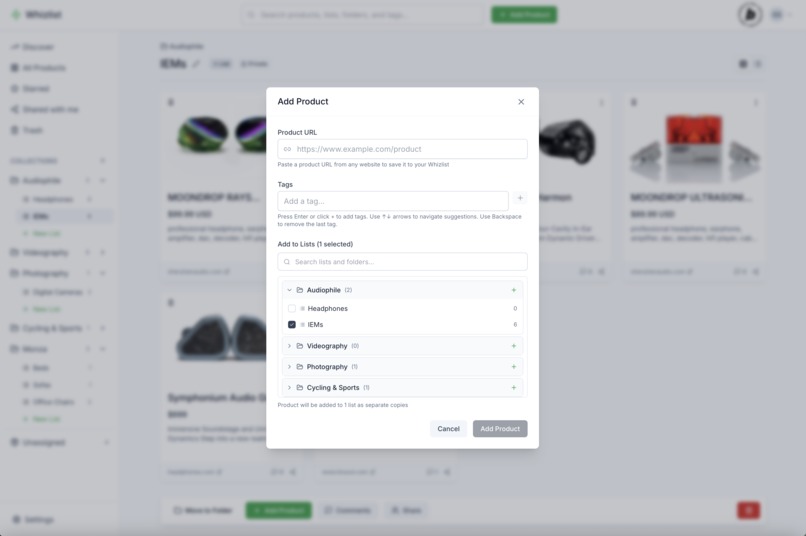
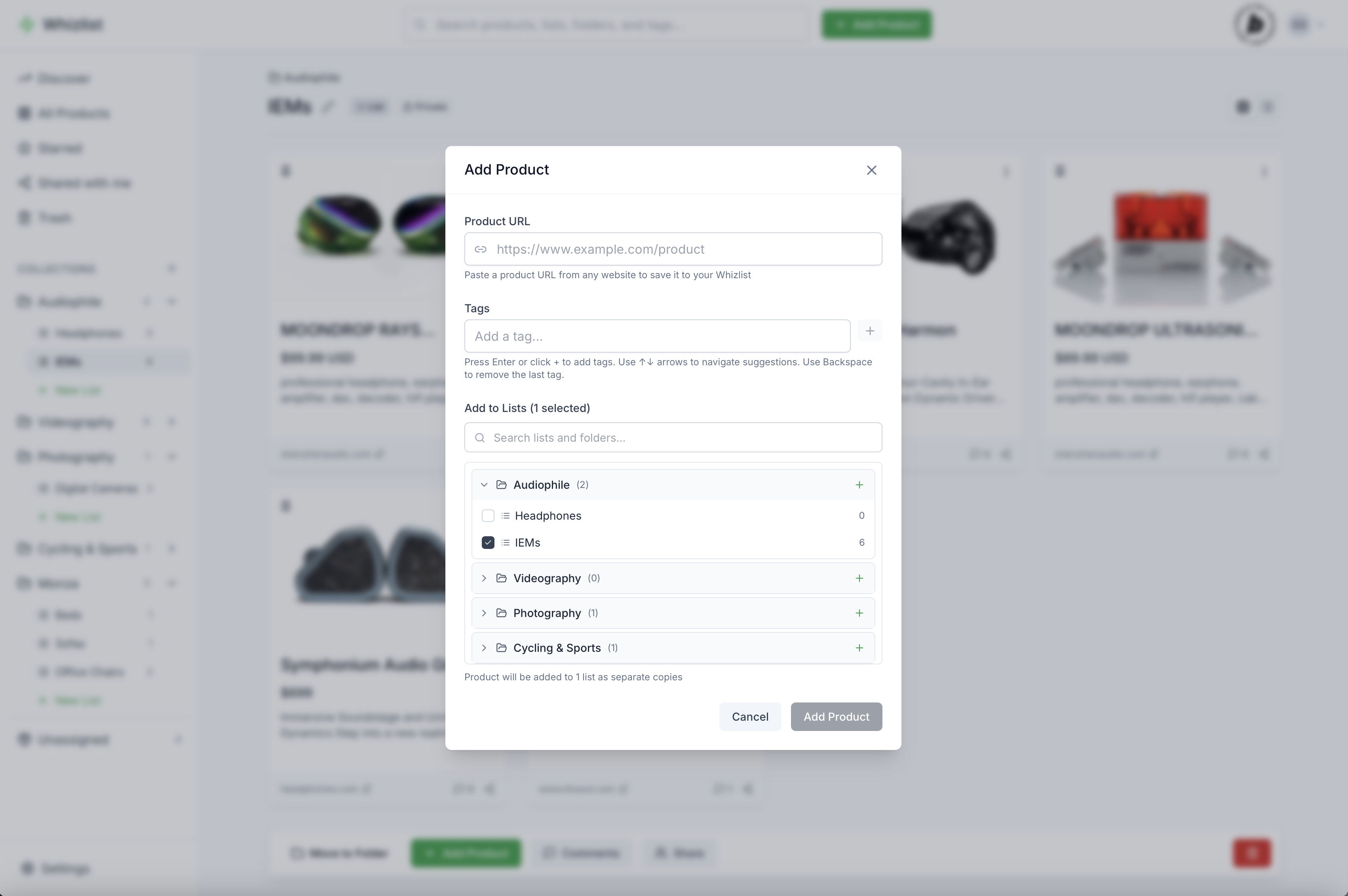
Add Product Modal
-
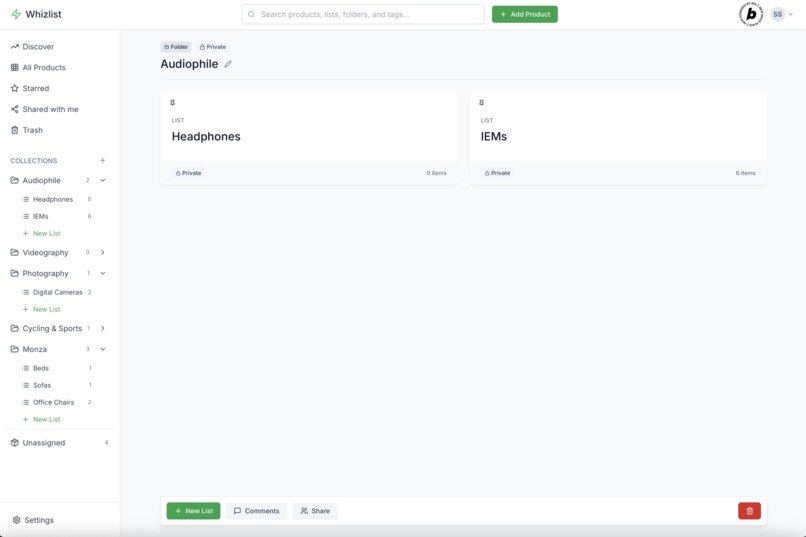
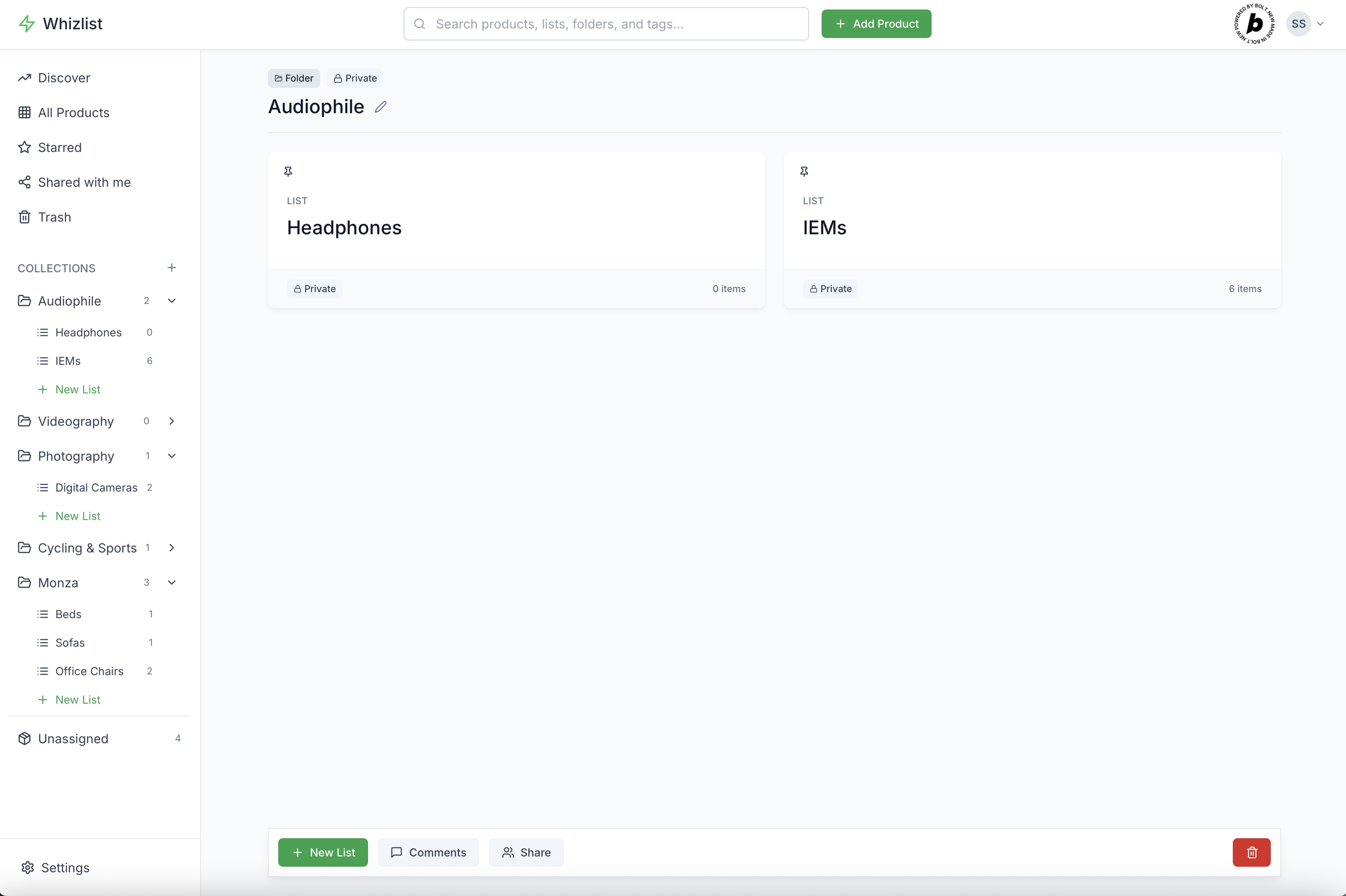
Folder Page
-
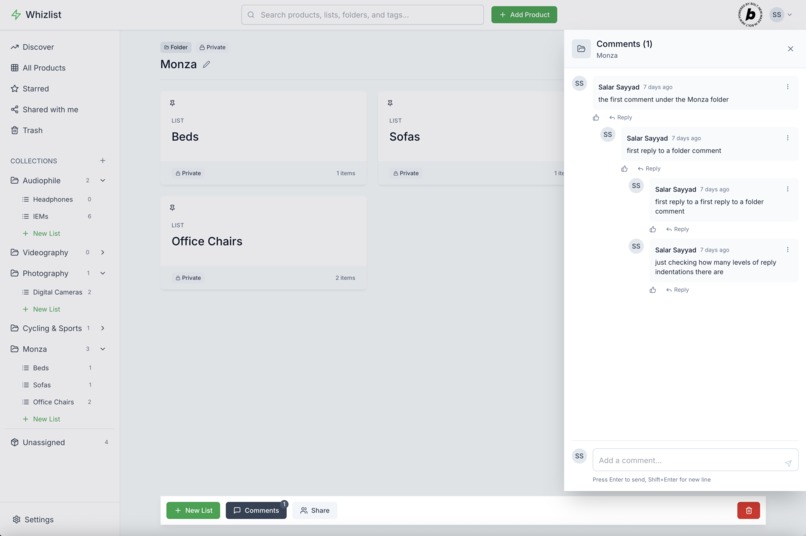
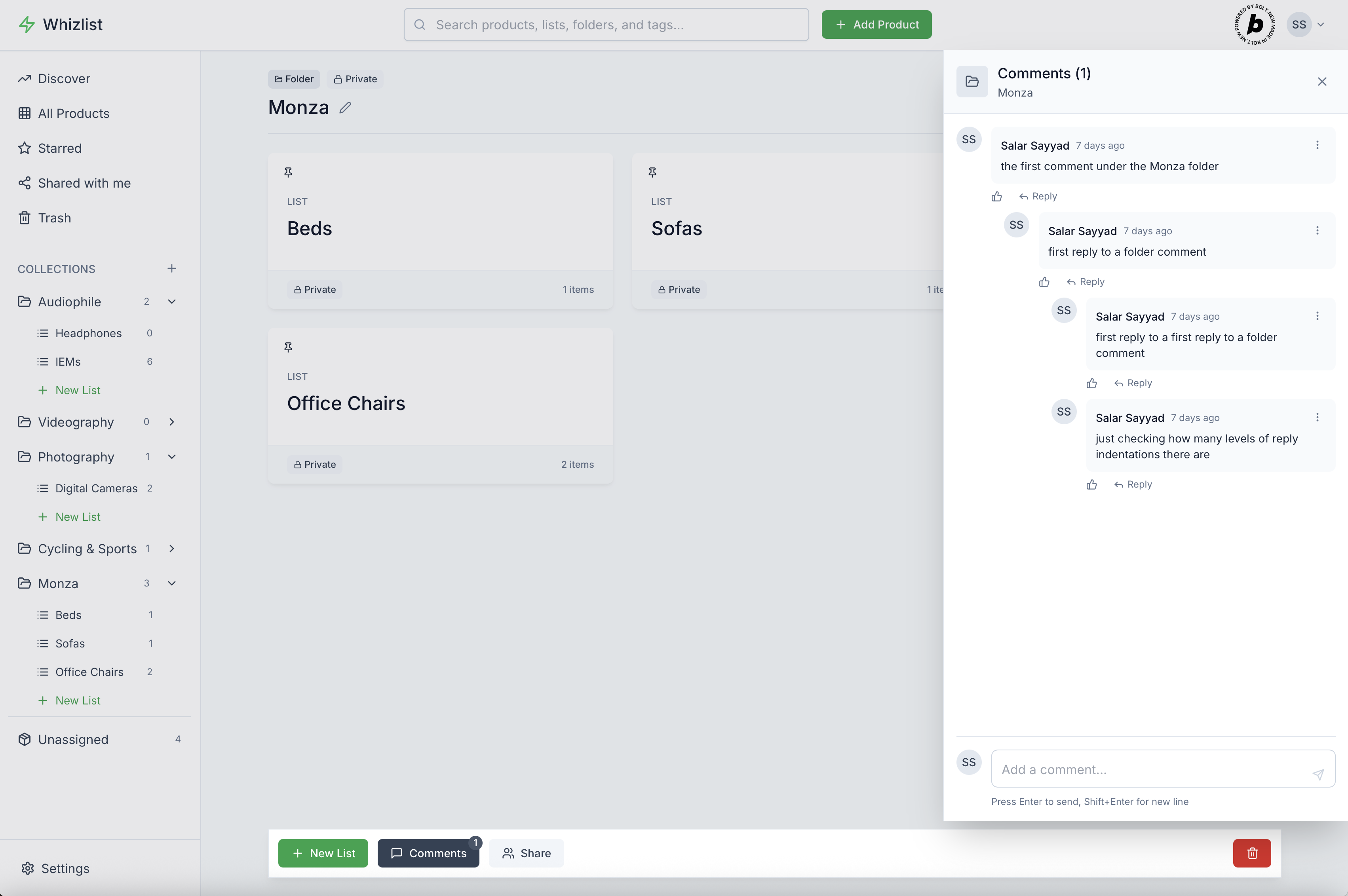
Folder Page Comments Section
-
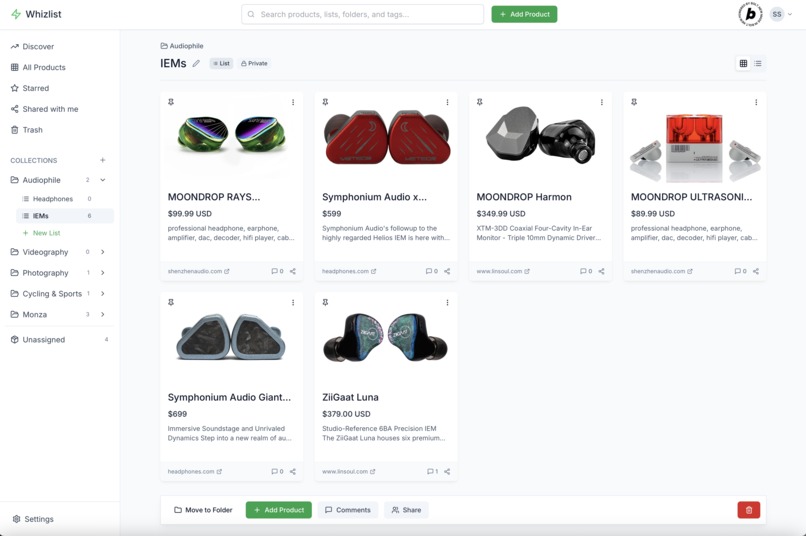
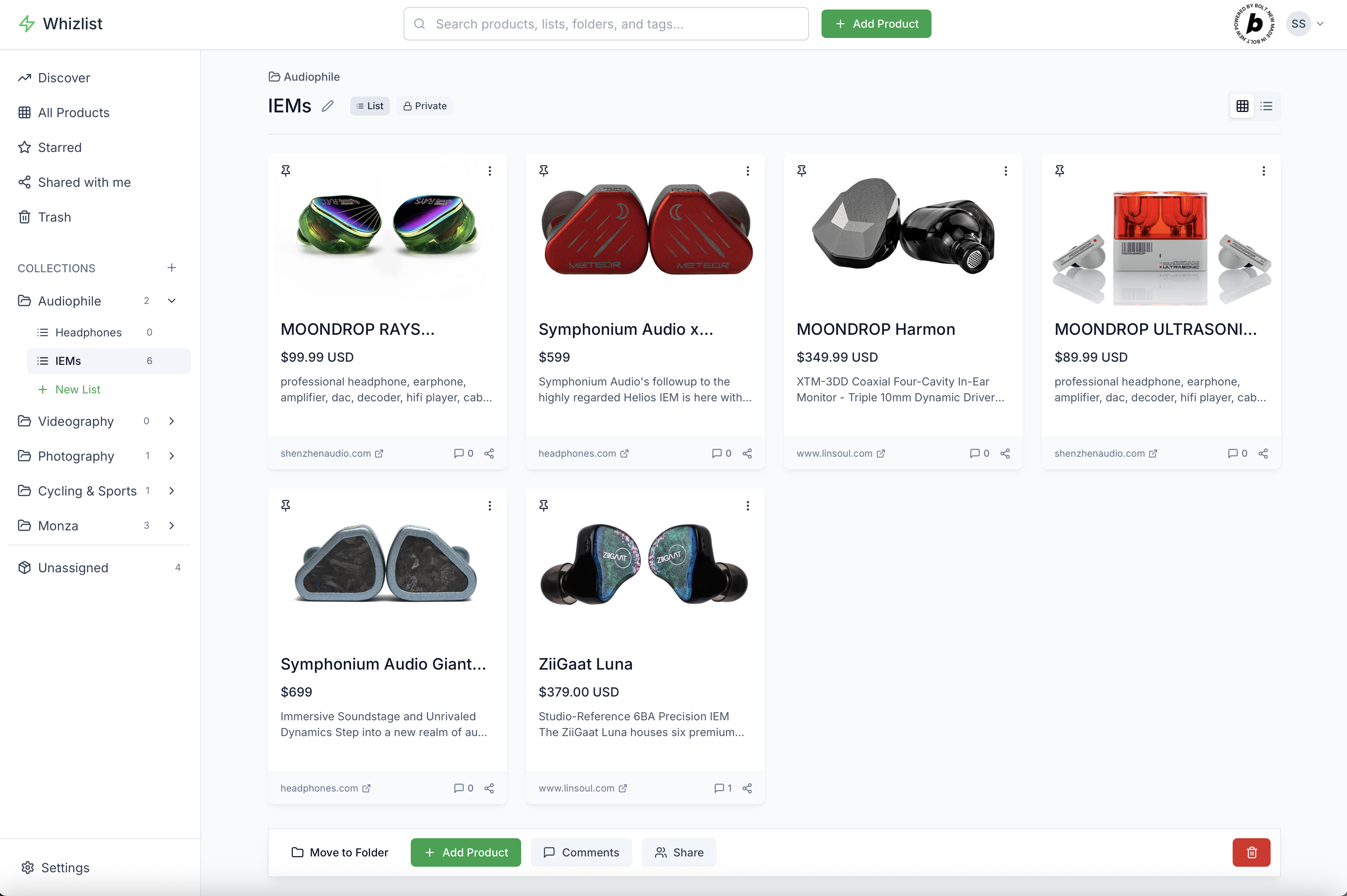
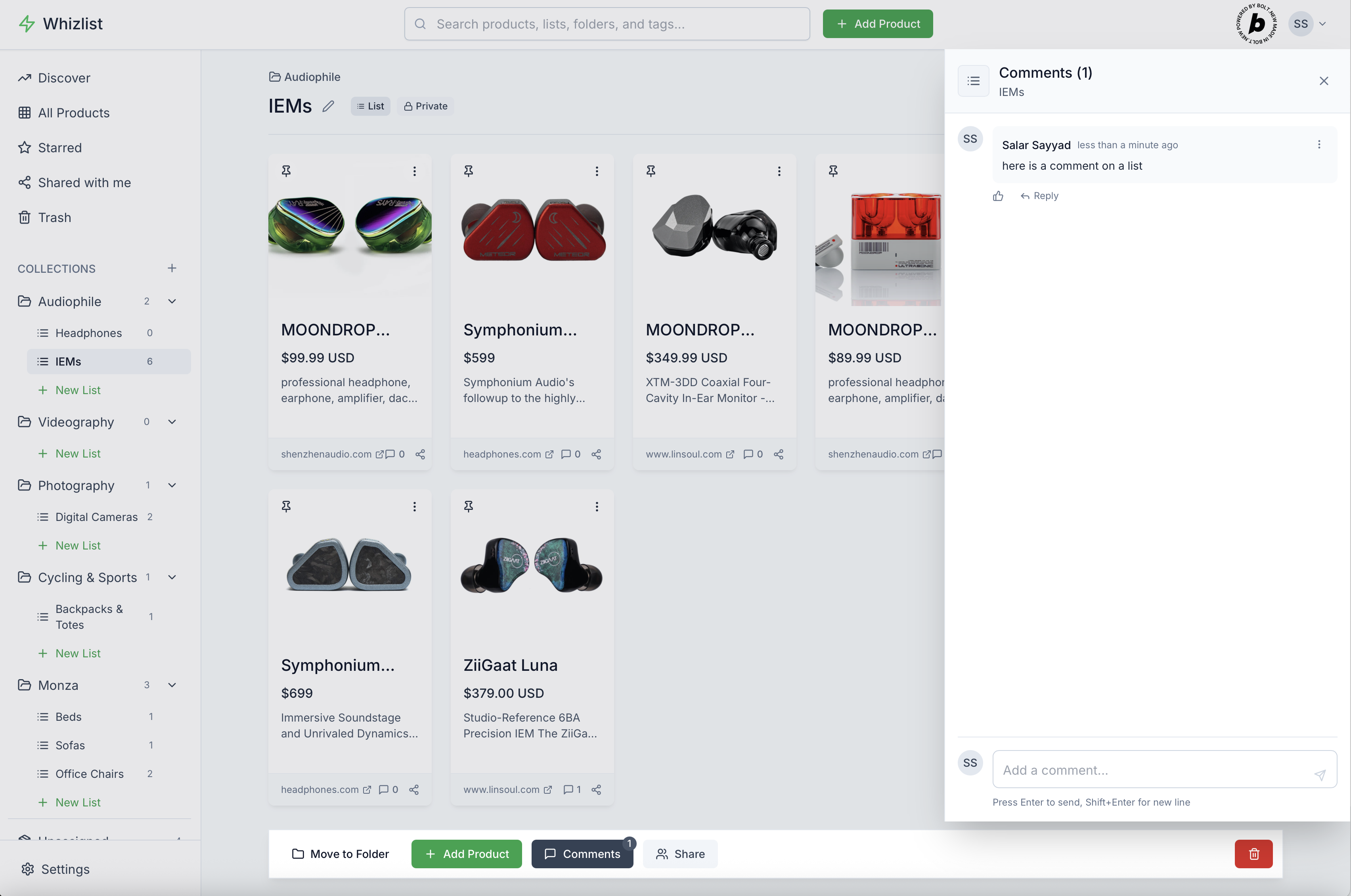
List Page
-
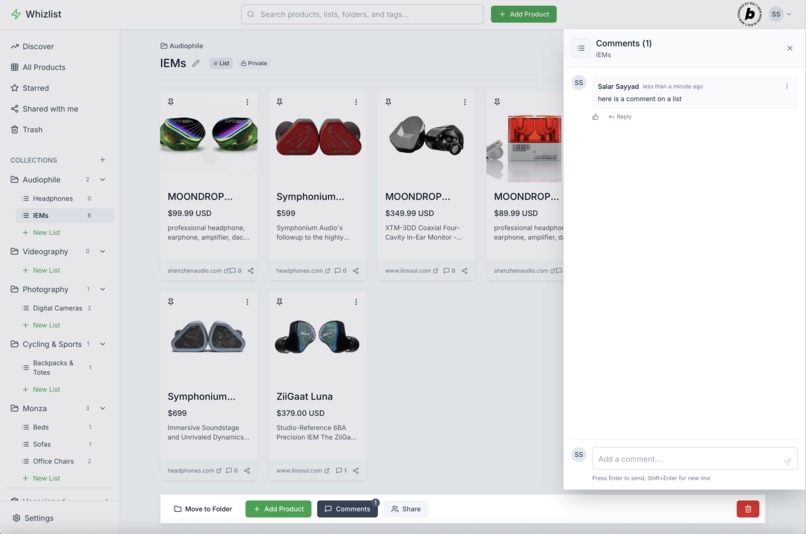
List Page Comments Section
-
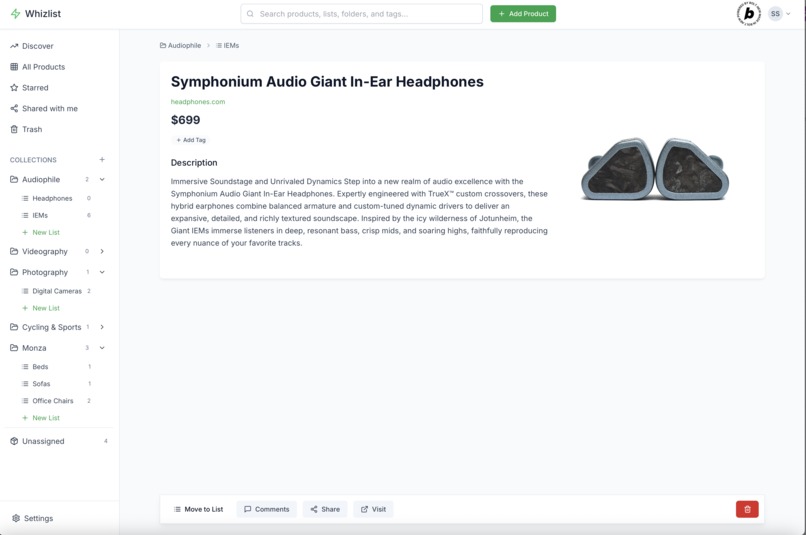
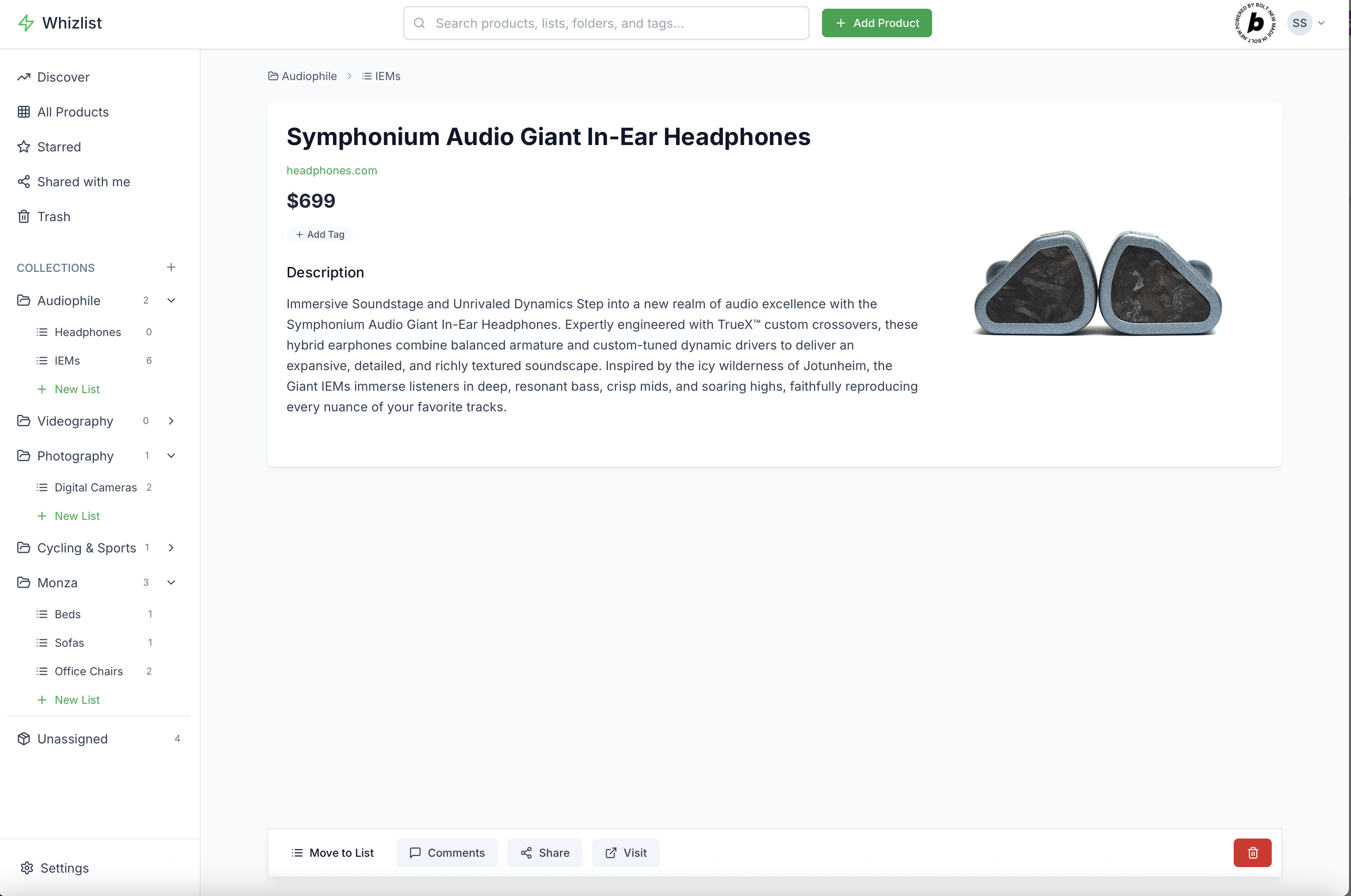
Product Page
-
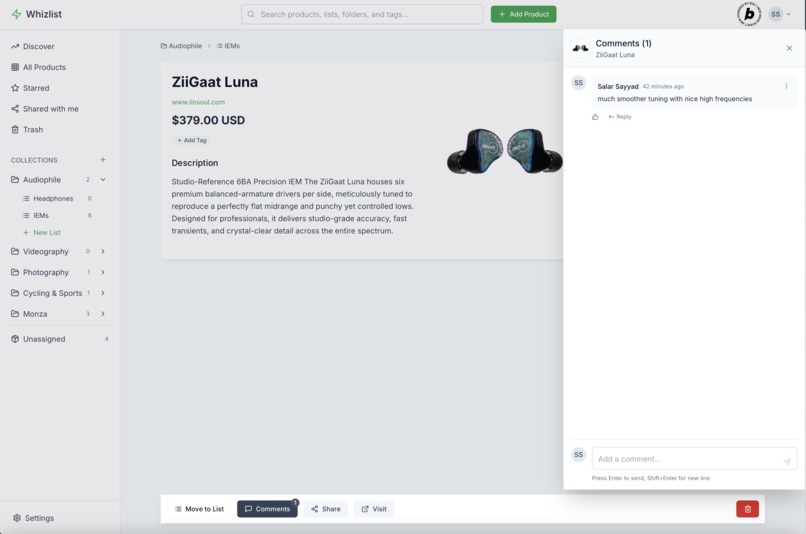
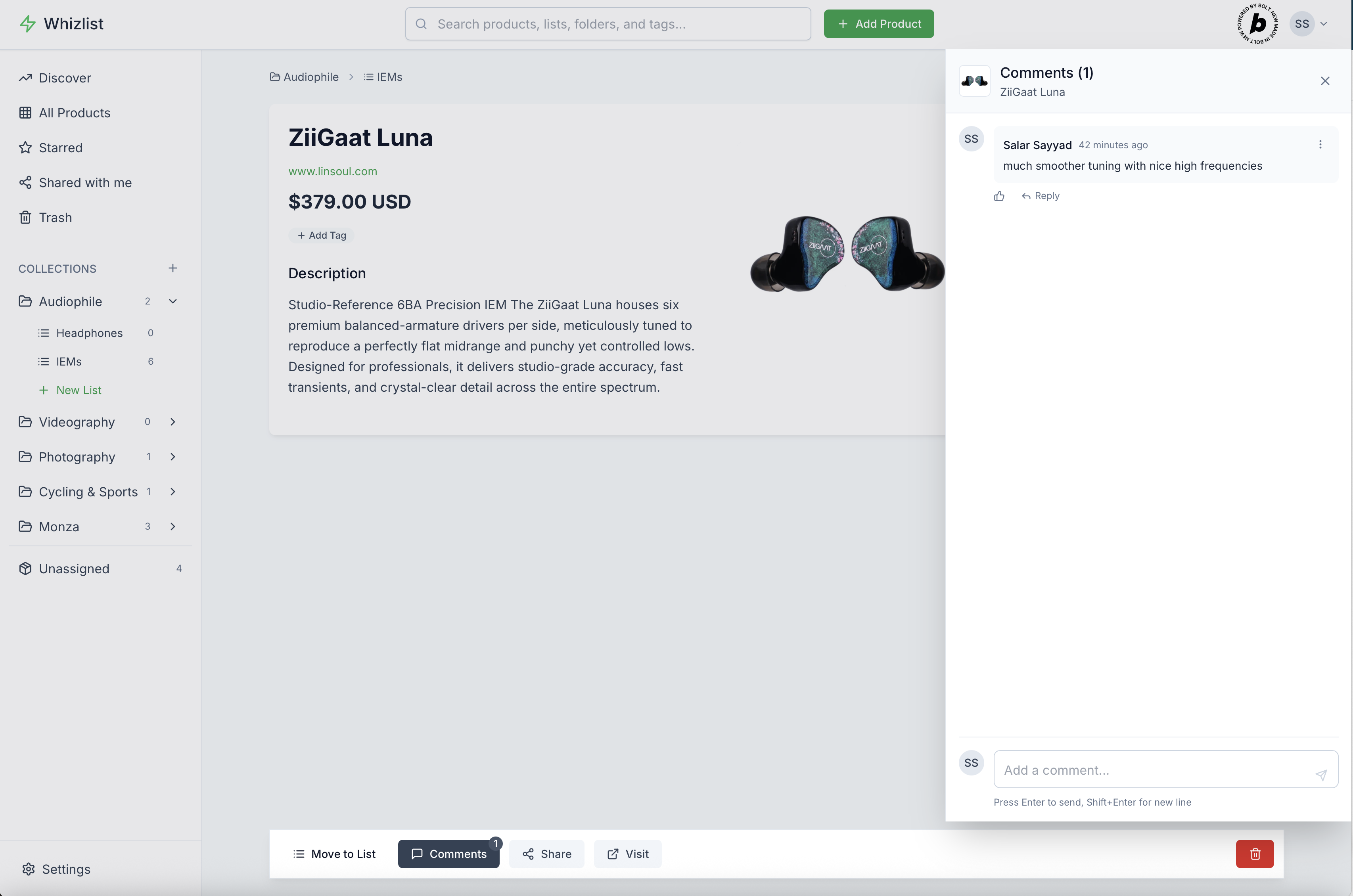
Product Page Comments Section
-
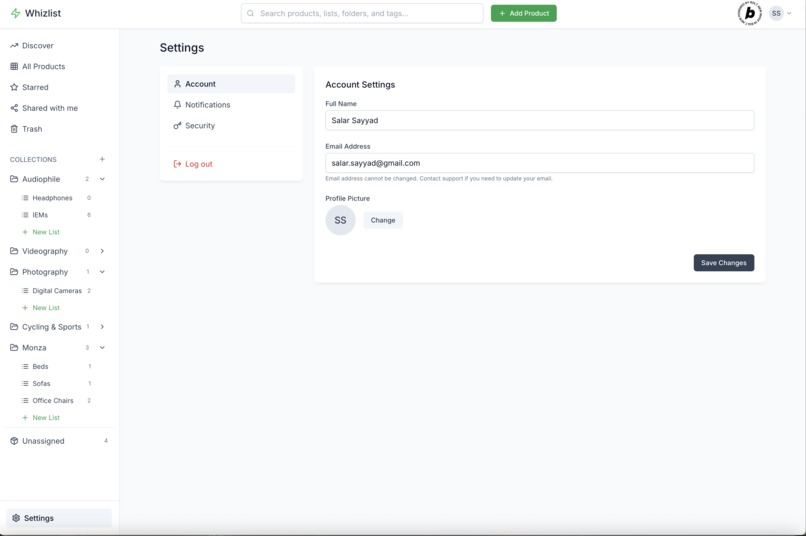
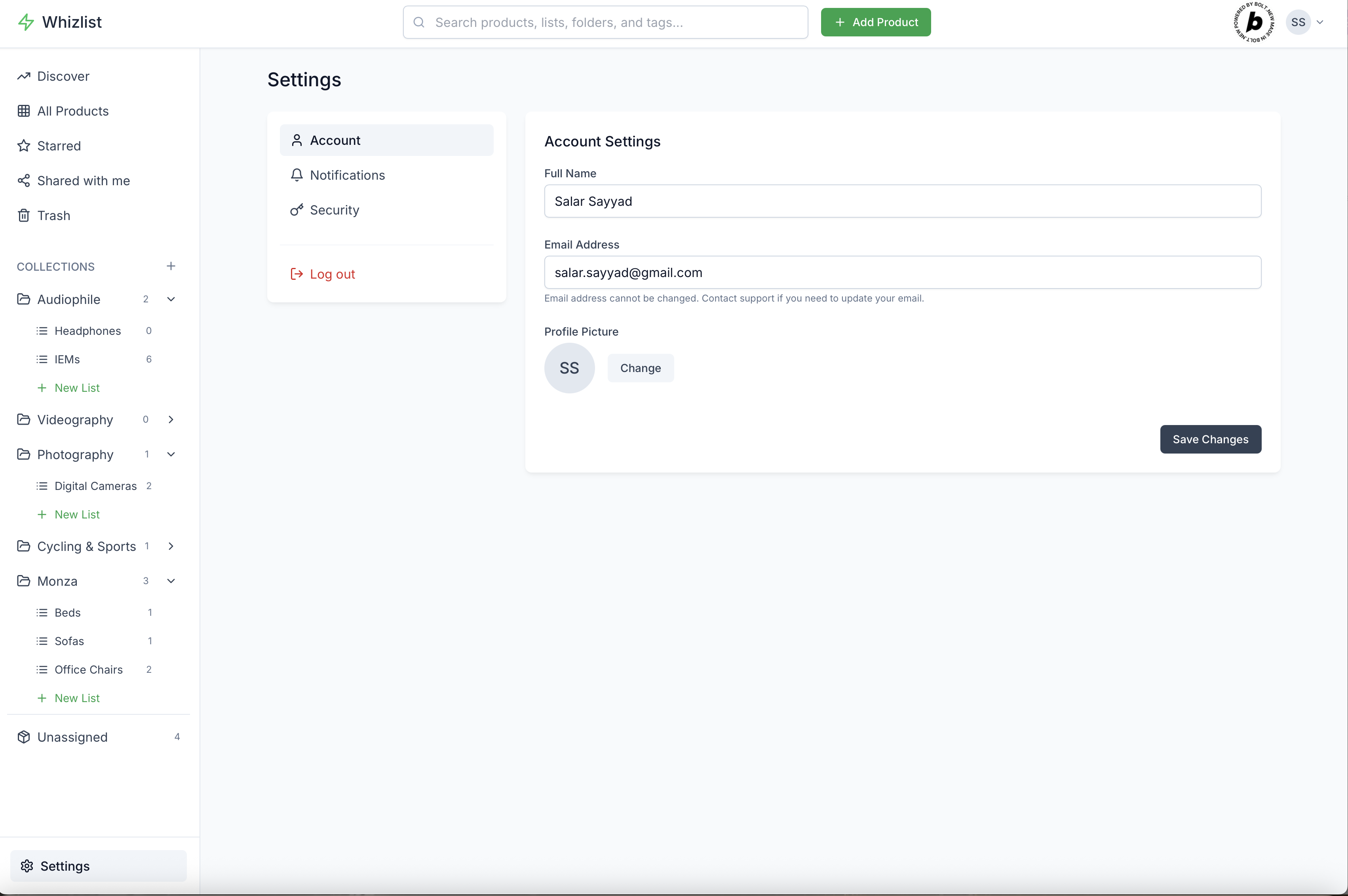
User Settings Page
Whizlist: Save, Organize & Collaborate
Whizlist is a modern web application designed to help users collect, organize, and share products from anywhere on the web. It acts as a personal digital wishlist and product management tool, allowing users to keep track of items they love, categorize them into custom lists and folders, and collaborate with others.
Features and Functionalities
The application provides a comprehensive set of features for product management and collaboration:
- Product Saving: Users can easily save products from any website by simply pasting a URL. The app intelligently extracts key details like title, description, price, and image.
- Flexible Organization:
- Lists: Products can be organized into custom lists, allowing users to group items by theme, occasion, or any other criteria.
- Folders: Lists can be further organized into folders, providing a hierarchical structure for better management of larger collections.
- Tags: Products can be assigned multiple tags, enabling cross-categorization and easy filtering.
- Product Management:
- Pinning: Users can "pin" important products or lists for quick access and visual prominence.
- Editing: Saved product details (title, description, price, tags) can be edited.
- Deletion: Products, lists, and folders can be deleted.
- Move/Copy: Products can be moved between lists or copied to multiple lists, offering flexibility in organization.
- Comments System: A robust commenting system allows users to discuss products, lists, and folders.
- Replies: Comments support nested replies for threaded conversations.
- Likes: Users can like comments.
- Real-time Updates: Comment counts are dynamically updated.
- Global Search: A powerful search functionality allows users to find products, lists, folders, and tags across their entire collection.
- User Authentication: Secure user registration, login, and logout functionalities are implemented.
- User Profiles: Basic user profile management, including full name and avatar.
- Responsive Design: The application is designed to be fully responsive, providing an optimal user experience across various devices, from mobile phones to large desktop screens.
- Discover Page: A "Discover" section showcases trending products, simulating a community aspect and providing inspiration.
- Unassigned Products: Products not yet assigned to any list are easily accessible in a dedicated "Unassigned" section.
Main Tech Stack
The Whizlist application is built with a modern and robust technology stack, leveraging both frontend and backend services for a seamless full-stack experience:
- Frontend:
- React: A popular JavaScript library for building user interfaces.
- TypeScript: Provides type safety and improves code quality and maintainability.
- Vite: A fast build tool that significantly improves the development experience.
- Tailwind CSS: A utility-first CSS framework for rapidly building custom designs.
- Zustand: A small, fast, and scalable state-management solution for React.
- React Router DOM: For declarative routing within the application.
- Framer Motion: A library for declarative animations and gestures.
- Lucide React: A collection of beautiful and customizable open-source icons.
- Headless UI: Fully unstyled, accessible UI components, integrated with Tailwind CSS.
- Backend & Database:
- Supabase: An open-source Firebase alternative providing a PostgreSQL database, authentication, and storage.
- PostgreSQL: The relational database storing all application data (products, lists, folders, comments, users).
- Supabase Auth: Handles user authentication and authorization.
- Supabase Storage: Stores product images and user avatars.
- Supabase Edge Functions: Serverless functions (powered by Deno) used for complex backend logic, particularly web scraping and LLM integrations.
- Supabase: An open-source Firebase alternative providing a PostgreSQL database, authentication, and storage.
- Data Extraction & AI:
- Firecrawl: Used within Supabase Edge Functions for robust web scraping and content extraction.
- OpenAI / Anthropic (LLMs): Integrated via Supabase Edge Functions for intelligent data extraction from web pages, especially for initial product details.
- Hyperbrowser: An advanced web scraping tool (though not fully integrated into the main product saving flow yet, its function is present in the codebase) for stealth and complex scraping scenarios.
Inspirations
Whizlist draws inspiration from several popular applications and concepts:
- Pinterest: For its visual product saving, mood board-like organization, and discovery features.
- Notion / Evernote: For flexible, nested organizational structures (folders, lists) and the ability to store diverse information.
- Modern E-commerce Wishlists: The core concept of saving desired products for future reference.
- Collaborative Tools: The idea of sharing and collaborating on collections, similar to shared documents or project boards.
What was Learned
Building Whizlist provided valuable insights and learning experiences:
- Full-Stack Development with Supabase: Gained deep experience in building a complete application using Supabase as the primary backend, covering authentication, database management, storage, and serverless functions.
- Complex Row Level Security (RLS): Mastered the intricacies of implementing fine-grained access control with RLS, especially for nested data structures and shared resources.
- Third-Party API Integration: Successfully integrated and managed multiple external APIs for web scraping and LLM-based data extraction, understanding their strengths and limitations.
- State Management with Zustand: Learned to effectively manage global and local state in a React application using Zustand, ensuring performance and maintainability.
- Asynchronous Operations & Loading States: Developed robust patterns for handling asynchronous data fetching, displaying appropriate loading indicators, and managing errors.
- Flexible Data Modeling: Designed a database schema that supports various relationships (one-to-many, many-to-many) and allows for future expansion.
- UI/UX Best Practices: Applied modern UI/UX principles, including responsive design, animations with Framer Motion, and accessible components with Headless UI.
How the App Was Built
The application was built iteratively, focusing on core functionalities first and then expanding:
- Project Setup: Initialized a React project with Vite and configured Tailwind CSS.
- Authentication Flow: Implemented user signup, login, and logout using Supabase Auth, including profile creation upon new user registration.
- Core Data Model: Designed the PostgreSQL database schema for
products,lists, andfolders, establishing relationships and initial RLS policies. - Product Saving & Display: Developed the functionality to save products from URLs, leveraging Supabase Edge Functions for initial data extraction. Product cards and grid/list views were created.
- Organization Features: Implemented the creation, editing, and deletion of lists and folders. The ability to move and copy products between lists was added.
- Commenting System: Built the
commentstable, includingparent_idfor replies andentity_type/entity_idfor polymorphic comments. Comment likes were added later. - Global Search: Integrated product, list, folder, and tag data into a unified search experience.
- Refinement & Polish: Added animations with Framer Motion, improved loading states, and ensured responsive design across the application.
Challenges Faced
Several challenges were encountered during the development of Whizlist:
- Row Level Security (RLS) Complexity: This was arguably the most significant hurdle. Ensuring that users could only access data they owned, data shared with them, or public data, while avoiding recursive RLS policies that could lead to performance issues or errors, required numerous iterations and careful policy design (as evidenced by the many Supabase migration files).
- Reliable Web Scraping: Extracting consistent and accurate data from diverse websites proved challenging due to varying site structures, dynamic content, and anti-bot measures. This necessitated the use of multiple scraping tools and fallback mechanisms.
- LLM Integration & Prompt Engineering: Getting LLMs to extract specific data reliably required careful prompt engineering and handling of their JSON output, which sometimes included extraneous text.
- Real-time Data Synchronization: Keeping various parts of the UI synchronized with backend data, especially for dynamic elements like comment counts and product lists, required thoughtful state management strategies and occasional manual data refreshing.
- User Experience for Nested Structures: Designing an intuitive user interface for managing products within nested lists and folders, including drag-and-drop or clear move/copy actions, presented UX challenges.
Potential Future Features and Functionality
Whizlist has significant potential for future growth and enhancement:
- Advanced Sharing & Collaboration:
- Granular Permissions: Implement more detailed permission levels (e.g., view-only, comment-only, edit-specific fields).
- Real-time Collaboration: Allow multiple users to simultaneously edit lists or folders with live updates.
- Invitation System: Enable inviting users by email or username to collaborate on specific collections.
- Activity Feeds: Provide a feed of recent activities on shared items (e.g., new comments, product additions).
- Enhanced Notifications:
- In-App Notifications: A dedicated notification center for new comments, shares, and product updates.
- Customizable Preferences: Allow users to control what types of notifications they receive (email, push, in-app).
- Product Tracking & Alerts:
- Price Drop Alerts: Notify users when the price of a saved product changes.
- Stock Availability: Track and alert users when a product comes back in stock.
- Browser Extension: Develop a browser extension for one-click product saving directly from any webpage, significantly improving the user experience.
- Advanced Search & Filtering:
- More Filters: Add comprehensive filtering options by price range, creation date, website source, etc.
- Saved Searches: Allow users to save frequently used search queries.
- Public Profiles & Discovery:
- Customizable Public Profiles: Enable users to create public profiles showcasing their favorite lists.
- Follow/Unfollow: Allow users to follow other users and discover their public collections.
- Integrations:
- E-commerce Platform Integrations: Direct integrations with popular e-commerce sites for more reliable data extraction and potentially direct purchasing.
- Stripe Integration: Implement payment processing for premium features or a marketplace model.
- Offline Support: Implement caching mechanisms to allow users to view their saved products and lists even without an internet connection.
- Performance Optimizations: Explore server-side rendering (SSR) or static site generation (SSG) for public-facing pages to improve initial load times and SEO.
Built With
- bolt
- firecrawl
- ionos
- netlify
- openai
- react
- supabase
- typescript

Log in or sign up for Devpost to join the conversation.