Inspiration
Most of our inspiration came from the smart boards that are used within high school classrooms. Maybe it was because we were young and impressed by tech or maybe it was because they were just fricken cool, but those smart boards always amazed us. For this project, we tried to embody the feeling that those smart boards gave off while being simple and intuitive to use.
What it does
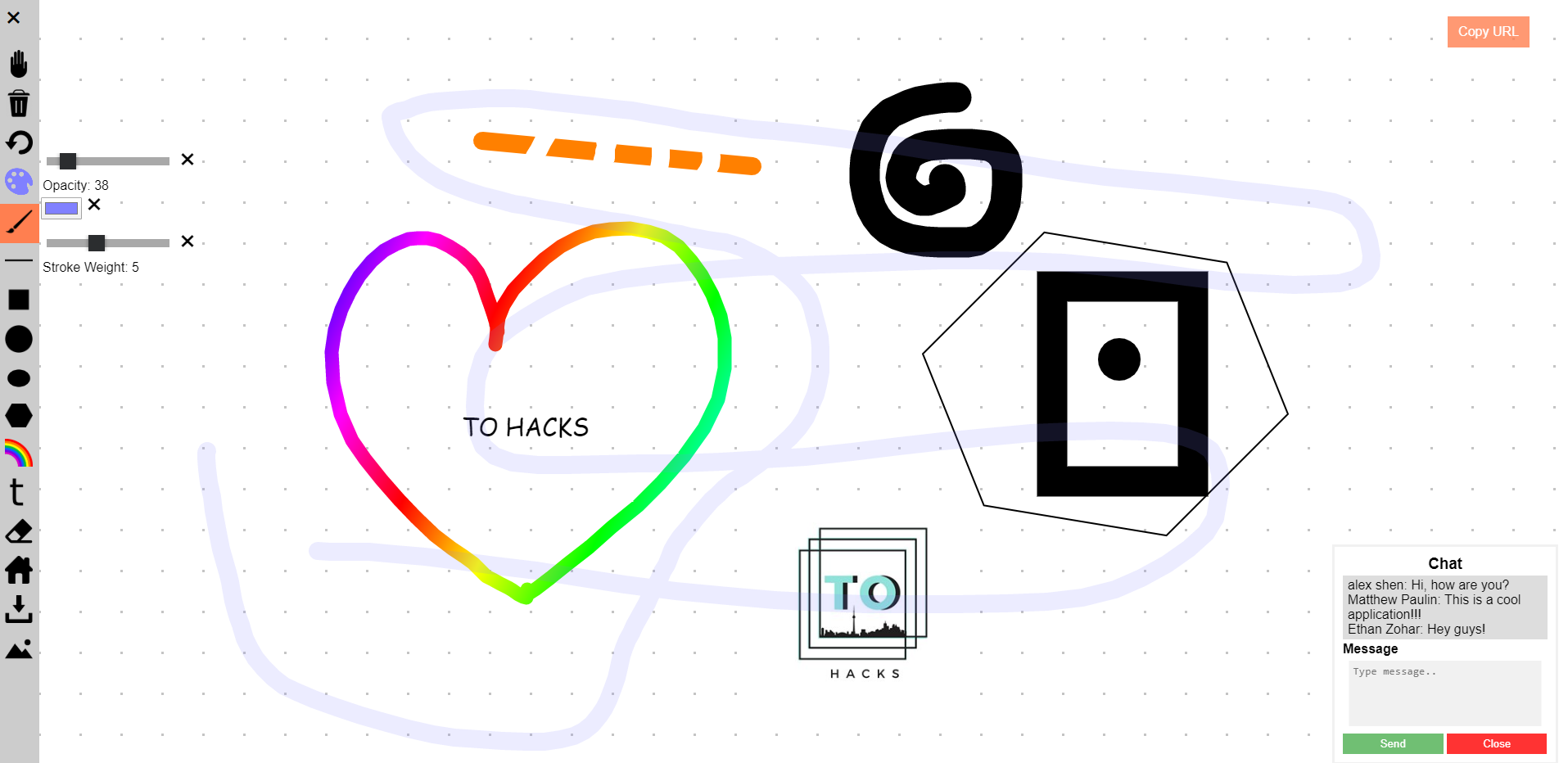
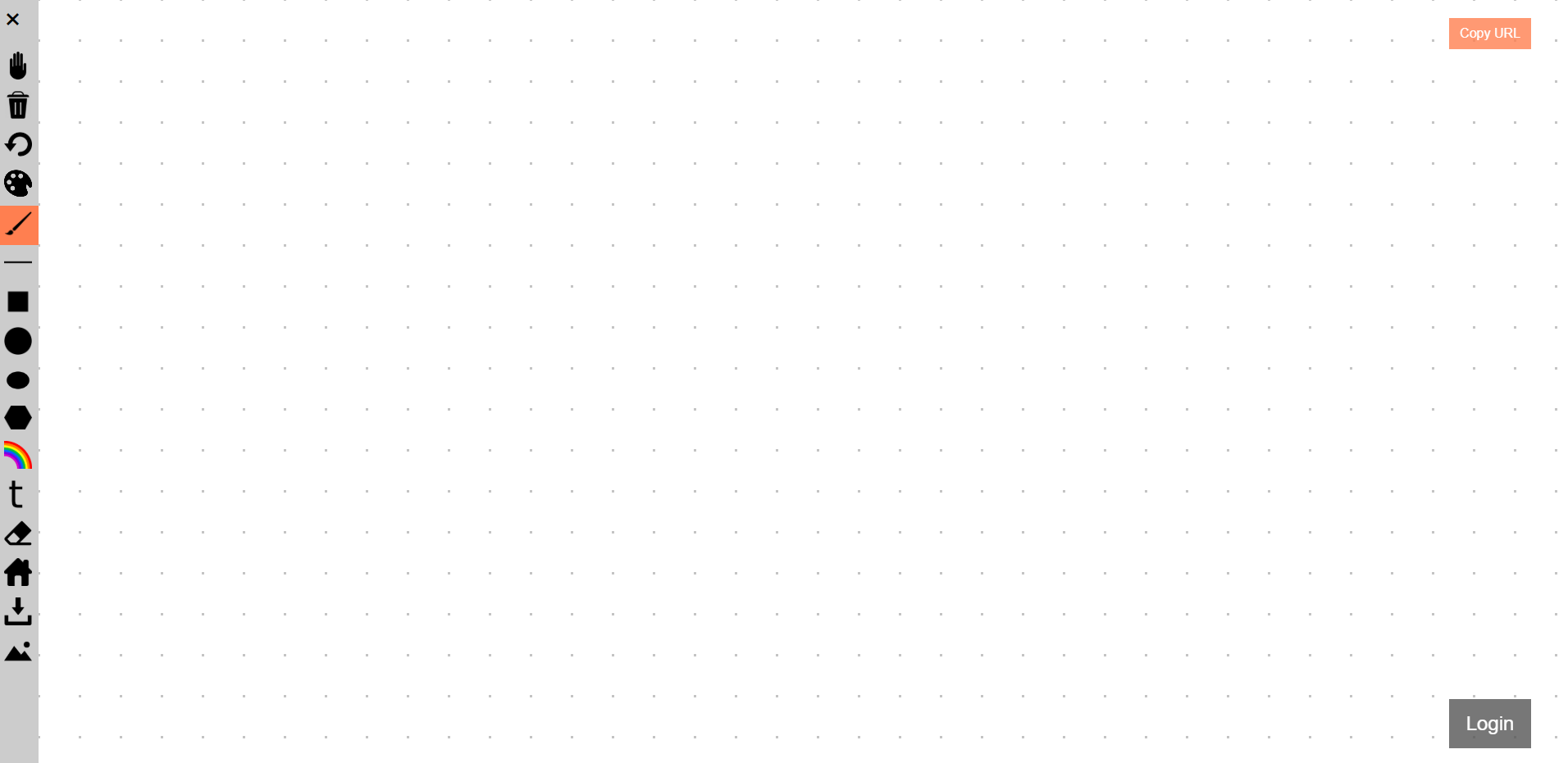
Our website is an online whiteboard sharing tool. It allows for multiple users to connect to the same whiteboard through the sharing of a single link. Each user can update the board and see their changes plus everyone else's in real time. With infinite space on the board and the ability to zoom in and out, users have the freedom to draw whatever they want. They can choose to use a brush tool, multiple pre-calculated shapes, or simply write text onto the board, all while being able to choose the colour of their choice. Users can upload pictures to be added to the board and they can download screen captures of the current board for later use. To bring it all together, there is a live text channel for each whiteboard which is linked to a users Google account.
How we built it
We decided to go with Google Firebase as our hosting service with the integrated use of Google Cloud Firestore for our real time updating database. Each document in the database represents a different whiteboard, each containing all the information required to draw the board as well as all of the messages sent to that board. Our database objects look like:
{
    strokes: [{
        id: "unique id",
        colour: "colour in hex",
        points: [{
            x: "x coordinate",
            y: "y coordinate"
        }],
        shape: "type of shape (brush, line, rectangle, etc.)",
        strokeWeight: "thickness of line"
    }],
    messages: [{
        id: "unique id",
        user: "Google account username",
        content: "message contents"
    }],
}
The client side is done in plain old JavaScript as we did not need any special features from frameworks and thus we were able to keep it lightweight as a simple single page application.
Challenges we ran into
Most of the challenges that we ran into during this project revolved around the translation and manipulation of the whiteboard interface. We wanted it to be as smooth and easy to use as possible, but this turned out to be quite difficult as smooth movement required a lot of calculations. This brought us back to our high school days, using trigonometry once again to solve problems revolving around zooming. The combination of scaling brush strokes while zooming in on a single point made for some interesting math. An added challenge comes with the fact that the board is infinity large.
Accomplishments that we're proud of
Honestly, we are proud of how clean and intuitive the project turned out to be. Normally for hackathons its about hacking it out, coming up with a solution that works and that's it. With this one, our project is easy to use and something that we all personally see ourselves using all of the time. We came out with a polished product and we are all proud of that.
What we learned
This was all of our first times using Google Firebase so we all learned quite a lot about what it can do and where its strong points lie. We learned about the difficulties that come with making real time updating apps that span multiple concurrent users. But most importantly, we learned how to come up with solutions FAST! There was no time to waste, we had to be efficient and quick on our feet.
What's next for whiteboards
The next step for this project would be to add user authentication and the ability to whitelist people for boards. This would allow us to get into the educational space and give teachers the ability to invite their students to a whiteboard to hold classes. Teachers would be able to limit their students abilities to draw on the board. Finally we would like to add voice chat functionality to give our tool the opportunity to be a fully fledged classroom. With COVID-19 moving all schools online, whiteboards could be a great alternative to online classrooms. It is interactive, easy to use, and most importantly FUN!
Built With
- canvas
- css3
- firebase
- firestore
- html5
- javascript


Log in or sign up for Devpost to join the conversation.