🎨 Whiteboard - Interactive Digital Canvas
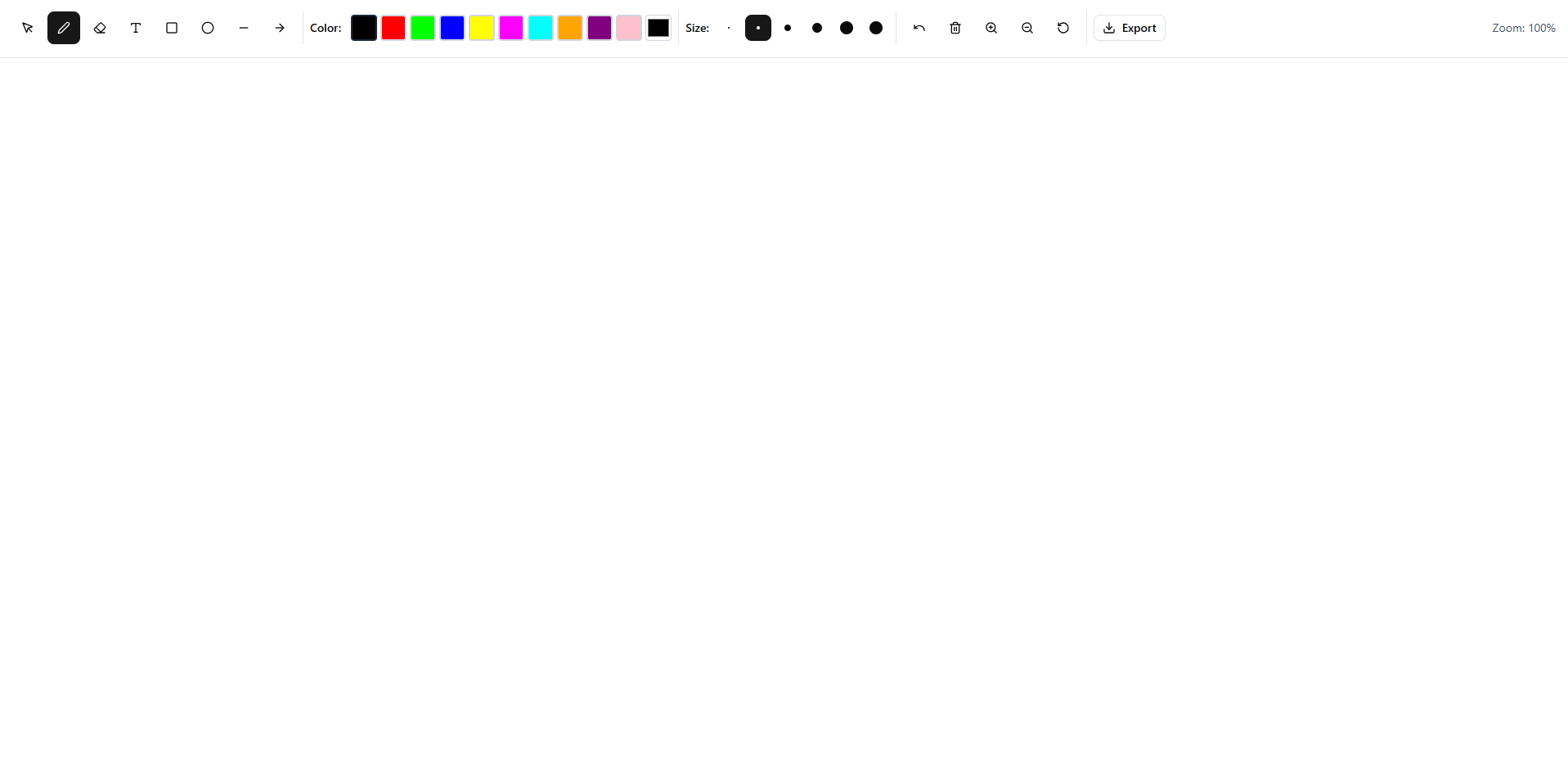
A modern, feature-rich digital whiteboard application built with Next.js 15, React 19, and Konva.js. Create, draw, collaborate, and export your ideas seamlessly.

✨ Features
🎯 Drawing Tools
- Pen Tool: Freehand drawing with customizable colors and stroke width
- Eraser: Remove unwanted elements from your canvas
- Text Tool: Add text elements with customizable fonts and sizes
- Shape Tools: Create rectangles, circles, lines, and arrows
- Selection Tool: Select, move, and manipulate elements
🎨 Customization
- Multiple color options for drawing and shapes
- Adjustable stroke width for drawing tools
- Font customization for text elements
- Zoom and pan functionality for detailed work
💾 Export & Sharing
- Export whiteboard as PNG, JPEG, or SVG
- PDF export for professional sharing
- Copy to clipboard functionality
- High-quality image rendering
🏗️ Technical Features
- Real-time canvas rendering with Konva.js
- Responsive design with Tailwind CSS
- TypeScript for type safety
- Modern React patterns with hooks and context
- Authentication system ready (login/auth routes)
- Dashboard layout for future features
🚀 Getting Started
Prerequisites
- Node.js 18+
- npm, yarn, pnpm, or bun
Installation
- Clone the repository
   git clone https://github.com/sahedulislamrony/whiteboard.git
   cd whiteboard
- Install dependencies
   npm install
   # or
   yarn install
   # or
   pnpm install
- Run the development server
   npm run dev
   # or
   yarn dev
   # or
   pnpm dev
- Open your browser Navigate to http://localhost:3000 to see the application.
🛠️ Tech Stack
Core Technologies
- Next.js 15 - React framework with App Router
- React 19 - UI library with latest features
- TypeScript - Type-safe JavaScript
- Tailwind CSS 4 - Utility-first CSS framework
Canvas & Drawing
- Konva.js - HTML5 2D canvas library
- React-Konva - React wrapper for Konva
- Fabric.js - Additional canvas utilities
UI Components
- Radix UI - Headless UI components
- Lucide React - Beautiful icons
- Sonner - Toast notifications
- Next Themes - Theme management
Export & Utilities
- jsPDF - PDF generation
- html2canvas - Canvas to image conversion
- Class Variance Authority - Component styling
📁 Project Structure
src/
├── app/                    # Next.js App Router
│   ├── (auth)/            # Authentication pages
│   ├── (dashboard)/       # Dashboard layout
│   ├── api/               # API routes
│   └── globals.css        # Global styles
├── components/            # React components
│   ├── ui/               # Reusable UI components
│   ├── WhiteboardCanvas.tsx
│   └── WhiteboardToolbar.tsx
├── contexts/             # React contexts
│   └── WhiteboardContext.tsx
├── hooks/                # Custom hooks
│   └── useWhiteboard.ts
├── lib/                  # Utility libraries
├── types/                # TypeScript type definitions
└── utils/                # Utility functions
    └── export.ts         # Export functionality
🎯 Usage
Basic Drawing
- Select a tool from the toolbar (pen, shapes, text)
- Choose your preferred color and stroke width
- Start drawing on the canvas
- Use the eraser to remove unwanted elements
Working with Shapes
- Select a shape tool (rectangle, circle, line, arrow)
- Click and drag to create the shape
- Customize color and stroke properties
- Use the selection tool to modify existing shapes
Adding Text
- Select the text tool
- Click where you want to add text
- Type your content
- Customize font size and color
Exporting Your Work
- Use the export button in the toolbar
- Choose your preferred format (PNG, JPEG, SVG, PDF)
- The file will be automatically downloaded
🧩 Development
Available Scripts
npm run dev- Start development server with Turbopacknpm run build- Build for productionnpm start- Start production servernpm run lint- Run ESLint
Key Components
- WhiteboardCanvas: Main canvas component using Konva
- WhiteboardToolbar: Tool selection and settings
- WhiteboardContext: Global state management
- Export utilities: Handle various export formats
🤝 Contributing
Contributions are welcome! Please feel free to submit a Pull Request.
- Fork the project
- Create your feature branch (
git checkout -b feature/AmazingFeature) - Commit your changes (
git commit -m 'Add some AmazingFeature') - Push to the branch (
git push origin feature/AmazingFeature) - Open a Pull Request
📝 License
This project is open source and available under the MIT License.
🚀 Deployment
Deploy on Vercel
The easiest way to deploy your Next.js app is to use the Vercel Platform from the creators of Next.js.
Other Deployment Options
- Netlify: Connect your GitHub repository
- Railway: Deploy with railway.app
- Docker: Use the included Dockerfile (if available)
📞 Support
If you have any questions or need help, please open an issue on GitHub.
Built with ❤️ by Sahedul Islam Rony


Log in or sign up for Devpost to join the conversation.