Inspiration
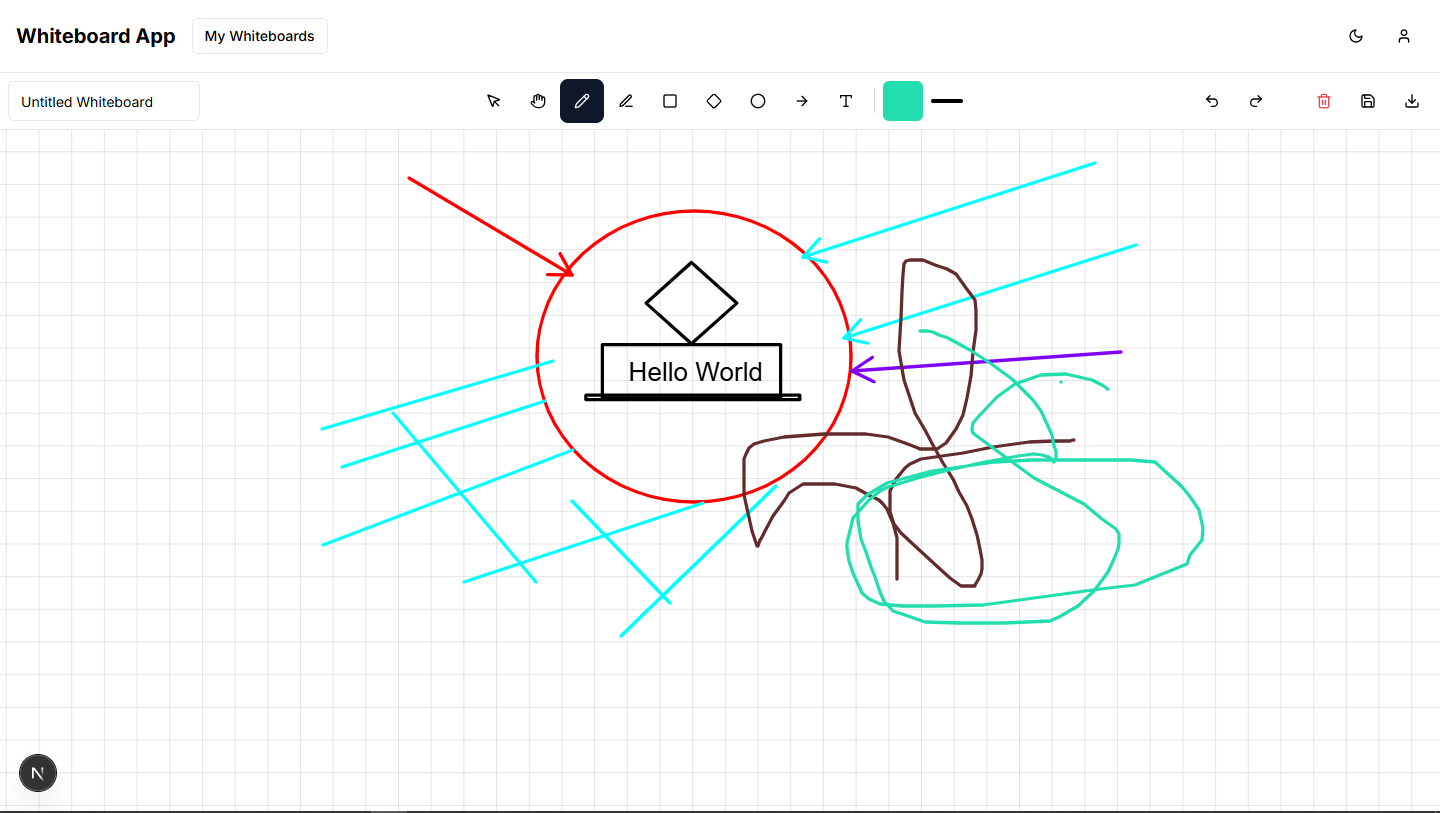
We wanted to create a minimal, easy-to-use whiteboard tool that requires no login and works right in the browser. Existing tools were often overloaded with features or locked behind sign-ups, which inspired us to build something more accessible and user-friendly.
What it does
The whiteboard allows users to draw, erase, choose colors, use basic shapes, and download their work as an image or PDF. It also includes optional AI tools to help enhance or clean up drawings.
How we built it
We used the MERN stack (MongoDB, Express, React, Node.js) and followed the MVC architecture.
React with Tailwind CSS was used for the frontend.
Express and Node.js handled the backend logic.
MongoDB was used for storing user data (if logged in).
Canvas API powered the drawing functionality.
AI tools were integrated to assist with diagram improvement.
Challenges we ran into
Ensuring smooth canvas performance across devices
Handling export functionality without login
Making the AI features fast and useful
Designing a responsive UI that works on mobile and desktop
Accomplishments that we're proud of
Built a fully functional whiteboard with export and AI features
Achieved a clean, no-login experience
Made the tool responsive and easy to use
What we learned
Deepened our knowledge of React and the Canvas API
Improved our backend and API integration skills
Learned to optimize user experience without overcomplicating the UI
What's next for Whiteboard
Add real-time collaboration features
Introduce version history for saved boards
Expand AI features to suggest shapes or auto-label diagrams
Release as a browser extension or mobile app

