

Inspiration
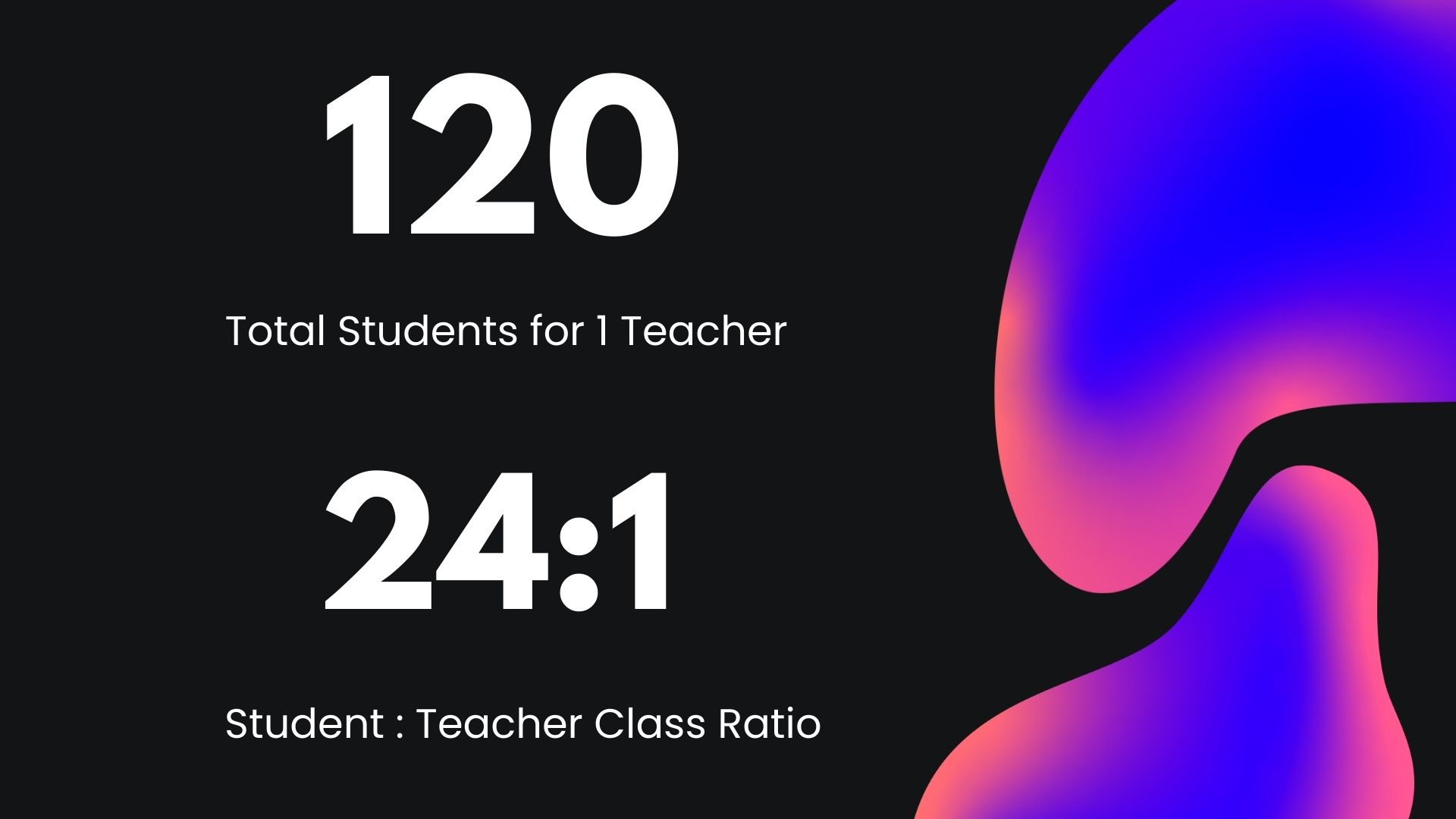
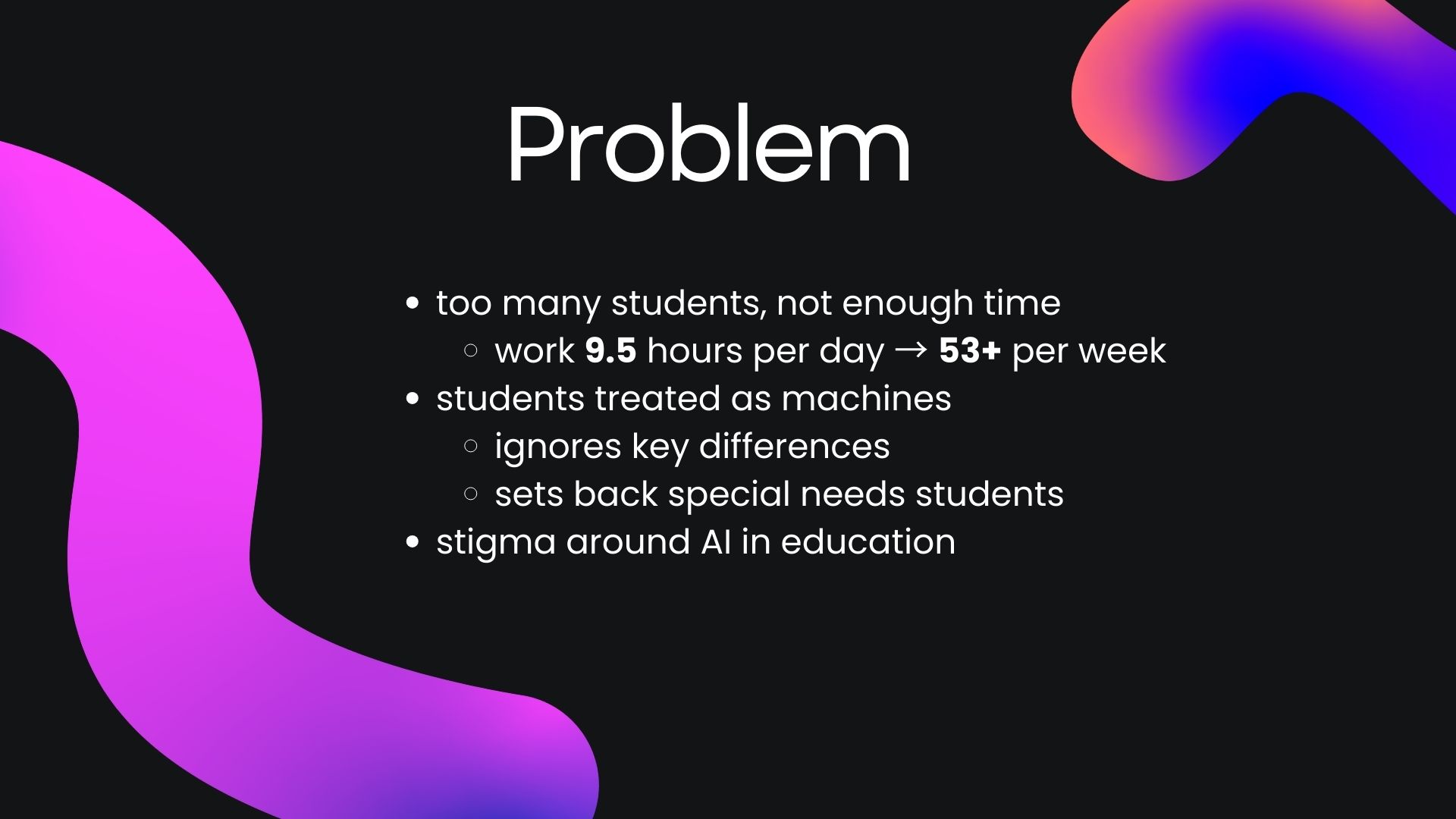
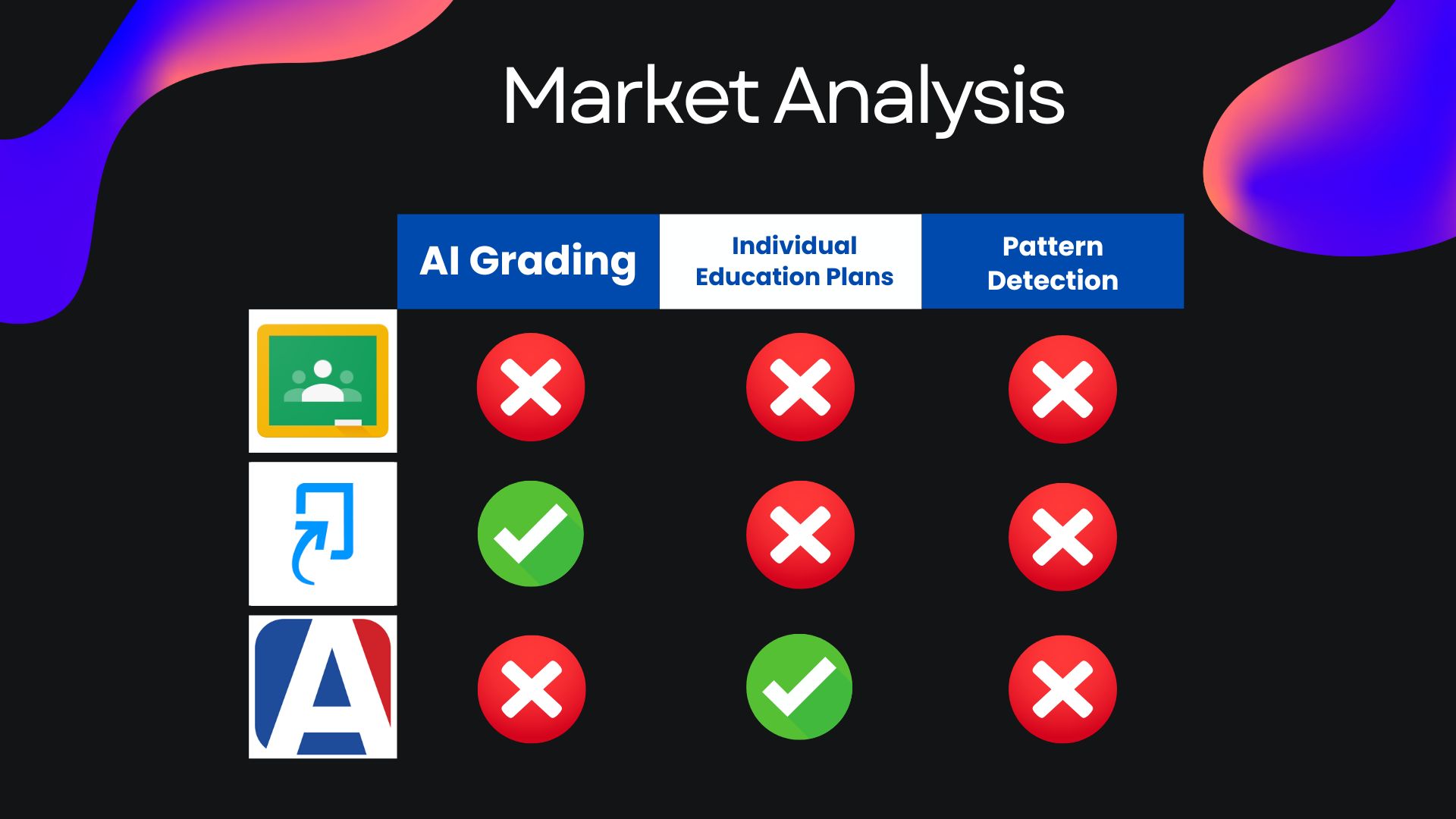
As public school students, where our teachers manage over 120 students a day, we’ve experienced firsthand what it’s like to be overlooked when we need help the most. In some classes, a lack of staffing means one teacher is forced to handle nearly thirty-five students at once. This overwhelming ratio leaves little time for teachers to give meaningful feedback—and students end up with long hours of confusion and poor grades. Teachers spend over 15-20 hours per week solely on grading homework assignments. While AI has started to assist teachers with managing their classrooms, most tools give generic responses that don’t fit the unique needs of each individual. That’s because most large language models don’t remember individual students between sessions, and it’s unrealistic to expect teachers to write personalized prompts for every student. Unfortunately, this lack of care directly impacts all students, and can be especially harmful to those that need individualized support. That’s why we created Whiteboard: an all-in-one student dashboard built to personalize classroom learning.
What it Does
Whiteboard helps teacher manage their classroom files with the assistance of AI tools. Teachers can add their class data, including personal information for each student. This allows Whiteboard to customize it's feedback based on individual needs. Next, teachers can create assignments and upload answers keys for our agent to reference. After adding student submissions with the click of a button, this information is sent to our database. Whiteboard efficiently grades each assignment, providing substantial feedback and room for growth. In addition, our software monitors class performance to identify common weak points. The highlight of our app is the individualized education plan feature. Teachers can access the central student dashboard, which allows them to evaluate each student. Whiteboard gives a comprehensive view of the student's latest performances, as well as direct areas of improvement and solutions for intervention.
How we built it
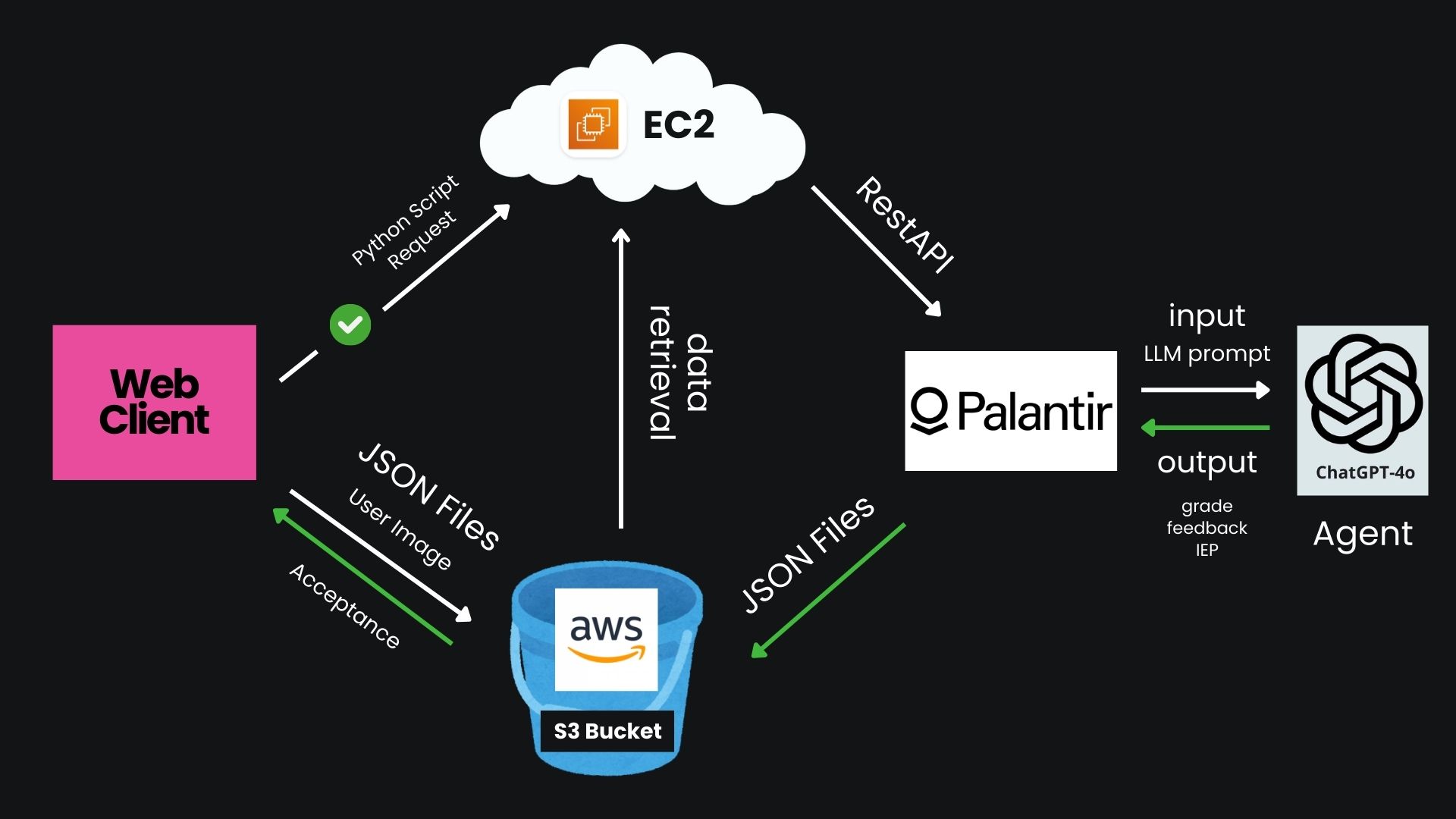
Our product connects 3 stages of processes to create our app: a web-client frontend interface, AWS server, and Palantir AIP Logic. The web-client interface is lightweight and meant to quickly access and upload files to the server. The AWS server leverages the immense storage capability of Amazon's S3 to store large quantities of images. Meanwhile, the EC2 instance manages user requests and database files with a Python Flask backend. Then, we use a custom Optical Character Recognition (OCR) program to scan handwriting and convert it to formatted text. This process takes computing out of the Palantir environment, but proves to perform better for our specialized use case. Finally, we ran Palantir with an S3 connect, which was eventually achieved by linking our EC2 instance as an intermediary agent. Palantir manages our LLM processes. We use its pipeline processes to sync batches of our data intermittently.
Starting with development, we drafted a rough outline of our processes. We decided on a robust file system for our JSON data and completed our AWS and Palantir scheme. Beginning with development with the servers, we rented S3 and EC2 instances large enough for moderate traffic. Meanwhile, our team began researching Palantir's use-cases, including the Ontology SDK and REST API for linking AWS with Palantir models. We eventually settled on an easy-to-use, straightforward Batch Pipeline for more control over our data. After setting up our Amazon Linux environment, we configured our backend in Flask to receive requests from users running on our EC2 instance. These requests would contain enough information to access specified JSON files from our S3 interface. The python module Boto3 allowed us to read and write our S3 data from anywhere across our app. Our web-client is responsible for uploading files, while it uses the HTTPS accept ping sent back from the S3 server to orchestrate our user requests. Our EC2 instance updates our S3 data and uploads the OCR processed text file. From there, Palantir undergoes a batch sync, runs the LLM, and sends it back to S3 for the web-user to easily access.
Challenges we ran into
We faced a tremendous challenge in linking the disparate cloud services of Palantir and AWS, yet tackled such a challenge in a limited time frame. Including an EC2 instance provided more freedom in choosing our processes, as we were able to include our own OCR program which surprisingly outperformed Palantir's OCR for our use-case.
Accomplishments that we're proud of
As a team, we're proud that we managed to develop such a cohesive and elegant experience, significantly improving from our project last year. In addition, we've conquered Palantir's complex, yet powerful, software, enabling us to perform tasks with AI more smoothly than we'd ever done before. Aside from technical prowess, we're incredibly proud to have made a product that will benefit people just like us - students, mentors, and educators. Personalized teaching and individualized feedback improve both the student and teacher mental health, relieving the significant burden that is high school stress. Overall, we're proud to be helping the lives of the people at the forefront of developing the next generations - students and teachers.
Built With
- amazon-web-services
- ec2
- flask
- palantir
- python
- react
- s3
- tailwind
- vite


Log in or sign up for Devpost to join the conversation.