Inspiration
Every physics class has the same moment: the teacher draws a pendulum on the board and says "now imagine it swinging." Half the room can't. Simulation apps exist, but they make you rebuild the problem with menus and clip-art. We wanted the drawing you already made to be the input.
What it does
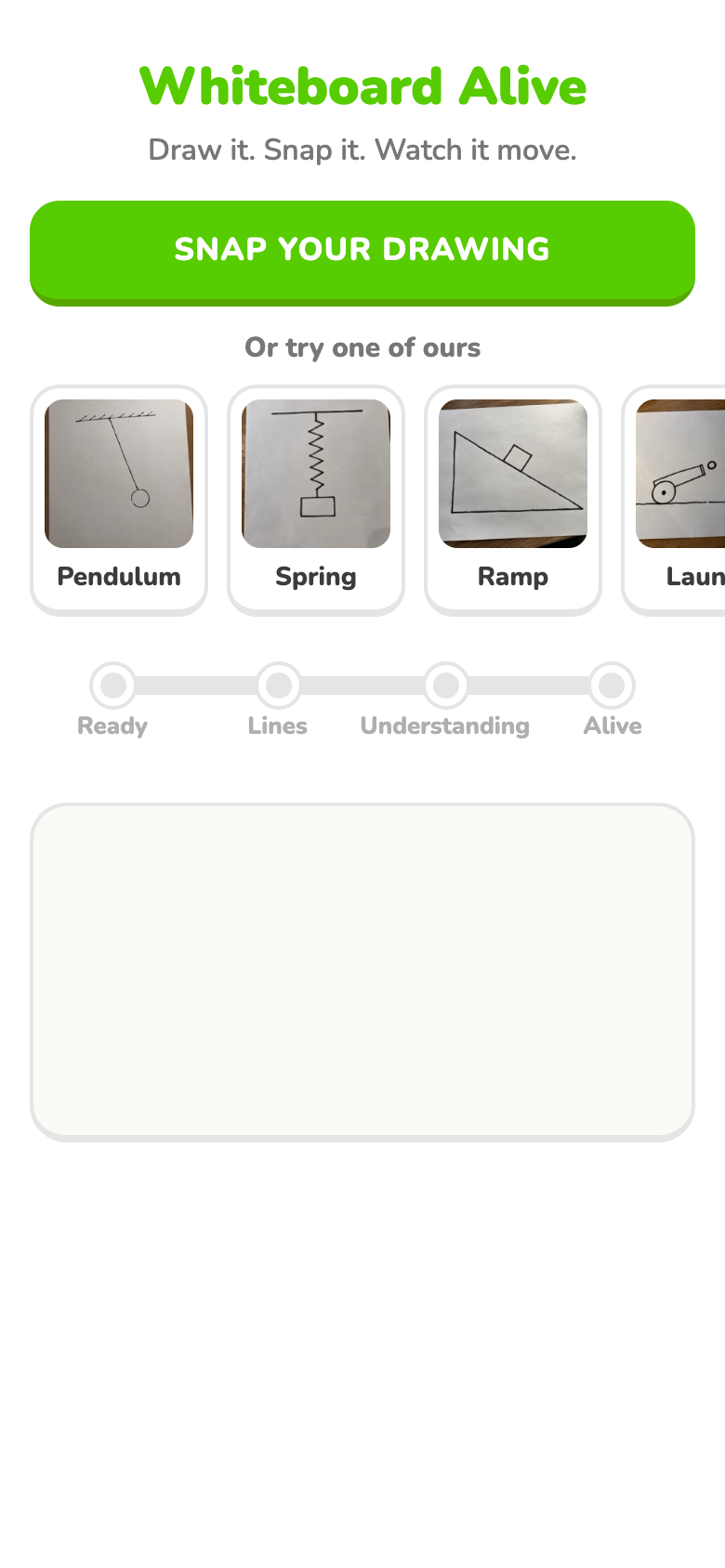
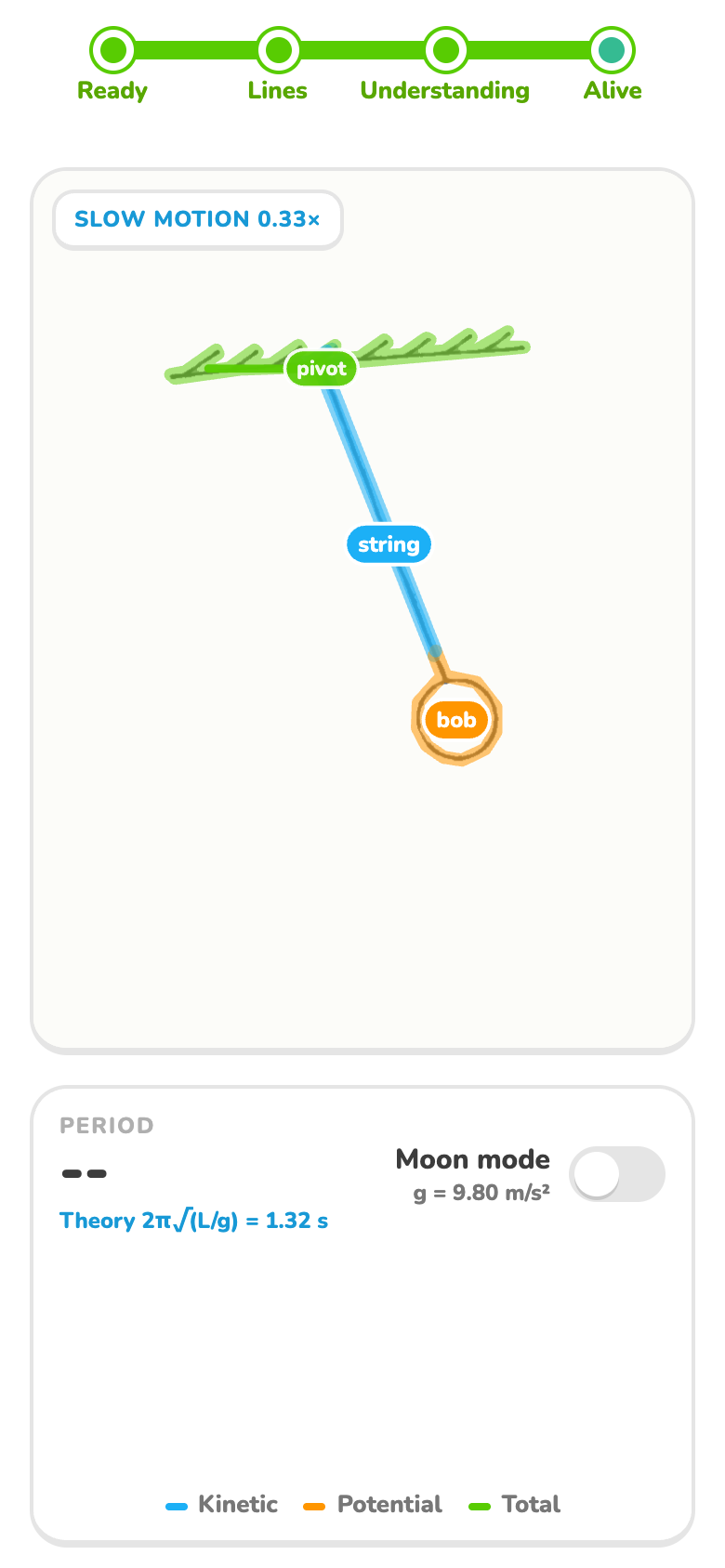
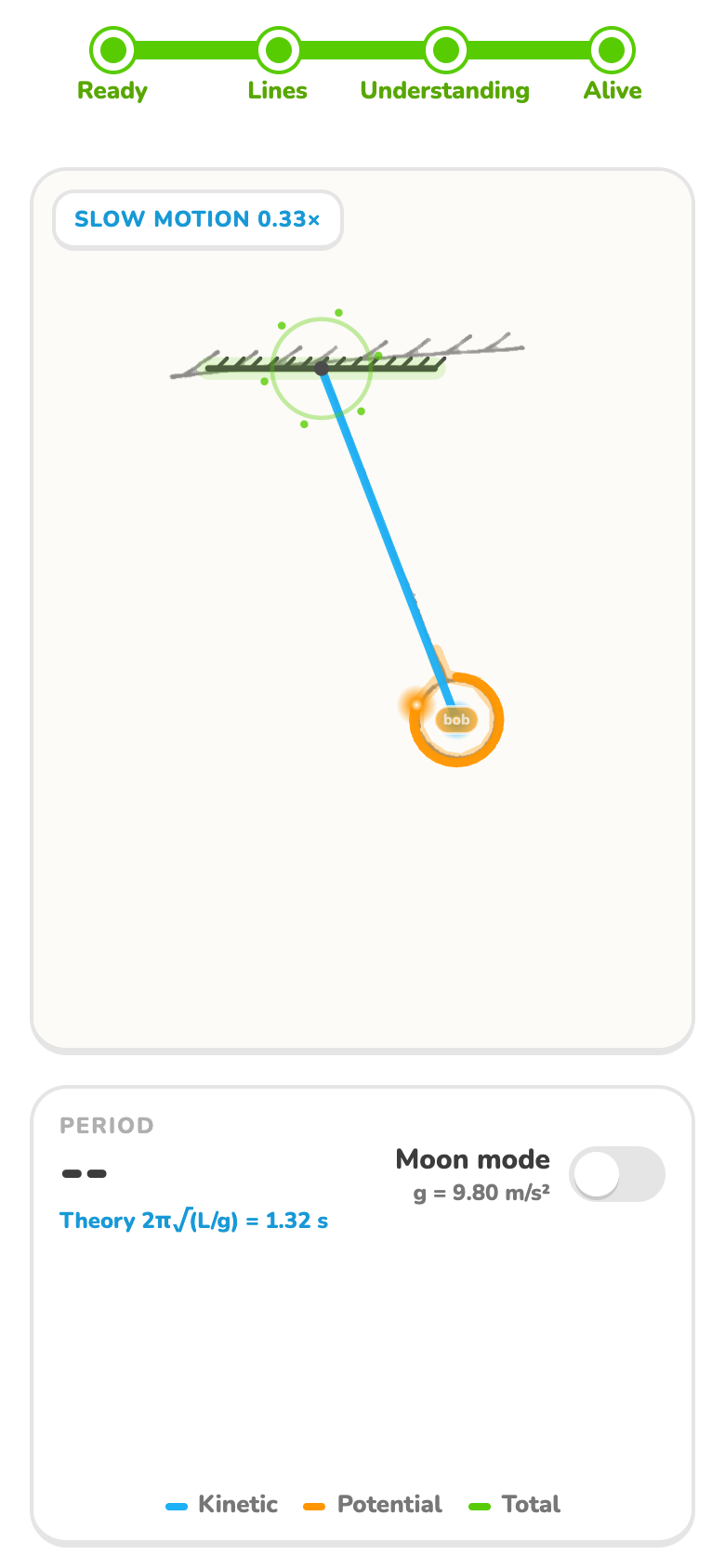
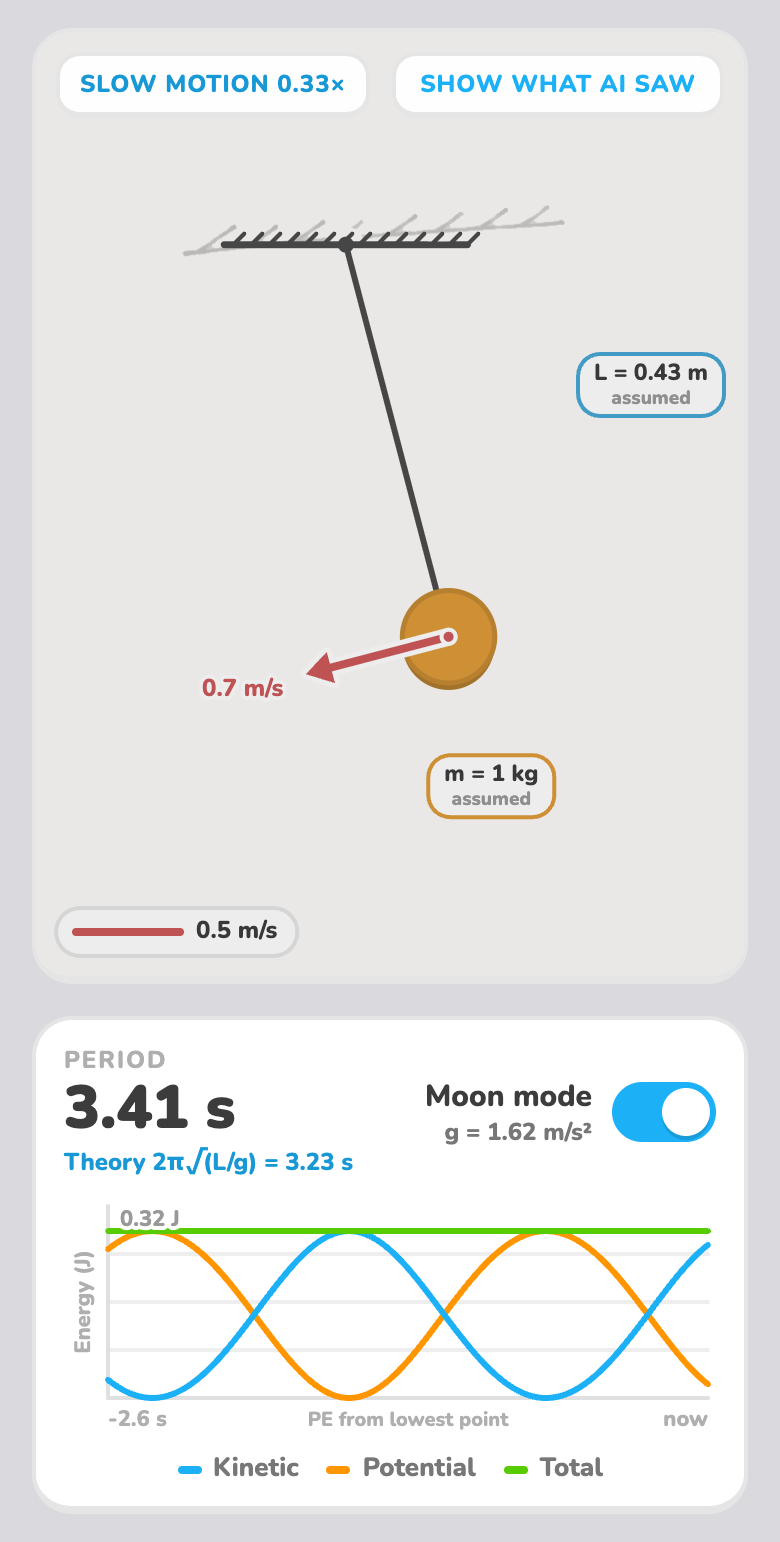
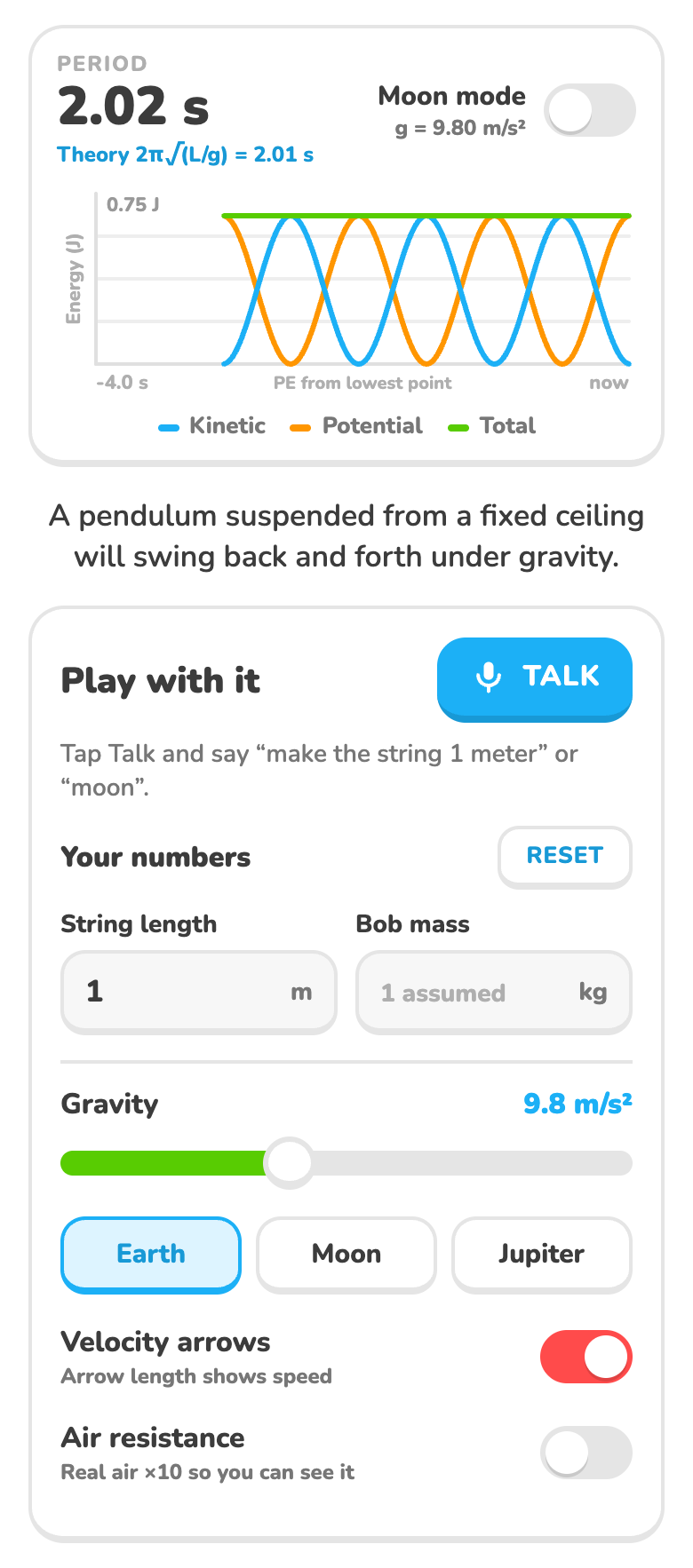
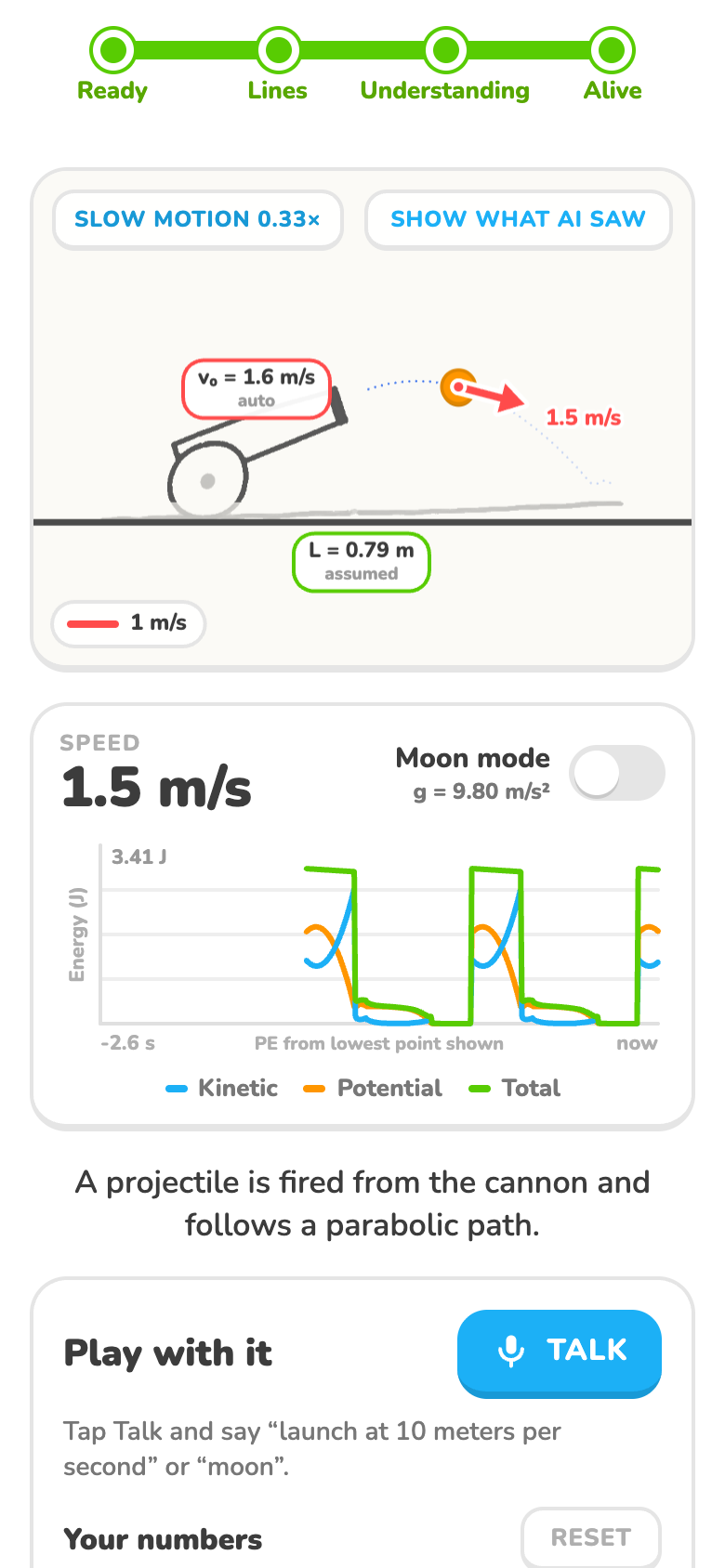
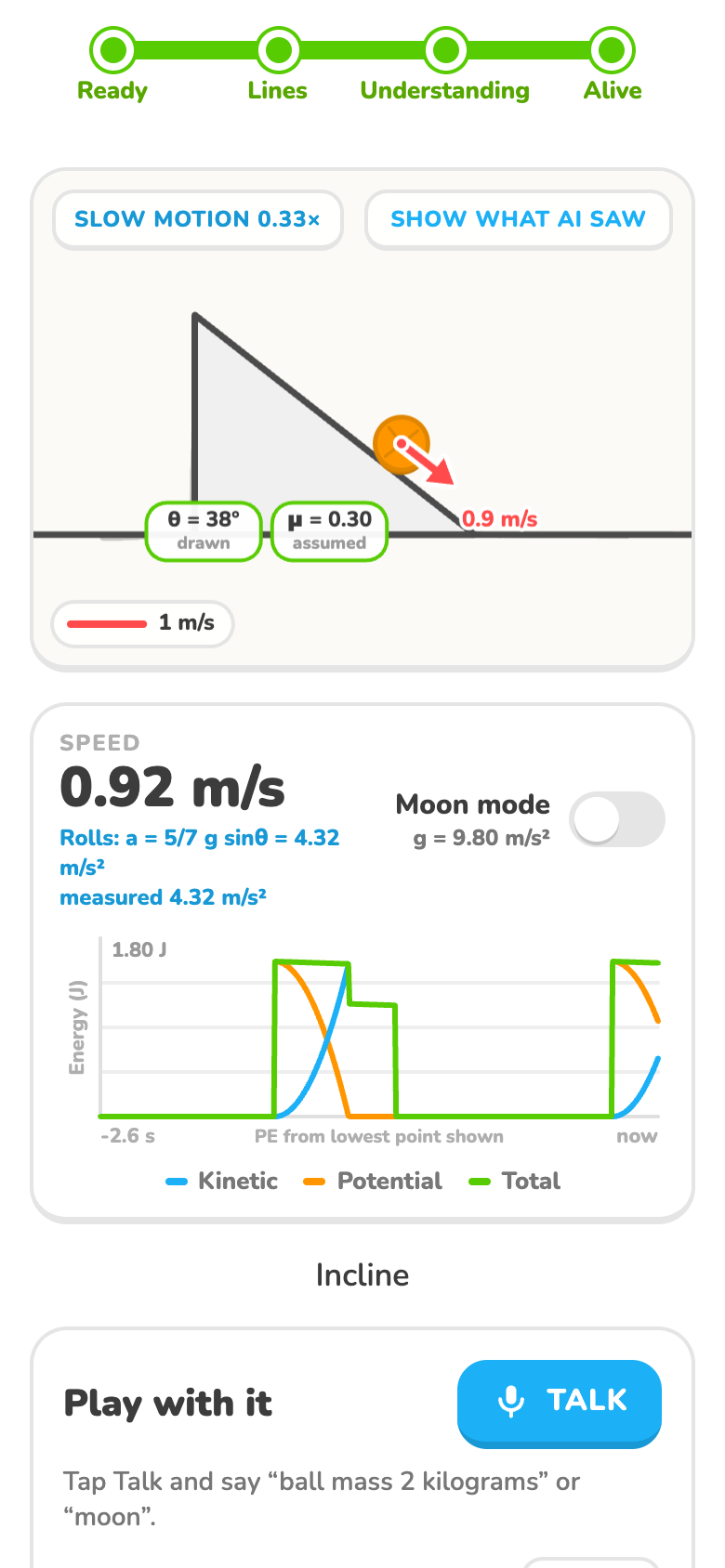
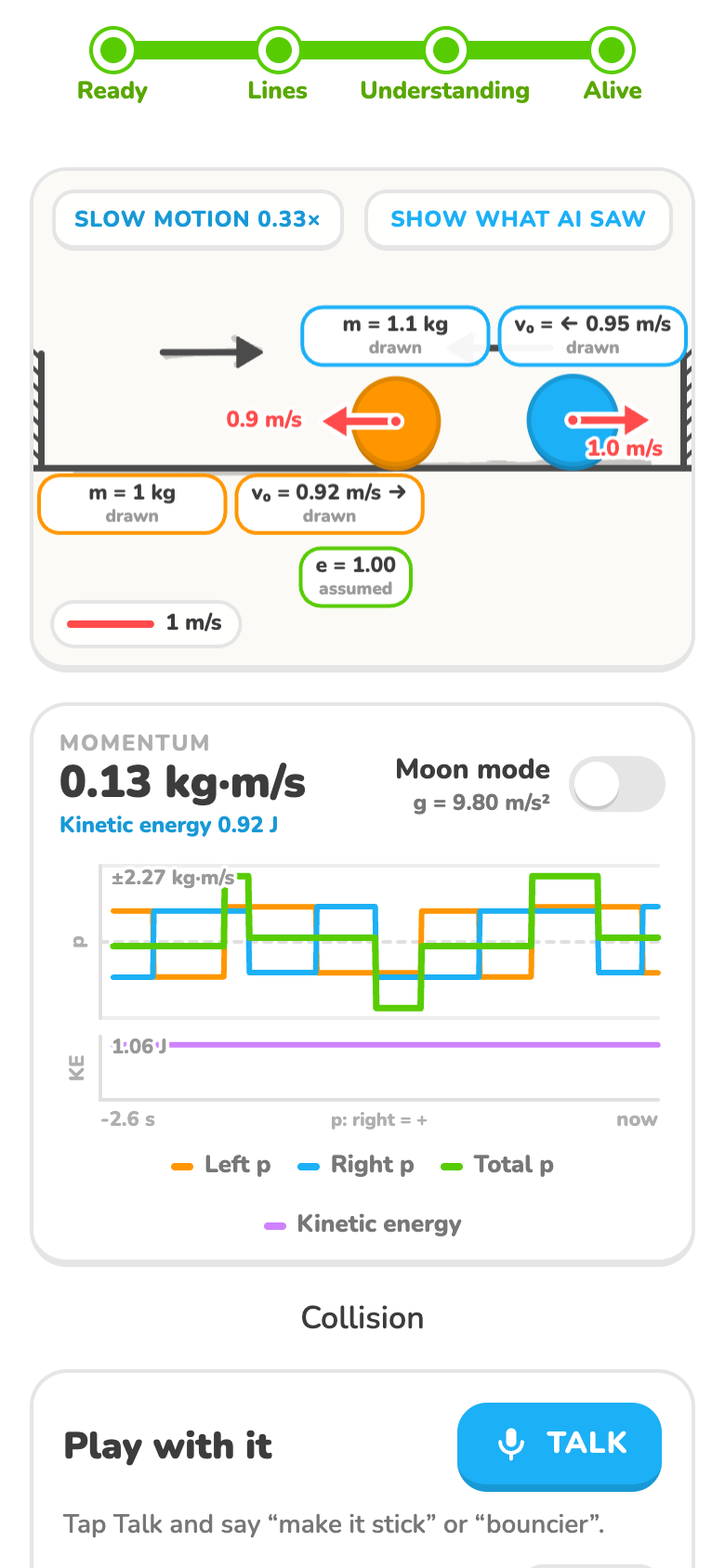
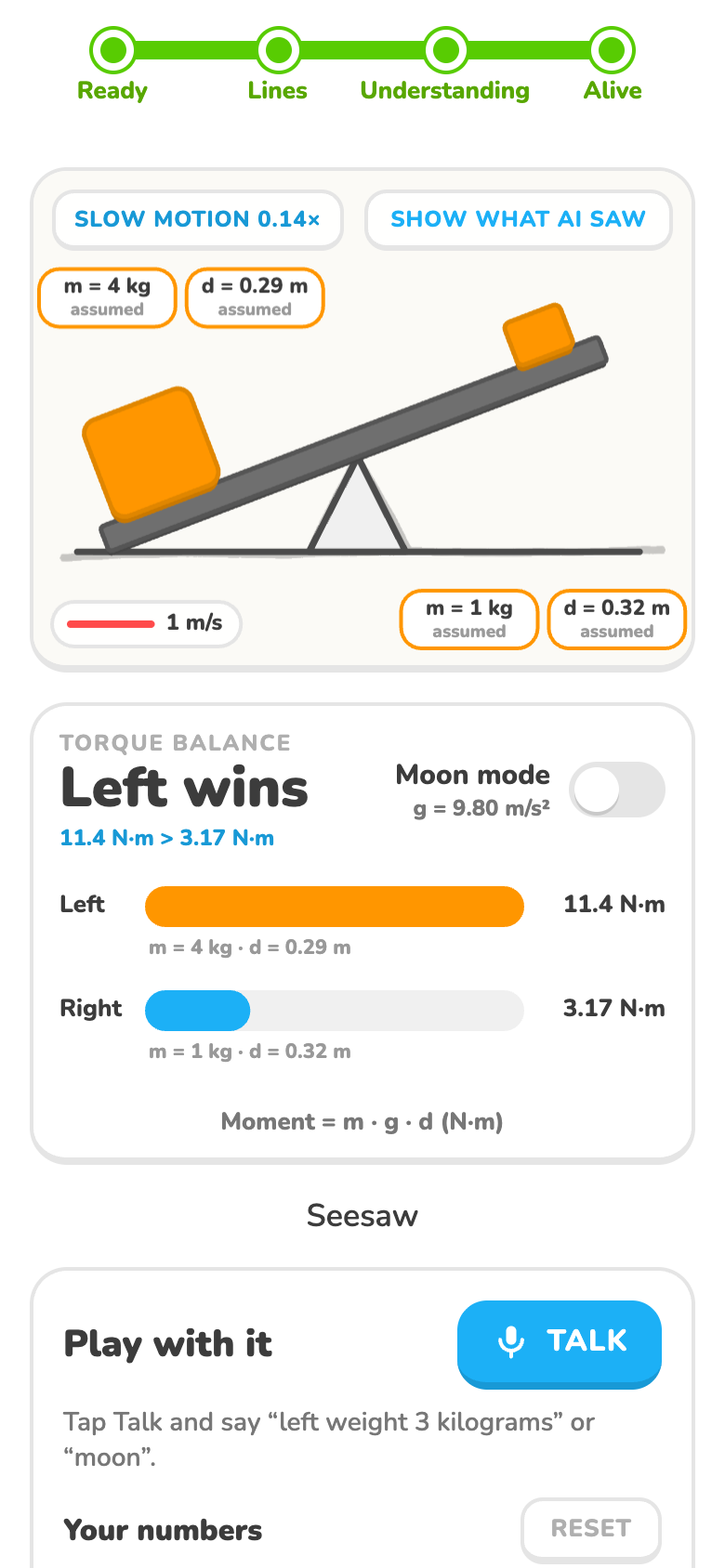
Draw a pendulum, spring, ramp (block or rolling ball), cannon, pulley, two colliding balls or a seesaw on paper, and take one photo with your phone. Whiteboard Alive colours each stroke by what it understood, traces your drawing part by part, and turns it into a clean physics simulation in the same place.
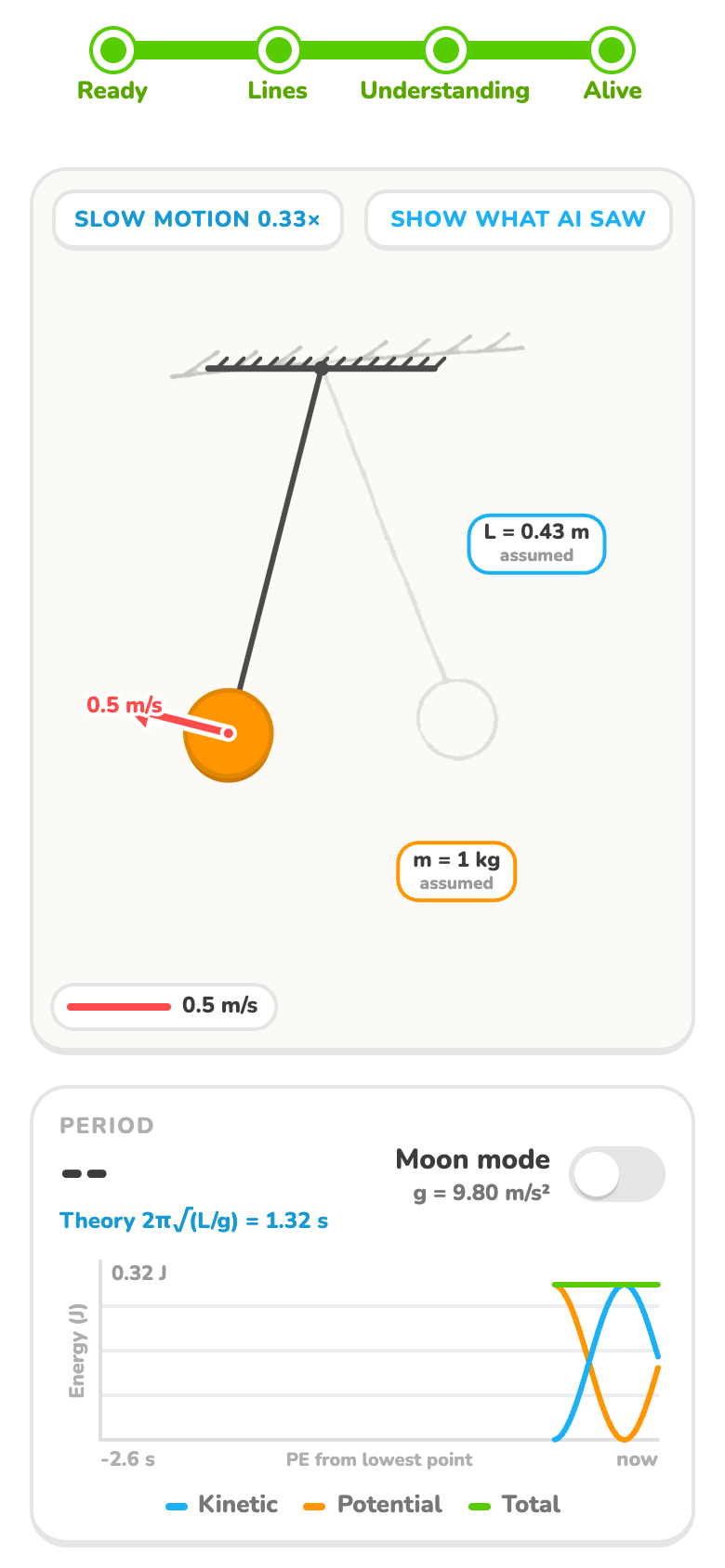
While it runs you can change the string length or ramp angle, switch to the Moon, or just say "make the string 1 meter". Every scene shows theory next to measurement: the period against T = 2π√(L/g), a rolling ball against a = 5/7 g sin θ, total momentum through a collision, and the moments m·g·d on a seesaw.
How we built it
- OpenCV.js runs on the phone. It cleans up the photo (black ink only, shadows evened out, broken lines joined), then finds and numbers every stroke and measures it.
- Gemini only answers one question: what is each numbered stroke (string, weight, spring...)? It never gives a coordinate. Every position comes from the photo.
- Matter.js runs the physics on clean shapes built exactly where you drew. Where a textbook formula exists, we compute the motion so the numbers match it.
- Vite + TypeScript on a plain Canvas, deployed to GitHub Pages with GitHub Actions. No server of our own.
Challenges we ran into
- The AI got positions wrong. Asking the model "where is the pivot?" was always close but never exact. Giving it numbered strokes and only asking for roles fixed it.
- Shadows and stains looked like lines. We now pick up black ink only and compare each pixel with the paper around it.
- Making the physics correct. The engine's friction isn't textbook friction, so we wrote our own, and we check every result against the formula.
- The AI can be down. If it is, the app guesses the diagram from the shapes alone. On our 42 test drawings it picked the right one every time, and all 42 moved.
What we learned
Let the AI do what it is good at (naming things) and let computer vision do what it is good at (measuring them). And a demo that never freezes beats a perfect one that sometimes does.
What's next
A live camera pointed at a real classroom whiteboard, circuits and optics, and sharing a drawing with the class as a link.
Built With
- gemini
- github
- github-actions
- html5
- matter.js
- opencv.js
- typescript
- vite
- web-speech-api

Log in or sign up for Devpost to join the conversation.