Inspiration
The term "Doomscrolling" usually refers to the anxiety-inducing habit of endlessly scrolling through bad news. We wanted to reclaim that term and turn it into something entertaining. We asked: What if the "doom" wasn't political anxiety, but actual digital horror?
We were inspired by the nostalgia of the early internet, "creepypasta" culture, and the aesthetic of analog horror. We wanted to build a reading experience that didn't just present text, but actively participated in the storytelling—creating an environment where the medium (the "cursed" computer) is just as scary as the message.
What it does
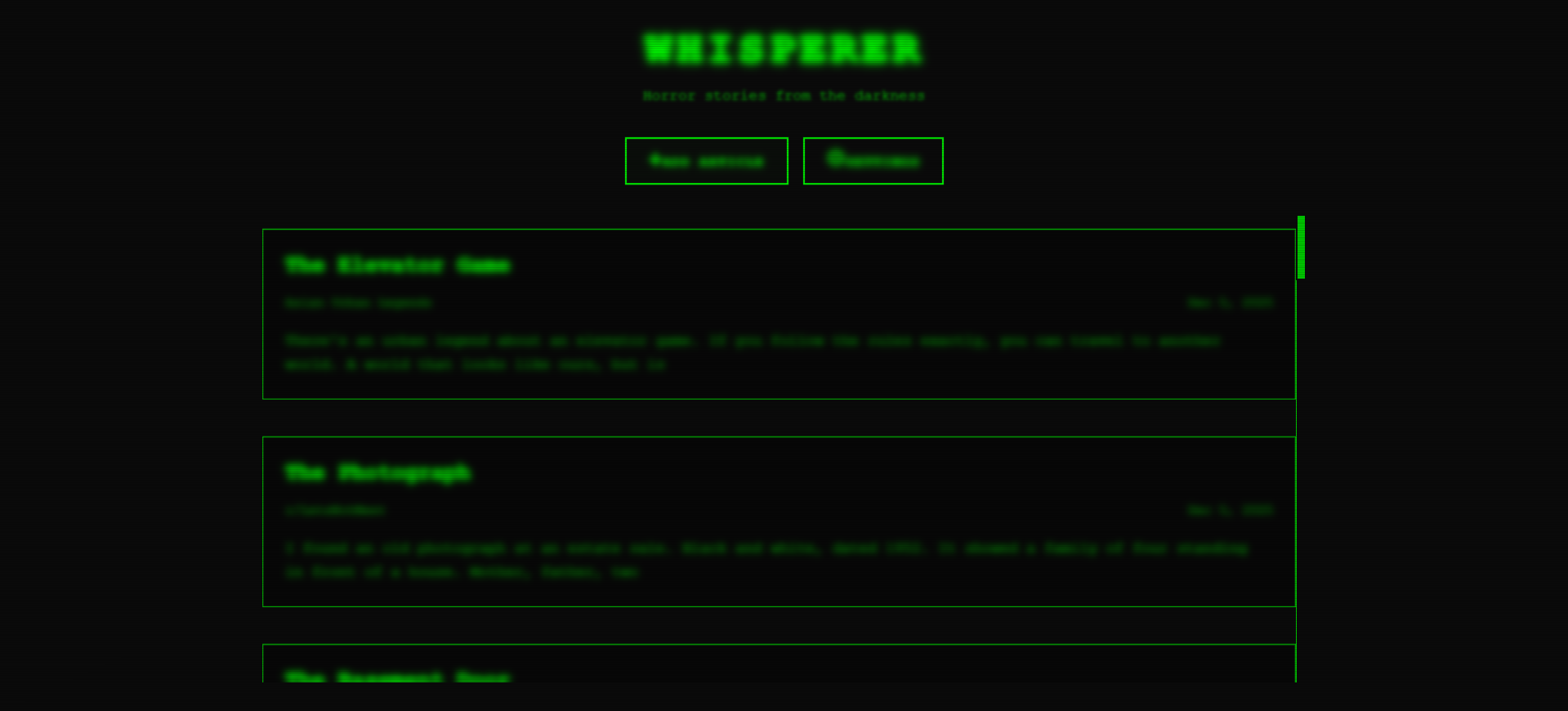
Whisperer is an immersive, horror-themed web reader wrapped in a retro CRT monitor aesthetic.
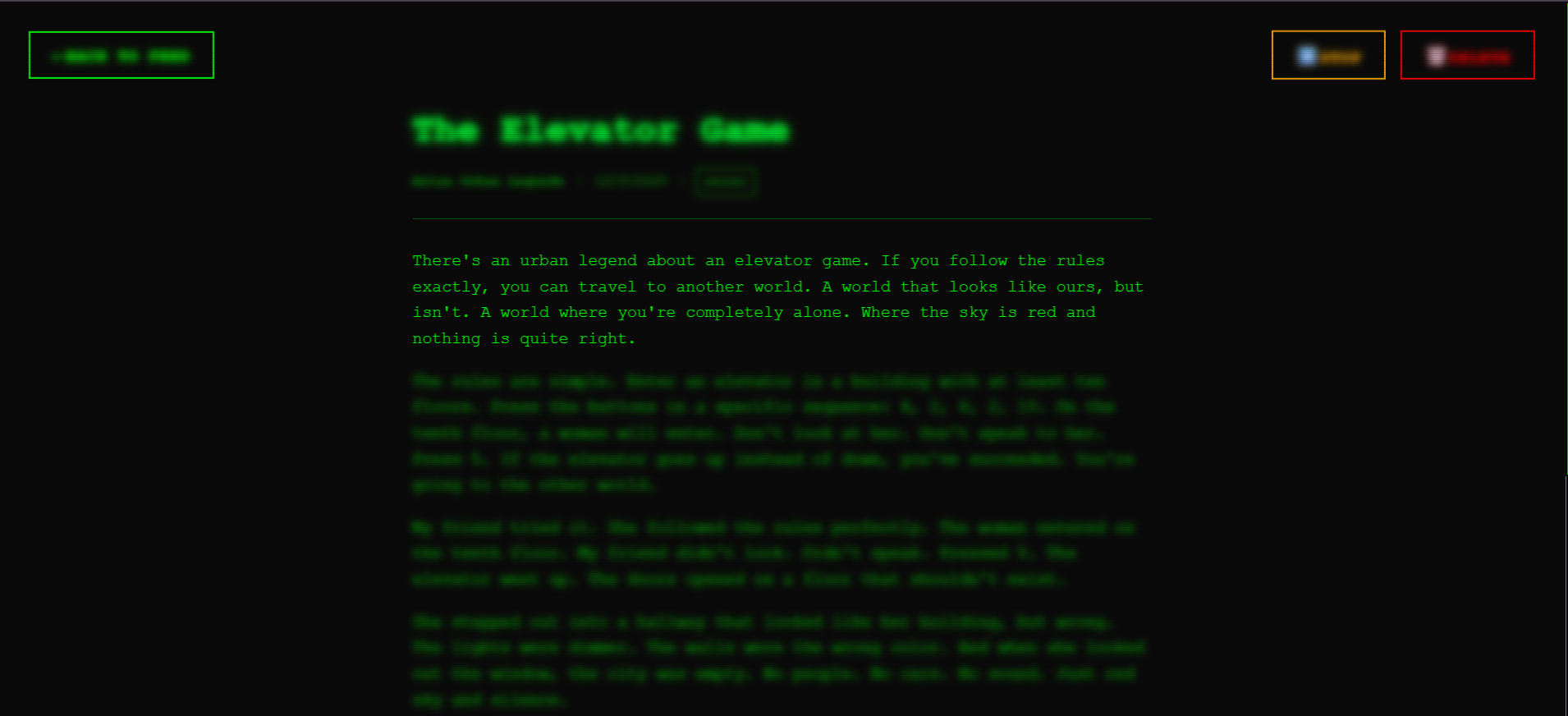
- Atmospheric Reading: It presents horror stories where text is blurred by default; users must hover over paragraphs to reveal them, slowing the pace and building suspense.
- The Whisperer: An integrated text-to-speech narrator reads the stories aloud in a haunting, slowed-down voice.
- Dynamic Scares: As you read, the app randomly triggers visual and audio events—spiders crawling across the screen, sudden glitches, shadow figures, and jump scares.
- Audio Immersion: It manages a complex soundscape of background drones, contextual sound effects, and narration.
How we built it
We built Whisperer using React 19 and TypeScript, leveraging Vite for a lightning-fast development experience.
- Visuals: The CRT aesthetic (scanlines, phosphor glow, jitter) was created using CSS Modules and complex keyframe animations. We used SVG manipulation for the procedural "spooky" effects like crawling spiders and floating ghosts.
- Audio: We utilized the native Web Speech API for the narrator, allowing us to control pitch and rate without external dependencies. A custom
AudioManagerclass handles the layering of background music (HTML5 Audio) and short sound effects. - State Management: We used React Context to handle the global state of the "simulation"—syncing the visual glitches with audio cues and managing accessibility preferences.
Challenges we ran into
- The Autoplay Policy: Browsers are very strict about audio playing without user interaction. We had to architect an "initialization" state that waits for the user's first click before enabling the atmospheric audio and narrator, ensuring the experience didn't break silently.
- Narrator Synchronization: Getting the Web Speech API to pause gracefully when a "Jump Scare" event occurred—and then resume exactly where it left off—required careful event listener management.
- Performance vs. Aesthetics: The "blur-to-reveal" effect combined with full-screen CRT scanlines and jitter is heavy on the GPU. We had to optimize our CSS filters to ensure the scrolling remained smooth even on average laptops.
Accomplishments that we're proud of
- The "Vibe": We managed to nail the "cursed terminal" aesthetic. The combination of the green phosphor glow, the hum of the audio, and the slow narration genuinely creates a creepy atmosphere.
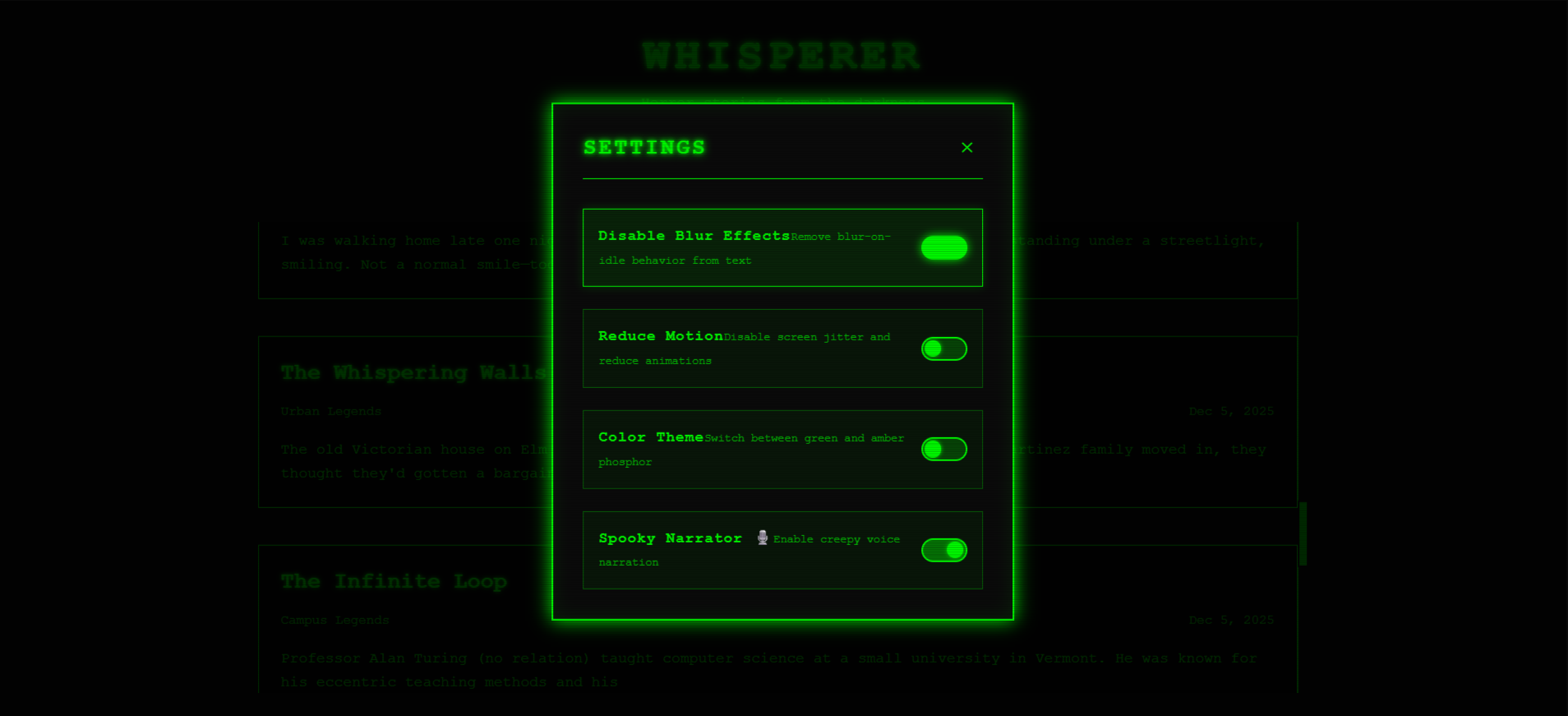
- Accessibility in Horror: Often, "immersive" sites ignore accessibility. We are proud that we implemented full keyboard navigation, screen reader support, and a "Reduce Motion" mode that disables the intense flickering and jitter for sensitive users.
- Robust Testing: We implemented property-based testing using
fast-checkto ensure our utility functions (like the random scare generator) were stable and predictable.
What we learned
- Web Speech API Limitations: We learned that browser voices vary wildly between OSs. We had to write fallback logic to ensure "The Whisperer" sounded creepy on both Windows (Microsoft voices) and macOS (Apple voices).
- Suspense is Technical: We learned that horror isn't just about content; it's about timing. Using
setTimeoutandDebouncehooks effectively was crucial to pacing the jump scares so they didn't feel spammy or annoying.
What's next for Whisperer
- AI Story Generation: Connecting the app to an LLM to generate unique horror stories on the fly based on user prompts.
- Microphone Integration: Using the microphone to detect if the user makes a noise (screams), triggering the "monster" to react on screen.
- Mobile PWA: optimizing the CRT shaders for mobile devices to allow for "horror on the go."
Built With
- kiro
- opengameart
- tenor-gif
- vite

Log in or sign up for Devpost to join the conversation.