-
-
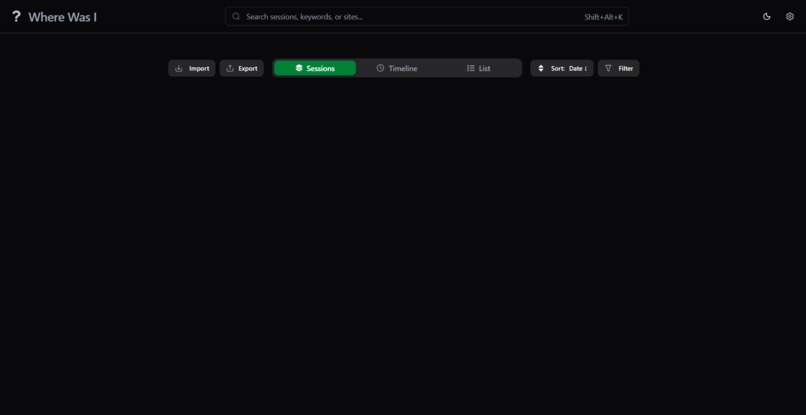
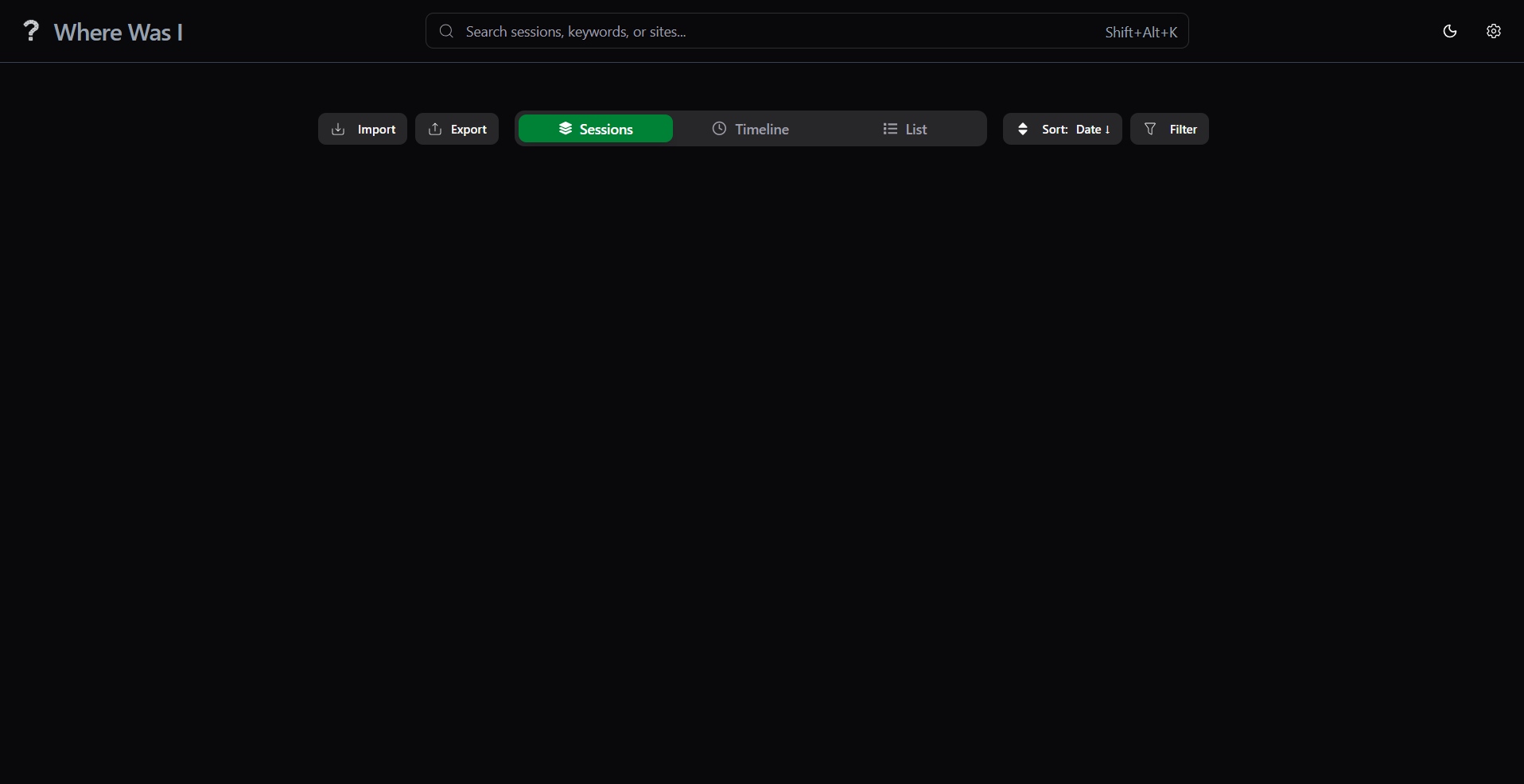
Home Page (Without Sessions)
-
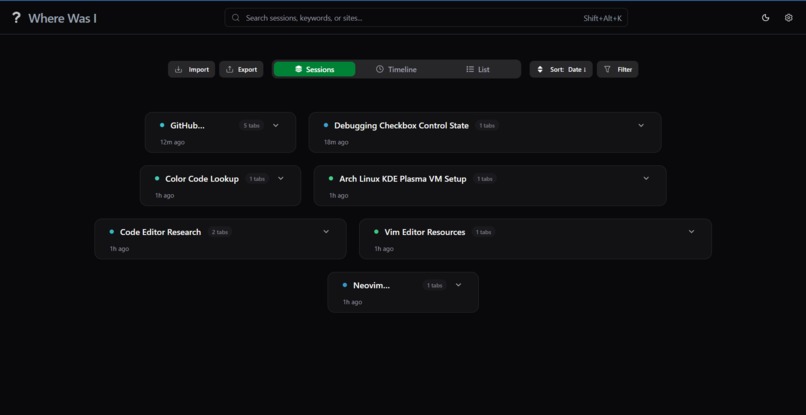
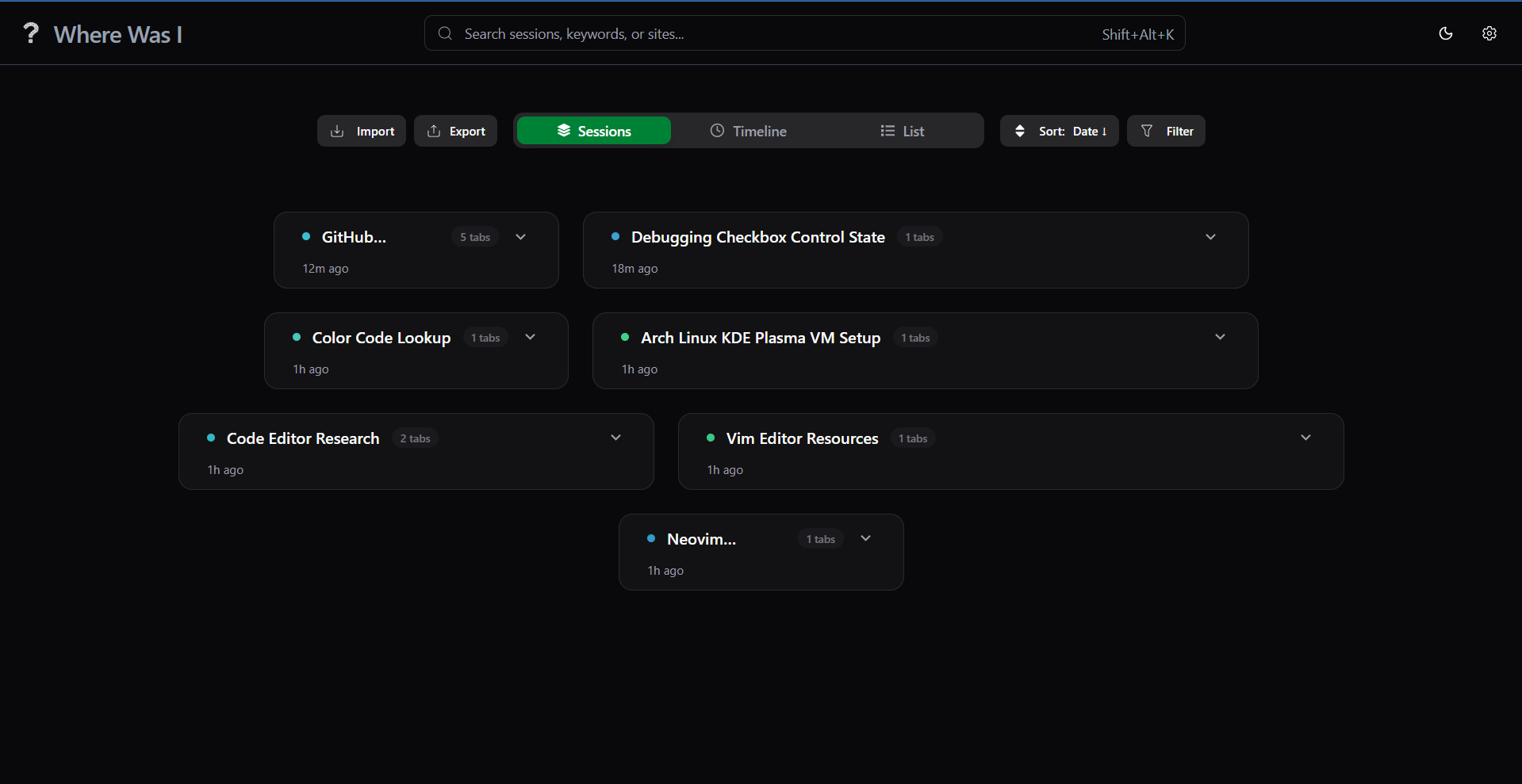
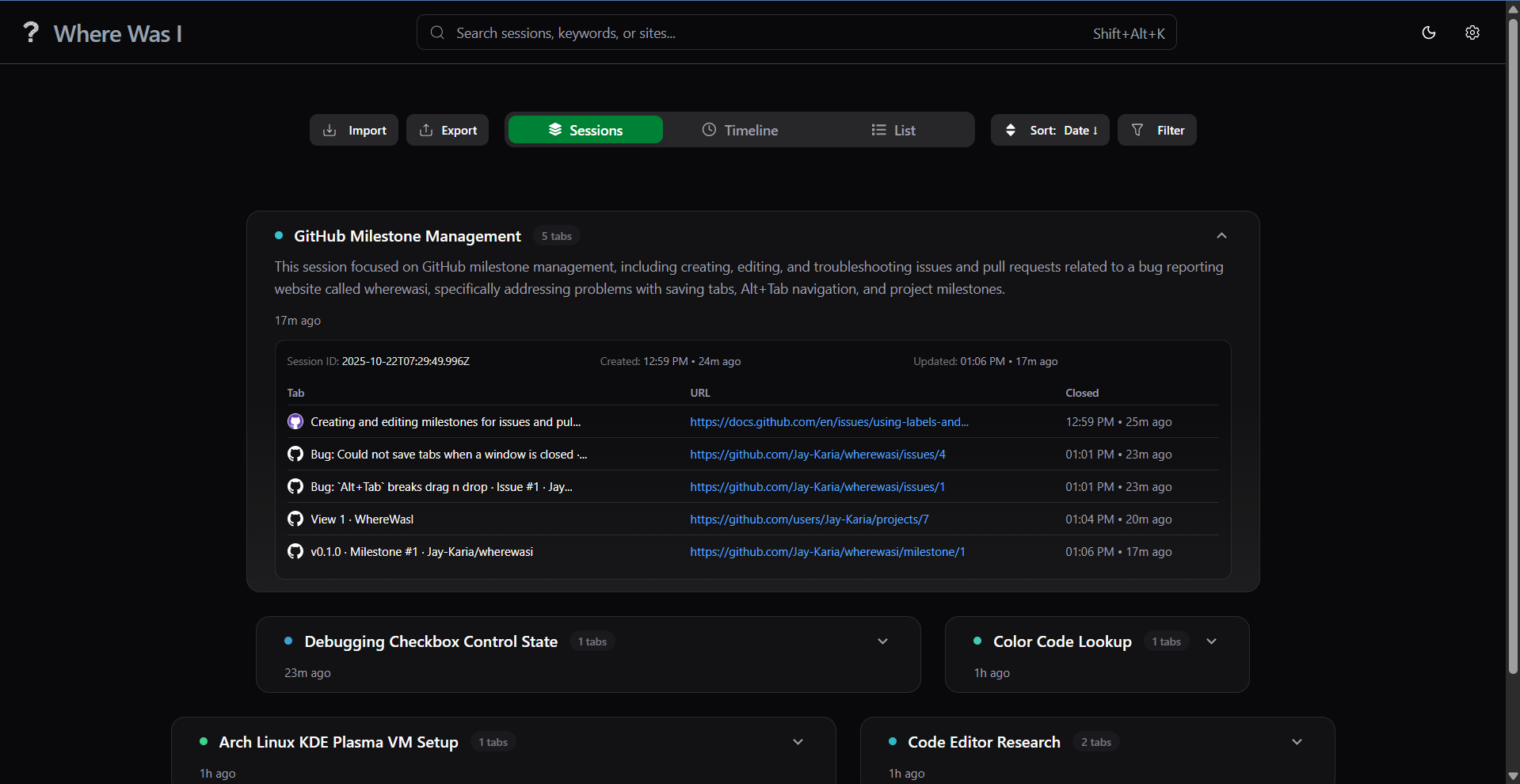
Sessions View
-
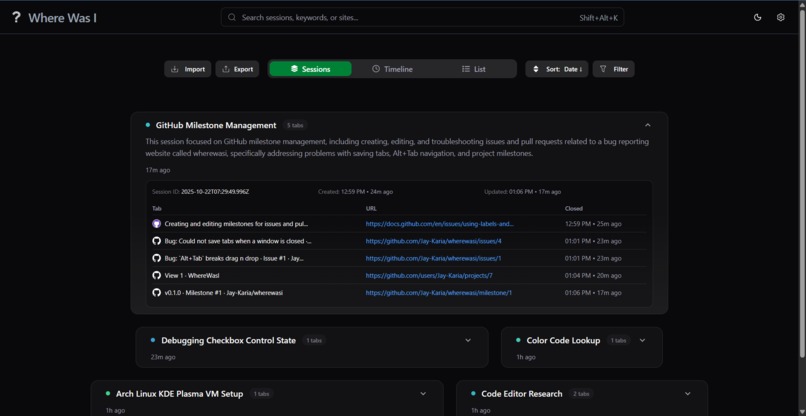
Sessions View (Expanded)
-
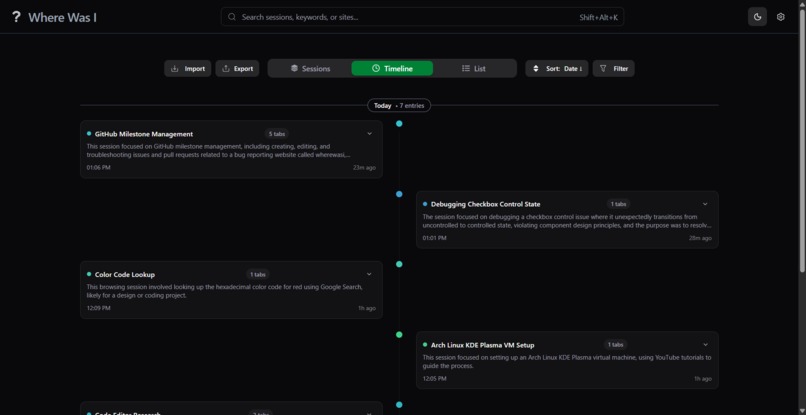
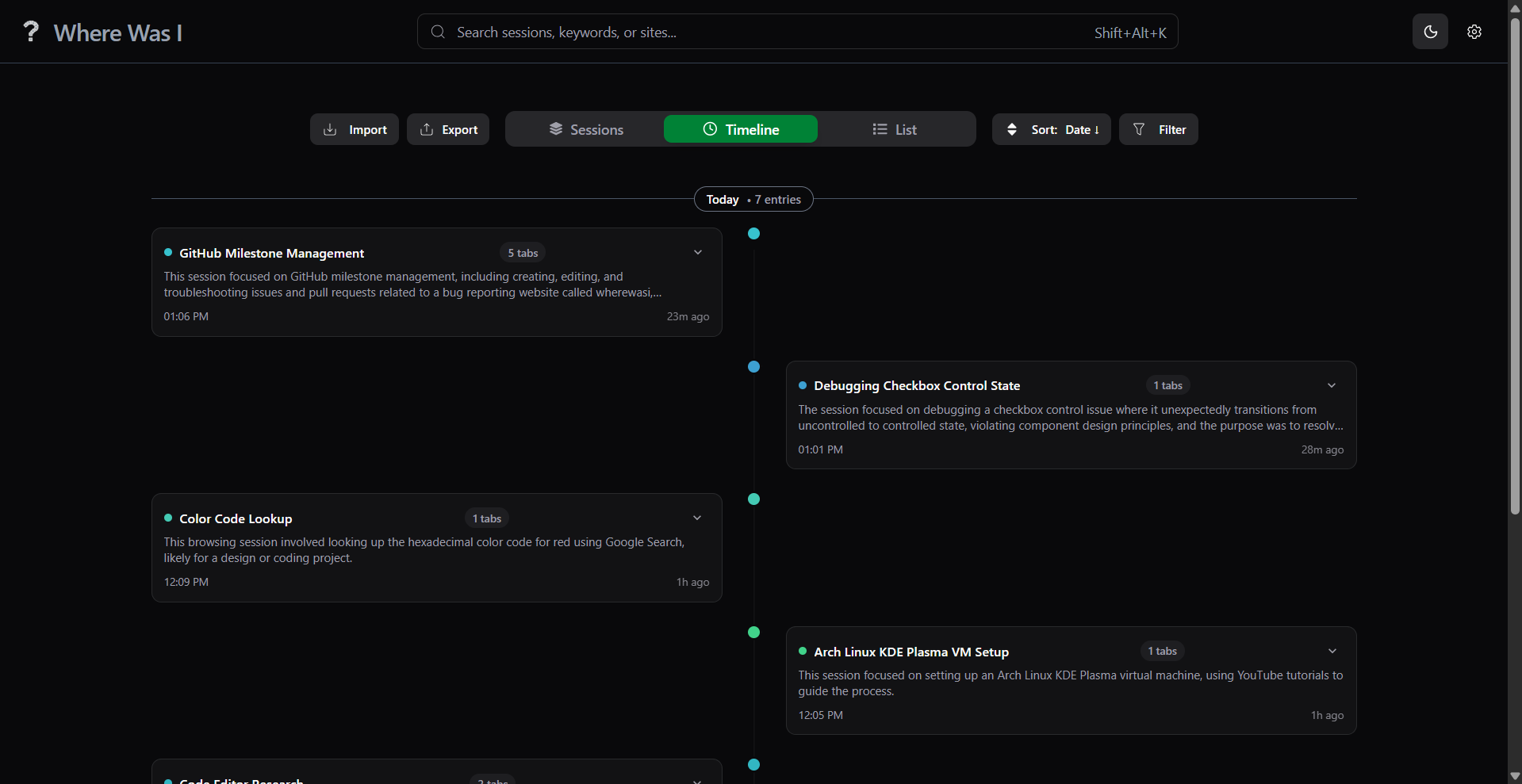
Timeline View
-
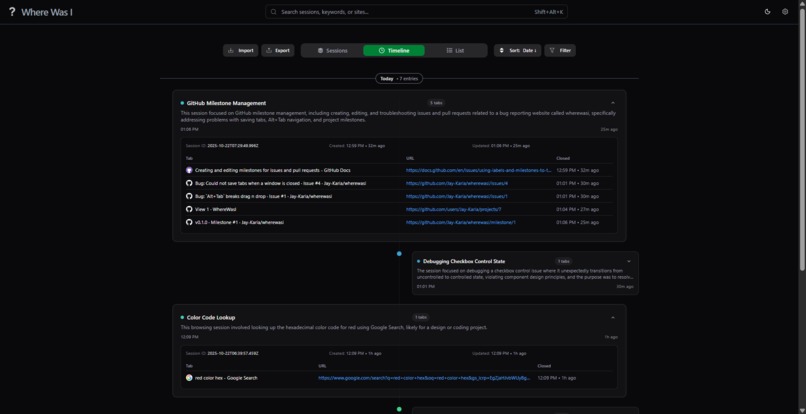
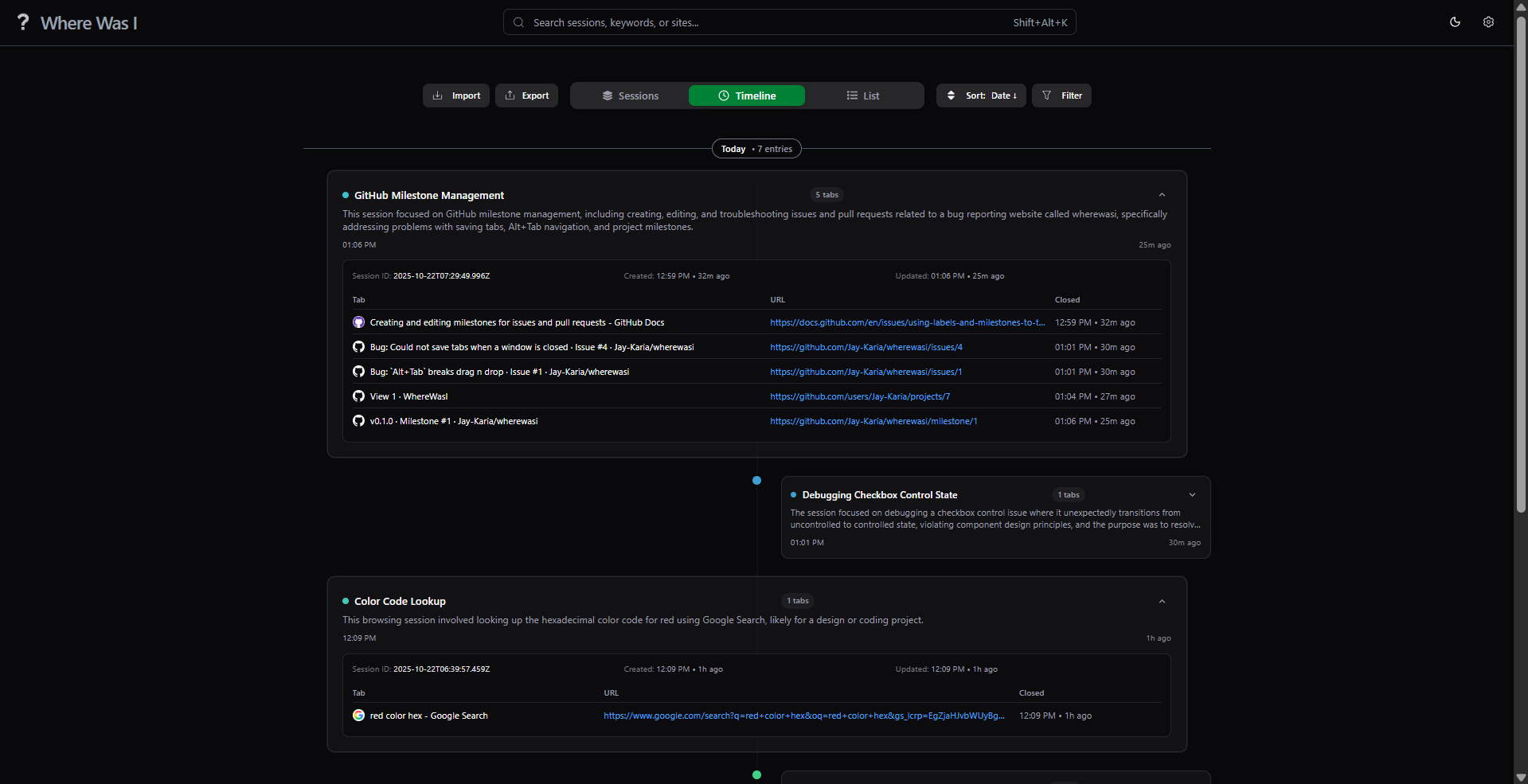
Timeline View (Expanded)
-
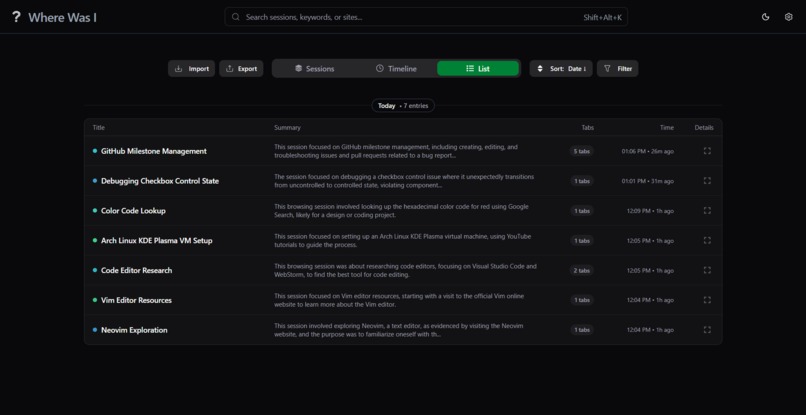
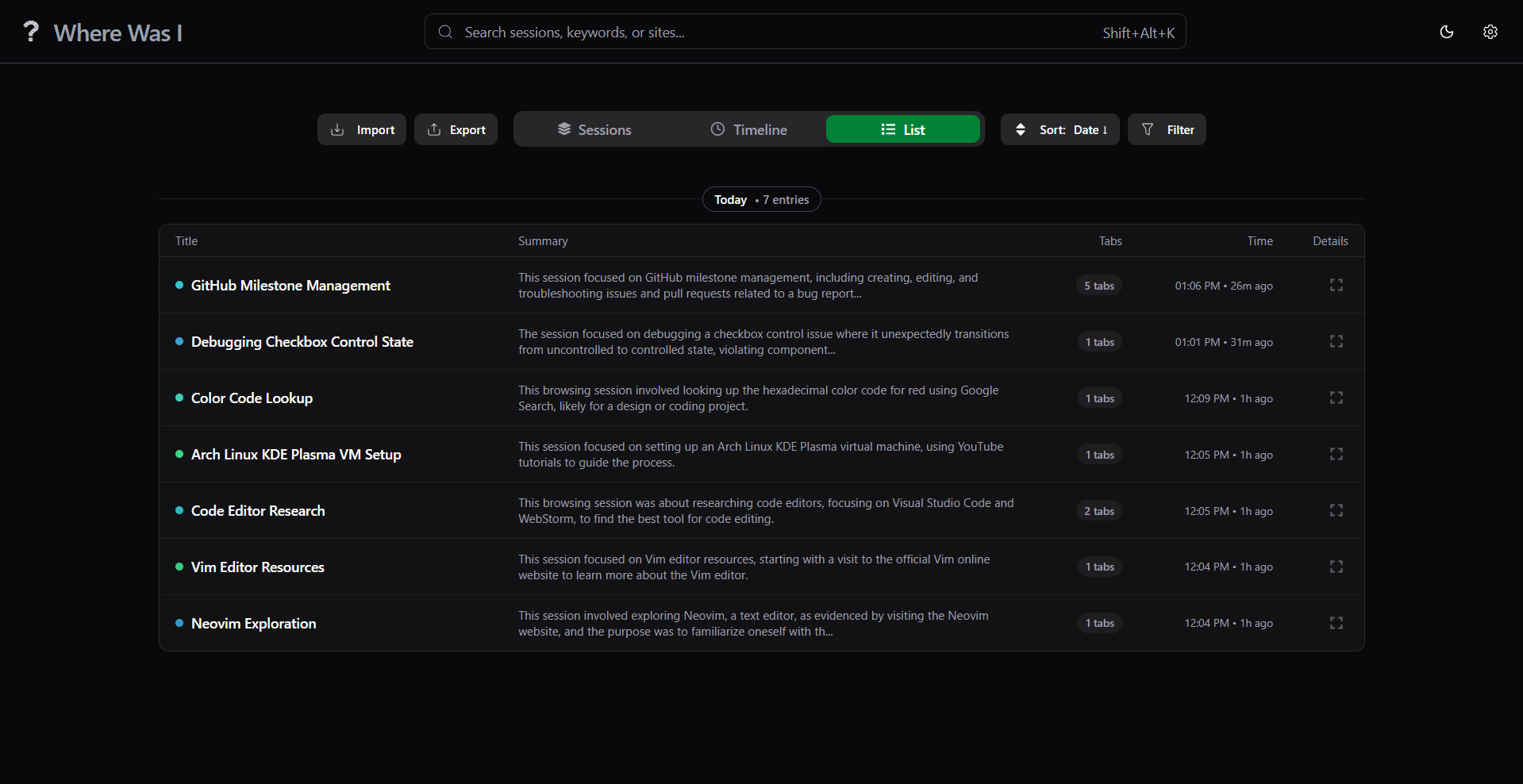
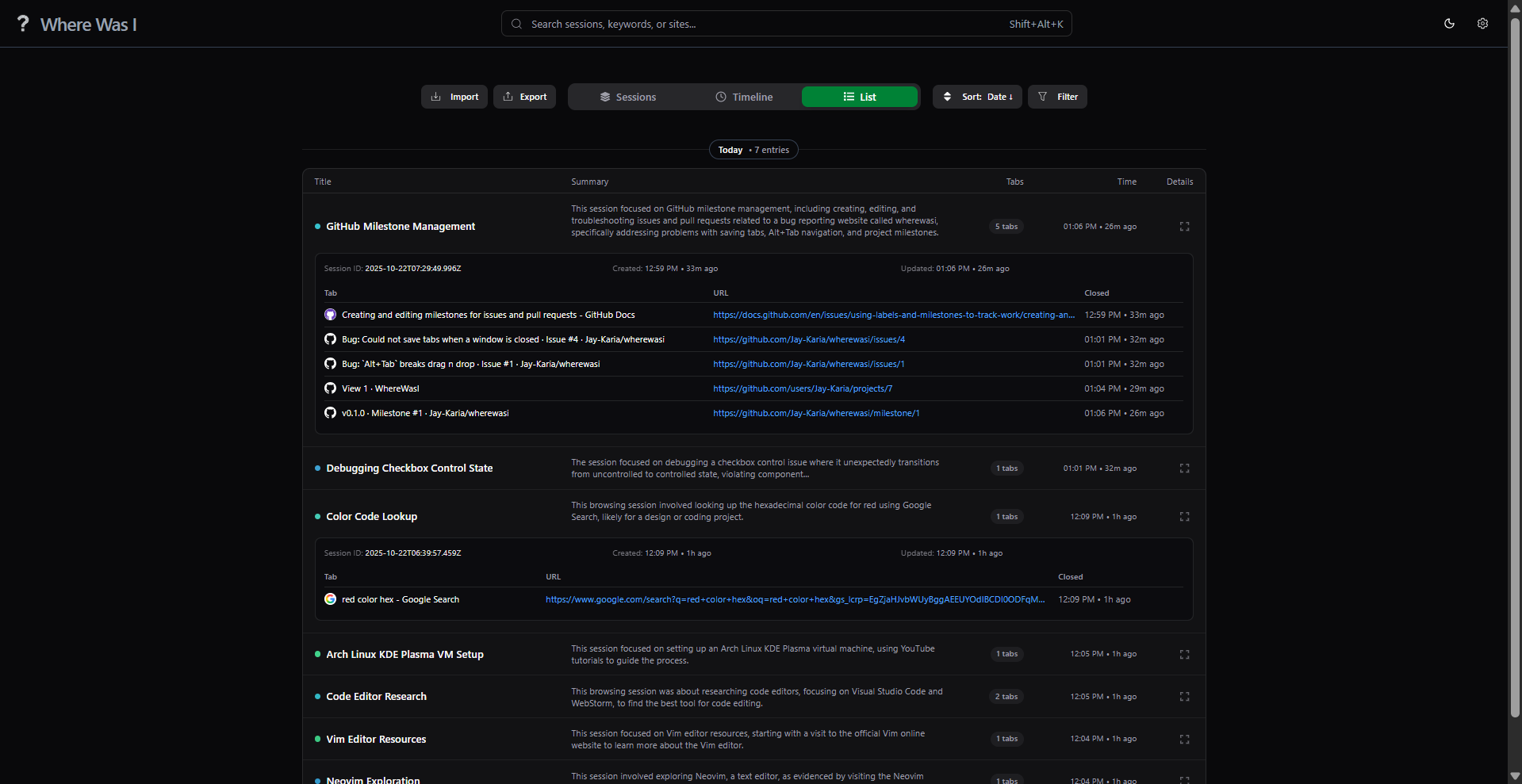
List View
-
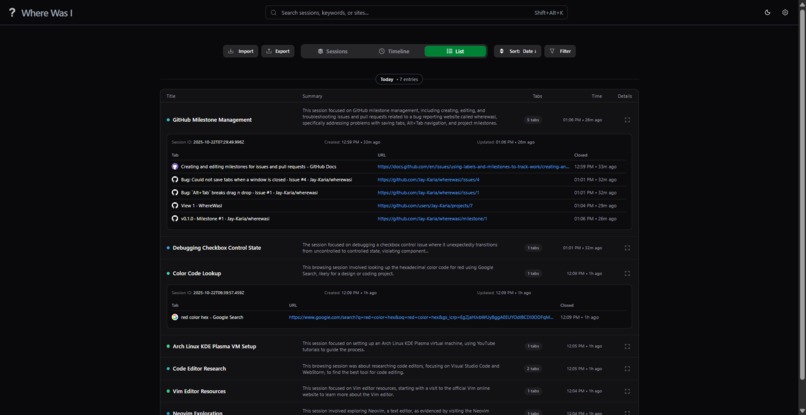
List View (Expanded)
-
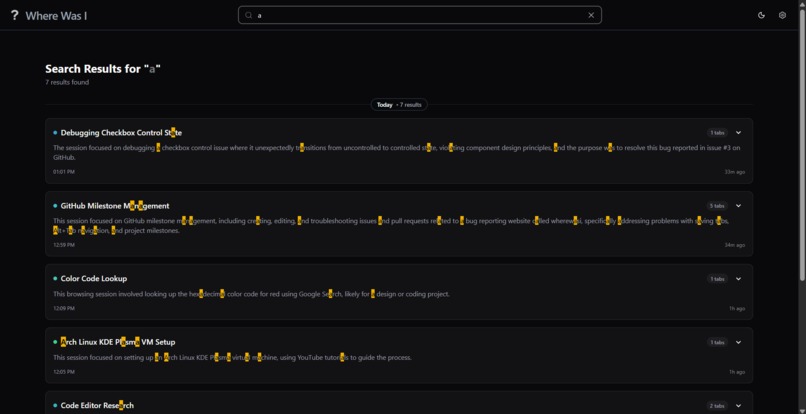
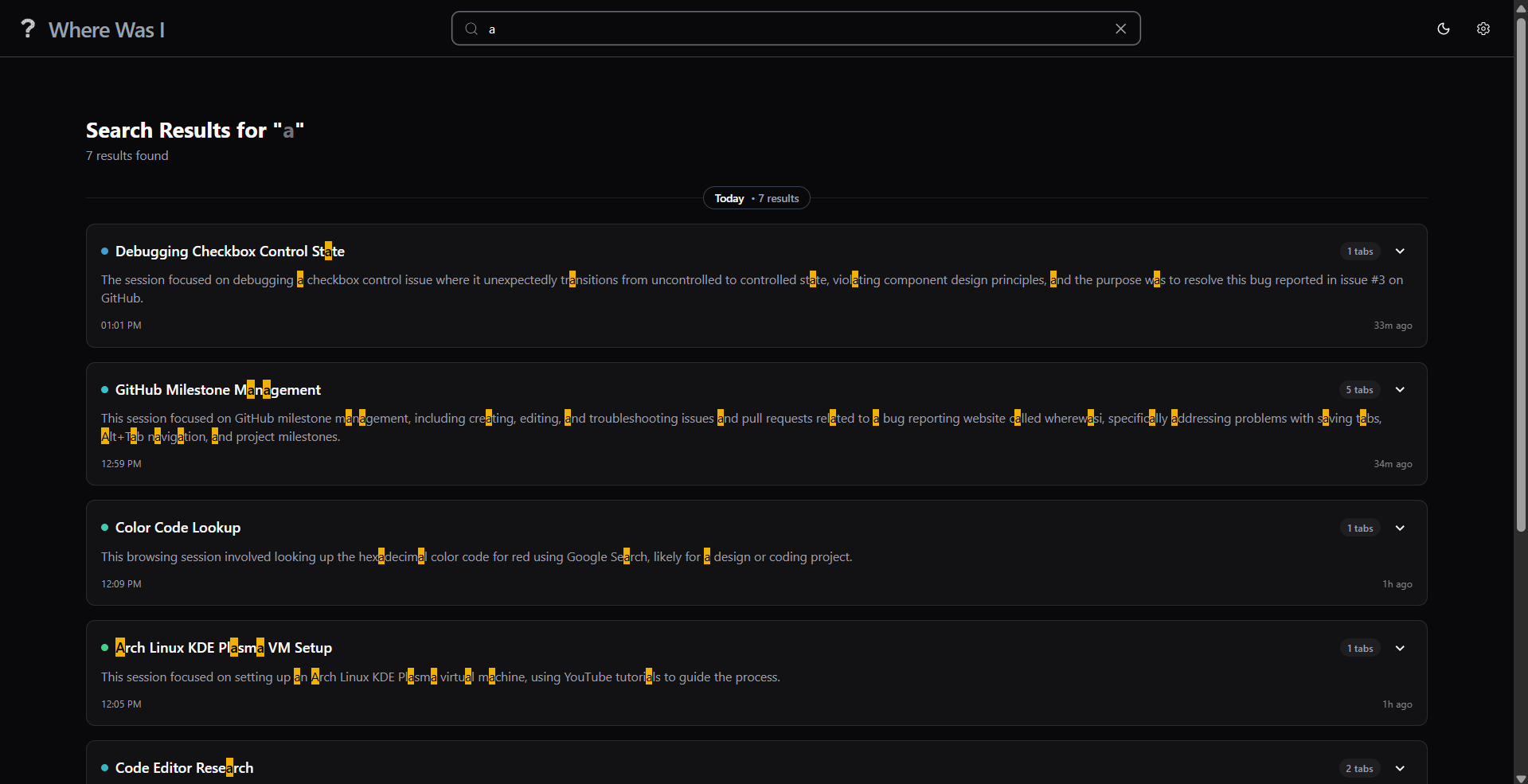
Search
-
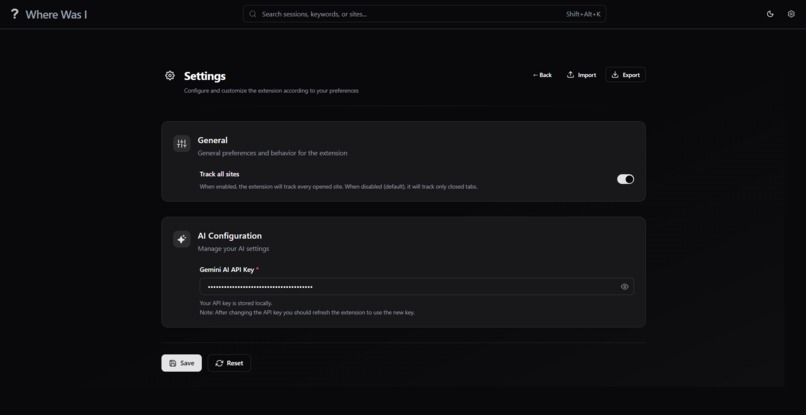
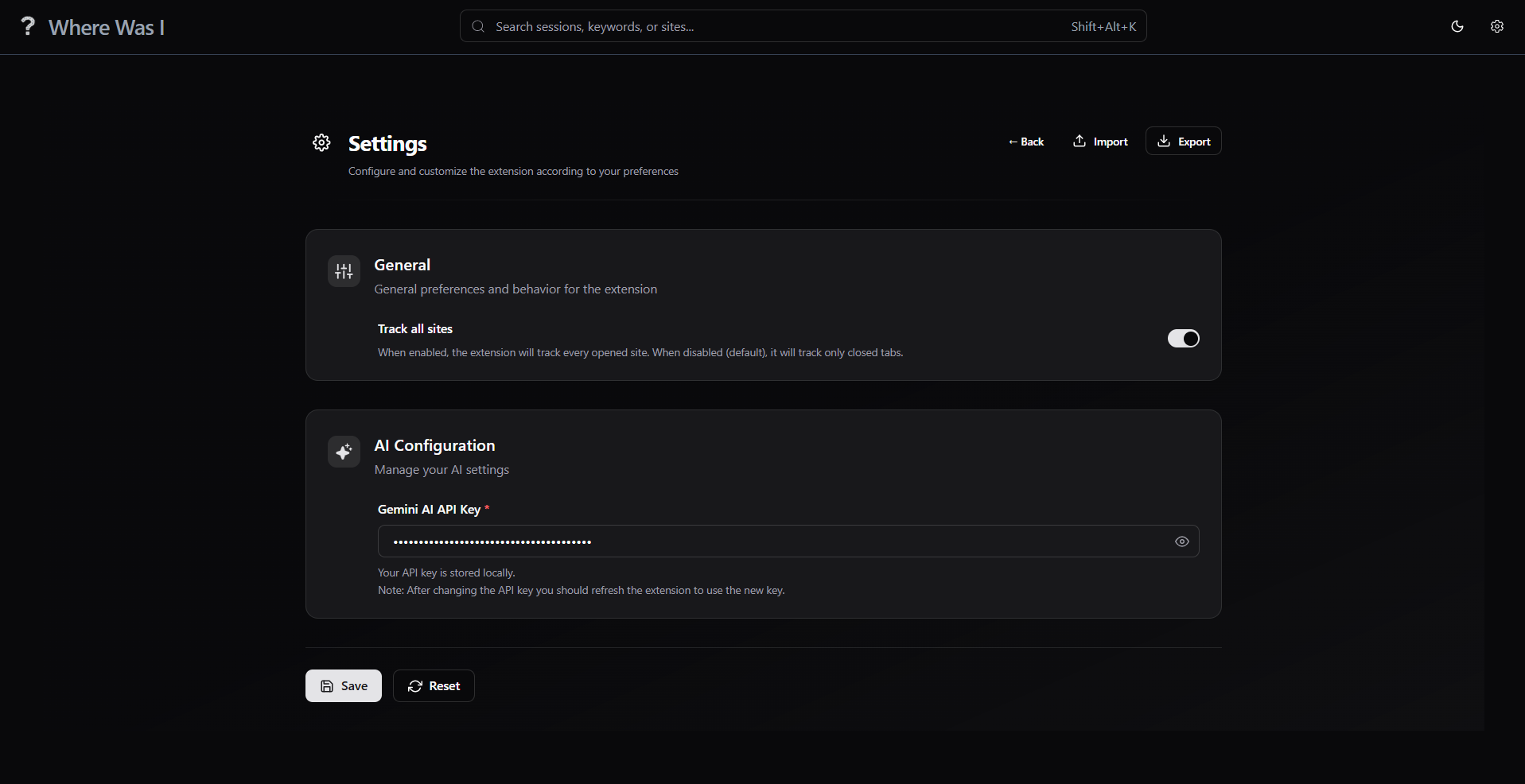
Settings Page
-
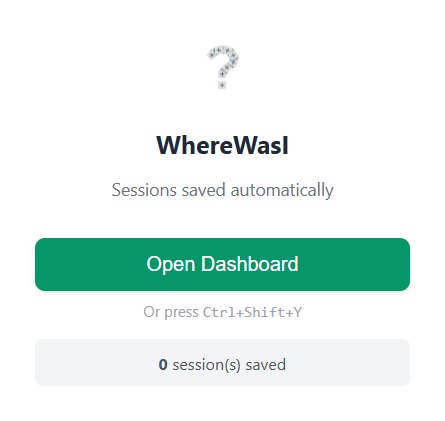
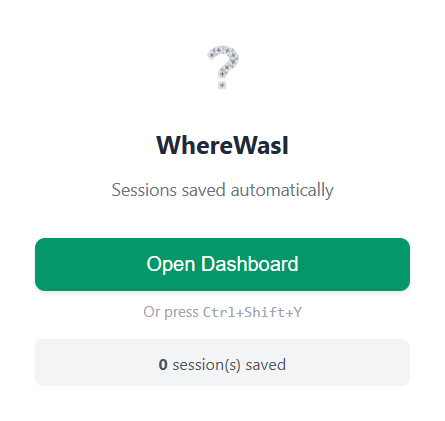
Extension Popup
Inspiration
The inspiration for "Where Was I" wasn't just the general frustration of the "tab-pocalypse." It came from a specific, recurring, and infuriating experience that every developer knows: knowing you've solved a problem before but being unable to find the solution.
I’ve had that exact thought: "I fixed this issue from a Stack Overflow post a couple of days ago... or was it last week? What other related tabs did I have open?" You then scroll through a browser history that’s chronological but completely context-blind. The answer is buried or very difficult to find. That crucial Stack Overflow post, that GitHub issue, that obscure documentation page—all of it is lost, and the valuable time spent finding it is wasted.
What it does
"Where Was I" is an intelligent browser assistant that automatically captures, understands, and organizes your browsing sessions. It transforms your ephemeral tab chaos into a permanent, organized, and searchable memory. These sessions are summarized with AI so you can quickly recall what you were doing and jump back in.
How we built it
The extension consists of two main components: Background Worker and Dashboard.
Worker: The Service Worker is the heart of the extension which is written in JavaScript and is bundled with Rollup. The worker also uses a Google Gemini AI API: "@google/genai", which is used to "group tabs into relevant sessions", and "generating session title".
Dashboard: The dashboard is built with React and Typescript for clean and modern UI. Also added the component library: ShadcnUI for UI components along with TailwindCSS for better styling. Jotai is added as a state management library.
It also consists of a "scrapper script" which will be injected into every site and extract some additional data which can be fed to the AI for more accurate results.
The Summarizer API from Chrome Built-in AIs is used to summarize the sessions.
Challenges we ran into
- The main challenge is the AI itself (Gemini AI), while grouping sessions, they need precise data and still could fail.
- The AI fails: Due to network failure, or AI overloads, the AI could not save the tab/site and throws an error which will result in data loss. Till now I have partially implemented fallback mechanisms but in some areas it is still pending.
- AI limitations: Processing 100s of tabs/sites is practically not possible for Free Tier AI models. For that I need to write algorithms to reduce the tension on AI which will eventually increase the speed of grouping, and decrease the data loss.
- Content Scrapper: The scrapping script should be robust and scrap dynamic pages.
- Browser Crashes: Currently we have not implemented any solution to browser crashes, but will do it soon.
Accomplishments that we're proud of
Taming the AI: From a "Classifier" to an "Assistant" This is, without a doubt, the biggest accomplishment. The initial AI was literal and unintelligent—it would create two separate sessions, both named "Code Editors," for a "Vim" tab and a "VS Code" tab. Am incredibly proud of the iterative prompt engineering it took to solve this.
Solving the "Closed Tab Paradox" with a Proactive Architecture the first major hurdle was the discovery that you can't scrape a tab after it's closed—its content is gone forever. So I built a system that uses programmatic injection to run our scraper on page load, then caches that content in the service worker. This ensures that the instant a tab is closed, we have a complete data packet ready for the AI.
What we learned
AI Prompts: Initially with not-so-good prompts given to AI, it was not performing up to the mark and decided to change model or create my own, but at the end it was about the prompts given to the AI which actually made a noticeable difference.
This was my first time building a chrome extension and is way more complex that I thought. Handling error and implementing graceful fallback mechanisms, and not slowing down the extension with AI.
What's next for Where Was I
The core aim will be improving the "grouping algorithm" as it is the core of the extension and that's what makes a "wow" moment. Will implement algorithms which will reduce the load on AI and is pretty fast.
Cross device syncing.
Merging Sessions: Users can be given an option to merge two sessions, and the title and summary will be updated automatically.
AI Learning: As the user acts (moving tabs, renaming titles) and AI will learn from it and will make more personalized decisions.
Settings: Will provide configurable AI behavior on how to group tabs: from "general" to "very specific" and much more.
Fuzzy Finding: Implement fuzzy finding in dashboard.
Browser Crashes: Save "new" tabs/sites in cache or in storage for better data safety.
Cloud Saves: Save the tabs in cloud for backup.
Built With
- chrome
- css
- html
- javascript
- jotai
- react
- shadcn
- summarizer
- tailwind
- typescript

Log in or sign up for Devpost to join the conversation.