-
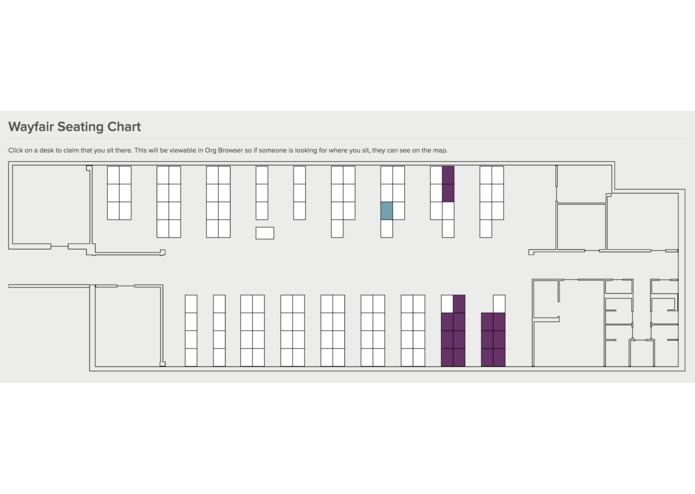
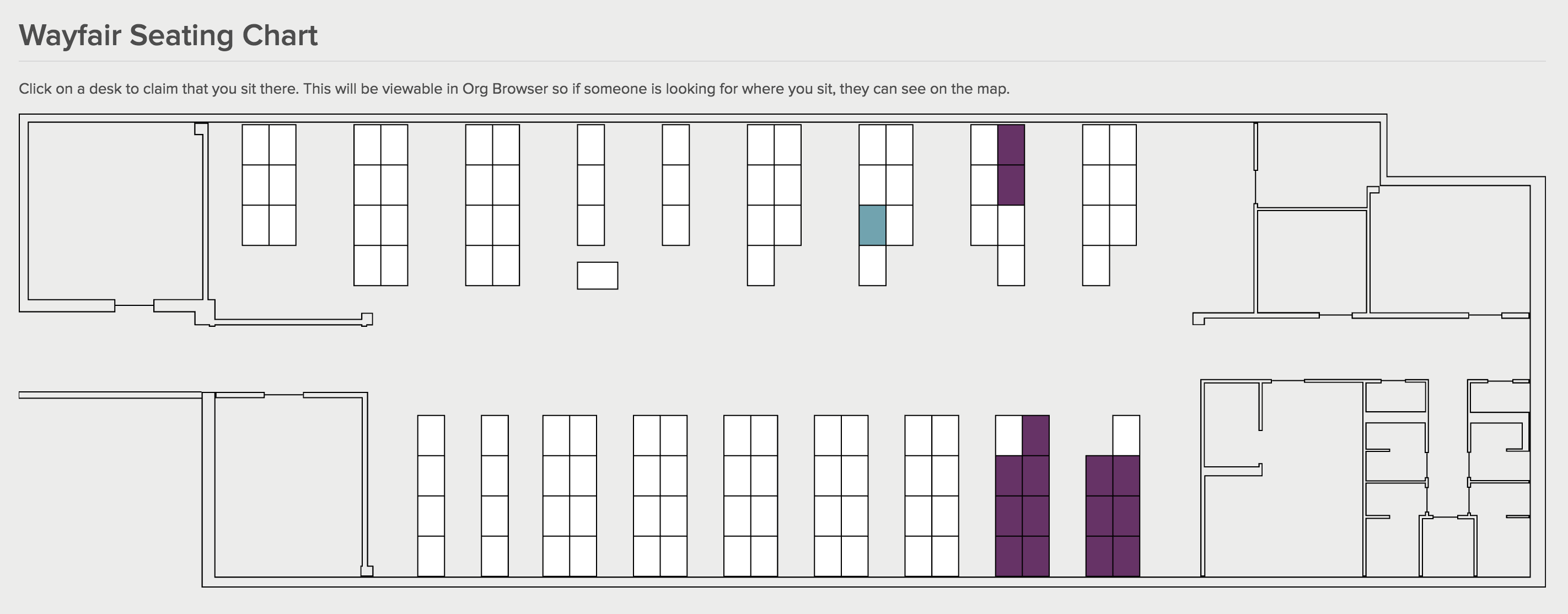
The Floorplan. Purple is claimed. Teal is the highlight when selecting a seat. White are open seats.
-
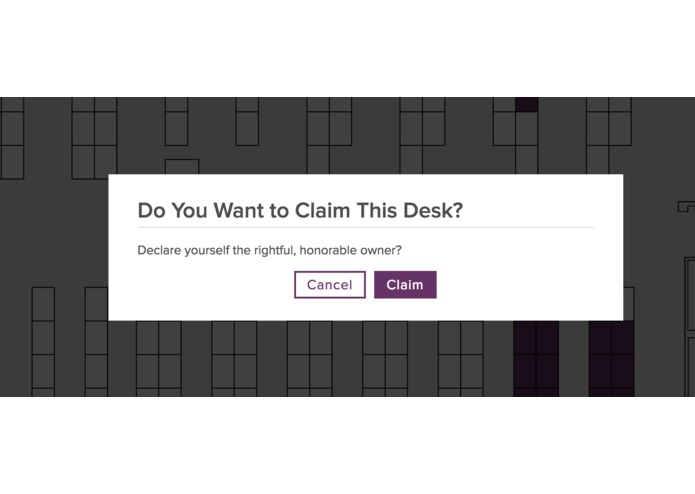
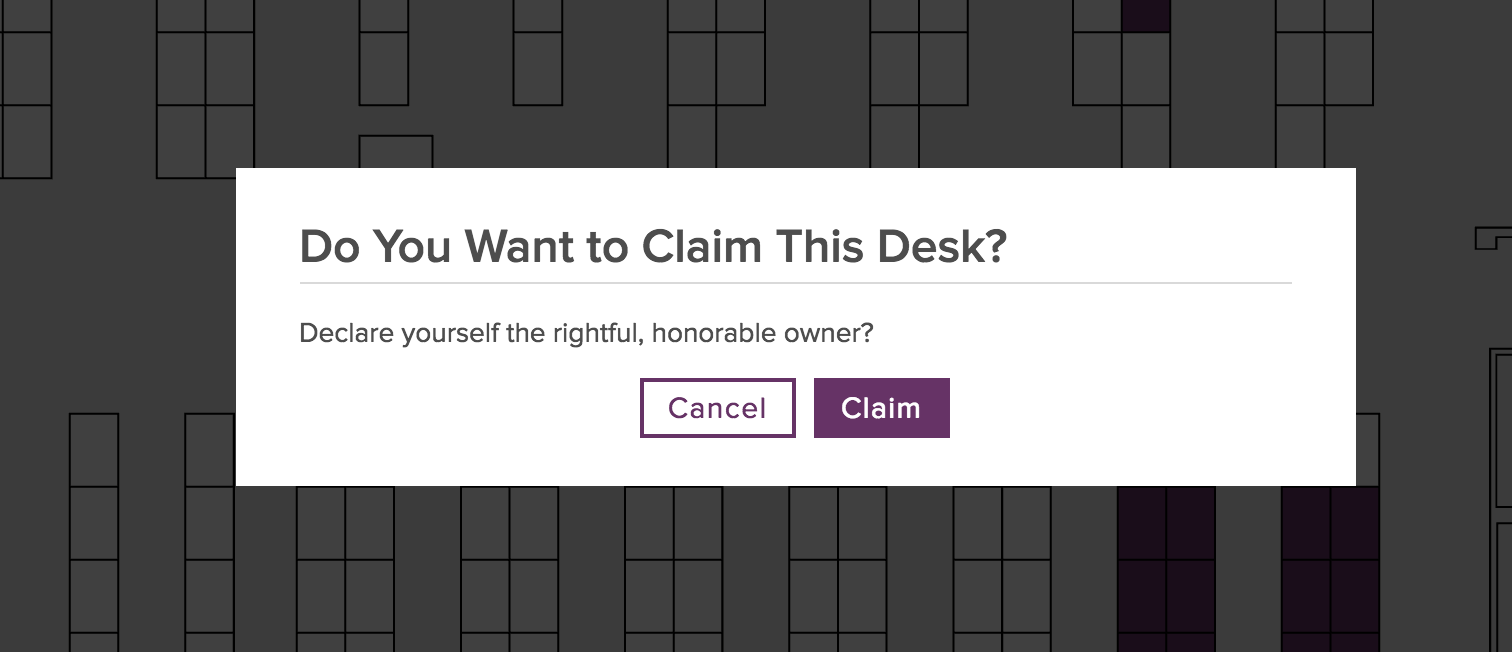
Claim a new Desk
-
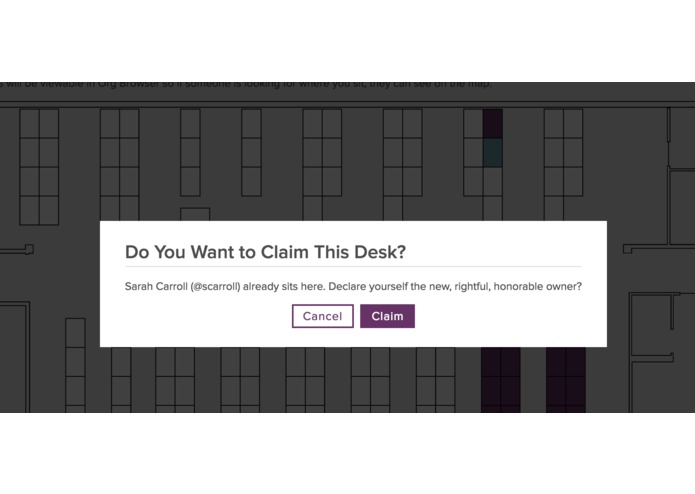
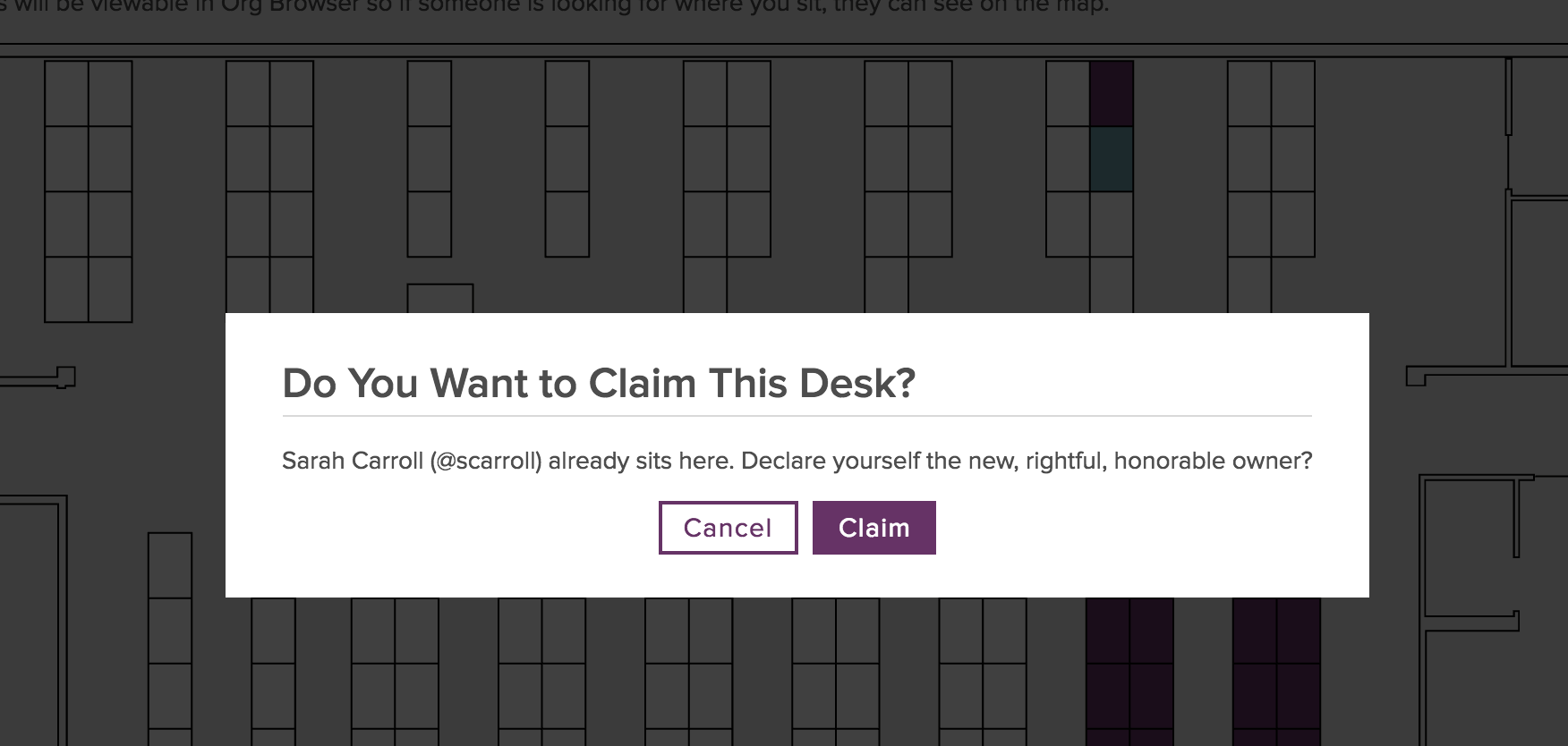
Claim an owned desk
-
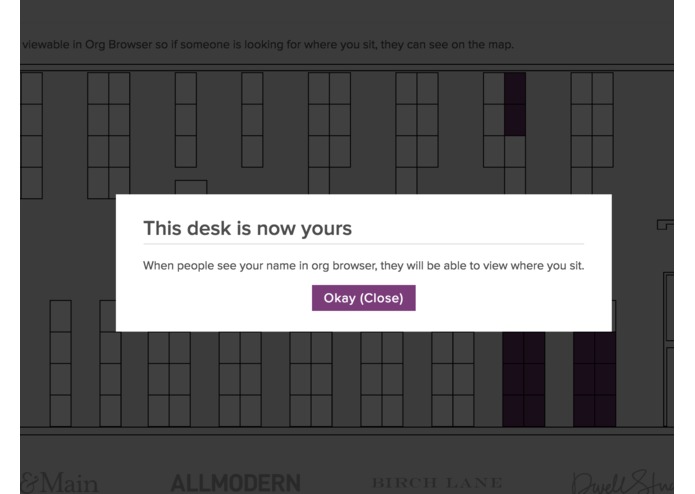
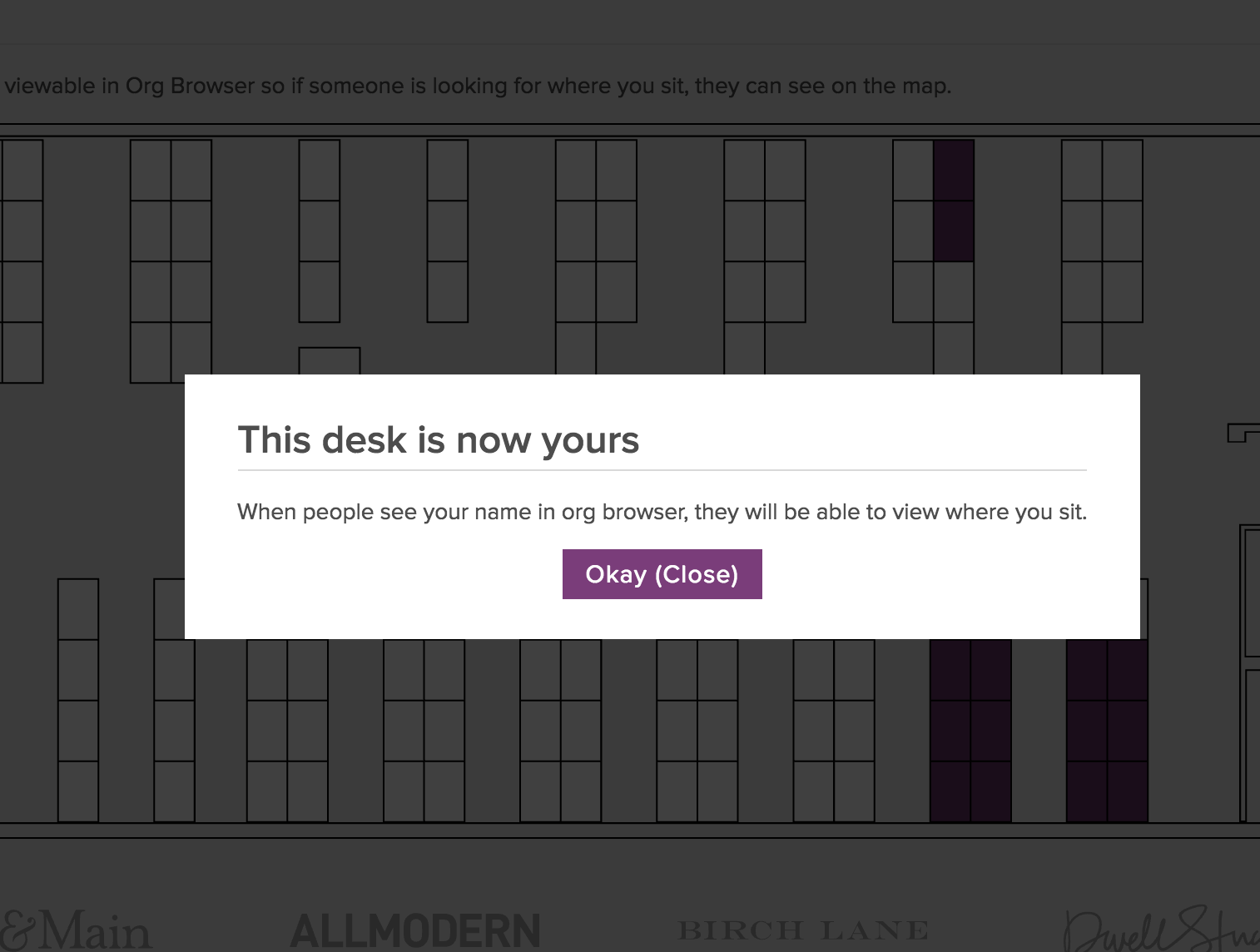
This desk is now yours!
Inspiration
Wayfair sadly is lacking in a sure-fire way to find out where people are. Since we move so often, it's impossible to find anyone.
What it does
This takes the responsibility out of the hands of facilities and allows employees to go into the tool and select where they sit. Then, if you're looking for someone, you can go into Org Browser, find them, and then link to their specific seat. It'll show you on the map.
How we built it
We used the Admin Styleguide to make it look good. We used our regular framework to put it in the Admin section. We Hooked it into Org Browser. SVGs were used for the map and the desk. Since SVGs scale, this works on mobile.
Challenges we ran into
SVG placement is relatively difficult and styling things was hard. A lot of the tech we used was pretty new to the both of us. We got a chance to learn about the different intricacies of SVG and Tungsten.
Accomplishments that we're proud of
First, we got it done. For Hackathon, that feels pretty good. It looks good and it got a lot of compliments from the other teams. Also, a lot of folks in facilities have suggested that this thing would help a lot so we're happy to give them a hand.
What we learned
We got to dive into Tungsten and figure out the best way to accomplish things within our framework. There were a couple of different ways to do the modals and we selected the best fit for this project. We also got to learn a bunch about how to style SVGs and how to use them in such a way as to make the tool relatively mobile friendly from the get-go.
What's next for Where's Waldo?
There are a couple different directions we want to take this. First of all, we've already had requests for features. The first being a dynamic floorplan setup. IE: Someone from Facilities decides the desks need to be rearranged or new rows added. They'd be able to drag and drop the desks into the correct locations. That's the first thing we're going to do. The reason for this is that we've only done the Engineering section of Berlin for now. We'd like to finish the Berlin office and then give the tool to Boston so they can use it there as well. Adding the desks manually would be awful.
We think that the next step after that would be an edit mode for HR or Facilities to be able to create a layout of who will sit where. This would be a planner. They could see an empty version of the map, then click to add people to each desk. At the end, it could print out the desired seating chart and/or automatically assign people to those desks. (rather than them having to go and claim them manually)
A feature we were asked to add was "Pod Maps". Essentially, you'd be able to open the map (as a manager) and select the folks that are in your pod. When someone goes to Org Browser and they look up "SFInternational", they'd see each member of SFI highlighted. This process could either be manual or automatic based on assigned groups in the Org Browser. We think it could get a little more granular and allow for different filters. "L3+", "L2", "Superpod", etc...
Another function we were toying around with is for ITS to be able to sync up inventory with either desks, or the employees that sit there. They'd click on a desk, see the employee, see a list of the stuff they have from WF, and be able to coordinate using that info.
Built With
- wayfair's-architecture

Log in or sign up for Devpost to join the conversation.