-
-
banner
Inspiration
We spend hours every day typing — emails, code, essays — and never think twice about it. One day it hit us: this is actually a really creative space that nobody's touched. What if your keyboard had a companion that felt every keystroke with you? That was the spark for WhatTheDogDoin.
What it does
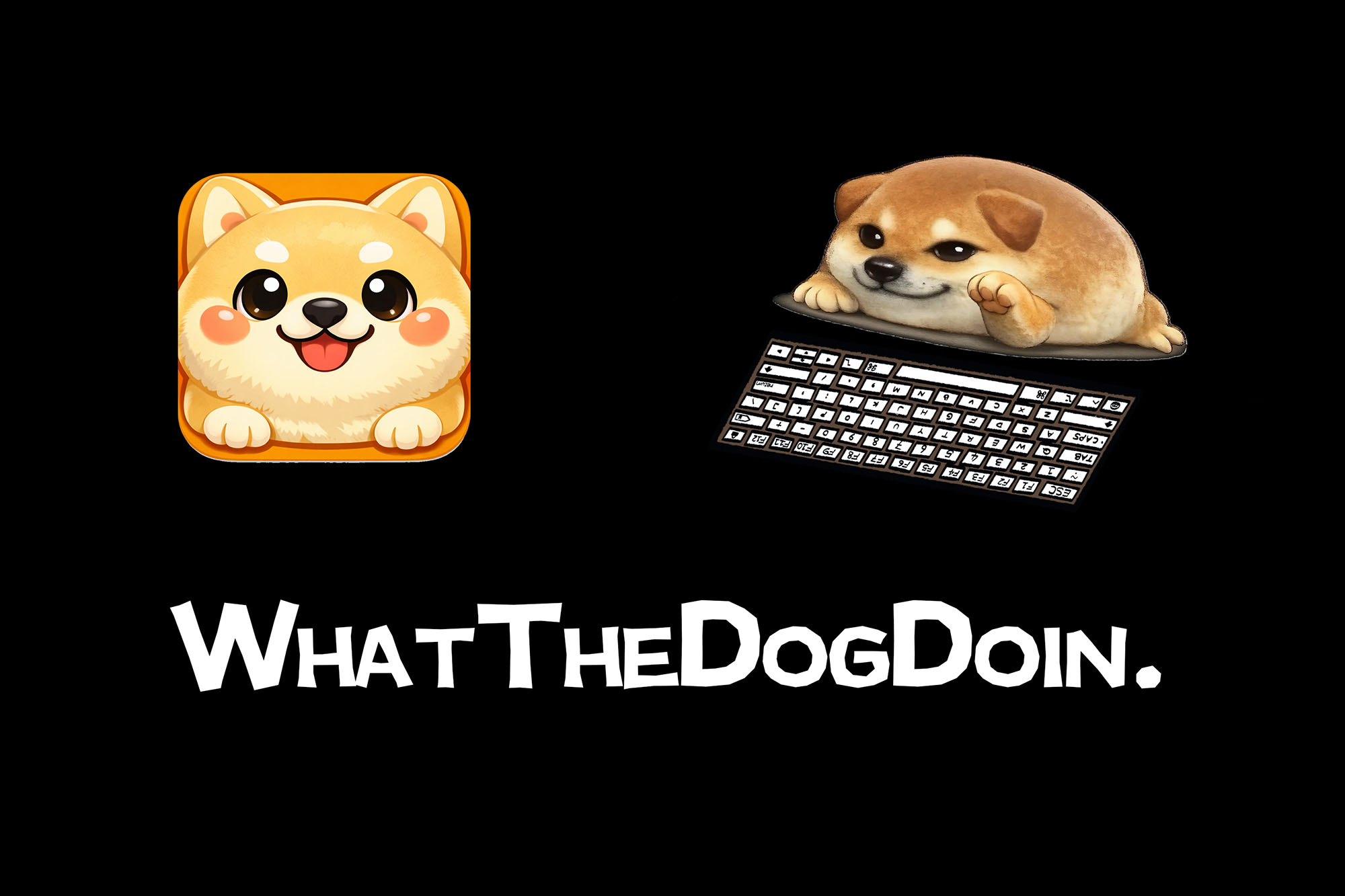
WhatTheDogDoin is a desktop pet that lives in the corner of your screen and reacts to your typing in real time — every key triggers a matching animation. It quietly tracks your keystrokes, WPM, and usage patterns in the background without ever interrupting your workflow. At any point, you can pull up your weekly stats or ask Claude AI to analyse your day and give you a personality label like "3am Code Goblin" or "Backspace Champion".
How we built it
We used Tauri (Rust + Vue 3) for the desktop app shell, rdev for global keyboard listening in Rust, and SQLite for local stats persistence. The pet animations are rendered with layered sprite images synced to key events. The AI analysis feature calls Claude API from the Rust backend, returning a personalised summary based on the user's actual typing data.
Challenges we ran into
Three things nearly broke us. First, macOS Input Monitoring permissions — getting rdev to reliably capture global keystrokes without being silently blocked by the OS took far longer than expected. Second, sprite animation sync — matching the right hand sprite to the exact key being pressed, handling simultaneous keypresses, and making it feel snappy required a lot of iteration. Third, Tauri's front-back communication model was new to both of us, and wrapping our heads around invoke() and event emission mid-hackathon was a steep curve.
Accomplishments that we're proud of
Shipping a fully working native desktop app in 48 hours — with real-time animation, persistent local stats, a live AI analysis feature, and pass-through click mode — is something we're genuinely proud of. The app actually feels polished, not like a hackathon prototype.
What we learned
That the hardest part of building a desktop app isn't the UI — it's the invisible layer between your code and the operating system. We came in with web backgrounds and left with a much deeper respect for systems programming, permission models, and why native apps are hard.
What's next for WhatTheDogDoin
We want to expand the pet roster with more characters and custom skins, add weekly and monthly AI-generated reports so users can track their productivity trends over time, and bring the app to Windows and Linux so no keyboard goes unwitnessed.
Built With
- rust
- tauri
- vue


Log in or sign up for Devpost to join the conversation.