-
-
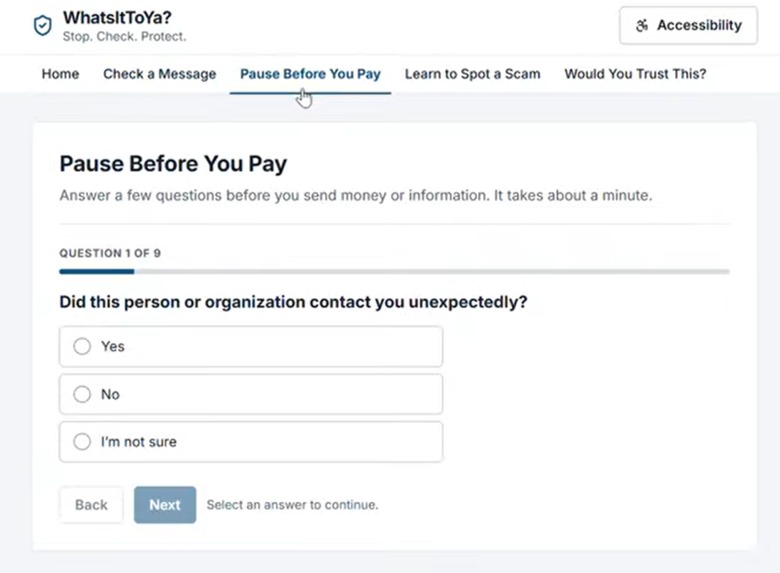
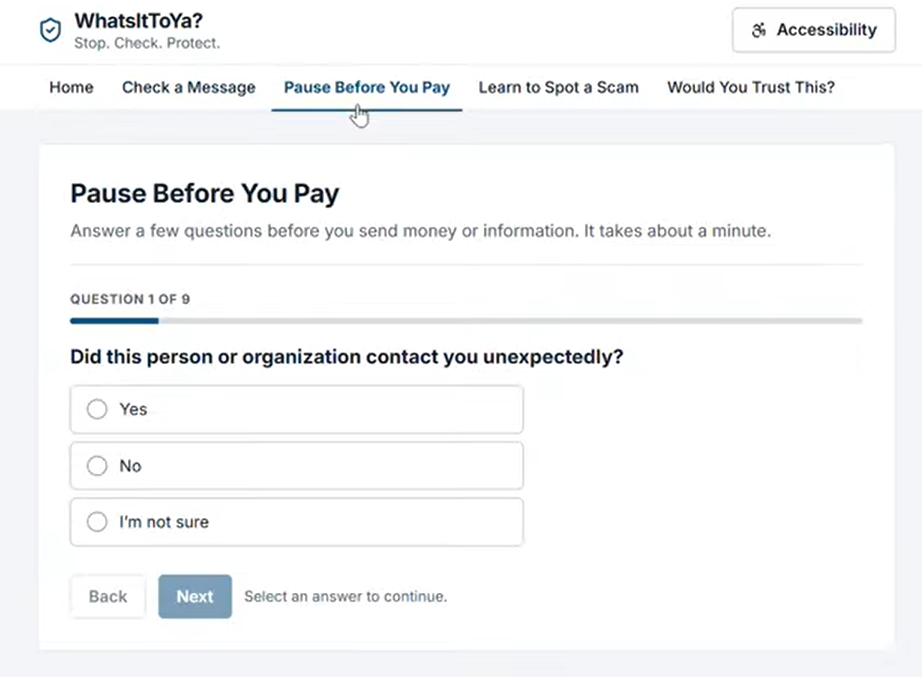
Pause Before You Pay questionairre
-
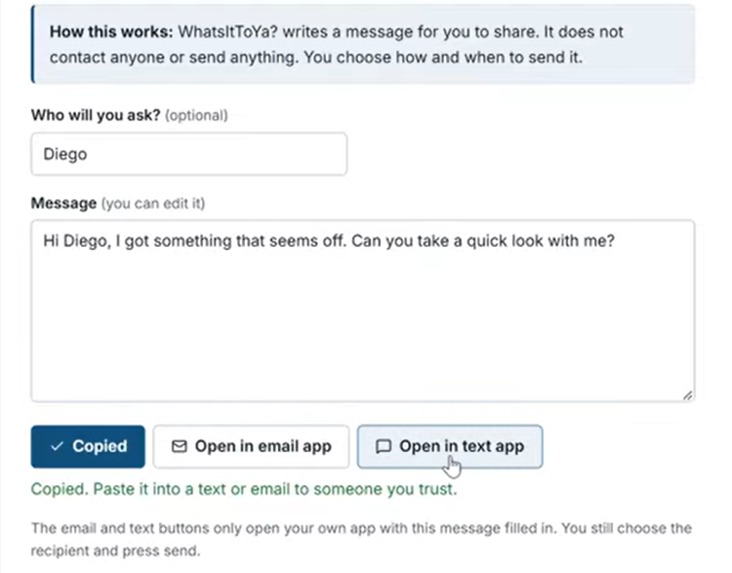
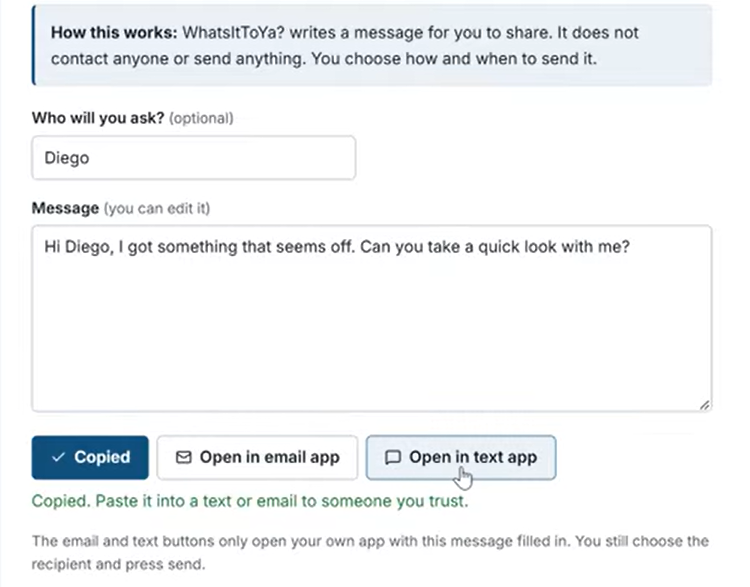
Message checker
-
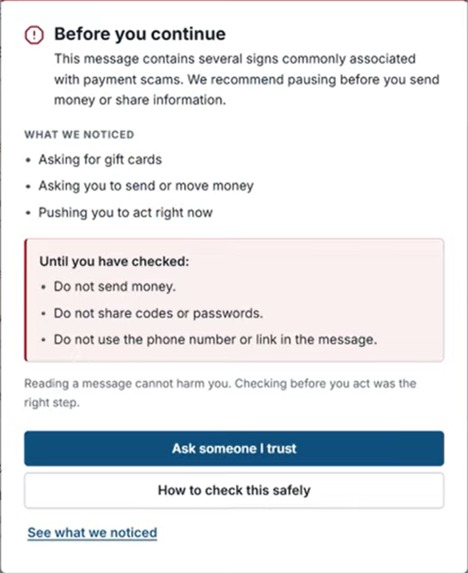
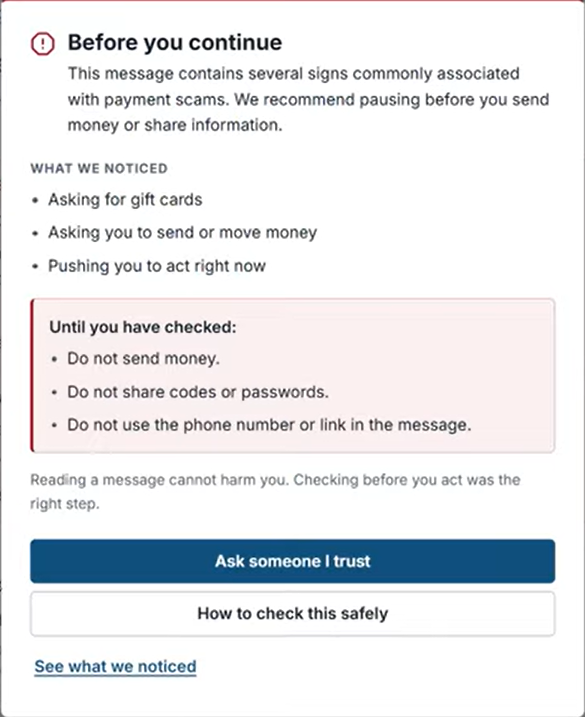
Fraudulent email pop-up
-
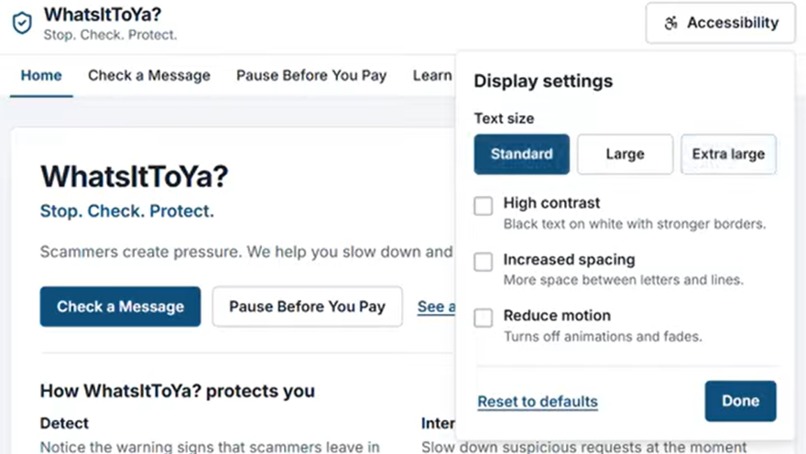
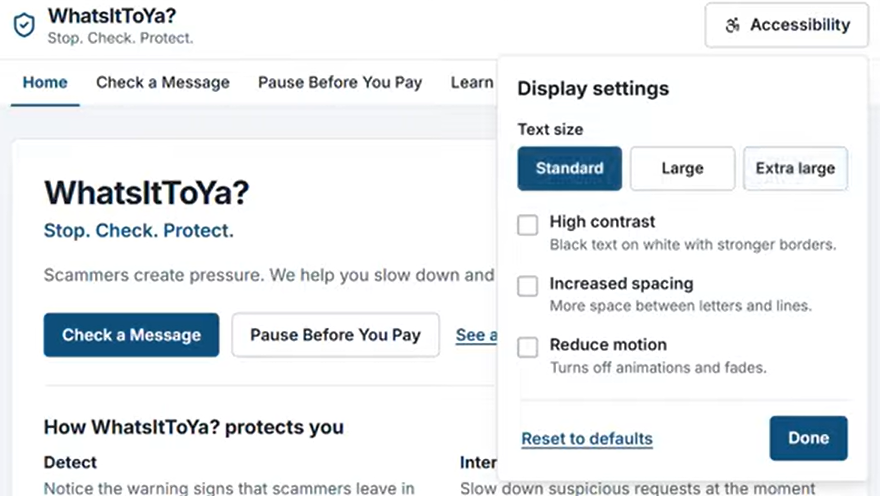
Accessibility features
-
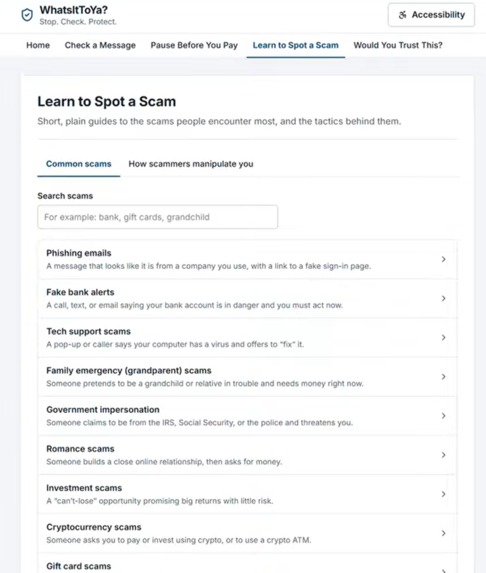
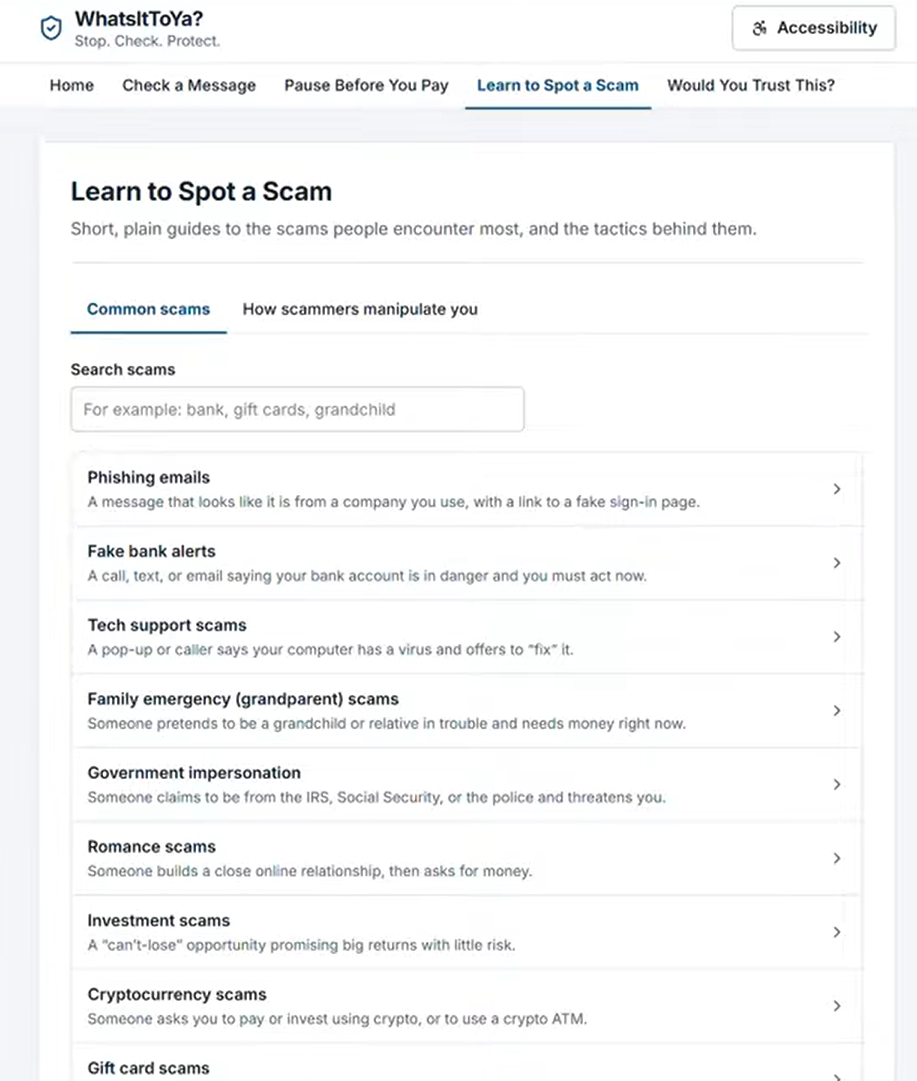
Spot a Scam
-
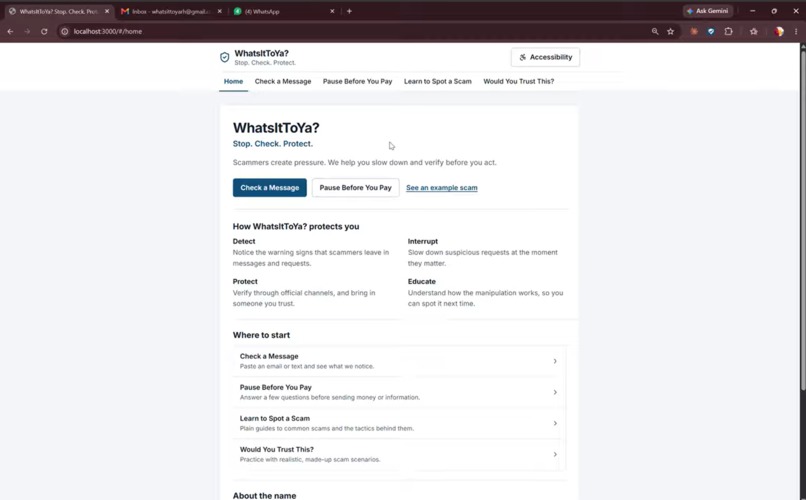
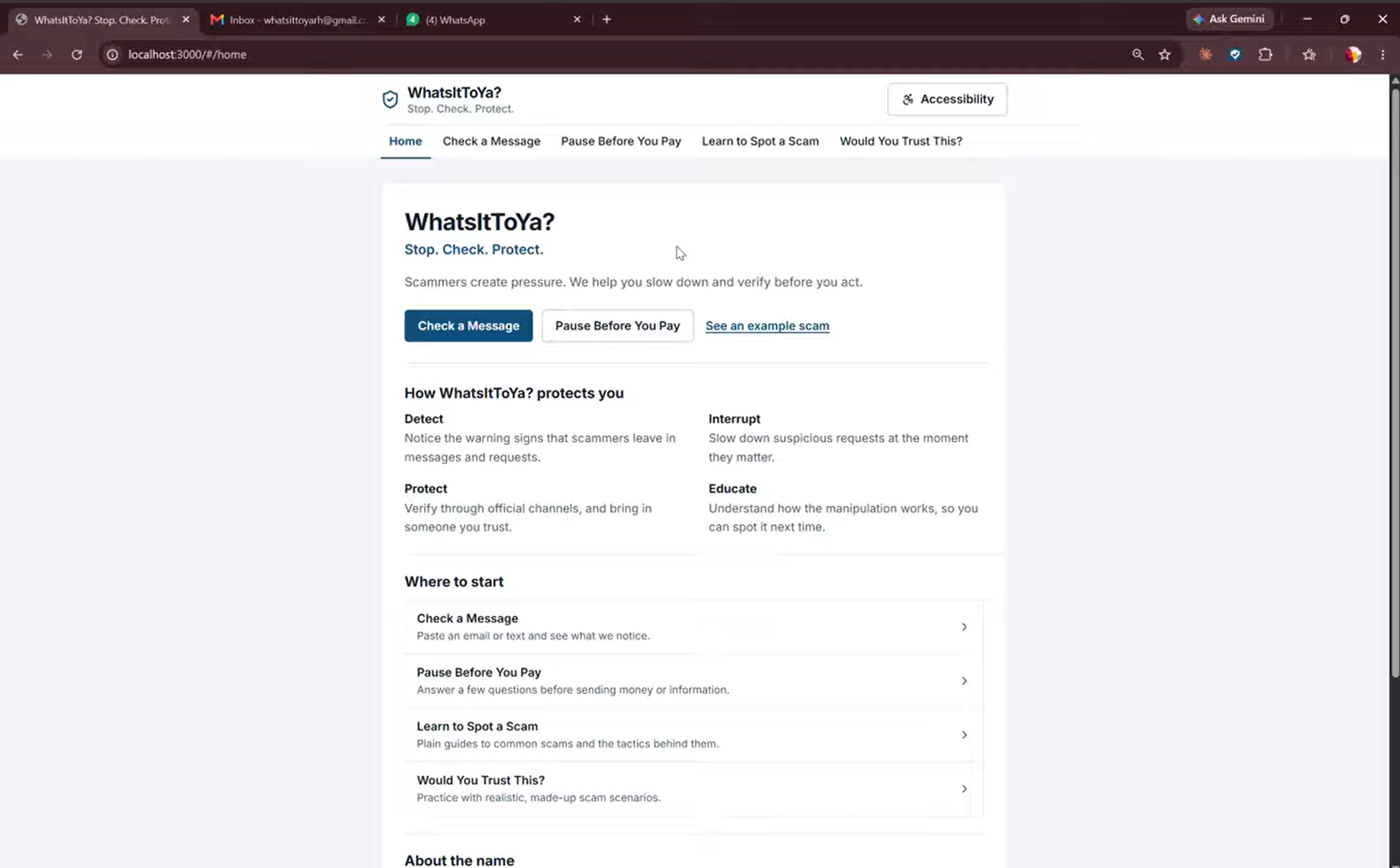
Website opening page
-
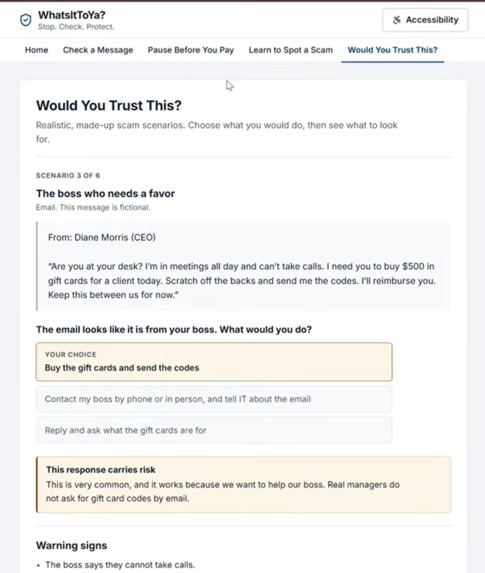
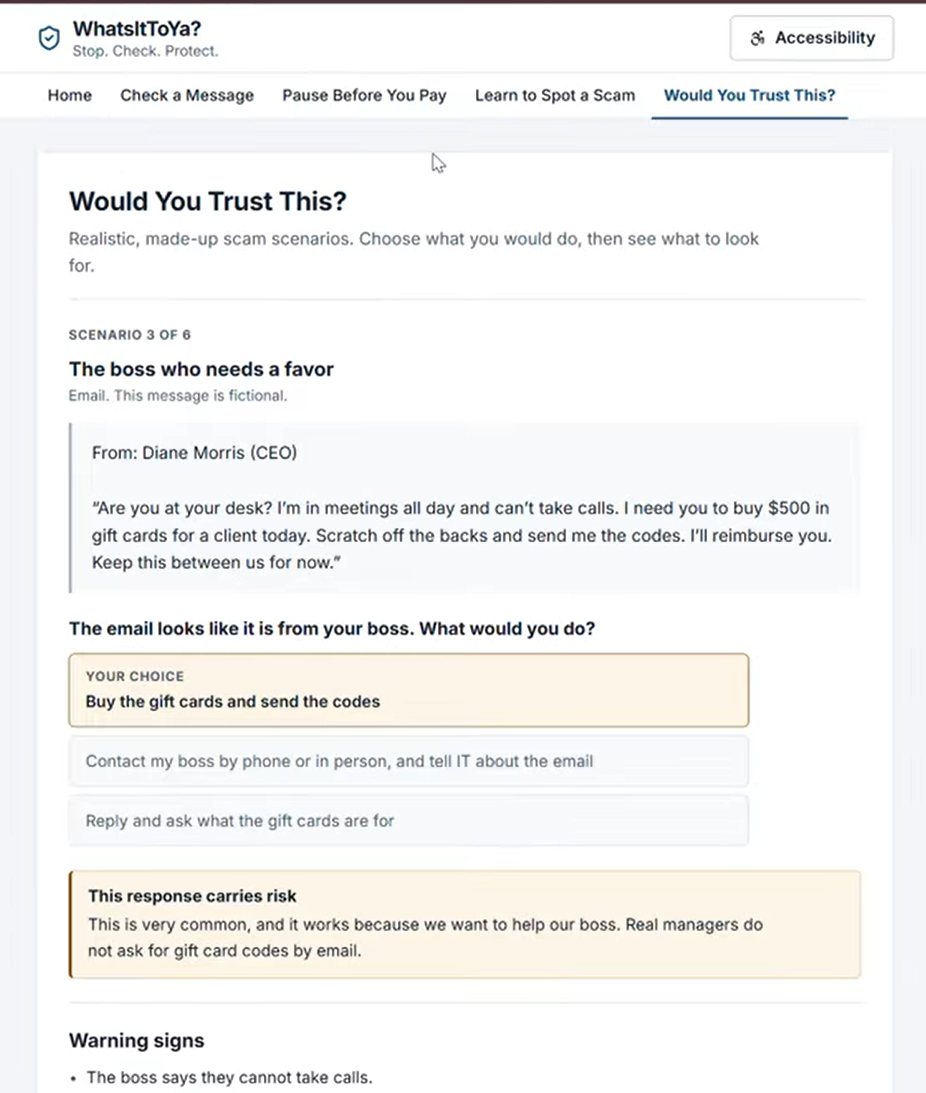
Would you trust this quiz
-
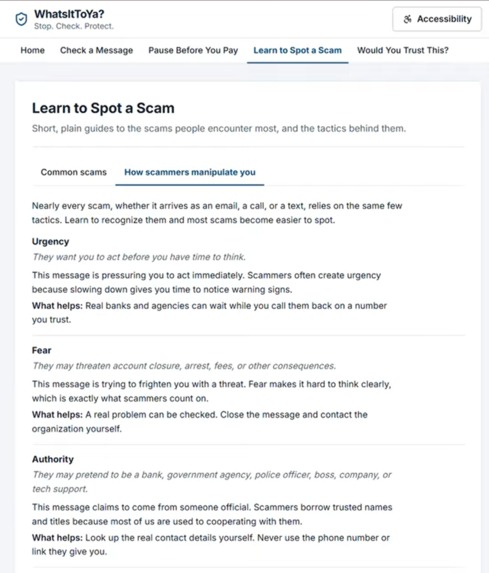
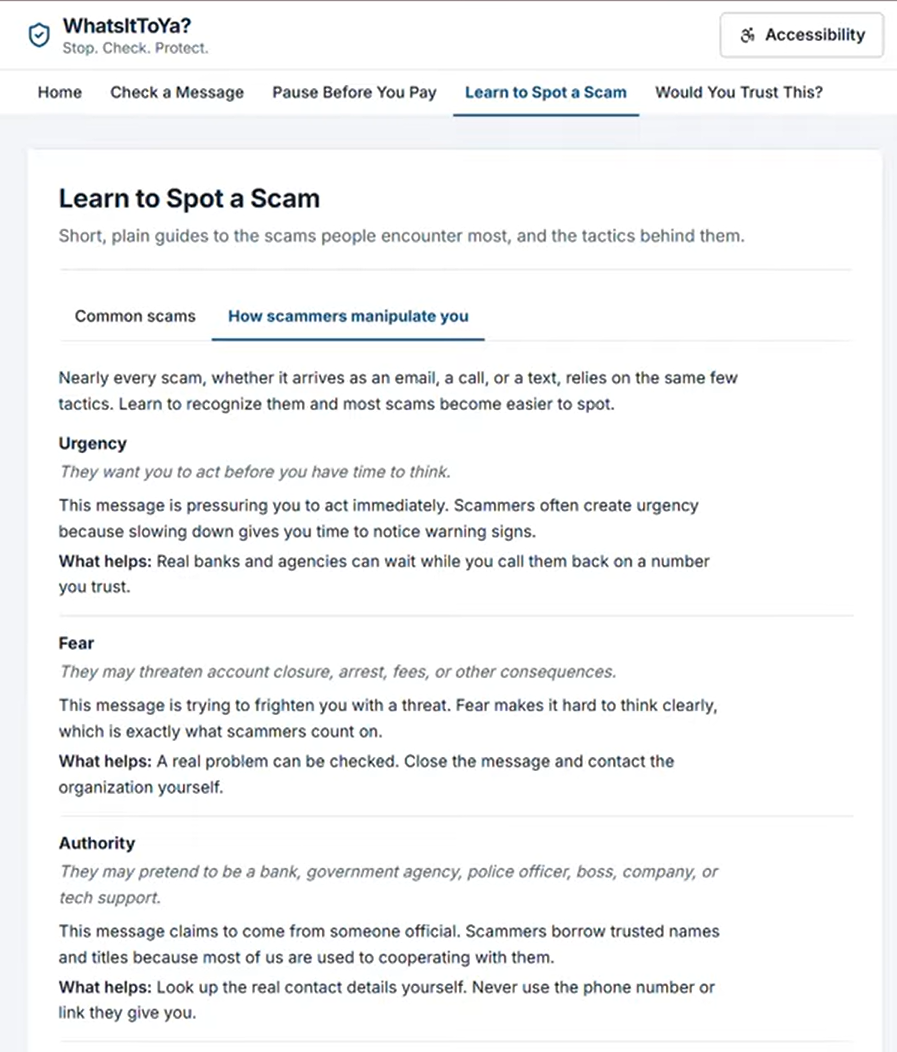
How scammers get ya
Inspiration
Phishing scams, false links, and fake emergencies are all too common today. Scammers use social engineering to instill fear and prevent communication, attacking those who are most vulnerable on the web. We aim to help those who may not know about these dangerous scams through in the moment intervention, education on scams, and more personal checks before payments are made.
What it does
The WhatsItToYa? extension flags emails that appear to be suspicious based on a list of criteria. Our program looks for the email's underlying tone, cross-references emails and contact information from official websites, and assesses the safety of links before the person makes the decision to click. Our extension has three levels of flags- verified safe, possibly fraudulent, and definitely fraudulent. Each level has its own amount of intervention. A verified safe email has a small green pop-up towards the top of the email to let the user know that the email is safe and originates from a trusted email. A possibly fraudulent email sets a yellow flag and allows the user to continue, however it encourages the user to double check with someone they trust before they do. This double check is pre-formatted and is as simple as a click, removing friction and encouraging safety. A fraudulent email sets a red flag and encourages the user to use caution. It sites the reasons why the email is likely fraudulent, and allows the user to learn more about how fraudulent emails can be identified. Each level of identification gives its reasoning for its assessment, including details about what specifically ended up flagging within the email.
The WhatsItToYa? website follows the same formula, however it includes a few additional features for education and builds good web-safety habits such as a "Pause Before You Pay" questionnaire, a "Learn to Spot a Scam" educational tab, and a "Would You Trust This" quiz to allow the user to feel confident in their ability to asses fraudulent emails.
The WhatsItToYa? website/extension is also ADA compliant and features an accessibility tab that allows the user to adjust the text size, contrast, spacing, and animated motions. This website/extension is made for those who are most vulnerable- those who are elderly and those in underserved communities, making these accessibility features a necessity.
How we built it
Building WhatsItToYa? was a two-step process. We began by building a "rough draft" using Google Gemini's AI Studio. Going back and forth and tweaking the app made through AI Studio we were able to get a general idea of what we wanted, along with implementing Gemini into our app to scan the emails for suspicious patterns and cross-reference trusted websites. With this we were also able to choose our exact criteria for which emails get flagged, what warnings pop up, and what options the user is presented with in the moment. Next, we uploaded the project to Visual Studio Code and began the process of making an actual Google Chrome extension and website by utilizing Claude Code. We implemented this by using Linear integration within VS Code. This was a long back-and-forth process as we wanted to make sure that this website was not only useful, but also accessible.
Challenges we ran into
We came into this project with very little app-building experience, and no experience making websites. The most challenging portion of this project was setting up the environment in VS Code. While Google's AI Studio was very intuitive, it took much more effort to learn about Linear integration with Claude. We also wanted to ensure that this website was accessible, and simple to use, thus we had to imagine ourselves in the shoes of the user- confused, scared, and skeptical. Initially, the program flagged a majority of emails that came through as fraudulent, even if they were not. To solve this issue we added a list of trusted company emails that we downloaded from Sublime Security on GitHub. Following this change, emails originating from an email on the list no longer flagged as definitely fraudulent.
Accomplishments that we're proud of
We decided on using a Google Chrome Extension because it is easy for most users to add to their browser, as approximately 75% of email users in the US use Gmail and around 55% use Google Chrome to browse the internet. We are proud to be using an extension that is connected to Gmail itself, thus if the extension is added to the user's browser, there is no additional friction necessary for checking the safety of an email. We are also very proud of our website's accessibility, including multiple features that making it easy and intuitive for those who use our extension. The design of our website was also very intentional, making it seem professional, friendly, and trustworthy- simply based on the look.
What we learned
We learned about how Gemini and Claude Code can be used within the application building process, along with the necessity of iterating with AI rather than using the first result it gave us. We were able to give an AI agent an existing database, and limit the changes it was able to make, giving us more control of the creation process. We also used Claude's browser integration in order to debug, test, and interact with the application throughout the process. In addition to these "soft" skills, we also learned more about how deployment and committing works with GitHub. Finally, we were able to use some of our existing skills to work with the Windows PowerShell, PATH environment variables, Node.js, and npm throughout the process of building WhatsItToYa?.
What's next for WhatsItToYa?
We have two steps that we'd ideally implement going forward. Making this an application rather than an extension will allow more cross-platform usage, making our email checker work on mobile devices and other electronic mailing websites such as Outlook and Yahoo, which will not be looked at with the current Google Chrome Extension.
Furthermore, we'd like to create a system that is able to scan phone numbers from a registry of numbers that are known to be fraudulent and create a warning system for users. Additionally, if the user picks up a phone call and the application "hears" a common scamming/phishing tactic, it will ping the user with an auditory que, warning them to keep their guard up.
WhatsItToYa? will be free for everyone, as safety is important and should not be put behind a paywall.


Log in or sign up for Devpost to join the conversation.