Inspiration
The inspiration came from the common frustration users face when setting WhatsApp profile pictures. Many photos get awkwardly cropped or compressed, losing important details or ruining the composition. I noticed people struggling with rectangular photos, group pictures, and maintaining image quality, which led to the idea of creating a dedicated tool for perfect WhatsApp DP creation.
What it does
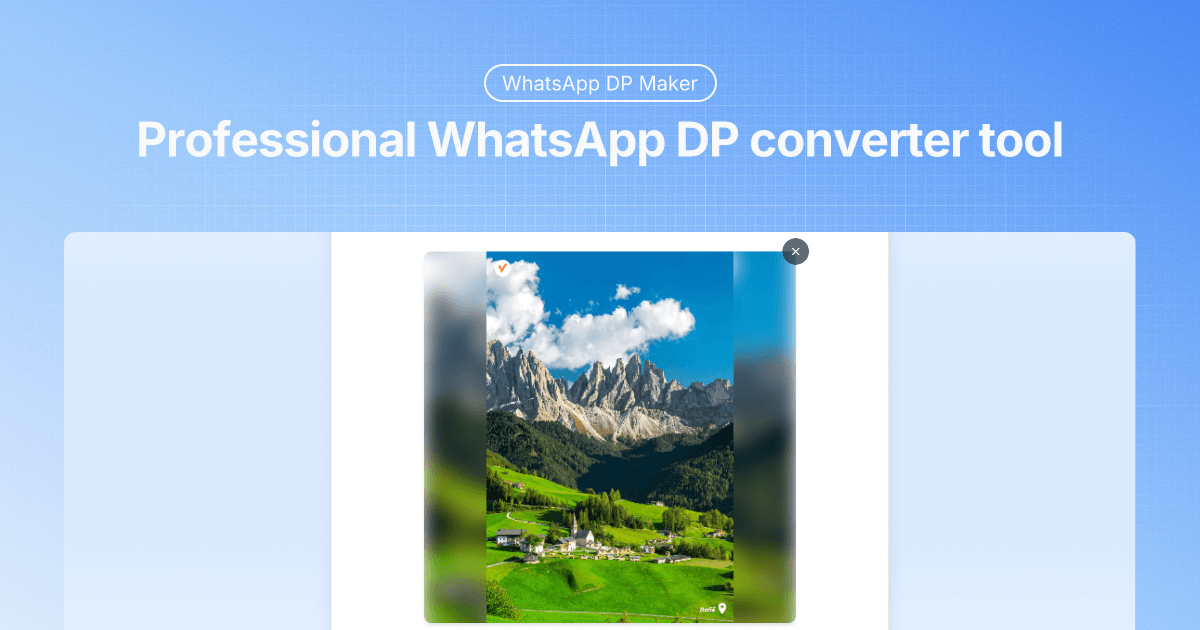
WhatsApp DP Maker is a professional image converter that creates perfect profile pictures for WhatsApp and other social media platforms. The tool offers two main modes:
- Crop Mode: Traditional cropping with zoom and positioning controls
- Blur Mode: Creates full DP images using artistic blurred backgrounds to preserve the entire photo
Key features include real-time preview, HD quality output, support for multiple formats (JPG, PNG, WebP, GIF), and complete privacy with client-side processing.
How I built it
The tool was built using modern web technologies with a focus on client-side processing for privacy and performance:
- Frontend: HTML5, CSS3, and JavaScript for the interactive interface
- Image Processing: Canvas API for real-time image manipulation and effects
- File Handling: HTML5 File API for drag-and-drop functionality
- Privacy-First: All processing happens locally in the browser - no server uploads
- Responsive Design: Optimized for both desktop and mobile devices
Challenges I ran into
- Image Quality Preservation: Maintaining high resolution while applying blur effects and resizing
- Cross-browser Compatibility: Ensuring consistent performance across different browsers and devices
- Real-time Processing: Implementing smooth, lag-free preview updates during user interactions
- File Size Optimization: Balancing image quality with reasonable file sizes for WhatsApp compatibility
- User Experience: Creating an intuitive interface that works for both tech-savvy and casual users
Accomplishments that I'm proud of
- Complete Privacy Protection: Successfully implemented 100% client-side processing with no data leaving the user's device
- Professional Quality Output: Created a tool that produces results comparable to premium photo editing software
- Universal Accessibility: Built a completely free tool with no limitations, registration, or watermarks
- Multi-format Support: Achieved compatibility with all major image formats up to 20MB
- Optimal WhatsApp Integration: Solved the specific sizing and quality issues unique to WhatsApp's compression algorithms
What I learned
- Advanced canvas manipulation techniques for real-time image processing
- The importance of client-side processing for user privacy and trust
- How different social media platforms handle image compression and sizing
- User experience design principles for photo editing tools
- The technical challenges of maintaining image quality during transformation
- The value of providing comprehensive FAQ sections for user education
What's next for WhatsApp DP Maker
- Batch Processing: Adding support for processing multiple images simultaneously
- Advanced Filters: Implementing Instagram-style filters and color adjustments
- Template System: Pre-designed frames and borders for professional profile pictures
- Social Media Presets: One-click optimization for Instagram, Facebook, Twitter, and LinkedIn
- Mobile App: Native iOS and Android applications for on-the-go editing
- AI Enhancement: Integration of AI-powered background removal and smart cropping suggestions
- Collaboration Features: Sharing and feedback tools for team profile picture coordination

Log in or sign up for Devpost to join the conversation.