
Inspiration
Ever wondered what the tech is behind a project on GitHub? We've all been there—stumbling upon an interesting repository and spending hours trying to understand its architecture, dependencies, and code structure. Traditional approaches require cloning repos, reading through documentation (if it exists), and manually tracing code relationships.
We built what-the-tech to solve this problem. Our inspiration came from the frustration of onboarding to new codebases and the desire to make repository exploration as intuitive as asking questions. We wanted to create a tool that transforms any GitHub repository into an interactive, AI-powered knowledge hub where developers can instantly understand project architecture through natural conversation and visual diagrams.
What it does
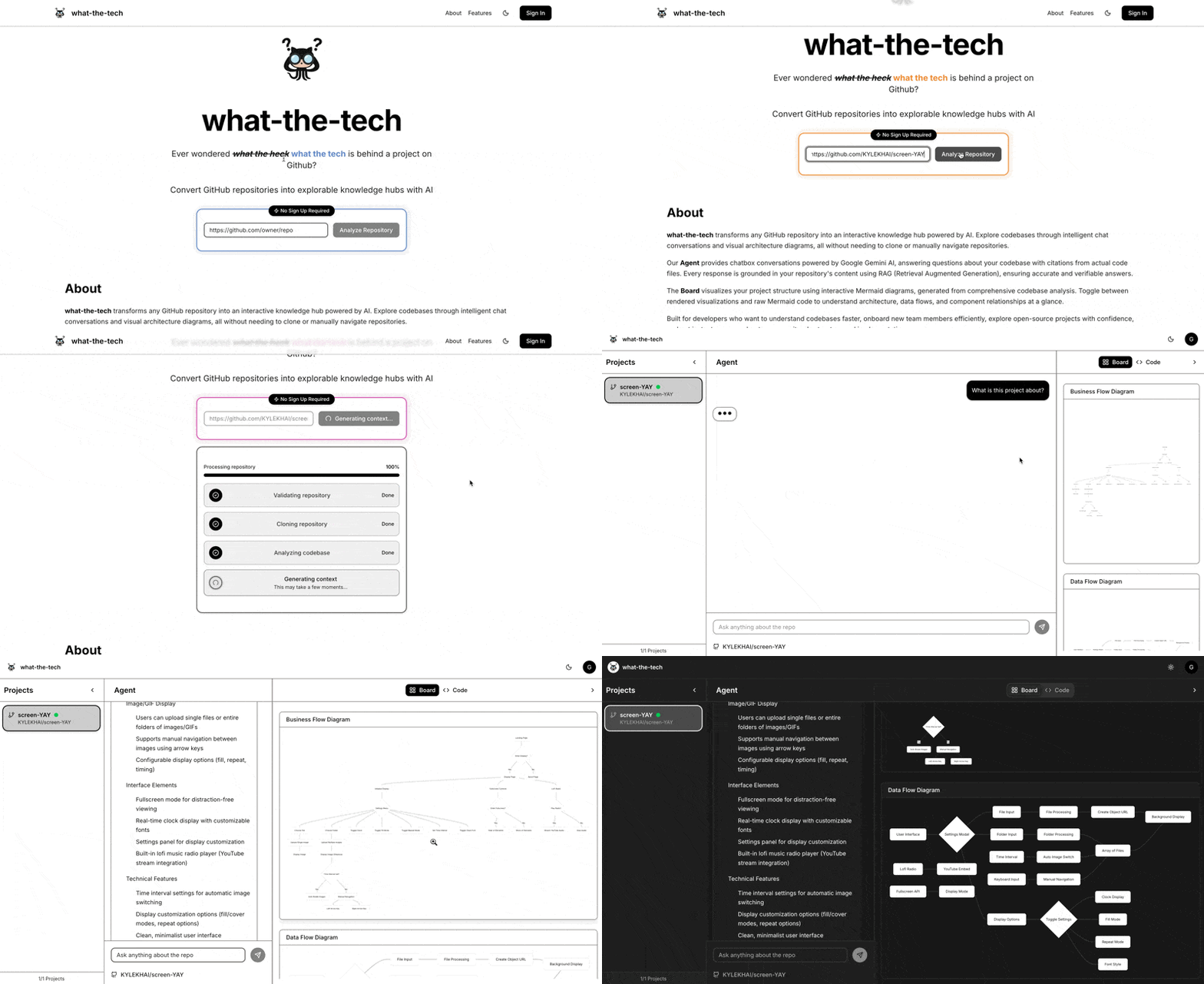
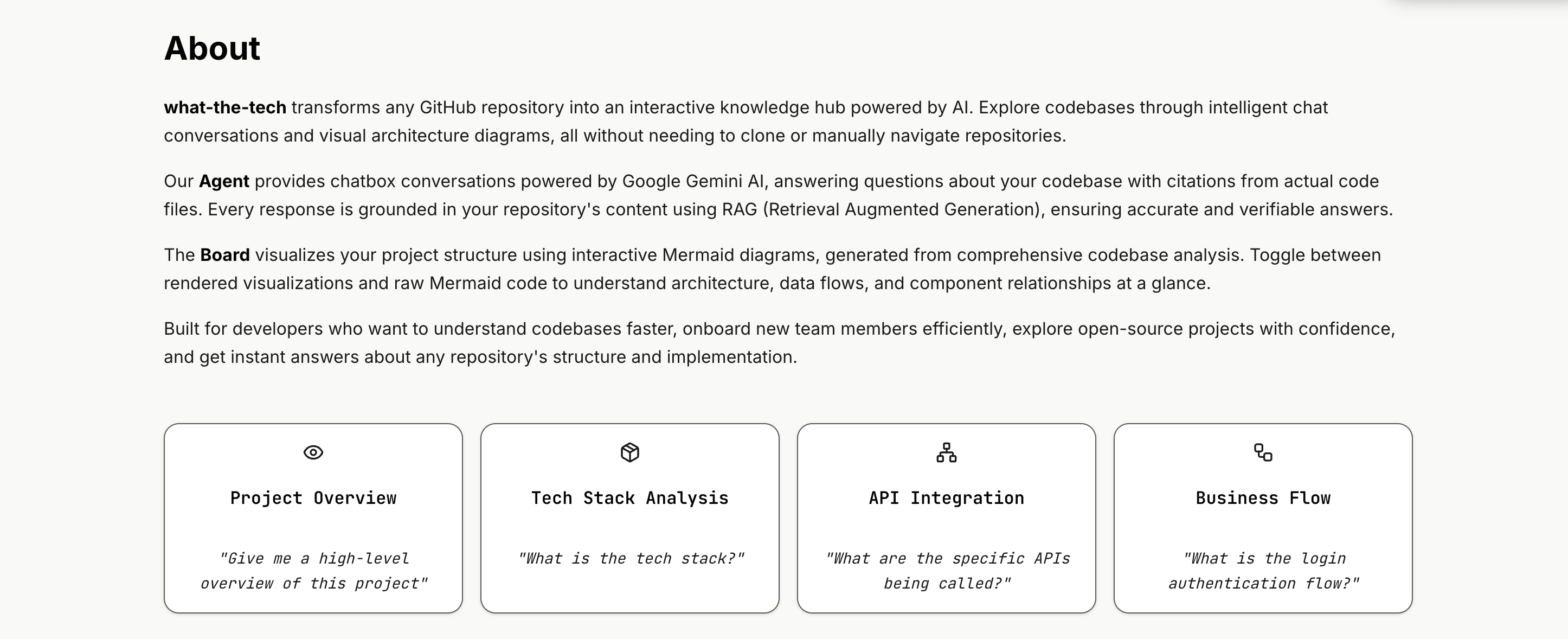
what-the-tech converts GitHub repositories into explorable knowledge hubs with three core features:
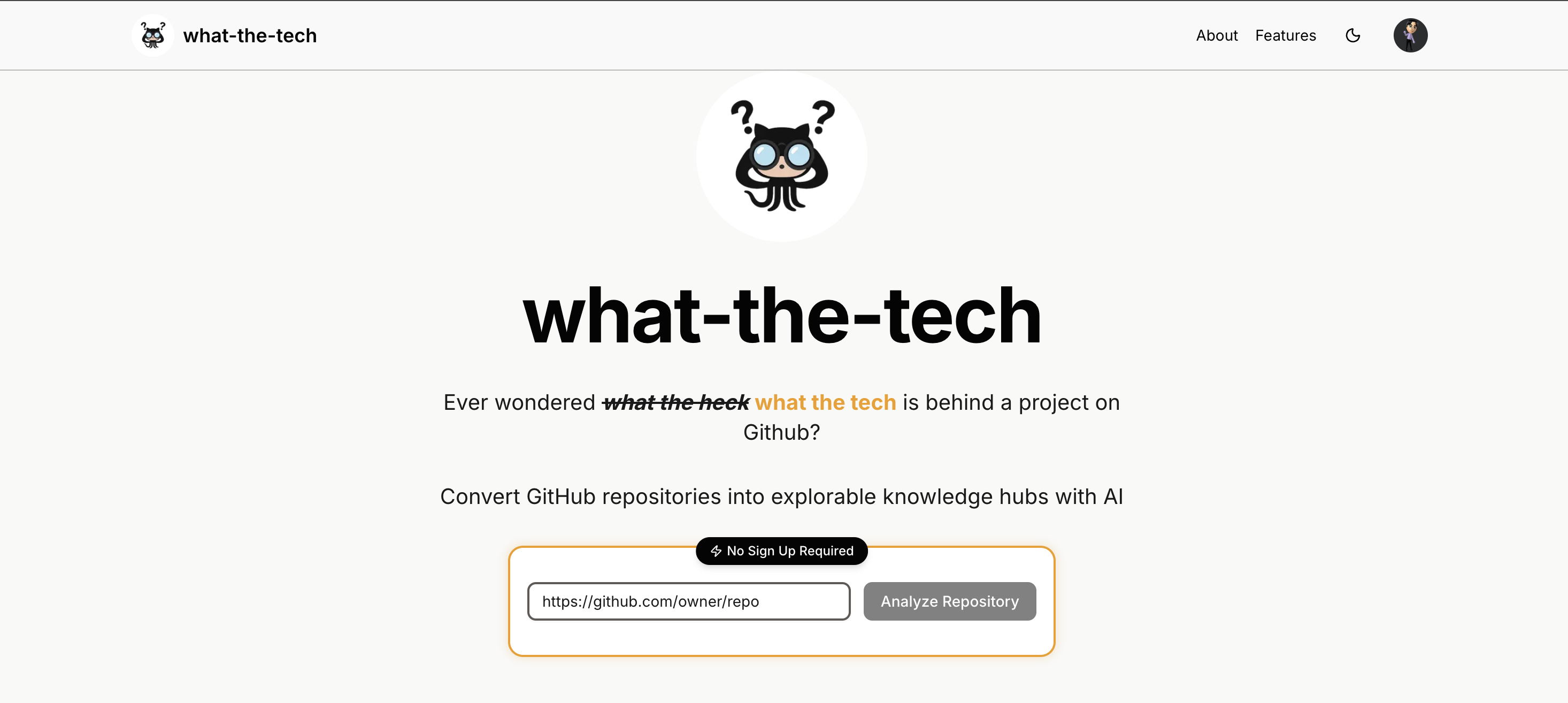
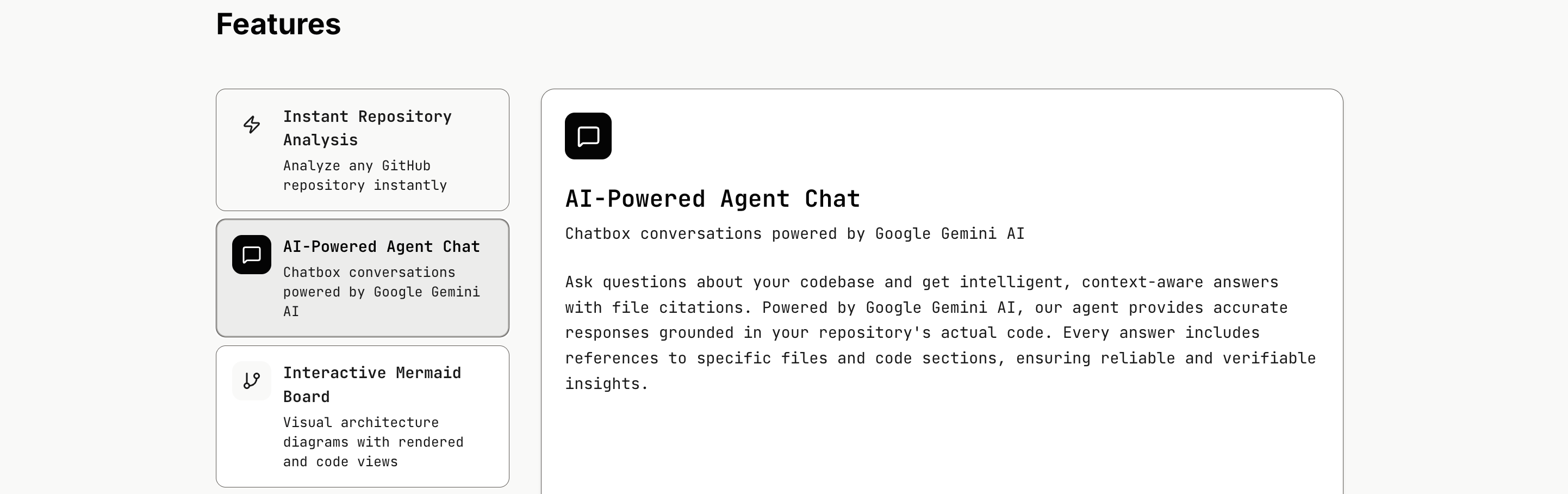
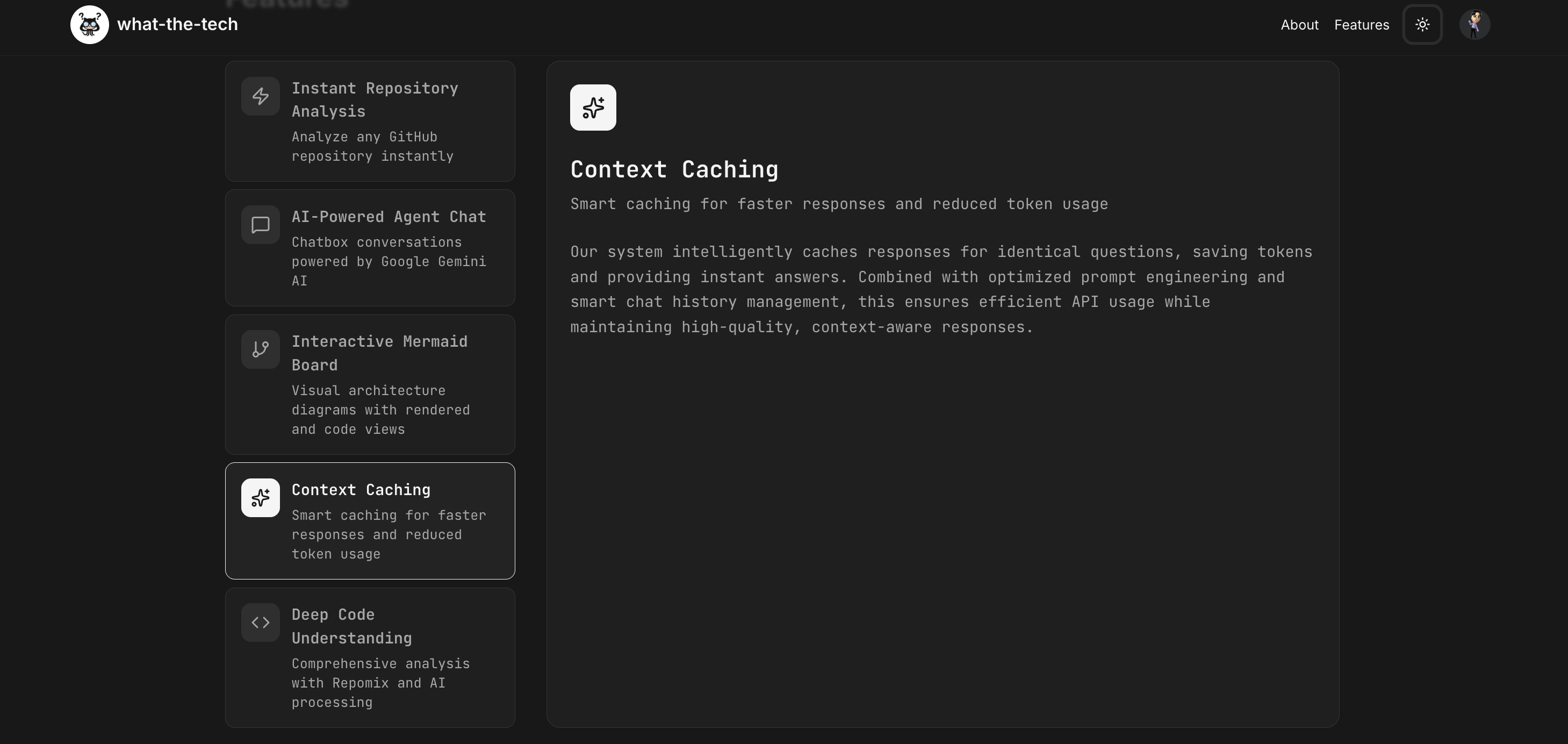
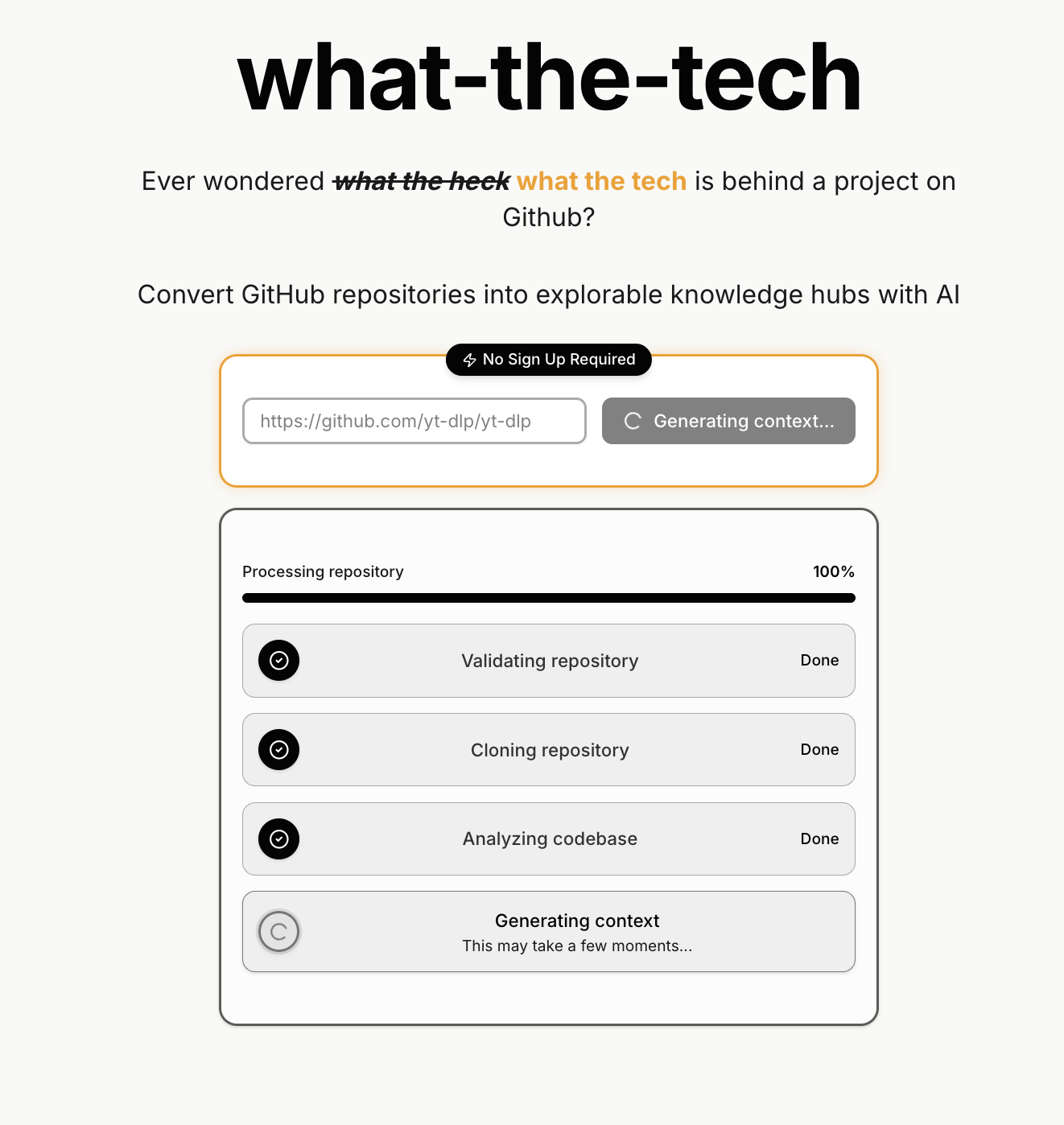
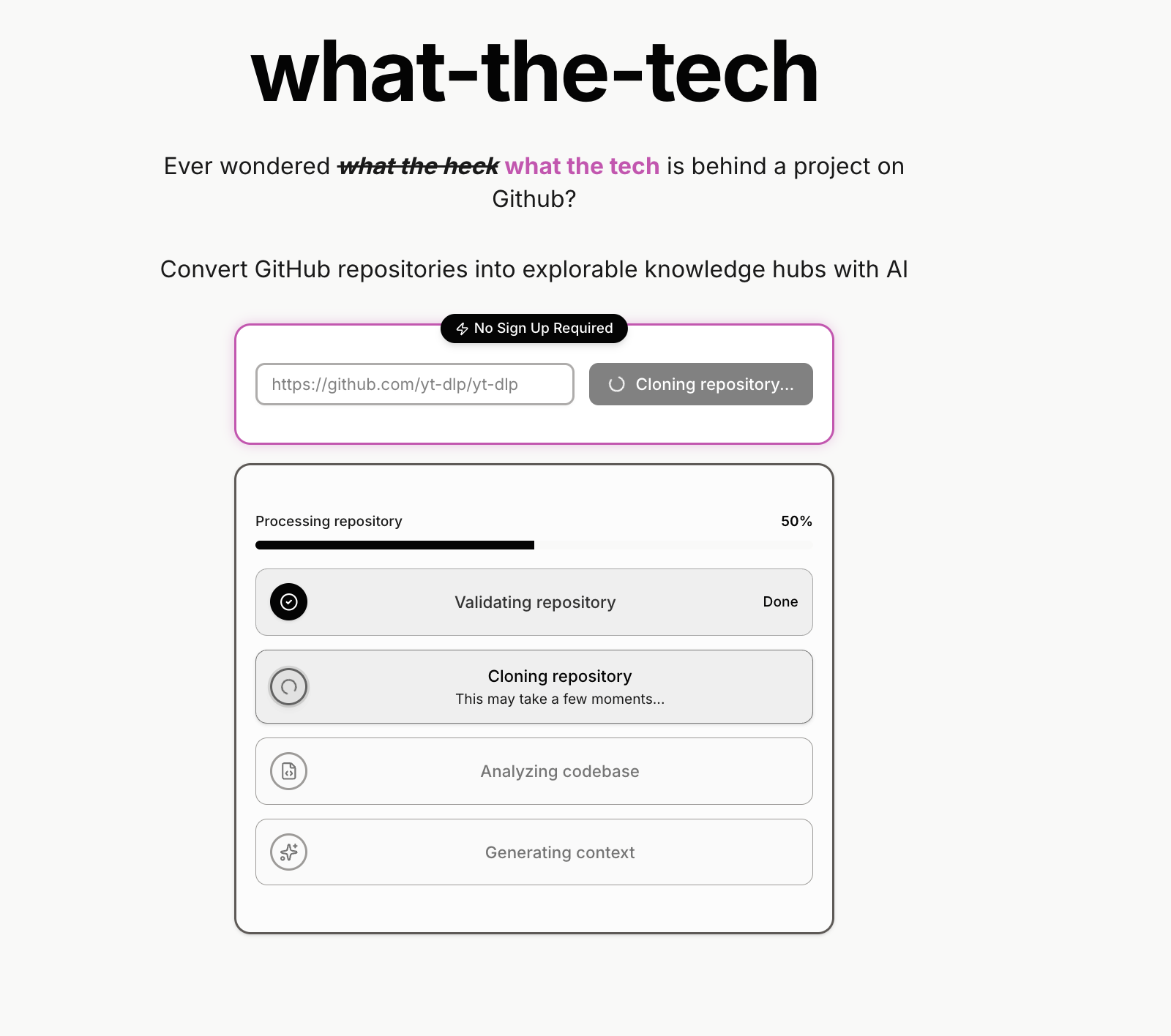
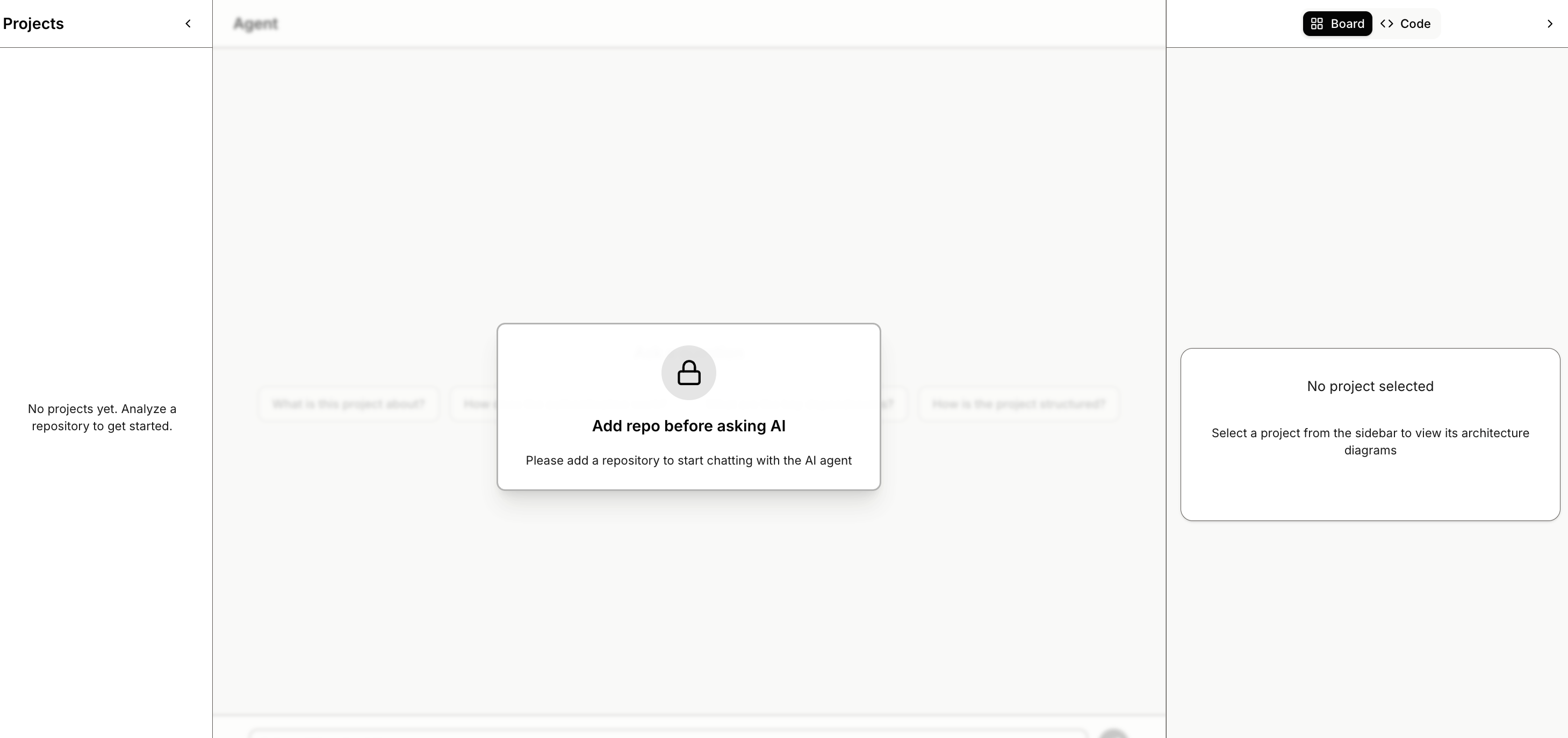
Instant Repository Analysis: Simply paste a GitHub repository URL and get immediate insights. Our system uses Repomix to generate comprehensive XML analysis of the entire codebase, extracting file structures, dependencies, and project metadata.
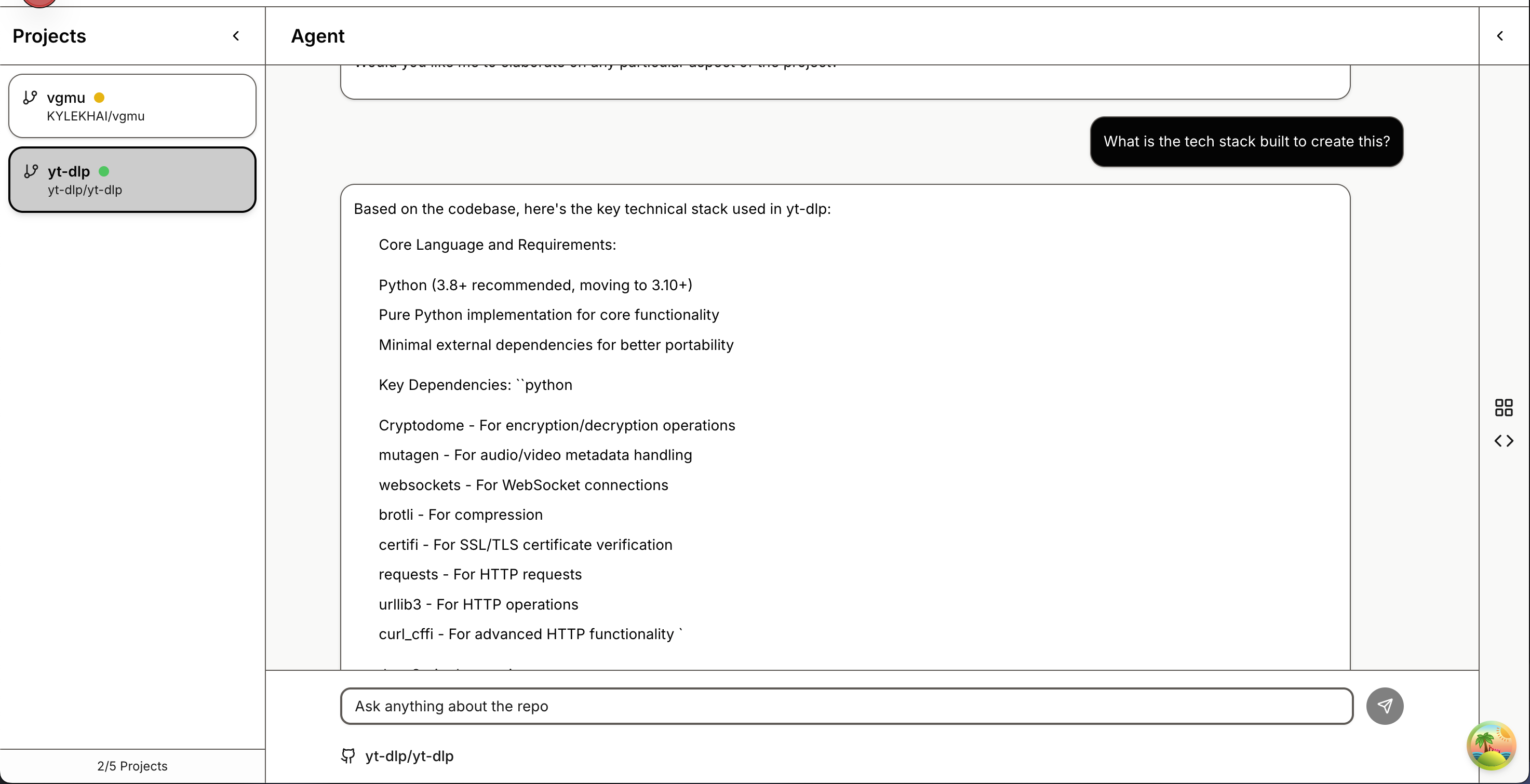
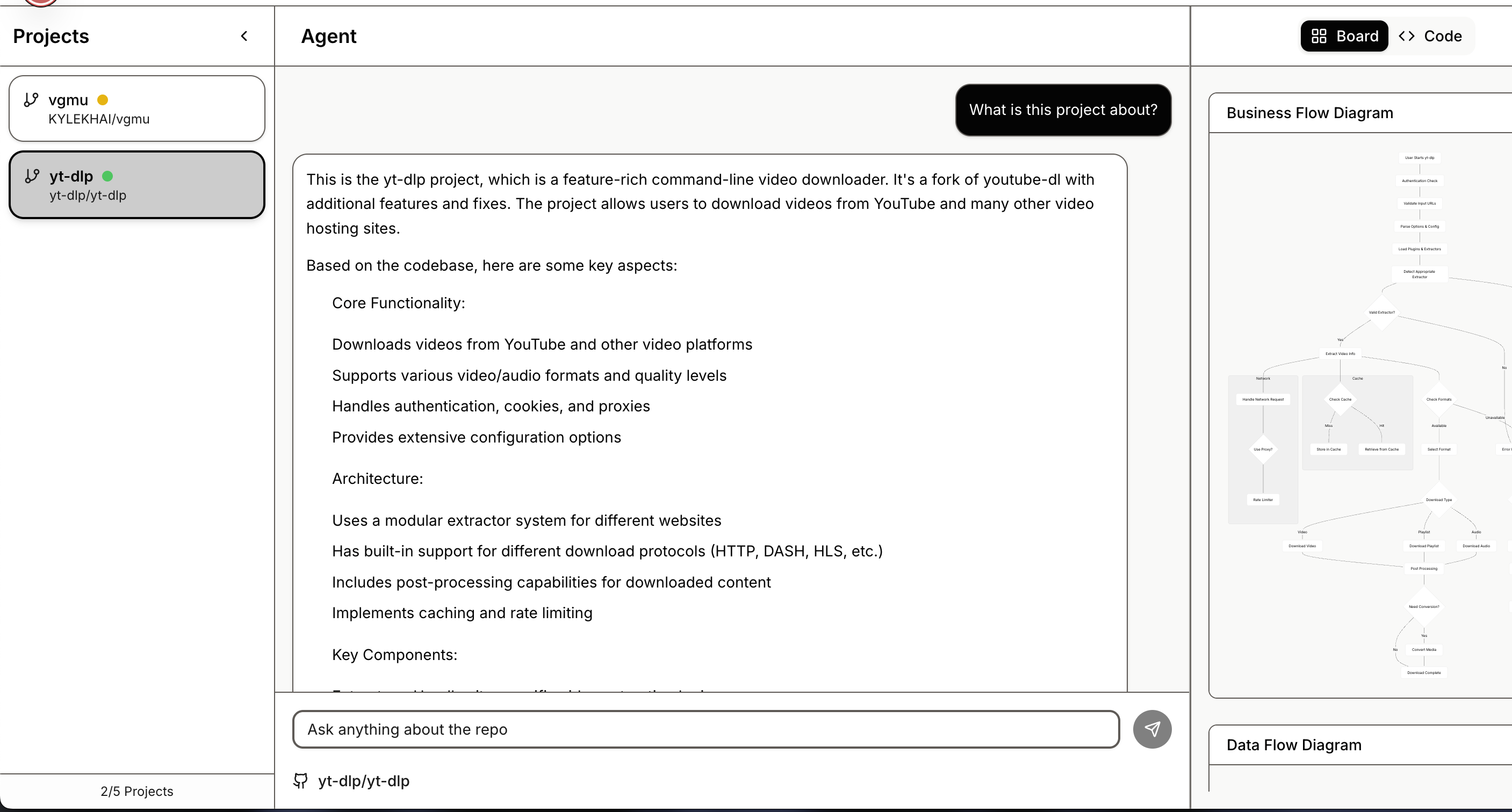
AI-Powered Agent Chat: Ask questions about your codebase and get intelligent, context-aware answers with file citations. Powered by Google Gemini AI, our agent provides accurate responses grounded in your repository's actual code. Every answer includes references to specific files and code sections.
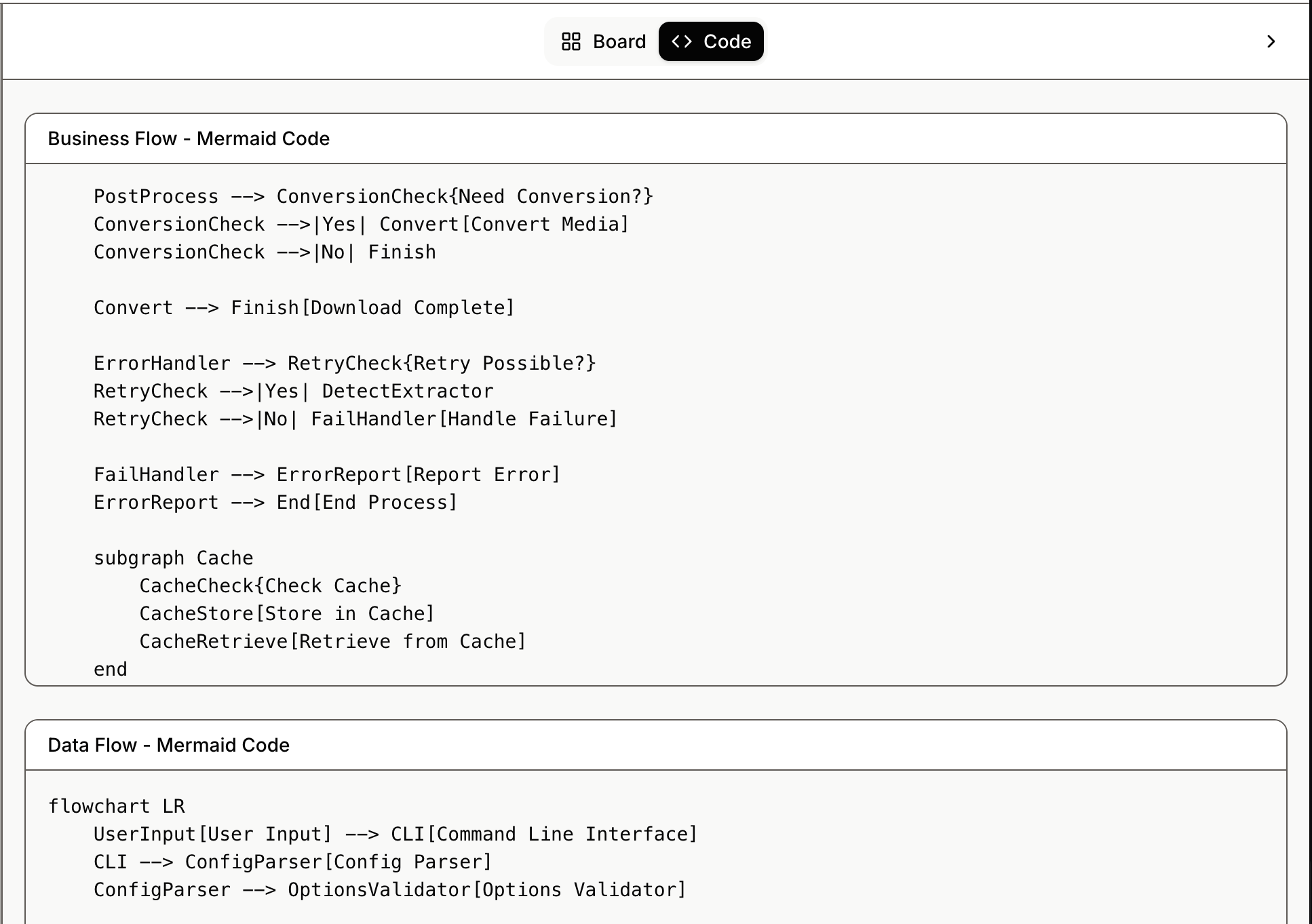
Interactive Mermaid Board: Explore your repository structure through interactive Mermaid diagrams. Toggle between rendered visualizations and raw Mermaid code to understand your project's architecture, data flows, and component relationships.
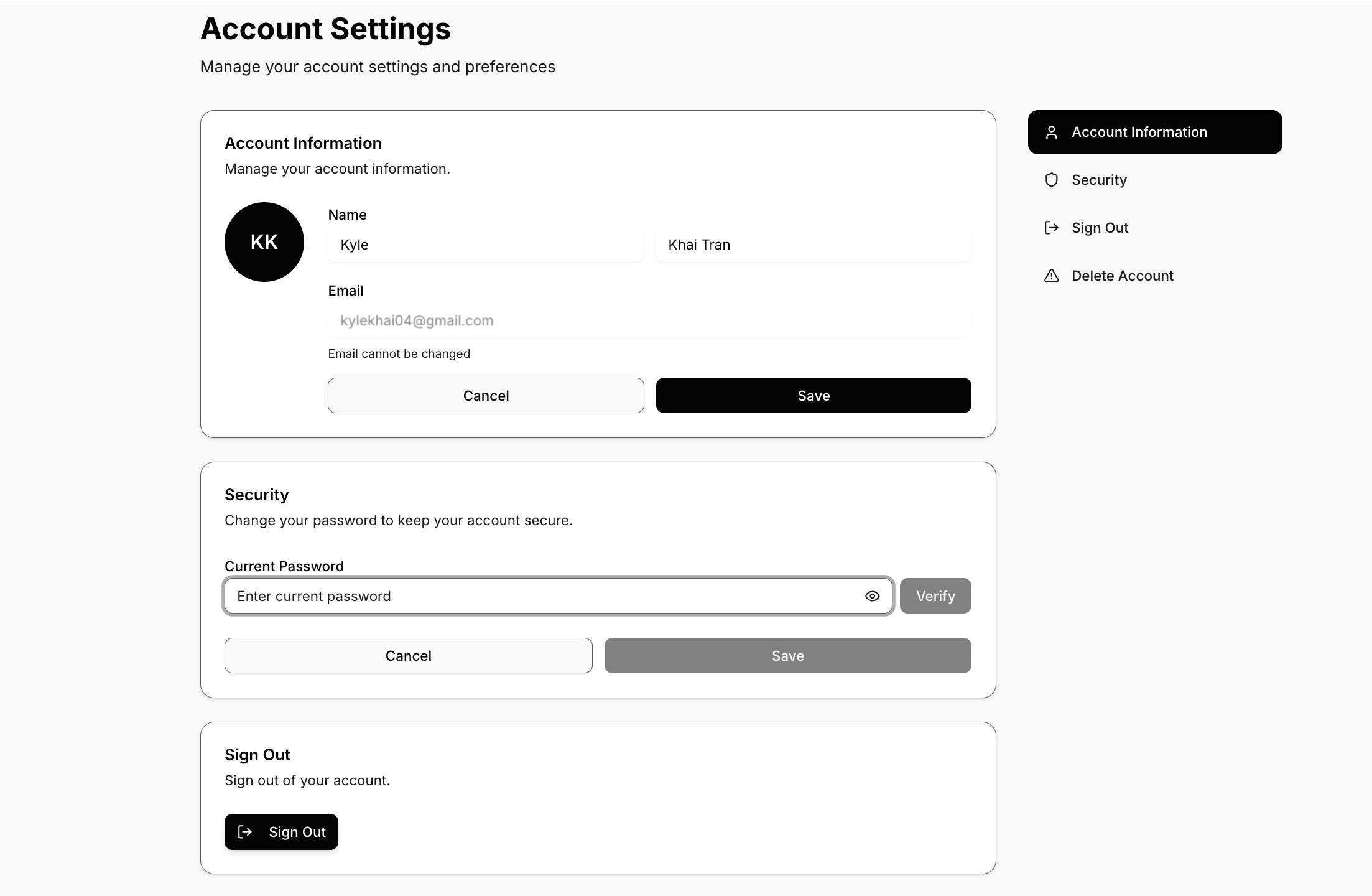
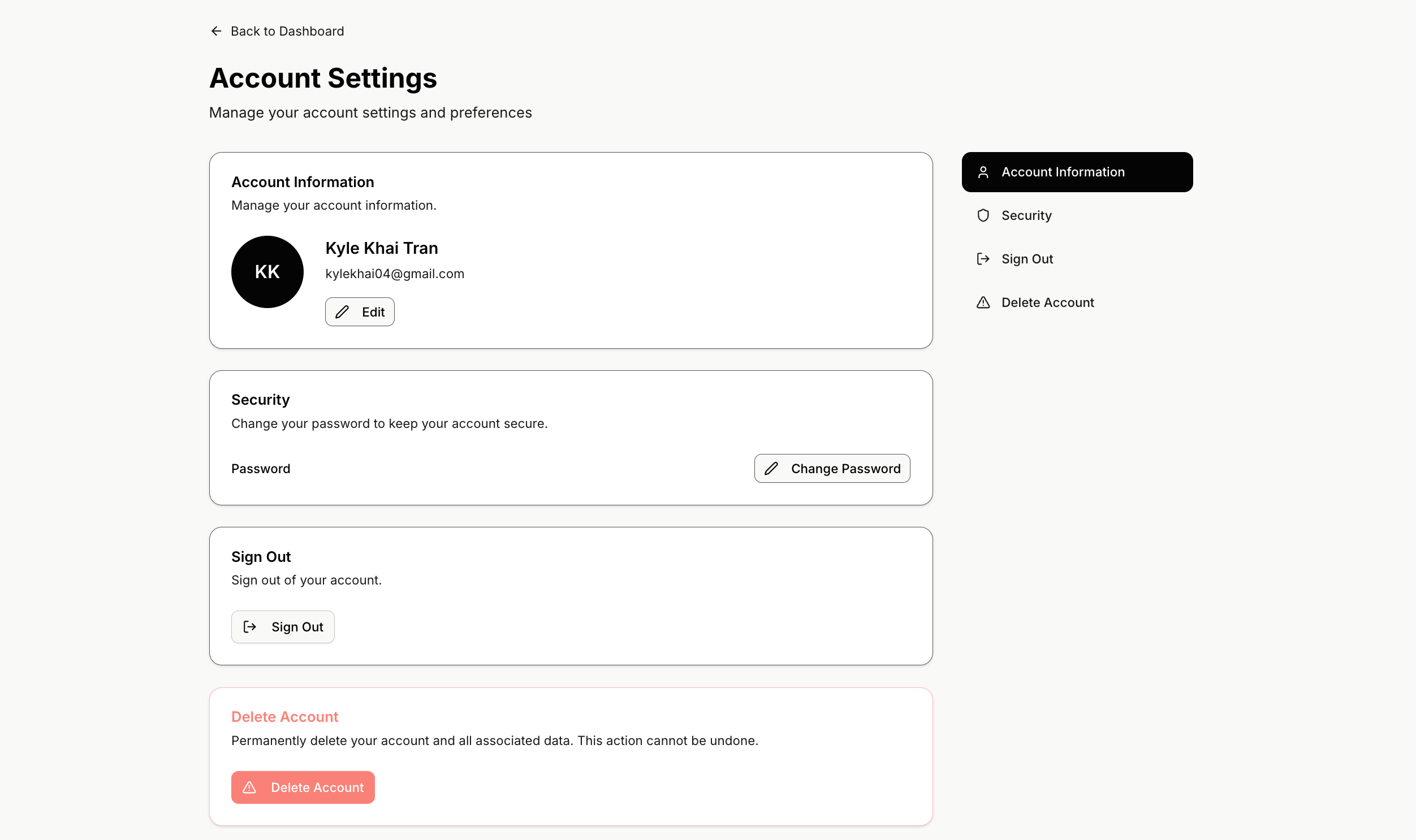
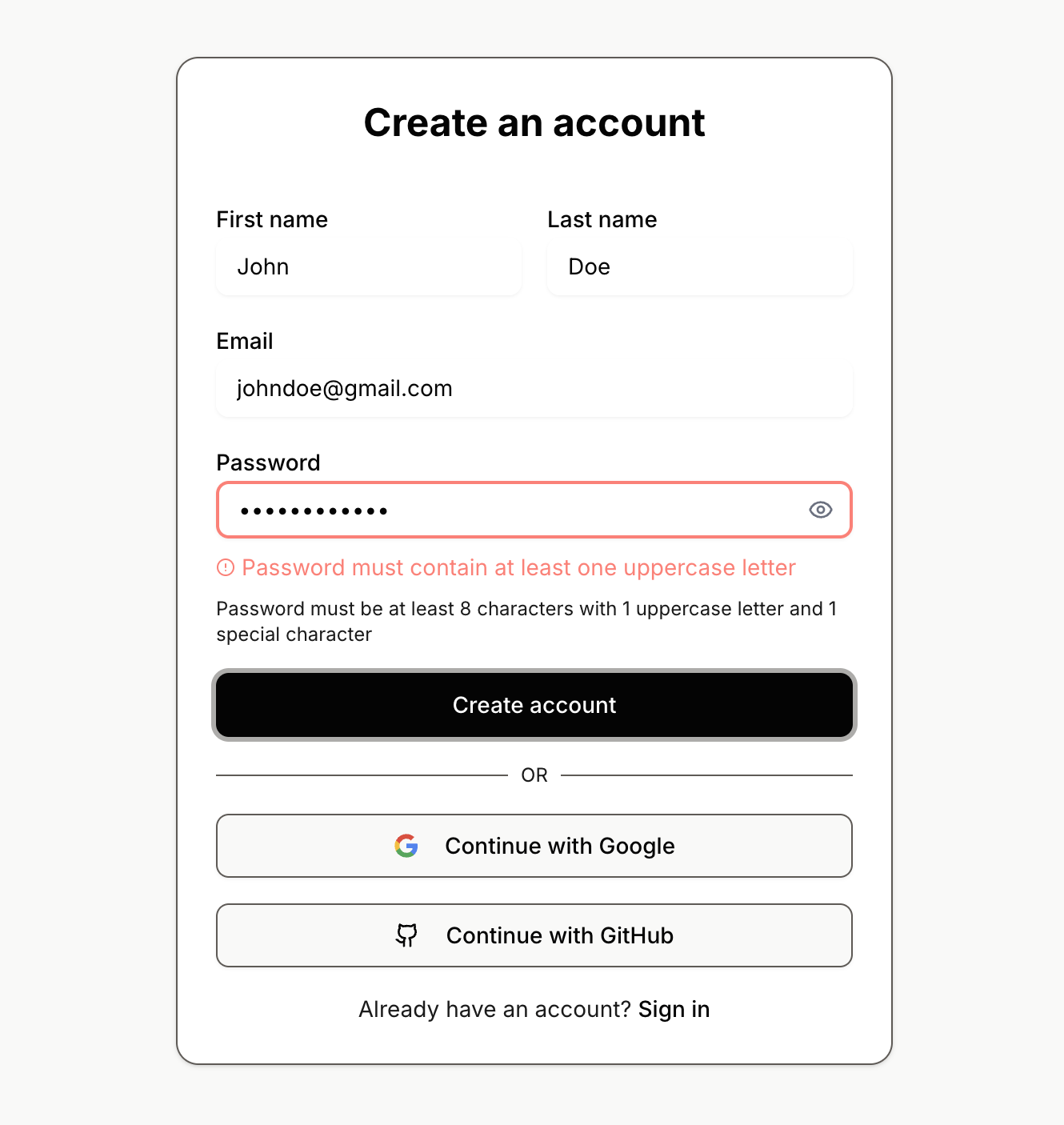
The system also includes smart context caching for faster responses, user authentication for saving projects, and a beautiful, responsive UI that works seamlessly across devices.
How we built it
Our architecture follows a three-tier approach:
1. Repository Ingestion Pipeline
- Users paste a GitHub repository URL
- Our system clones the repository and uses Repomix to generate a comprehensive XML representation
- The XML is parsed, chunked, and stored in Supabase Storage
- We generate embeddings using Google Gemini and store them in PostgreSQL with pgvector for semantic search
2. AI-Powered Chat Interface
- Built a ChatGPT-like interface using React and TanStack Query
- Implemented RAG (Retrieval-Augmented Generation): queries retrieve relevant code chunks via vector similarity search
- Responses are generated by Gemini AI with proper context and file citations
- Added intelligent caching to reduce API costs and improve response times
3. Interactive Mermaid Board
- Automatically generates architecture diagrams from repository analysis
- Uses Mermaid.js for rendering with toggle between visual and code views
- Diagrams are generated using AI analysis of project structure, dependencies, and relationships
- Supports real-time updates as users interact with the chat
Tech Stack Highlights:
- Frontend: Next.js 16, React 19, TypeScript, Tailwind CSS v4, shadcn/ui
- Backend: Next.js API Routes, Supabase (PostgreSQL + Auth + Storage)
- AI: Google Gemini AI for chat and embeddings
- State: TanStack Query for server state, Zustand for client state
- Visualization: Mermaid.js for diagrams, react-markdown for content
Challenges we ran into
Token Limit Management: Large repositories can generate massive XML files (500KB+). We had to implement smart chunking strategies and context window management to ensure AI responses stay within limits while maintaining accuracy.
API Cost Optimization: AI API calls can get expensive quickly. We implemented response caching, optimized prompts to reduce token usage, and added rate limiting to balance functionality with cost efficiency.
AI Output Formatting: Managing the output of the generative responses from Google Gemini and Claude led to formatting issues with using markdown. We had to try out specific rules and constraints on the system prompt to get the output we wanted.
UI Resizing Issues: Trying to accommodate smooth and dynamic layouts caused some content overflow and difficult to manage elements. Added some collapsable elements and wrapping text within cards made it easier to manage.
Accomplishments that we're proud of
- Authentication with database, AI integration, content extraction of Github repositories, using extracted content for visual representation
What we learned
Database retrieval, content extraction, prompt engineering and all things generative AI.
What's next for what-the-tech
Refining AI context
More custom presets for prompting
More structured UI/UX
Built With
- api
- css
- gemini
- genai
- github
- javascript
- mermaid.js
- next.js
- openrouter
- postgresql
- radix
- react
- react-markdown
- remark-gfm
- repomix
- shadcn/ui
- supabase
- tailwind
- tanstackquery
- typescript
- zustand


Log in or sign up for Devpost to join the conversation.