Choosing the right architecture
ClickHouse can make enormous datasets feel instant, but getting there requires decisions whose consequences are difficult to see. A tiny insert creates another immutable part. A high-cardinality partition key creates isolated merge pools. A convenient sorting key can force queries to scan far more data than expected.
These choices often look harmless in configuration files and only become obvious when a production system begins falling behind.
I faced this recently, and I knew many companies had faced it too. From Zepto to Trigger.dev, teams have had to refine their ClickHouse architectures repeatedly as their data and workloads grew.
Just paste it into the agent?
That convinced me there was a real problem to solve. Giving an agent one ClickHouse article to read or blindly asking it would not be enough - which is what most people would do inadvertently when they run out of time.
Real systems need custom architectures, and translating general advice into workload-specific decisions is often where things go wrong.
The WebMCP Part
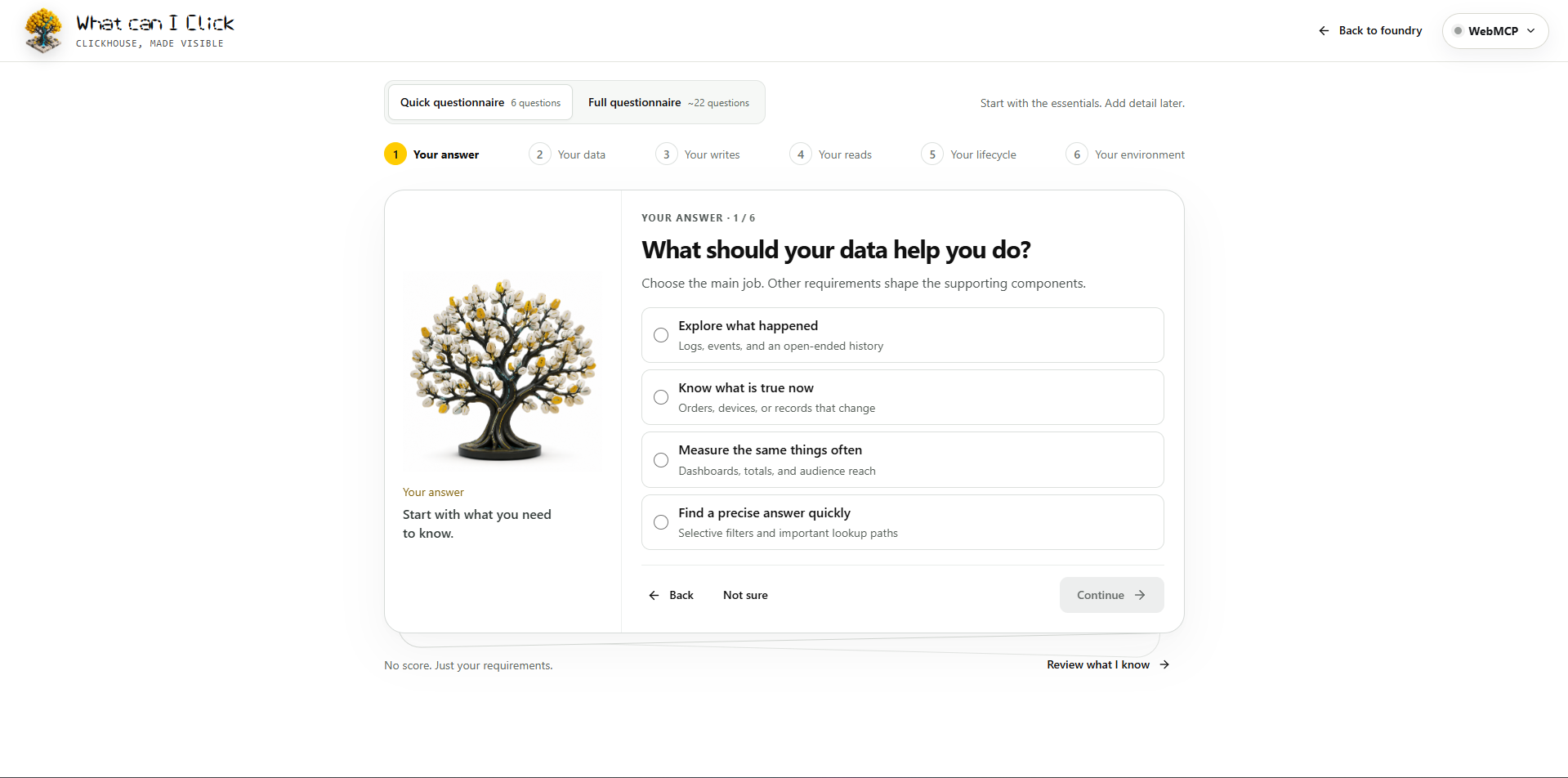
WebMCP felt like an exciting way to approach this. I wanted an agent to understand each visitor’s requirements, ask the right follow-up questions, retrieve relevant evidence, and display personalized recommendations directly inside the same interactive experience.
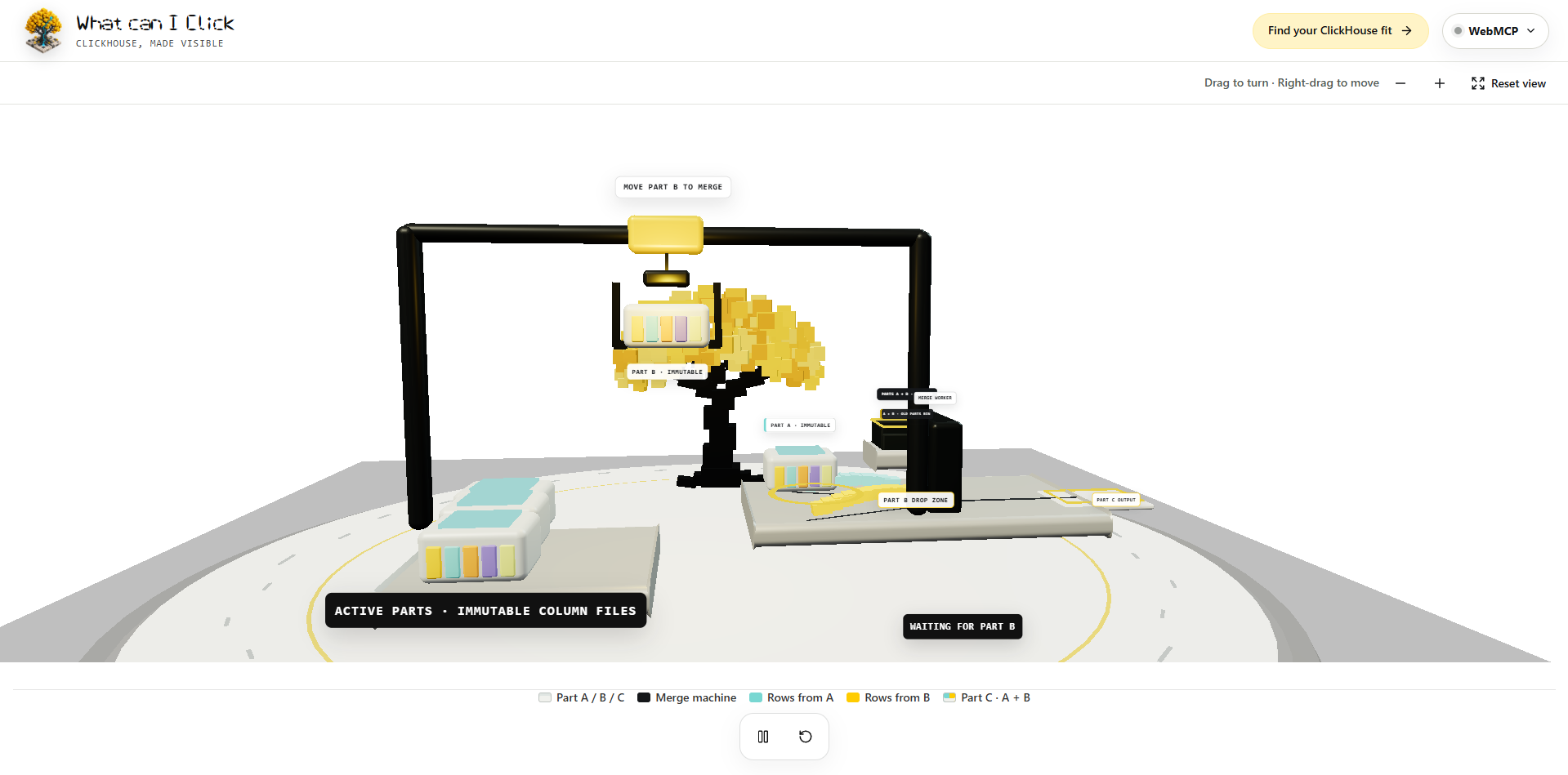
Inspiration for the 3D part merge visualization
OpenAI’s Cubecade demo inspired the project’s visual direction. It made me want to use React Three Fiber and Three.js to turn abstract ClickHouse behavior into something people could see, explore, and understand.
The result is What Can I Click?—an interactive ClickHouse architecture guide where humans and agents can explore the same system together.
Try it for yourself
Try the live experience or view the source.
It felt like a genuinely useful application of this new technology. I’d love to hear what you think!
Built With
- codex

Log in or sign up for Devpost to join the conversation.