-
-
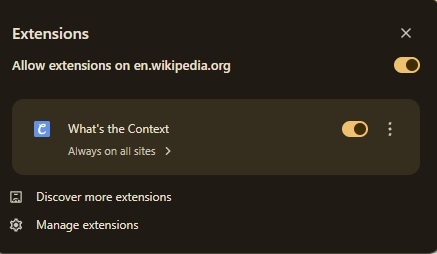
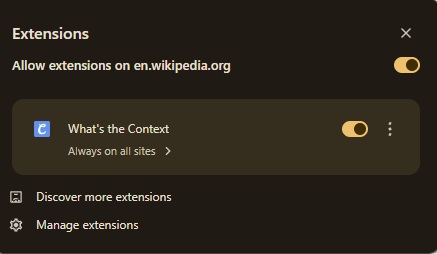
How the extension sits in your extension list
-
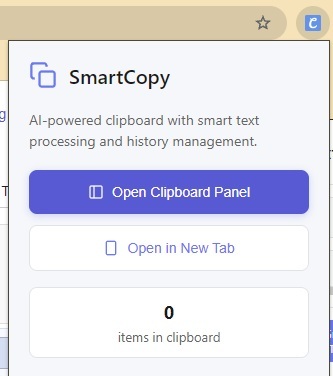
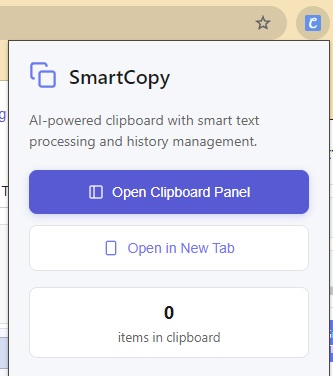
What the extension looks like upon being interacted with
-
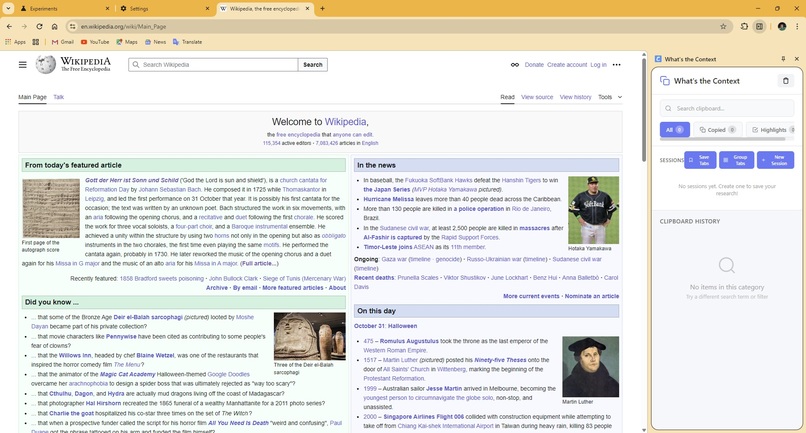
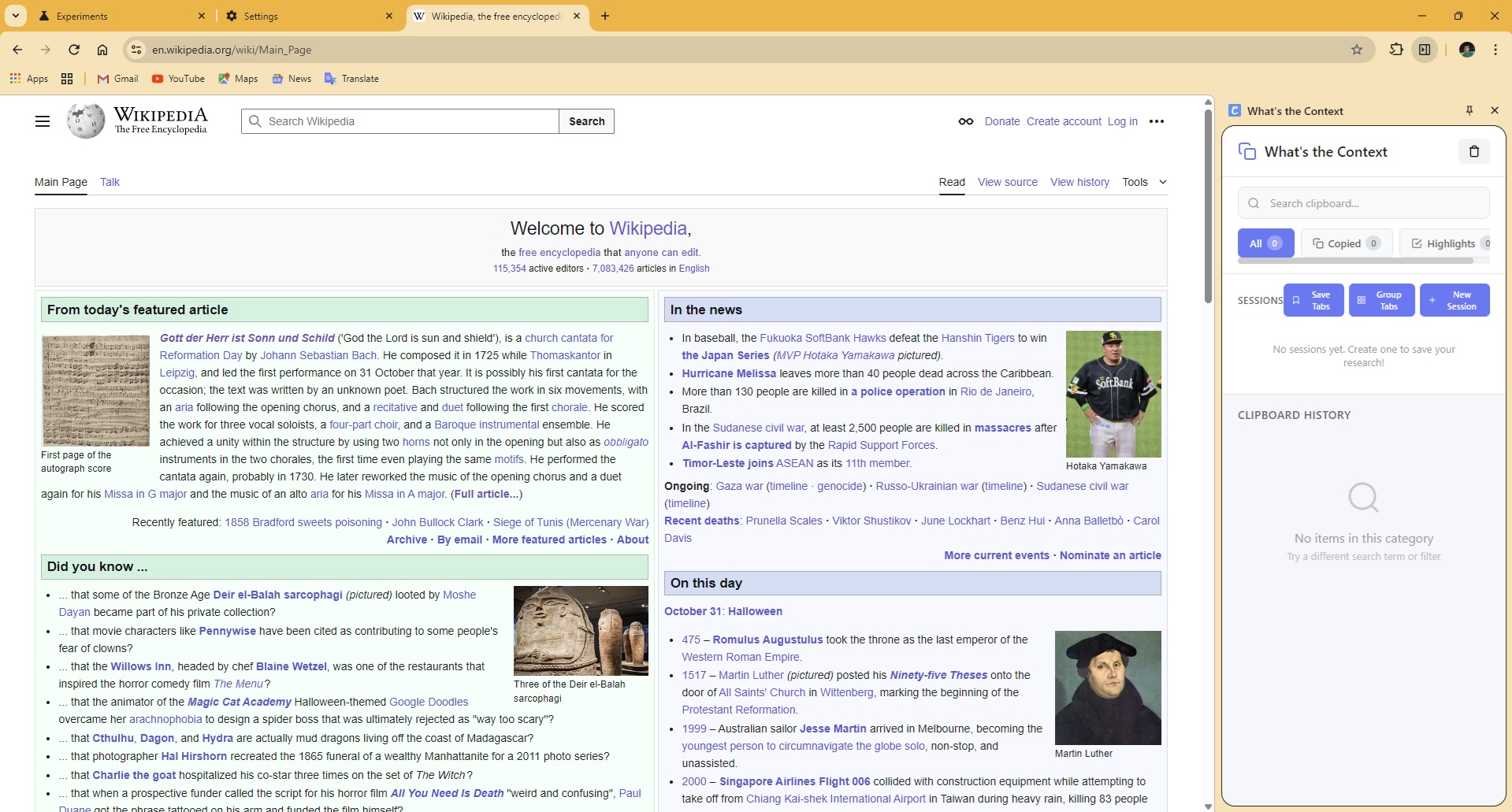
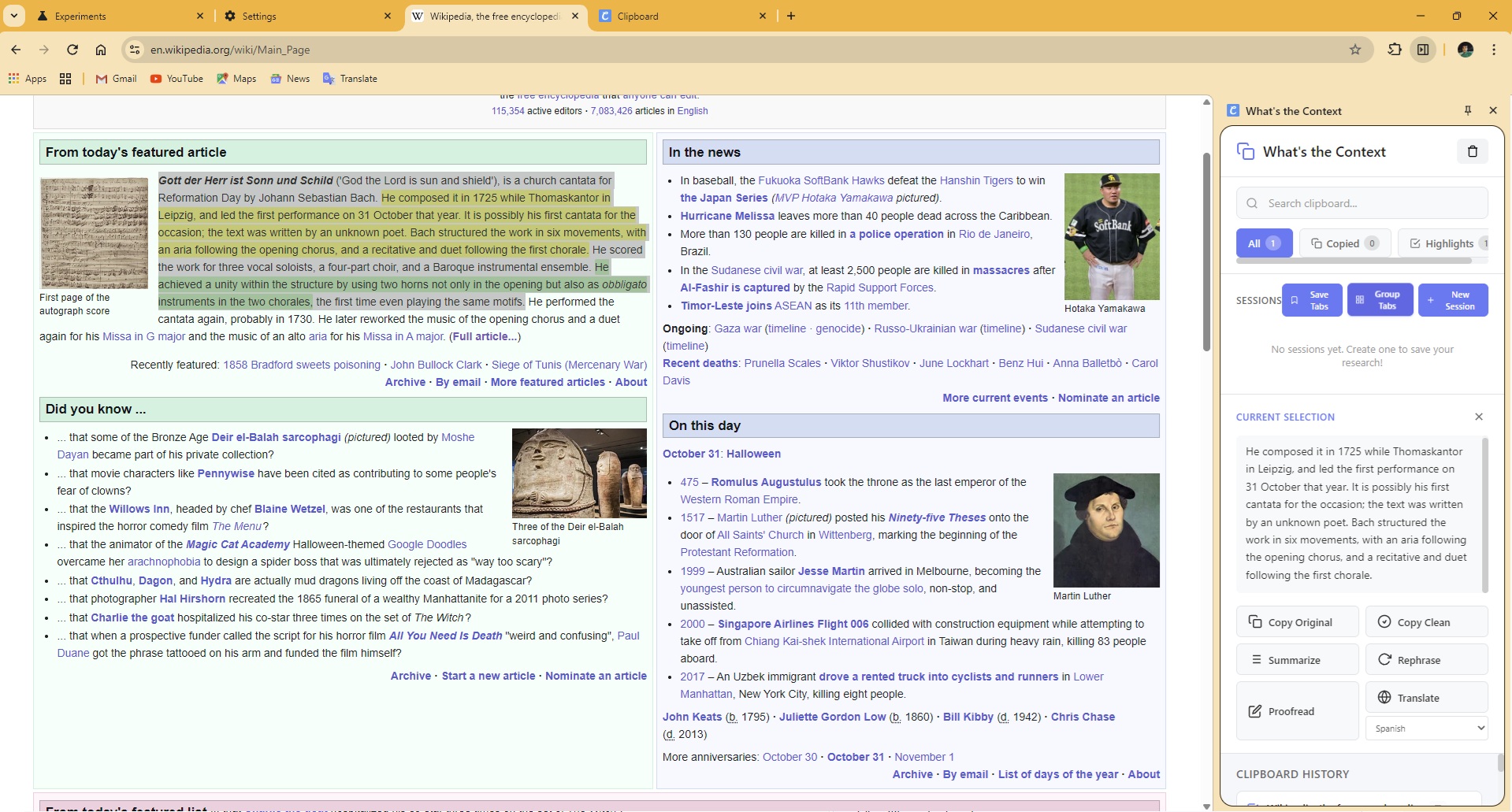
View of the Sidepanel
-
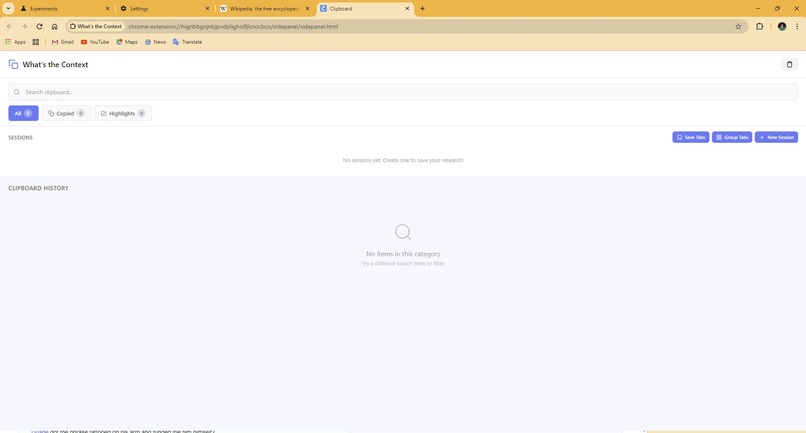
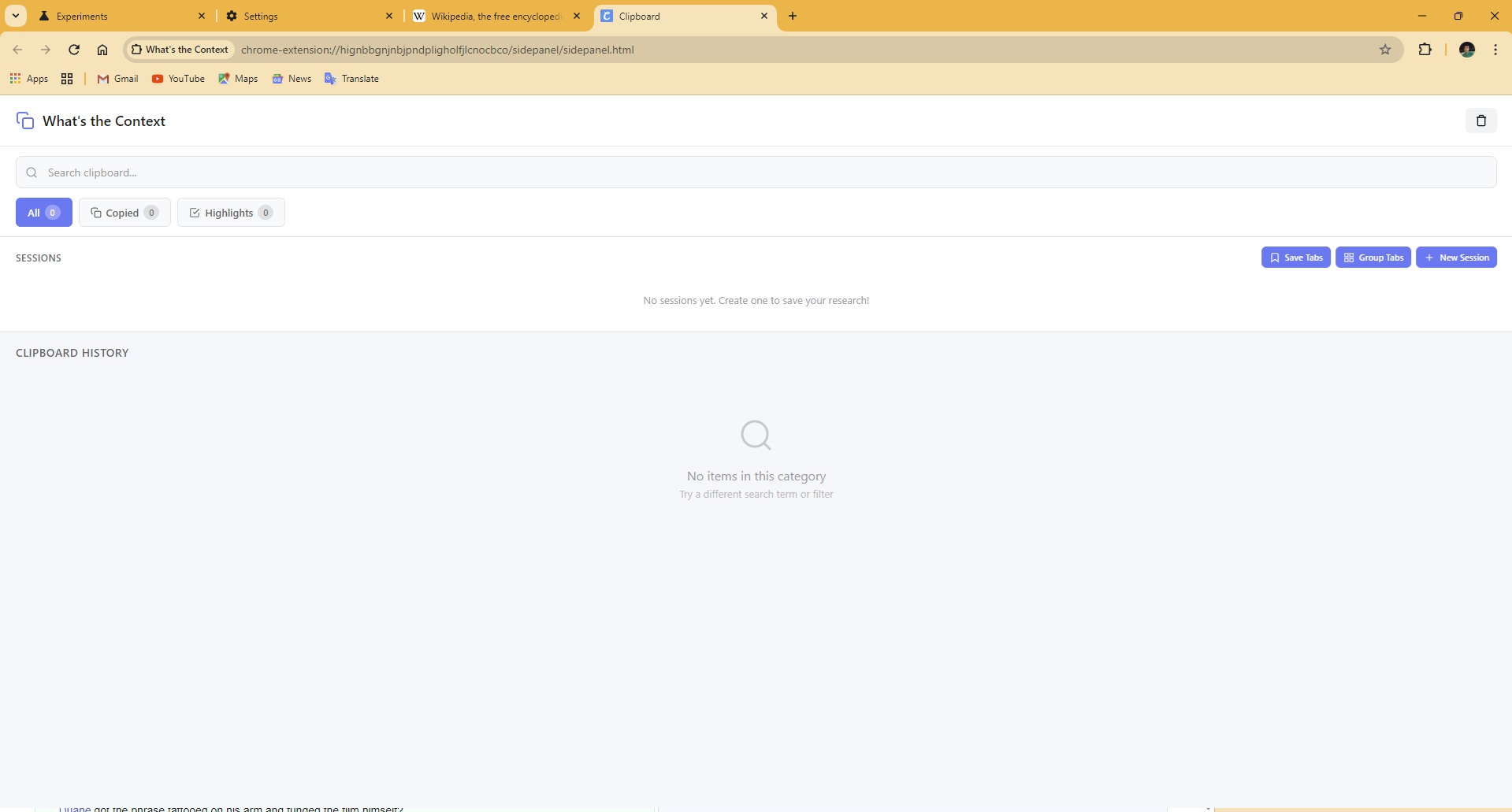
View of the Tab Hybrid web application
-
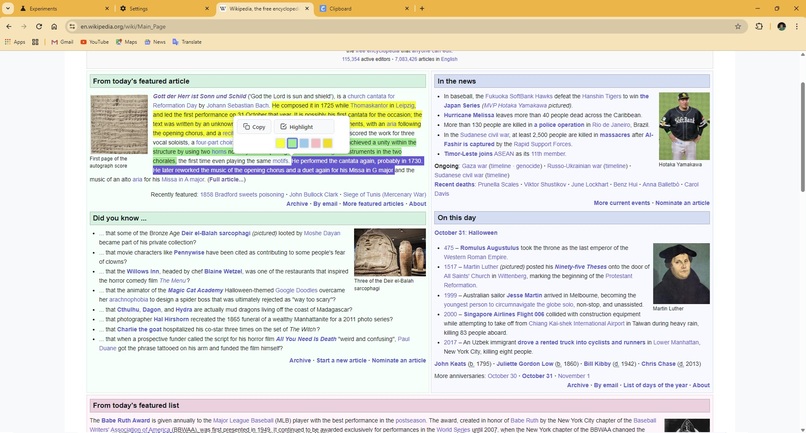
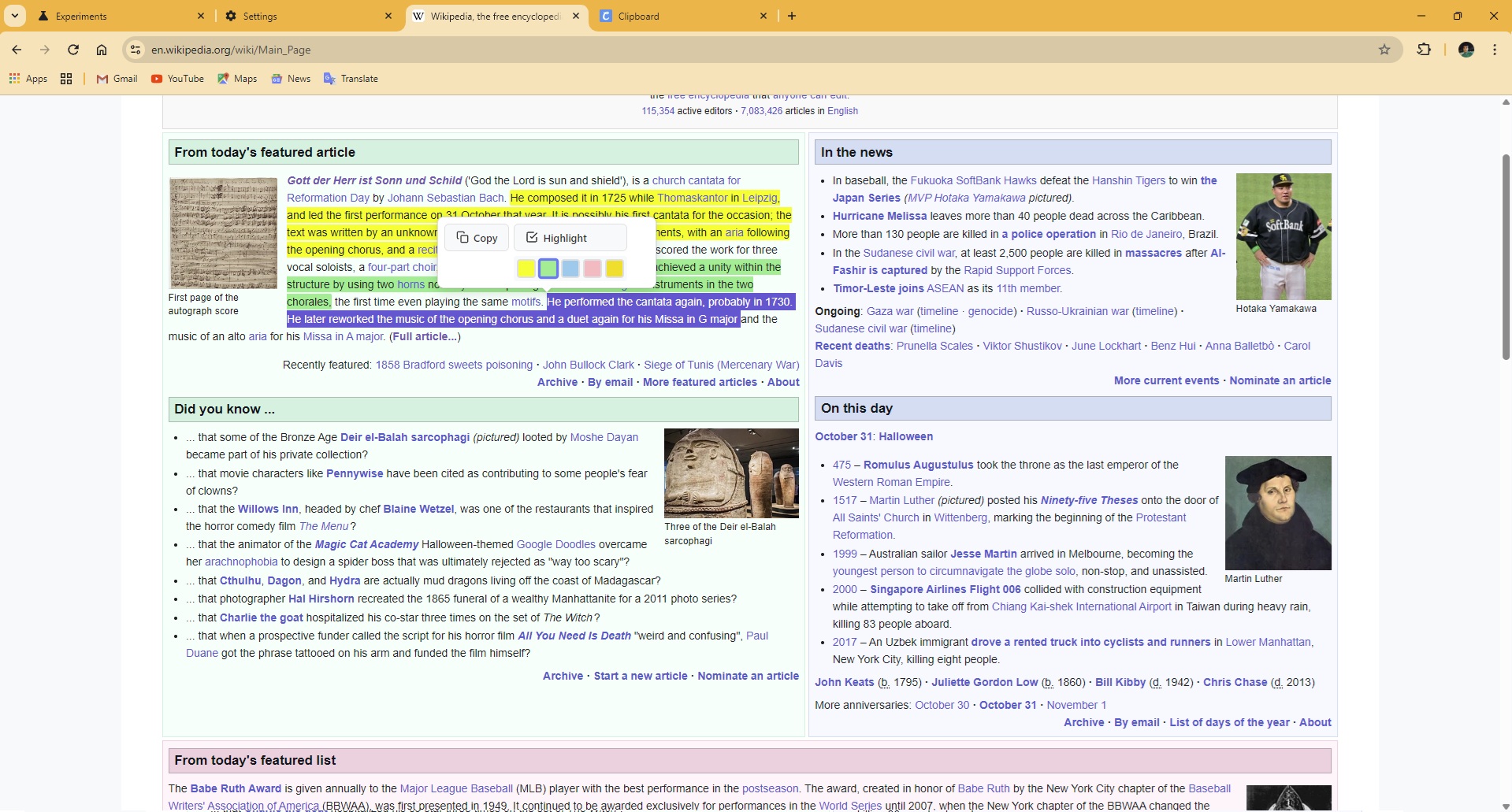
View of the Highlight feature
-
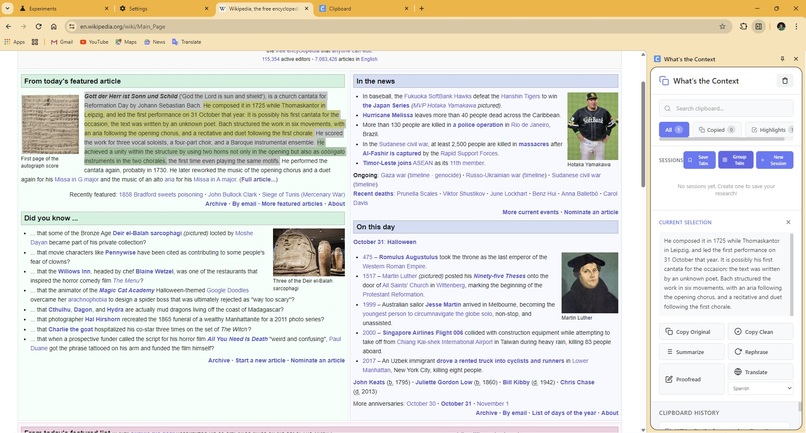
View of the Smart Copy feature
-
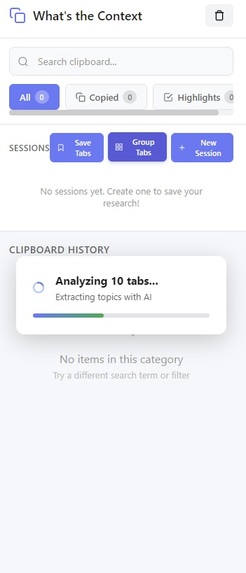
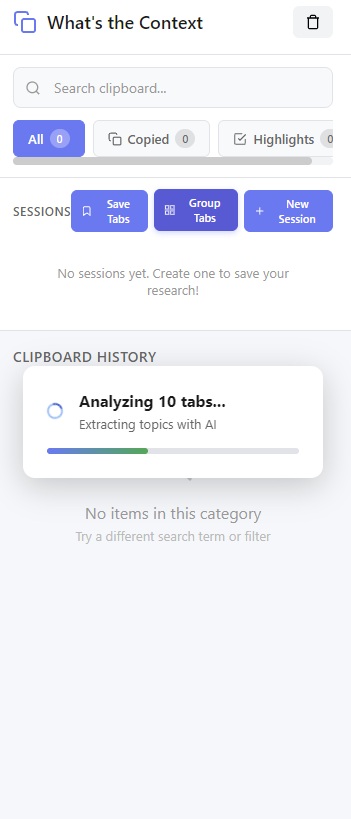
View of how the group tab feature looks like when working
-
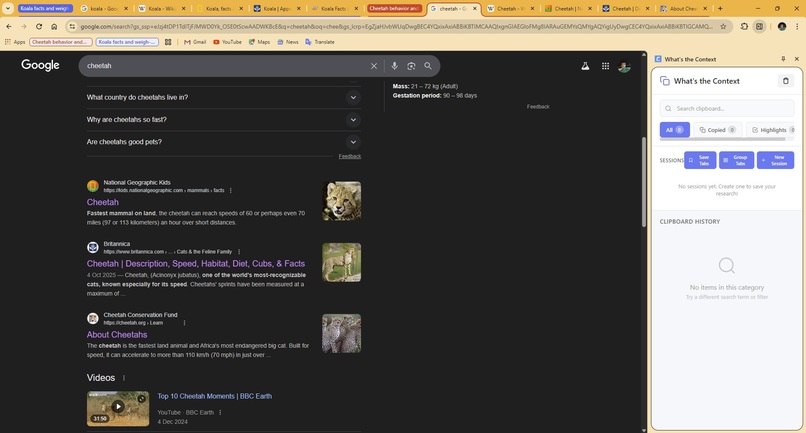
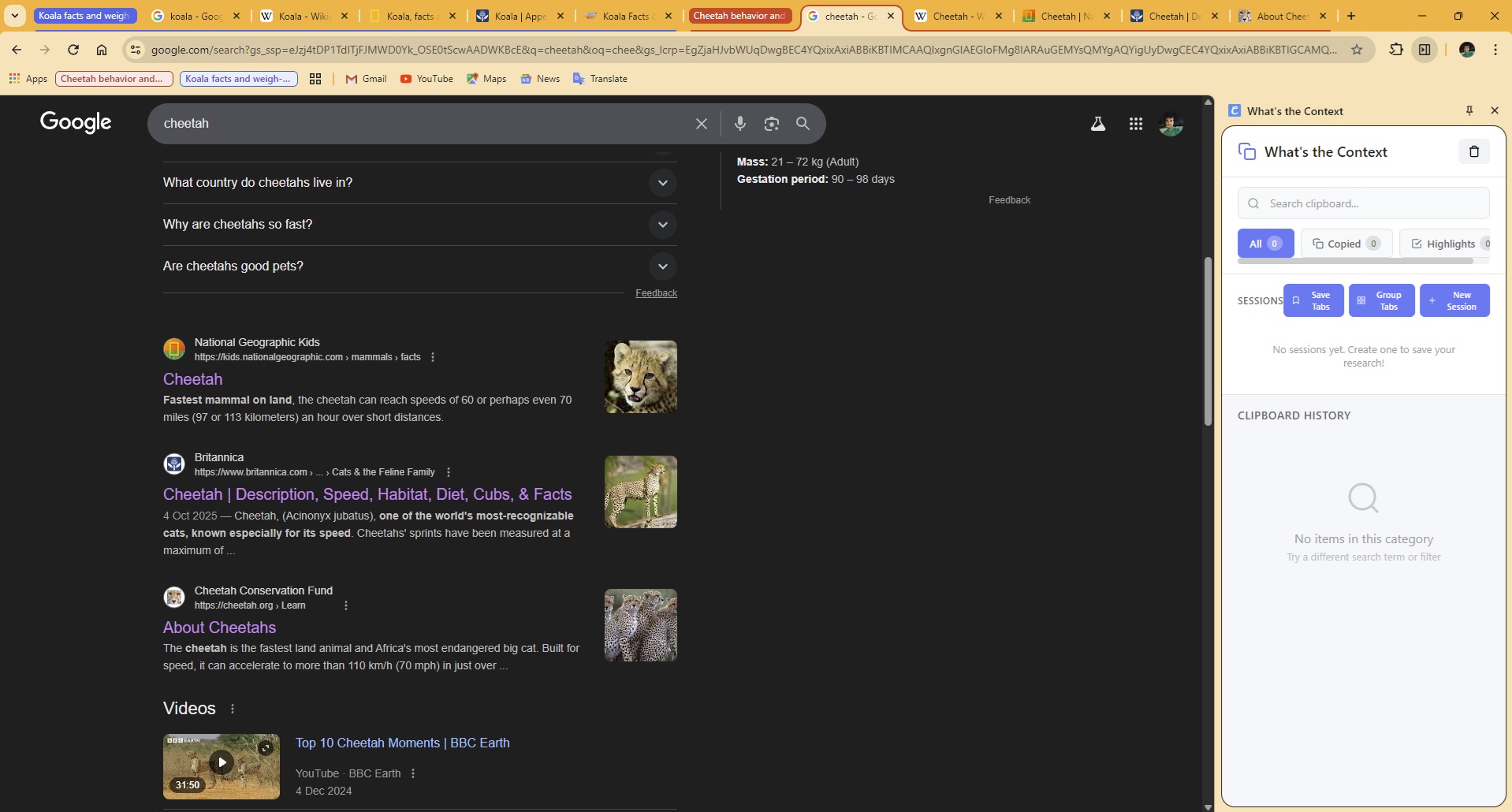
View of how the group tab feature look like after processing
Inspiration
Research and information gathering in the digital age is chaotic. We open dozens of tabs, copy snippets from multiple sources, and lose track of context within minutes. Traditional clipboard managers simply store text without understanding its meaning or preserving the research context. We were inspired to build What's the Context to solve this fundamental problem: helping researchers, students, and knowledge workers maintain context while gathering information across the web. By leveraging Chrome's built-in Gemini Nano AI, we wanted to create an intelligent assistant that not only remembers what you copy but understands why it matters and how it connects to your broader research goals.
What it does
What's the Context is an AI-powered Chrome extension that revolutionizes how you gather and organize information online:
Core Features: Smart Clipboard Management: Automatically captures copied text and highlighted content with source attribution and timestamps
Multi-Color Highlighting: Mark important passages with 5 different colors directly on web pages, persisting across browser sessions
AI Text Processing: Powered by Gemini Nano for instant summarization, rephrasing, proofreading, and translation (10 languages)
Intelligent Tab Grouping: Analyzes open tabs using AI to automatically group them by subject/topic
Session Management: Save entire research sessions with tabs and clipboard items, preventing auto-deletion
Context Capture: Automatically generates AI summaries of pages you visit to preserve research context
Smart Search & Filter: Find clipboard items instantly by content, source, or type
Auto-Expiry System: Unsaved items expire after 3 days to keep your workspace clean, while saved items persist indefinitely
Use Cases: Students researching papers across multiple topics
Developers comparing documentation from different frameworks
Content creators gathering references from various sources
Anyone who needs to maintain context across multiple browsing sessions
How we built it
Technology Stack:
Frontend: HTML5, CSS3, JavaScript (ES6+)
AI Engine: Chrome's Gemini Nano (on-device language model)
Architecture: Chrome Extension Manifest V3
APIs: Chrome Extension APIs (storage, scripting, tabGroups, sidePanel, alarms)
Storage: Chrome's local storage API for persistence
Development Process:
Core Infrastructure: Built modular utility classes (StorageManager, AIProcessor, SessionManager, TabGrouper, ContextManager) using ES6 modules for clean separation of concerns
AI Integration: Implemented session caching for Gemini Nano to optimize performance, with fallback mechanisms when AI is unavailable. Added output language specification and temperature controls for consistent results.
Content Script: Developed a non-intrusive selection bubble UI with multi-color highlighting that persists across page reloads using unique identifiers and DOM manipulation
Side Panel: Created a responsive, accessible UI with real-time search, filtering, and visual feedback using CSS animations and transitions
Smart Tab Grouping: Built semantic topic extraction using AI prompts that identify main subjects (not just broad categories), then cluster tabs based on similarity scores combining string matching and AI semantic analysis
Session System: Implemented a complete research session workflow with tab preservation, item management, and restoration capabilities
Performance Optimization: Added progress indicators, toast notifications, and loading states to handle AI processing delays gracefully (10-20 seconds for large texts)
Challenges we ran into
1. Gemini Nano API Instability
The Chrome AI APIs were in early experimental stages, requiring frequent troubleshooting:
Problem: LanguageModel API would return undefined or "downloadable" status unpredictably
Solution: Implemented comprehensive availability checks with fallback mechanisms and retry logic
2. Output Language Requirements
Initially received errors: "No output language was specified in a LanguageModel API request"
Problem: API required explicit outputLanguage parameter for safety validation
Solution: Added outputLanguage: 'en' to all AI session creations throughout the codebase
3. Host Permissions for Script Injection
Tab grouping failed with "Cannot access contents of url" errors on Wikipedia, NASA, etc.
Problem: Manifest V3 requires explicit host_permissions for chrome.scripting.executeScript
Solution: Added "host_permissions": [""] to manifest.json
4. Balancing Grouping Specificity
Finding the sweet spot between overly broad and overly specific tab grouping:
Problem: Initially grouped all wildlife tabs as "Animals/Wildlife" instead of separate "Koala" groups
Solution: Refined AI prompts to extract "main subject" rather than "general category", with explicit examples showing desired granularity
5. AI Processing Speed
Gemini Nano can take 10-20 seconds for processing, causing perceived freezes:
Problem: Gemini Nano is a local-run ai service, hence it is necessary to write optimised code to ensure fast and efficient work times Solution: Implemented progress indicators with estimated times, spinner animations, and user-friendly status messages
Accomplishments that we're proud of
1. True On-Device AI Integration Successfully integrated Chrome's experimental Gemini Nano API, making this one of the first extensions to leverage browser-native AI without external API calls or privacy concerns.
2. Semantic Tab Grouping Built an intelligent system that groups tabs by understanding content, not just matching domains. It distinguishes between "Formula 1" and "Formula E", "Koala" and "Panda" - something traditional extensions can't do.
3. Zero-Setup Experience No API keys, no server setup, no authentication required. Everything runs locally in the browser with automatic initialization.
4. Complete Research Workflow From initial text selection → AI processing → session saving → tab restoration, we built an end-to-end solution for knowledge workers.
5. Accessibility & UX Implemented ARIA labels, keyboard navigation, visual feedback (toasts, progress bars), and responsive design making the extension accessible to all users.
6. Data Privacy All processing happens on-device. No data is sent to external servers, no tracking, no telemetry. Your research stays private.
7. Modular Architecture Clean separation of concerns with ES6 modules makes the codebase maintainable and extensible for future features.
What we learned
Technical Skills:
Chrome Extension Development: Mastered Manifest V3 architecture, content scripts, service workers, and Chrome APIs (storage, scripting, tabGroups, sidePanel)
AI Prompt Engineering: Learned how to craft effective prompts for Gemini Nano to get consistent, useful results
Asynchronous JavaScript: Deepened understanding of Promises, async/await, race conditions, and timeout handling
DOM Manipulation: Advanced techniques for non-destructive highlighting using range.surroundContents() and custom data attributes
State Management: Built a custom state management system for clipboard items, sessions, and user preferences without external libraries
AI/ML Insights:
On-Device AI Limitations: Processing speed varies significantly (2-20 seconds) based on text length and model warm-up
Prompt Specificity Matters: Generic prompts like "categorize this" produce inconsistent results. Specific examples in prompts dramatically improve output quality
Fallback Strategies: Always need graceful degradation when AI is unavailable or slow
UX Design: Progressive Disclosure: Don't show all features at once - reveal them contextually (hover states, progress indicators)
Feedback Timing: Users need immediate feedback (<100ms) for clicks, with clear progress indicators for longer operations
Visual Hierarchy: Color-coding, gradients, and borders help users distinguish saved vs. unsaved, important vs. ephemeral
Problem-Solving:
Iterative Refinement: Tab grouping went through 3 major iterations (too specific → too broad → just right) based on real-world testing
Debug-Driven Development: Console logging at every step was crucial for debugging AI behavior and API issues
User-Centric Testing: The "bookmark icon always visible" change came from recognizing the hidden-on-hover pattern was too subtle
What's next for What's the Context
Short-Term Enhancements:
Export/Import Sessions: Allow users to export research sessions as JSON or Markdown for sharing and backup
Annotation System: Add personal notes to clipboard items and highlights
Advanced Filtering: Date ranges, custom tags, and boolean search operators
Keyboard Shortcuts: Quick access to common actions (Ctrl+Shift+C for copy to SmartCopy, etc.)
Highlight Colors Management: Let users customize colors and add more than 5 options
Medium-Term Features:
Cross-Device Sync: Use Chrome Sync API to synchronize clipboard and sessions across devices
Citation Generator: Automatically format sources in APA, MLA, Chicago styles
Smart Suggestions: AI recommends related tabs or clipboard items based on current research context
Batch Operations: Select multiple items for bulk actions (delete, move to session, export)
Visual Mind Map: Generate visual connections between clipboard items and sessions
Long-Term Vision:
Research Assistant Mode: AI analyzes your entire research session and generates summaries, identifies gaps, suggests next steps
Collaborative Sessions: Share sessions with team members for collaborative research
Integration Ecosystem: Connect with note-taking apps (Notion, Obsidian, Evernote), reference managers (Zotero, Mendeley)
Advanced AI Features: As Chrome's AI capabilities expand, add document Q&A, automatic key points extraction, and research paper summarization
Browser Compatibility: Port to Firefox and Edge once their AI APIs mature
Community Goals:
Open-source the project for community contributions
Build a plugin system for third-party extensions
Create comprehensive documentation and video tutorials
Gather user feedback through GitHub issues and feature requests
What's the Context aims to become the definitive research companion for anyone who gathers knowledge online, making information management intelligent, contextual, and effortless.

Log in or sign up for Devpost to join the conversation.