-
-
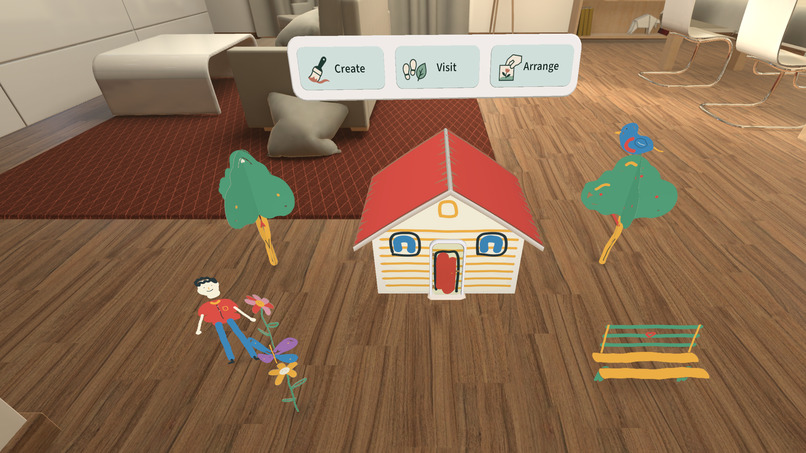
Garden in your room
-
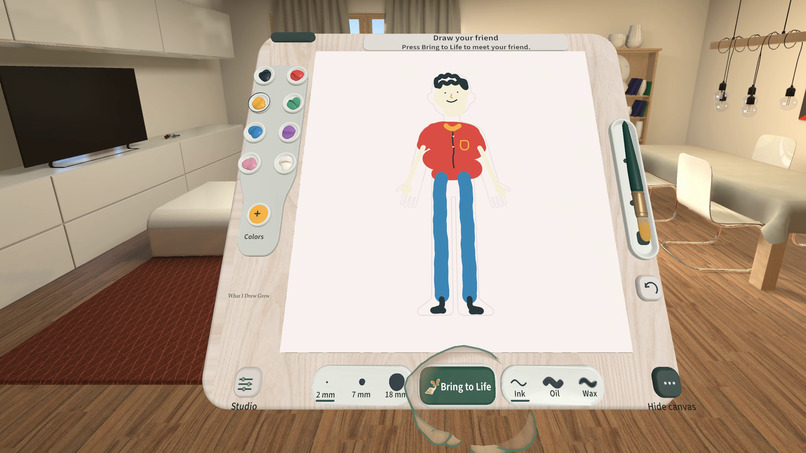
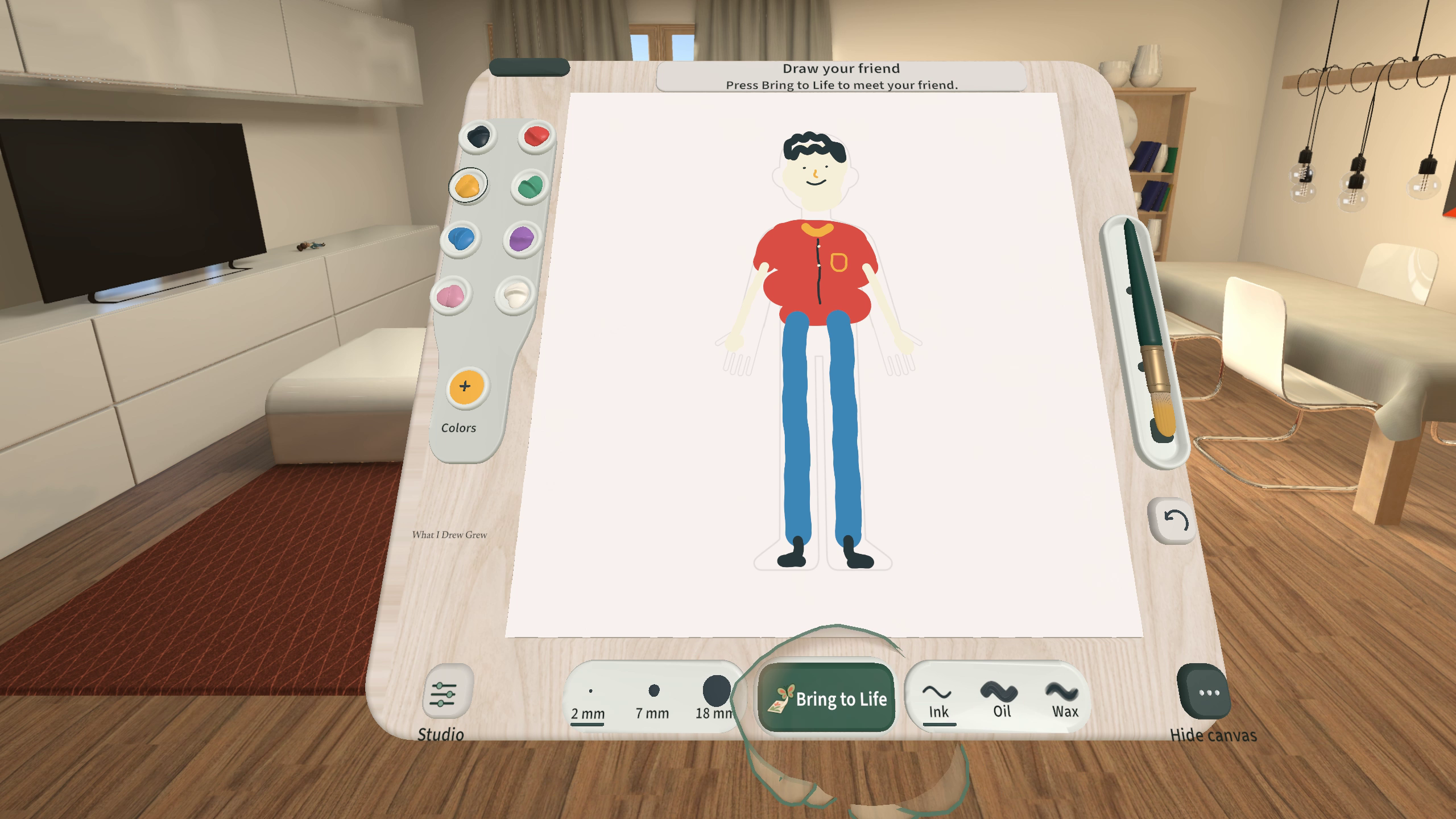
Draw your friend
-
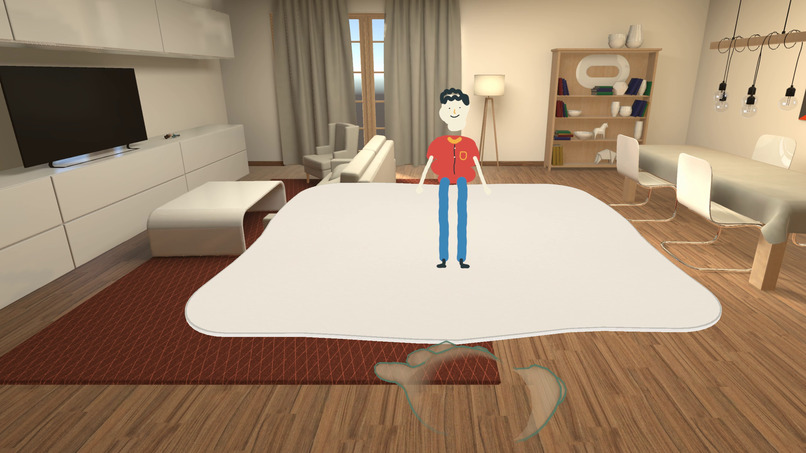
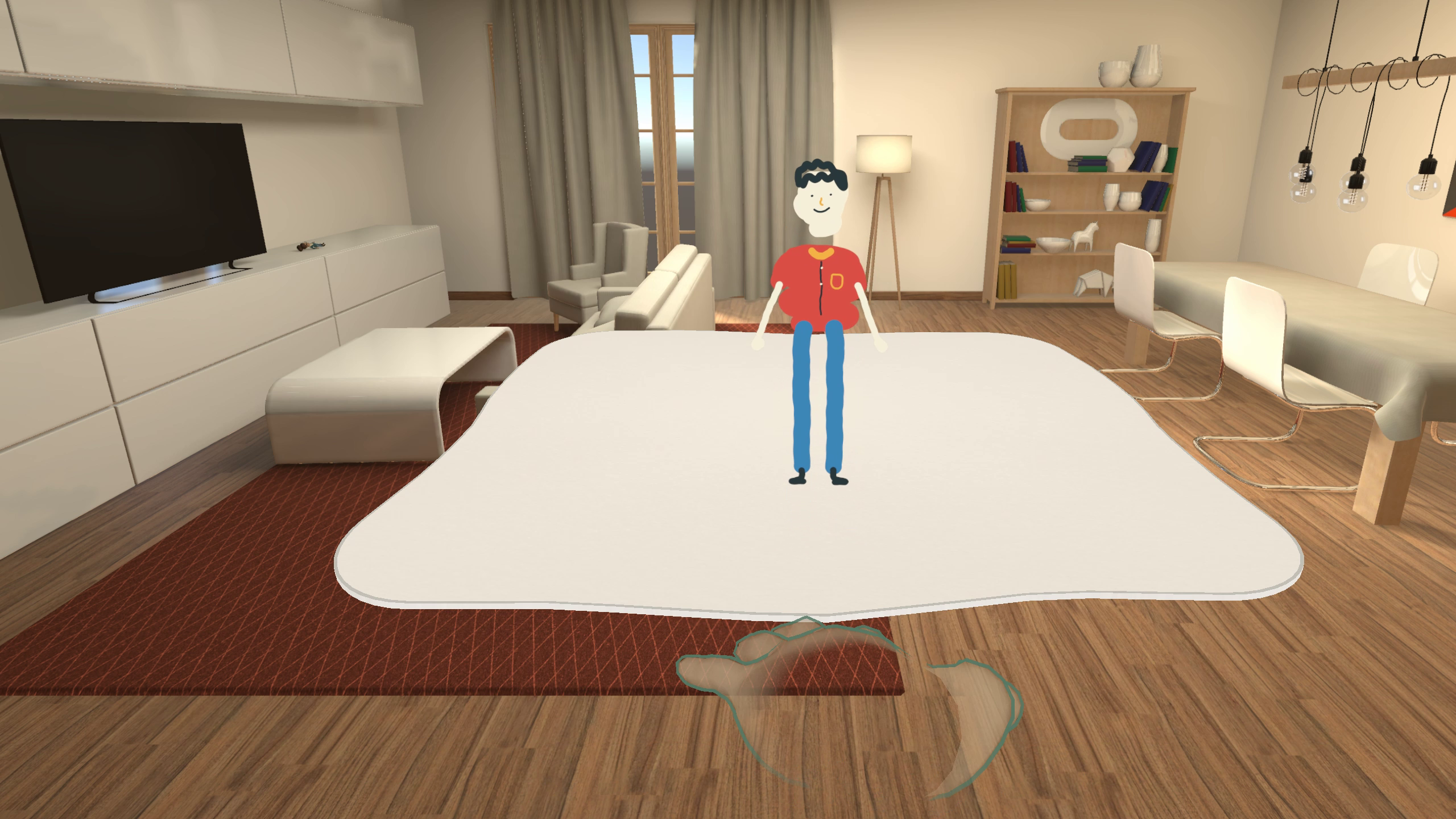
Bring your friend to life
-
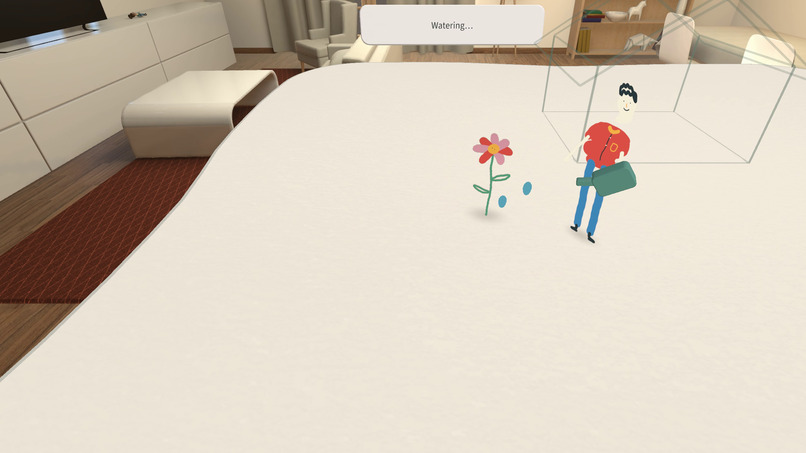
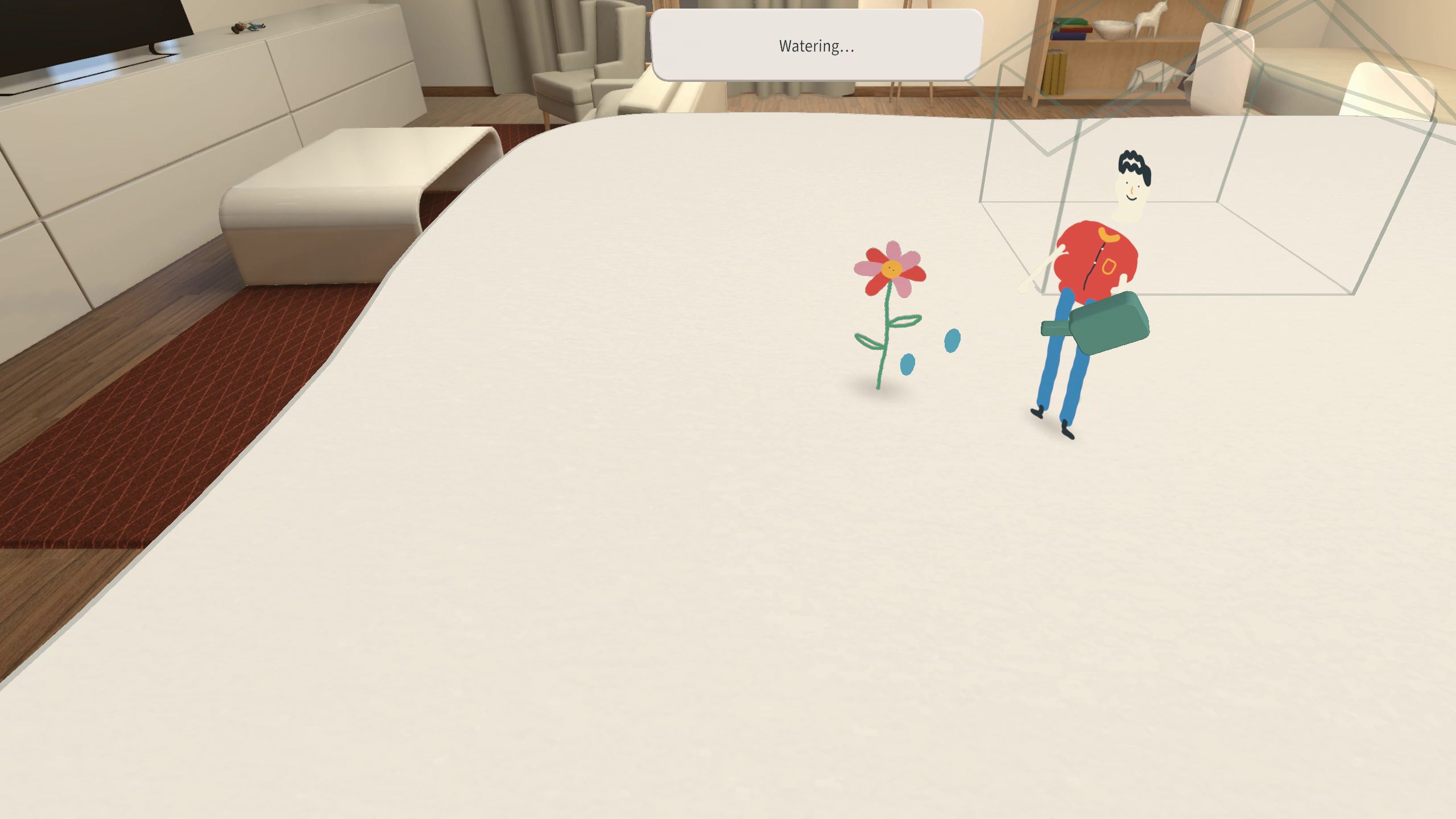
Water your flower
-
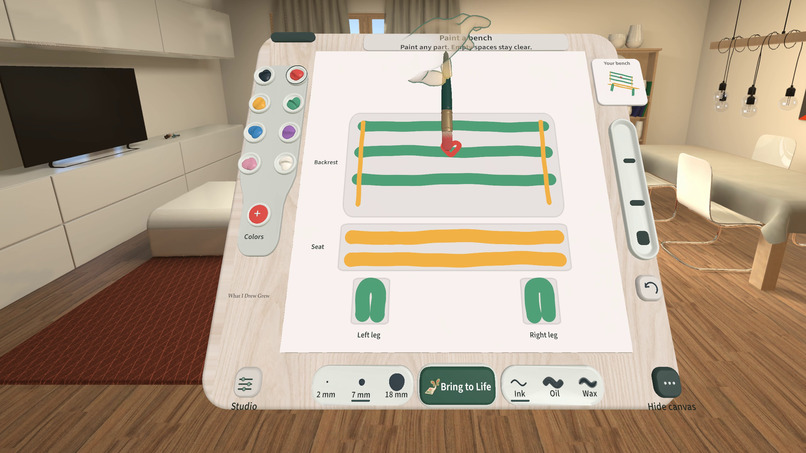
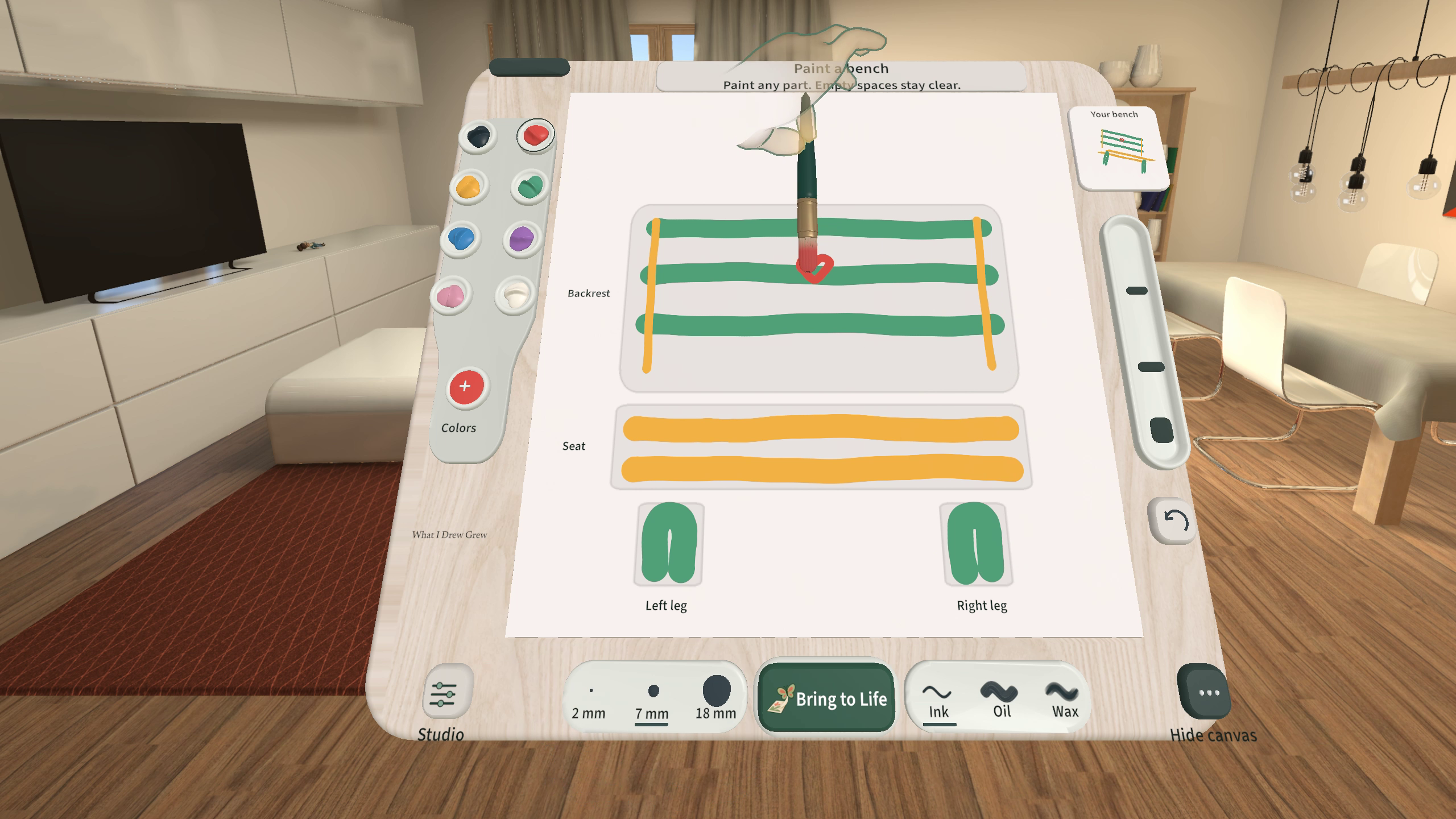
Paint a bench
Inspiration
What if finishing a drawing was the beginning of its story?
I wanted to create a quiet, playful mixed reality experience where making something gives you a reason to care about it. A drawn friend needs somewhere to live. A painted flower gives that friend something to visit. Gradually, individual drawings become a little world with its own character.
The uneven lines, unexpected colours and empty spaces are part of what makes that world yours.
What it does
What I Drew Grew is a single-player mixed reality drawing game for Meta Quest 3 and Quest 3S, played with hand tracking.
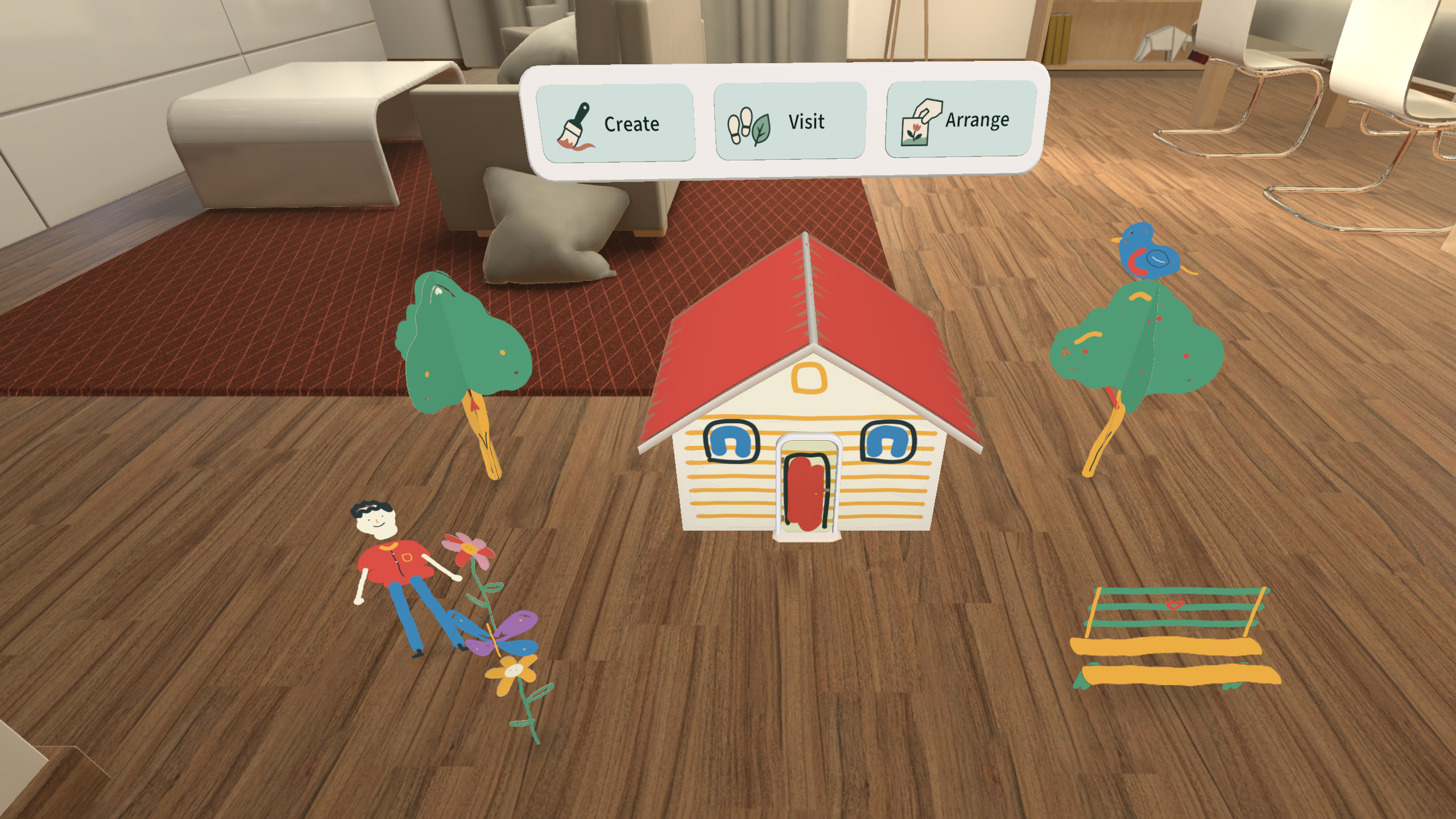
Draw a friend, bring them to life and say hello. Paint a flower, build a home one surface at a time, and add trees, a bench, birds and butterflies. Visit your creations, water a flower, repaint something or rearrange the garden.
Three main actions—Create, Visit and Arrange—connect making things with spending time in the world you made.
Comfort world keeps the garden nearby without requiring a room scan. Optional Space world uses room geometry to place the garden in your surroundings. Drawings and progress save locally, and core gameplay works offline.
How I built it
I built the game in Unity 6 and C#, using OpenXR, Meta XR SDK, Meta XR Interaction SDK, MR Utility Kit and Universal Render Pipeline.
A custom drawing system records editable brushstrokes and turns the artwork into animated paper creations. The house has six paintable surfaces, while the bench has four drawing regions. Transparent spaces remain visible in the finished creations.
MR Utility Kit supplies room surfaces for placement and navigation around furniture. Spatial anchors help restore the garden’s location between sessions.
Codex assisted development and iteration. Image generation supported selected textures, interface artwork and promotional assets; the player’s drawings provide the artwork for their creations.
Challenges and what I learned
The central challenge was making a drawing feel alive while keeping it recognizably the player’s drawing. Animation, transparent edges and paper geometry all had to preserve the marks someone chose to make.
Hand interaction also made reach, feedback and recovery central design concerns. The canvas needs to stay comfortable to use, actions need clear responses, and interrupted tracking must not create unintended strokes.
Room access introduced another challenge: the experience still needs to work when spatial data or an anchor is unavailable. This shaped Comfort world and the placement-recovery flow.
I learned to treat drawing, animation, interaction and saving as one connected experience. A small moment—a friend waving or watering your flower—depends on all of them working together.
What’s next
My next priorities are broader playtesting, clearer first-session guidance, further refinement of hand interactions and preparing the first public release.


