-
-
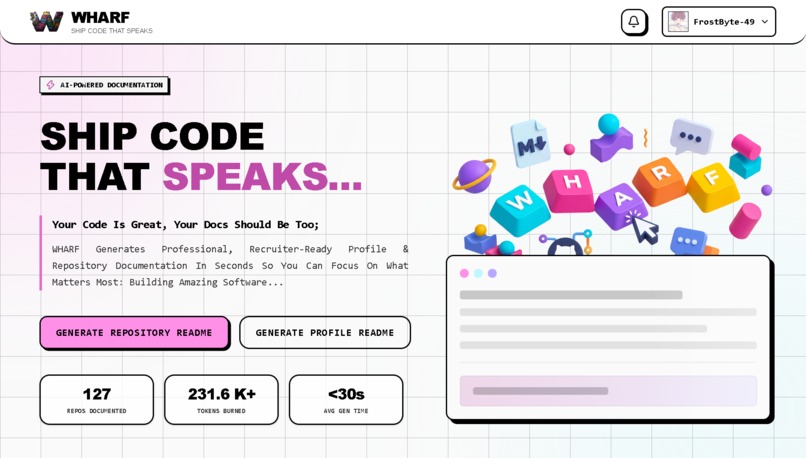
Home Page
-
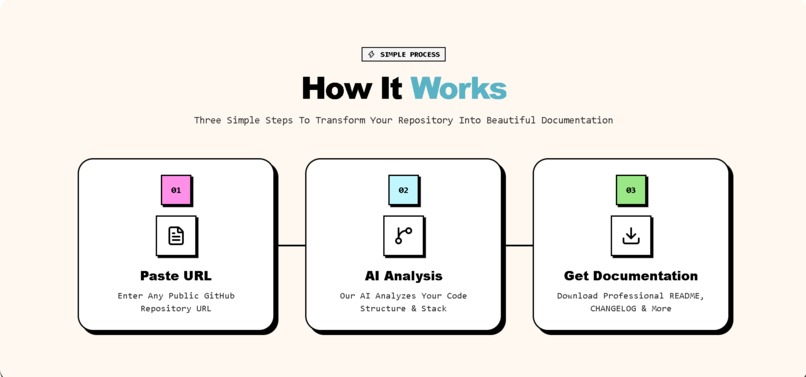
How It Works
-
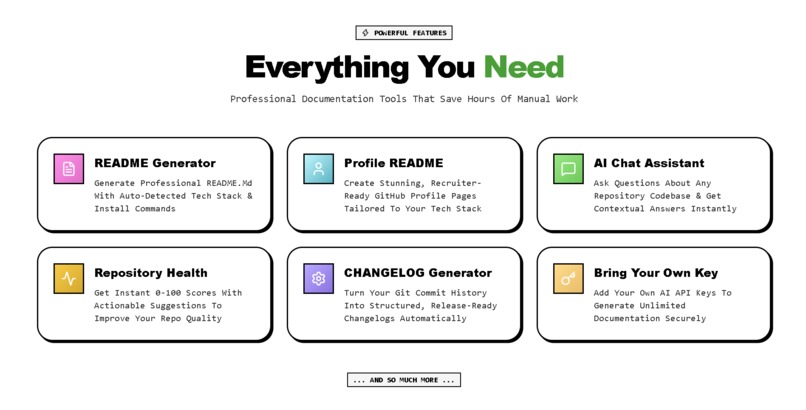
Core Features
-
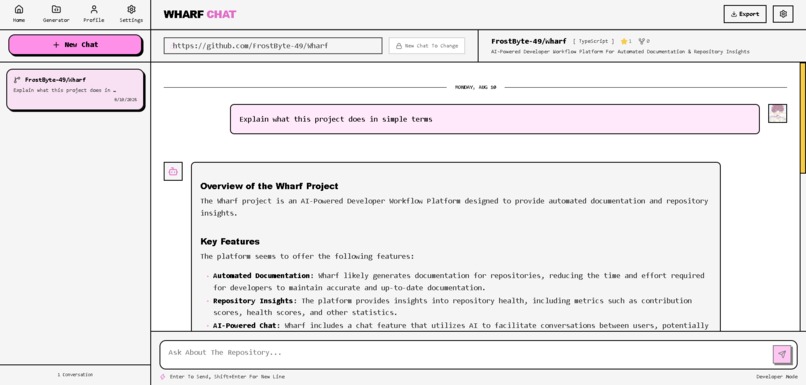
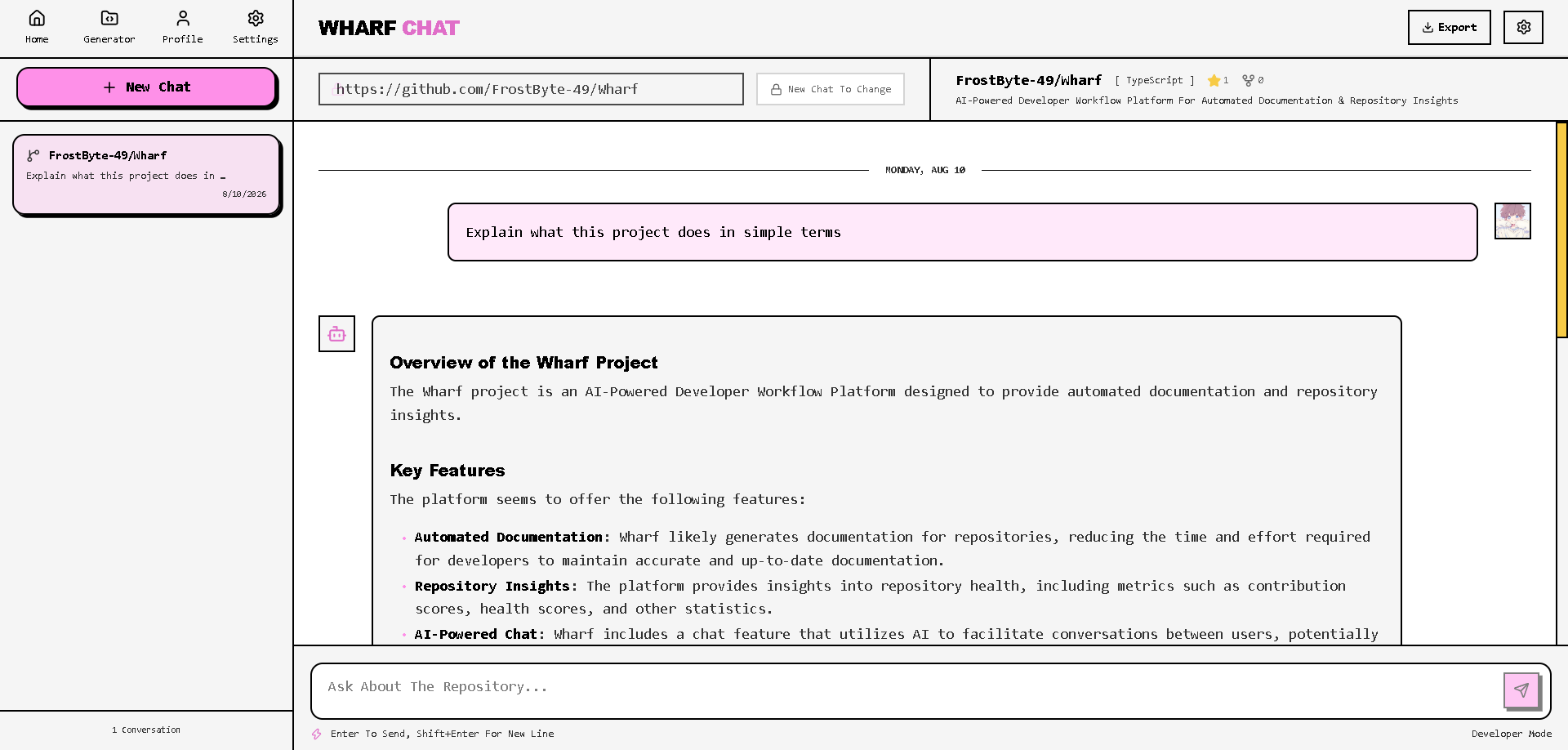
Codebase Chat Assistant
-
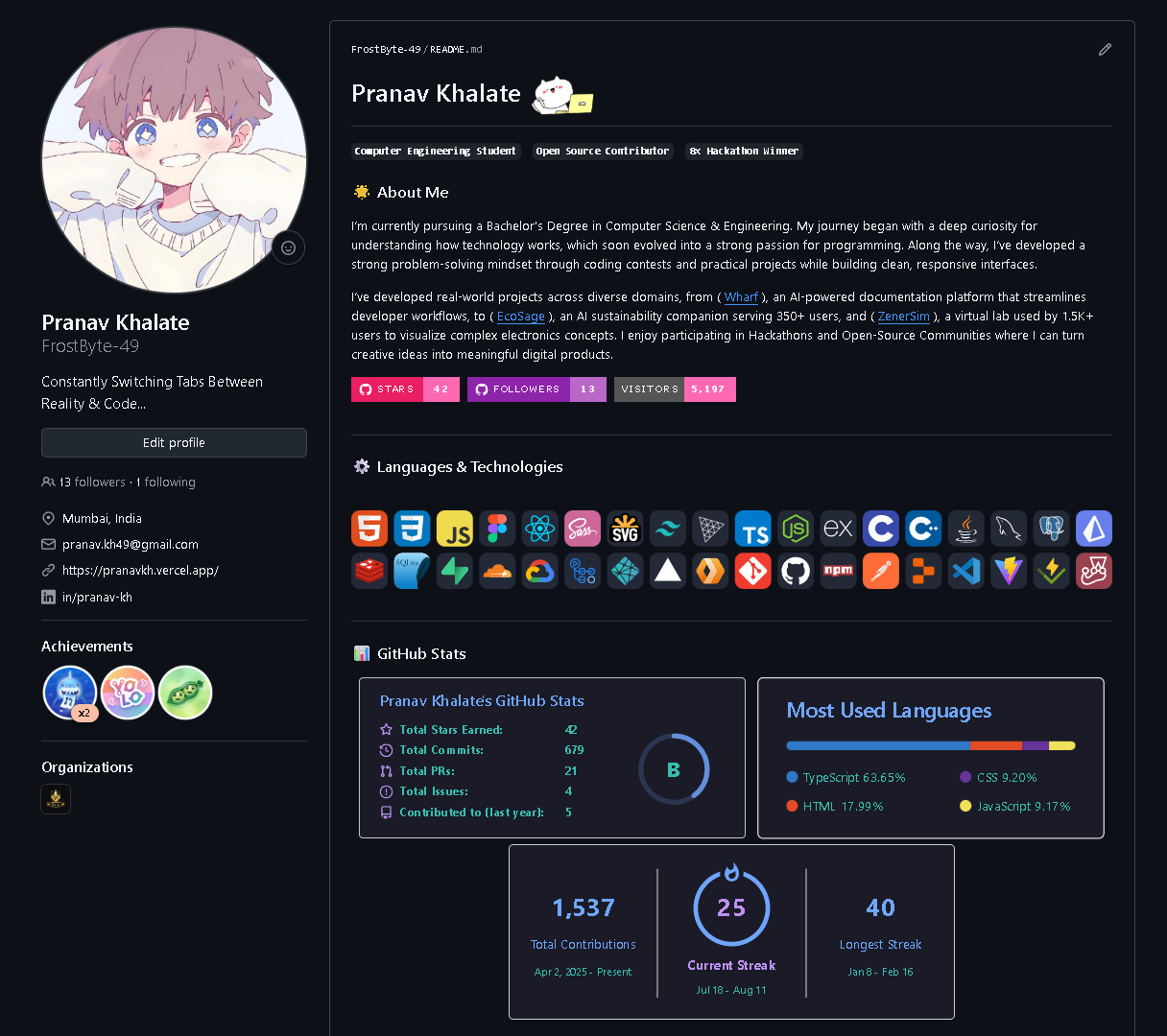
GitHub Profile README
Wharf: AI-Powered Developer Workflow Platform
Inspiration
Developers spend a surprising amount of time on repetitive work around their code: writing READMEs, maintaining changelogs, building GitHub profiles, and understanding unfamiliar repositories.
I wanted to build something that could automate these workflows while actually understanding the codebase instead of treating every AI request as a generic prompt.
What is Wharf?
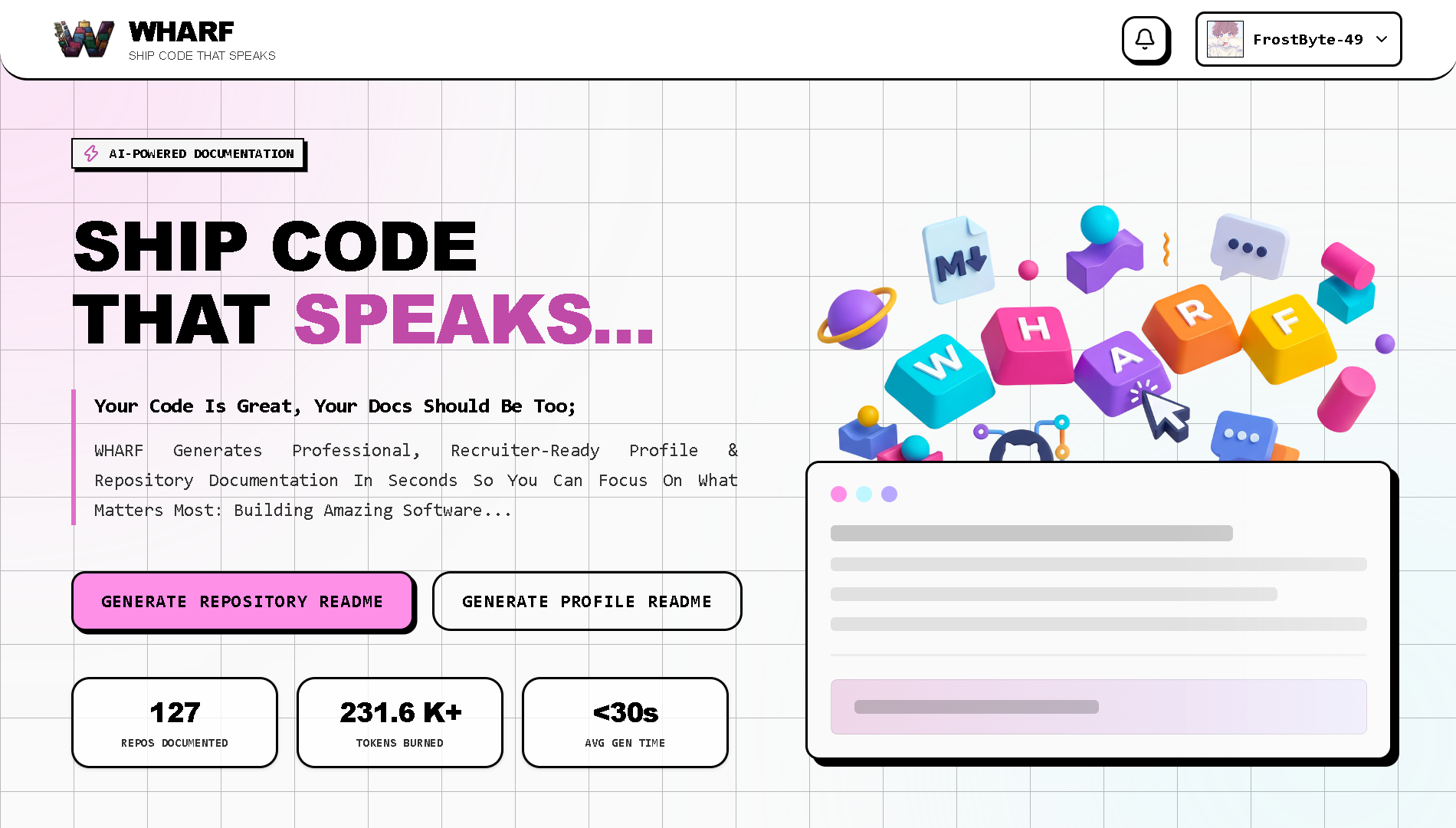
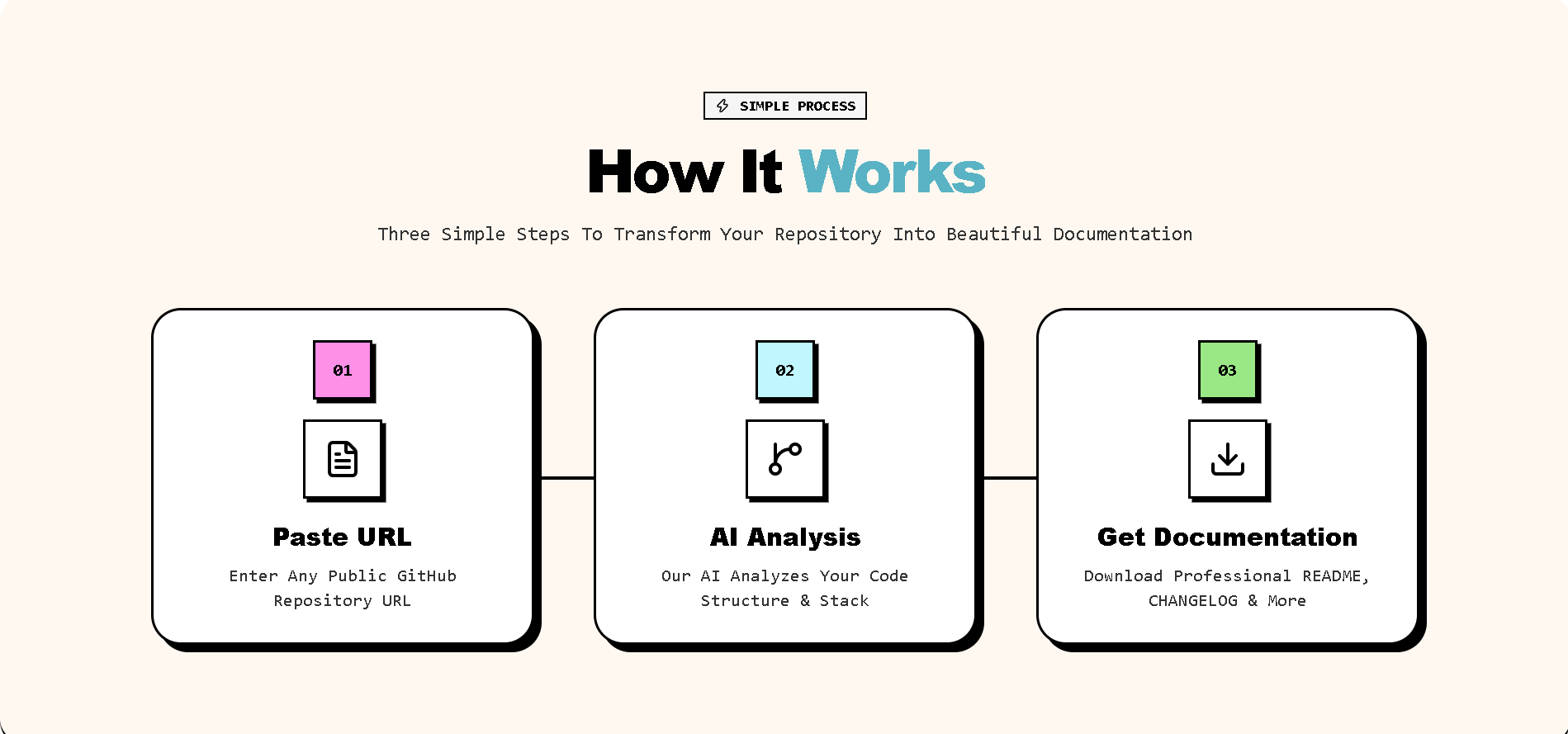
Wharf connects to GitHub, analyzes repository structure and activity, and uses that context to power multiple developer workflows.
Core features:
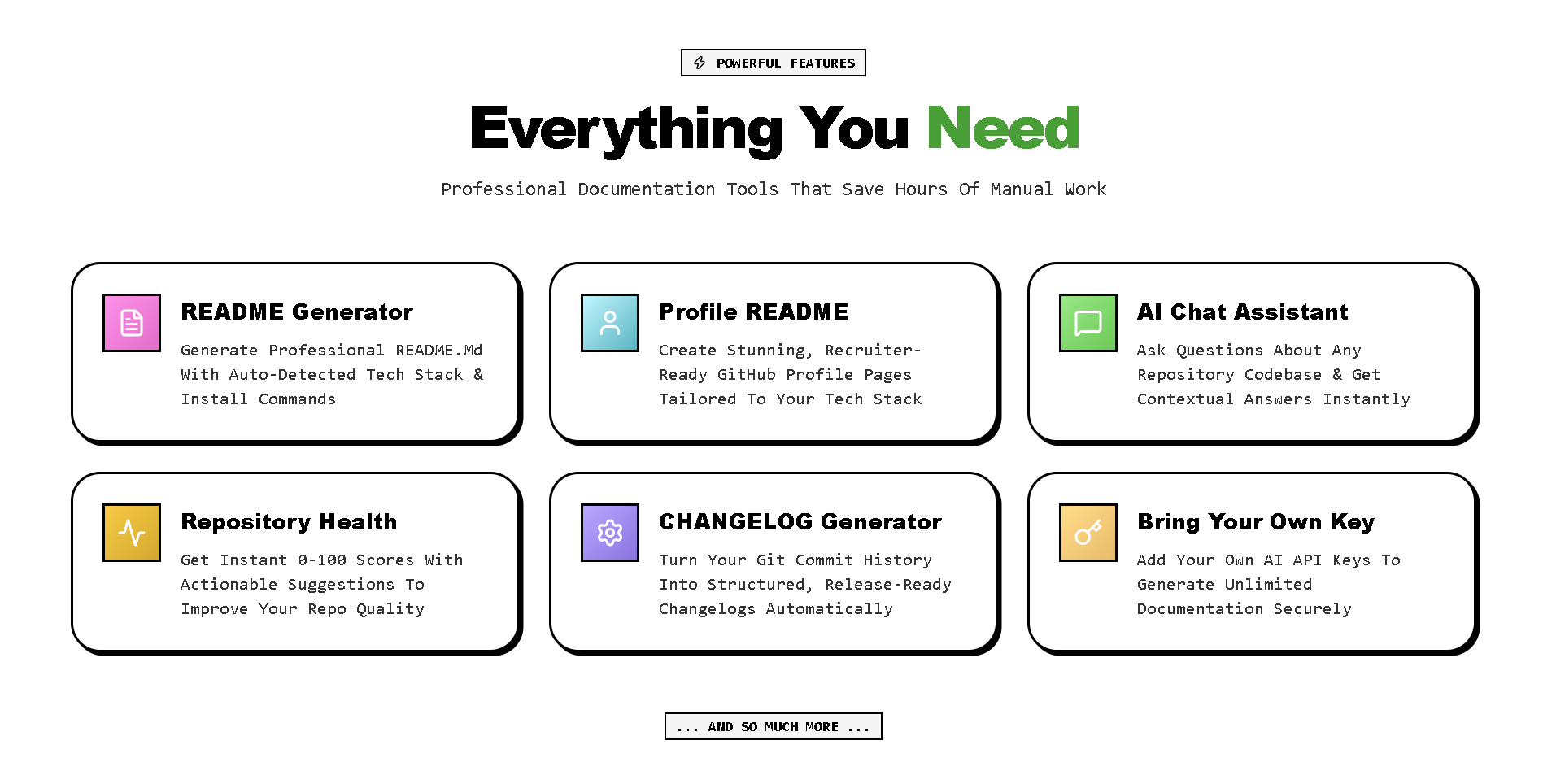
- README Generator — Generates project documentation based on the actual repository structure.
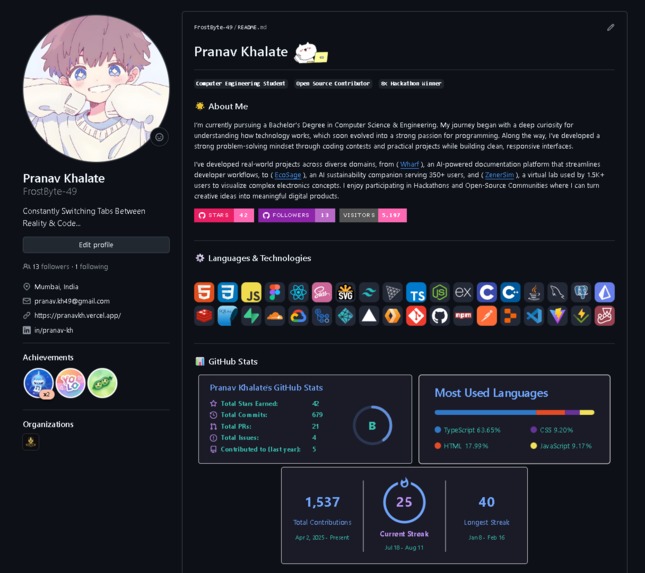
- Profile README Generator — Creates customizable GitHub profile READMEs with themes, tech stacks, and widgets
- Codebase Chat — Ask questions about your actual repository and get context-aware answers.
- Changelog Generator — Analyzes Git history between releases or commits and generates structured release notes.
- Repository Health — Evaluates repository structure, documentation, testing, and other quality indicators.
- BYOK (Bring Your Own Key) — Developers can securely use their own AI provider API keys instead of relying entirely on platform-managed credentials.
- API Key Rotation — Supports managed key routing and rotation to improve reliability, distribute API usage, and prevent a single key from becoming a bottleneck.
How We Built It
Wharf uses a full-stack TypeScript architecture:
- Frontend: React, Vite, TailwindCSS, Zustand
- Backend: Node.js, Express, TypeScript, Prisma
- Database: PostgreSQL + Redis
- GitHub: OAuth + Octokit
- AI: OpenAI, Anthropic, Gemini, and Groq
- Testing: Vitest + Playwright
- Processing: Dedicated worker backend for heavier analysis
The key part of the system is the context pipeline, which analyzes repository information and builds targeted AI prompts instead of blindly sending an entire codebase to a model.
Challenges
The biggest challenge was making AI outputs genuinely repository-aware.
Large codebases contain thousands of files, so sending everything to an LLM would be expensive and inefficient. I had to focus on extracting relevant context, optimizing prompts, and keeping the architecture modular across multiple AI providers.
Security was another important consideration because Wharf interacts with GitHub repositories and can handle user-provided API credentials.
What I Learned
Building Wharf taught me that effective AI products aren't just about choosing a powerful model.
Context, system design, caching, security, asynchronous processing, and UX are equally important.
The project also changed how I approach AI development: instead of asking "Where can I add AI?", I started asking "Which workflow can be redesigned because AI understands the context?"
What's Next
The roadmap includes:
- Real-time GitHub webhooks
- Automated pull-request reviews
- Deeper AST-based code analysis
- Predictive refactoring analysis
- Team workspaces
The long-term goal is to evolve Wharf from a collection of generators into a context-aware developer workspace that continuously understands a software project.
Built With
- cloudfare-workers
- express.js
- gemini-api
- github-oauth
- jest
- node.js
- openai-api
- playwright
- prisma
- react
- redis
- supabase
- tailwindcss
- typescript
- vite
- vitest
- zustand


Log in or sign up for Devpost to join the conversation.