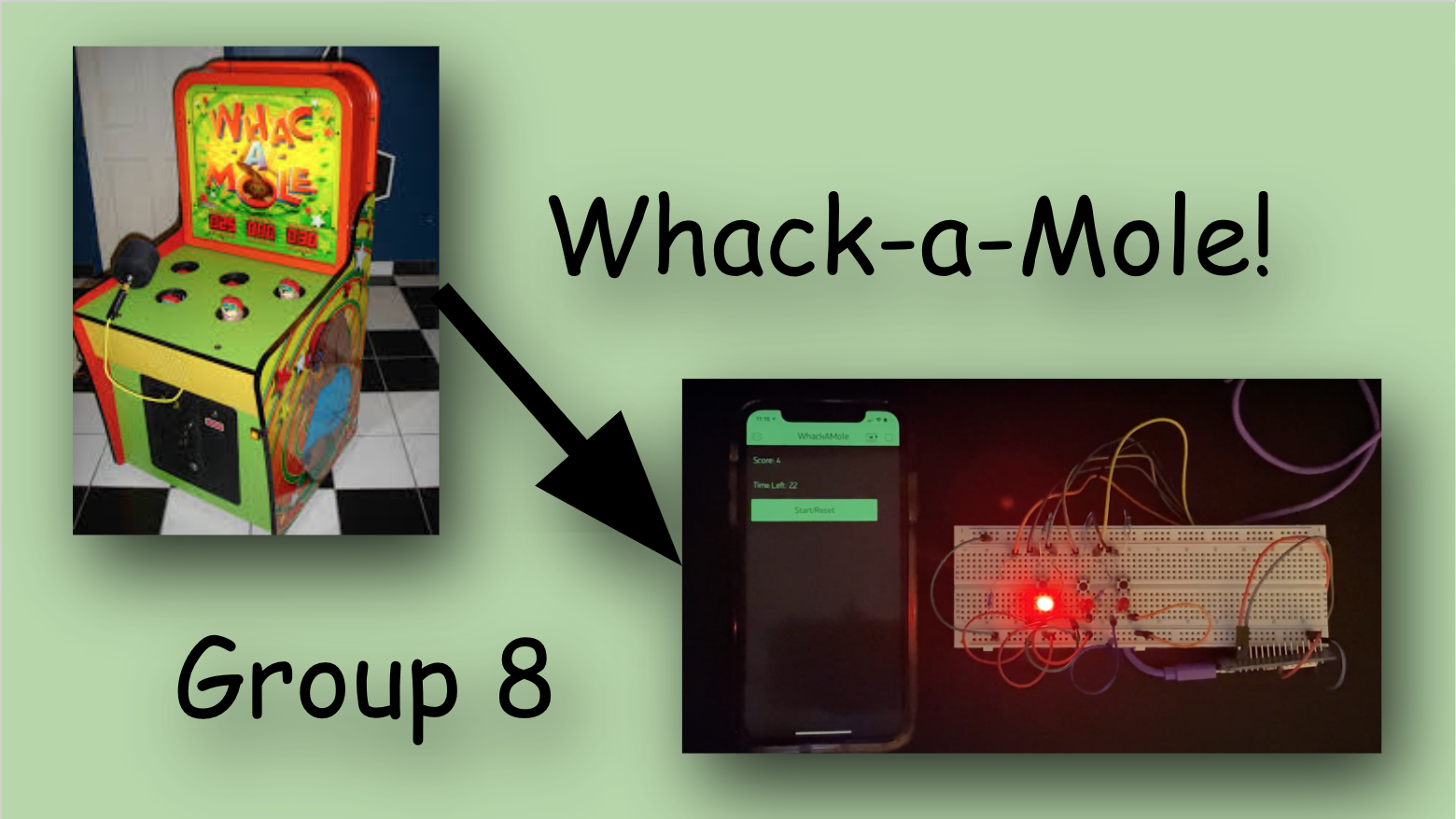
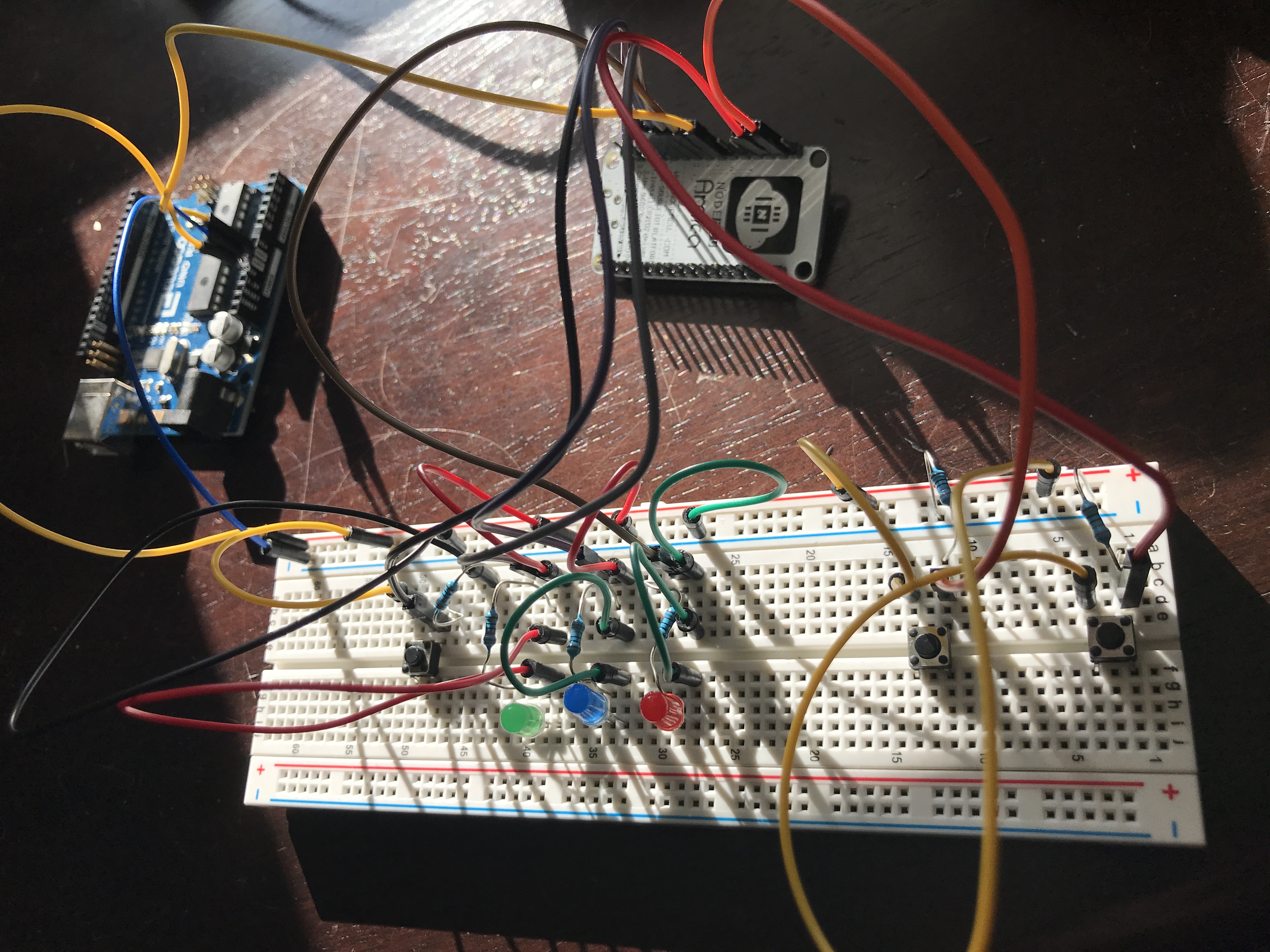
Description: Our project mimics the simple structure of a wack-a-mole arcade game through arduino code and a basic circuit. This is done through creating a random number in the code which would allow for a current to flow to one of the three LEDs each time the loop runs. If the player presses an LED's corresponding button while the LED is lit their score is increased by one. The game is set to run for 30 seconds before the game will stop and the score is reset to 0. The time left, counting down from 30, is showcased on the Blynk app along with the player's score during the game. In order to start/reset the game we implemented a button on Blynk that, when pressed, restarts the timer at 30 seconds, allows the code controlling the LEDs to run, and begins to record the players score.
Ryan worked on:
- Writing the code for the basic functionality of the game
Roberto worked on:
- Implementing the basic WiFi setup in the code with Blynk
Together, we worked on:
- Integrating the code with our hardware components
- Debugging the basic game
- Integrating the basic game with the Blynk app
- Adding the score and timer functionality within the Blynk app
Code Snippet (from the loop() function) - this code implements the basic functionality of the game:
int randNum = round(random(1,4));
int startTime, currentTime;
switch (randNum) {
case 1:
digitalWrite(leftLED, HIGH);
startTime = millis();
currentTime = millis();
while (currentTime <= startTime + 1000) {
if (digitalRead(leftButton) == HIGH) {
count++;
break;
}
currentTime = millis();
}
digitalWrite(leftLED, LOW);
break;
case 2:
digitalWrite(middleLED, HIGH);
startTime = millis();
currentTime = millis();
while (currentTime <= startTime + 1000) {
if (digitalRead(middleButton) == HIGH) {
count++;
break;
}
currentTime = millis();
}
digitalWrite(middleLED, LOW);
break;
case 3:
digitalWrite(rightLED, HIGH);
startTime = millis();
currentTime = millis();
while (currentTime <= startTime + 1000) {
if (digitalRead(rightButton) == HIGH) {
count++;
break;
}
currentTime = millis();
}
digitalWrite(rightLED, LOW);
break;
default:
break;
}
Serial.print(count);
Built With
- arduino
- nodemcu

Log in or sign up for Devpost to join the conversation.