-
-
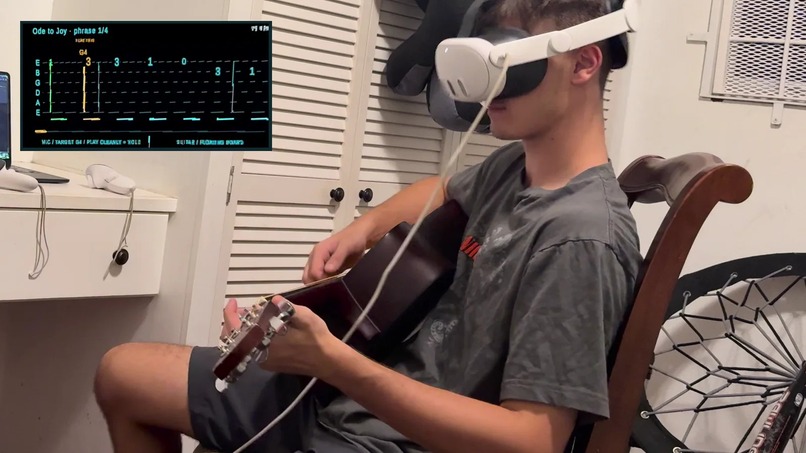
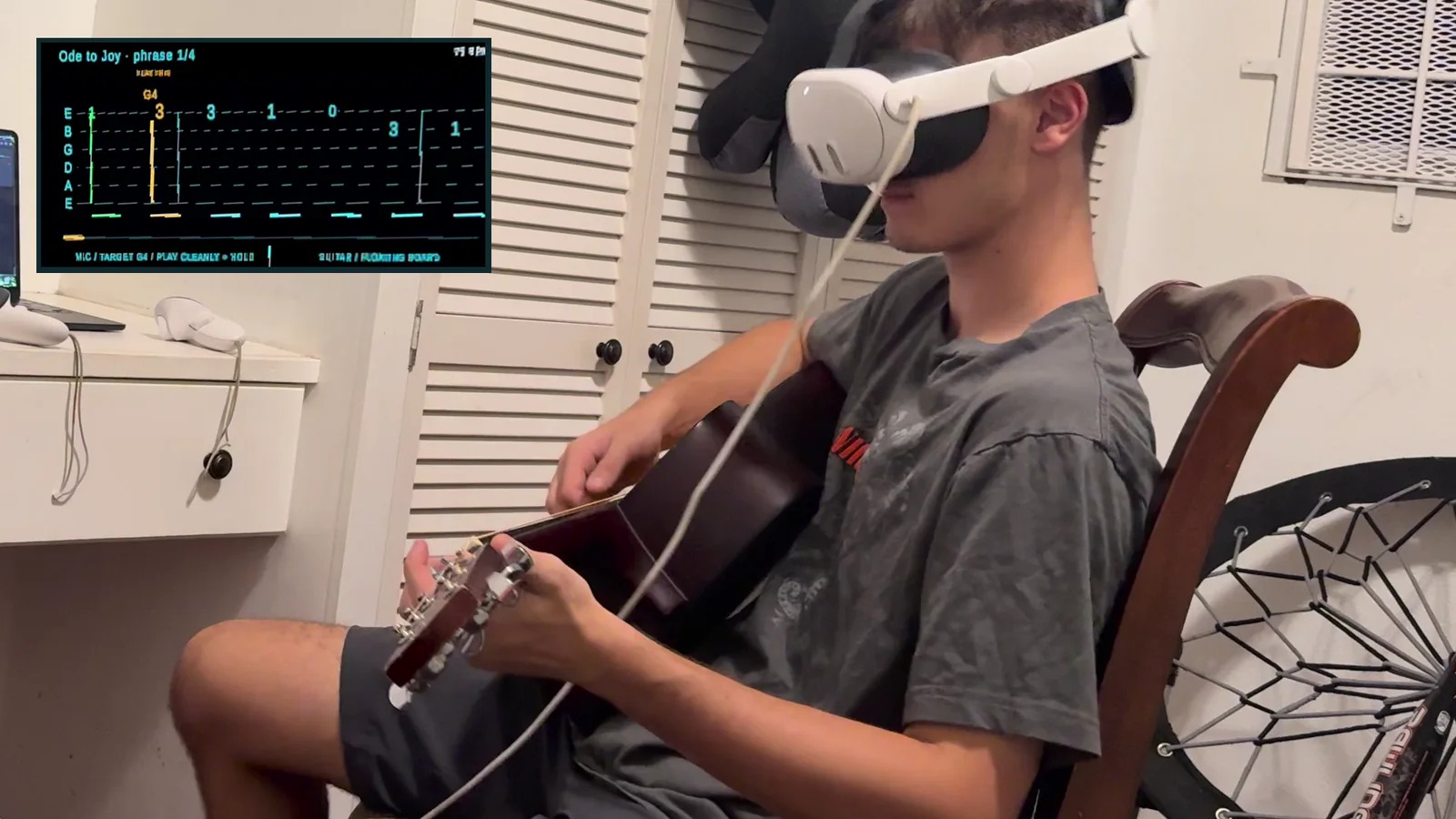
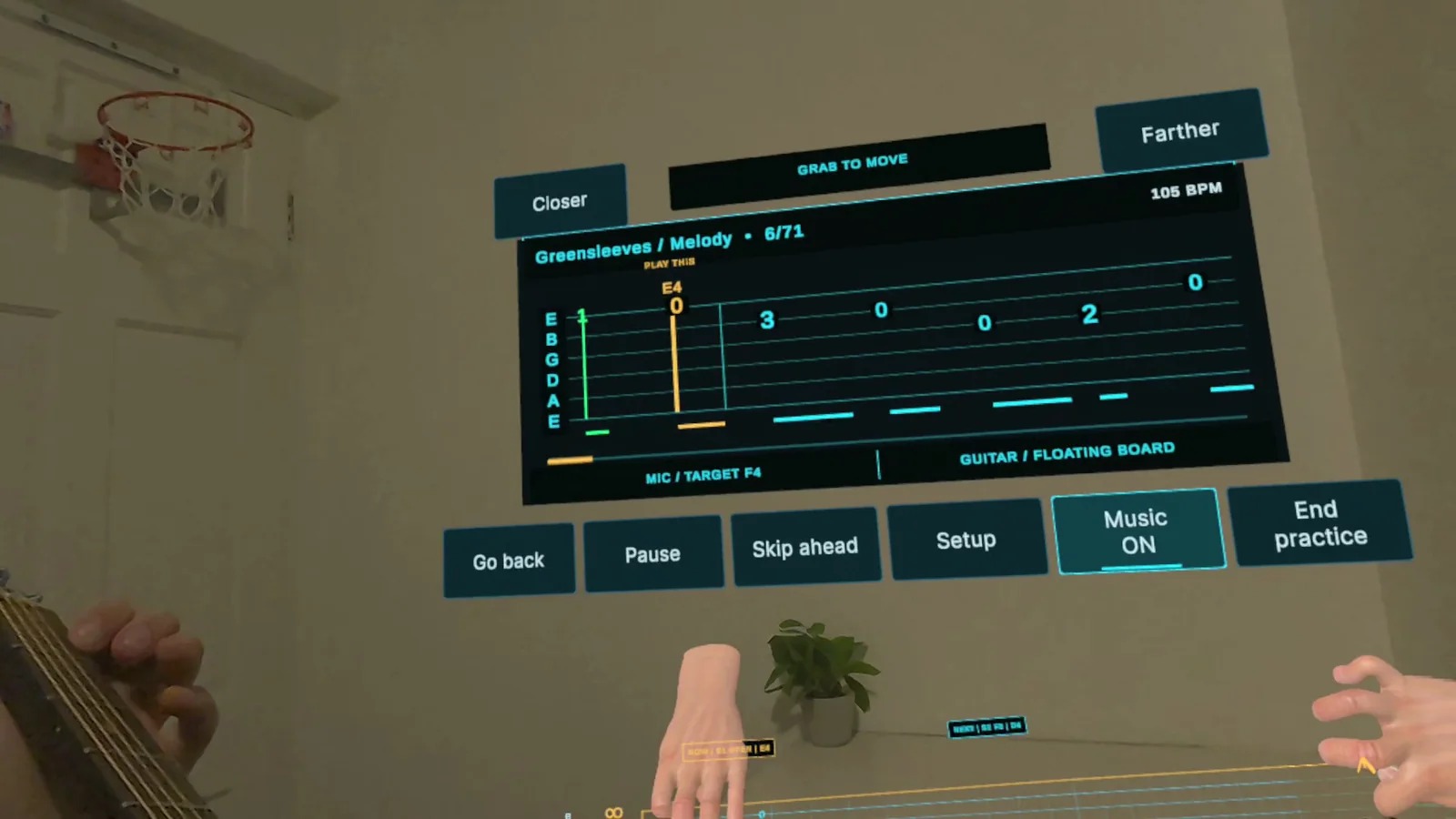
Playing an acoustic guitar with the live Quest practice panel in the upper left. Outside-camera recording.
-
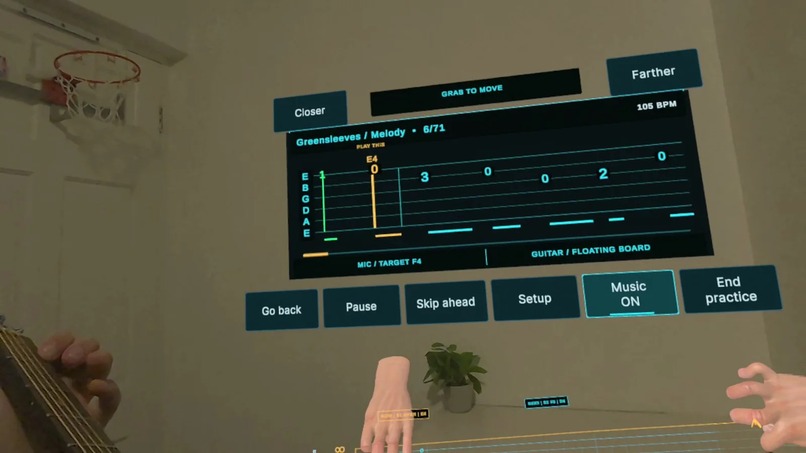
The practice board and fingering guide as the player sees them in Quest 3 passthrough.
-
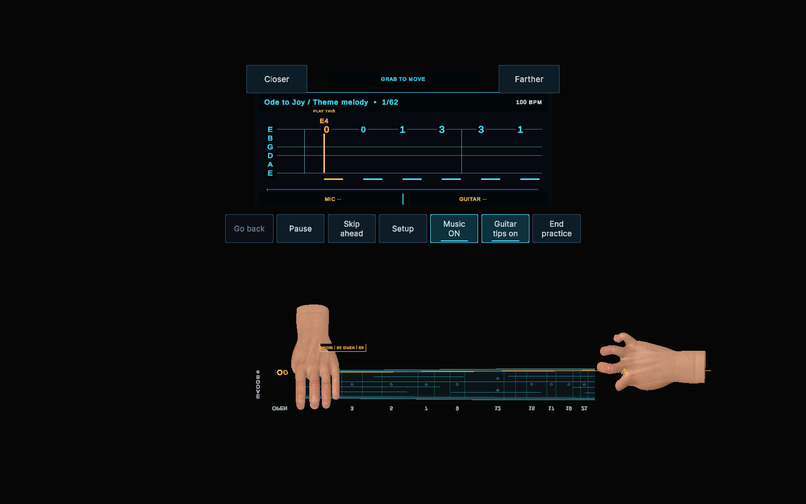
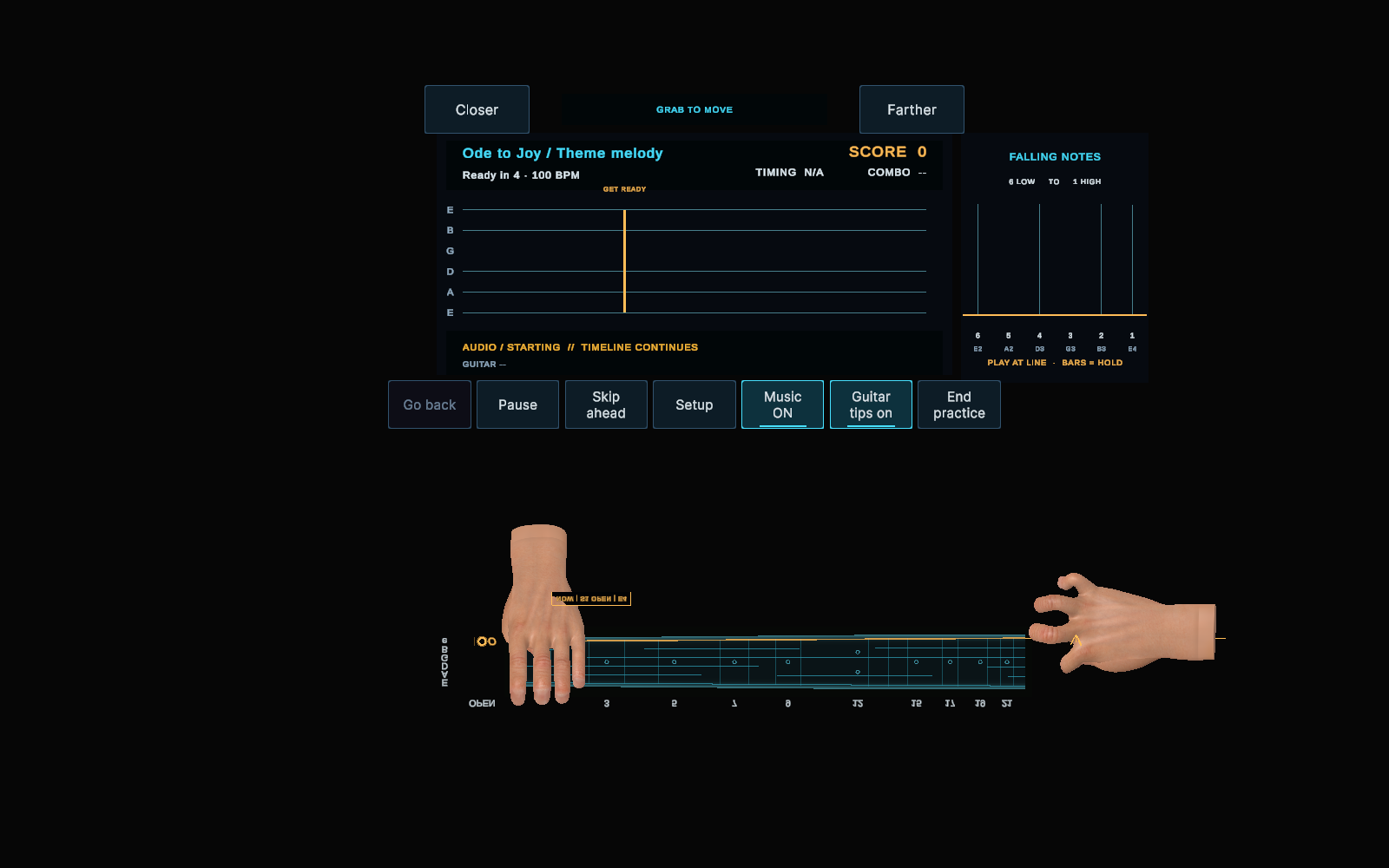
Guided practice waits while you find the note. Teaching hands show the fretting and picking positions. Unity Editor capture.
-
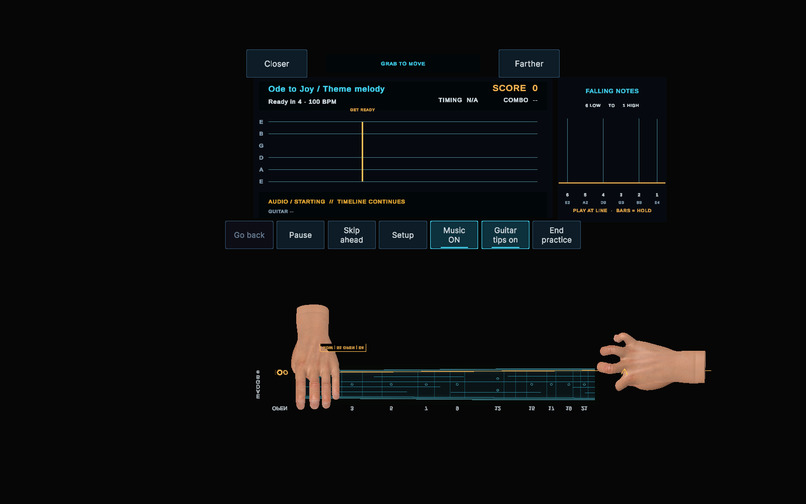
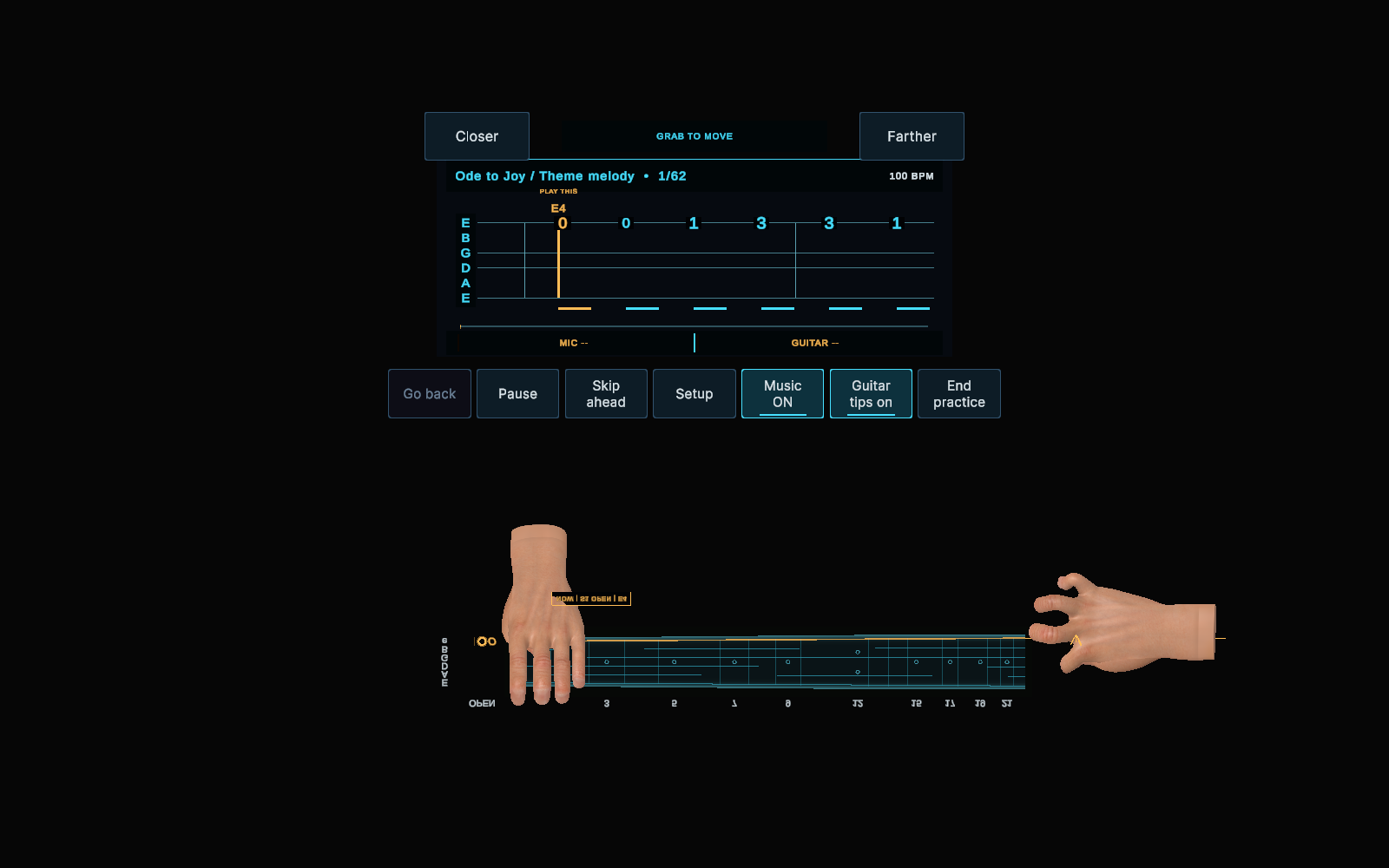
Quick Play puts the same phrase in time with moving TAB and hand-operated transport controls. Unity Editor capture.
-
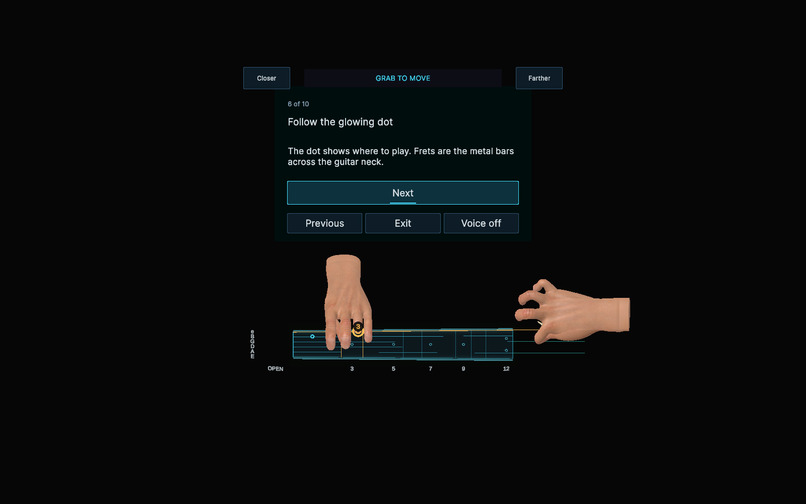
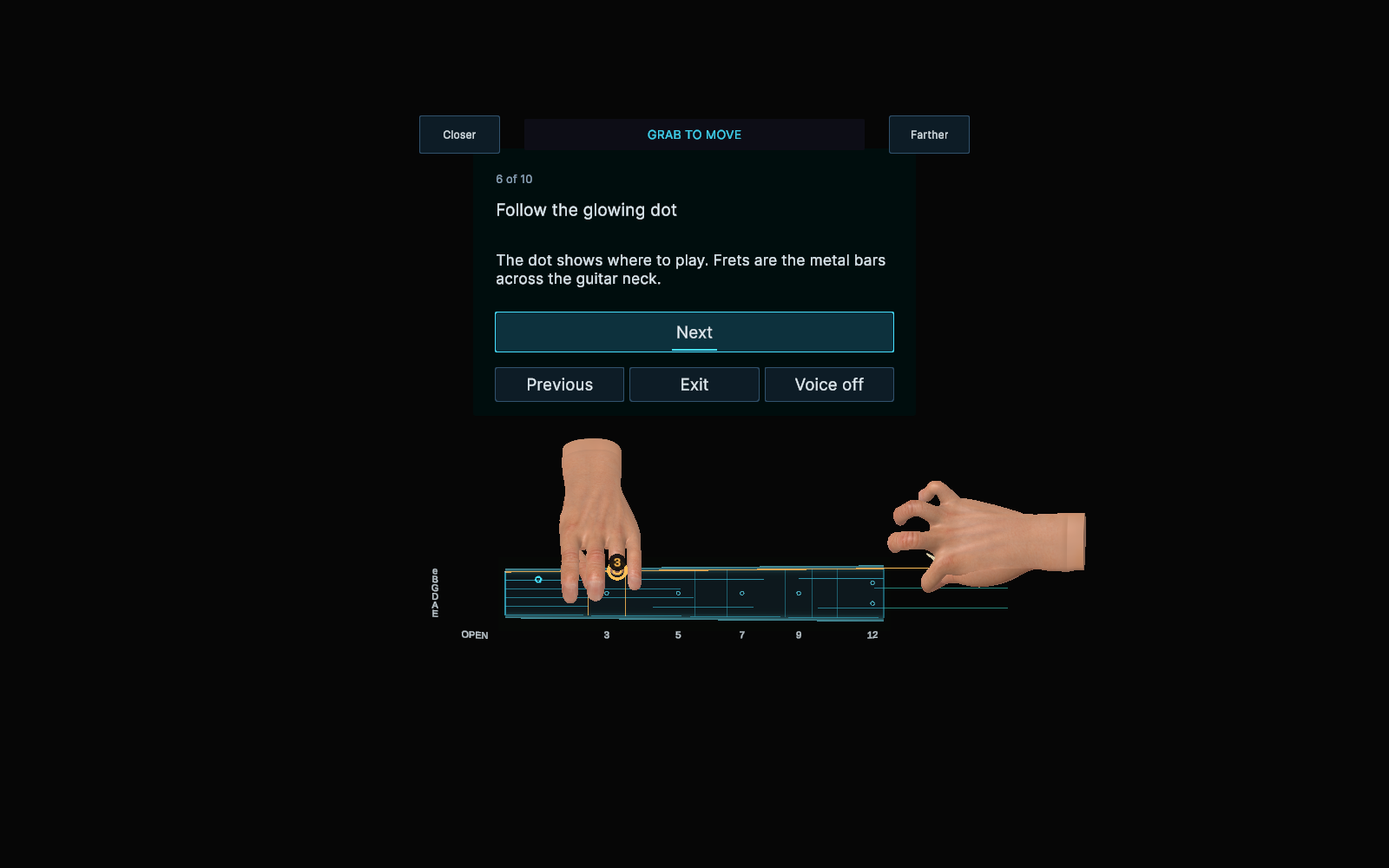
Follow the glowing dot in the compact floating-board tutorial. Unity Editor capture.
-
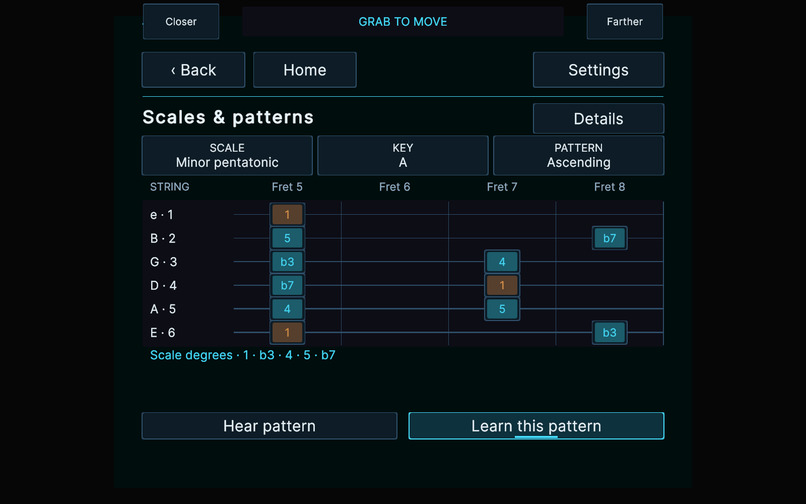
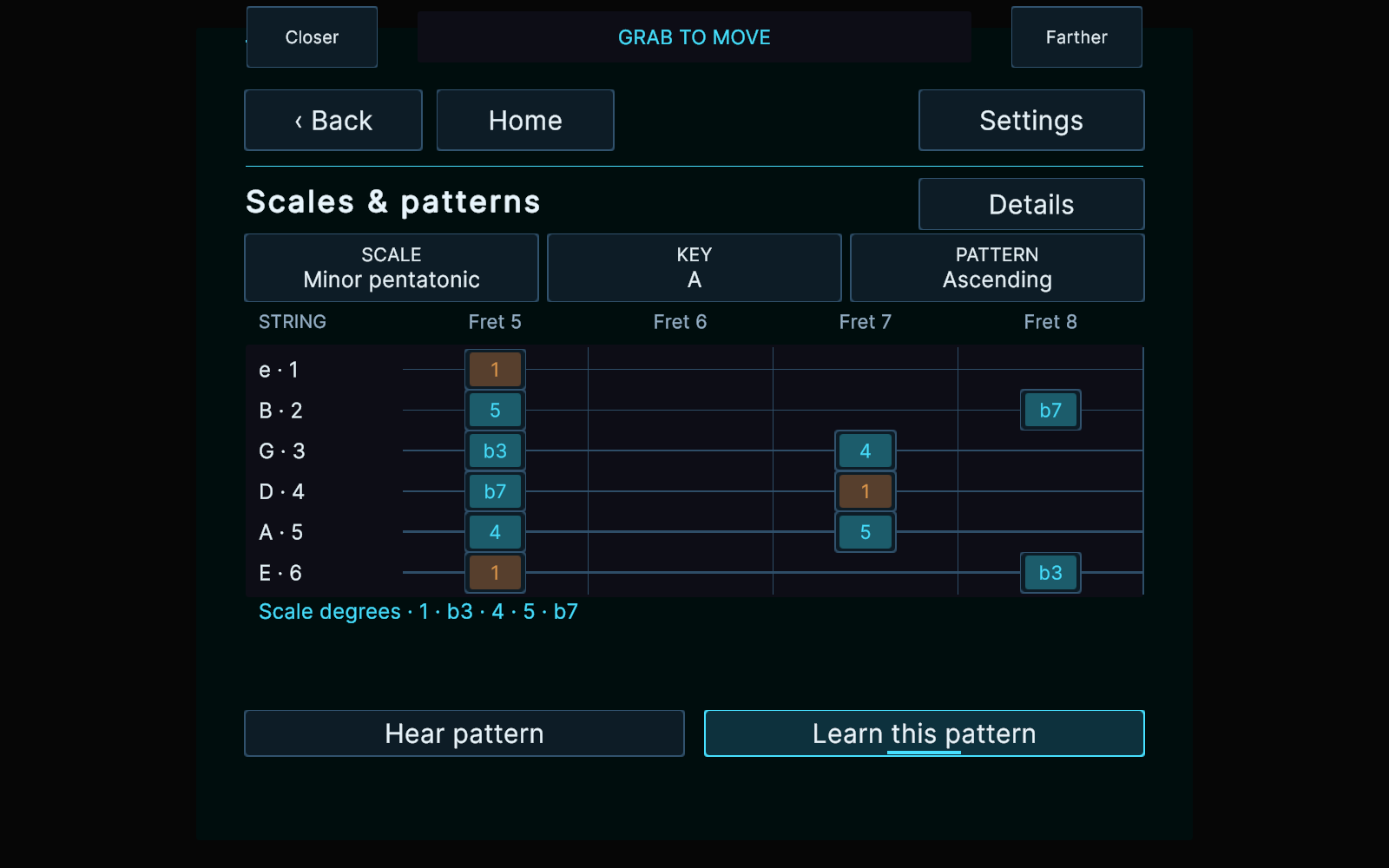
Hear a scale pattern, then learn it across the fretboard. Unity Editor capture.
-
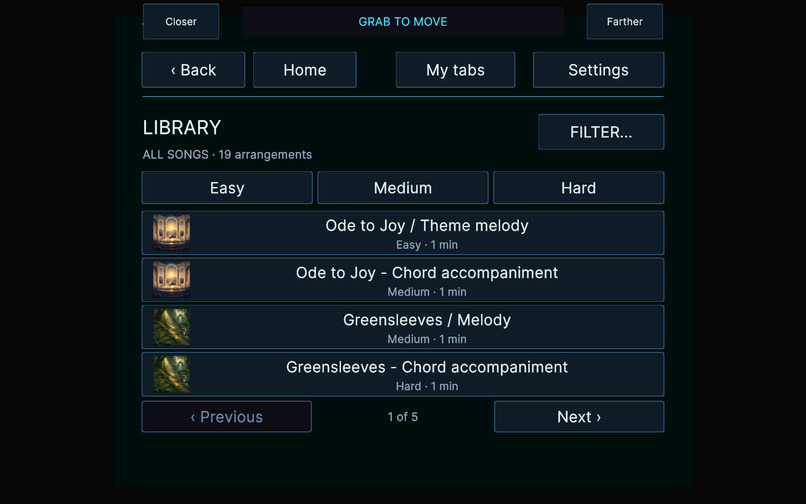
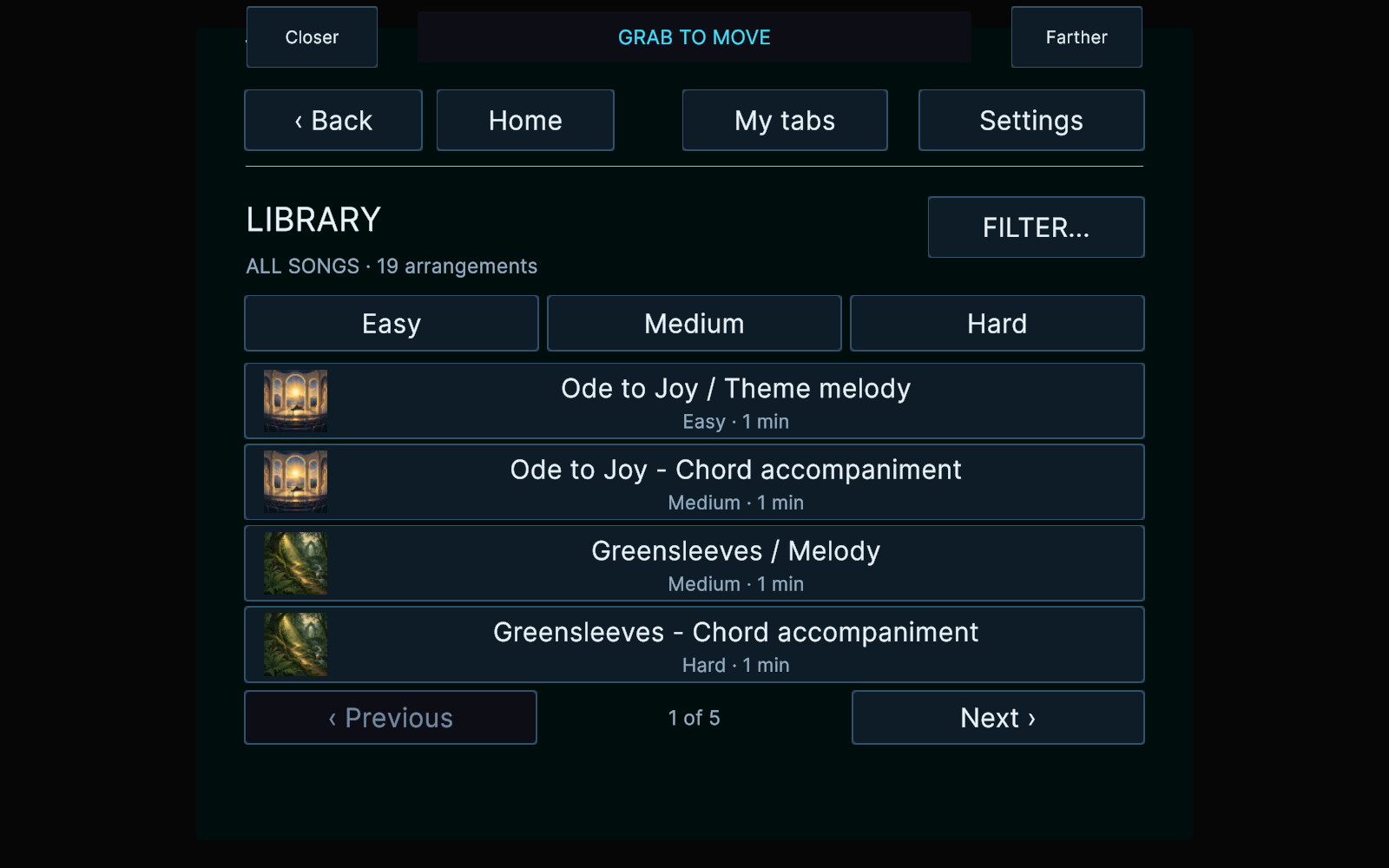
Choose a bundled arrangement or open My tabs to add a guitar part from your own files. Unity Editor capture.
What you can do in WGuitar
Pick up your six-string guitar, put on Quest 3, and play the opening of Ode to Joy. You see your own fingers, the next fret, and the music in the same view.
- Set up. Use your hands to tap, point, pinch, and move panels within reach. The ten-step tour has optional offline narration. Choose handedness, fret count, text size, contrast, and motion settings.
- Place the guide. Float it beside the neck for a hands-only session. For cues that follow a moving guitar, fit a mounted controller or a printed marker. Acoustic AI tracking is available as an experiment.
- Choose music. Tune an open string, then browse 19 arrangements across 10 songs and studies. Scales and patterns offers 140 combinations across seven scale families, five keys, and four patterns.
- Bring a tab. In Library, choose My tabs → Upload tab. Import Guitar Pro, MusicXML, six-line text tab, or a WGuitar exercise. Choose the guitar part and save it to your headset.
- Learn a phrase. In Guided, watch one teaching hand fret the note and the other pluck the string. Hear the example, play it, and let the microphone advance the target. You can also confirm a note by hand, skip it, or try again.
- Play in time. Quick Play shows moving tab and six lanes of falling fret numbers. Play as a number reaches the line and sustain it for the length of the bar. Use a count-in, tap tempo, or loop a hard passage. Recall and Perform let you try it with fewer cues.
- Pick up where you left off. Resume a paused phrase at the same note. Results distinguish heard, hand-confirmed, and skipped notes. Coach uses your practice history on the headset to suggest the next session.
Why I built it
I’m Christine Whitney Marshall. Reading tab on a screen means looking away from the strings right when I need to see my fingers. I wanted to get through a first phrase while keeping my eyes on the guitar, then see how much I could play with the hints turned down.
How it works
I built WGuitar in Unity. OpenXR handles hand input, and native Android and C++ code analyze the microphone on the headset. One of the harder choices was what counts as a played note. Pressing “I played it” is a useful way to learn a fingering. Keeping that separate from a pitch the microphone heard makes the practice results worth coming back to.
Where I want to take it
If a player keeps missing one string crossing, I’d like WGuitar to pull those two notes into a short drill and return them to the song. The part I care about happens after the headset comes off, when they play that passage on their own.


