-
-
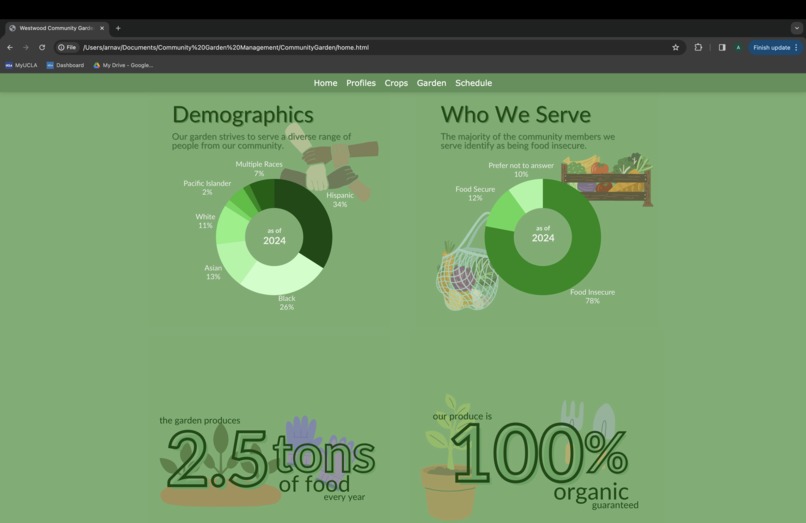
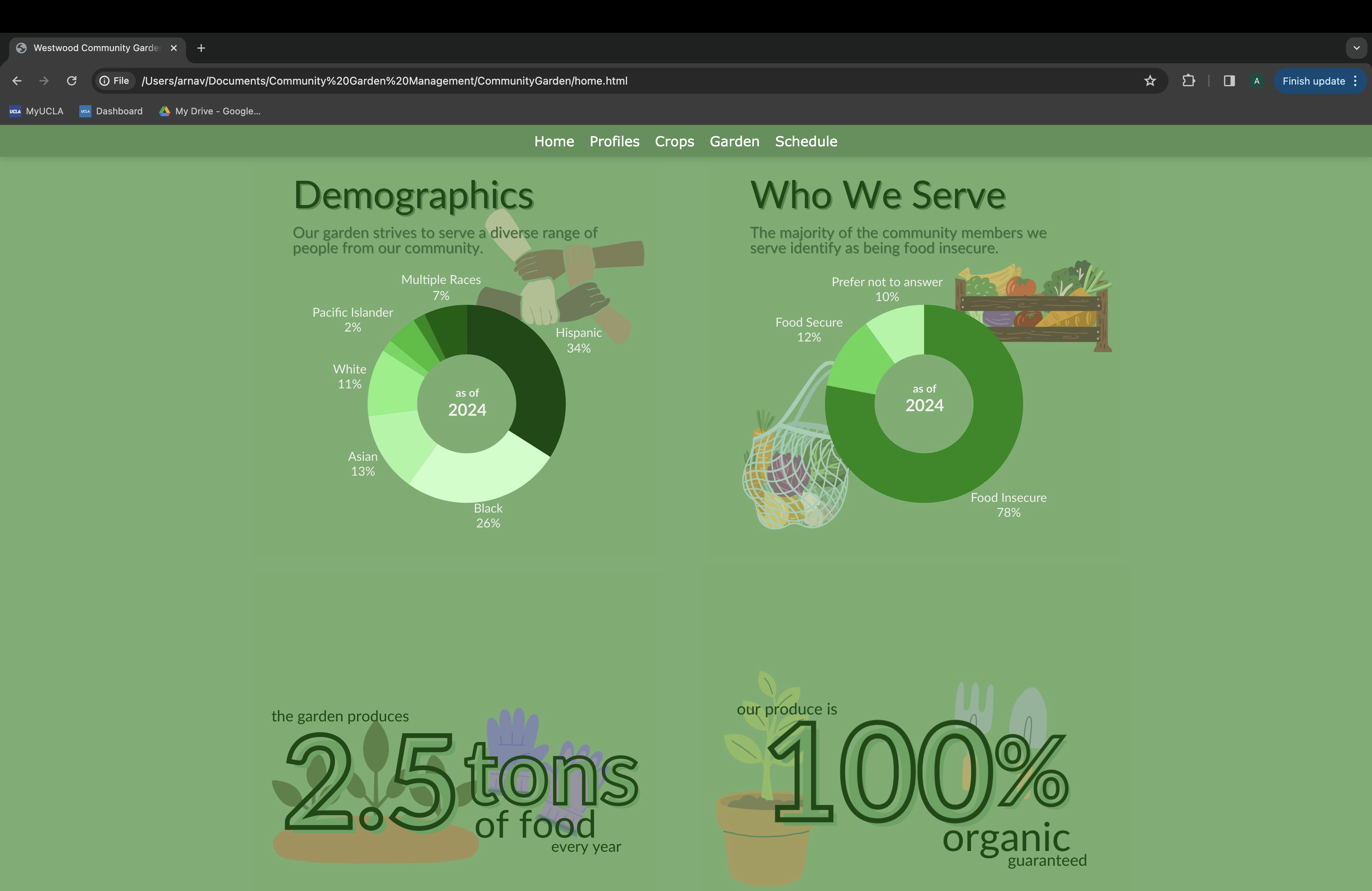
Home Page Stats
-
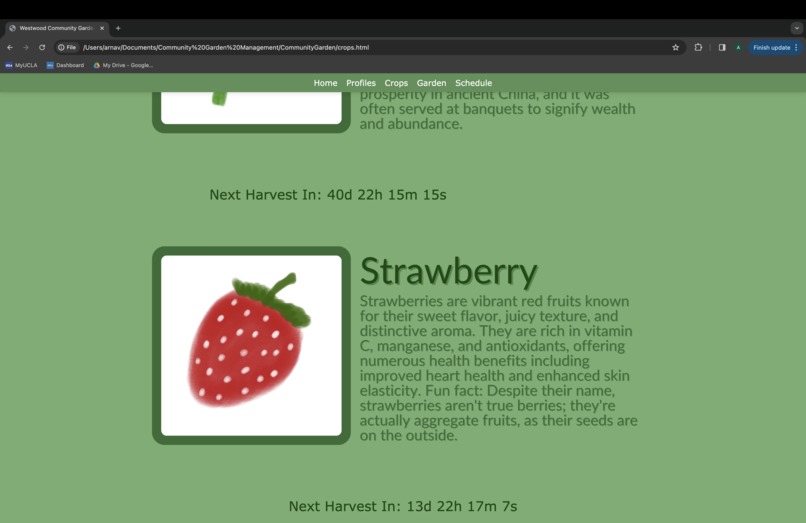
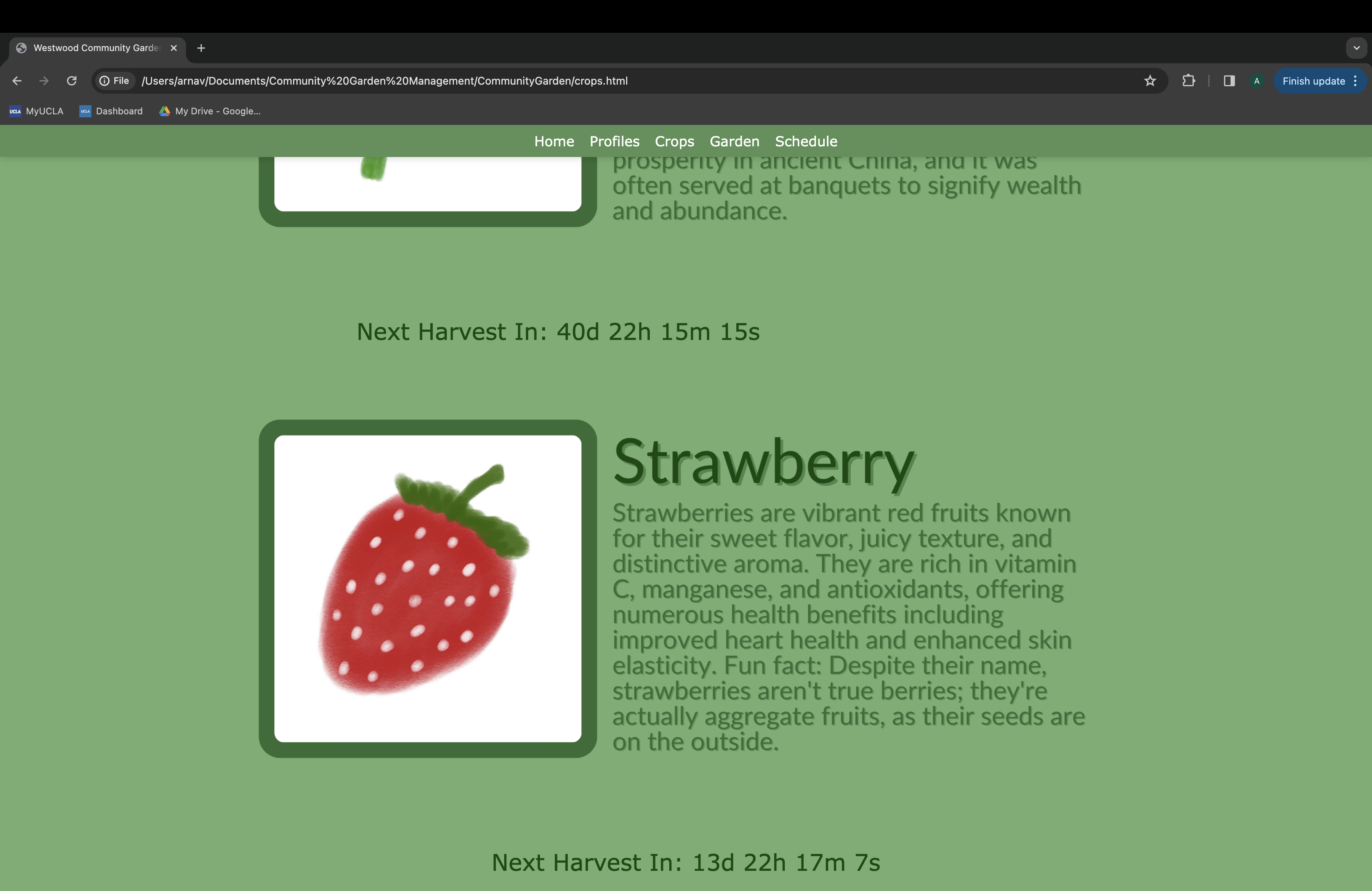
Crops
-
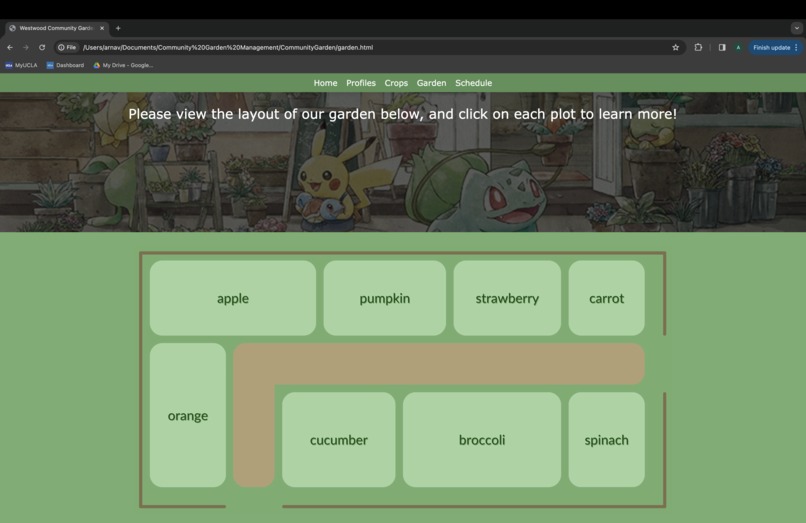
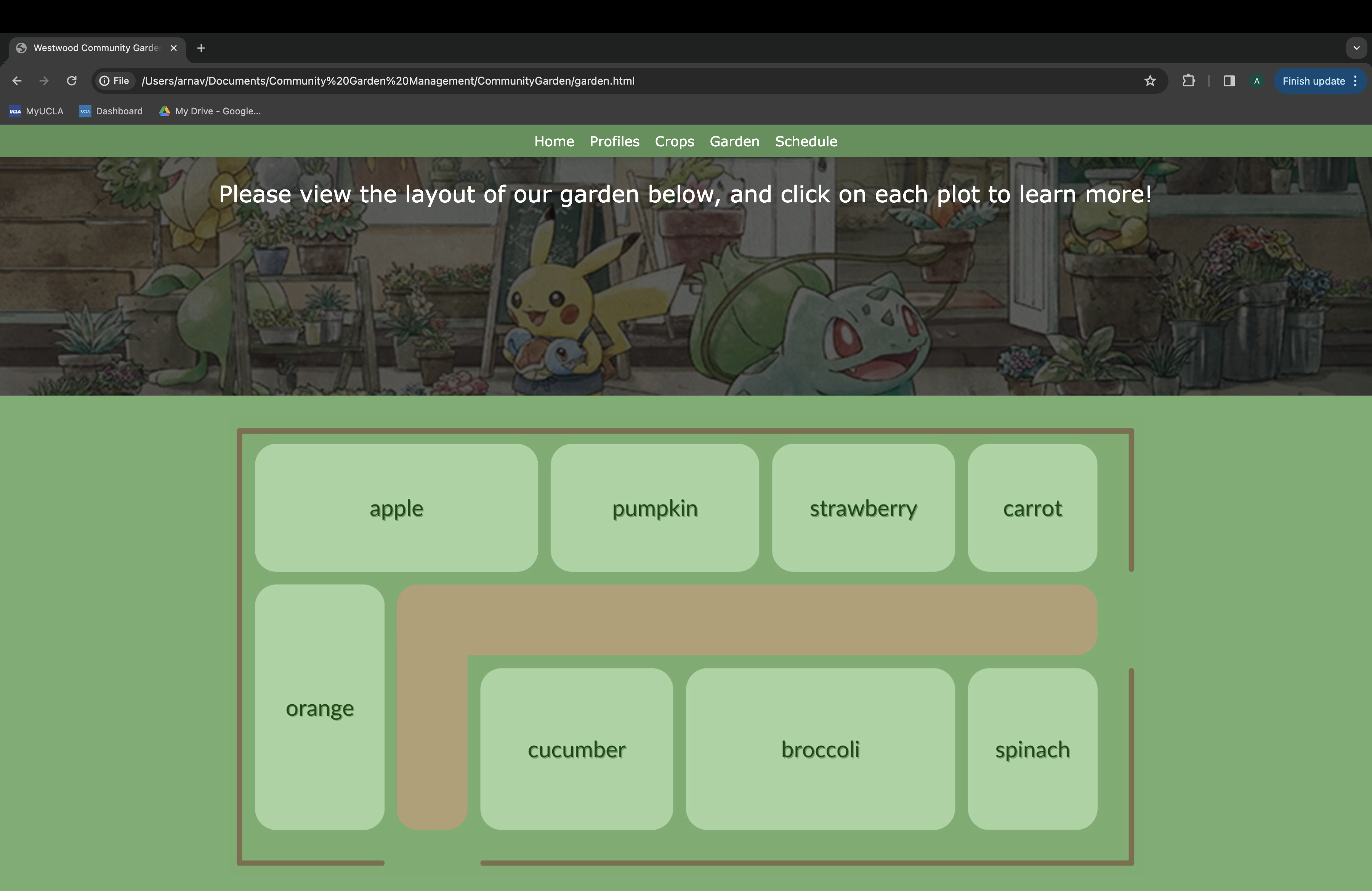
Garden Layout
-
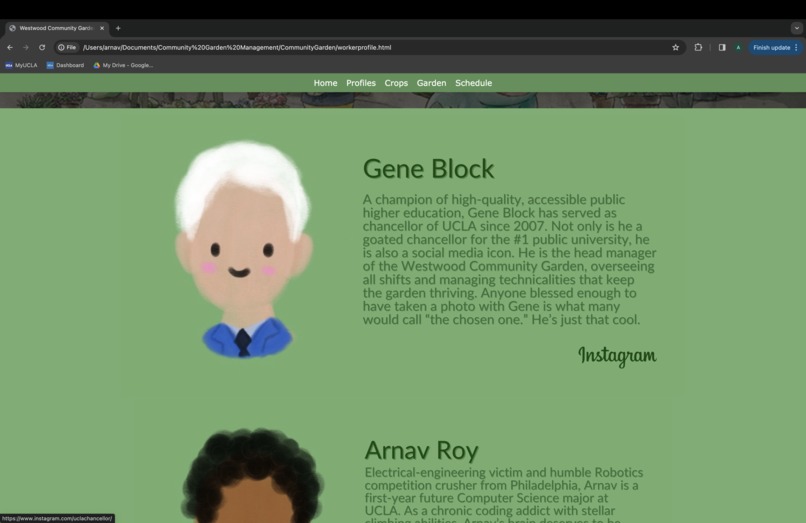
Worker Profiles
-
Schedule
Inspiration
Our project is inspired by the community gardens that exist in several communities across LA and beyond. We want to give these gardens a resource to help with management efficiency, advertisement, and education in order to increase the use of and participation in community gardens. Gardens like these that produce healthy foods for free help to bridge the food insecurity gap in a sustainable, socially just way.
What it does
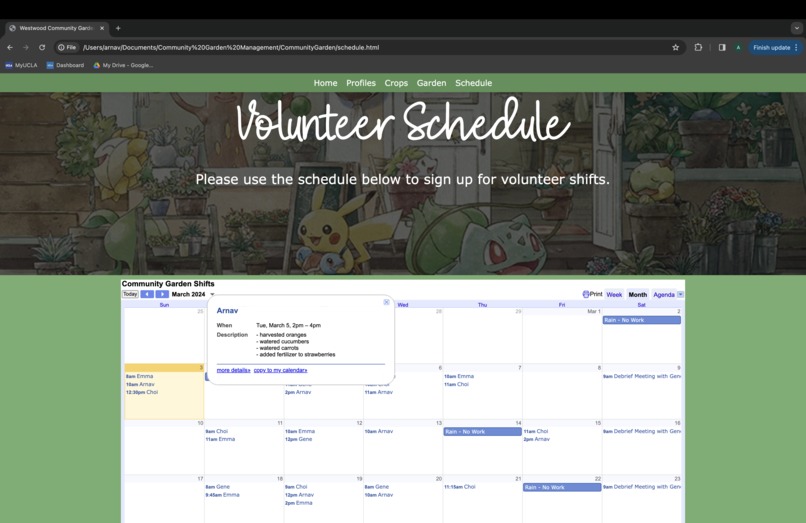
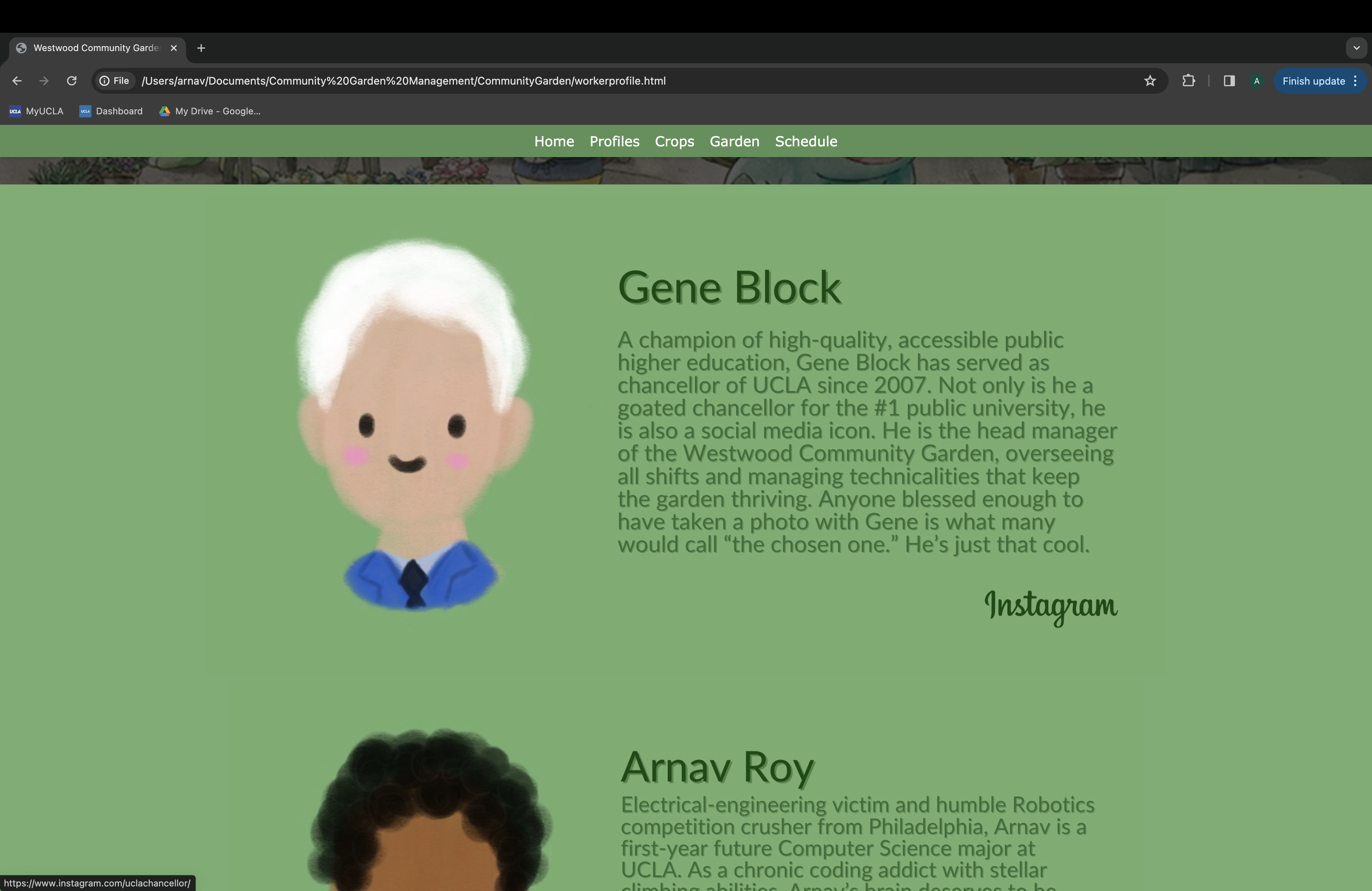
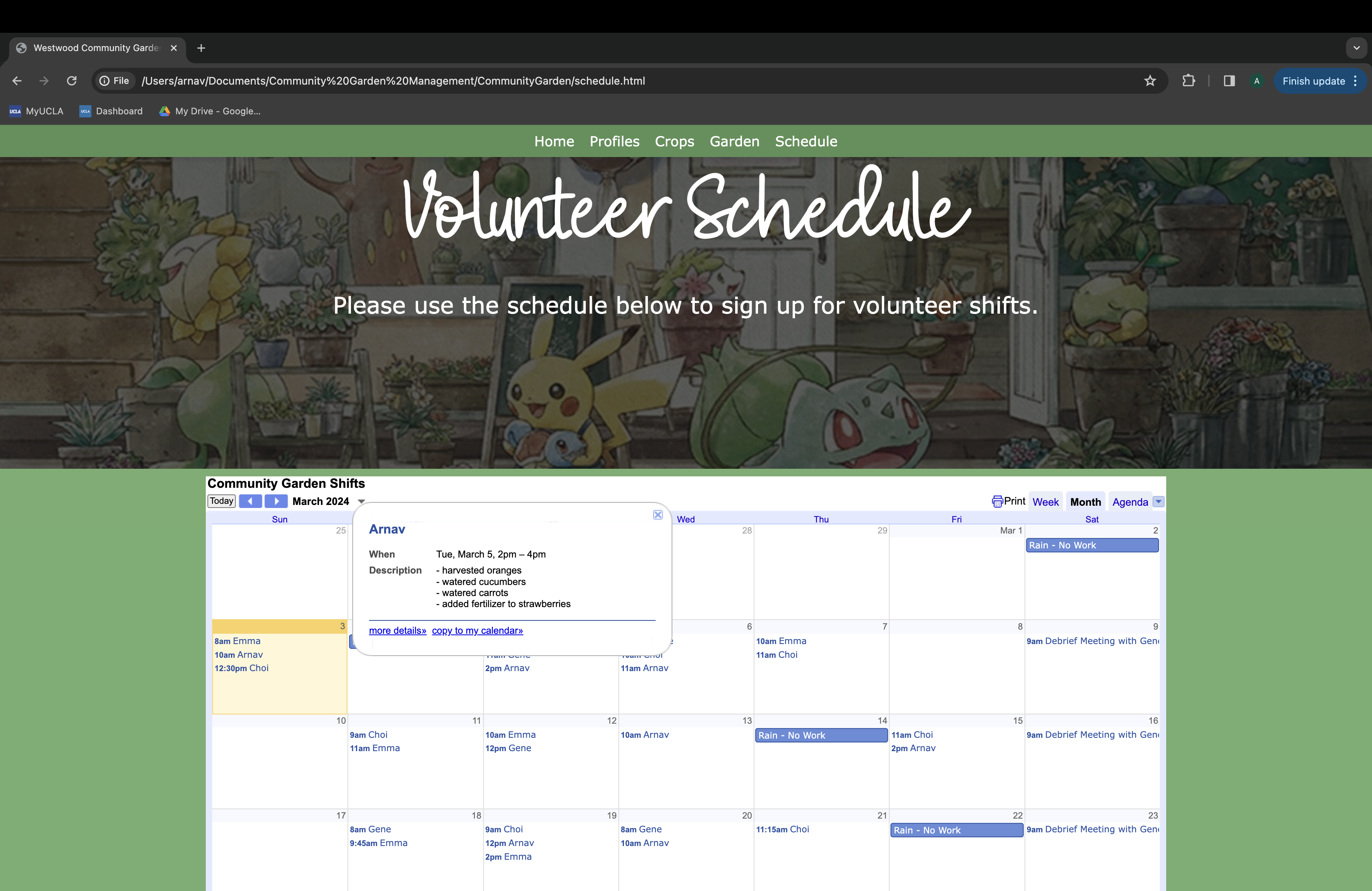
This website is a management hub and educational pit-stop all in one. With a calendar feature, volunteers can schedule times to work at the garden. Viewers of the website can see profiles for these volunteers as well as learn about the crops grown at the garden on the "crops" tab, which links to Wikipedia pages about the crops. The map tab shows the layout of the garden and encourages users to click on the map for an interactive educational experience.
How we built it
We built our Westwood community garden website using HTML, CSS, and JavaScript in VSCode. We used these three frameworks together to create a seamless and descriptive website with interactive features.
Challenges we ran into
We are all beginners and HOTH was our first hackathon, making it very challenge as going in to this we had NO experience at all with VSCode, HTML, CSS, and JavaScript. The challenges we ran in to mainly encompassed incorporating CSS style into HTML formatting. Another big issue we ran in to is incorporating JavaScript functions within HTML files alongside CSS. Overall, learning all these technologies as we worked on the project made it difficult to quickly implement solutions, causing us to run many failed trials.
Accomplishments that we're proud of
We are most proud of how we were able to create a finalized and functional website without ANY experience previous to this Hackathon. We are also proud of how the aesthetics of our website came out, with custom art, graphics, and color palates. We are also proud of our countdown function using HTML local storage, a concept that we had not known previously. We are also proud of the animations and page-linking (specifically the garden map) that we implemented to make out website more interactive and navigation easier.
What we learned
We learned HTML, CSS, and JavaScript and integrating these frameworks together to create a seamless website. We also learned the important aspects of a user-friendly website, such as page navigation and scrolling features. We also learned the importance of multi-device compatibility, since our team members were using different operating systems on different laptops.
What's next for Westwood Community Garden
With this website we hope to expand its use to more community gardens around the world in order to increase awareness and participation in them. By offering a management system and educational platform, we hope volunteers will have an easier time with keeping track of shifts and crop harvesting using our site. All in all, we hope to increase the presence and use of these gardens.


Log in or sign up for Devpost to join the conversation.