-
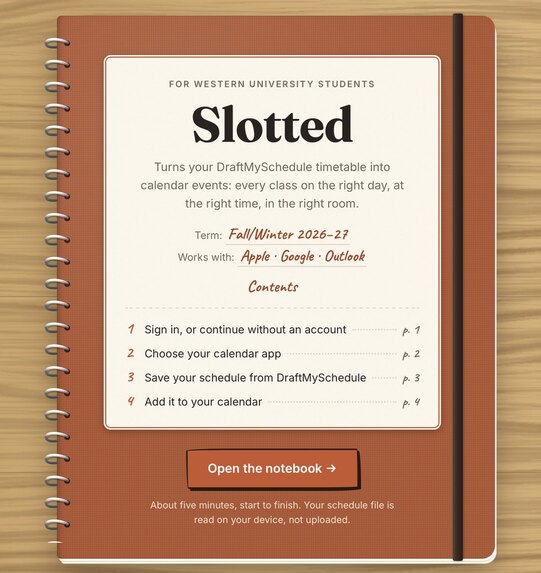
Cover Page
-
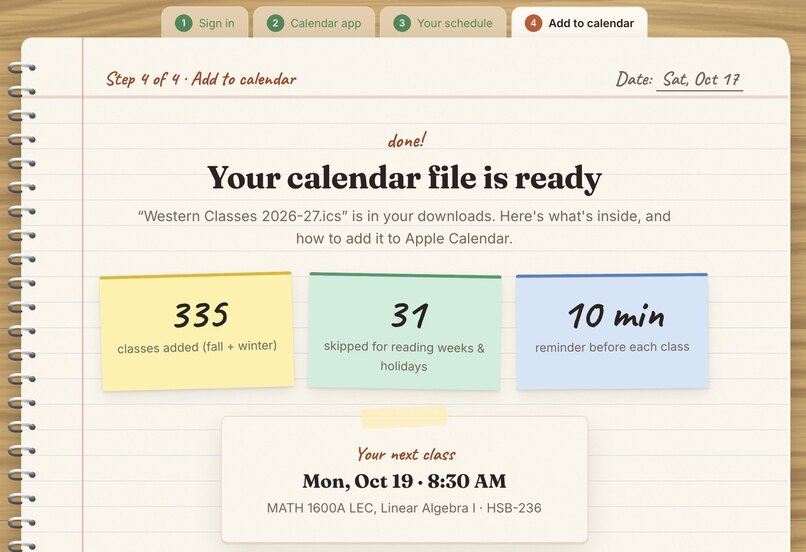
Finished Page
Inspiration
I know a lot of friends, myself included, at western who manually type in their classes by hand into their calendar apps. I saw this as just unnecessary wasted effort, so I went searched online for tools that simplified this process. But there were either tools that had me install an extension, or gave me my calendar file but left me more confused than when I started. I wanted something that was free, clear instructions, no installations and no strings attached.
What it does
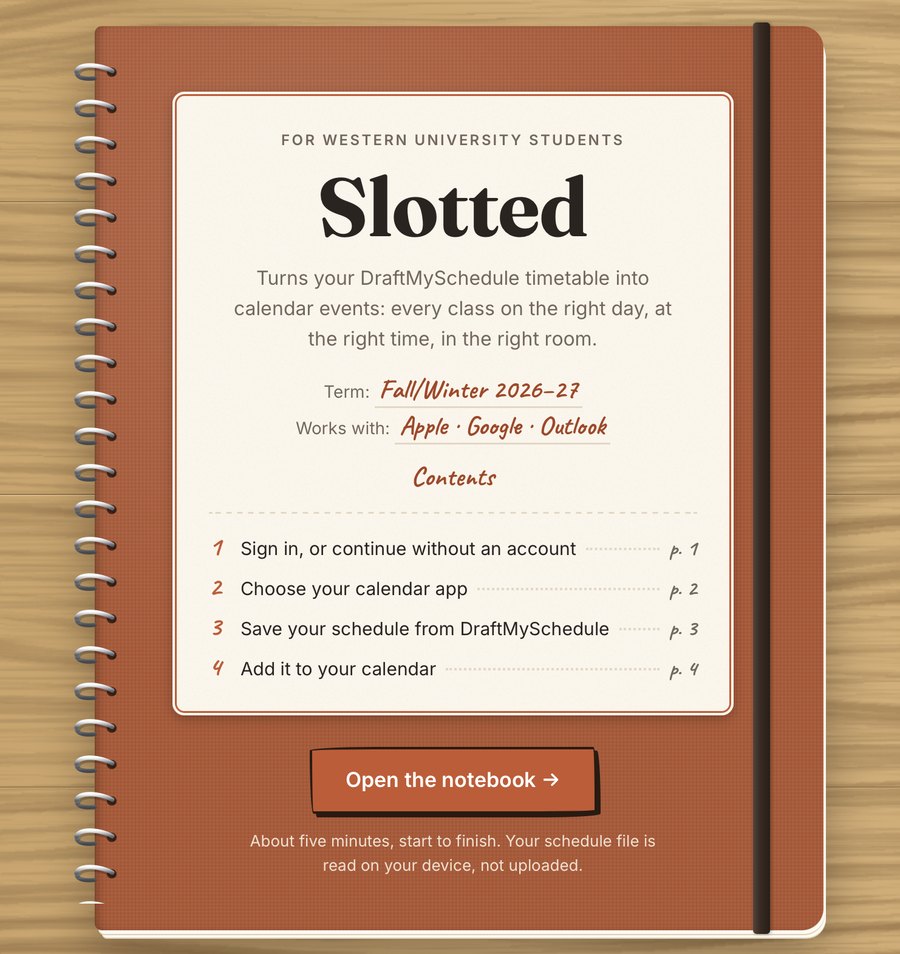
Slotted turns a saved DraftMySchedule page into a full term of calendar events for Apple Calendar, Google Calendar, Outlook, or anything that opens .ics files.
- Pick your calendar app and every instruction after that is written specifically for the students desired app
- Shows you where to find and save your schedule, gives the student the link to reach DraftMySchedule for easy access, and gives clear instructions on where to navigate inside the website, with different instructions depending on the browser
- Every lecture, lab and tutorial lands on the right day, time and room, while also skipping reading weeks and holidays
- No account needed. For the primary use of this website, no account is needed or any information about the user is stored. But if the user wants to save their schedule files or wants a calendar link that automatically updates the users calendar, then an account is necessary.
How I built it
- Front end: plain JavaScript on GitHub Pages. The schedule file is read in the browser and never uploaded.
- One calendar engine builds both the downloaded file and the live link, so they always match. While following Western's course-number rules for half-year, full-year, six-week quarter and summer courses.
- Back end: Node.js and Express with PostgreSQL, running in Docker on my own Ubuntu home server behind a Cloudflare Tunnel.
- Accounts: Google sign-in (OAuth with PKCE), Argon2 password hashing, password-reset emails, rate limiting and daily backups.
Challenges I ran into
Western's course numbers hide a lot of rules, and real schedules are messy. I built a set of difficult test schedules to test against (online classes, quarter courses, affiliate colleges, waitlisted courses and summer files) and fixed every case that broke. Getting the live server, email delivery and Google sign-in all working reliably had a lot of trouble shooting, but in return taught me a lot of valuable skills.
Accomplishments that I'm proud of
- It's live and students are using it
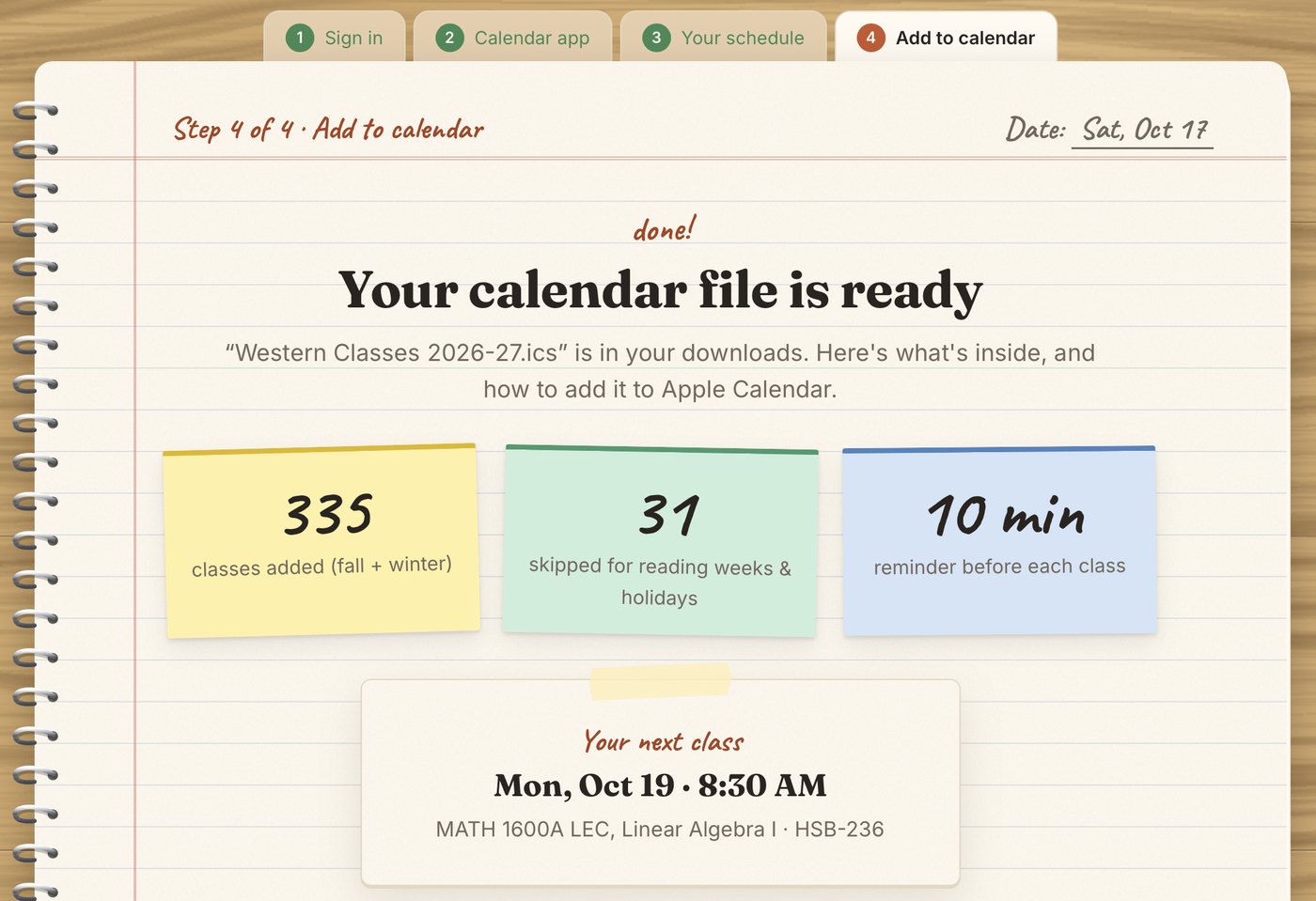
- A full year of 335 classes lands in the calendar correctly, with 31 skipped for breaks
- Everything runs on hardware I set up and maintain myself
What I learned
How to run a real service end to end: DNS, email authentication, OAuth, backups, monitoring, and simultaneously designing it for people who both want it to work without reading anything and for people who want to understand what is happening.
What's next for Slotted
A non-required browser extension that will give the option to read the schedule straight from DraftMySchedule and move it to slotted, so then there's no file to save at all. Plus next year's term dates as soon as Western publishes them. With constant updates to benefit the user experience that will come with time as more people use the website and give their feedback.

Log in or sign up for Devpost to join the conversation.