-
-
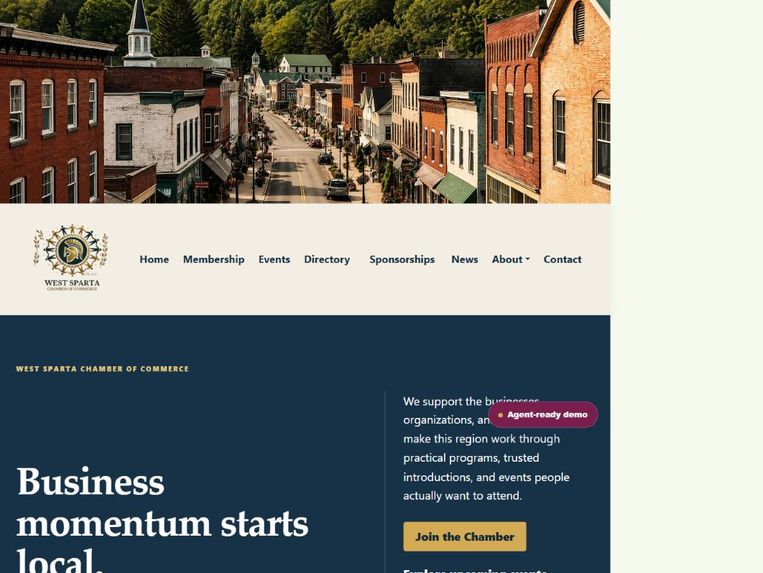
West Sparta Chamber homepage with current events and member discovery.
-
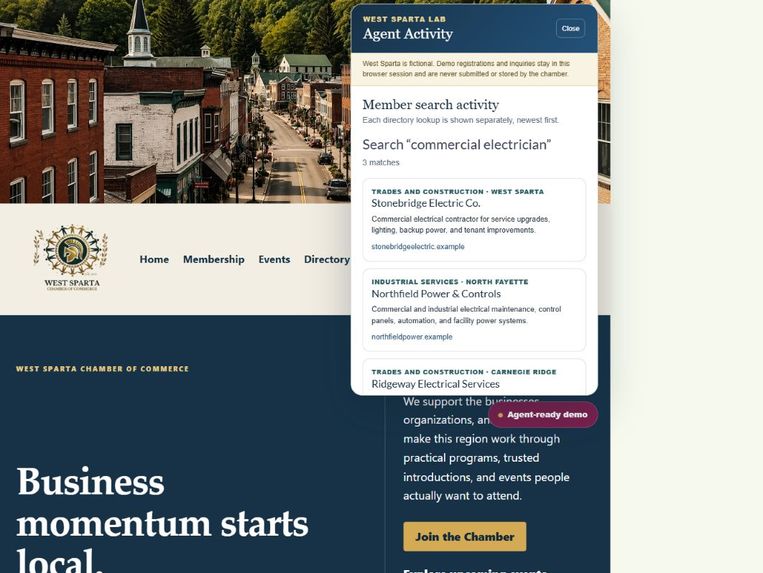
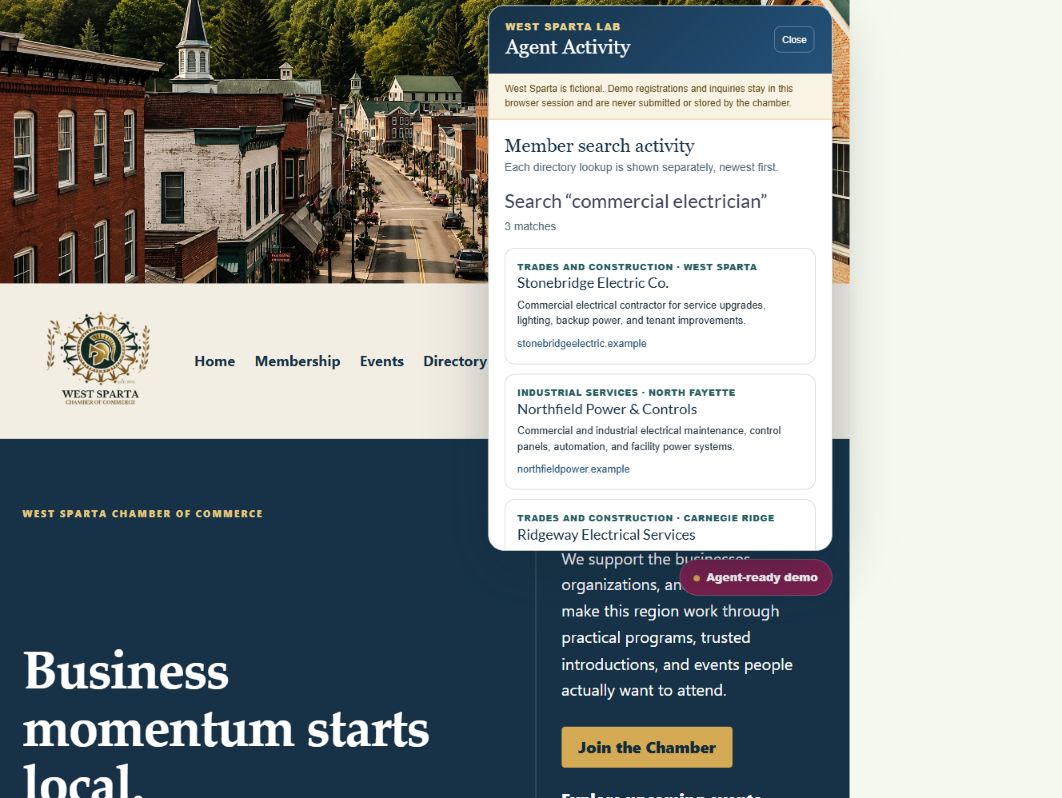
Visible Agent Activity panel showing structured member results.
-
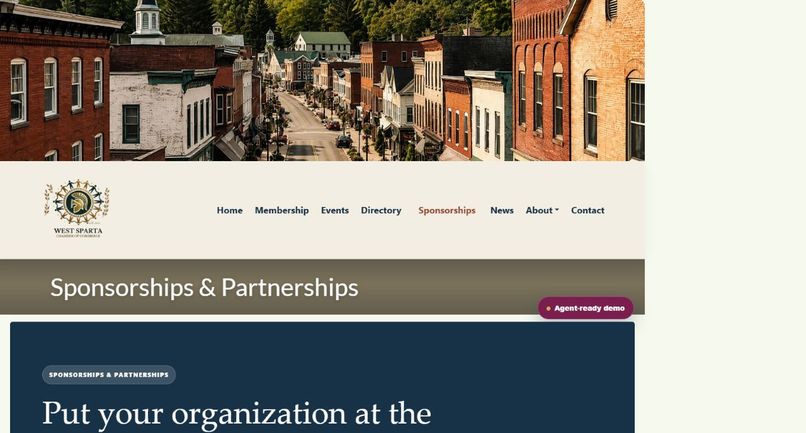
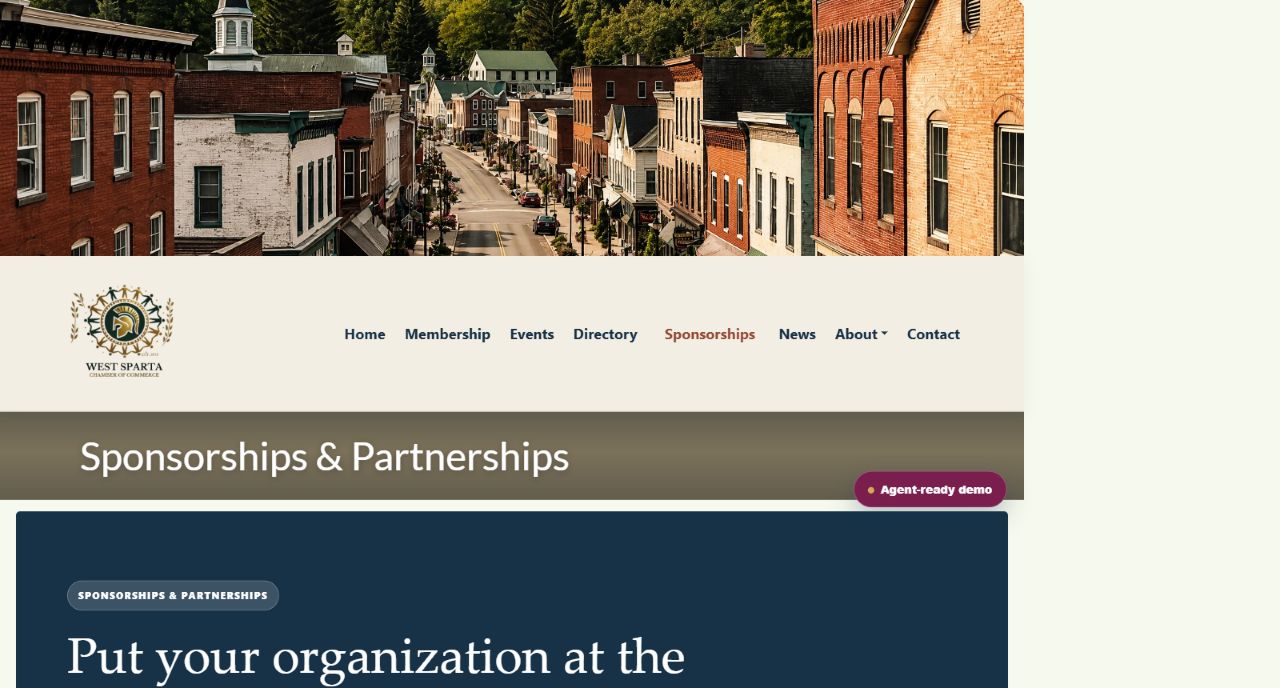
Sponsorship opportunities with agent-ready comparison and inquiry tools.
Inspiration
Chamber of commerce websites are full of useful local information, but most of it is packaged for visual browsing: directory cards, event listings, sponsorship tables, and forms. An AI agent can try to scrape and interpret those pages, but the process is brittle, expensive, and disconnected from what the person sees.
West Sparta asks a simple question: what if an existing chamber website could become directly usable by an agent without becoming less useful to people?
What it does
West Sparta is a fictional Chamber of Commerce website enhanced with five browser-native WebMCP Site tools:
search_memberssearches fictional chamber members by service, category, name, or town.find_eventsfinds current events by date, audience, type, or keyword.find_sponsorshipscompares annual and event opportunities by budget and goal.register_for_eventcompletes a clearly labeled fictional registration.start_sponsorship_inquirycompletes a clearly labeled fictional sponsorship inquiry.
A visitor can make a natural-language request that crosses several parts of the site—for example, find a commercial electrician, identify the next networking event, and register a fictional attendee. The agent receives structured results instead of reconstructing page layouts.
Every tool invocation is also reflected in a visible Agent Activity panel. The person and the agent stay grounded in the same interface and can inspect what was found or completed.
How we built it
The project adds a focused WordPress plugin to an existing chamber demonstration site. PHP extracts and normalizes member and event information from the site's current content. Vanilla JavaScript registers the five tools through document.modelContext.registerTool, supplies narrow JSON schemas, and reuses the site's existing interface logic.
The two action tools are intentionally safe simulations. They accept only fictional example-domain email addresses, create no payment, send no message, and store confirmations only in the current browser session. Browsers without WebMCP still receive the normal website through progressive enhancement.
Challenges
The hardest design problem was not registering a tool; it was choosing the right boundaries. A useful chamber workflow crosses discovery, comparison, and action, but each tool still needs a narrow purpose, predictable schema, and clear safety contract.
We also had to keep dynamic event data consistent between the human homepage and the agent-facing tools, make tool activity visible without overwhelming the design, and preserve the behavior of the existing WordPress site for ordinary visitors.
Accomplishments
- Five working Site tools on a live WordPress website.
- One request can move from member discovery to event discovery to a simulated registration.
- Structured results and human-visible feedback remain synchronized.
- The repository contains a reproducible plugin, sample content, architecture notes, testing instructions, and an open-source license.
- The project demonstrates a reusable pattern for associations, destinations, universities, and local governments—not only chambers.
What we learned
WebMCP is more than a new form of search optimization. Search helps an agent find a site; structured content helps it understand the site; WebMCP lets it use the site. When the website exposes the right narrow tools, the agent can spend less effort interpreting layouts and more effort helping the person complete a real task.
What's next
The next step is to adapt the pattern to real chamber-management systems so directory, event, and sponsorship tools can use authenticated member data and real transaction APIs with explicit confirmation and permission controls. West Sparta remains deliberately fictional so the interaction model can be tested safely.
Try it
Open the live site in a WebMCP-compatible browser and ask:
I'm looking for a commercial electrician in West Sparta. Find three chamber members who could help. Then find the next networking event and register Jordan Demo from Demo Business using [email protected].
Built With
- javascript
- json
- openai
- webmcp
- wordpress

Log in or sign up for Devpost to join the conversation.