Inspiration
I was very inspired by Twilio's tech demo at the opening ceremonies, and wanted to make something that had interactive and useful aspects to it.
What it does
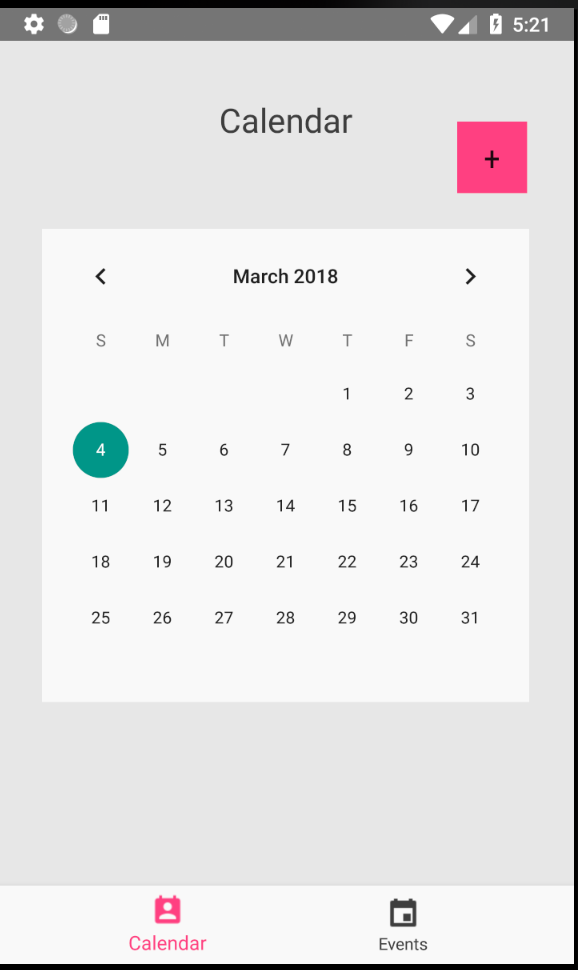
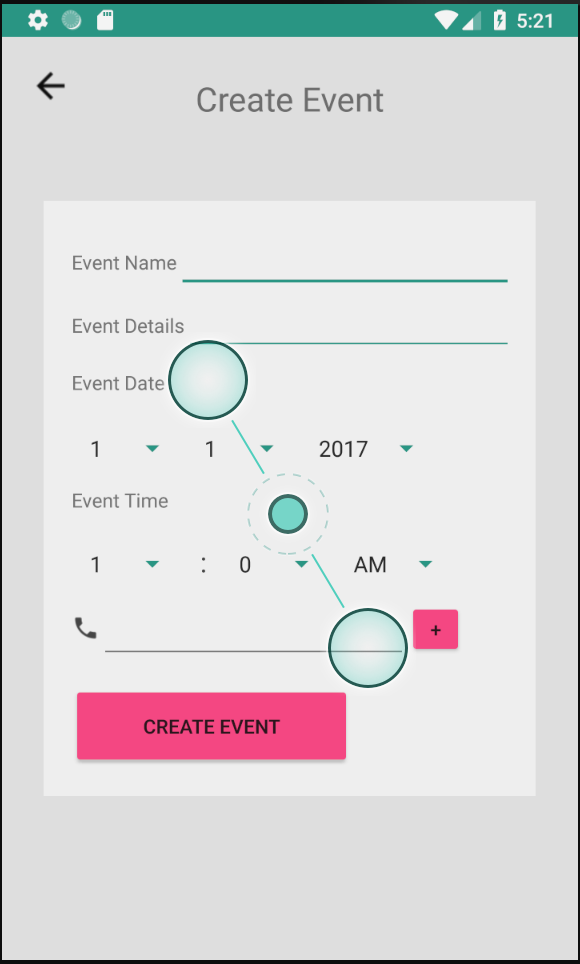
WeSched allows users to plan an event and send out reminders via easily accessible text messages to friends (or yourself) with a simple tap of the "create event" button. No more confusing polls on Messenger and the hassle of online scheduling - just enter your phone number and you're good to go.
How I built it
I used Android Studio along with Firebase database storage and retrieval to build the app and store and retrieve data sent, including event time, date, descriptions, phone numbers, etc. I used Java to build and deploy the app, python and Pyrebase to retrieve event details and make real-time comparisons, and the Twilio API to send SMS notifications to stored numbers.
Challenges I ran into
Because of the limited time constraints, I could only focus on the main features of the app - that of message sending and scheduling. I would have liked to polish the UI and add more features.
Accomplishments that I'm proud of
I'm happy with how quickly I was able to debug certain issues, such as database retrieval errors and bugs within Android Studio. Considering this was one of my first Android projects, I'm pretty happy with the results.
What I learned
I learned a lot about Android development, Firebase, and Twilio through this project.
What's next for WeSched
Implement more features - event confirmation, listing, account verification and security.


Log in or sign up for Devpost to join the conversation.