About the Project
Inspiration
This project was inspired by the need to eliminate manual errors and streamline weight recording processes at industrial sites, warehouses, and weighbridges. Often, workers manually note down weight values from digital scales, which leads to inaccuracies, lost records, or data-entry delays. We wanted to simplify this by creating a smart web-based solution that connects directly to weighing machines and records data in real-time.
What I Learned
- How to work with the Web Serial API to read serial data from hardware devices like weighing scales.
- Parsing real-time ASCII data from devices and extracting usable information.
- Designing a simple, intuitive UI for live data monitoring and saving.
- Handling real-world issues like device disconnection, invalid input, and cross-browser support.
- Basics of data export to CSV for report generation.
How I Built It
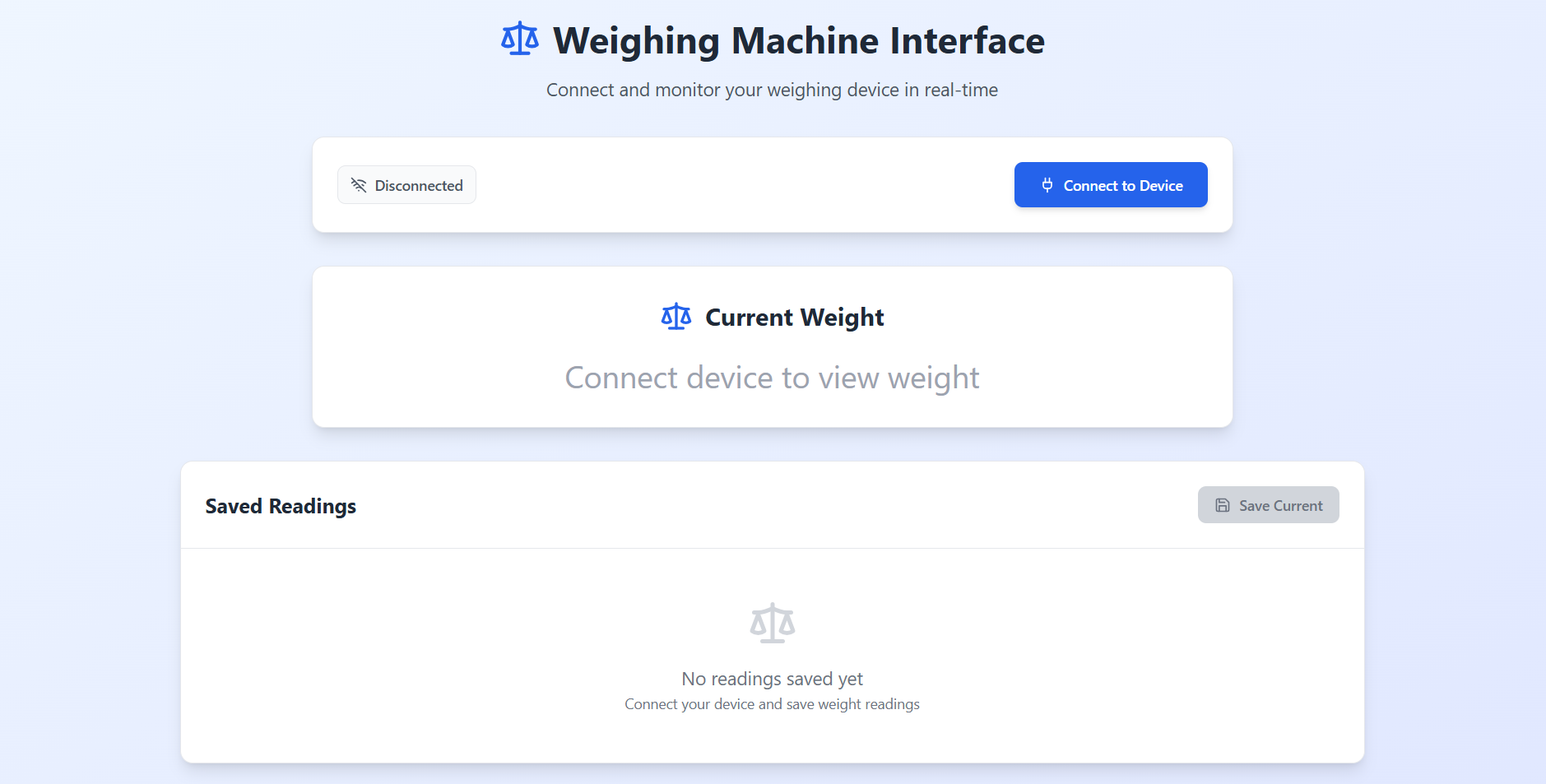
- Used HTML, CSS, and JavaScript to build the frontend interface.
- Integrated the Web Serial API to enable communication with weighing machines via USB/COM ports.
- Implemented JavaScript logic to:
- Allow users to select a serial port
- Continuously read incoming data
- Extract numeric weight values (e.g., from strings like
WT=123.45 KG\n)
- Added a "Save" button to record the current weight with a timestamp.
- Built a download to CSV feature for exporting the saved weight logs.
Challenges I Faced
- Serial Port Access Limitations: The Web Serial API is supported only in Chromium-based browsers (like Chrome/Edge), which required browser-specific handling.
- Permission and Security: Every connection to the serial port needs explicit user permission — automating this was not possible due to browser restrictions.
- Data Format Variability: Different weighing machines send data in different formats. I had to build flexible parsing logic to support variations.
- Real-Time Updates: Ensuring that the UI updated smoothly with live data without freezing the interface was a key challenge.

Log in or sign up for Devpost to join the conversation.