-
-
hello
-
dark hello
-
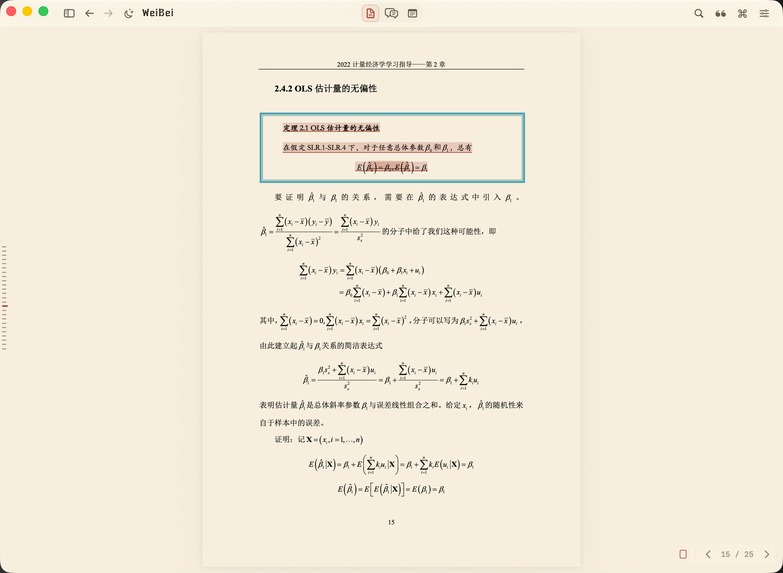
immersive reading(i guess)
-
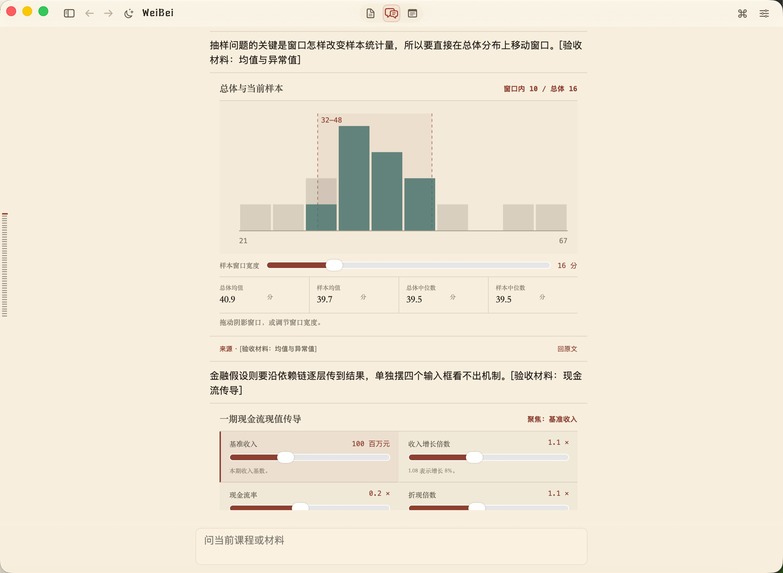
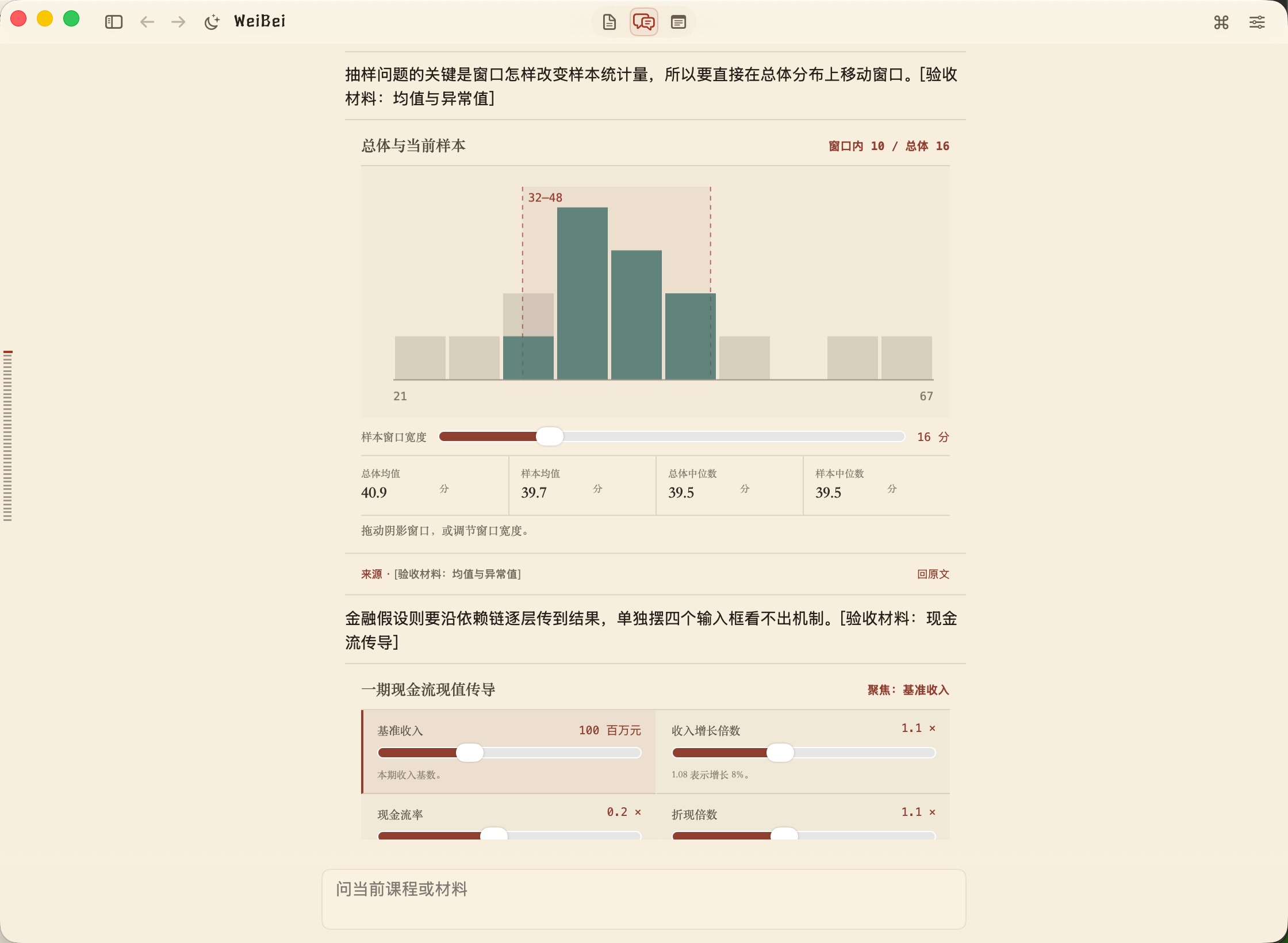
immersive chatting(generative UI shown)
-
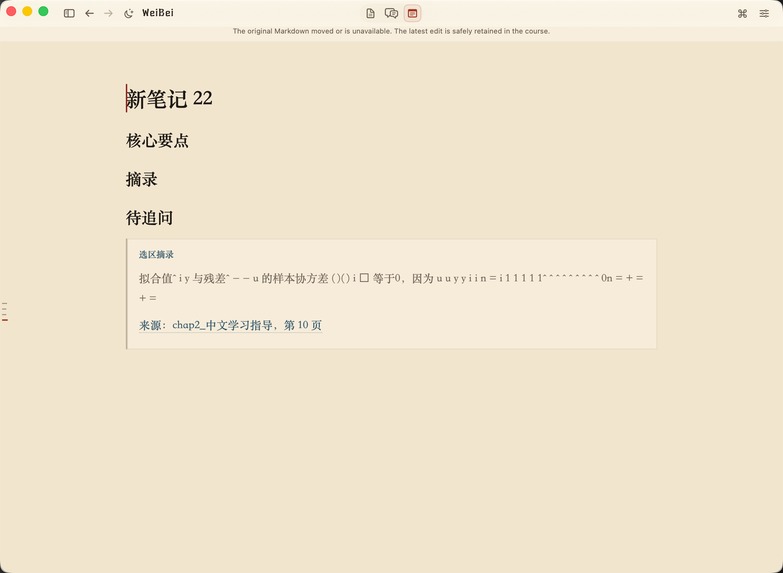
immersive writing
-
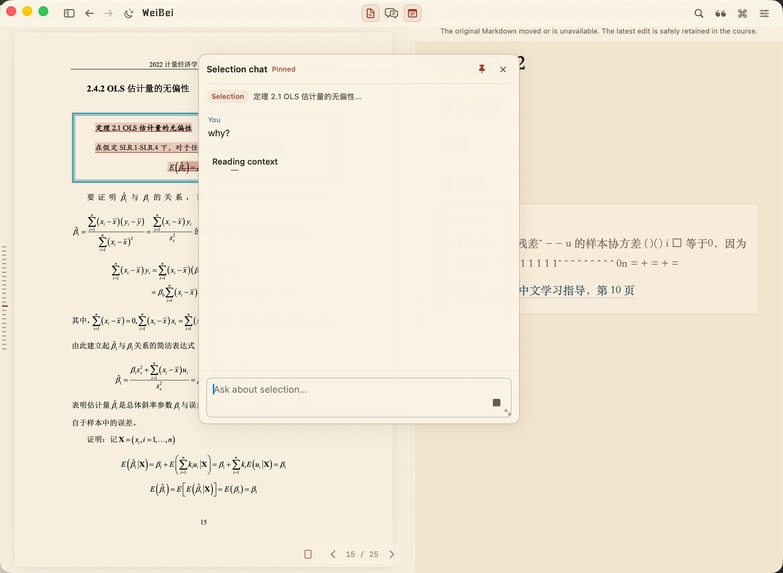
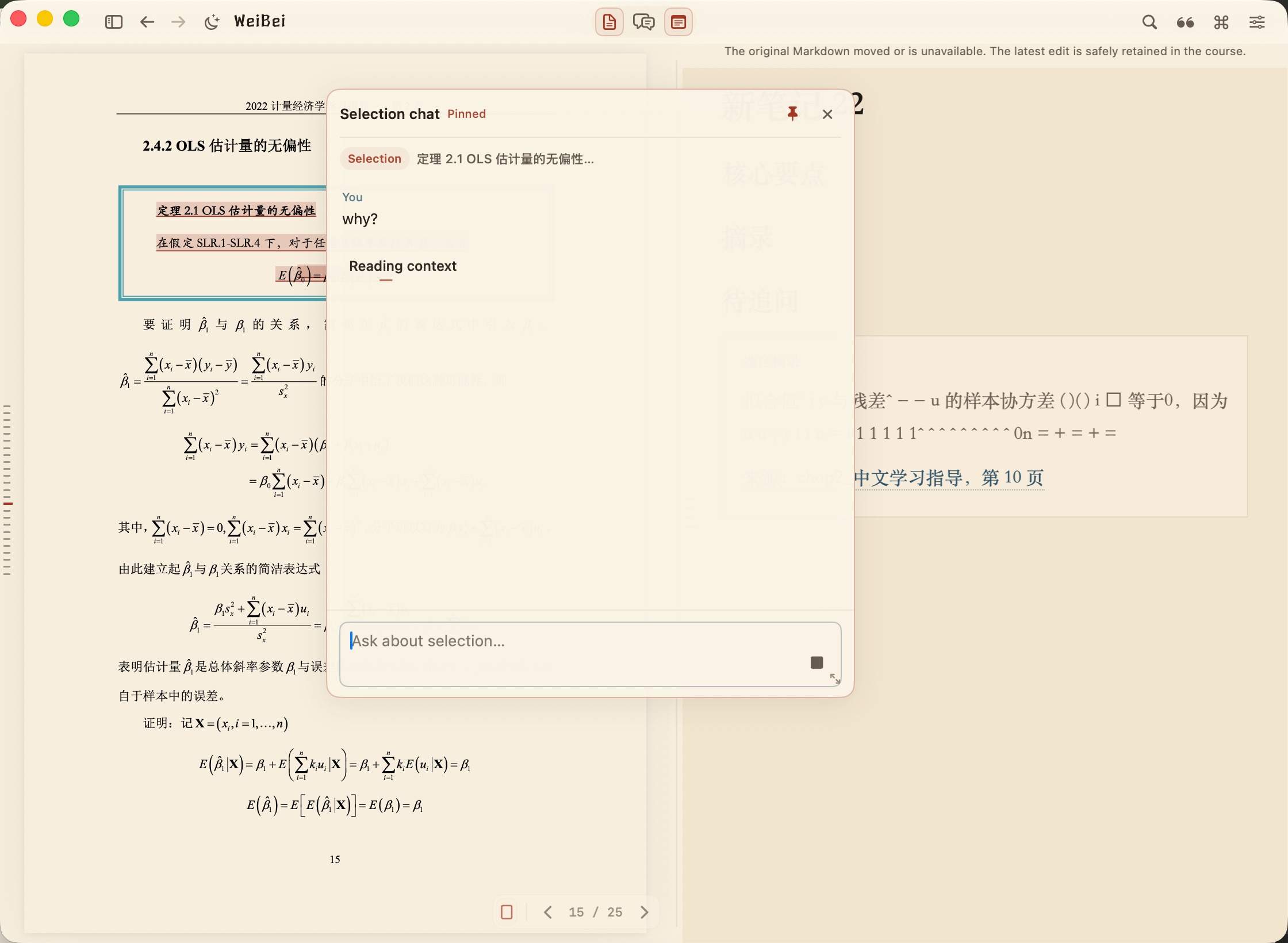
select some context and ask
-
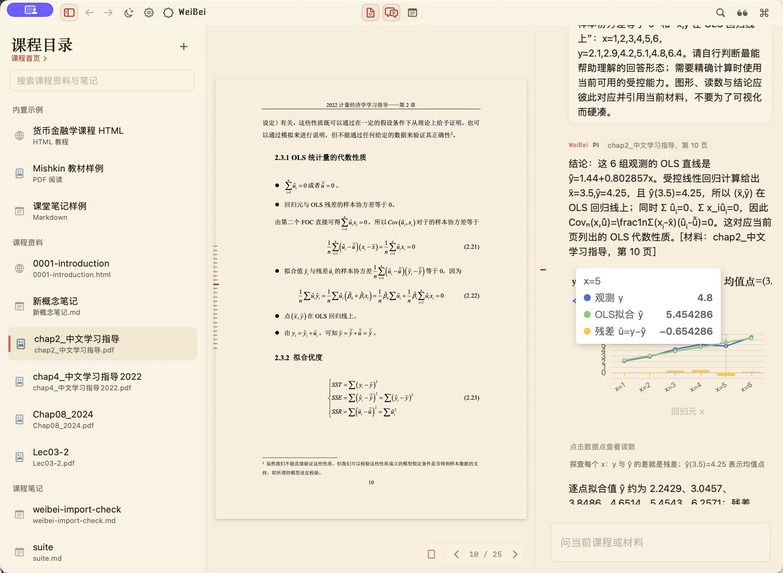
another scene of generative UI helping studying
-
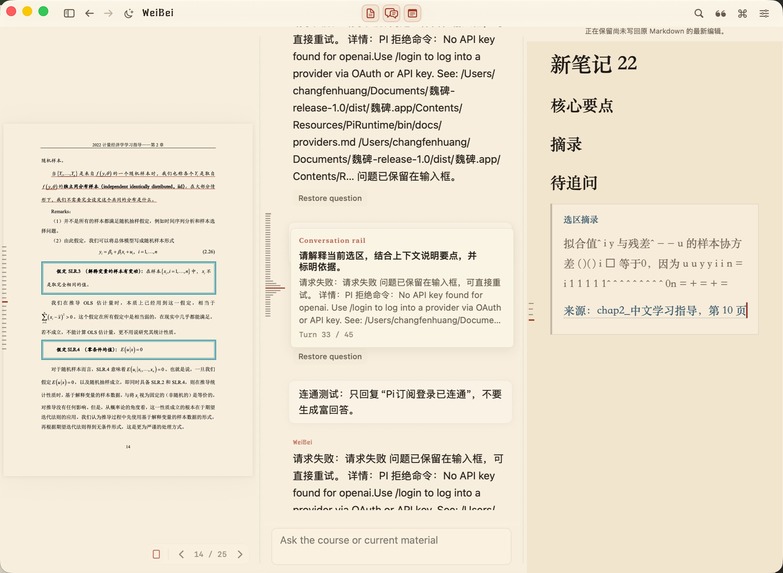
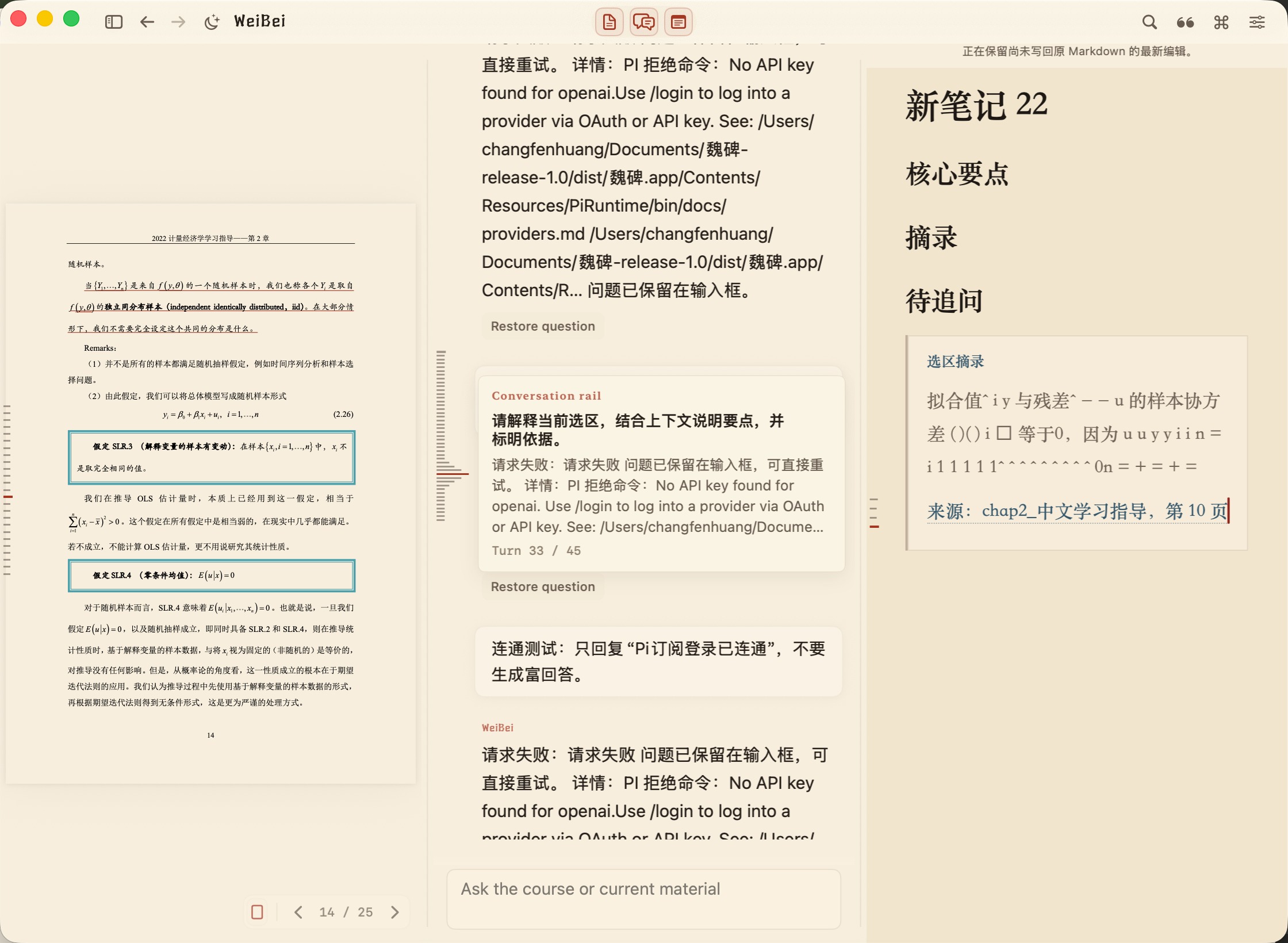
read/chat/write at the same time
-
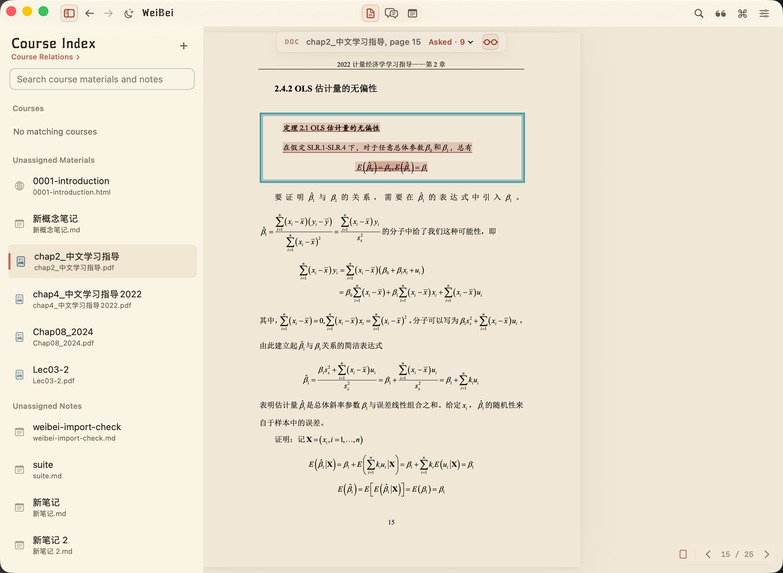
select some file
-
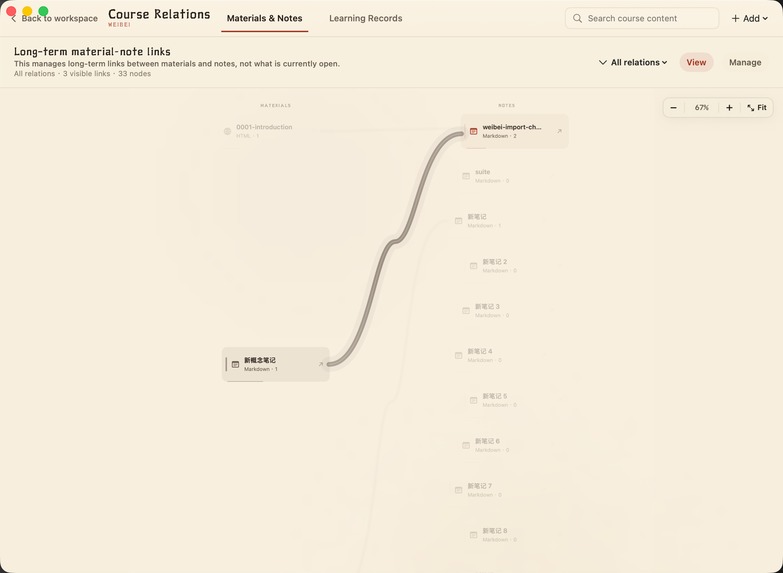
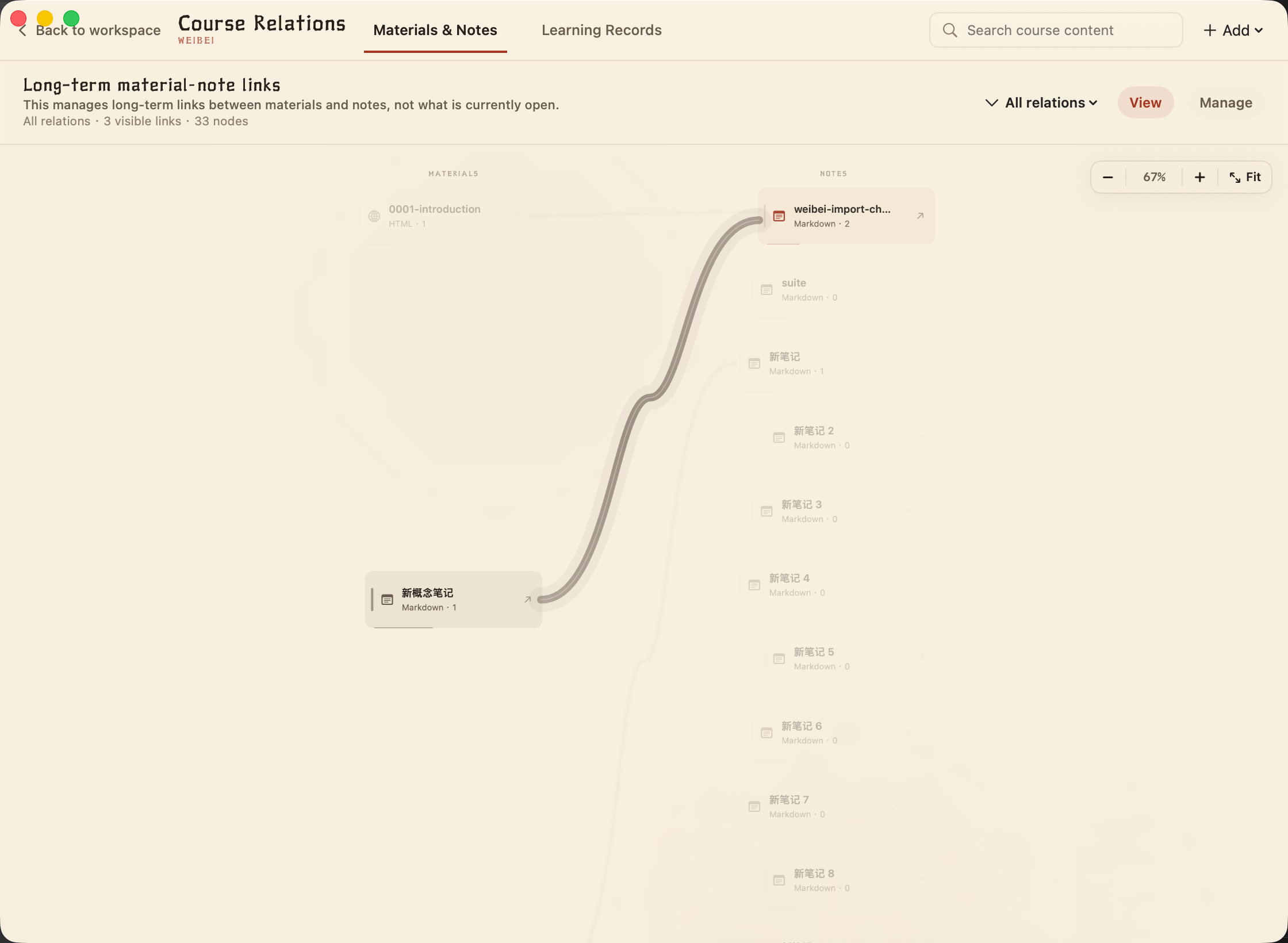
course relation management page
-
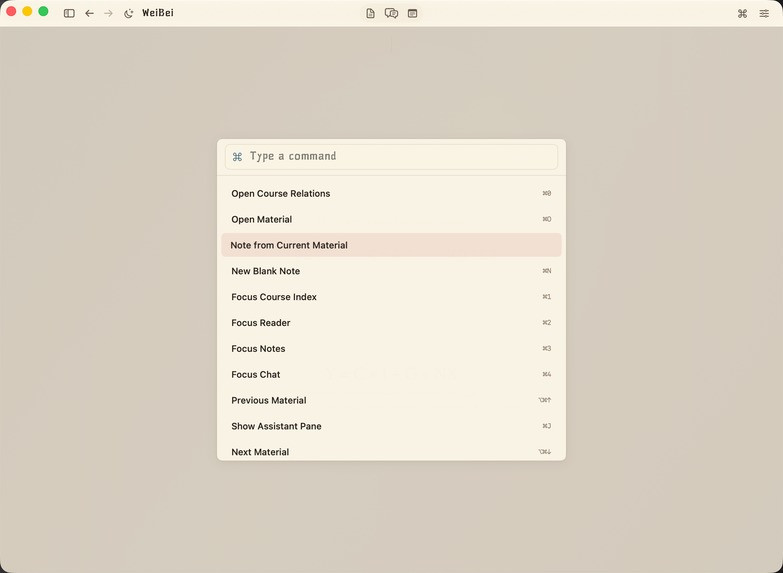
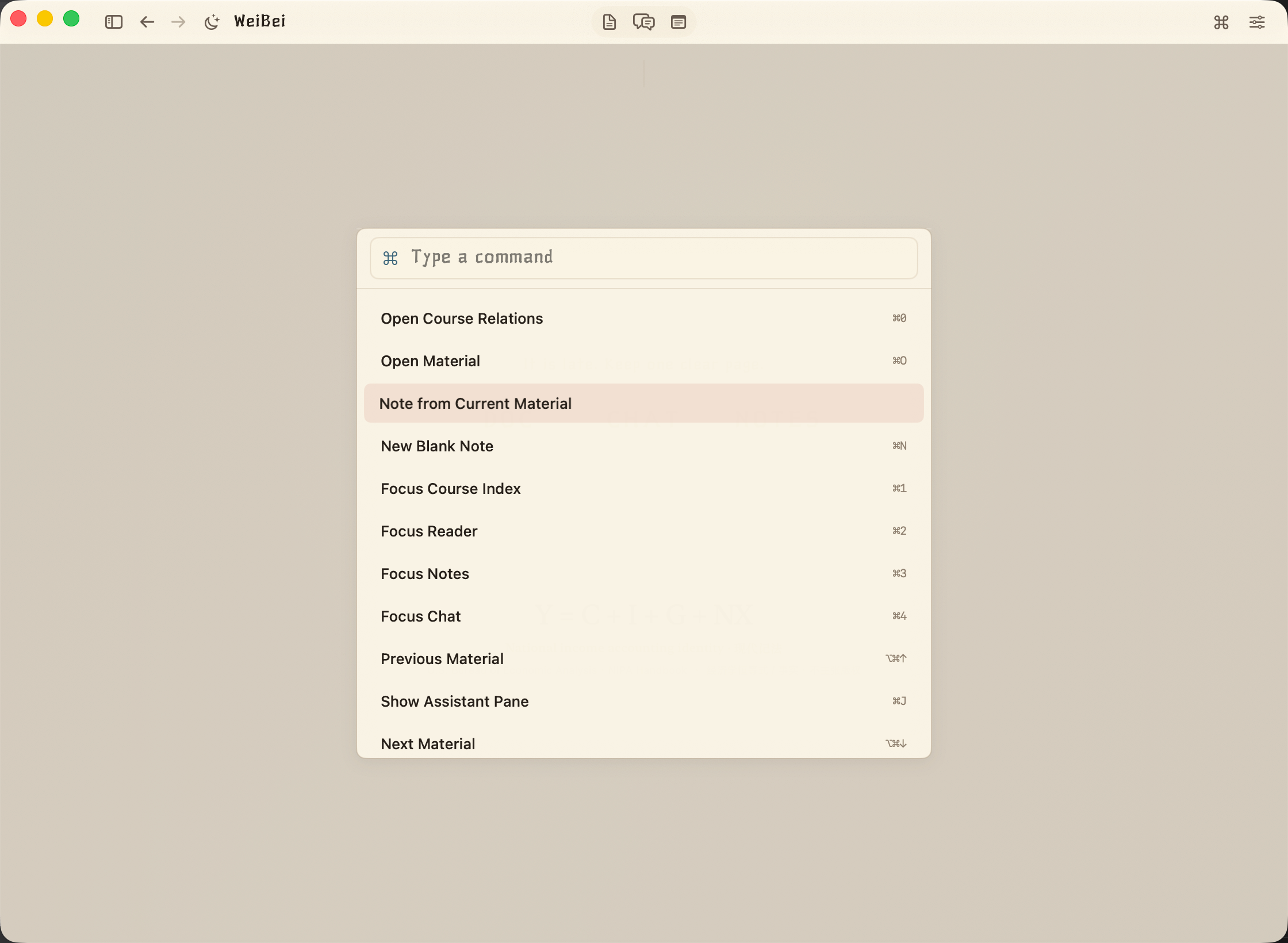
command
-
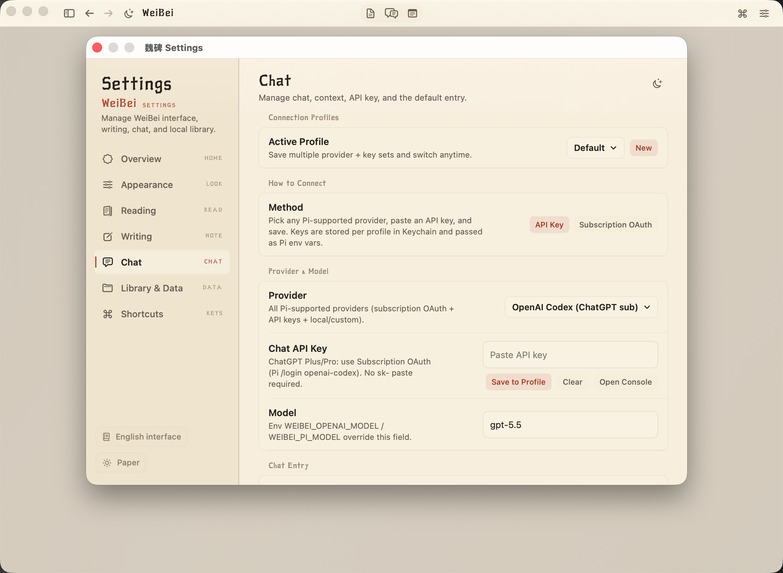
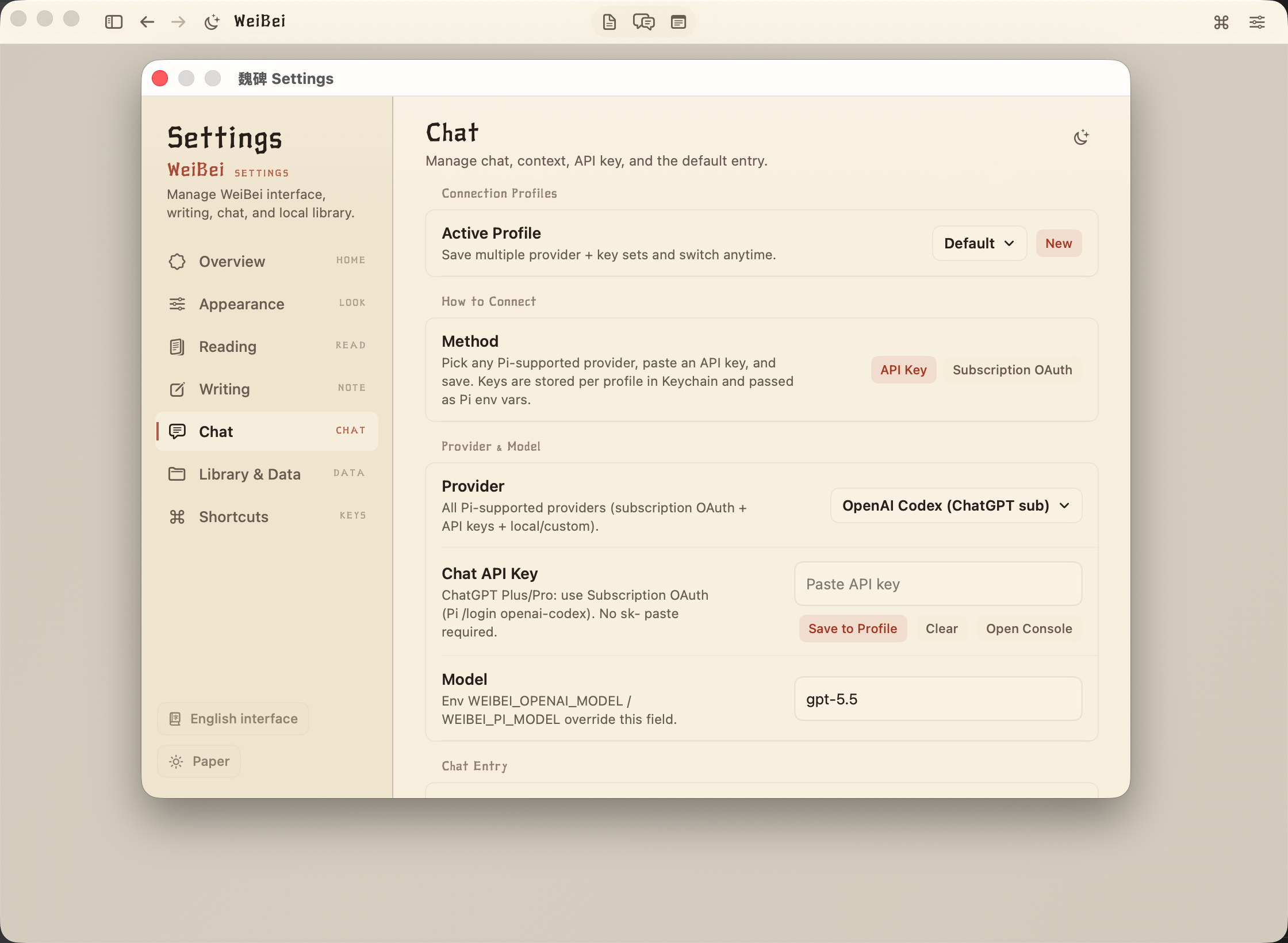
setting page
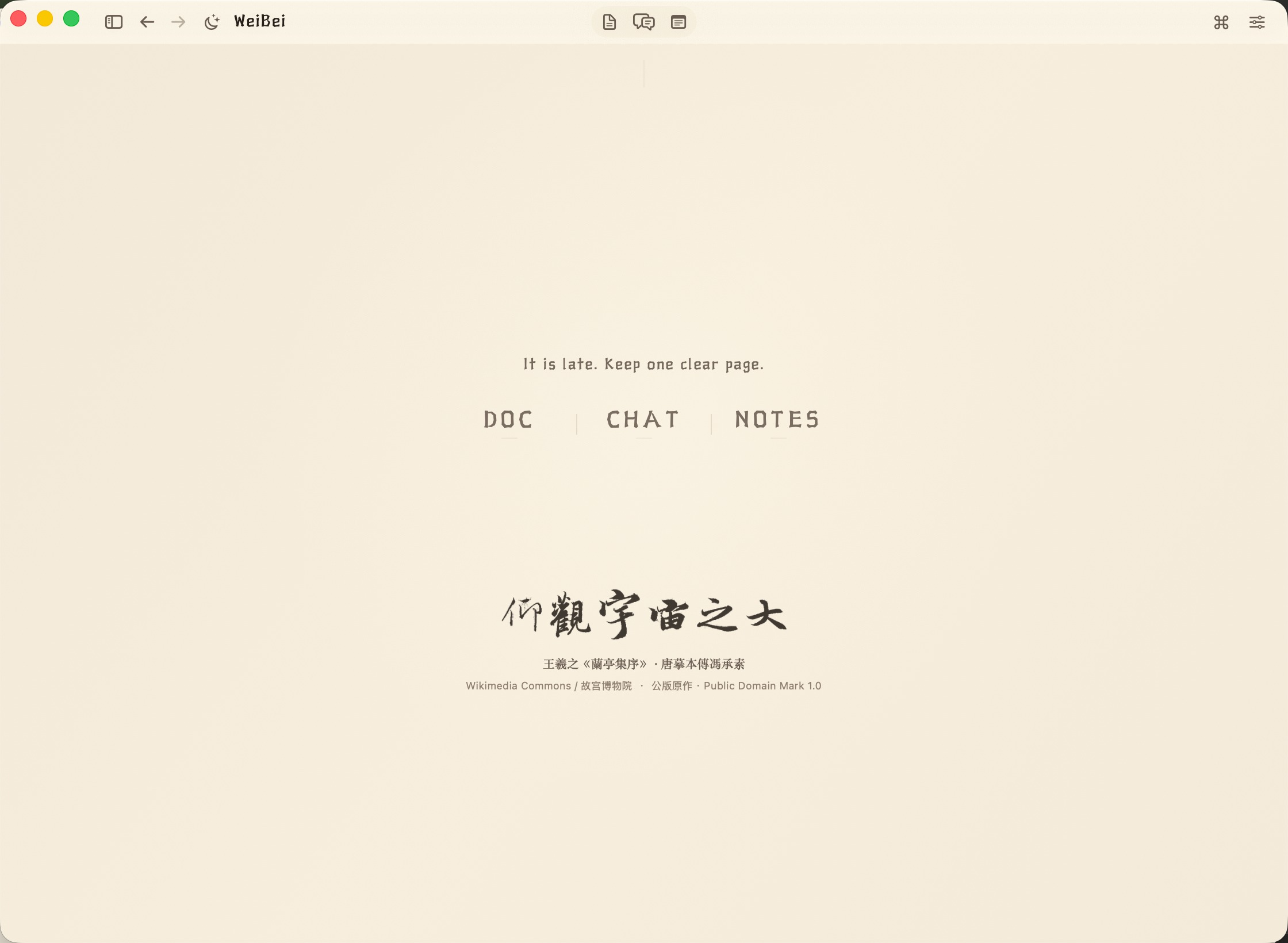
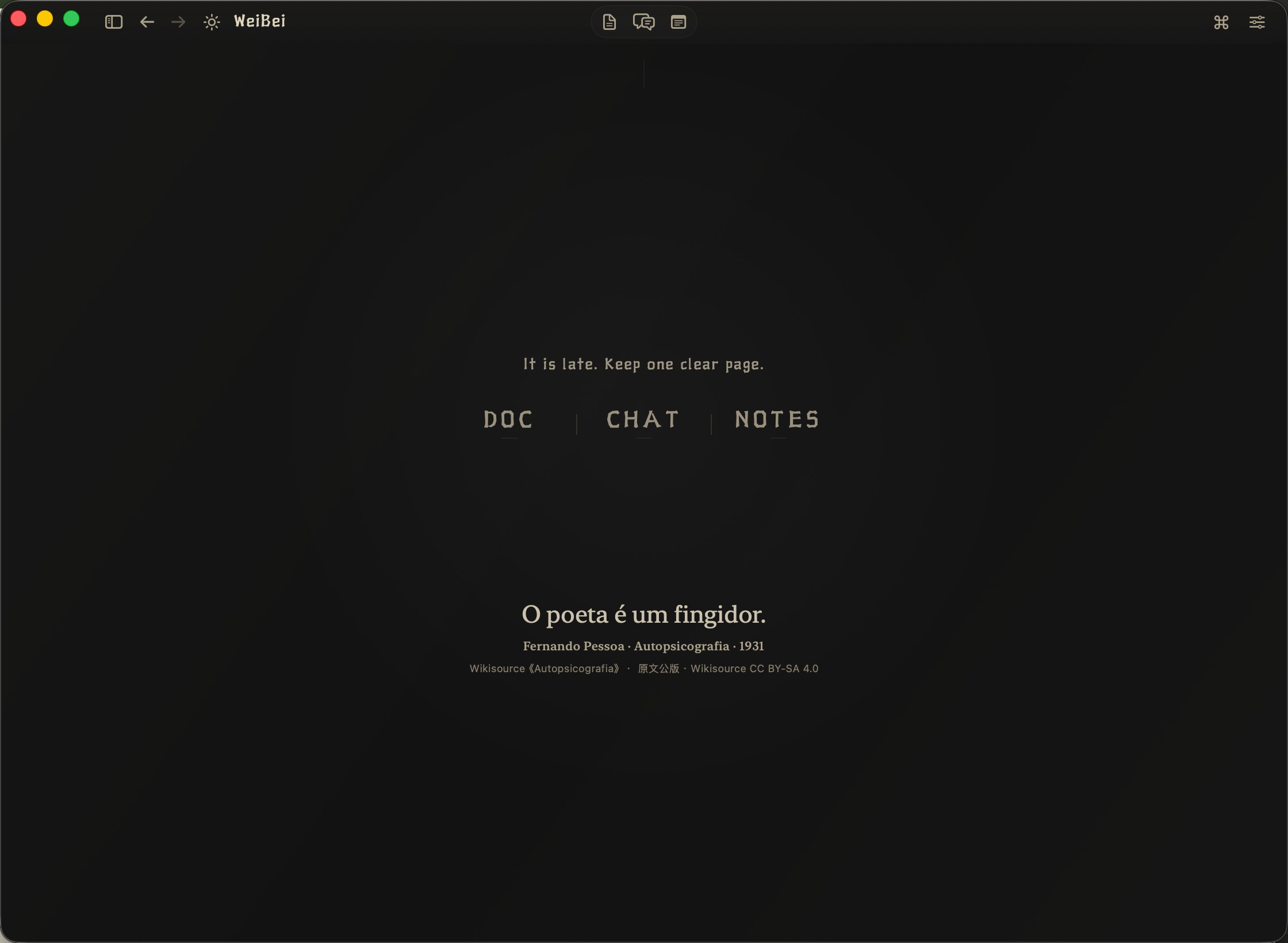
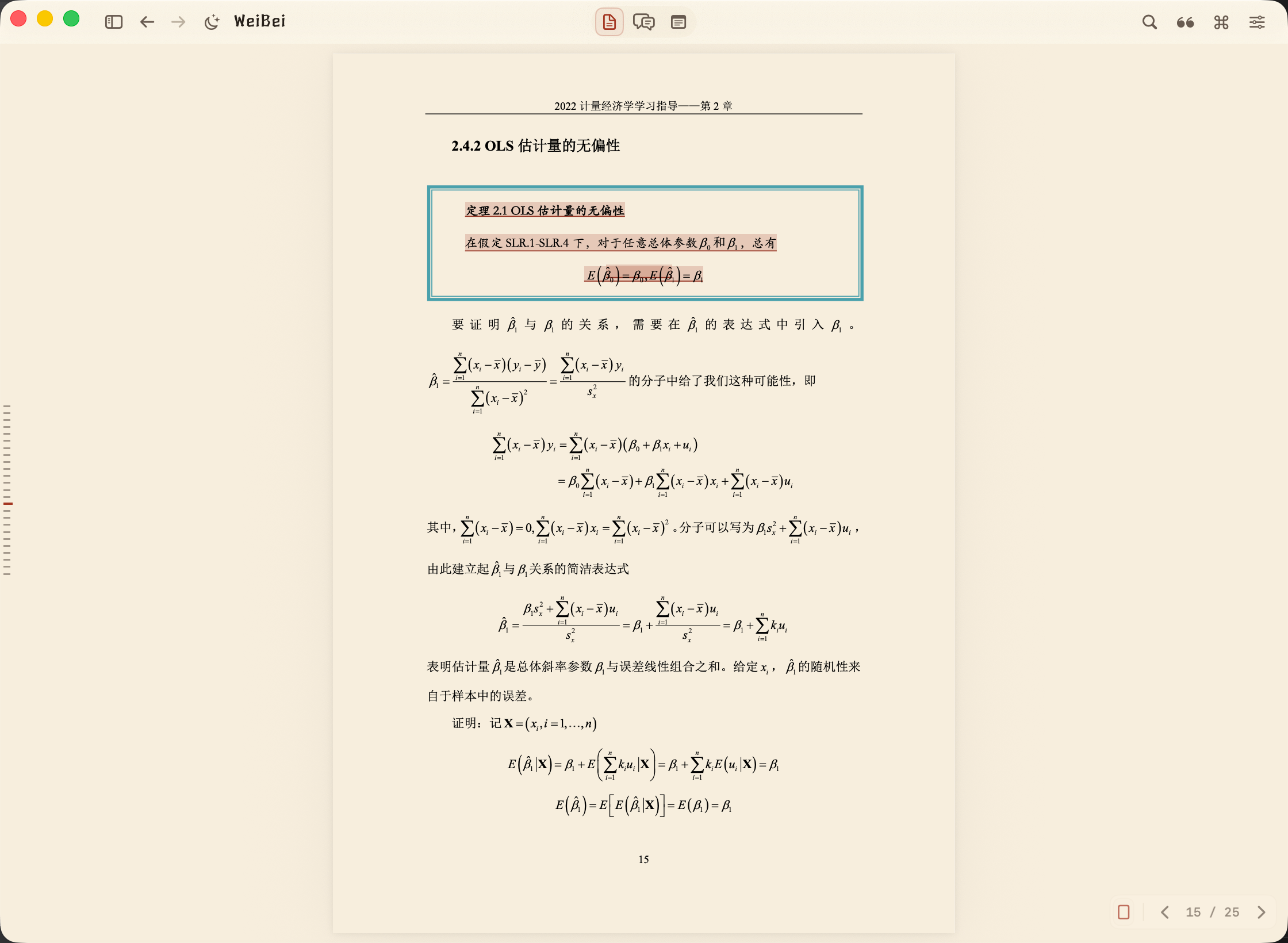
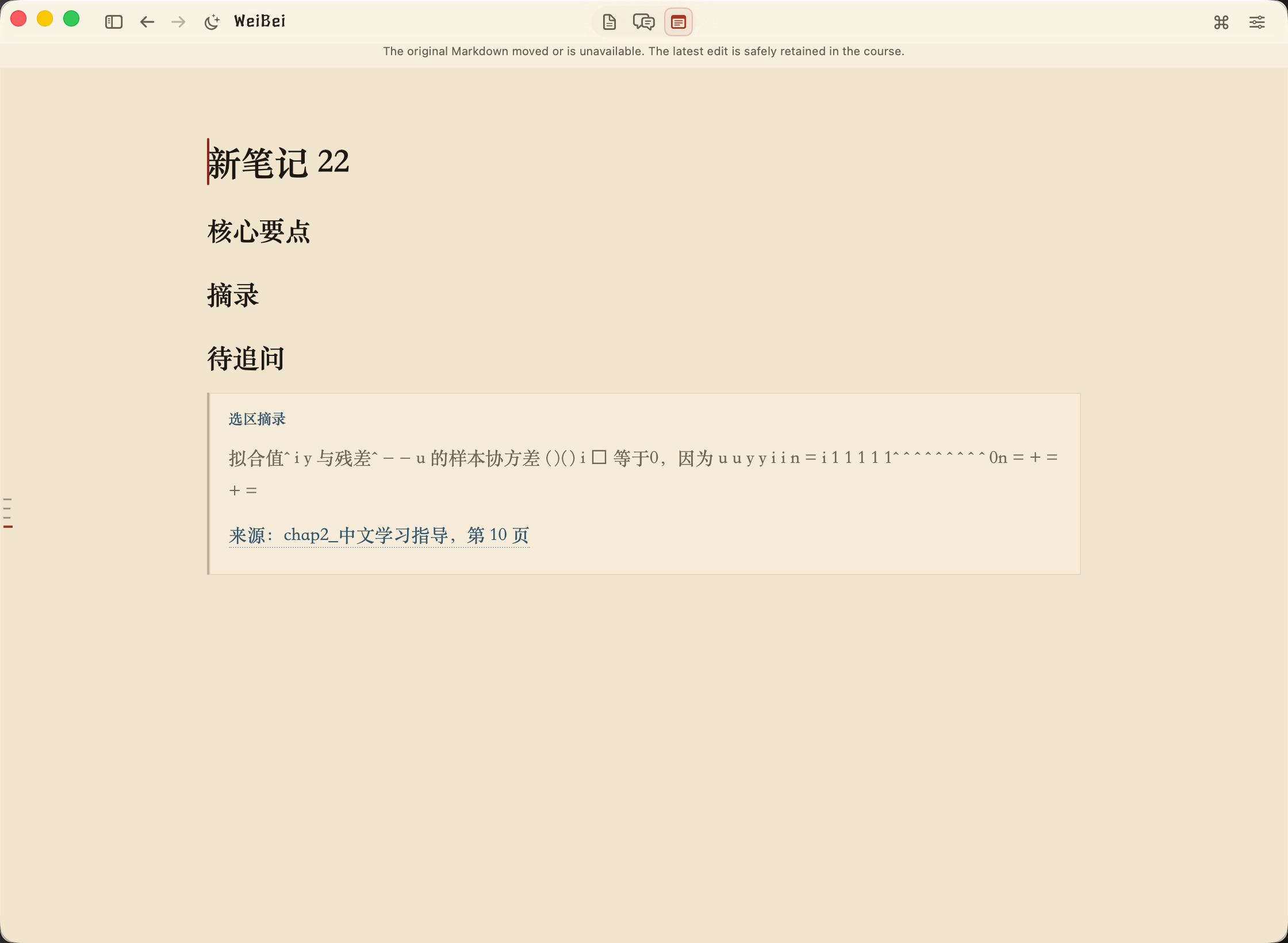
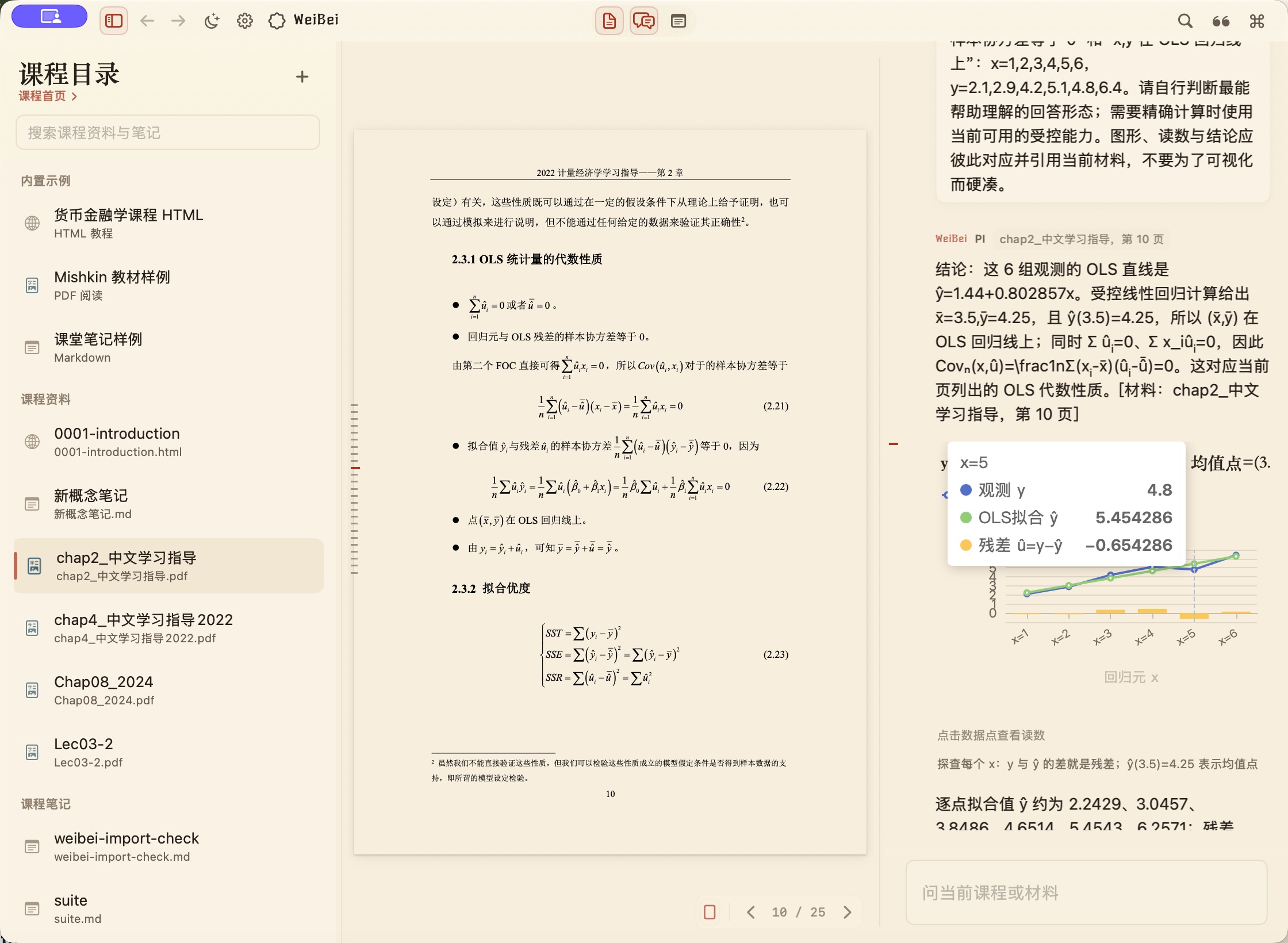
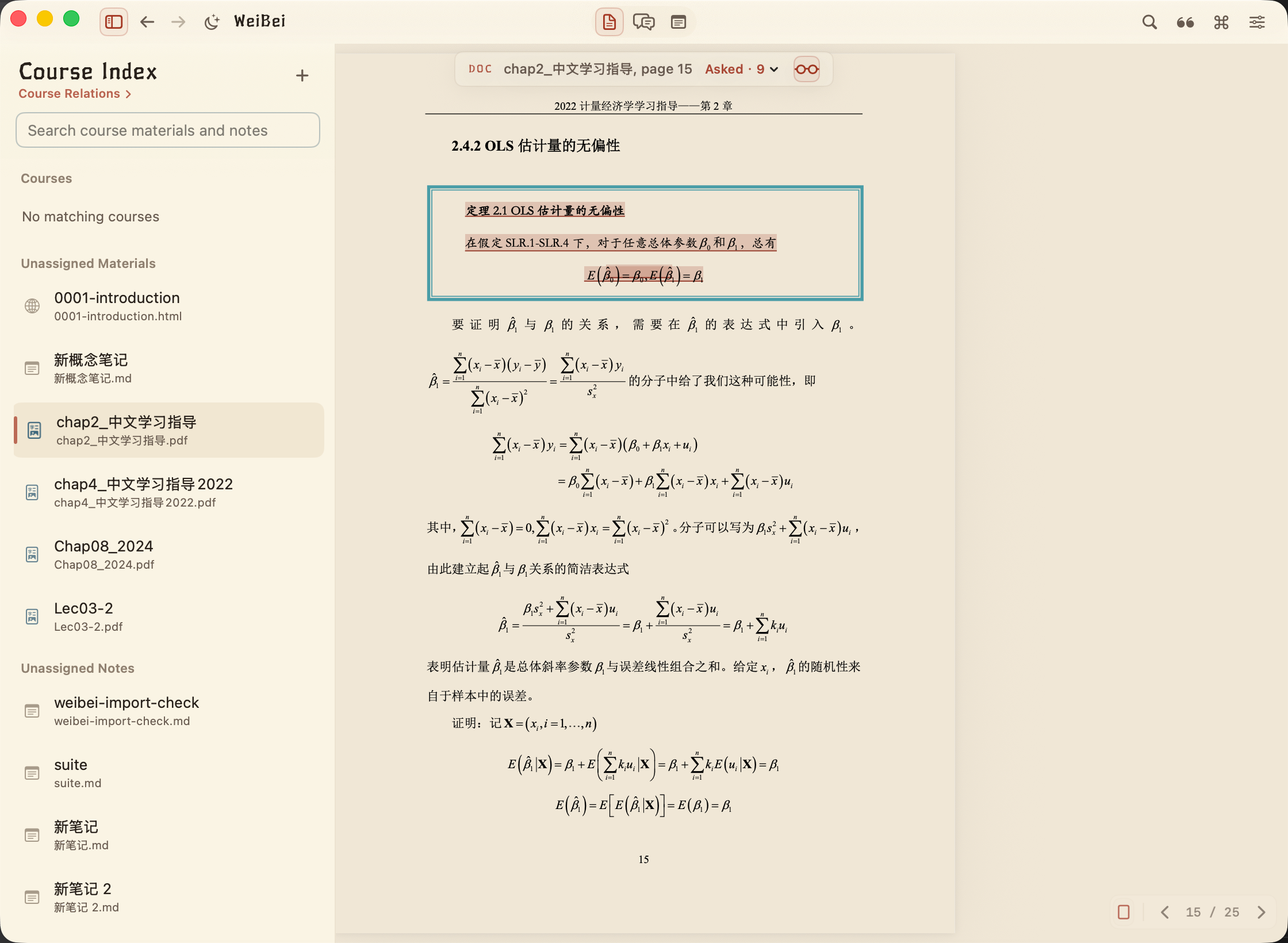
WeiBei is a native macOS learning workspace that keeps course materials, AI dialogue, and notes in one continuous, source-grounded flow.
Inspiration
- while cramming for a final exam earlier this year I kept switching between Chrome (reading PDF/HTML and asking gemini in chrome) and Obisidian (writing md for notes)
- found it uncomfortable since the constant window-switching kept breaking my concentration and context.
- I realized that I learn best when I can write while I read.
What it does
- READING,CHATTING,WRITING
- Use them side by side, or focus on one in an immersive view.
- Open a course folder, read a PDF, HTML page, or Markdown file, select a passage, ask a question, jump back from the answer to the exact source, and decide what should be added to your notes.
How we built it
- 98% Codex and a little done with other models
- built with SwiftUI and AppKit, using PDFKit and WebKit for reading, Milkdown for Markdown notes, SQLite and Vision OCR for local course search, and an embedded Pi runtime for the study Agent.
- I defined the product direction, learning workflow, visual language, and acceptance criteria.
Challenges we ran into
- the agent part is hard (really really hard for a rookie like me) to design and knowing what it is thoroughly
- Codex sometimes proposed over-designed solutions.
- UI too ugly and complex at the beginning
Accomplishments that we're proud of
- beautiful and comprehensive design language
- smooth experience
- easy combination of features but big usefulness for a great demand
- can help with my real need
What we learned
- try using it yourself before letting agent test it autonomously
- give precise definition for expected change or you can't control what's gonna happen
What's next for Weibei
- Better generative UI supported in "CHAT" for studying assistance(In development and almost done)(polishment required)
- insights and hints for the course you're in(DOC\CHAT\NOTE) by agent, can be enabled by the users
- windows and web versions
- better UX/UI (kill ai slop)
- profile for users (can be disabled if annoying):like a GitHub profile thing or a tree/flower growing?
- open source if possible (when i got more tokens to burn)
What we added during OpenAI Build Week
WeiBei already had a basic read–ask–write workflow before Build Week. During the event, I significantly extended it with a course relationship workbench, persistent selection-based Q&A across PDF, HTML, and Markdown, source-linked answers, provider and recovery settings, and the foundation for constrained interactive learning answers. The work is documented through 57 dated commits on the integration branch.
Built With
- appkit
- codex
- milkdown
- pdfkit
- pi
- sqlite
- swiftui
- visionocr


Log in or sign up for Devpost to join the conversation.