-
-
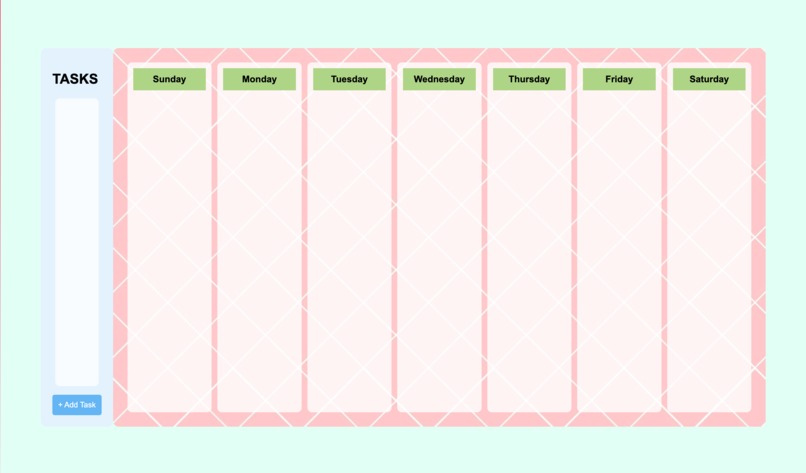
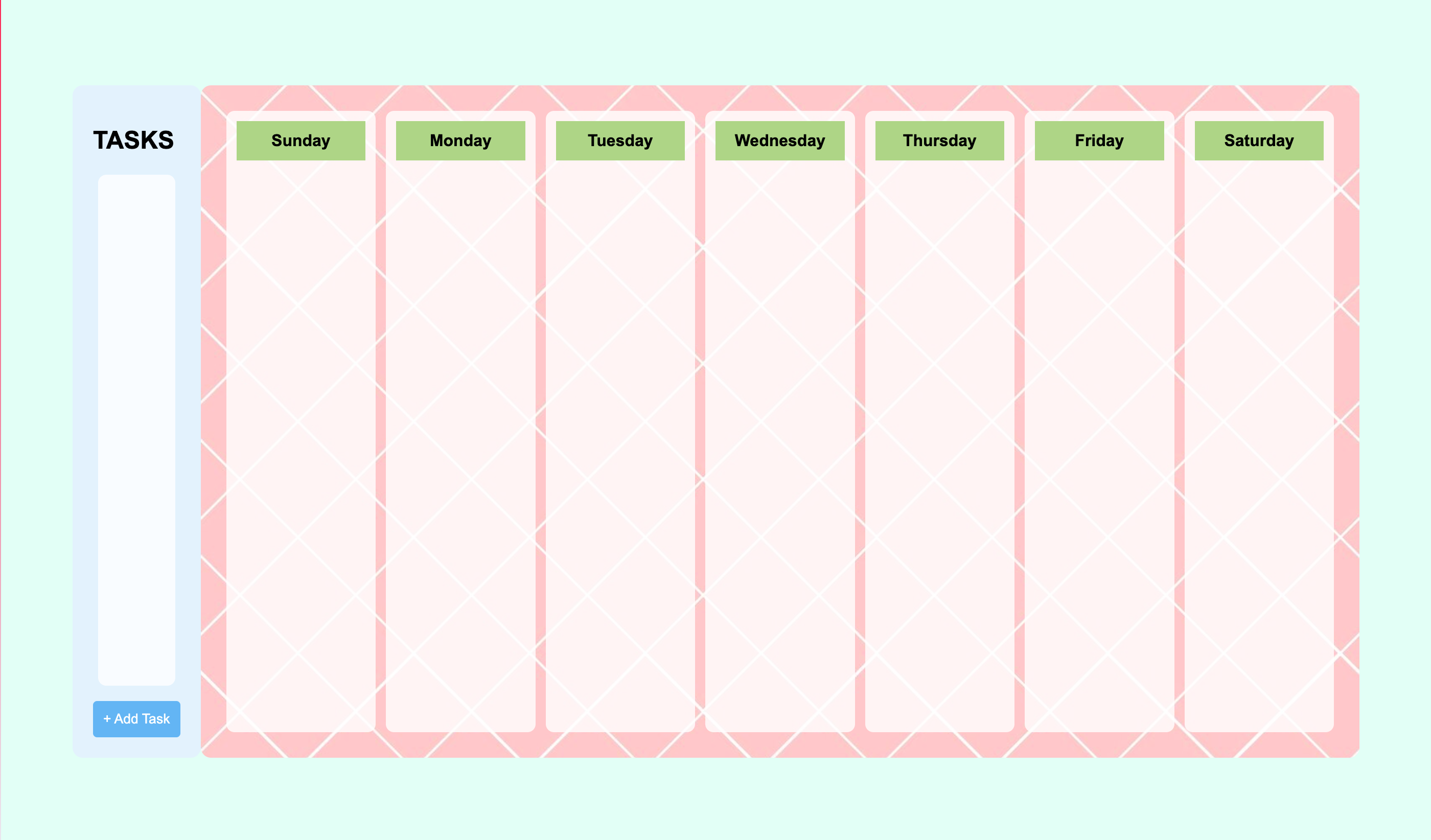
Empty schedule
-
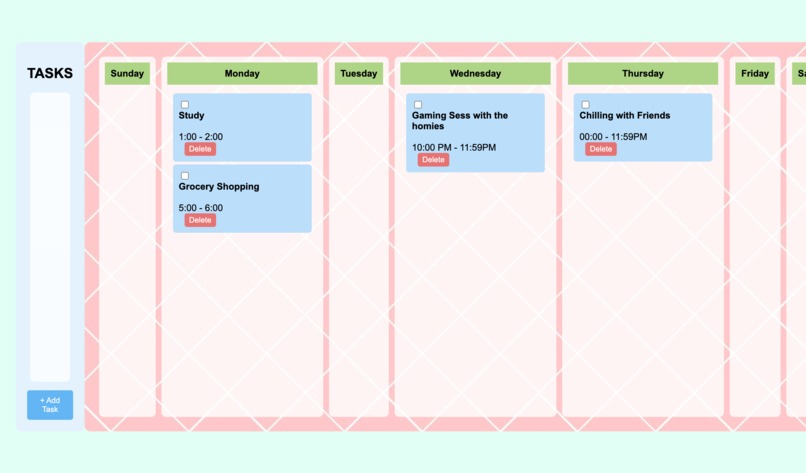
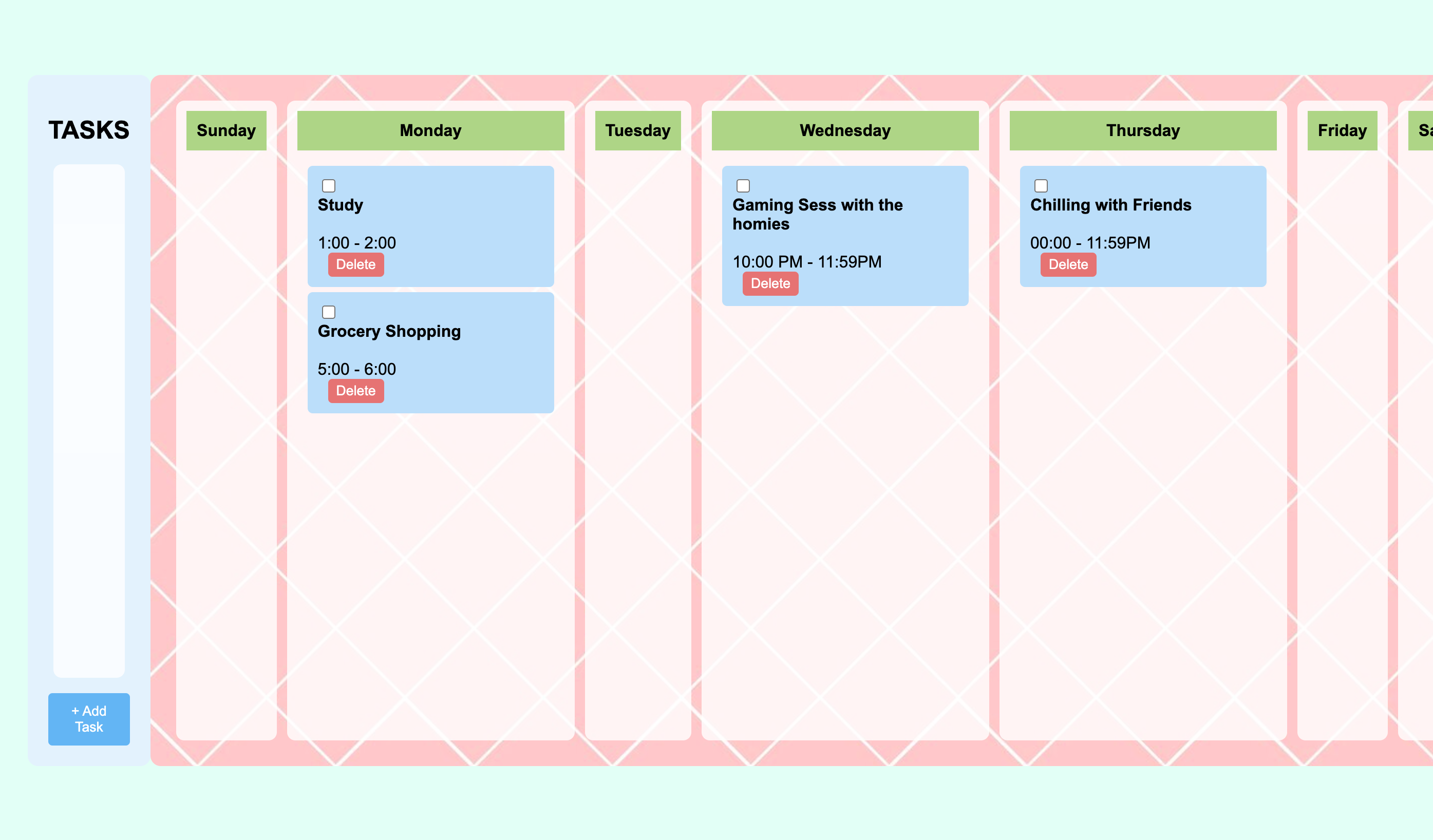
Adding tasks in our schedule
-
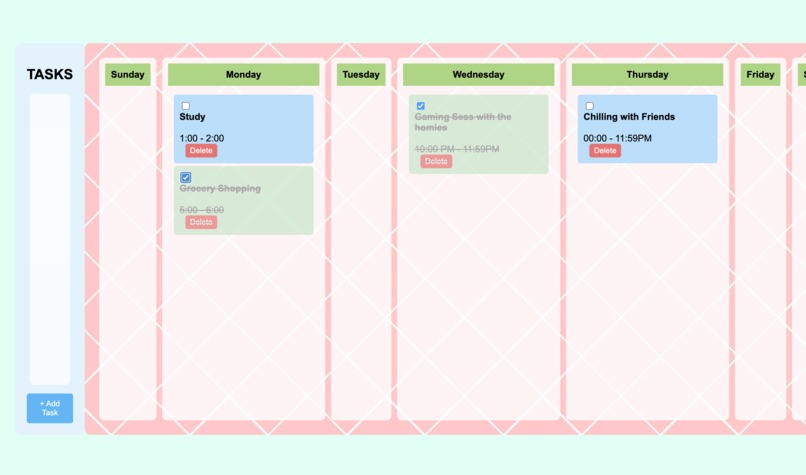
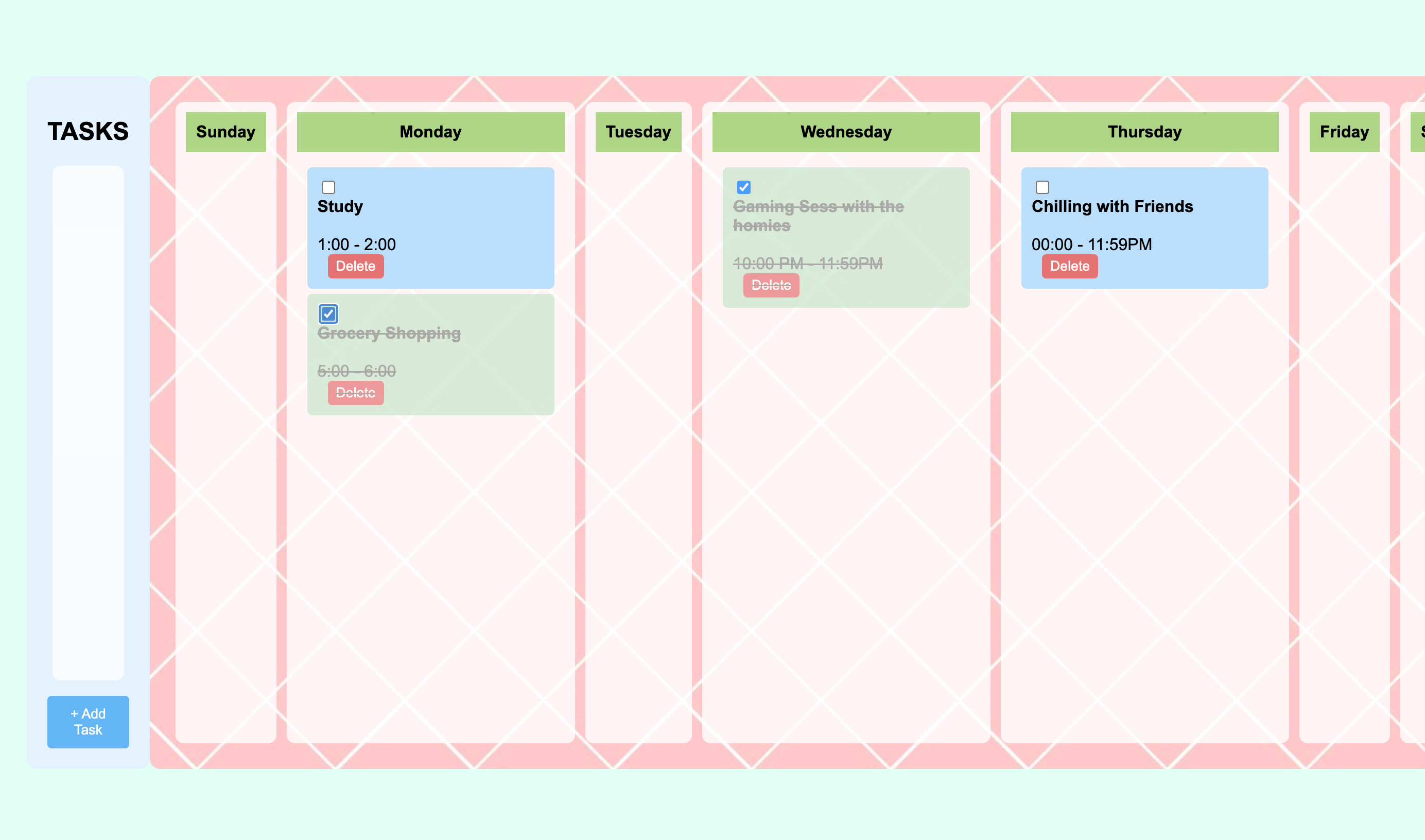
When the events are completed, it will turn green and be crossed out
-
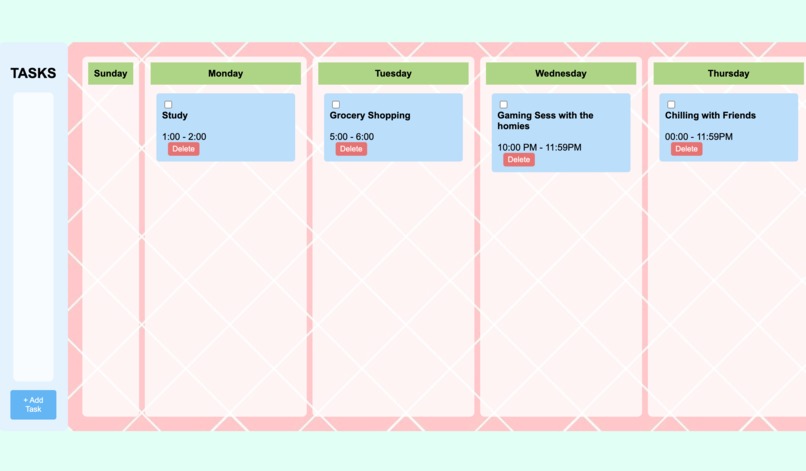
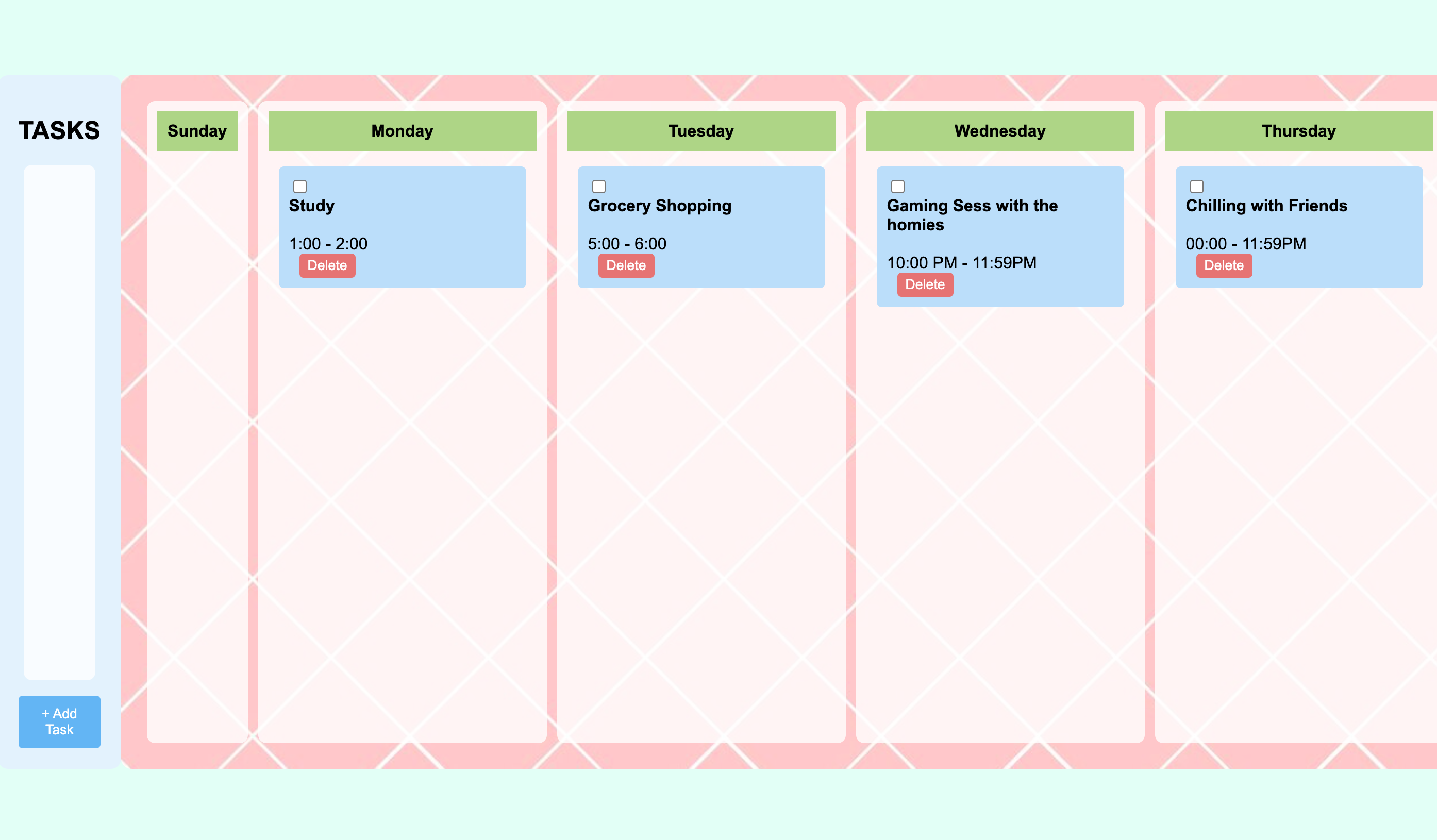
We are able to move it to different days
Inspiration
Struggling to manage time and stay organized, we developed a weekly calendar app that allows users to track and prioritize tasks or events in one convenient space stored locally.
What it does
This productivity-focused app includes a “tasks” section, where users can add their tasks/events as rounded rectangles. Using a plus button, users can quickly enter new items, which appear in the tasks section and can then be dragged into the main weekly calendar. Each task entry shows the task name, or short description and start and end times. Tasks feature checkboxes for marking completion, and a delete button.
How we built it
This design, built with JS/HTML/CSS, combines ease of use with a visually clean layout, helping users stay on top of their schedules in an engaging and straightforward way.
Challenges we ran into
The coding process proved challenging, especially as we worked to implement a smooth drag-and-drop system for moving tasks onto the calendar. Creating functions that allowed for seamless dragging, dropping, and saving tasks locally required complex logic, which took more time than we expected. We also had several ideas for additional features to enhance the user experience, such as customizable reminders and a progress bar for the day, but the time crunch prevented us from adding these. We also wanted to include real-time updates for collaboration for a group of people, which is unreasonable for a beginner hackathon, so we scrapped the idea. Ultimately, we had to focus on refining the core functionality to meet our project deadline.
Built With
- chatgpt
- css
- html
- javascript

Log in or sign up for Devpost to join the conversation.