Inspiration
Inspiration
Have you ever had three tests on the same day? It happens because teachers plan their own schedules and cannot see what other teachers have already set. Students end up stressed and rushing, and their work suffers. I wanted to make that problem visible before it happens.
What it does
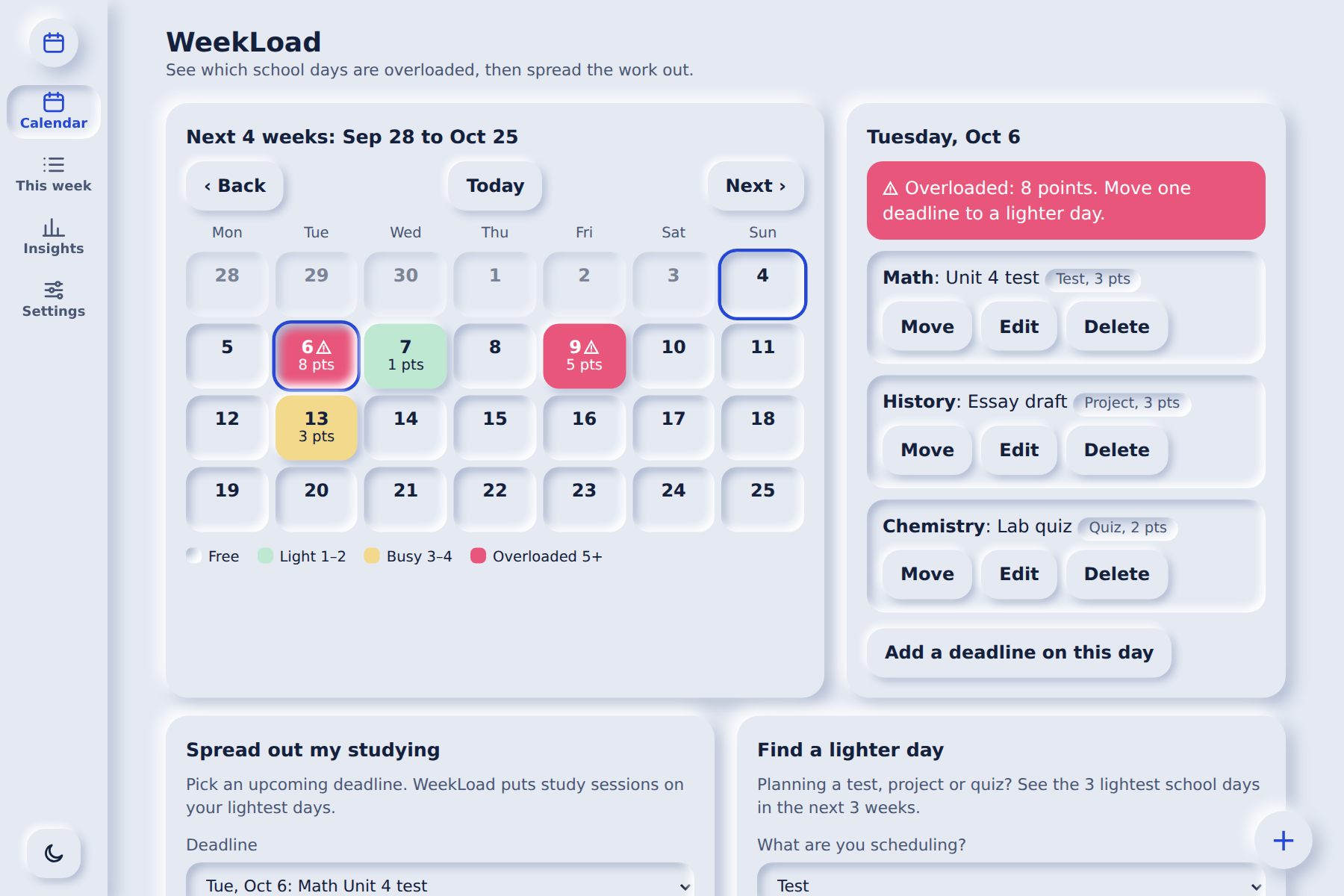
WeekLoad is a mobile-friendly web app that shows how heavy each school day is.
Every deadline adds stress points to its date: test = 3, project = 3, quiz = 2, homework = 1. The calendar adds them up and colors each day:
- Free: nothing due
- Light: 1-2 points
- Busy: 3-4 points
- Overloaded: 5+ points
Every day also shows its point total as a number, and overloaded days get an alert icon, so the app never relies on color alone.
Features
- Heatmap calendar with 4-week view and Back / Today / Next buttons
- Add, edit, move and delete deadlines (with Undo)
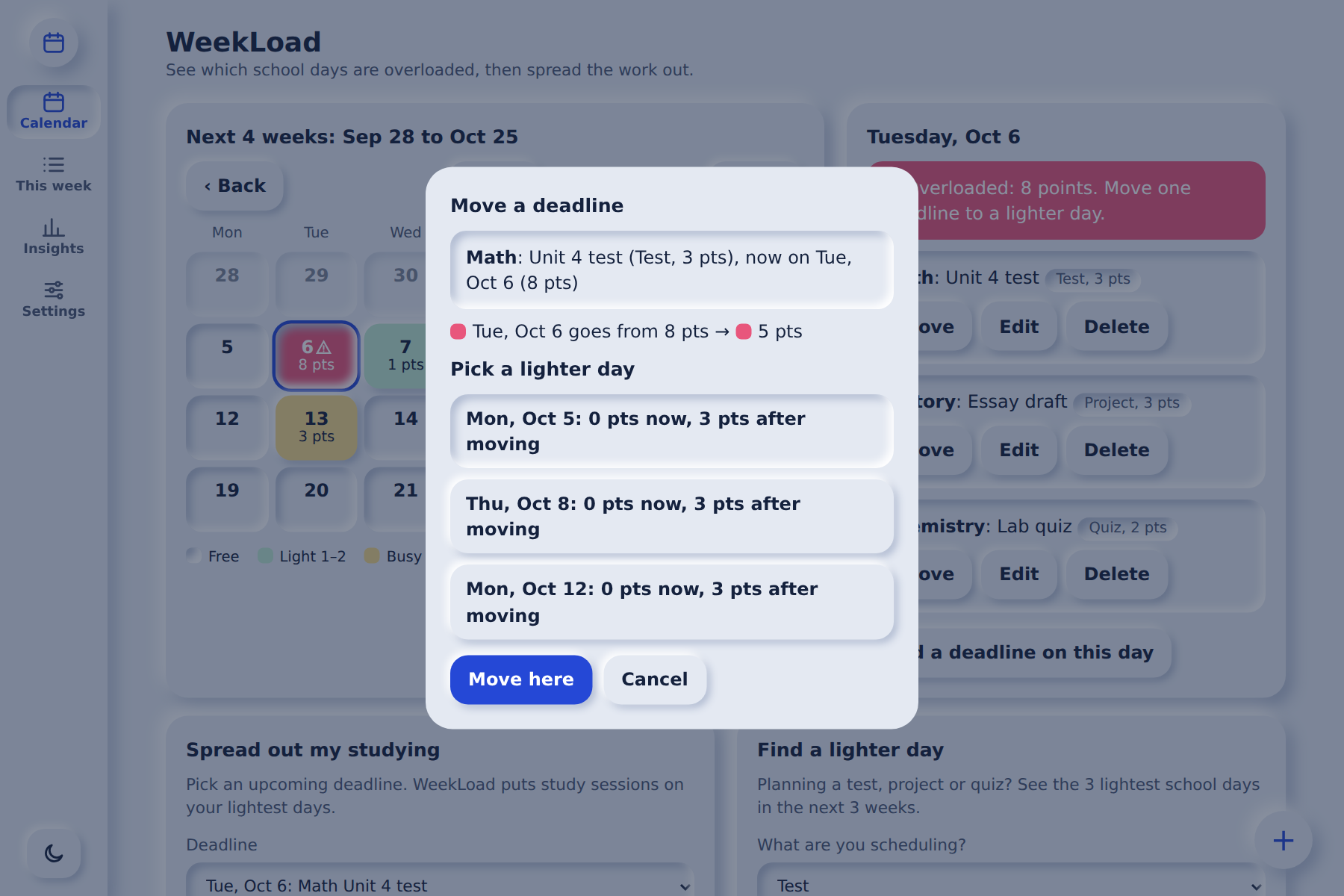
- Move flow: shows the lightest days and the before/after load
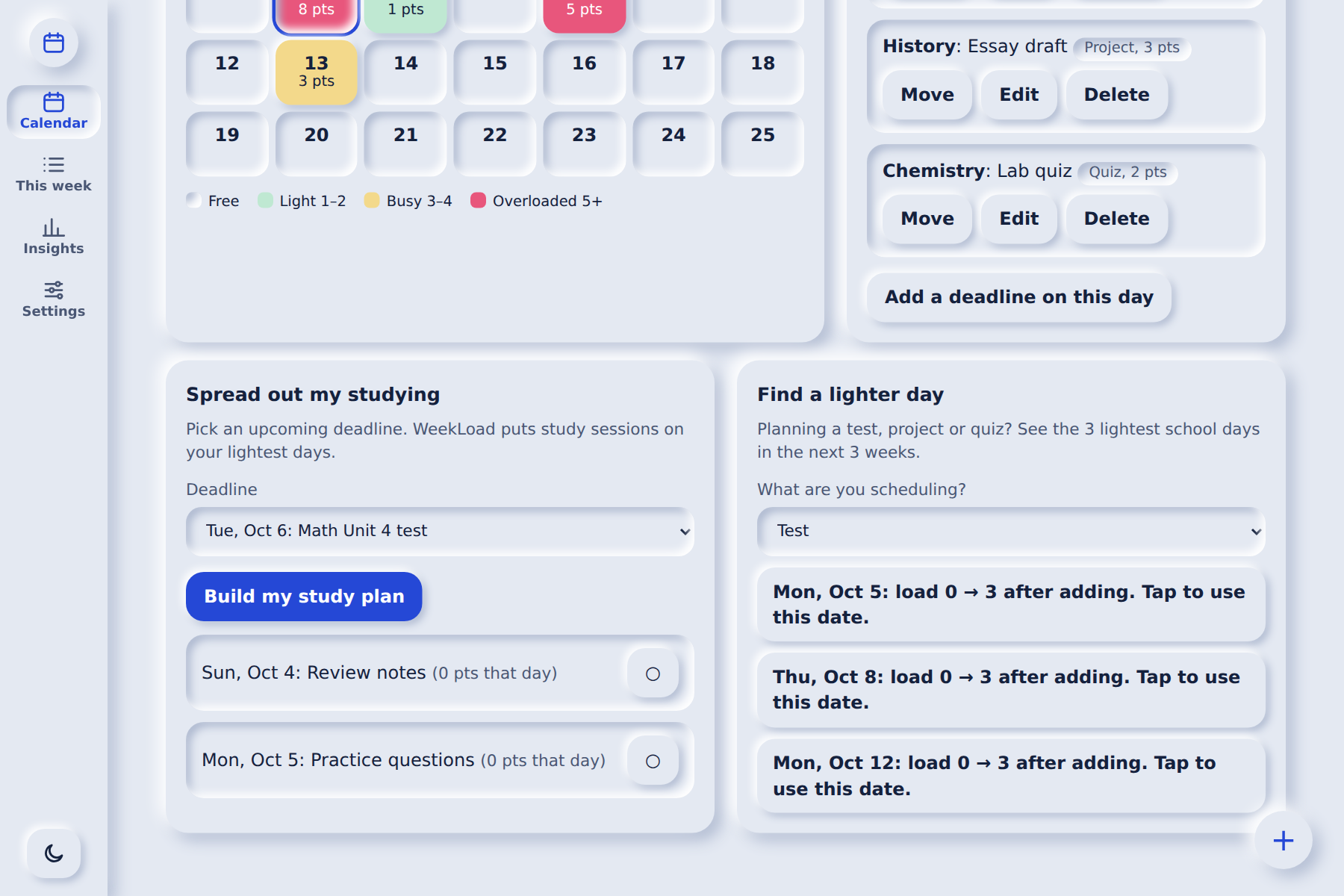
- Teacher tool, "Find a lighter day": suggests the 3 lightest school days for a new test, project or quiz
- Student tool, "Spread out my studying": builds a study plan on the student's lightest days before a deadline
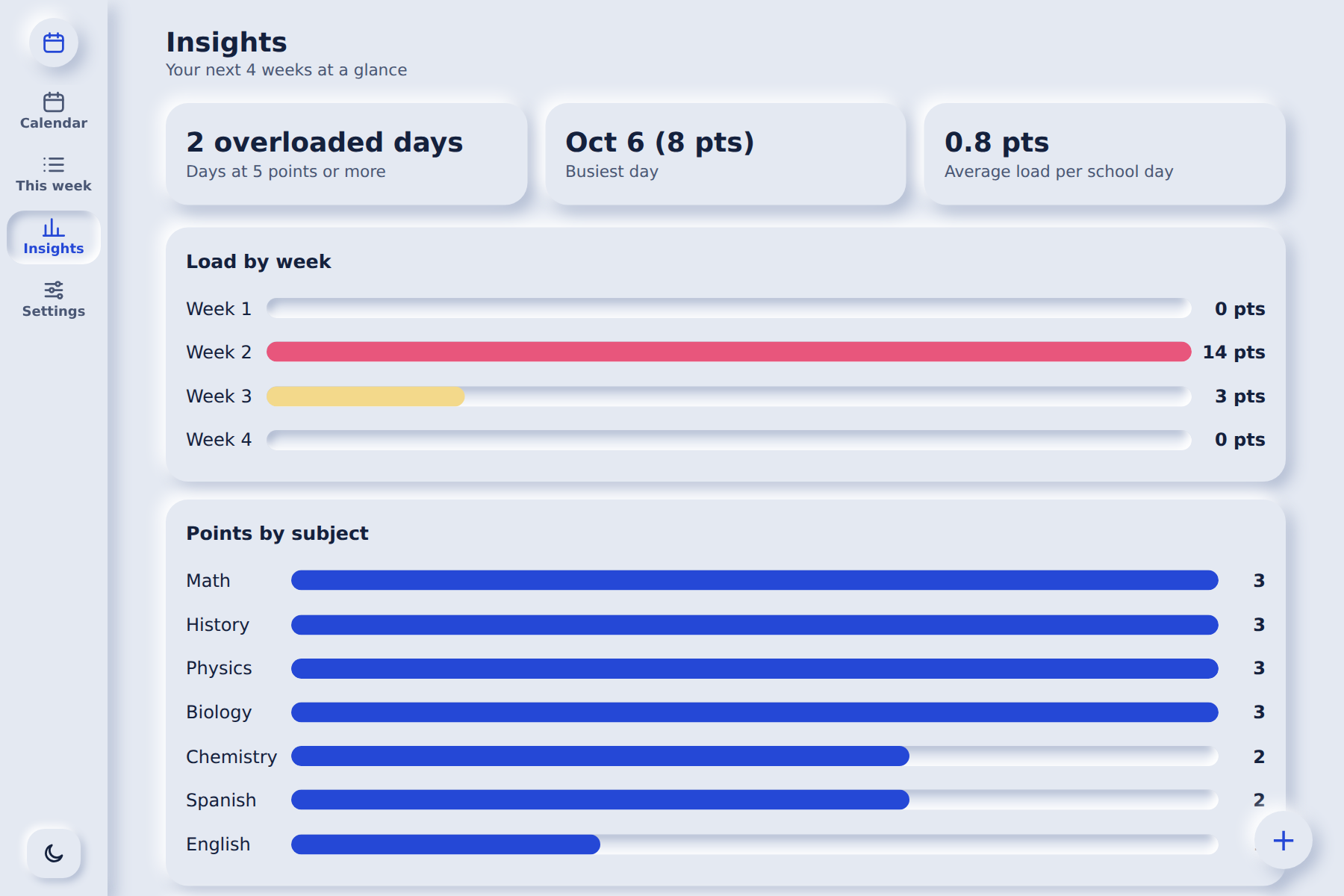
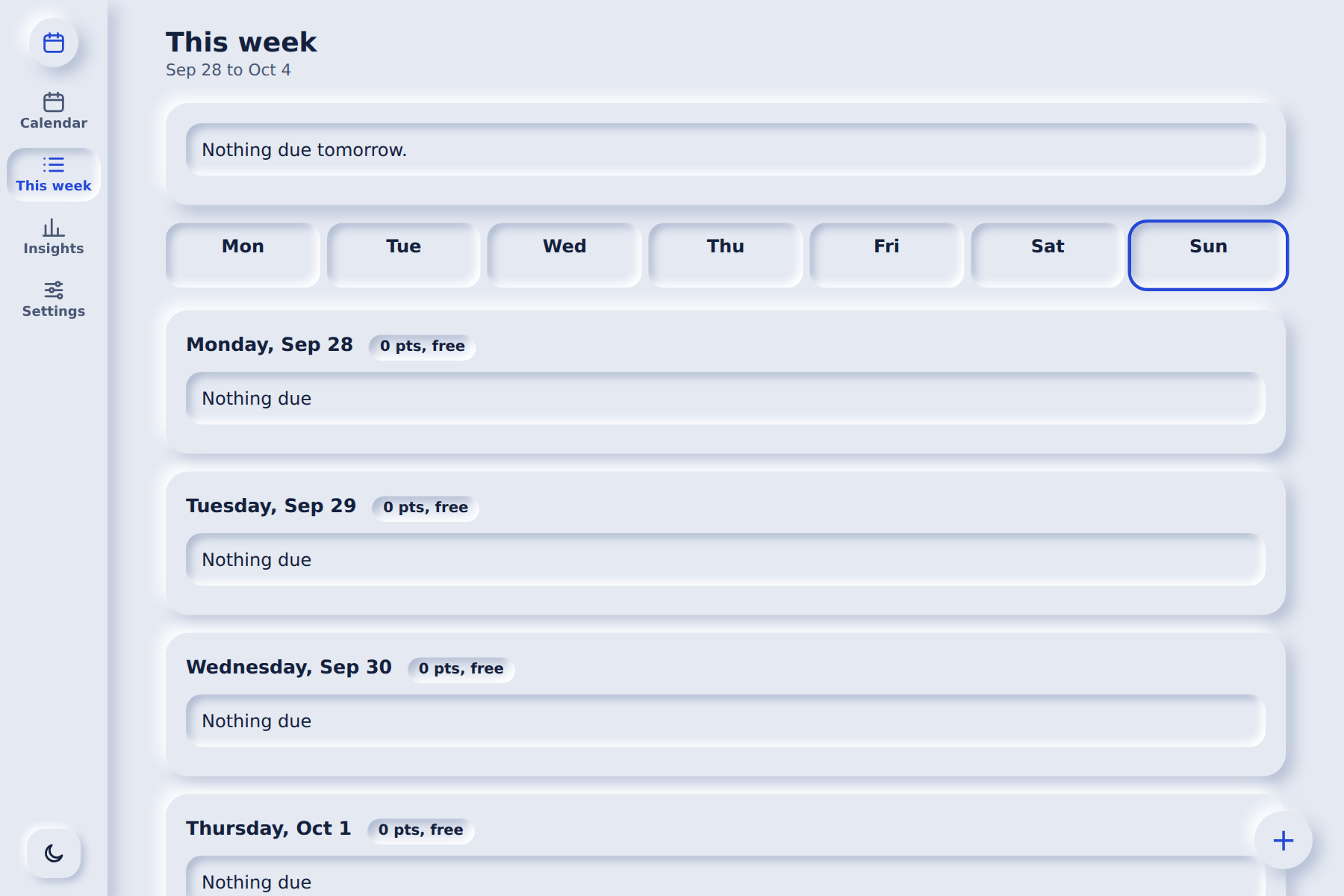
- This week agenda and an Insights page (overloaded days, busiest day, average load, load by week, points by subject)
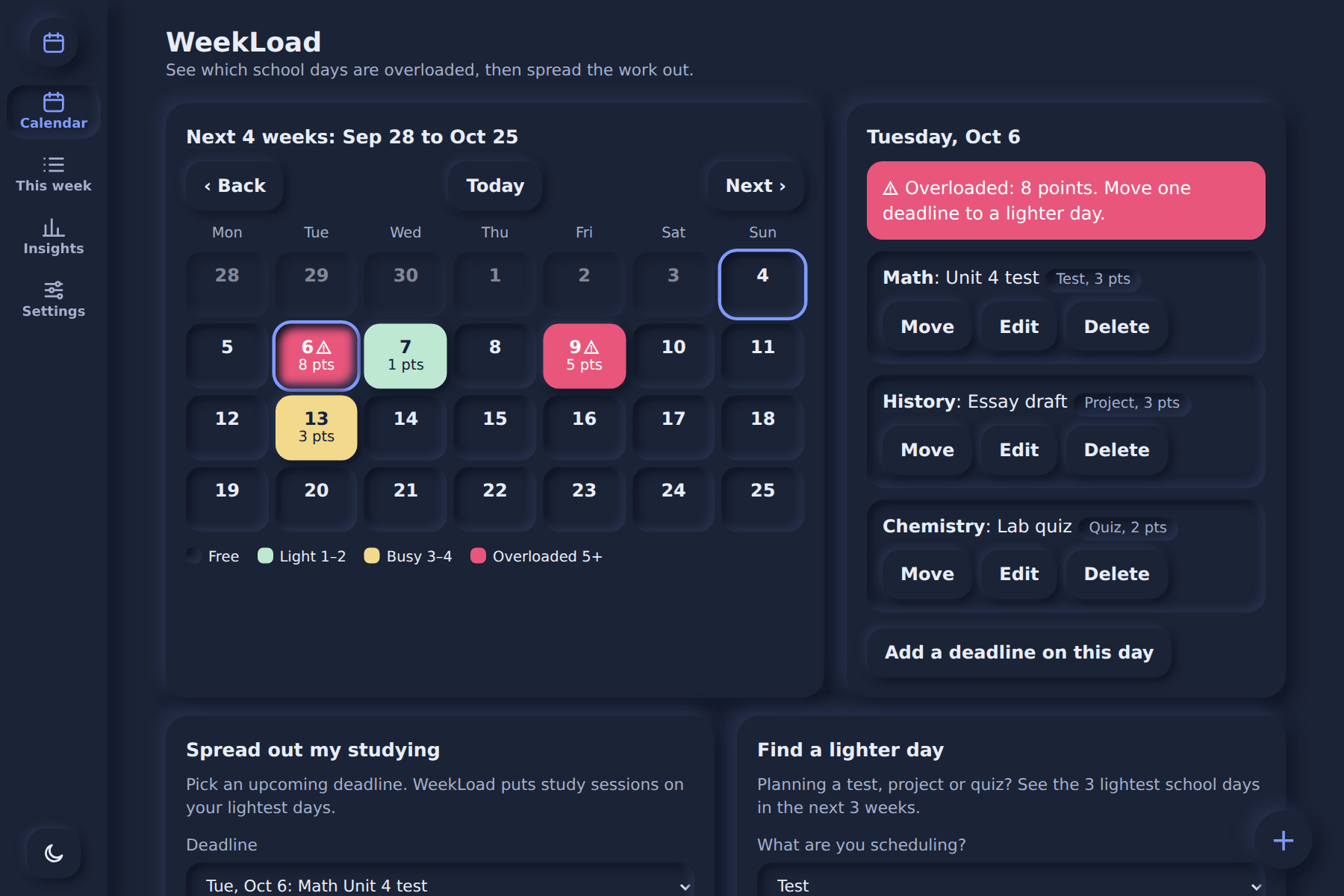
- Settings: dark mode, adjustable point values, copy/paste backup, clear all data
How to try it
The app starts empty. Open Settings and tap "Add example deadlines" to fill the calendar and see every feature working, or add your own deadlines with the + button.
How I built it
WeekLoad is one web page written in plain HTML, CSS and JavaScript, with no frameworks and no outside APIs. I designed the interface in Google Stitch in a soft "neumorphism" style.
How the logic works:
- Each deadline type has a point value, and a day's load is the sum of its points.
- Calendar colors, lighter-day suggestions and study plans all come from simple sorting by that load. There is no hidden AI inside the app.
- All data is saved in the browser (localStorage), so there are no accounts and student data stays on the user's own device.
The layout adapts to phones, tablets and desktops. Buttons are large enough to tap, keyboard focus is visible, and there is a dark mode.
AI-use disclosure
I used Claude to brainstorm the idea, plan the features and help write the code, and Google Stitch to design the interface. I chose the problem and the points system, tested the app, and can explain how the heatmap, the lighter-day suggestions and the study-plan sorting work.
Challenges
The hardest part was building a lot in a short time. I kept the app small, made every button work, and tested each feature. I also had to make the soft neumorphism style readable, by using strong text contrast and showing numbers instead of only colors.
What I learned
I learned how to turn a school problem into a simple rule (the points system), how to design a screen that is easy to understand, and how to use AI tools while still understanding every part of what I built.
What's next
An optional shared school calendar, so teachers and students would see one combined view and stacked deadlines could be stopped before they happen. I would also add reminders and class sharing by code.
What it does
How we built it
Challenges we ran into
Accomplishments that we're proud of
What we learned
What's next for WeekLoad
Built With
- claude
- css3
- github
- google-stitch
- html5
- javascript
- localstorage

Log in or sign up for Devpost to join the conversation.