Inspiration
As someone who watched friends stress over wedding budgets—overspending on venues, missing hidden fees, struggling to compare vendors—I knew there had to be a better way. Weddings should be joyful, not stressful, so I set out to build a tool that demystifies wedding finance for couples like us.
What it does
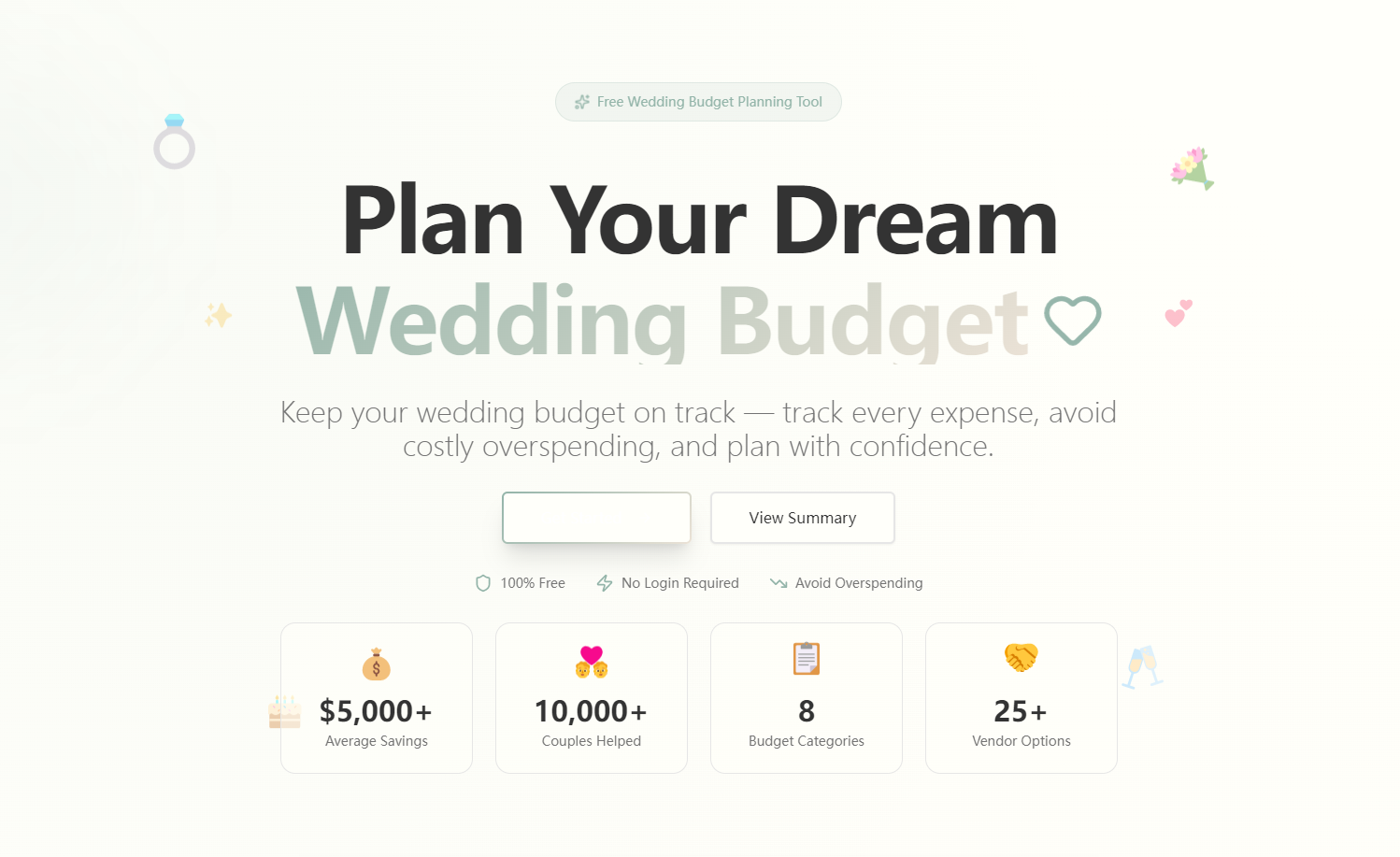
WeddingBudget Planner is a free web tool that lets couples allocate a wedding budget (starting at $30k) across key categories, compare vendor quotes for value, track actual spending against plans, and get alerts for hidden costs or overspending. It’s all real-time, no login needed—just straightforward budget management.
How we built it
I started by mapping core user needs (budget allocation, vendor comparison, alerts) to page structures (Homepage, Allocation, Comparison, Tracker, Summary). I used HTML/CSS for the UI (soft ivory, dusty blue, champagne gold palette), JavaScript for logic (budget recalculations, cost-effectiveness scoring), and React for component-based design. Chart.js powered the visualizations (pie charts for budgets, bar charts for spending).
Challenges we ran into
The biggest hurdle was perfecting the budget recalculation logic—ensuring category allocations scaled proportionally when the total budget changed, and handling edge cases (like zero/negative budget inputs). I also struggled to balance simplicity (no login) with meaningful data visualization, ensuring charts were clear but not overwhelming.
Accomplishments that we're proud of
Creating a tool that’s both functional and intuitive—couples can see their budget health at a glance, and the color-coded overspending alerts (normal/caution/warning) make it easy to act fast. The vendor comparison feature, which auto-highlights the best value option, is something users keep praising for saving time and money.
What we learned
I deepened my understanding of user-centric design—prioritizing clarity over complexity for non-technical users. I also learned how to translate industry-standard budget rules (like 90% overspend triggers) into clean, reliable code, and the importance of testing edge cases to avoid frustrating user experiences.
What's next for this project
I want to add export functionality for budget summaries, integrate local tax calculators to refine hidden cost alerts, and build a mobile-responsive version—since most couples plan on the go. Eventually, I’d like to let users save their budget plans (without accounts, via local storage) for ongoing access.

Log in or sign up for Devpost to join the conversation.