Inspiration
As a designer-developer, I kept doing the same thing on websites I admired: opening DevTools, digging through nested divs to find a font size, squinting at hex codes, searching which library an icon came from, and guessing what the site was built with. Every answer took a dozen clicks.
I wanted the feeling of Raycast, but for the web page in front of me:
I found something interesting on a website. I press one shortcut, search what I need, and it's done.
Discover → Inspect → Extract → Copy → Save → Use.
Website X-Ray started as a one-day experiment to learn how browser extensions work. It grew into a full toolkit once I realised how much a browser can legitimately tell you about a page.
What it does
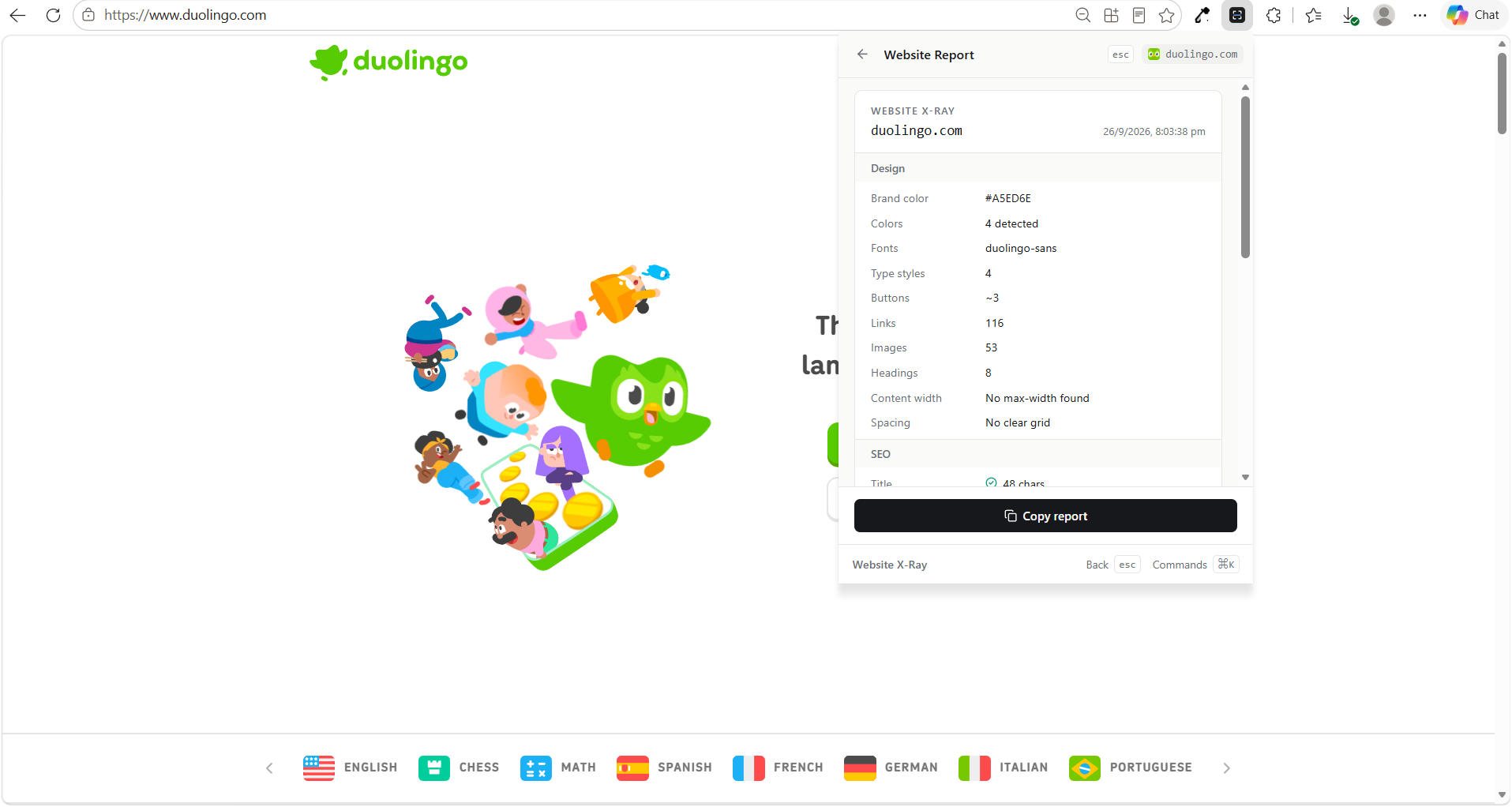
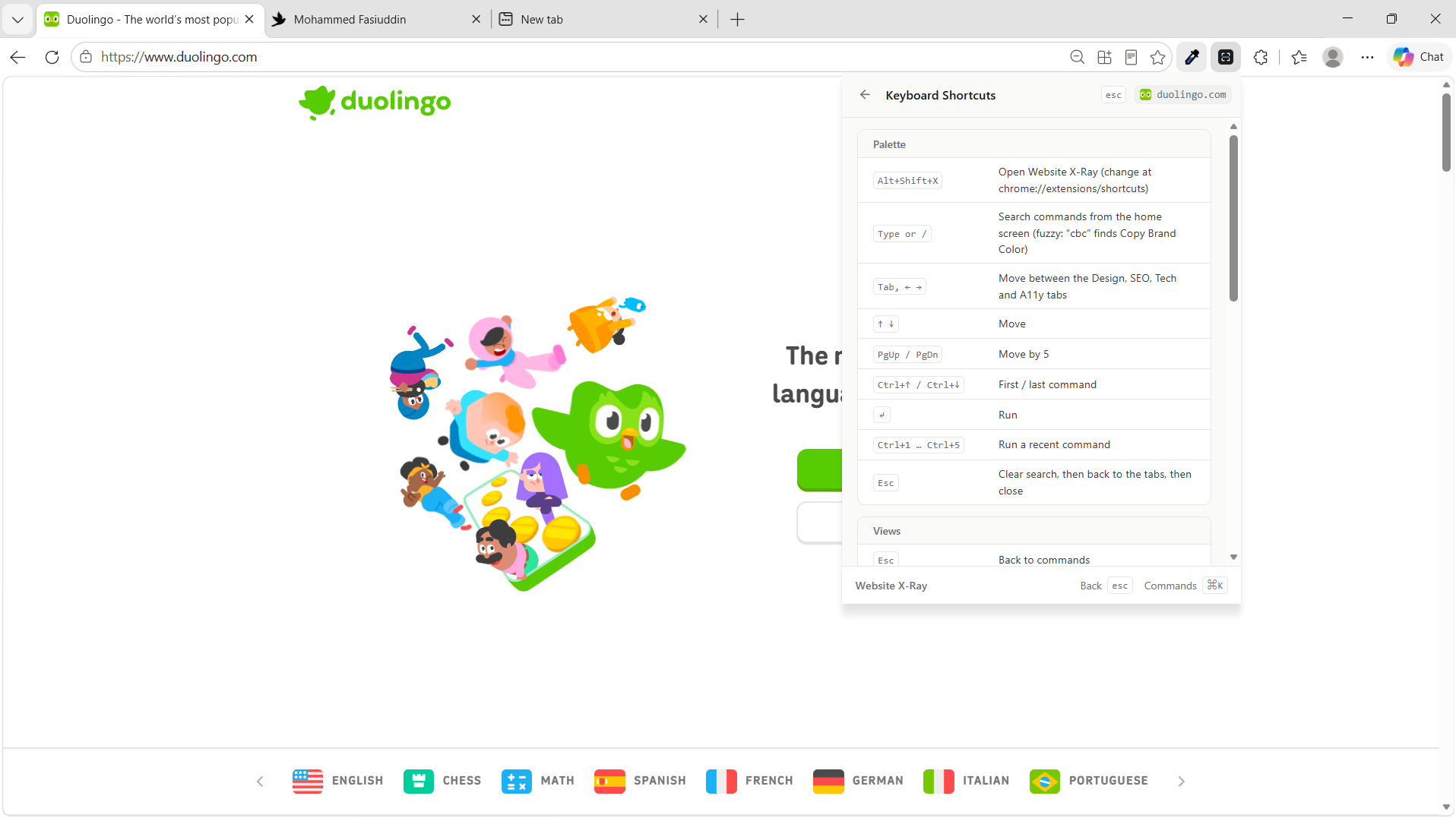
Open the extension on any site and you get four tabs (Design, SEO, Tech, Accessibility) plus a search bar with 56 commands. Start typing and the tabs turn into a command list (fuzzy search: cbc finds Copy Brand Color).
- Inspect anything: click an element to see its colors (HEX / RGB / HSL, plus the CSS variable behind them), spacing, typography and CSS. Every value is one key away.
- Icons: copy the real SVG of any icon, identify its library (Lucide, Heroicons, Font Awesome…) with a confidence level, or extract every icon on the page.
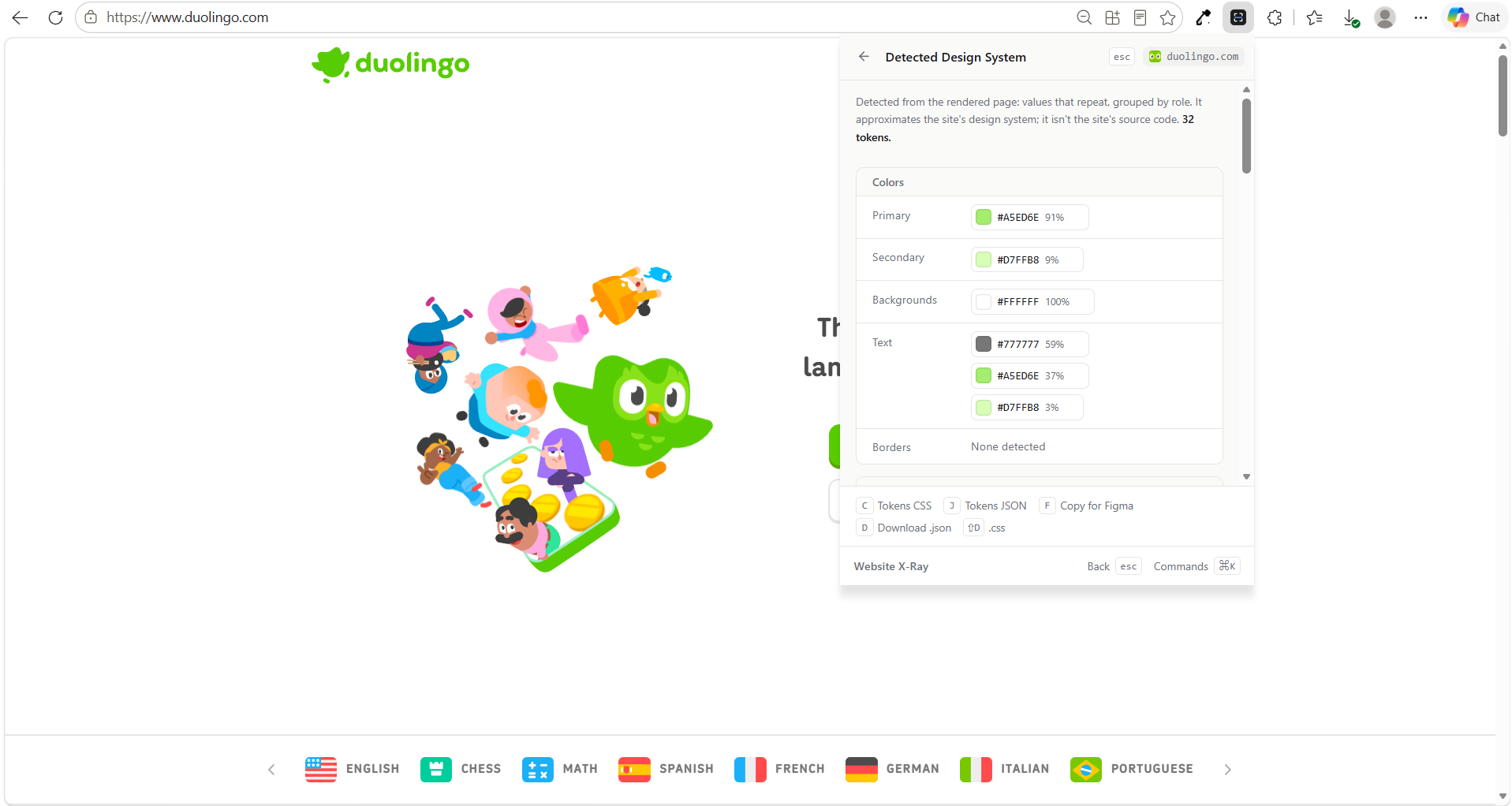
- Design system → tokens → Figma: detects colors, type scale, spacing, radius, shadows and repeated components, then exports them as CSS variables, W3C Design Tokens JSON, or editable Figma layers.
- Copy a whole section into Figma as nested, named layers, with gradients, borders, images and text.
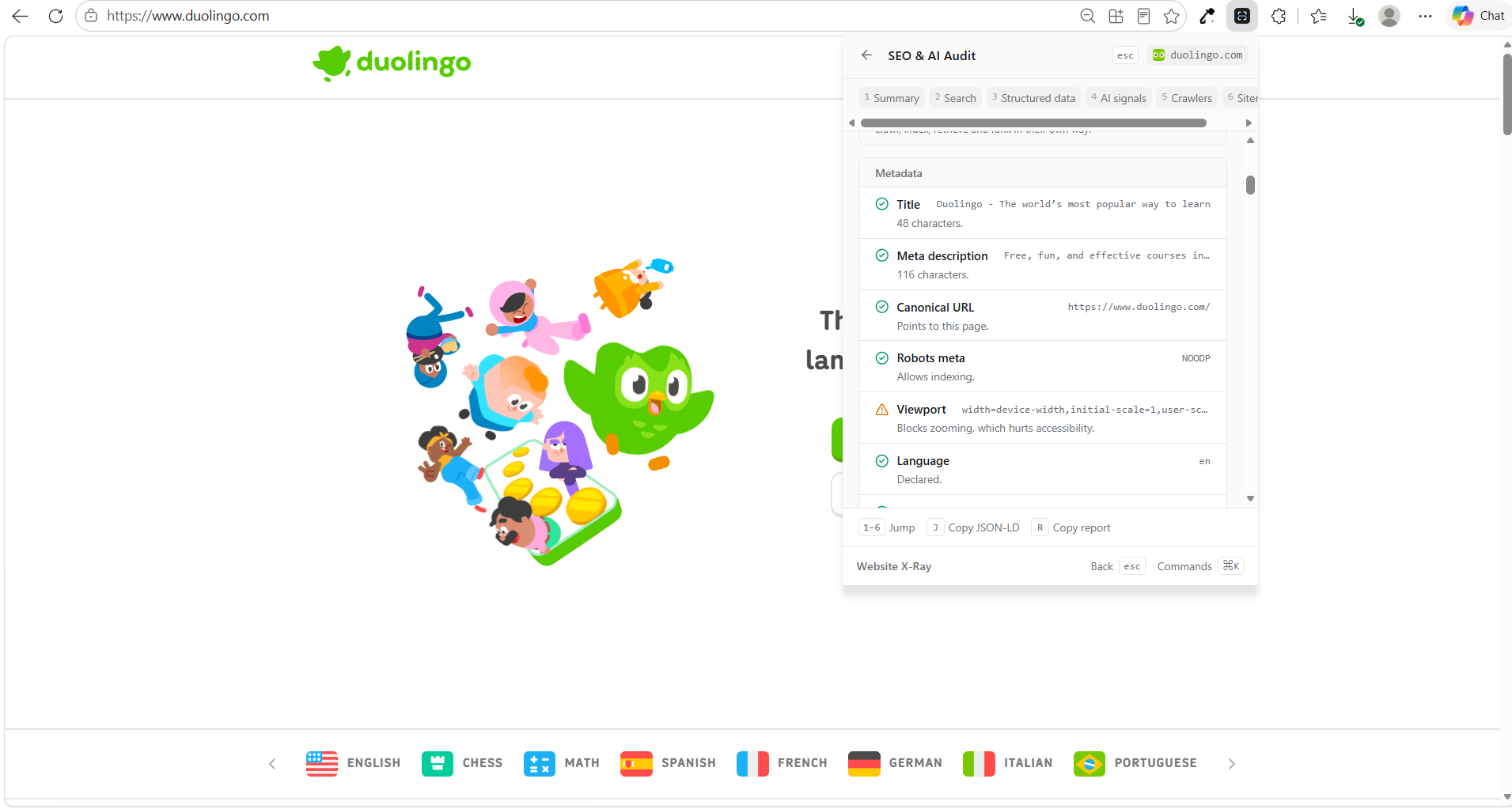
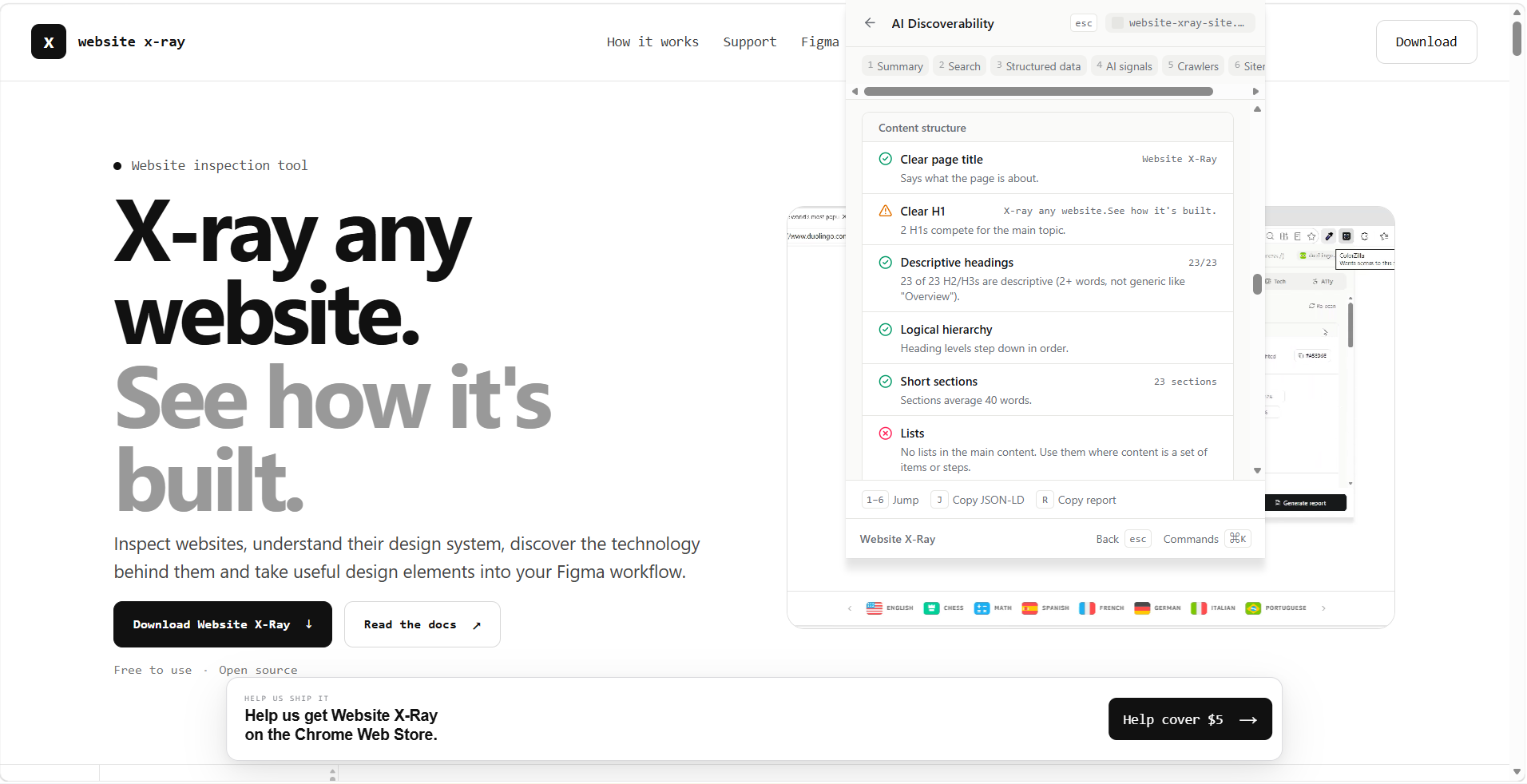
- SEO & AI discoverability: metadata, structured data, AI signals, and which crawlers (Googlebot, GPTBot, ClaudeBot…) the site's
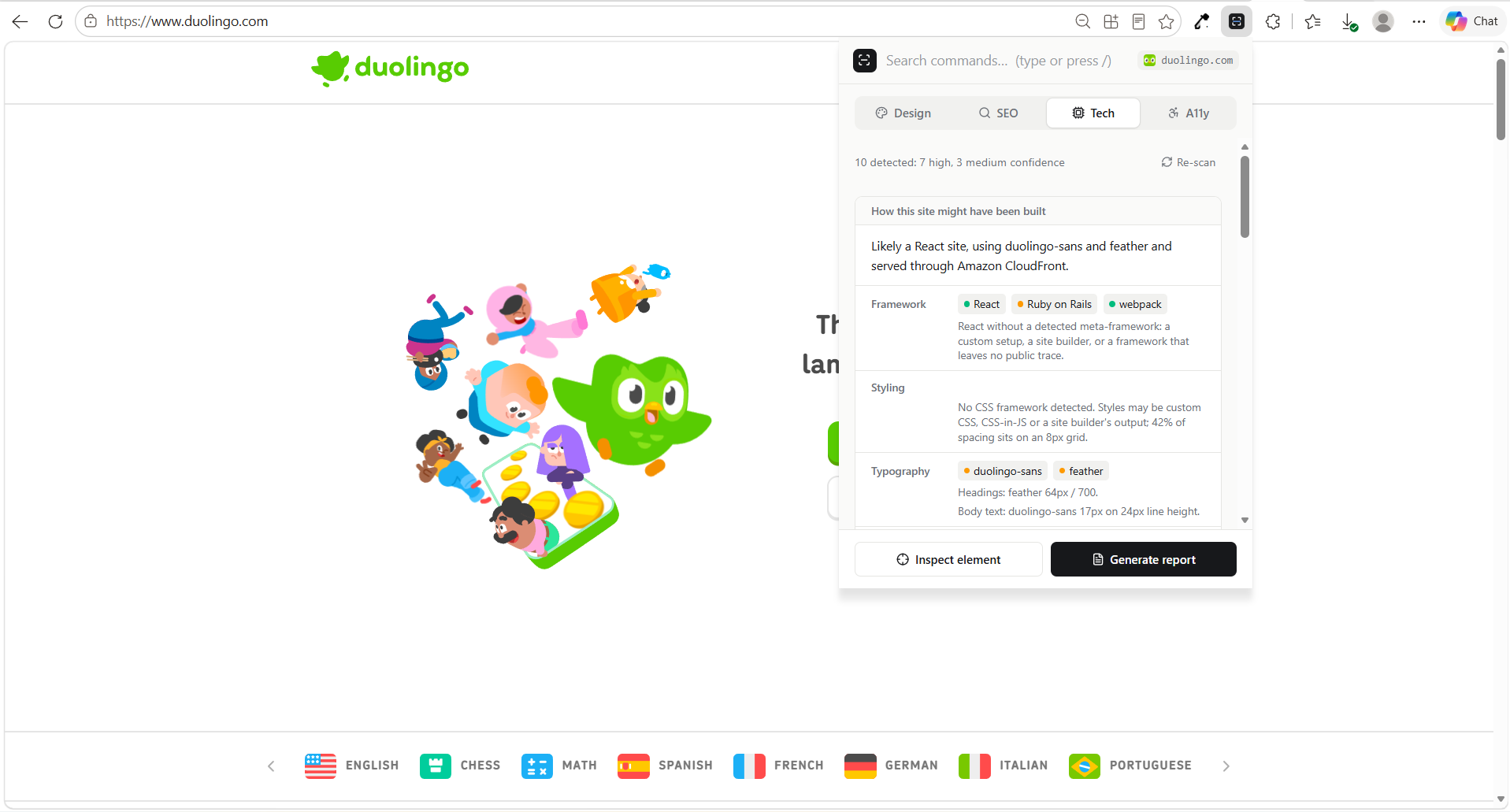
robots.txtallows for that exact page. - Technology X-Ray: about 120 technologies, each with a High / Medium / Low confidence and a "Why detected?" list of evidence.
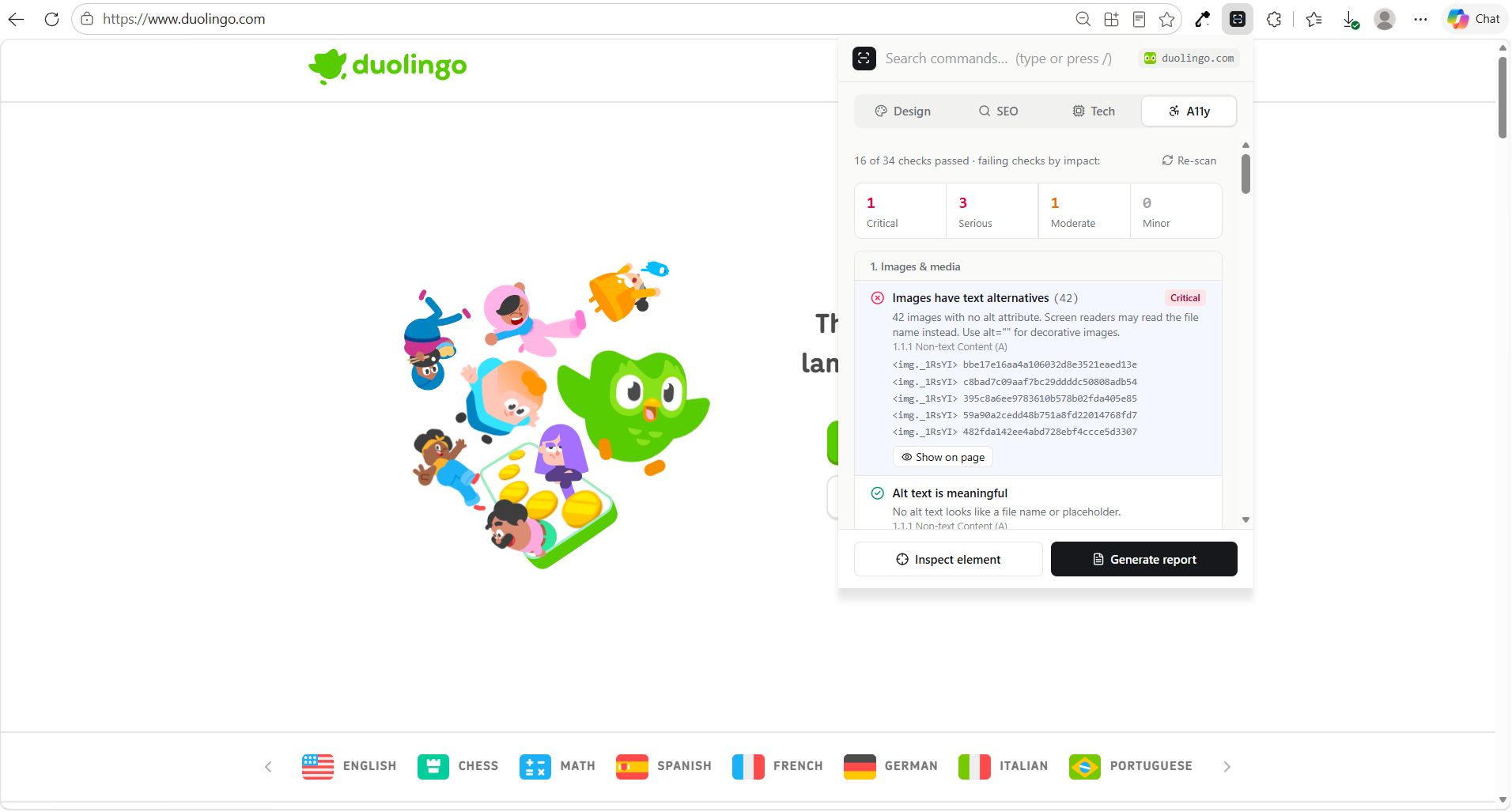
- Accessibility: 34 automated WCAG checks, including real color contrast, with "show me on the page".
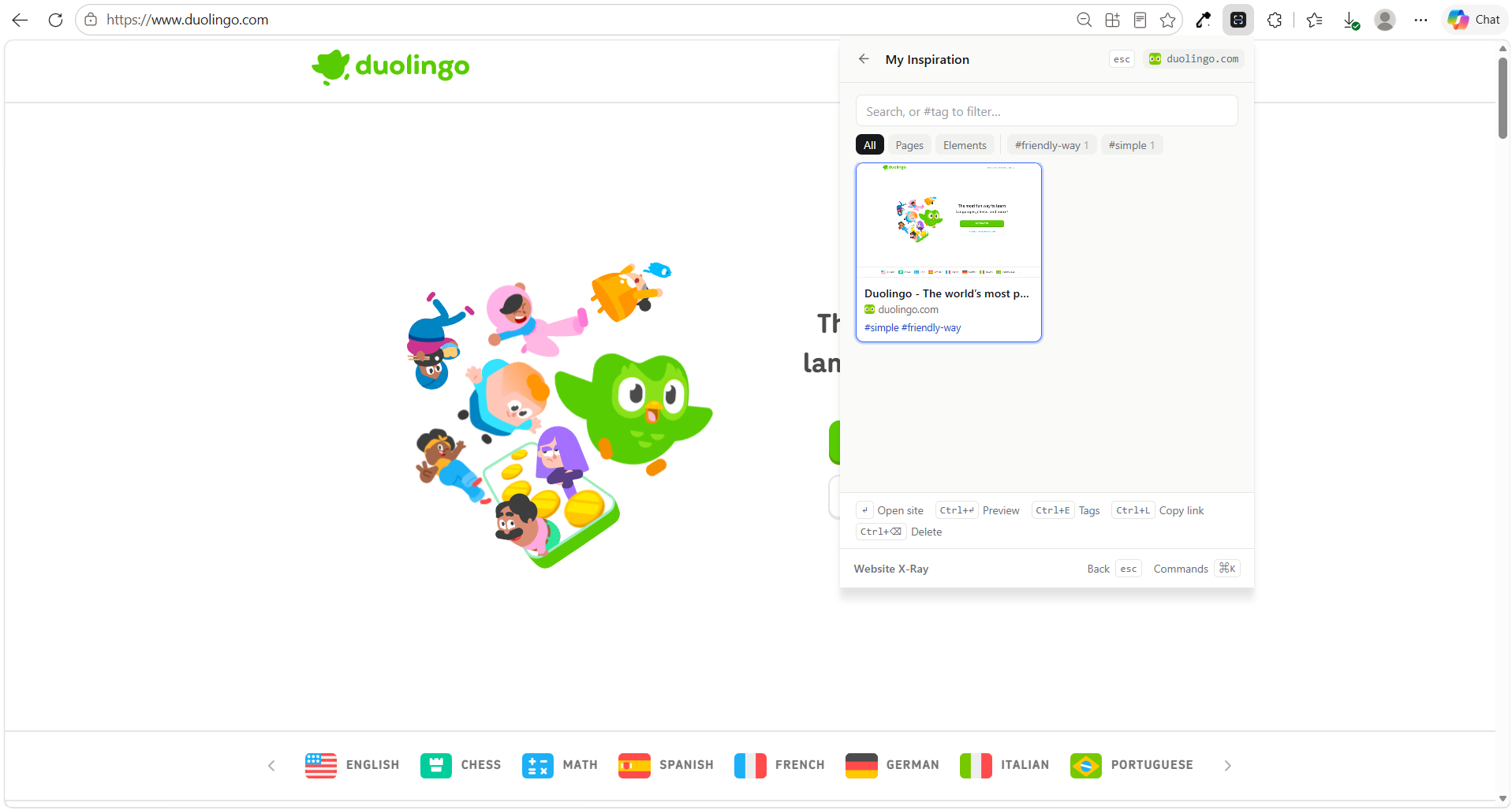
- Your library: save icons, components (screenshot + portable HTML/CSS) and tagged inspiration.
Everything runs locally: no server, no account, no tracking.
How I built it
Stack: React, TypeScript, Vite and Tailwind CSS on Chrome Manifest V3, with no backend.
A Chrome extension is really four programs talking through messages:
- The popup: the React UI (tabs, command palette, views).
- A content script: injected on demand into the page; it runs the analyzers and draws the inspector inside a Shadow DOM, so the website's CSS can't break it.
- A "MAIN world" probe: a tiny function Chrome runs inside the page's own JavaScript to read globals like
window.__NEXT_DATA__(content scripts can't see them). - A background service worker: takes and crops screenshots.
I kept one rule throughout: analyzers are pure functions (DOM in, plain data out). That made them testable without a browser, so I could write 14 test suites (182 checks) with jsdom, including a test that renders the real popup and drives it with the keyboard.
I built it in numbered phases with an AI coding partner (Claude), reviewing and testing every phase before moving on, and steering the product decisions myself.
What I learned
Browser security is a feature, not an obstacle. Every time something was blocked (cross-origin stylesheets, closed shadow roots, chrome:// pages), the right answer was to say "This information isn't publicly accessible from the browser" and offer the closest legitimate alternative, never to work around it.
Honesty has to be designed in. Detecting a framework from one clue produces false positives, so I designed a confidence rule. Each signal has a strength (strong = 3, medium = 2, weak = 1). Within each kind of evidence (globals, files, headers, cookies…) only the strongest counts, and the kinds add up:
$$ \text{score} = \sum_{k \,\in\, \text{kinds}} \max_{e \,\in\, k} \text{points}(e), \qquad \text{confidence} = \begin{cases} \text{High} & \text{score} \ge 3 \ \text{Medium} & \text{score} = 2 \ \text{Low} & \text{score} = 1 \end{cases} $$
So one unique signal (like __NEXT_DATA__) is enough for High, but three weak clues of the same kind stay Low, because repeating a clue isn't corroboration.
Standards beat intuition. The contrast check uses WCAG's definition exactly. Relative luminance is
$$ L = 0.2126\,R + 0.7152\,G + 0.0722\,B $$
(each channel linearised from sRGB), and the contrast ratio between two colors is
$$ \text{ratio} = \frac{L_{\text{lighter}} + 0.05}{L_{\text{darker}} + 0.05} $$
Normal text needs 4.5:1. My tests confirm #767676 on white passes at 4.54:1 while #777777 fails at 4.48:1, a difference you can't see but WCAG can. I also learned to blend semi-transparent backgrounds before measuring, and to say "can't check" for text over images instead of guessing.
The same lesson came from RFC 9309 (robots.txt): a crawler with its own group ignores the * rules entirely, and the longest matching rule wins. Most quick checkers get this wrong.
Challenges I faced
- The popup closes the moment you click the page. So the inspector can't live in the popup: clicking Inspect hands control to the page, and the whole inspector (highlights, panel, keyboard shortcuts) runs on the site itself in a Shadow DOM.
- Content scripts can't see a page's JavaScript. Chrome isolates them for security. The fix was running a small, self-contained function in the page's own world, then sanitizing its answer, because a hostile page could return anything.
- My first Figma export was a mess. Stripe stacks hidden copies of each price (US$, €, JP¥) and fades between them, and my exporter copied all of them, so the text piled up. I rebuilt it to walk the element tree the way the browser paints it: skip invisible elements, draw every box and gradient, clip
overflow: hidden, and get images either from their files (when the site allows it) or cropped from a screenshot. - False positives. An
XSRF-TOKENcookie made a Next.js site look like Laravel. My tests caught it, and that's how the strength system above became stricter. - Tests that couldn't fail. When I moved my tests into the project, I found some only printed results and one assertion ended in
|| true. I rewrote them so every check can actually fail. - A big refactor without breaking anything. Reorganising 120 files into a domain structure meant rewriting every import automatically, then proving the command order and all test results were identical before and after.
What's next
- A Figma plugin, so pasted sections become native frames with auto-layout
- Publishing on the Chrome Web Store
- Dark mode, and full-page screenshots
Built With
- chrome
- chrome-scripting-api
- chrome-storage-api
- css3
- esbuild
- figma
- html5
- javascript
- jsdom
- json-ld
- lucide
- manifest-v3
- node.js
- offscreencanvas
- react
- service-worker
- shadow-dom
- svg
- tailwind-css
- typescript
- vite
- wcag


Log in or sign up for Devpost to join the conversation.