-
-
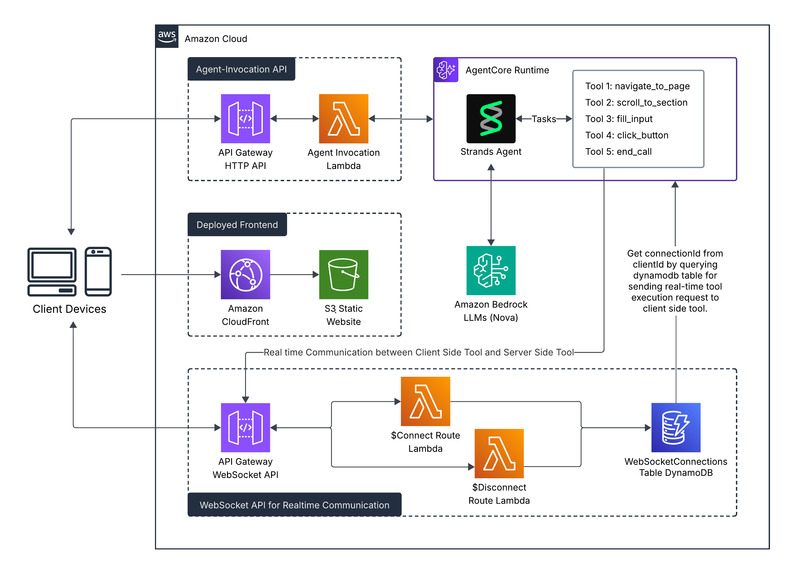
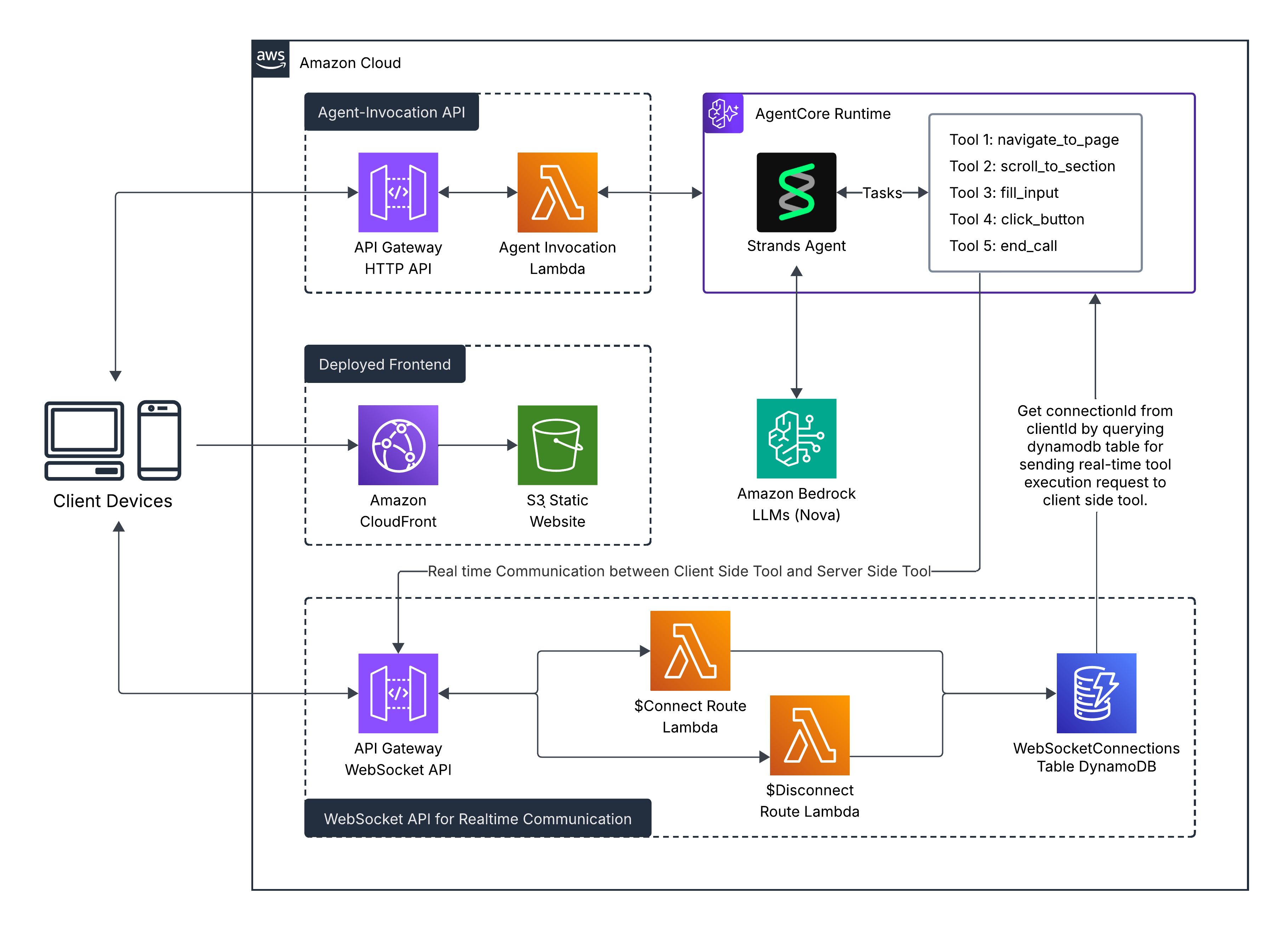
Architecture Diagram
-
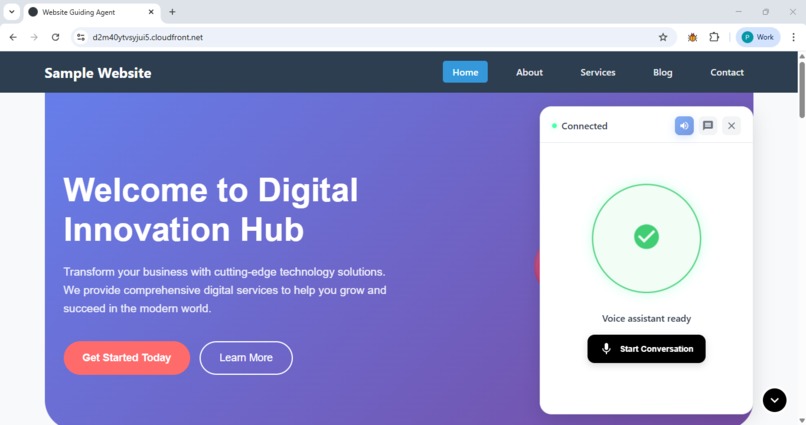
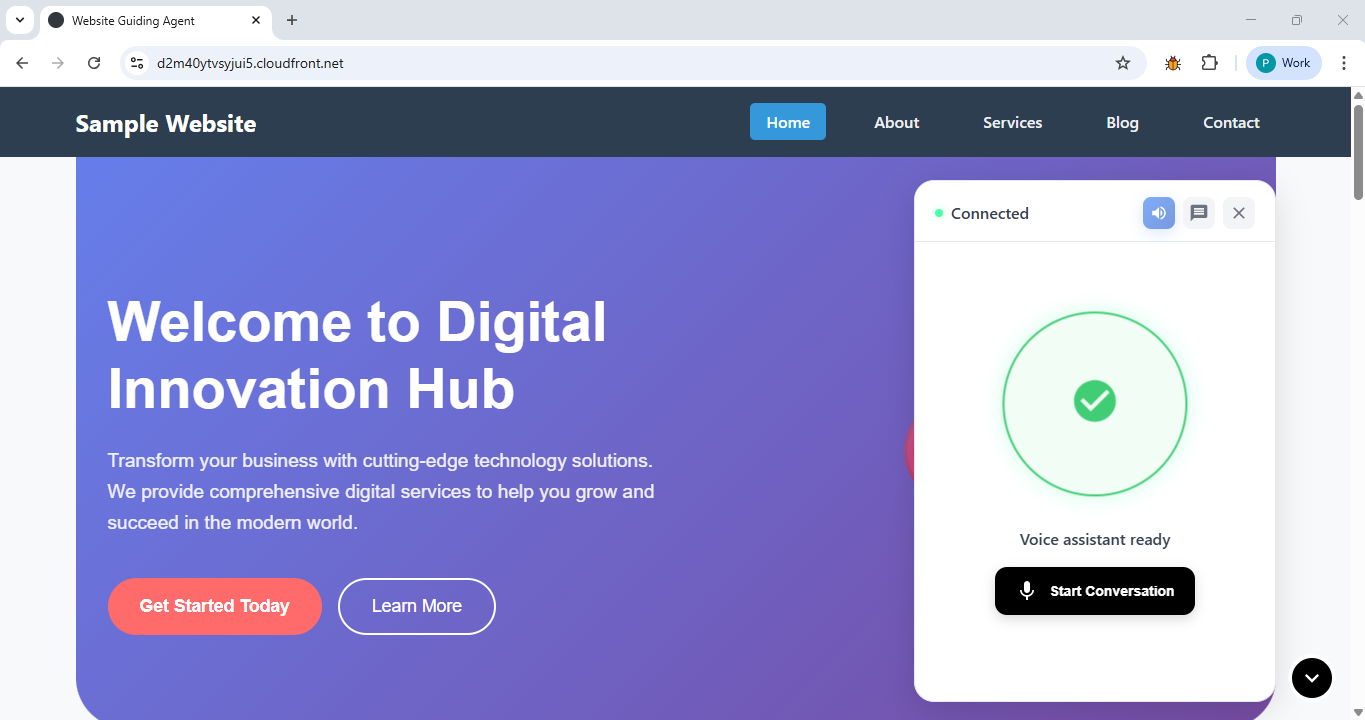
Bot/Agent Interface
✅ Project Story: Website Guiding Agent
🌟 Inspiration
This project actually began with a random thought:
Can an AI agent really interact with a live website, just like a person does?
I’d been experimenting with AI agents for a while, and one thing kept bothering me—they all worked great on the server side, calling APIs or doing text-based reasoning, but they couldn’t touch the actual website. They couldn’t click buttons, fill forms, or scroll through a page. That limitation really got me thinking.
⚠️ The Big Problem
Here’s where things got tricky: AI agents can only run tools on the server side—they can call APIs, check databases, process data, all that backend stuff.
But to interact with a website, you need to manipulate the DOM, which lives in the browser, on the client side.
So I had an agent that could think and decide what to do—but couldn’t actually do anything on the webpage. That was a problem.
💡 How I Solved It
The solution hit me one day: what if the agent doesn’t execute the tools itself? What if it just tells the client what to do?
I built this flow:
- Agent figures out what needs to happen (server-side smarts)
- Agent sends instructions to the frontend via WebSocket
- Frontend executes the actual DOM manipulation
- Frontend reports back that it’s done
Boom. The agent’s brain stays on the server, but its hands work in the browser.
⏱ From Static to Real-Time
Version 1: The Clunky Way
At first, I had a basic request-response setup. User says something, agent responds with a JSON blob of instructions, connection closes. The frontend parses it and does its thing.
It worked, but it felt… dead. No life to it.
Version 2: WebSockets Changed Everything
Then I rewired everything with WebSockets and, wow, what a difference.
Now:
- Agent streams responses in real-time
- Tools execute the moment the agent decides
- User sees everything happening live
- Feels like an actual conversation, not a form submission
The technical change was significant, but the experience change was massive.
🛠 What I Actually Built
The Stack
- Frontend: React 19, Vite, WebSocket client
- Backend: AWS Lambda, API Gateway, DynamoDB
- AI: Amazon Bedrock AgentCore with Nova Pro v1
- Voice: Browser speech APIs
The Three Pieces
1. Voice Interface
- Continuous speech conversation, like ElevenLabs demos
- Live transcripts of speech input/output
- Visual animations for listening, thinking, speaking
2. AI Agent
- 6 tools: navigate, scroll, fill forms, click, pause, end call
- Tracks conversation and page context
- Short, conversational responses (2–3 sentences)
- Understands website structure in detail
3. Backend Plumbing
- WebSocket API for real-time messaging
- DynamoDB to track active connections
- Serverless Lambda functions
- Fully serverless—no servers to manage
What It Can Do
- Jump between pages instantly
- Scroll to exact sections
- Fill out forms automatically
- Click buttons without human input
- Work hands-free with voice
- Remember the full conversation history
🌟 The Cool Parts
Hybrid Architecture
- Agent intelligence on the server, actions on the client
Real-Time Everything
- Persistent WebSocket connection for streaming responses
Voice-First Design
- Just talk—no typing needed
Smart Context
- Knows where the user is, what they’ve done, and what makes sense next
Visual Polish
- Element highlighting, smooth scrolling, animated states
👥 Who Would Use This?
- Onboarding: Interactive guided tours
- Accessibility: Voice navigation for all users
- Customer Support: AI handles routine queries
- E-commerce: Product discovery and assistance
- Learning Platforms: Interactive exploration
- Product Demos: Let AI showcase your website
🎓 What I Learned
- Don’t let architecture limit your ideas: The server-client wall was a challenge, but creativity found a solution
- Real-time makes all the difference: Static responses feel lifeless, streaming feels alive
- Voice is hard but worth it: Smooth speech recognition and synthesis is challenging, but hands-free interaction is invaluable
- Integration is messy: Syncing agent, WebSocket, and frontend state had many edge cases
- Details compound: Animations, element highlights, and smooth scrolling make the system feel polished
🚀 Where It Landed
The Website Guiding Agent is now a fully functional, voice-based website assistant that can talk, listen, and interact directly with a live site.
It blends conversational AI, frontend logic, and real-time interaction beautifully.
✨ Looking Back
What started as a “what if” moment turned into one of the most rewarding builds I’ve done. Watching the agent navigate a website by itself felt surreal.
It’s more than an AI project—it’s a step toward making websites more alive, accessible, and conversational.
Built With
- agentic-ai
- amazon-api-gateway
- amazon-bedrock
- api-gateway-websocket
- apis
- aws-lambda-functions
- aws-serveless
- bedrock-agentcore-runtime
- cloud-services
- databases
- frameworks
- platforms
- strands-agent


Log in or sign up for Devpost to join the conversation.