-
-
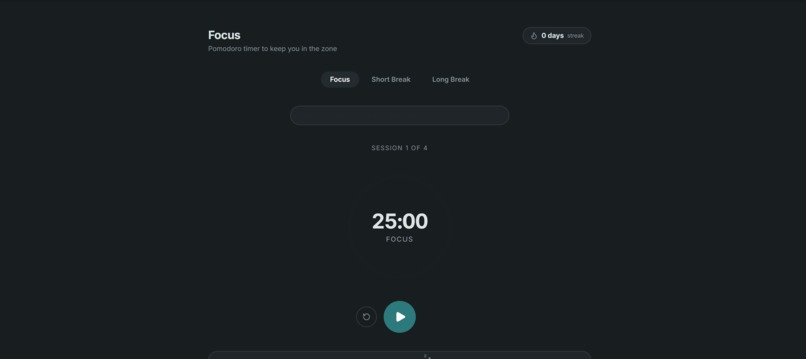
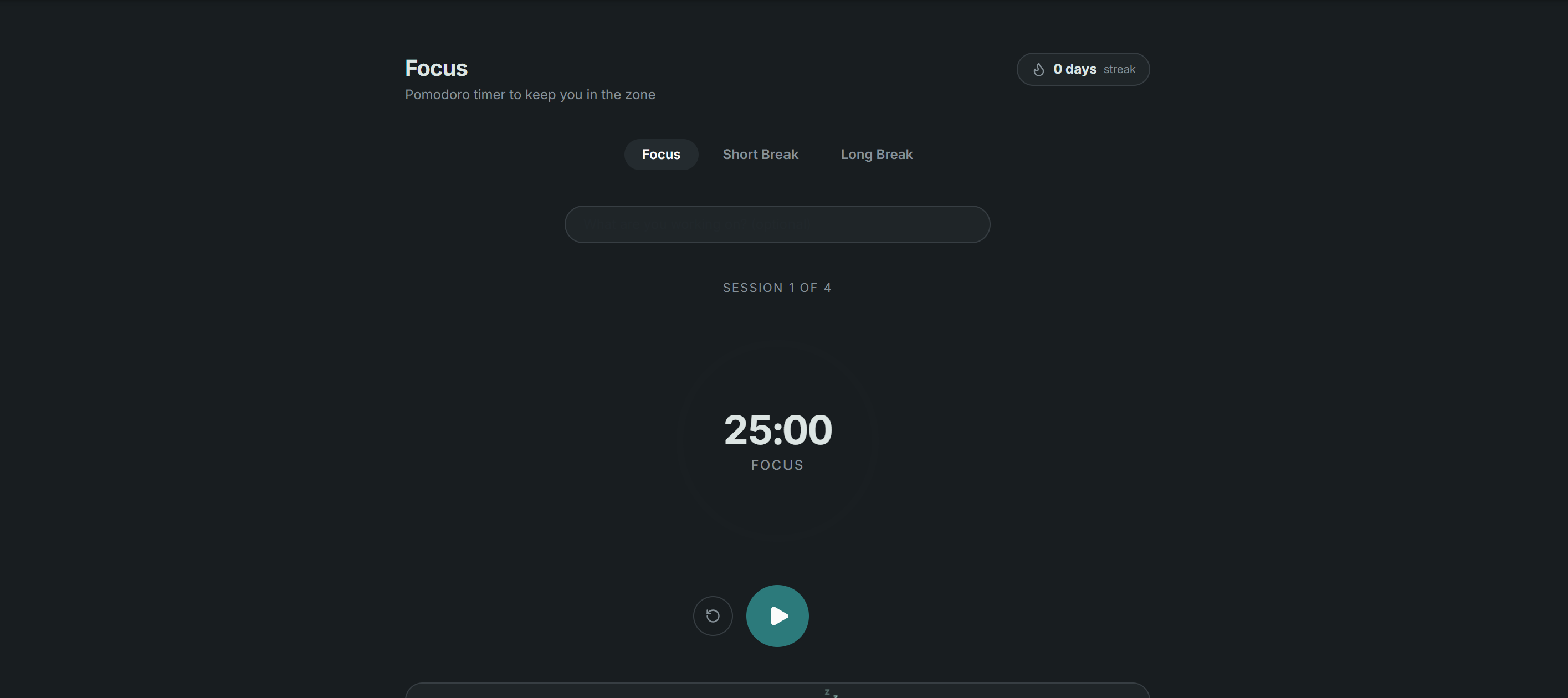
Set a Focus timer and grow your stats
-
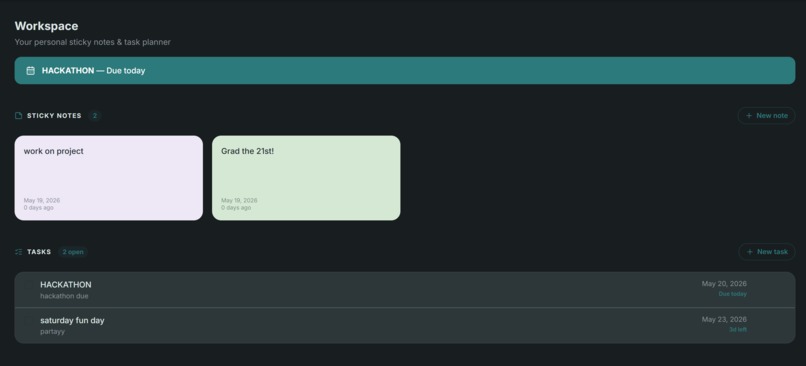
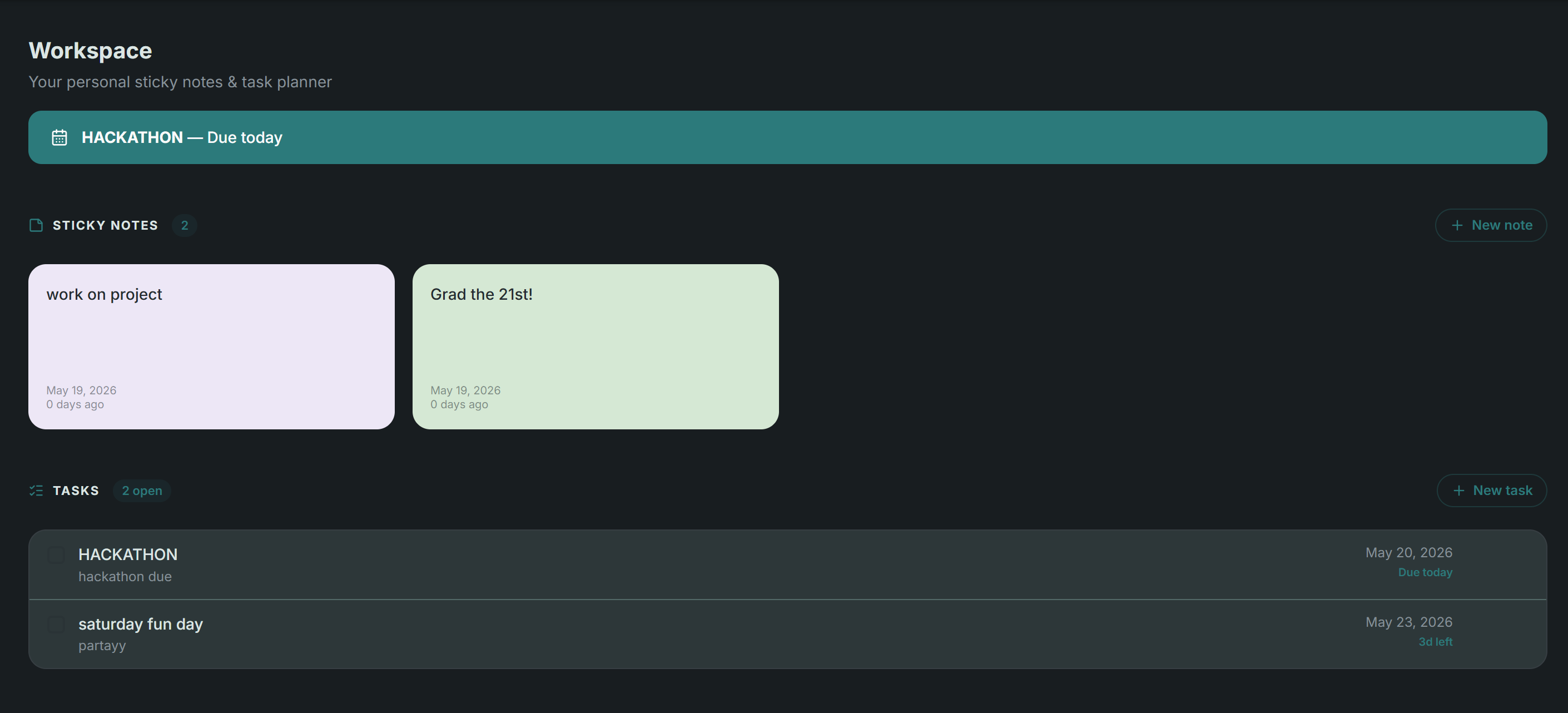
Write yourself notes, task and due dates, earliest due date will show up on top
-
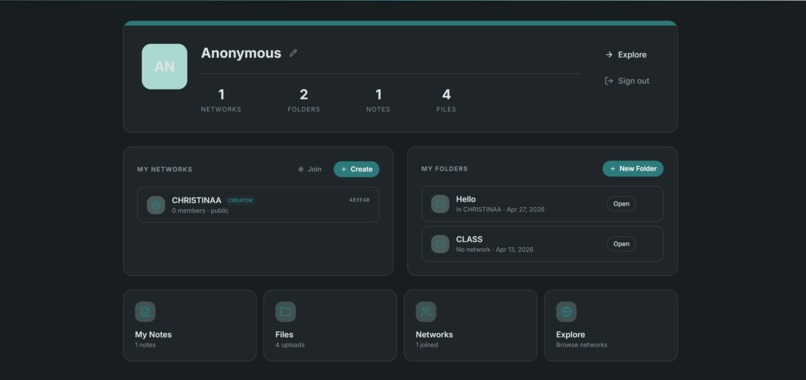
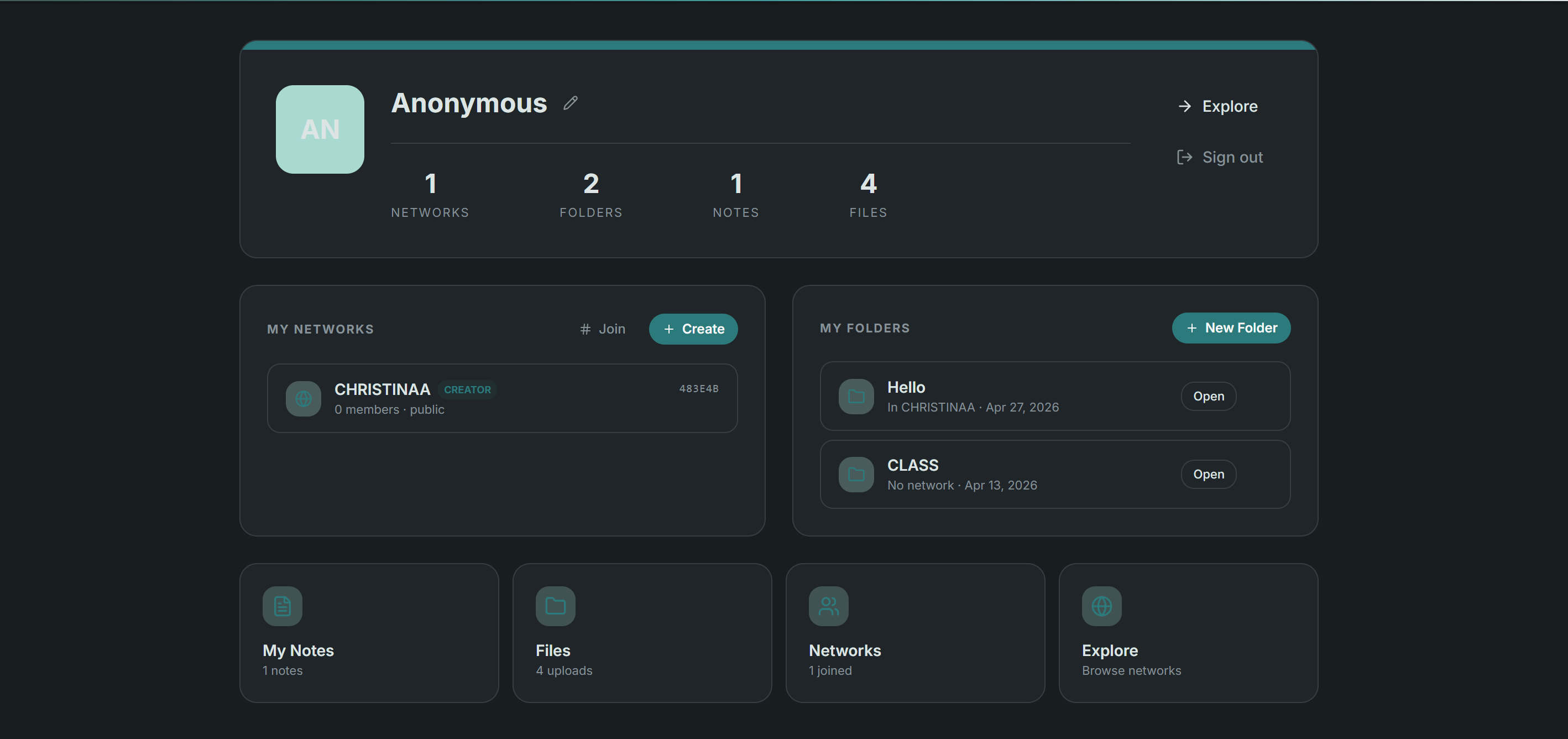
Profile page, create folders, add files, Join groups all from here
-
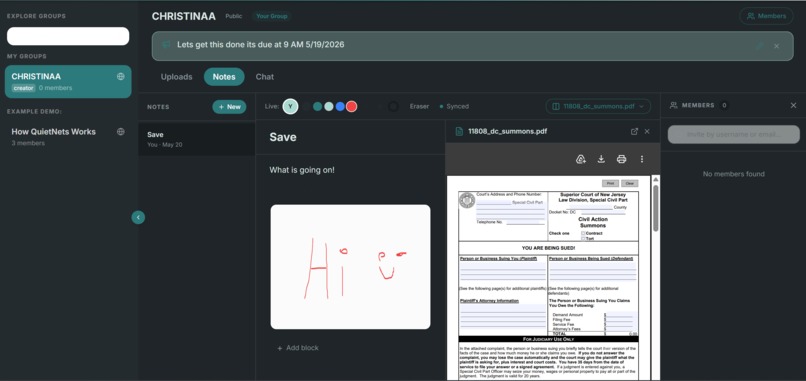
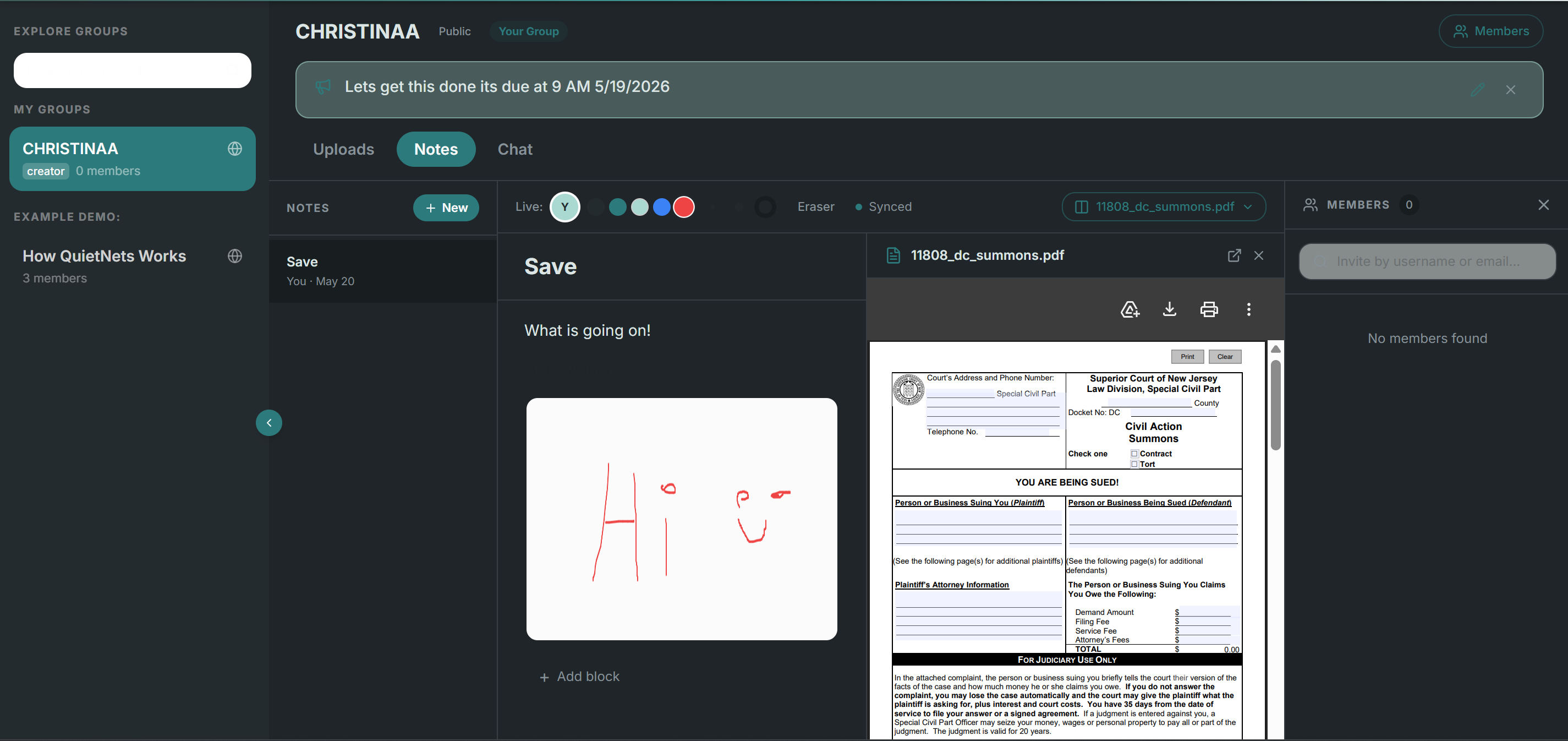
Explore page, note taking, sharing, view files, member view
-
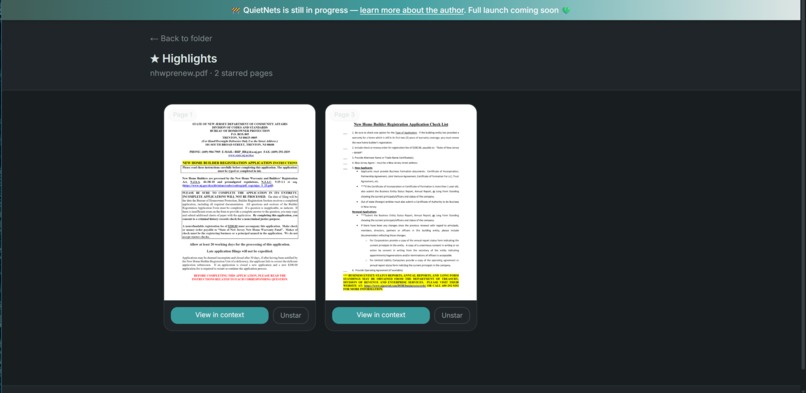
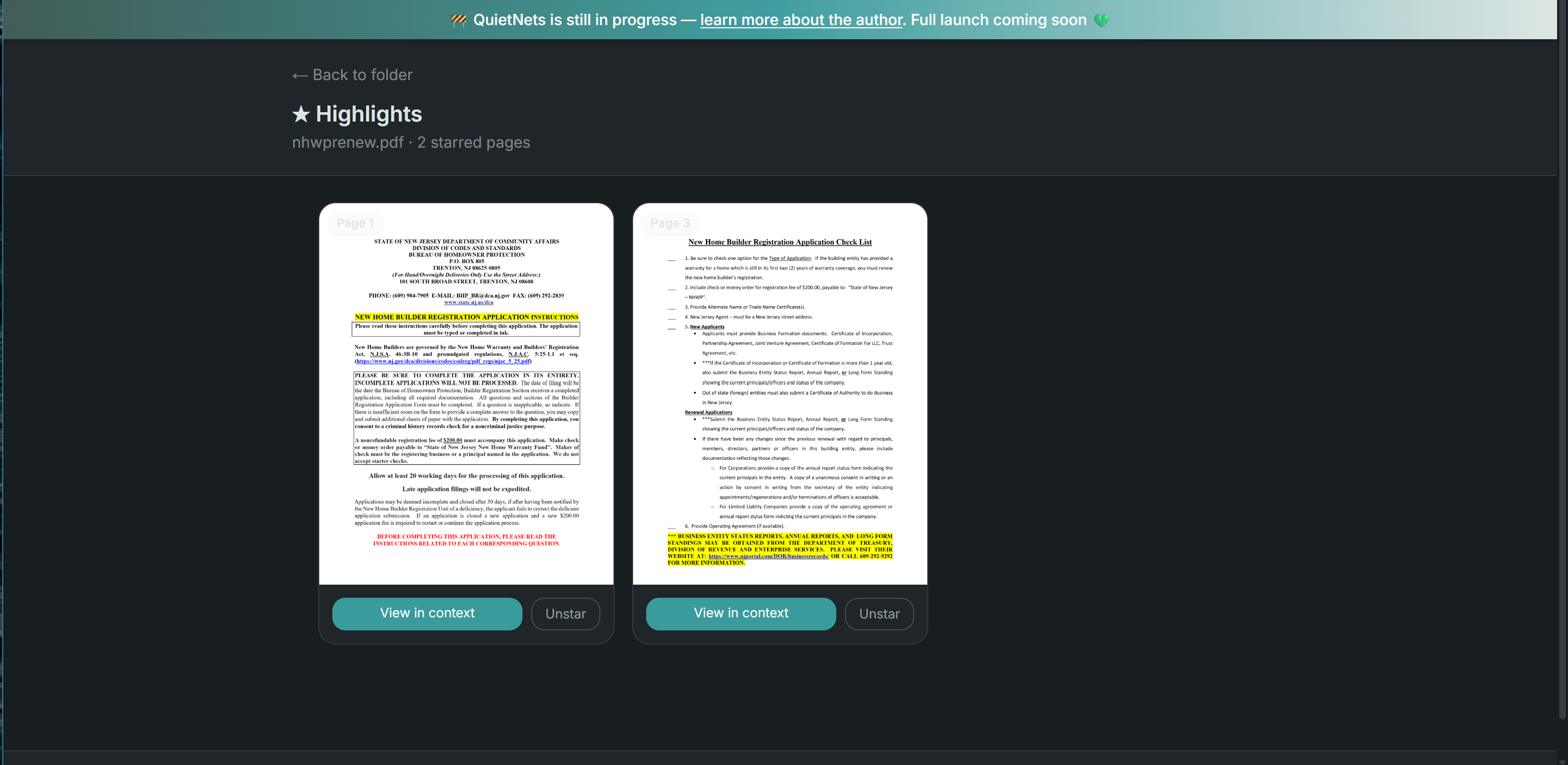
Lots of pages in one file but only 1 or 2 or important you can star it and it will save to Highlights. This also lets you annotate.
Inspiration
I kept switching between five different apps just to study, one for files, one for notes, one for chat and none of them talked to each other. I wanted one calm, private space built specifically for students, so I built it myself.
What it does
QuietNets lets you organize class files into private networks, annotate PDFs, write collaborative notes with your study group in real time, and now use an AI assistant to summarize lecture material and generate exam questions. It also has a focus timer, task planner, and sticky notes everything for studying in one place
How we built it
Built with Next.js, Supabase for auth/database/storage, and OpenAI's API for the AI study assistant. We used MeDo to rapidly prototype and merge new features like real-time presence, network chat, and the workspace tools.
Challenges we ran into
Getting real-time presence and typing indicators to work correctly across multiple users was tricky, and merging two codebases (the original Next.js app and the MeDo-generated version) while keeping the UI consistent took more time than expected.
Accomplishments that we're proud of
The AI study assistant that extracts text directly from uploaded PDFs and generates summaries, key concepts, and likely exam questions all without leaving the app. Also proud of how complete the full study toolkit feels: timer, tasks, notes, files, and AI in one place.
What we learned
How to integrate real-time collaboration features with Supabase Realtime, how to structure a multi-feature app without it feeling cluttered, and how to merge AI tools into an existing workflow in a way that actually feels useful.
What's next for Quietnets
Tightening up error handling across the app, then a real public launch and eventually bringing QuietNets to the App Store as a native mobile app.
Built With
- css
- html
- next.js
- openai
- react
- sql
- supabase
- tailwind
- tsx/jsx
- typescript
- vercel


Log in or sign up for Devpost to join the conversation.