-
-
Know what is happening on your screen using Chrome's Built-in AI APIs
-
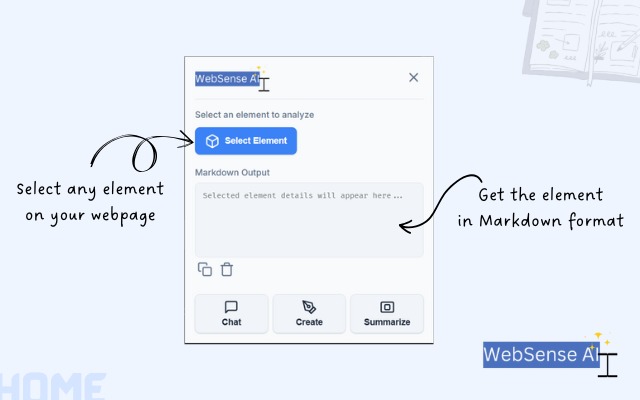
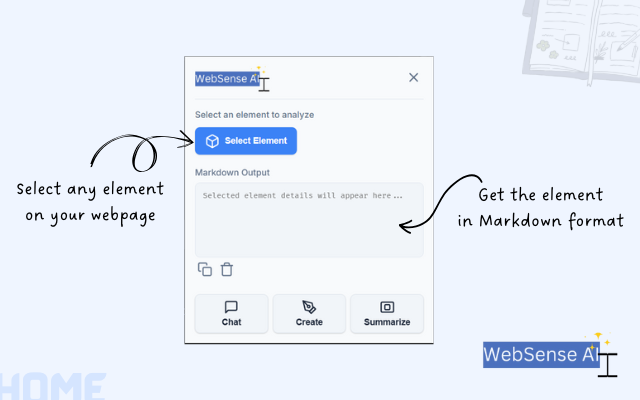
Main interface to select elements, navigate to chat, create, or summarizer pages.
-
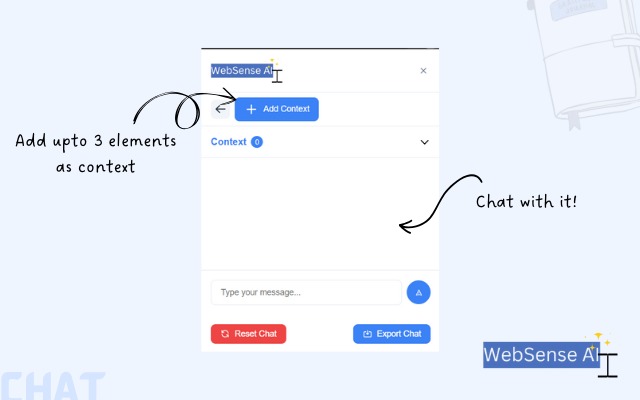
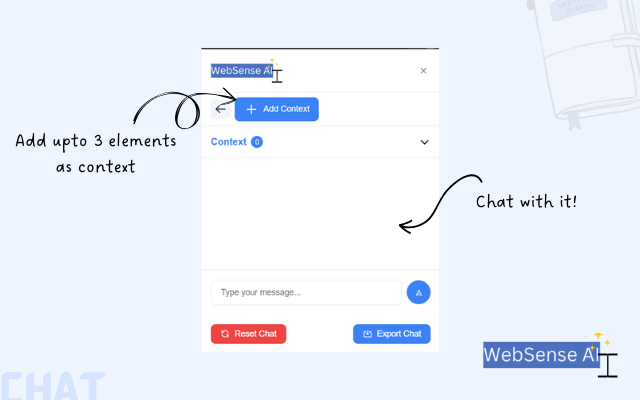
Chat with AI using selected contexts from the webpage.
-
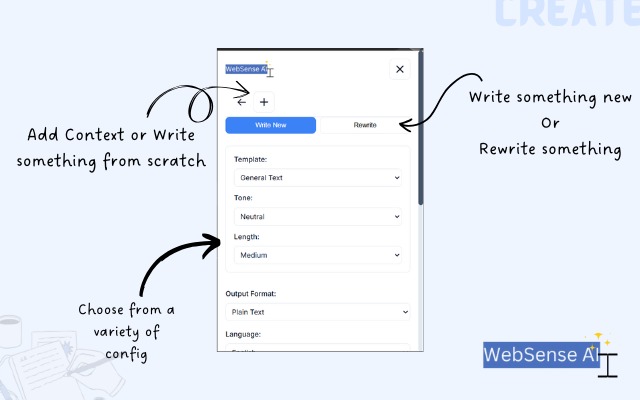
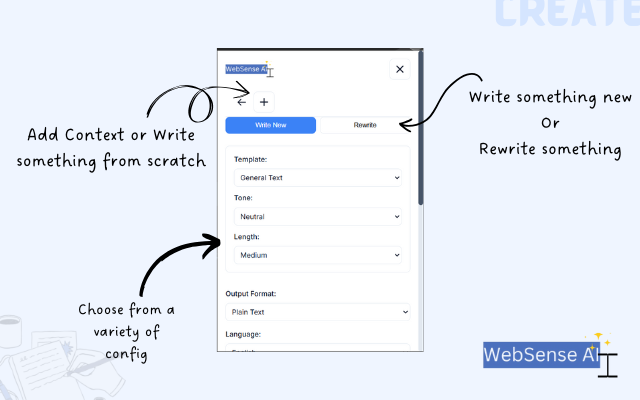
Create new content using AI with customizable templates and context.
-
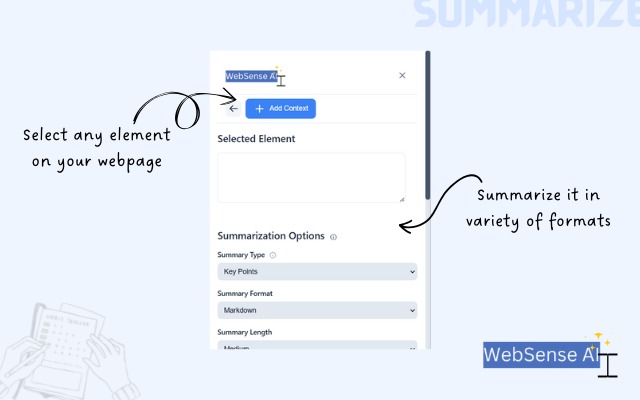
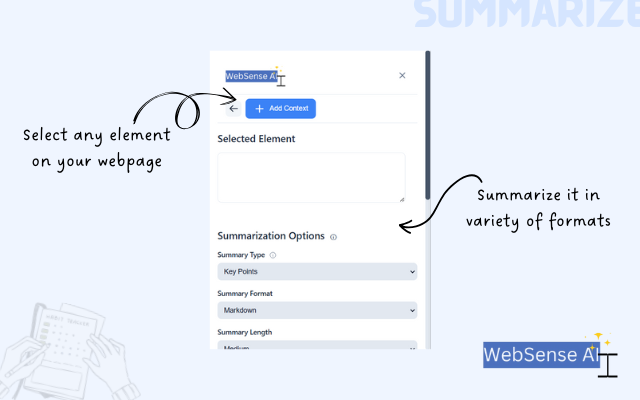
Generate summaries of selected content with various options.
Inspiration
The seed for this project was rooted in one of my personal needs. Whenever I wanted to provide context for a webpage, I had to copy-paste content manually and then convert it to Markdown because LLMs generally perform better with well-structured text in this format. When I learned about this hackathon, I saw it as the perfect opportunity to address this issue. Joining the early tester program for Google Chrome's upcoming AI APIs aligned perfectly with my vision, enabling me to explore and build something impactful.
What it does
WebSense AI is a cutting-edge Chrome extension designed to enhance your web browsing experience. It enables users to:
- Select and convert webpage elements into Markdown with ease.
- Summarize content dynamically for quick insights.
- Generate creative content like social media captions or presentation-ready material using AI.
- Provide a powerful chat interface that allows context-aware conversations with AI.
With features like context management across tabs, chat history persistence, and local storage integration, WebSense AI empowers users to streamline workflows, improve productivity, and interact with web content in innovative ways.
How we built it
The extension was built using TypeScript for its familiarity and flexibility. Leveraging HTML and CSS for the front end, I structured the project so that the TypeScript code would transpile into minified JavaScript for deployment. Since it was my first experience building a Chrome extension, I had to start from scratch, learning about the Chrome extension architecture, manifest files, and how to integrate experimental AI APIs.
Challenges we ran into
Being an early tester for Chrome's AI APIs presented unique challenges. The APIs, still in their early stages, were occasionally unstable, with changing syntax and limited documentation. Debugging and adapting to these changes required persistent problem-solving. However, Google’s active discussion forums provided invaluable support, making this challenging experience a rewarding one.
Accomplishments that we're proud of
- Building a complete Chrome extension from scratch, turning an idea into a fully realized project.
- Developing a chat feature that enables users to include context from multiple tabs, chat with that context in mind, and maintain chat history.
- Implementing a context manager that allows users to add, toggle, and delete contexts, with persistence via Chrome's local storage.
- Achieving streaming functionality for chat messages and AI responses, enhancing real-time interactivity.
What we learned
- How to design and build a Chrome extension from scratch, including its architecture and integration with experimental APIs.
- The value of detailed documentation and how to work effectively with limited resources by experimenting and iterating.
- Best practices for creating user-friendly interfaces that enhance productivity and accessibility.
What's next for WebSense AI
The future of WebSense AI includes:
- Expanding multilingual support for the entire application, especially for the chat functionality, supporting both input and output in Hindi and English.
- Publishing the project on the Chrome Extension Store for public use.
- Continuing to maintain and enhance the open-source codebase with feedback from the community.
- Adding more AI-driven features, such as sentiment analysis or dynamic content suggestions, to further enhance usability and interactivity.
- Transitioning from the experimental APIs to production-ready APIs when available, ensuring stability and scalability.
Built With
- css
- html
- typescript
- webpack

Log in or sign up for Devpost to join the conversation.