-
WebPify
Inspiration
In today's web, page speed is paramount. Large images are often the biggest culprits for slow loading times, negatively impacting user experience and SEO. I noticed a growing need for a simple, accessible tool that allows anyone to easily convert their standard images to the modern, efficient WebP format without needing complex software or technical know-how. The goal was to create a straightforward, no-fuss converter that helps make the web faster for everyone.
What it does
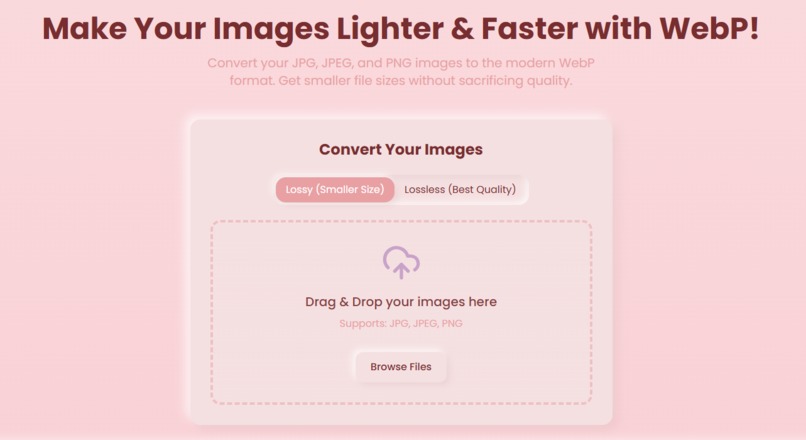
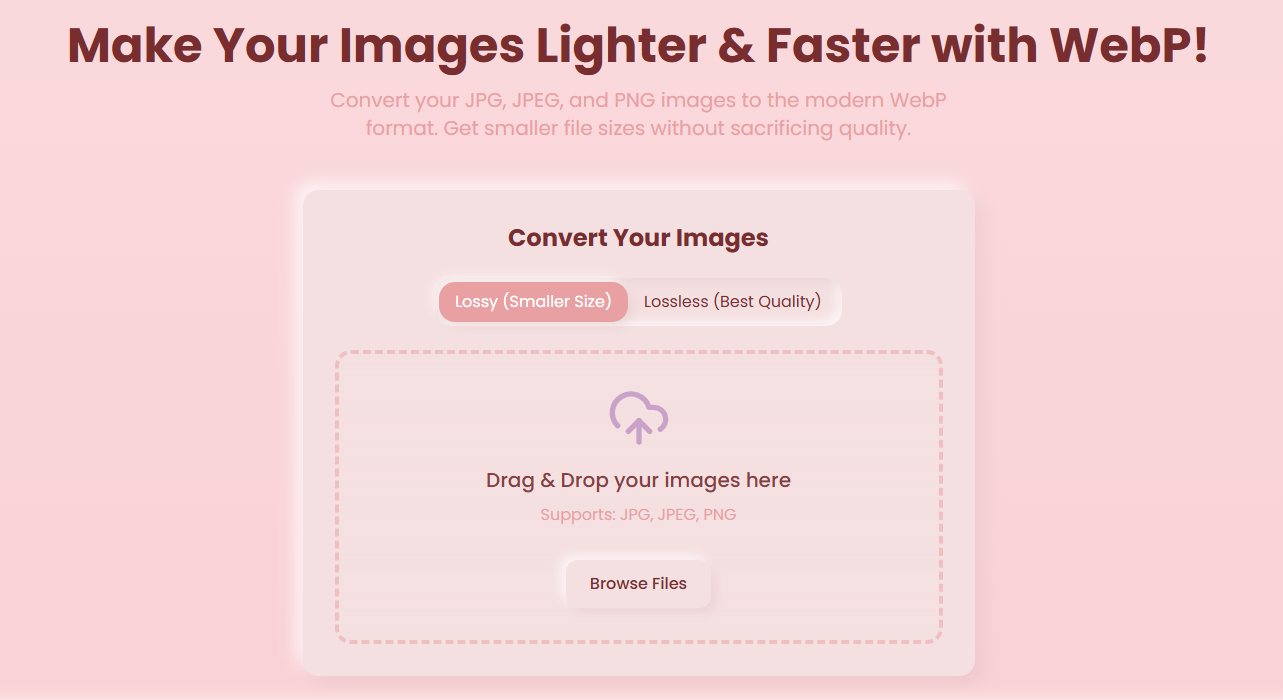
WebPify is a user-friendly web application that converts your JPG, JPEG, and PNG images into the highly optimized WebP format. Users can simply drag and drop their images or browse to select files. A key feature is the ability to choose between: Lossy compression: For the smallest possible file sizes, ideal for most web use cases where slight quality reduction is acceptable. Lossless compression: To preserve the best image quality, perfect for graphics or photos where every detail matters. The result is significantly lighter images that load faster, reduce bandwidth consumption, and improve website performance.
Challenges I ran into
Client-Side Performance: Ensuring that image conversion, especially for larger files or multiple files, remained responsive without freezing the browser was a key challenge. This involved optimizing the JavaScript and potentially looking into Web Workers for background processing. Library Integration: Finding and correctly integrating a reliable client-side WebP encoding library that supports both lossy and lossless modes and works across different browsers. User Experience (UX): Designing the interface to be self-explanatory, especially the distinction between lossy and lossless, and providing clear feedback to the user during the conversion process (though not fully visible in the static image, this would be part of the flow). Browser Compatibility: Ensuring the chosen JavaScript features and WebP conversion capabilities are supported across major modern browsers.
Accomplishments that I'm proud of
Dual Conversion Modes: Successfully implementing both lossy and lossless WebP conversion options, giving users precise control over their output. Intuitive UI: Creating a clean, simple, and aesthetically pleasing interface that makes image conversion accessible to non-technical users. Client-Side Efficiency: Achieving fast image conversions directly in the browser, enhancing user experience and privacy. Solving a Real Problem: Building a practical tool that directly addresses the common issue of large image files slowing down websites.
What I learned
Deep Dive into WebP: Gained a much deeper understanding of the WebP format, its benefits, and the nuances between its lossy and lossless compression algorithms. Client-Side Image Processing: Learned advanced techniques for manipulating and encoding image data using JavaScript and browser APIs. Importance of UX in Utility Tools: Even for a simple utility, clear instructions, intuitive controls, and feedback are crucial for user adoption.
What's next for WebPify
Batch Processing: Allow users to convert multiple images simultaneously. More Input Formats: Add support for other image formats like GIF (including animated WebP conversion), SVG, or TIFF. Advanced Options: Introduce a quality slider for lossy compression, image resizing options, and perhaps basic cropping. Progress Indication: Implement clearer visual feedback for the conversion progress, especially for larger files. PWA (Progressive Web App): Enhance WebPify to be installable and potentially offer offline conversion capabilities. Direct Download/Preview: Offer an immediate preview of the converted image and a more streamlined download process.


Log in or sign up for Devpost to join the conversation.