-
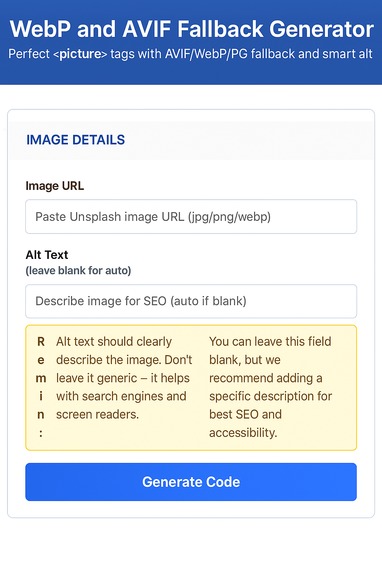
My tool image webp and avif fallback generator
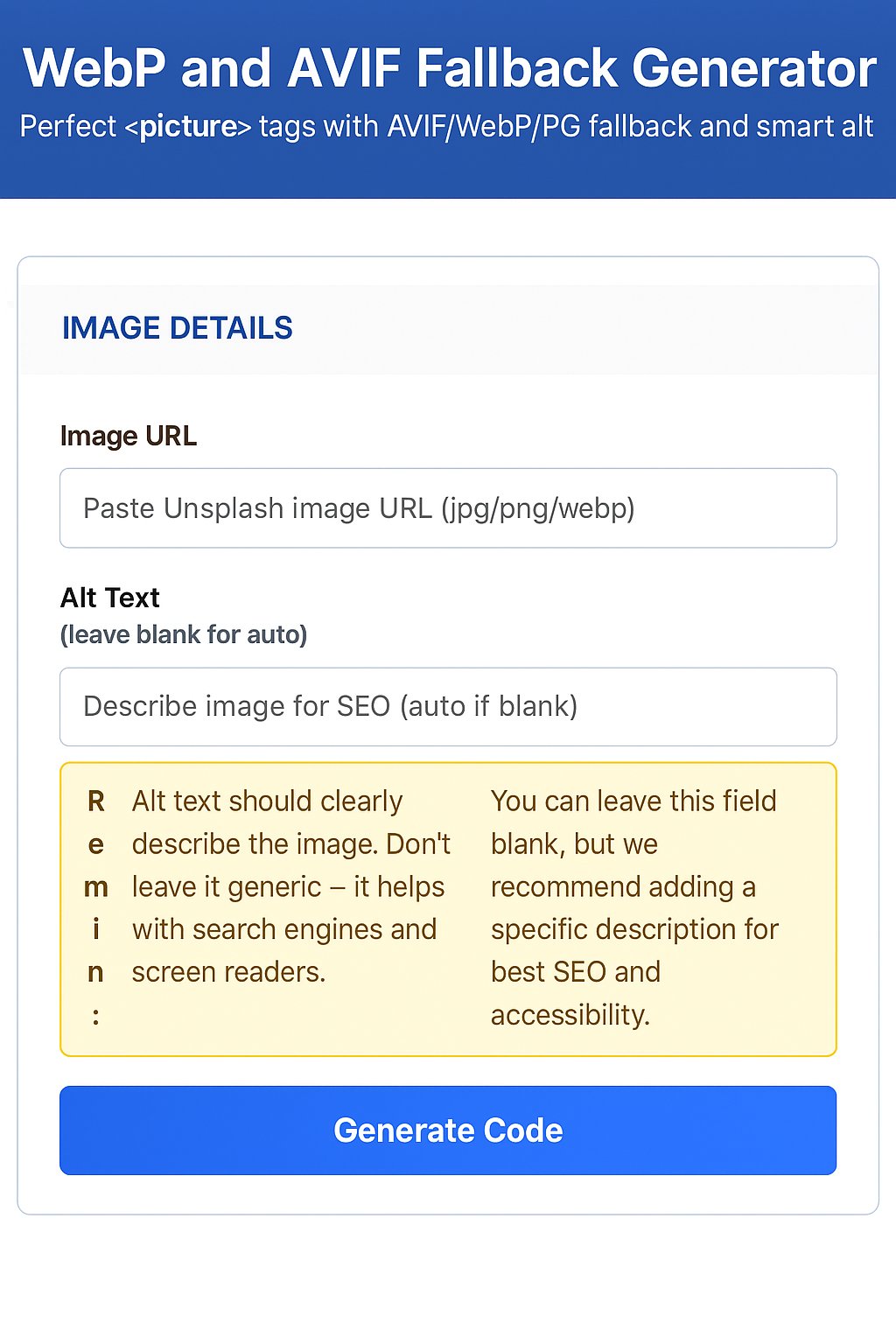
Inspiration
Got annoyed of manually writing <picture> tags every time I wanted to add optimized images to my blog posts. Blogger's editor is notorious for breaking HTML, and I kept messing up the format parameters for AVIF and WebP.
After the fifth time copy-pasting picture tag boilerplate and fixing escaping issues, I thought "there has to be a better way." So I built one.
What I learned
- Blogger is picky about HTML- You need proper entity encoding or your tags just disappear
- URL handling is tricky - Unsplash URLs have fragments that break format parameters
- Alt text matters- Most people skip it, but it's crucial for SEO and accessibility
- Keep it simple- One input, one output, zero configuration
How I built it
Pure vanilla JavaScript and CSS. No frameworks, no build process - just a single HTML file that works everywhere. Used modern CSS for the styling and focused on mobile-first design since most people blog on their phones.
The trickiest part was getting the URL manipulation right and making sure the generated HTML actually works in Blogger's finicky editor.
Challenges I faced
Blogger kept eating my HTML- Had to figure out the exact escaping needed for quotes and special characters.
Smart alt text generation- Instead of leaving alt text blank, I extract meaningful descriptions from image URLs.
Mobile responsiveness - Made sure it works perfectly on phones since that's where most blogging happens.
The tool now generates clean, working picture tags in seconds instead of minutes of manual coding.
Built With
- css
- html
- javascript
- vanilla


Log in or sign up for Devpost to join the conversation.