-
-
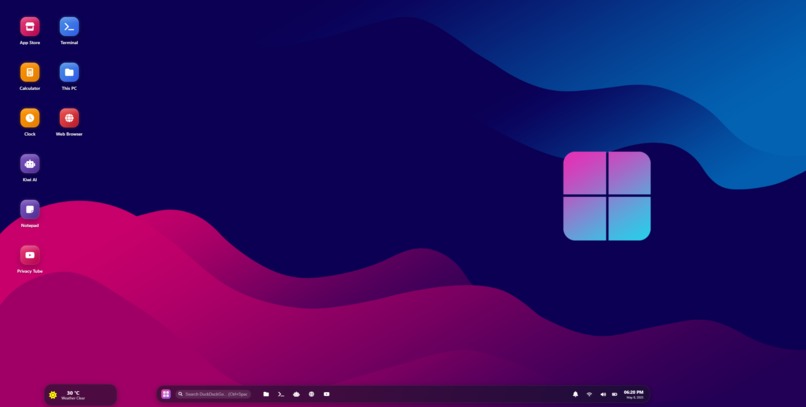
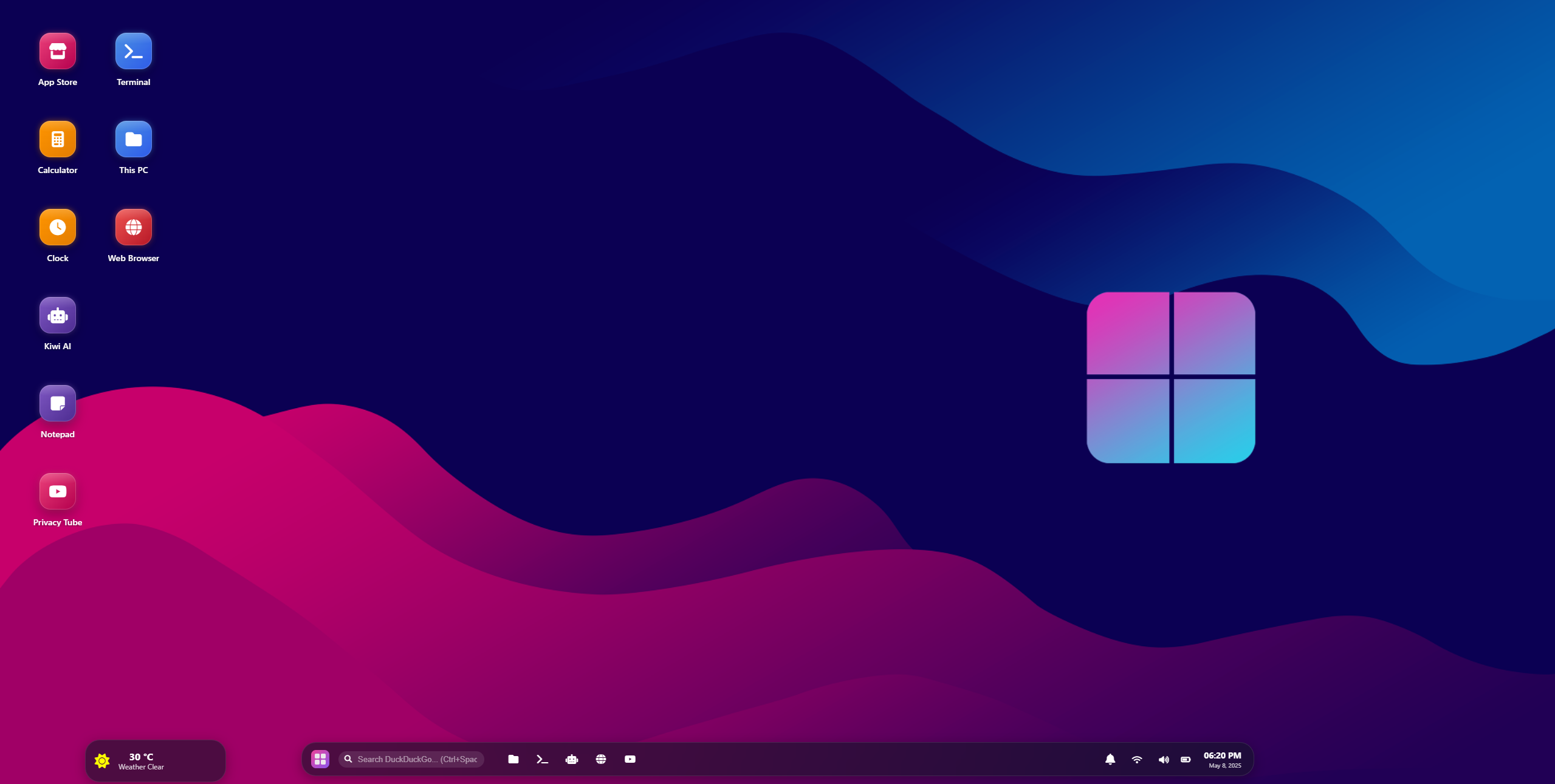
main webOS UI
-
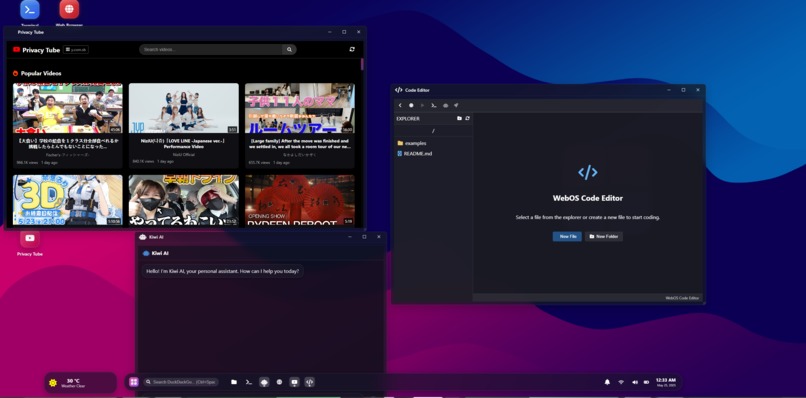
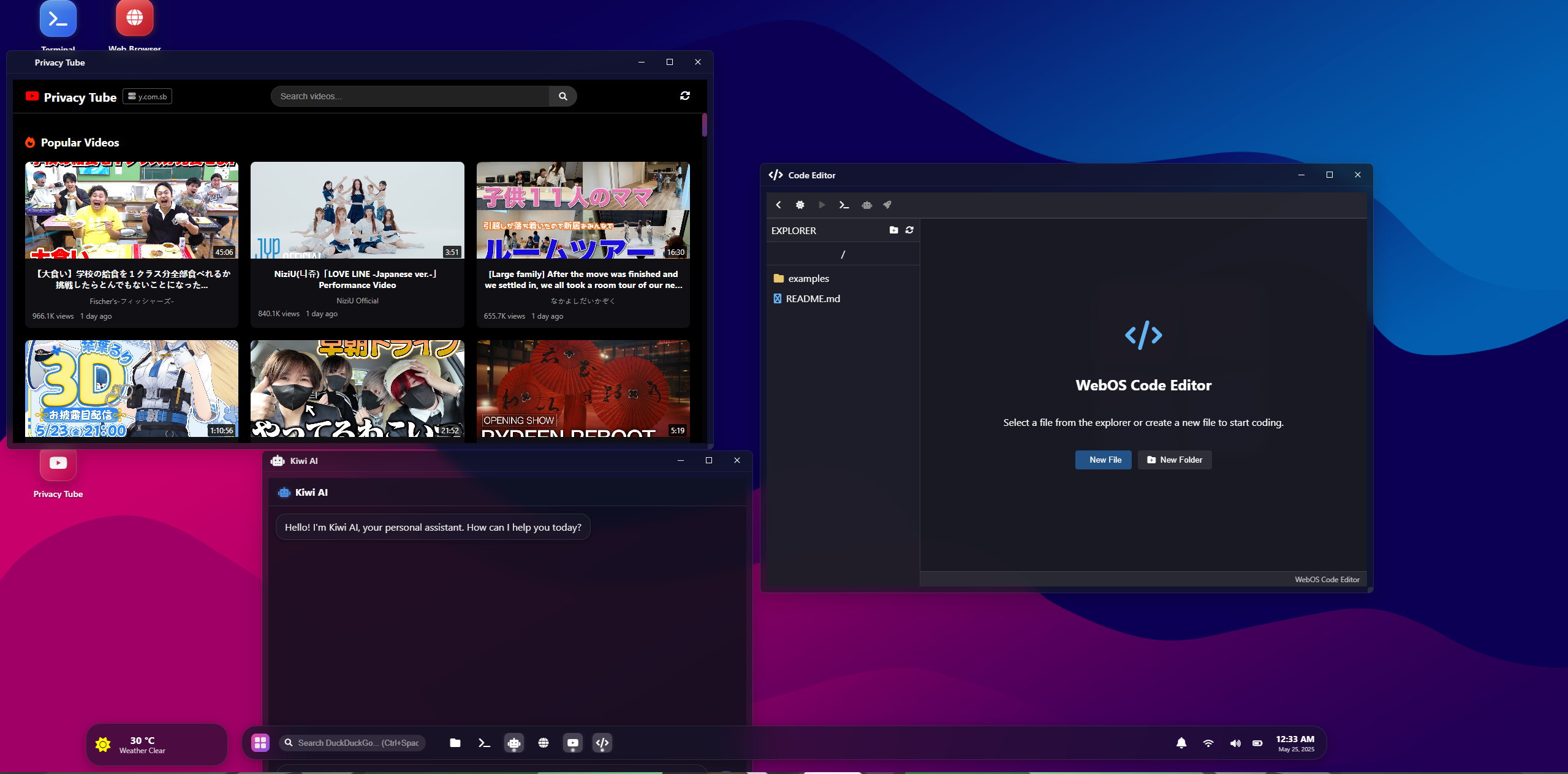
can you different apps
Inspiration
I’ve always been fascinated by how operating systems work and how we interact with them. The idea behind WebOS was to recreate that experience—a personal OS in your browser, without needing to install anything, without logins, and with a rich set of AI tools and apps. I wanted to explore whether we could create a fully browser-based, anonymous, app-powered environment that feels like a lightweight desktop OS. Inspired by platforms like Puter, Windows 11 UX, and emerging cloud workspaces, I aimed to build something lightweight, fast, AI-friendly, and expandable by design.
What it does
✅ A terminal with custom commands ✅ Built-in LLM assistant ✅ A modern desktop UI (Windows/Linux-style) ✅ Anonymous usage — no tracking or login needed ✅ Web App Store with games, tools, and utilities ✅ Infinite potential for education, developers, and productivity
How we built it
Frontend: Built with React, TypeScript, and TailwindCSS Window System & Desktop UI: Custom window manager for draggable/resizable apps Backend: Some parts are serverless, APIs served through Express.js, Socket.IO AI Integration: Used OpenRouter API to access Claude, Gemini, Mistral, etc. Streaming: Implemented event-based streaming using text/event-stream to simulate real-time model responses Proxy Layer: Used CORSProxy.io for bridging models if needed App System: Apps are stored as modular React components, loaded dynamically
Challenges we ran into
CORS restrictions from model APIs Handling streamed responses from AI models correctly in the frontend Keeping the system lightweight and fast despite dynamic apps UI layering and focus management in custom windowing Discovering which model providers were free and stream-enabled
Accomplishments that we're proud of
Created a working OS simulation from scratch Integrated multiple AI models seamlessly Designed a modular app system that can scale Provided anonymous, login-free access with instant usability Developed a custom socket system for communication and AI tasks
What we learned
How to architect modular web systems that feel like native desktops How to manage real-time AI interactions in a clean and efficient way The power of OpenRouter for unified AI access Limitations of CORS and how proxies can work in web-only apps UI/UX design considerations for windowed interfaces
What's next for webOS
Add real-time file storage with Firebase or Supabase Personal login and profile customization Introduce a marketplace for 3rd-party app uploads Implement web search with Brave or SerpAPI Offer collaborative apps: shared whiteboard, multiplayer games Monetization options like premium AI access, in-app purchases, or team plans
Built With
- axios
- css3
- express.js
- html5
- javascript
- node.js
- react
- socket.io
- tailwindcss
- typescript
- uuid
- vite

Log in or sign up for Devpost to join the conversation.