-
-
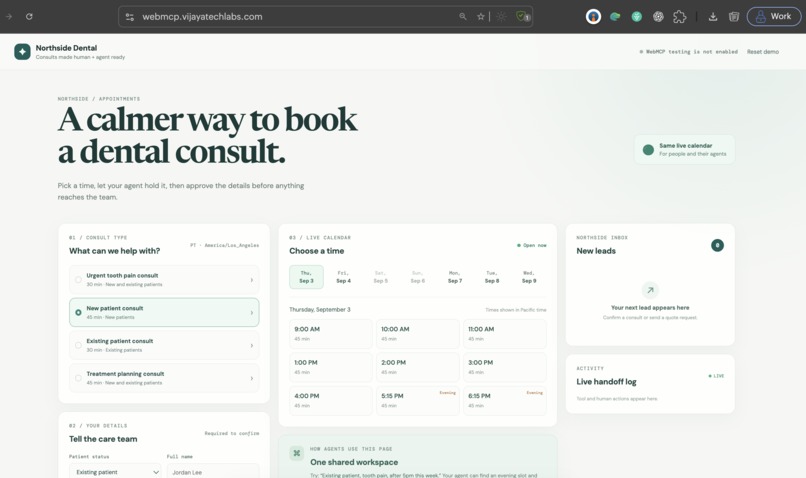
Landing page
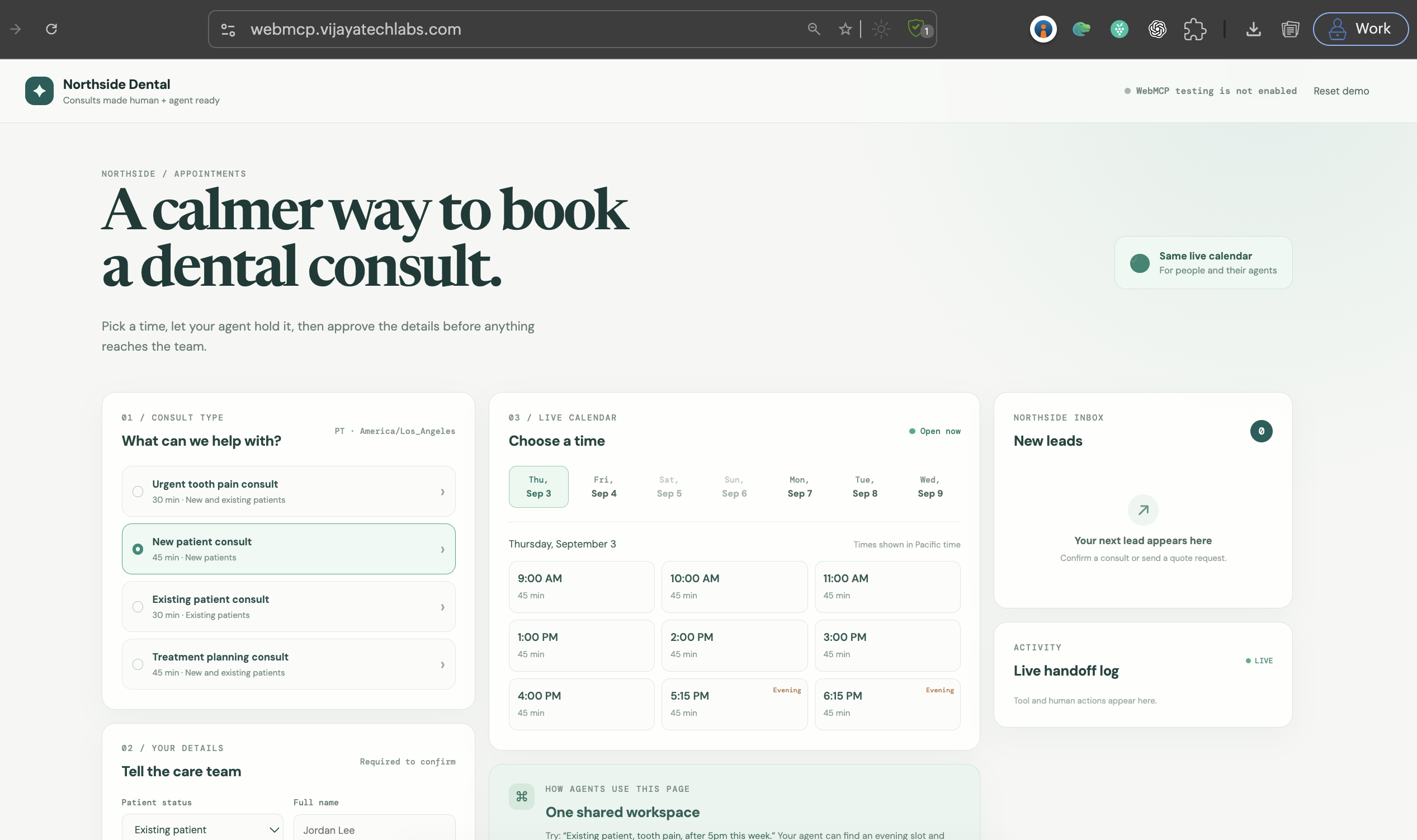
Inspiration
Most booking agents guess at forms or use private APIs. We wanted to show a safer pattern: let the website expose the tools, while a human keeps control of the final booking.
What it does
WebMCP Dental Booking lets an AI agent:
- Discover available consultation types
- Find the earliest eligible slot
- Hold a slot for 10 minutes
- Request human approval
- Confirm the booking after approval
- Add the confirmed lead to the dental inbox
How we built it
The live Northside Dental site exposes WebMCP tools for services, availability, holds, booking, and status. The agent uses those tools directly. The same calendar state stays visible to both the human and the agent.
Challenges we ran into
The main challenge was designing a clear approval boundary. The agent can search and hold a slot, but it cannot complete the booking without a one-time human approval token.
Accomplishments that we're proud of
- A live website exposes callable WebMCP tools.
- The agent and human share the same appointment state.
- Booking requires explicit human approval.
- The confirmed lead appears in the dental inbox.
What we learned
WebMCP makes capability discovery and tool use part of the website experience. It also makes human approval a clear, testable part of the workflow.
What's next for WebMCP Dental Booking
Next, we plan to add:
- More appointment types
- Calendar and reminder integrations
- Better accessibility support
- Audit logs for every tool call
- Multi-location dental clinic support
Links
- Live demo: https://webmcp.vijayatechlabs.com/
Built With
- browser-apis
- cloudflare-workers
- javascript
- openai-webmcp


Log in or sign up for Devpost to join the conversation.