Inspiration
I am a bookmark hoarder; whenever I stumble upon an interesting read, I simply bookmark the page to read later only to never visit it. When my bookmark bar began to overflow, I felt a need to organize my bookmark. I decided to develop a bookmark organizer that helps me go through the to-read list quickly.
What it does
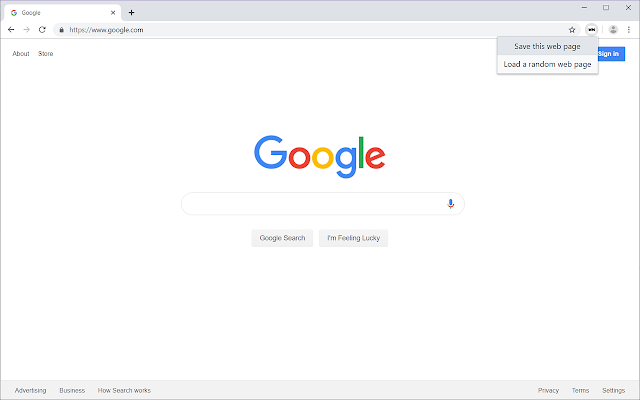
WebMark has three keyboard shortcuts. One will save the current page to WebMark folder. Another will load a random page from the WebMark folder. Whenever you have a free time to spare, pull up a page from WebMark and read through it!
How I built it
I used Typescript and React to make this Chrome extension. I collaborated with an old friend using GitHub flow.
Challenges I ran into
Learning Typescript was rather challenging. Because I no longer had the fancy Javascript syntax (note: none), I had to type-check every variable. Using Typescript for React was even more confusing. The syntax was similar, but the subtle differences were a bit difficult to follow.
Accomplishments that I'm proud of
I successfully finished a project using a completely new language. I quickly picked it up and then the project flew.
What I learned
New language, how to publish your chrome extension, and most importantly, collaboration. I learned so much about Git and GitHub workflow from this project.
What's next for WebMark
For now, I want to port this extension to Firefox. Then I could add some more new features like organizing WebMark lists by categories.

Log in or sign up for Devpost to join the conversation.