-
-
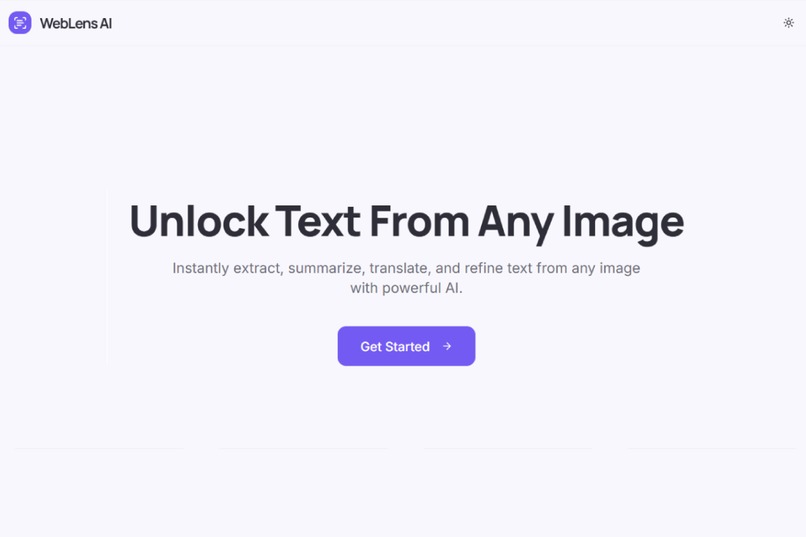
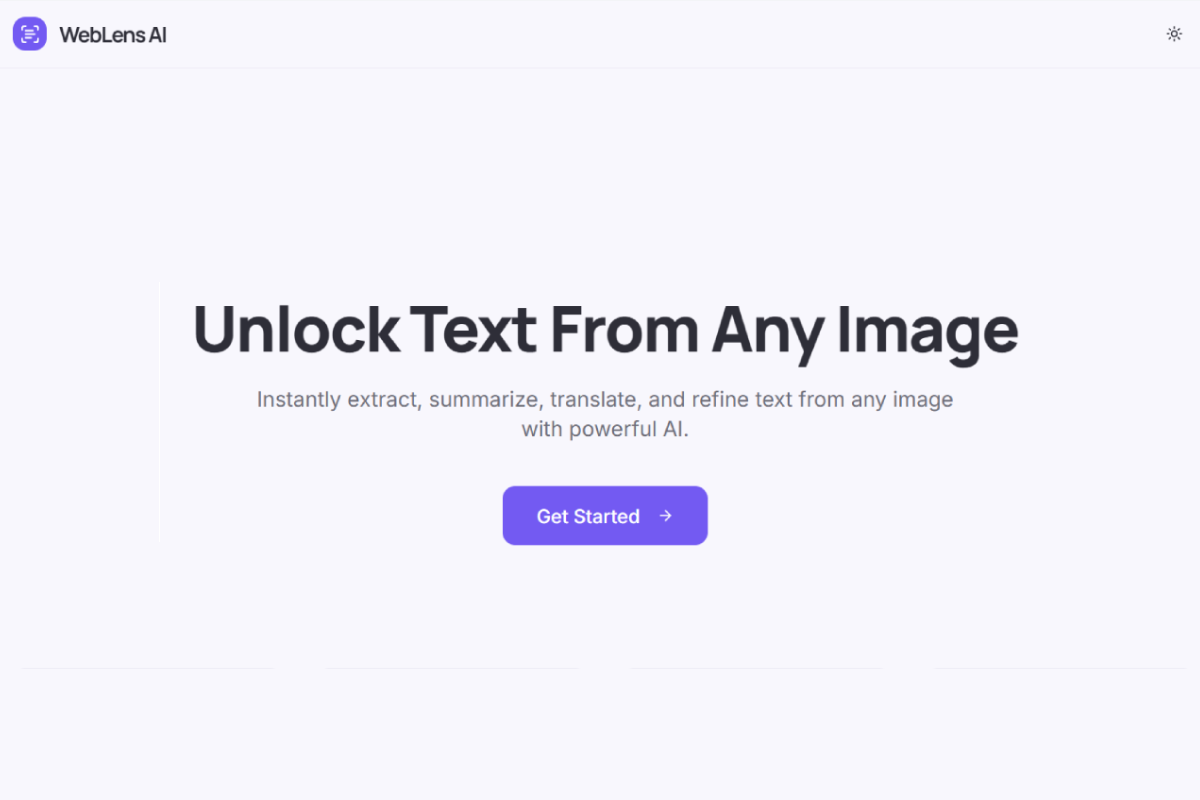
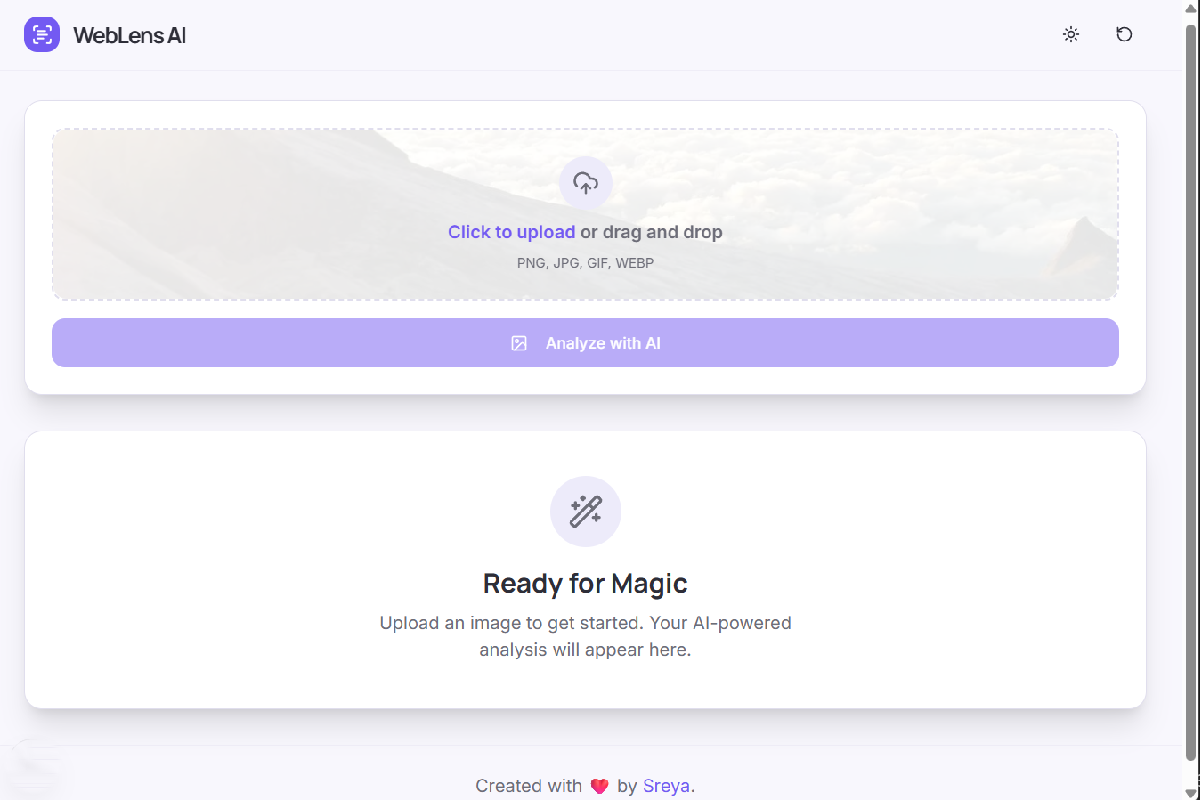
Home Page
-
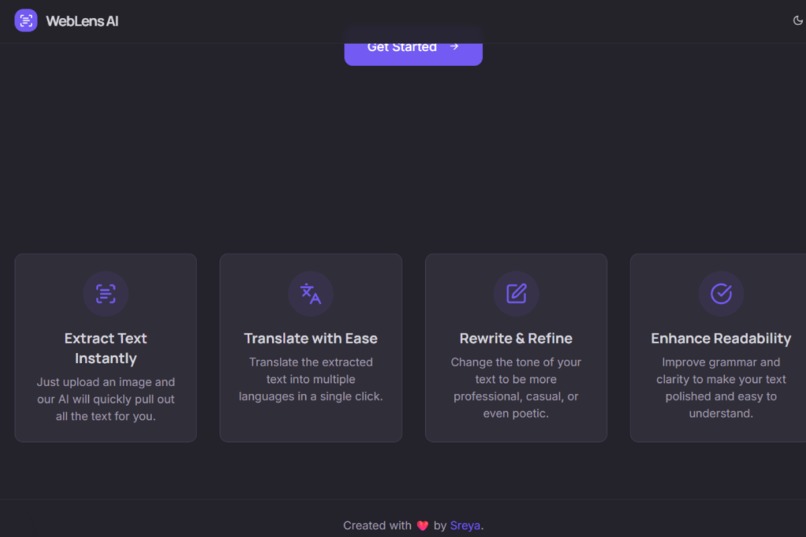
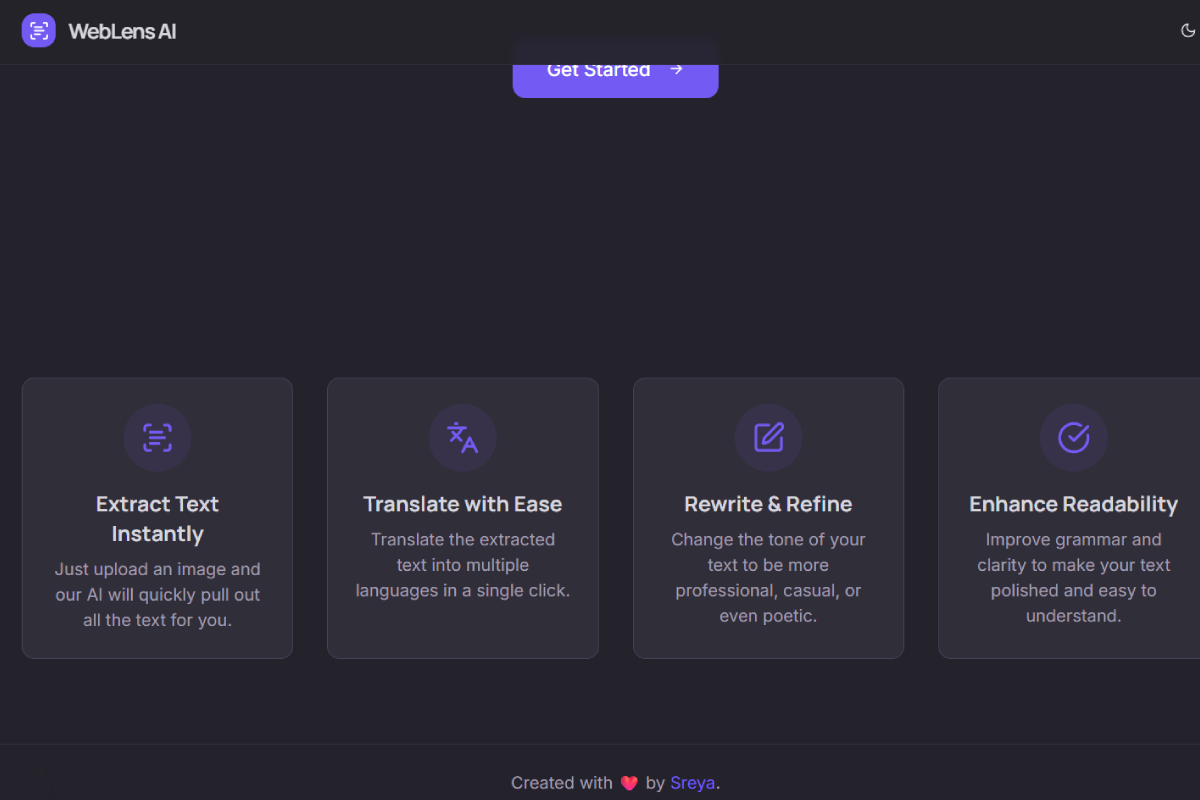
Features (Dark mode on)
-
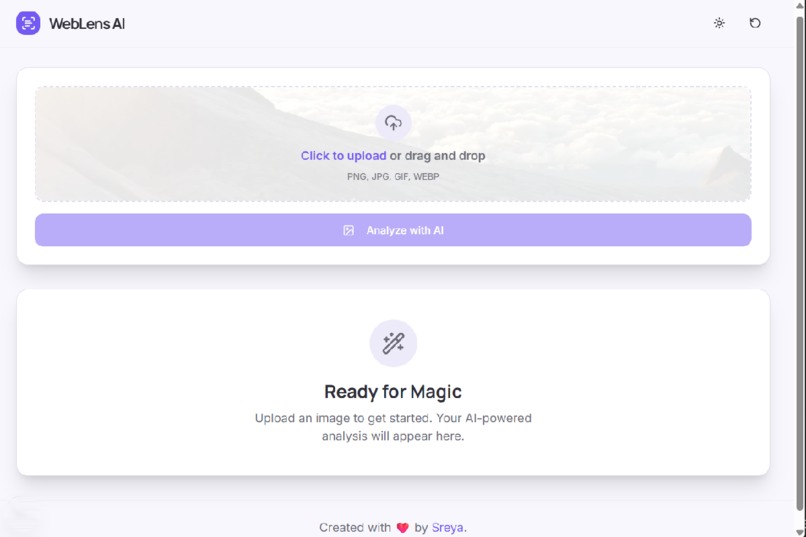
Upload Image
-
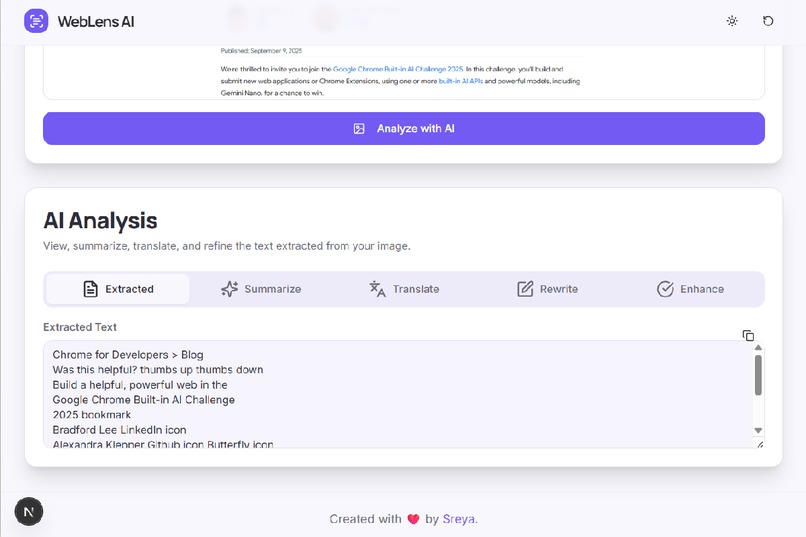
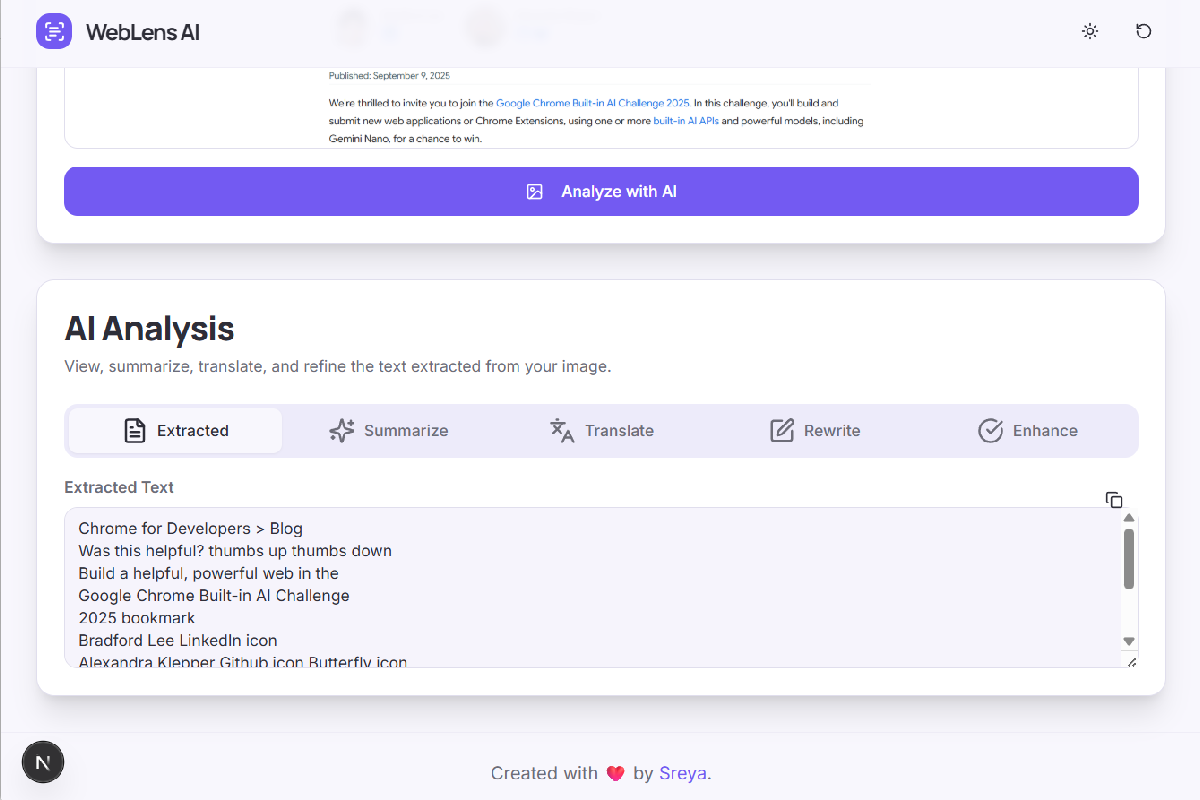
Text Extractor
-
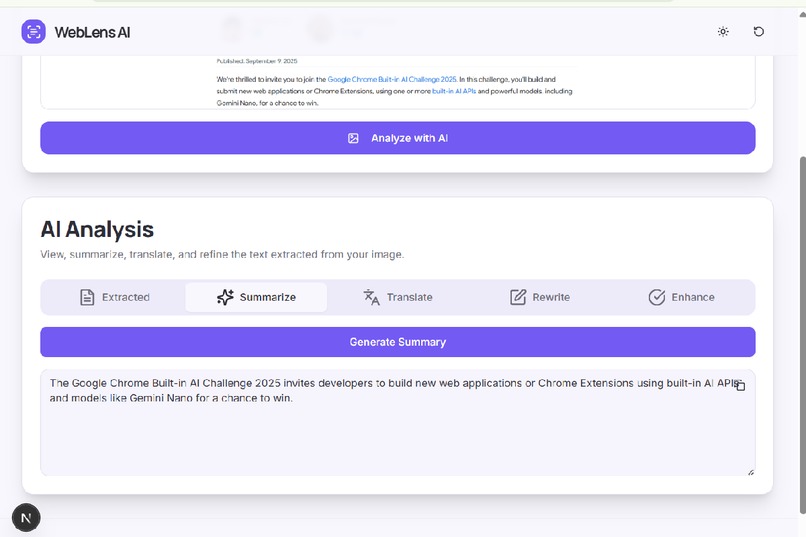
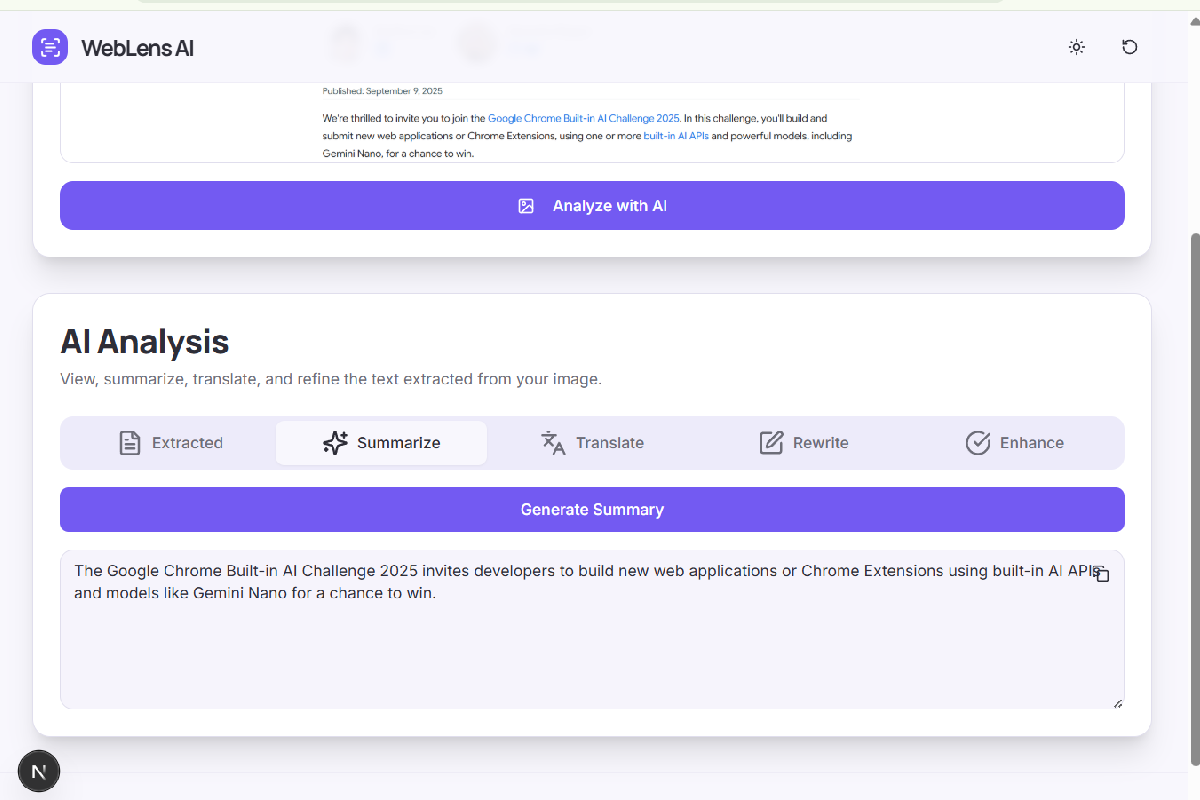
Summarizer
-
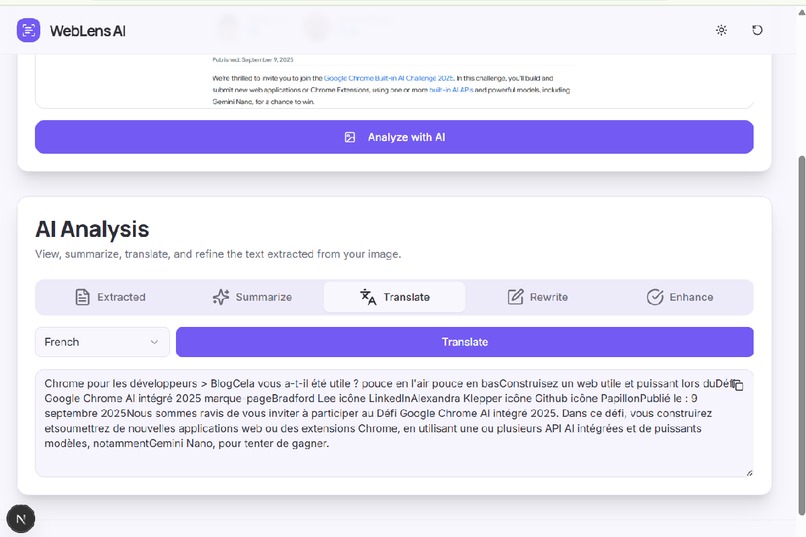
Enhancer

Inspiration
I often found myself stuck with screenshots, slides, or scanned documents where text was trapped inside images. Re-typing everything was slow, tiring, and full of mistakes.
I wanted something faster — a tool that could instantly unlock that text and make it usable. That spark became WebLens AI.
What it does
WebLens AI takes any image and turns it into editable text. From there, you can:
Summarize key points using the Summarizer API.
Translate into different languages with the Translator API.
Rewrite in any tone (professional, casual, academic) using the Rewriter API.
Fix grammar and polish readability with the Proofreader API.
It’s like a magic lens that transforms static images into actionable content.
How I built it
Next.js + React for a fast, modern frontend.
Tailwind CSS + ShadCN UI for a clean, responsive design (light + dark mode).
Genkit (Google’s AI framework) to handle all the AI workflows.
Next.js Server Actions to connect the frontend and backend securely.
Each core feature maps to its own API flow:
Prompt API (multimodal) → extract-text-from-image.ts (extracts raw text from uploaded images).
Summarizer API → summarize-text.ts (creates concise summaries).
Translator API → translate-text.ts (converts text into multiple languages).
Rewriter API → rewrite-text.ts (changes tone and style).
Proofreader API → proofread-text.ts (fixes grammar and improves clarity).
Challenges I ran into
UI design → making multiple AI features feel simple and intuitive
Prompt engineering → tiny wording changes sometimes gave very different outputs
Balancing speed vs. accuracy → ensuring results were reliable without slowing down the app
Accomplishments that I'm proud of
Building a smooth, end-to-end app where the AI feels invisible but powerful.
Designing a UI that guides users naturally from uploading an image to editing text.
Learning how to structure AI workflows in a way that actually works in production.
What I learned
How multimodal AI (images + text) can solve real, everyday problems.
The importance of iteration — both in UI and prompt design.
A reminder that:
Impact = Simplicity × Usefulness
What's next for WebLens AI
Mobile support → capture a photo, extract text instantly
Batch processing → handle multiple images at once
Smarter summaries → adapt based on context (e.g., meeting notes vs. research papers)
Cloud sync → save extracted text directly into docs or note-taking apps
Built With
- next.js
- react
- tailwind
- typescript

Log in or sign up for Devpost to join the conversation.