-
-
-
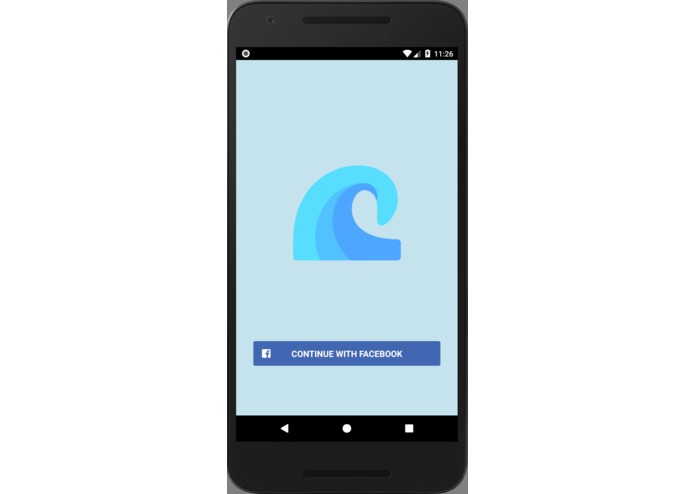
Browser extension sign in
-
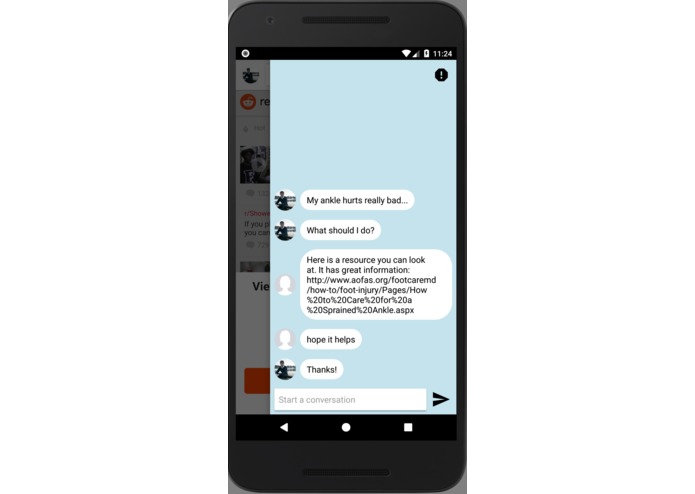
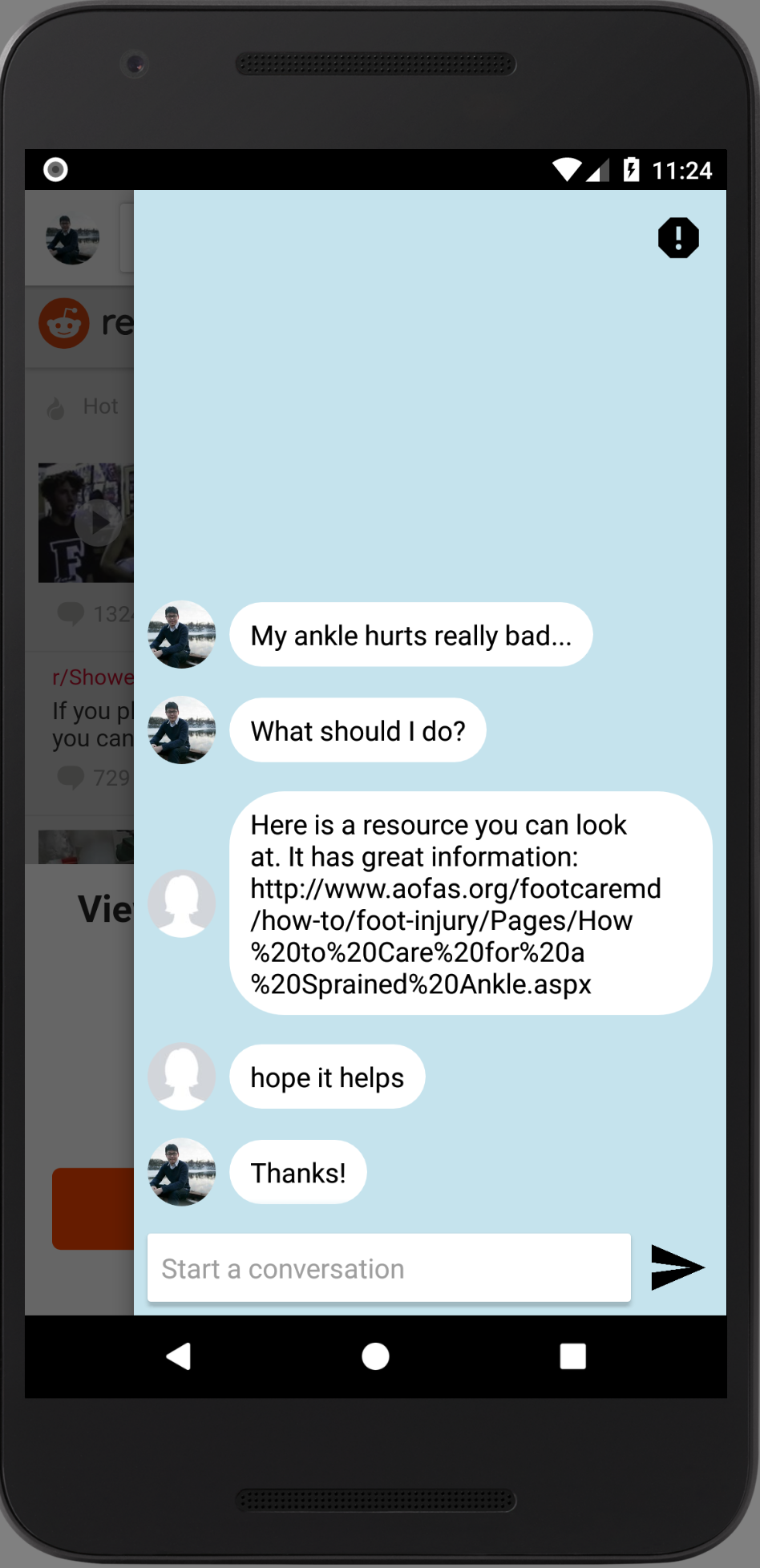
Browser extension for Android, example chat

Inspiration
We wanted to create a way for people to easily leave comments any page of the internet, with or without a comment section.
What it does
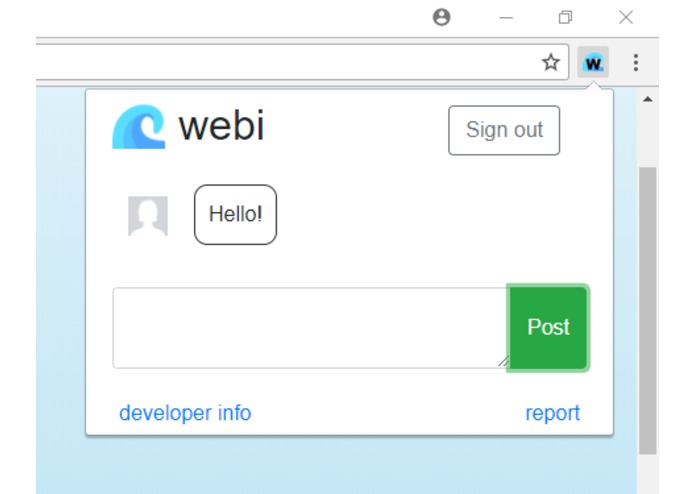
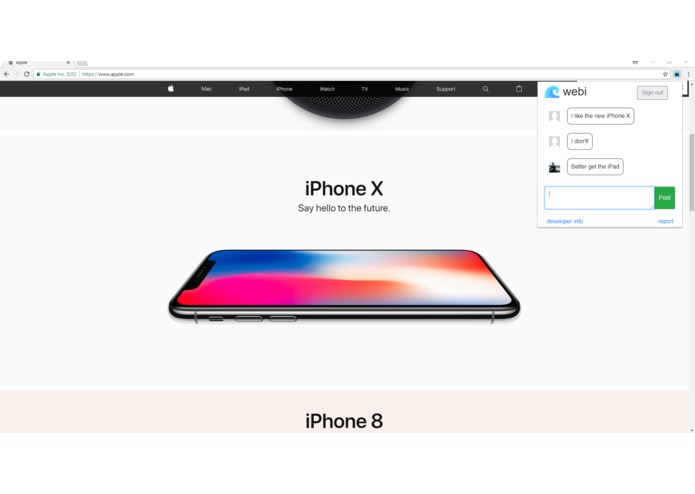
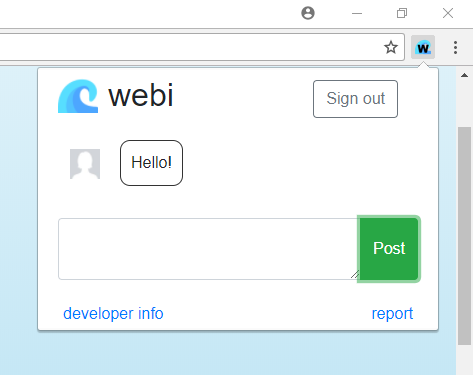
Webi is a browser extension that opens a popup when pressed. This popup contains comments that are unique to that web page. Users can leave comments in the browser extension after they sign in through Facebook.
This allows people to have open discussion on any page of the internet. This relates to the prompt because it would mean that people who visit sport injury websites (like on the Mayo Clinic site, a page without a comment section) would have the ability to ask questions. If another user comes along to that same web page, that user might be able to answer the question or point the individual in the right direction.
This is also relevant to research in sports injuries. If someone reading an academic paper about injuries realizes the paper is related to another academic paper, they have the ability to post that link to that paper in the comment section. This may prove to be useful to researchers who visit that page later in the future. It would also allow researchers to discuss topics on the pages of the papers themselves.
How We built it
We used Firebase to store the URLs of the sites that have comments logged on them, and the various info. (time posted, user, text, etc.) that goes with each comment. The browser extension was built primarily using JavaScript and, the Android app was built using Android Studio and Java.
Challenges We ran into
- Parsing the URL to make Firebase accept the data
Accomplishments that we're proud of
- Building a full Android App and chrome extension for people to leave comments around the web
- Learning how to implement a Facebook login into the app
What We learned
- How to use Firebase
- How to make Chrome extensions
What's next for Webi
- Add ways to report comments
- Find a better way to store comments for a larger user-base

Log in or sign up for Devpost to join the conversation.