-
-
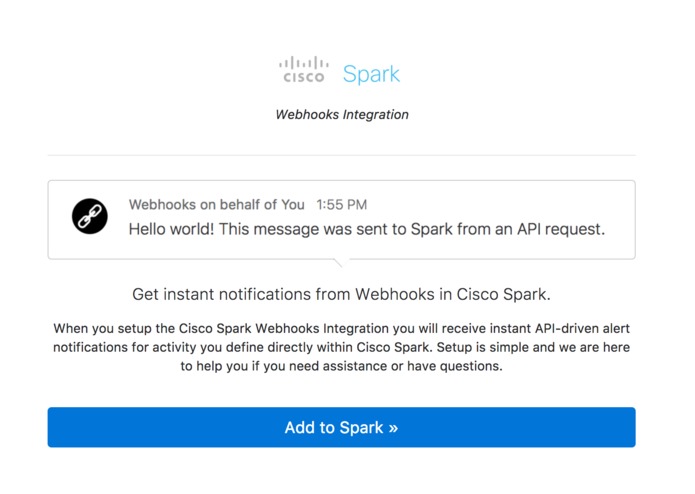
Step 1: Login with Cisco Spark
-
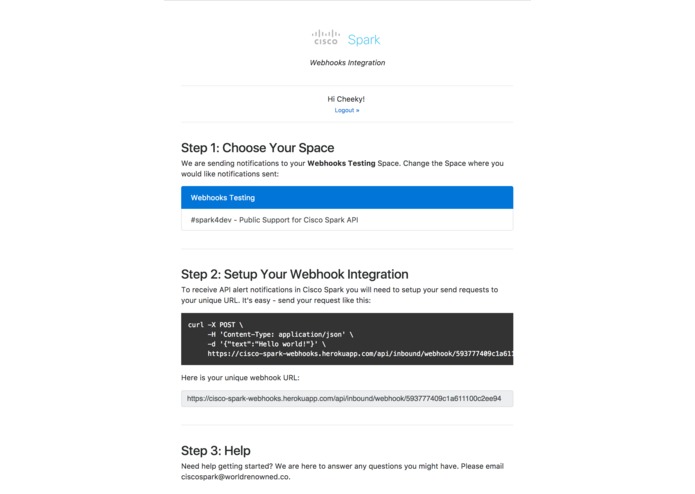
Step 1: Setup
-
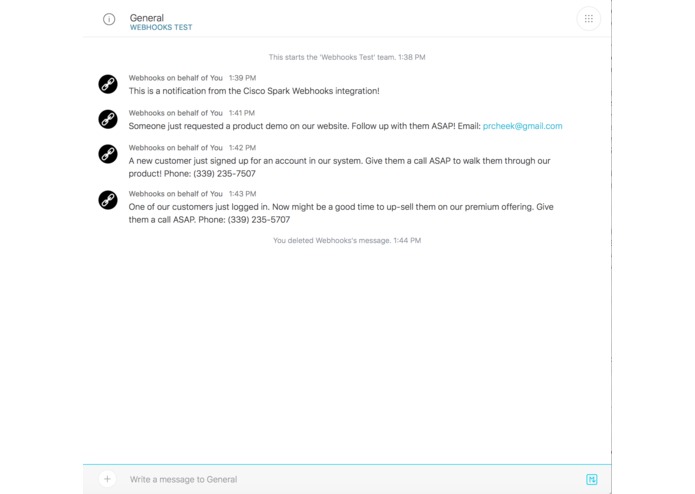
Step 3: Receive Notifications From Your App or System in Cisco Spark
Inspiration
Slack's Incoming Webhooks integration is incredibly helpful for being instantly notified of new activity (signups, sales, errors, etc) through a channel where it can be discussed. This same functionality is relevant to Cisco Spark so I built the Cisco Spark Webhooks Integration.
What it does
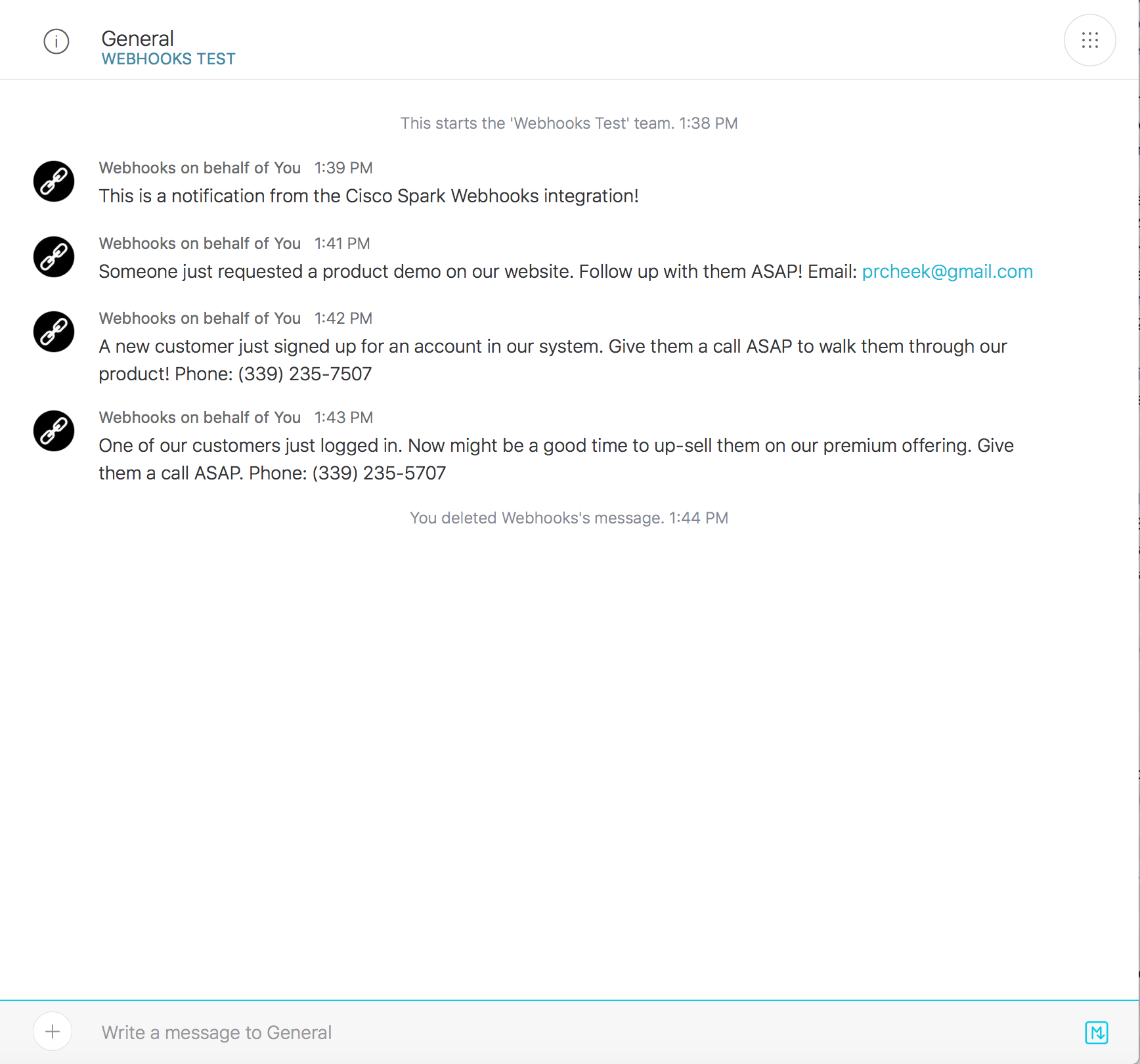
This integration provides Cisco Spark users with a unique URL that they can send a standard HTTP request to, which will trigger a new dynamic message in the Cisco Spark space of their choice.
How I built it
I built it by creating a unique URL for each use who installs the integration. The unique URLs are an endpoint that parse the request's JSON payload and sends the message within to the Cisco Spark space that the user chooses during the setup process.
Challenges I ran into
There was a problem with the Cisco Spark Passport strategy for Node.js that had to be resolved to allow for OAuth authentication using Node's passport module.
Cisco Spark Webhooks Integration
The Cisco Spark Webhook Integration provides instant API-driven alert notifications for your system within Cisco Spark.
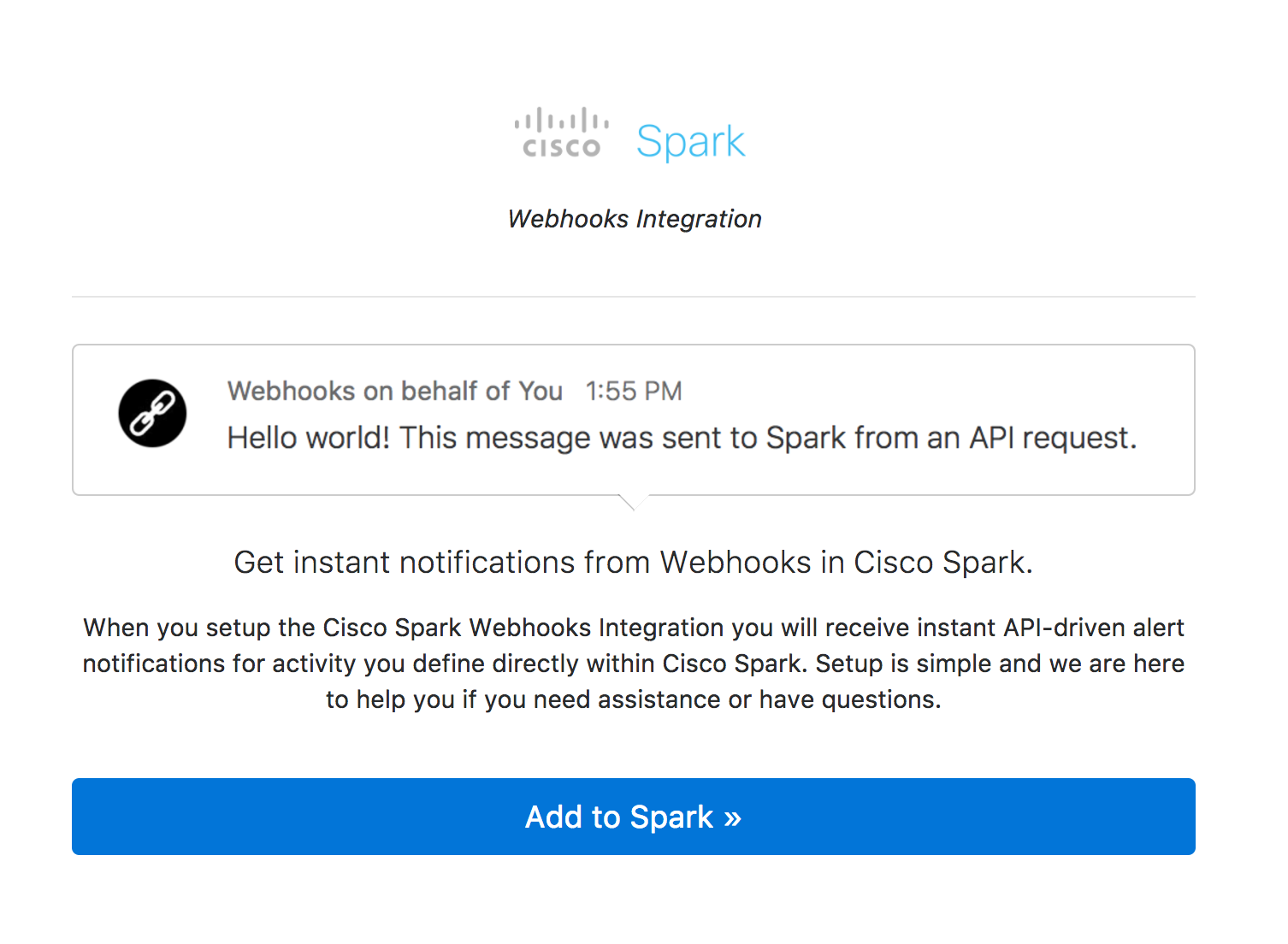
When you setup the Cisco Spark Webhooks Integration you will receive instant API-driven alert notifications for activity you define directly within Cisco Spark. Setup is simple and we are here to help you if you need assistance or have questions.
Try It
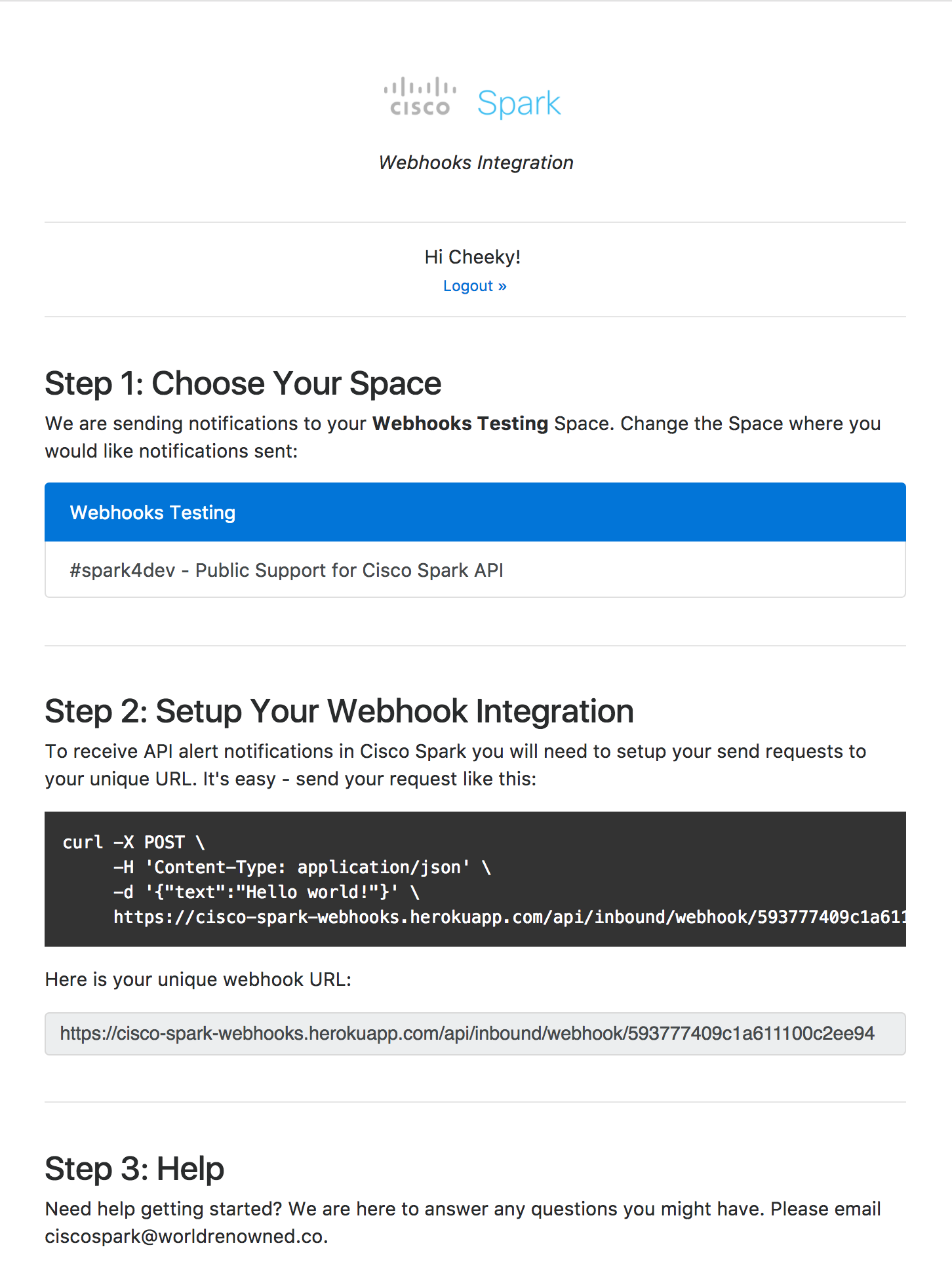
To receive webhook notifications in Cisco Spark you will need to setup your unique URL. It's easy - follow these steps:
Login to the Cisco Spark Webhooks Integration: https://cisco-spark-webhooks.herokuapp.com
Choose a team where you would like to receive notifications.
Copy your unique URL (Provided after connecting with Cisco Spark and choosing a space).
Make an HTTP POST request to your unique URL with a JSON payload containing the key "text" with the value of your choice (this will be the message sent into Cisco Spark).
Getting Started
There are a few steps to get started on working with the Cisco Spark Webhooks Integration:
Installing Cisco Spark Webhooks Integration
Clone this repository:
git clone https://github.com/pcheek/cisco-spark-webhooks.git
Install dependencies:
cd cisco-spark-webhooks
npm install
Environment Setup
You need to define these environment variables:
INTERNAL_CISCO_SPARK_INTEGRATION_ID = 'webhook'
MONGOLAB_URI
INTERNAL_CISCO_SPARK_INTEGRATION_TITLE = 'Webhooks'
INTERNAL_CISCO_SPARK_INTEGRATION_DESCRIPTION
INTERNAL_CISCO_SPARK_INTEGRATION_LOGIN_TEXT
DOMAIN
CISCOSPARK_CLIENT_ID
CISCOSPARK_CLIENT_SECRET
Usage
To receive API alert notifications in Cisco Spark you will need to setup your send requests to your unique URL. It's easy - send your request like this:
curl -X POST \
     -H 'Content-Type: application/json' \
     -d '{"text":"Hello world!"}' \
     https://cisco-spark-webhooks.herokuapp.com/api/inbound/webhook/593777409c1a611100c2ee94
About Webhooks Integration for Cisco Spark
The Webhooks Integration for Cisco Spark is a project for the Cisco Spark Industry Challenge


Log in or sign up for Devpost to join the conversation.