WebAudioFont
WebAudioFont is a set of resources and associated technology that uses sample-based synthesis to play musical instruments in browser.
Code examples
- simple example - code - open
- virtual drums - code - open
- virtual piano - code - open
- endless flute - code - open
- two voices - code - open
- sound fx - code - open
- realtime music - code - open
- dynamic loading - code - open
- mixer - open
Complex example
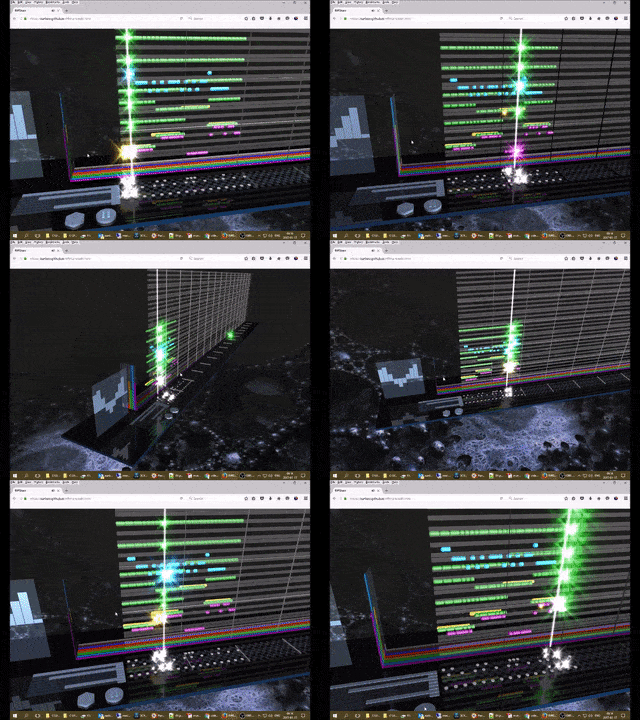
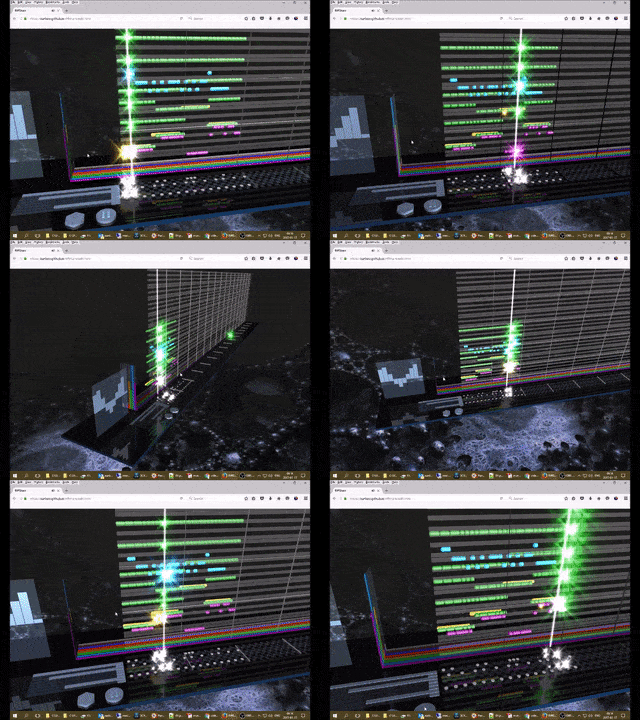
RiffShare - create and exchange tunes in 3D environment.
Use cases
- Virtual instruments
- Interactive music generated on the fly
- Sound effects for non-music applications
Parts of WebAudioFont
- Library of sounds
- Metadata that describe how to play sounds
- WebAudioFontPlayer.js that uses metadata and sounds for playing instruments
- Catalog of available sounds
Underlaying technology
WebAudioFont uses Web Audio API to play instruments.
Synthesizer uses wavetables to play sound.
How to use
Minimal HTML page
<html>
    <head>
        <script src='https://surikov.github.io/webaudiofont/npm/dist/WebAudioFontPlayer.js'></script>
        <script src='https://surikov.github.io/webaudiofontdata/sound/0250_SoundBlasterOld_sf2.js'></script>
        <script>
            var AudioContextFunc = window.AudioContext || window.webkitAudioContext;
            var audioContext = new AudioContextFunc();
            var player=new WebAudioFontPlayer();
            player.loader.decodeAfterLoading(audioContext, '_tone_0250_SoundBlasterOld_sf2');
            function play(){
                player.queueWaveTable(audioContext, audioContext.destination
                    , _tone_0250_SoundBlasterOld_sf2, 0, 12*4+7, 2);
                return false;
            }
        </script>
    </head>
    <body>
        <p><a href='javascript:play();'>Play!</a></p>
    </body>
</html>
Minimal NPM code
JavaScript
var webaudiofont = require('webaudiofont');
var player = new WebAudioFontPlayer();
package.json
...
"devDependencies": {
    "webaudiofont":"^2.0.0"
...
This code plays instrument _tone_0250_SoundBlasterOld_sf2 with pitch 55.
How to use catalog of sounds:
- open index page
- find instrument
- copy name of file to include instrument data
- copy name of variable to refer to instrument
- add this info to a page
Sound file format
Each file looks like this:
console.log('load _tone_Harp000087_461_460_45127');
var _tone_Harp000087_461_460_45127={
    zones:[
        {
            midi:46
            ,originalPitch:5700
            ,keyRangeLow:0
            ,keyRangeHigh:62
            ,loopStart:3340
            ,loopEnd:3841
            ,coarseTune:0
            ,fineTune:0
            ,sampleRate:22050
            ,ahdsr:true
            ,sample:'...
        }
        ,{
            midi:46
            ,originalPitch:7001
            ,keyRangeLow:63
            ,keyRangeHigh:76
            ,file:'...
It creates object and assigns it to a global variable.
Each instrument consists of one or more zones, each zone has own properties for wavetable. Files contains of array with audio data. You can use instruments locally without CORS problem.
- 'sample' is raw PCM data
- 'file' is content of audio file
Some wavetables uses loops and AHDSR volume.
Player
WebAudioFontPlayer has function queueWaveTable (audioContext, target, preset, when, pitch, duration, volume, slides)
Parameters:
- audioContext - AudioContext
- target - a node to connect, for example audioContext.destination
- preset - variable with instrument preset
- when - when to play, audioContext.currentTime or 0 to play now, audioContext.currentTime + 3 to play after 3 seconds
- pitch - note pitch from 0 to 127, for example 2+12*4 to play D of fourth octave (use MIDI key for drums)
- duration - note duration in seconds, for example 4 to play 4 seconds
- volume - 0.0-1.0 volume
- slides - array of pitch bends
Function queueWaveTable returns envelope object. You can use this object to cancel sound or access to AudioBufferSourceNode.
Log in or sign up for Devpost to join the conversation.