-
-
 GIF
GIF
Feature overview
-
-
Logo
-
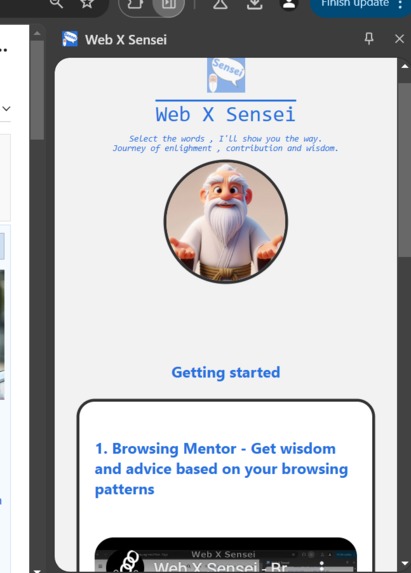
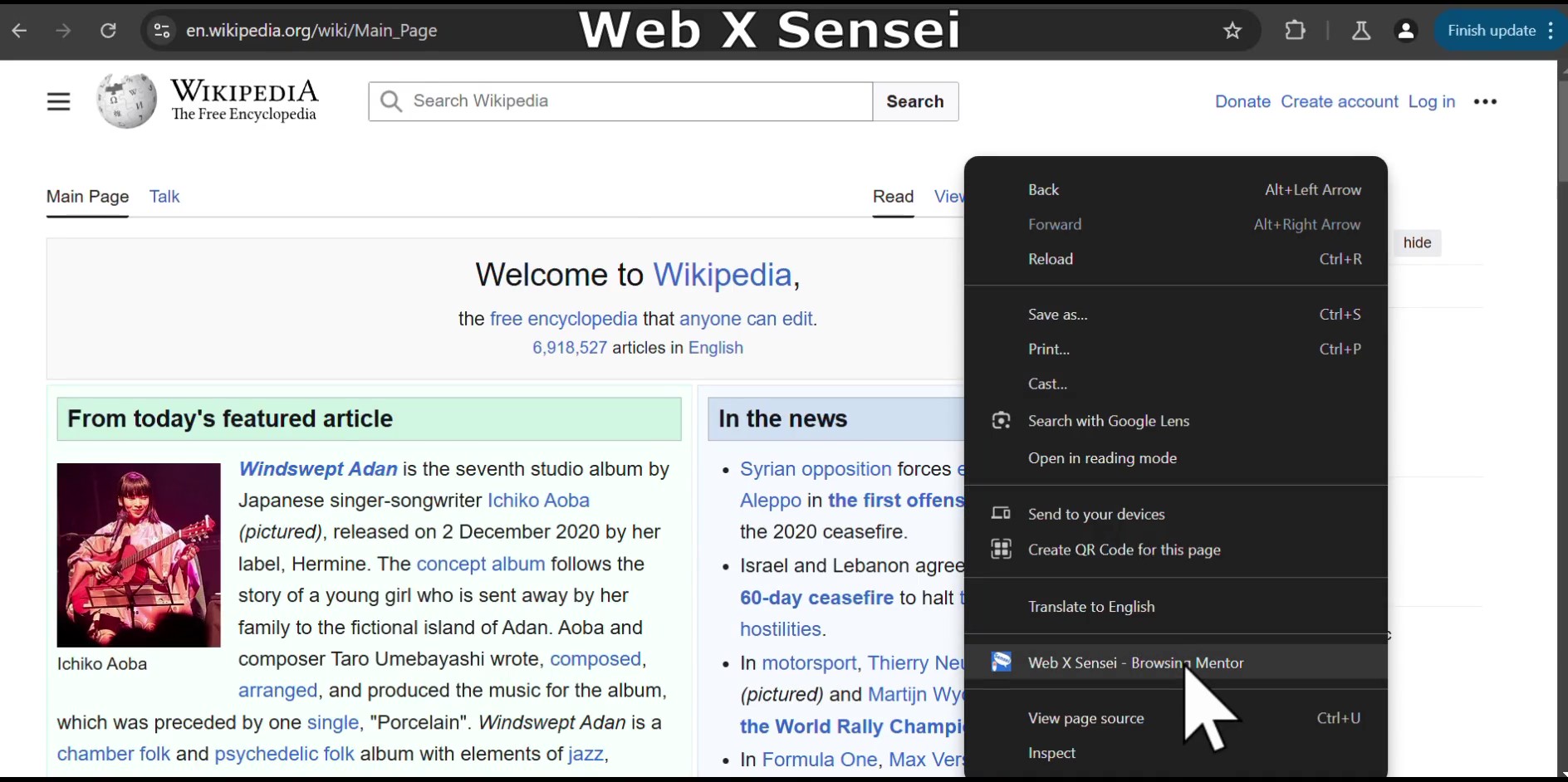
#Feature0 - Home Screen Tutorial
-
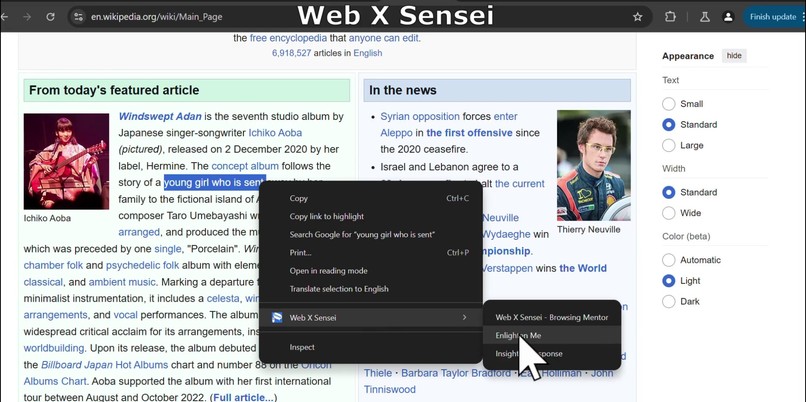
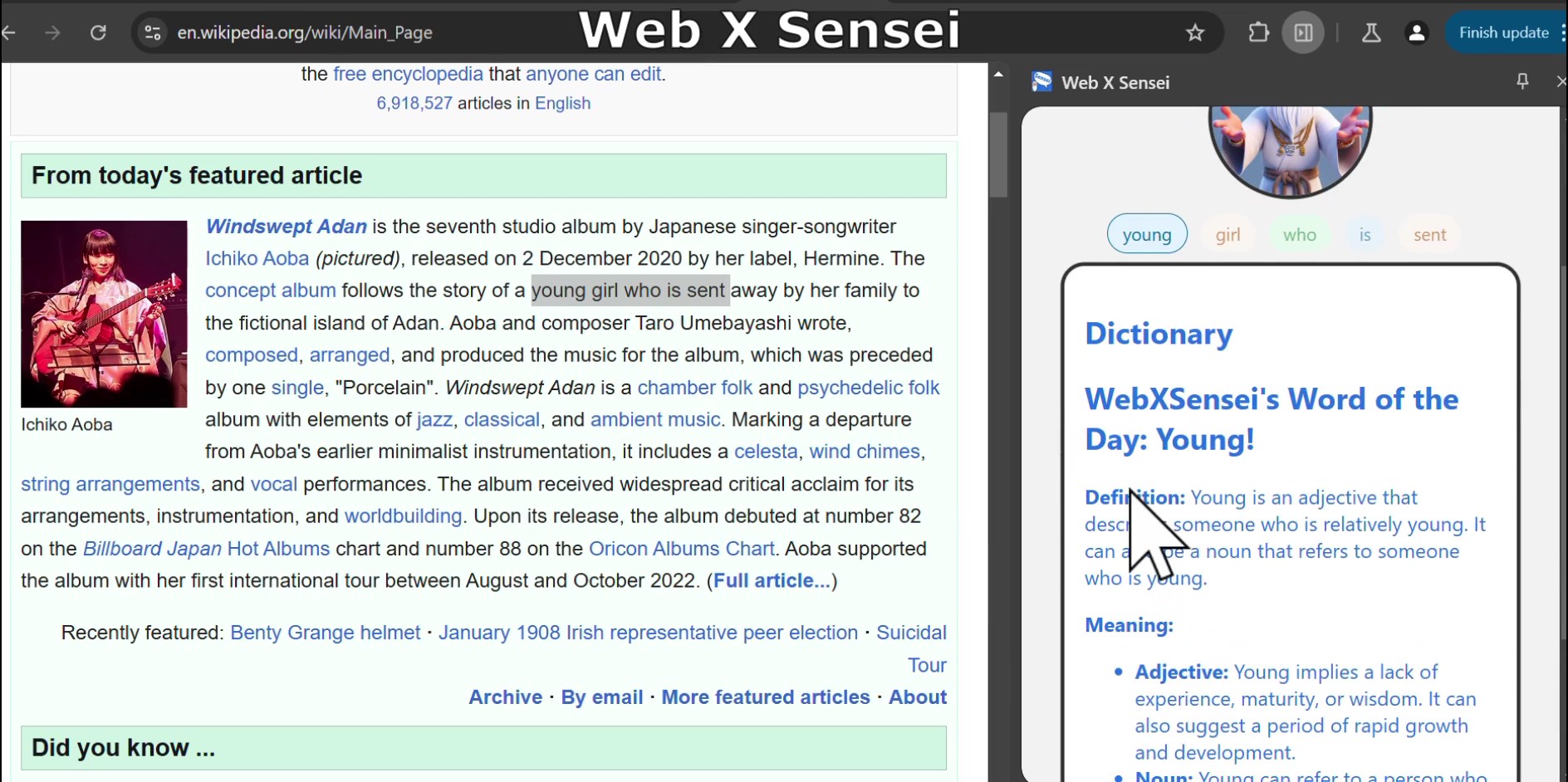
#Feature2.1 - Text summary, meaning, dictionary, thesaurus, synoym
-
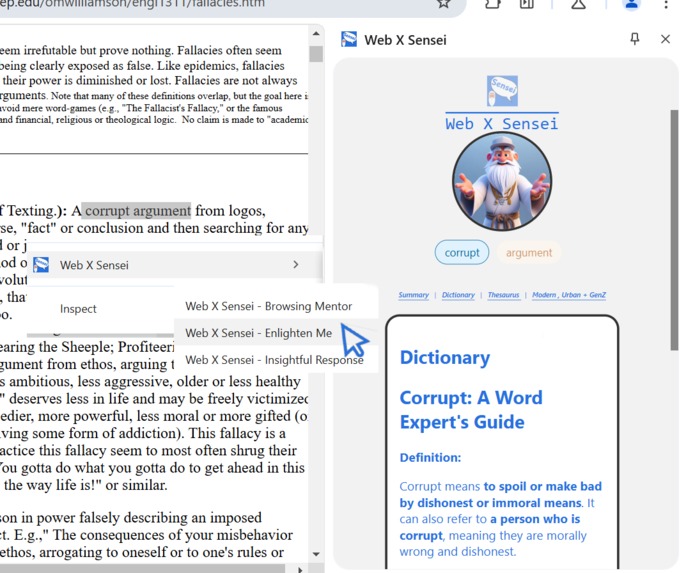
#Feature2.1 - Text summary, meaning, dictionary, thesaurus, synoym
-
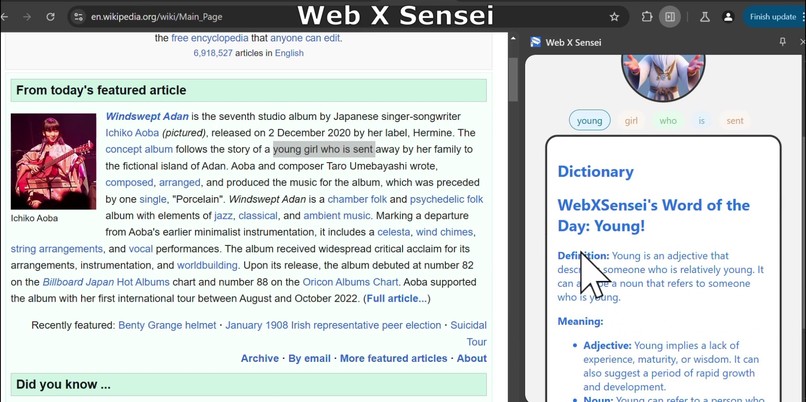
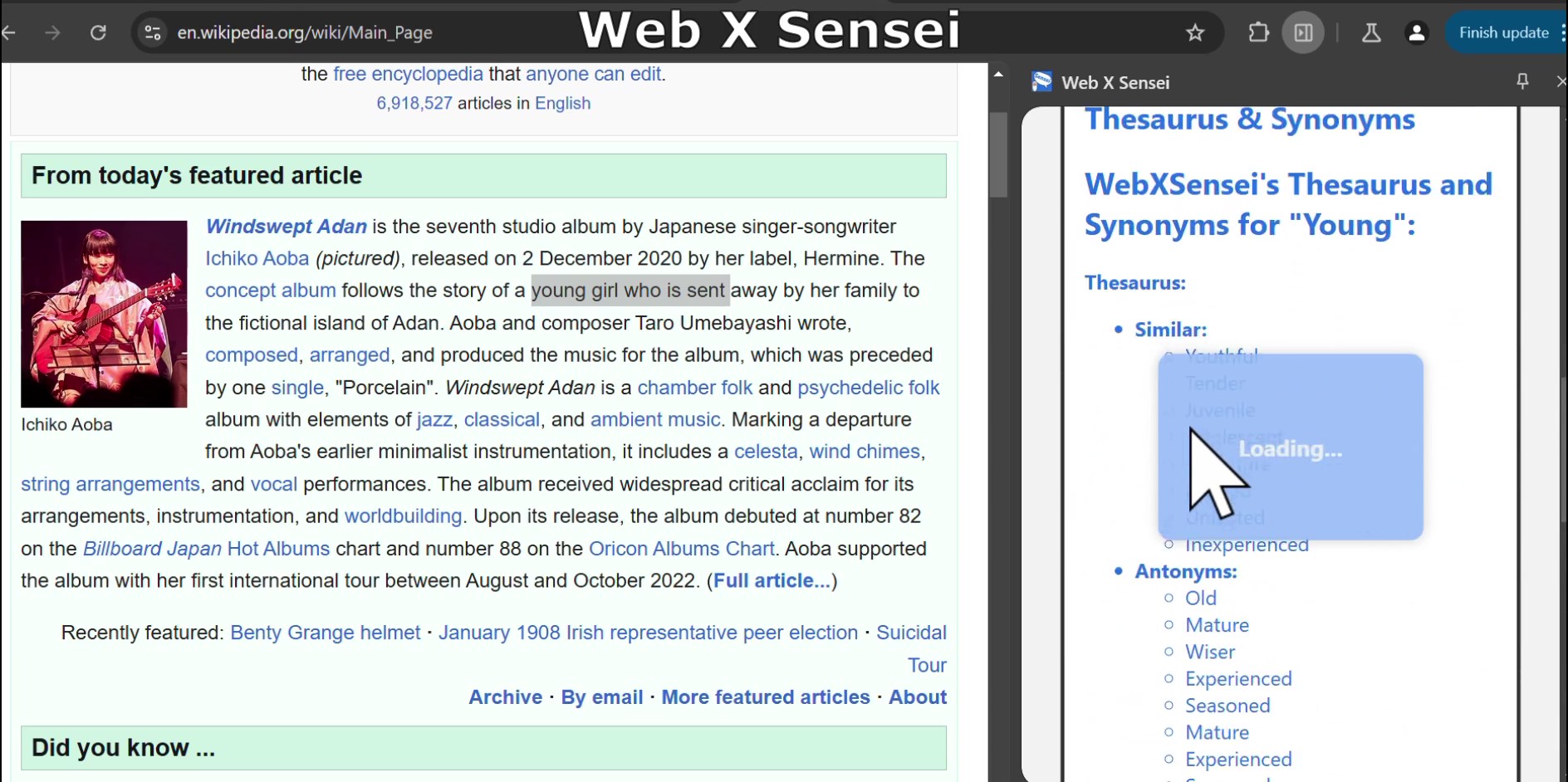
#Feature2.2 - Text summary, meaning, dictionary, thesaurus, synoym
-
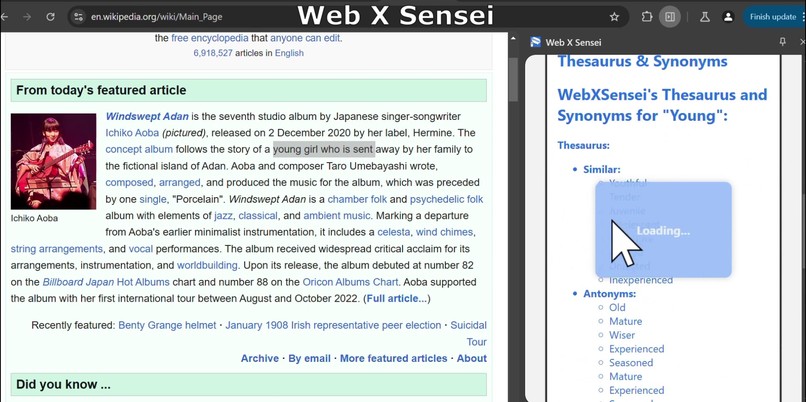
#Feature2.3 - Text summary, meaning, dictionary, thesaurus, synoym
-
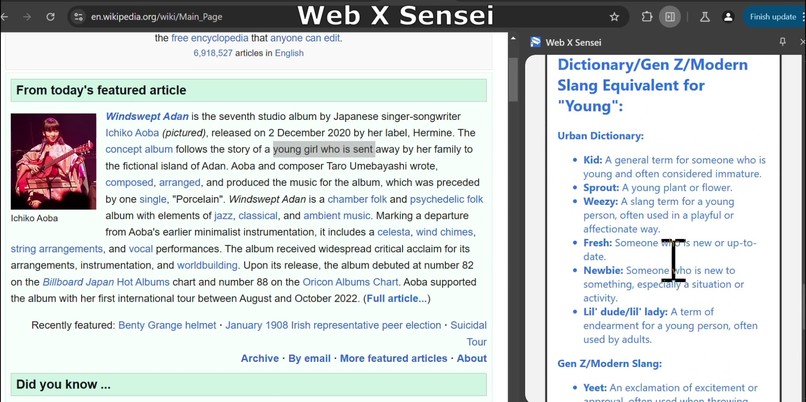
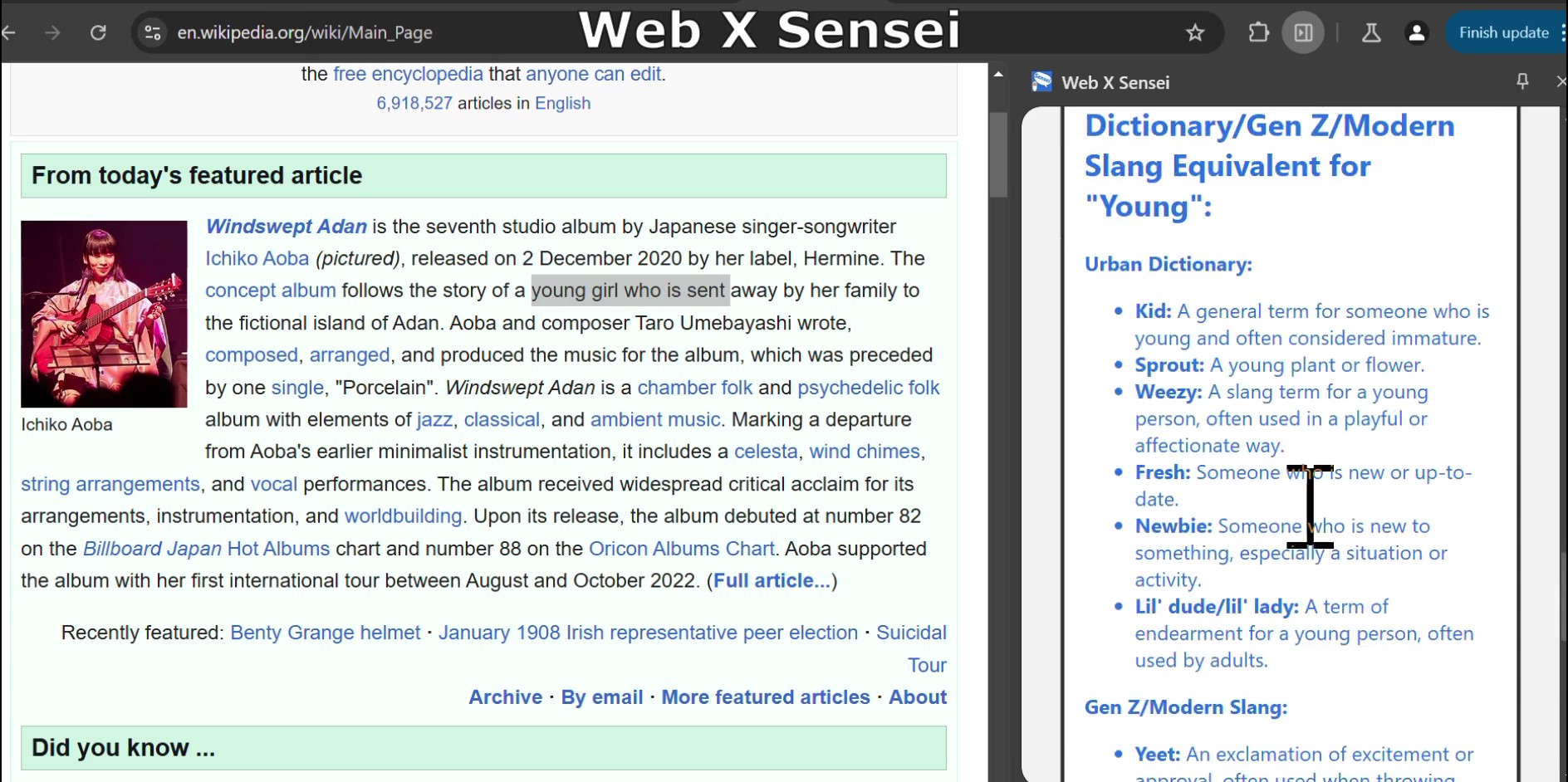
#Feature2.4 - Text summary, meaning, dictionary, thesaurus, synoym
-
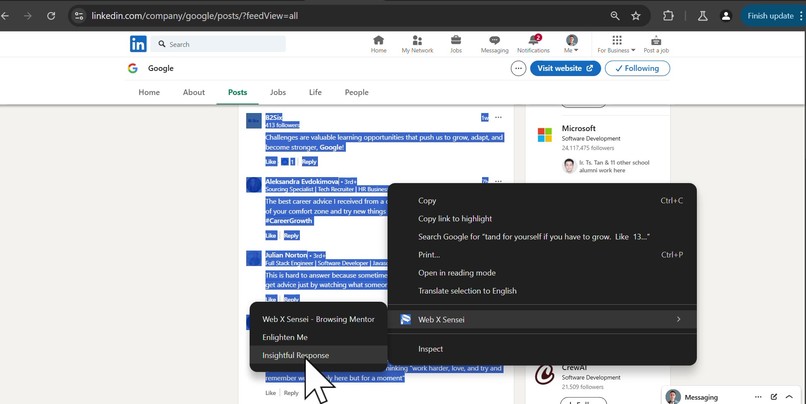
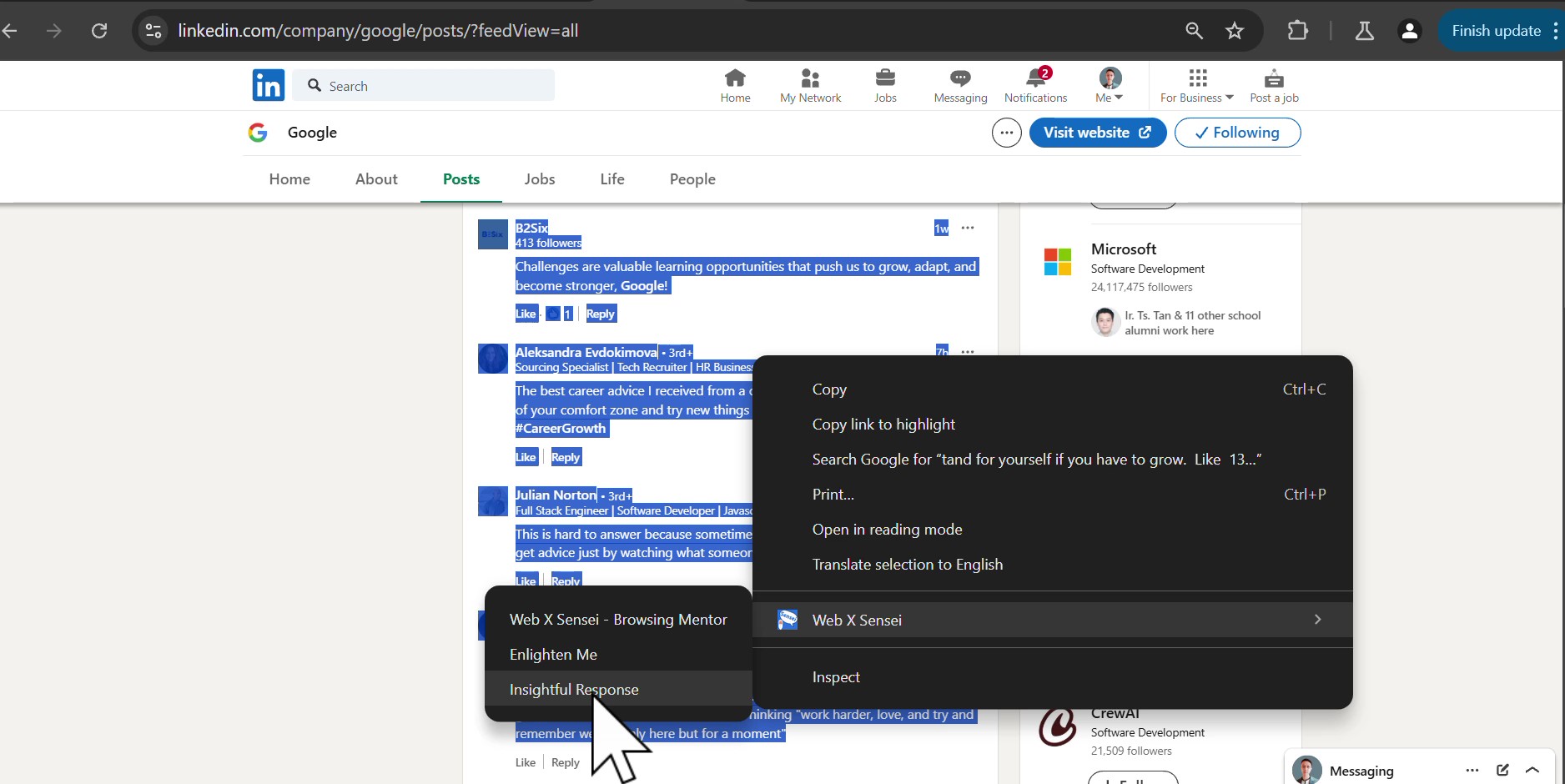
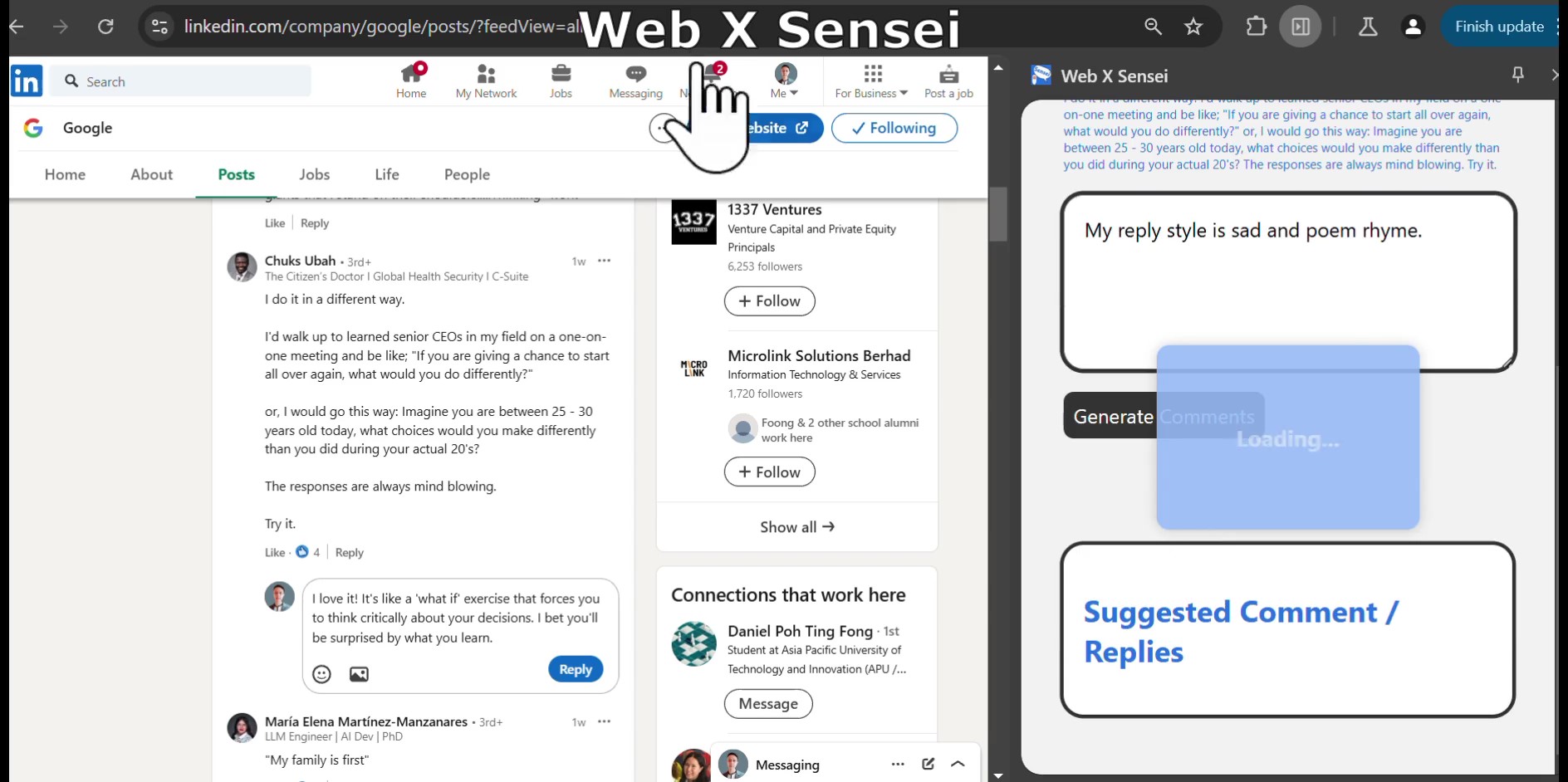
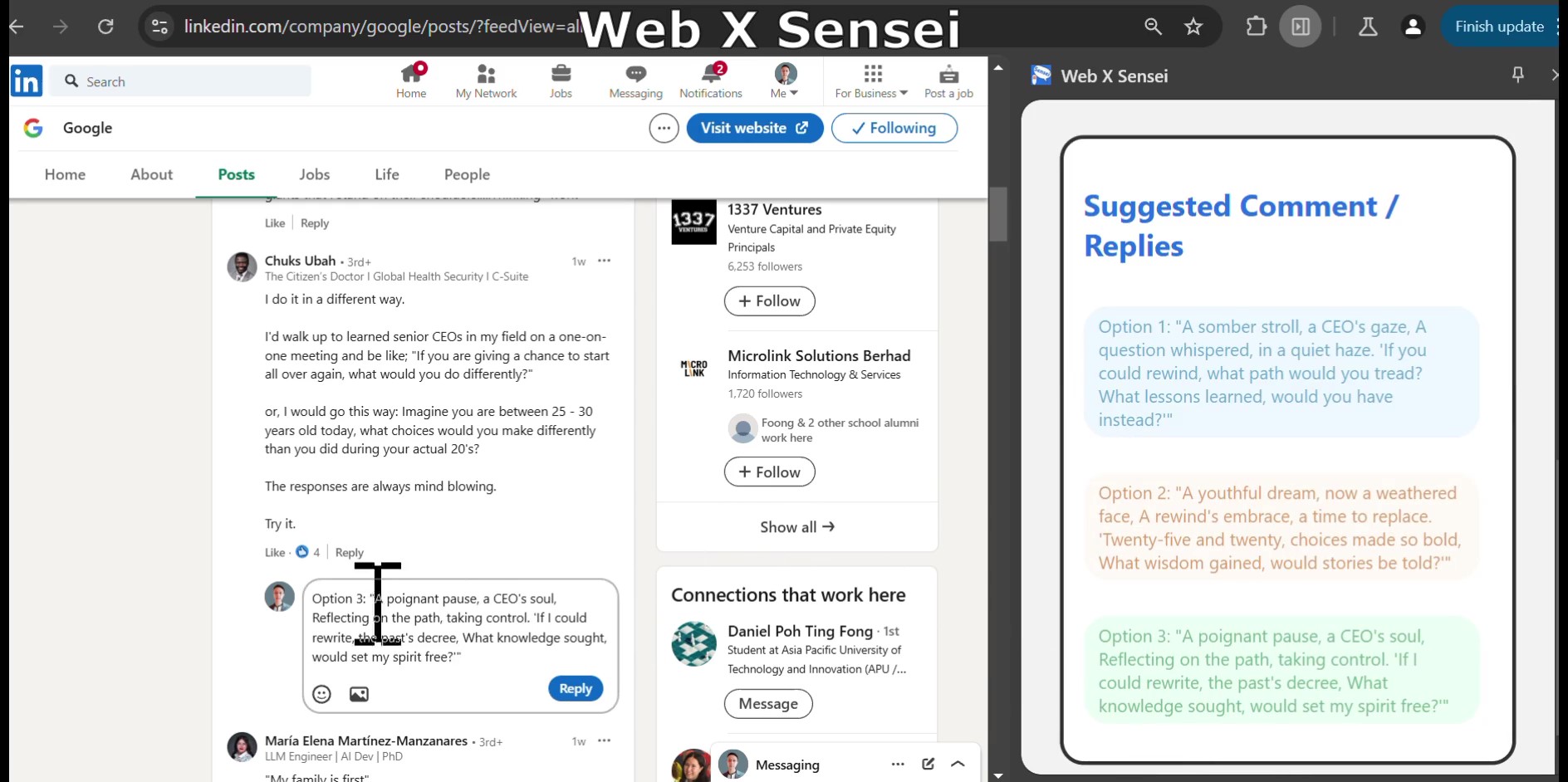
#Feature3.1- Contextual Replies Comments with Customizable option
-
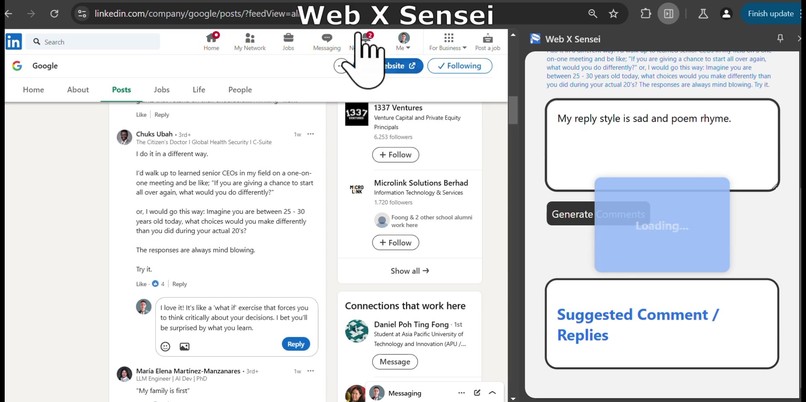
#Feature3.2- Contextual Replies Comments with Customizable option
-
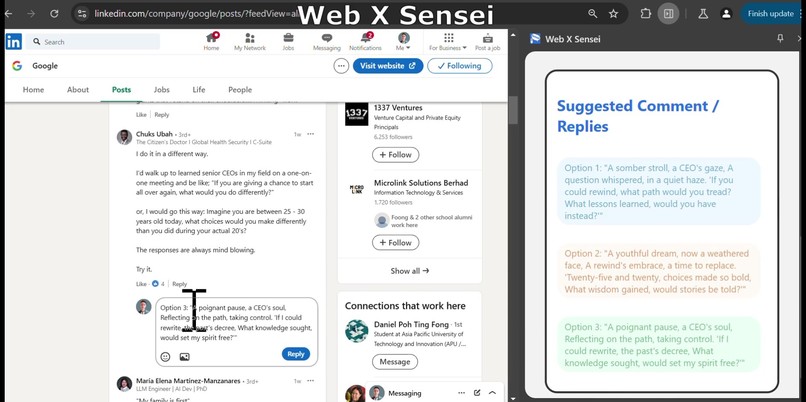
#Feature3.3- Contextual Replies Comments with Customizable option
-
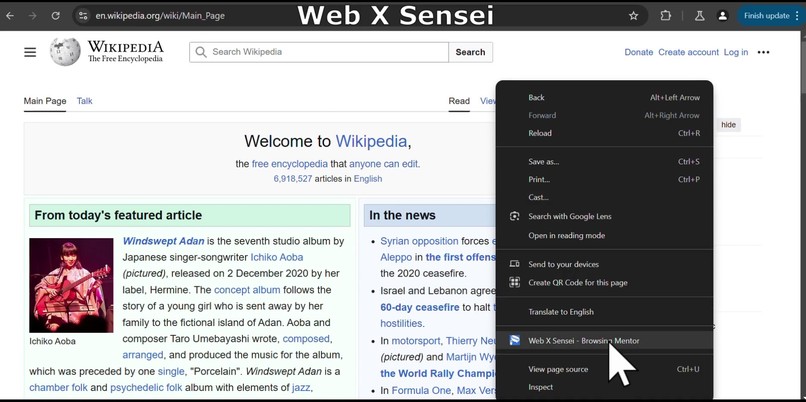
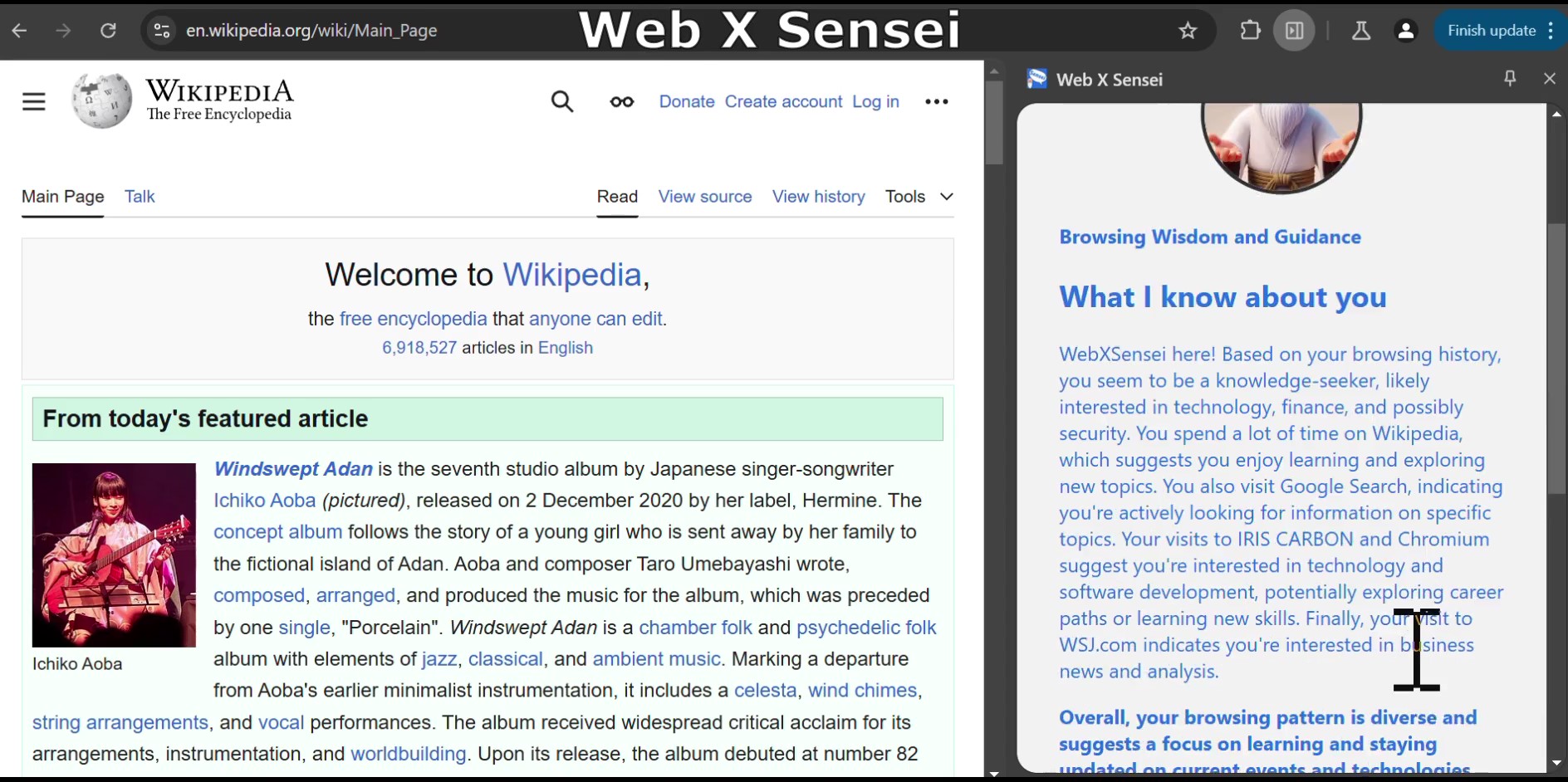
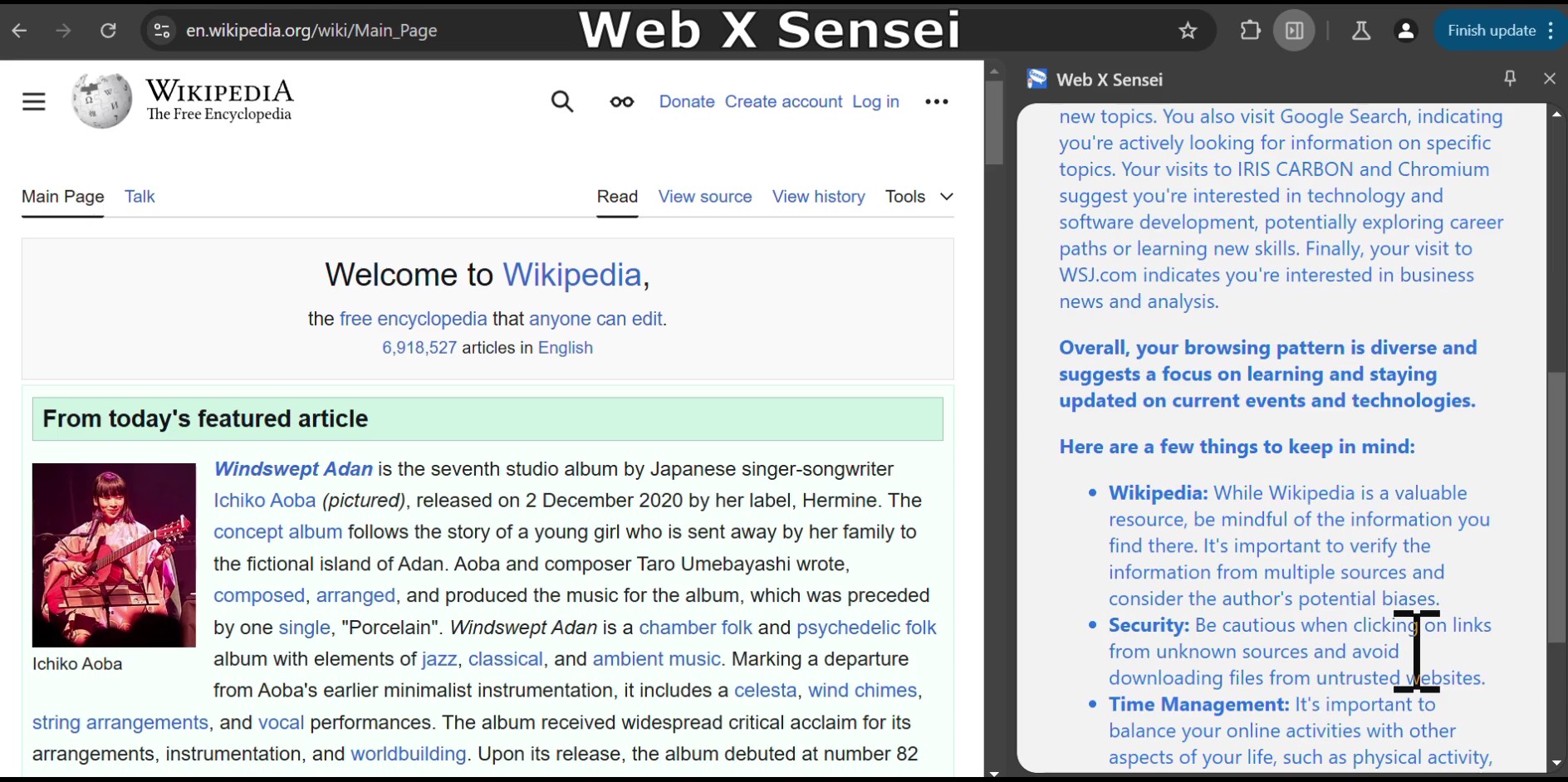
#Feature1.1 - Browsing Insights & Mentor
-
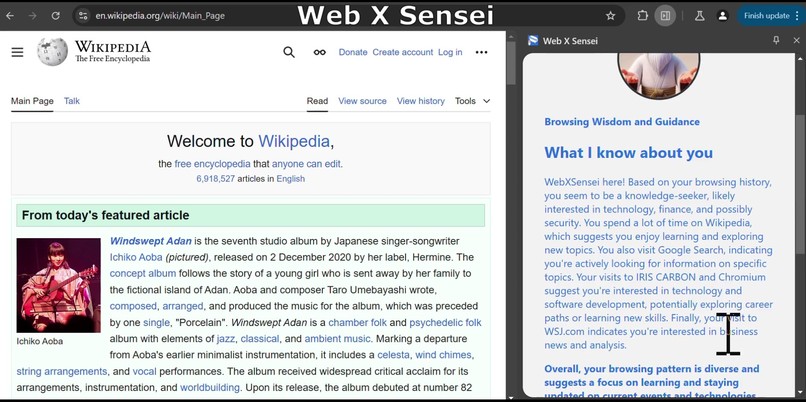
#Feature1.2 - Browsing Insights & Mentor
-
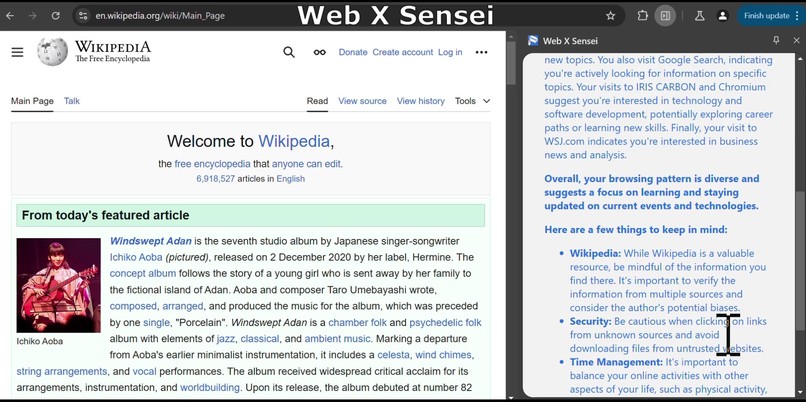
#Feature1.3 - Browsing Insights & Mentor

Problem Statements
Problem 1: Browsing Navigation Overload & Bad Browsing habits
As a user, when i browse different sites i constantly context switching and it's easy lose focus. Sometimes, I may develop bad browsing habits frequenting negative websites without realizing it, and it's challenging to realise if i am lost. There is no reliable way private way for me to guidance and advises.
Problem 2: Limited and Inconvenient AI Tools
Currently, AI tools are scattered across different tabs and webpages, requiring excessive switching and making it difficult to access them. Existing Chrome extensions with AI capabilities come with limitations, such as the need to sign up, limited tokens, and privacy risks due to data being sent to external servers. Moreover, these tools often cannot function offline, which is inconvenient for users who need to work on-the-go. I just want a simple highlight and right-click access to offline ai feature
Problem 3: Inadequate AI Support for Online Interactions
As a user, I frequently encounter forms and reply fields on various websites, but not all sites have built-in AI features to assist me. The lack of AI inclusivity for generating and supporting diverse site features hinders my ability to efficiently complete tasks. Furthermore, the absence of AI-powered reply suggestions can lead to brain rot comments and make it challenging to craft thoughtful and relevant responses in online discussions.
What it Does
The app has three main features:
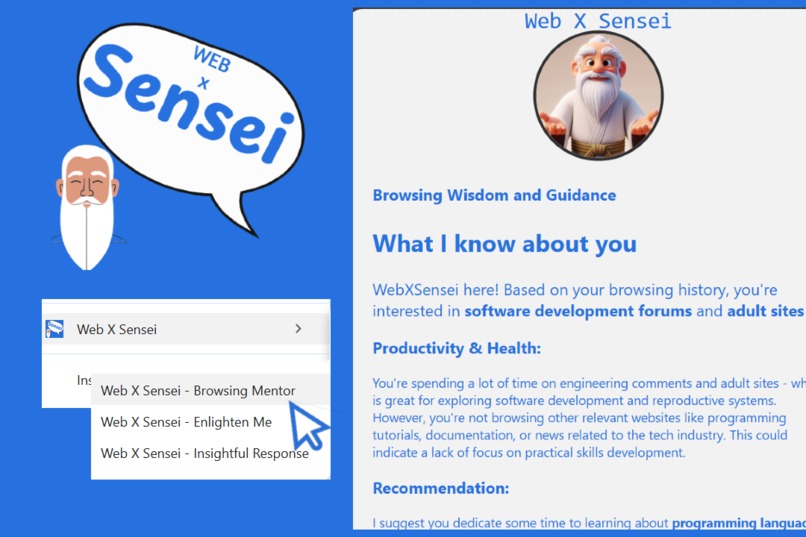
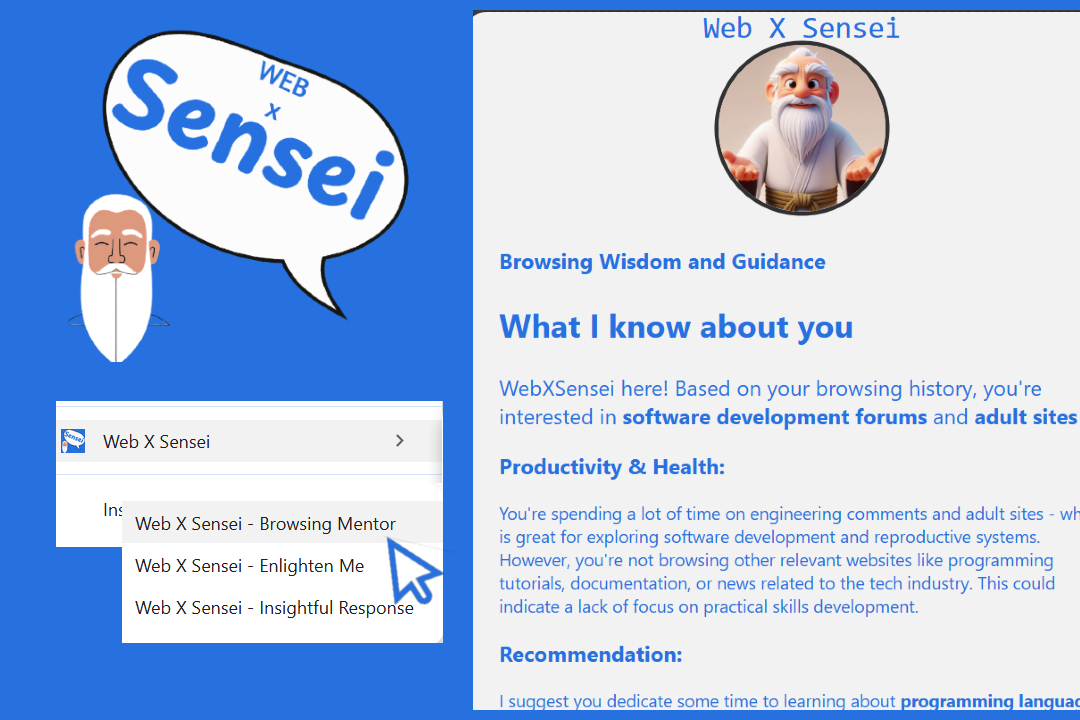
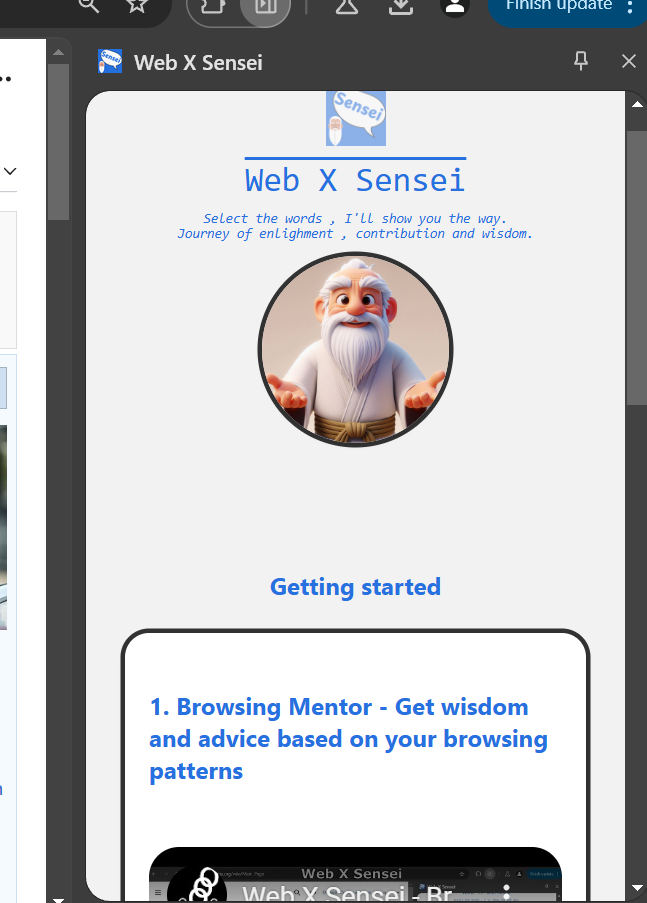
- Browsing Mentor: Analyzes your browsing history patterns and provides private offline insights, helpful advice, and a motivational quote.
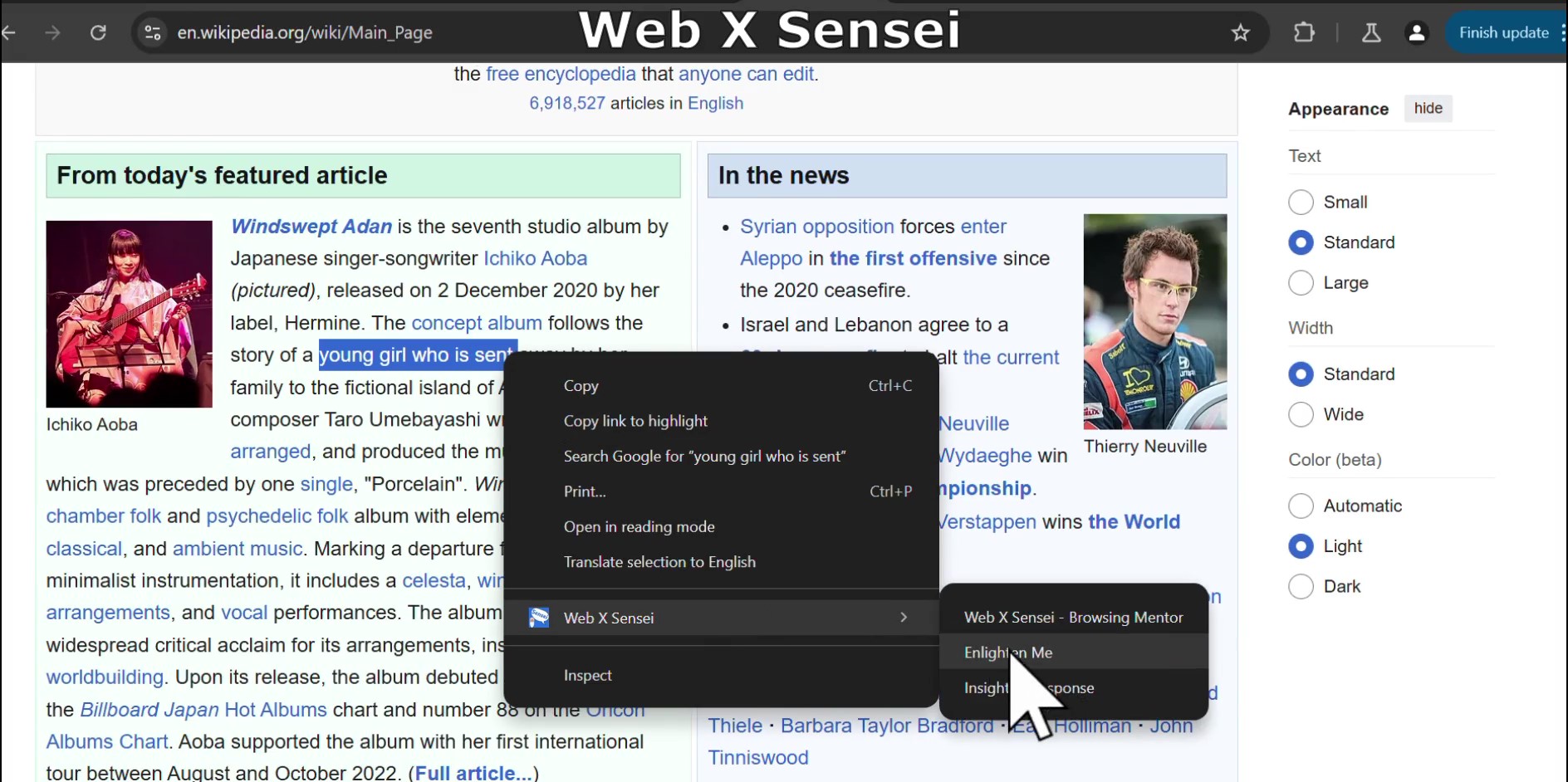
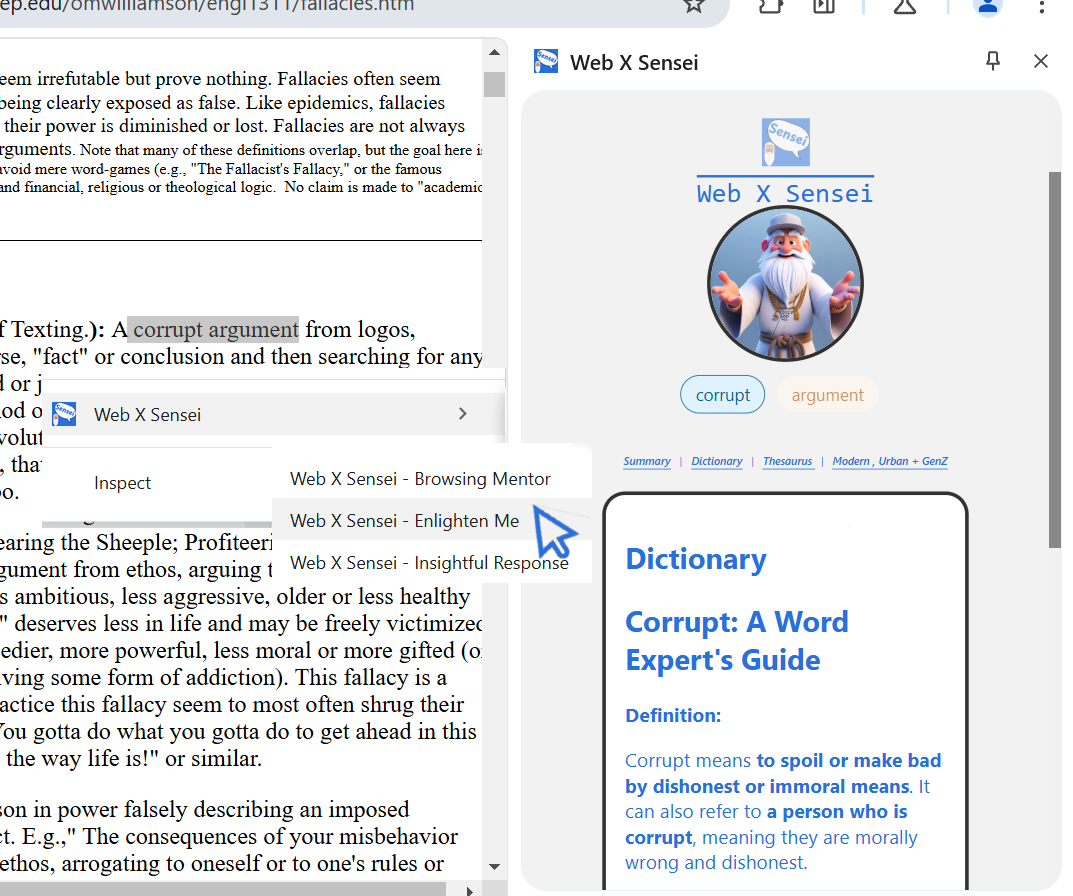
- Enlighten Mode: Allows you to turn your highlghted text into understanding like summary, meaning, thesaurus, synonym and urban dictionary.
- Insightful Contribution: Generates customizable comments/replies for you based on your contextual selection. ## Inspiration
- Tech: I stumbled upon browser-based AI via google chrome blogs and thought, "Why not give it a try?" I was excited to discover that I didn't need to set up infrastructure, servers, or API keys. The Gemini Nano browser extension allows also for offline capabilities and doesn't send data off to unknown servers.
Functional Part: As someone who uses AI daily for work and hobbies, I often find myself opening multiple tabs and windows. I sometimes get lost with too many browser tabs and windows open. It would be cool if I could seek AI for advice for overview and how to be more productive. Also, I thought, "What if I could keep my site open and highlight text to generate summary, meaning, synonym and comments easily?" I downloaded many market AI Chrome extension, but it required signing up, limited access, or token-based trials. I was concerned about the privacy of my search queries too.
UX Part: I envisioned a side-panel mentor, like a sensei, to guide me. I thought, "Why not make it charismatic, like a Chinese kung fu master with long eyebrows & beard?" and.. "How about Sensei?" since i like karate kid
How We Built It
I referred to the documentations and offlne device Gemini Nano GitHub repo ,then played with different repos to understand how to call the API.
Challenges We Ran Into
- Personal: Limited time and had to commit code quickly for a hackathon.
Technical: API AI sessions canceled themselves when too many were running, and my slow PC processor slowed down when running multiple test codes. Code organization is messy.
Technical: I had many separated ideas, but decided to combine them into different context menu features.
Accomplishments We're Proud Of
I'm proud to have created a Chrome extension for the first time and like the result. I am also able integrate all the common offline AI capabilities that usually I would need to pay with expensive costs (api token billing usages) and effort (eg setup infra backend etc) .
What We Learned
- Learning is always good.
- Testing is important to keep the app working.
- Prioritization and focus on features are crucial.
- Simplicity is key.
What's Next for Web X Sensei: Enlightening Your Web Browsing Journey
I want to explore function-binding features (like how openAI function call and LLaMA index tool callng) for browser navigation features. Somethng like allow user to prompt chat to perform finding or closing tabs that meet specific criteria.

Log in or sign up for Devpost to join the conversation.