-
-
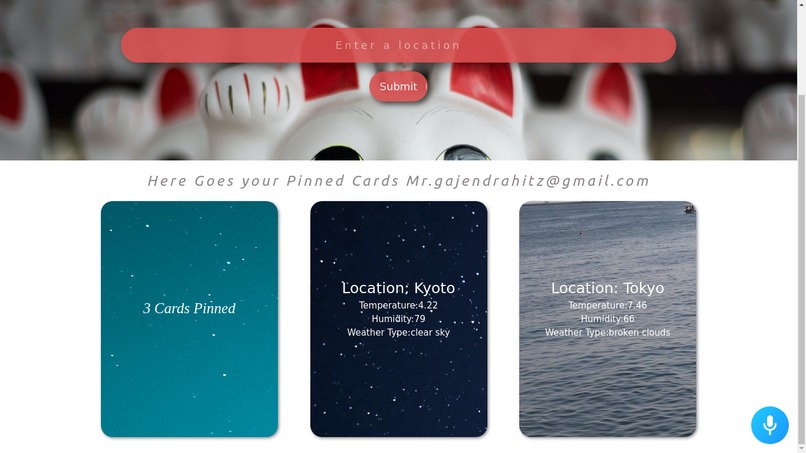
Weather Web App Page
-
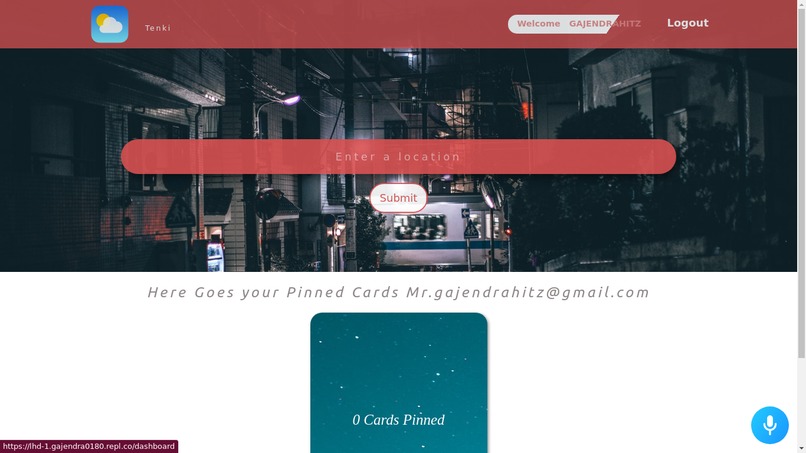
Weather Web App Page
-
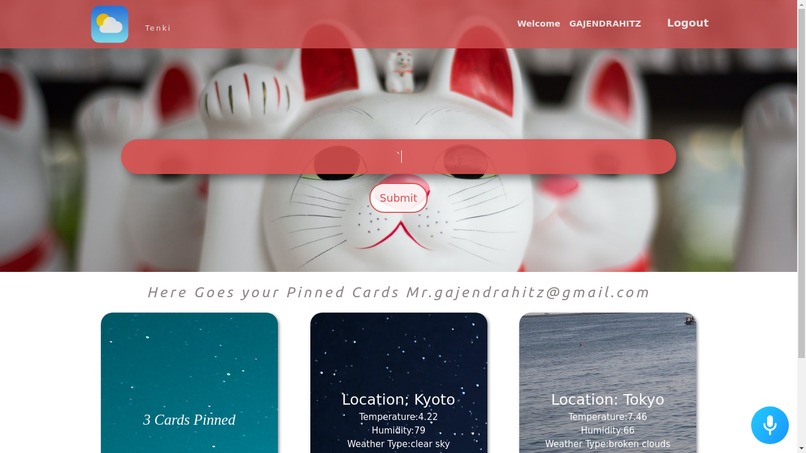
Weather Web App Page
-
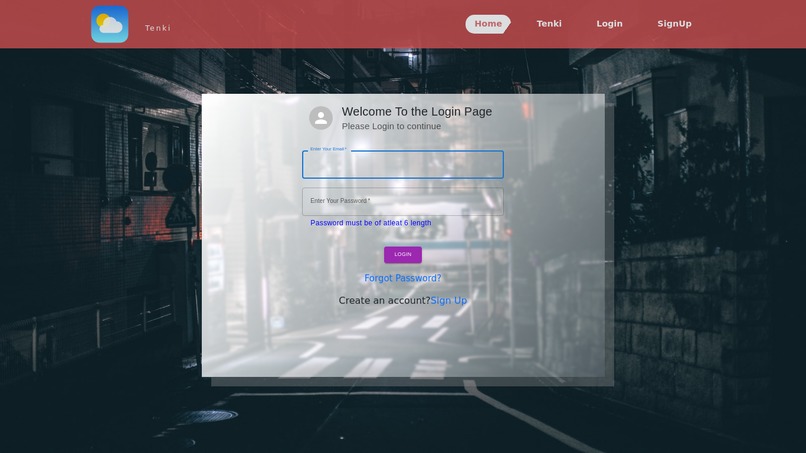
Login Page
-
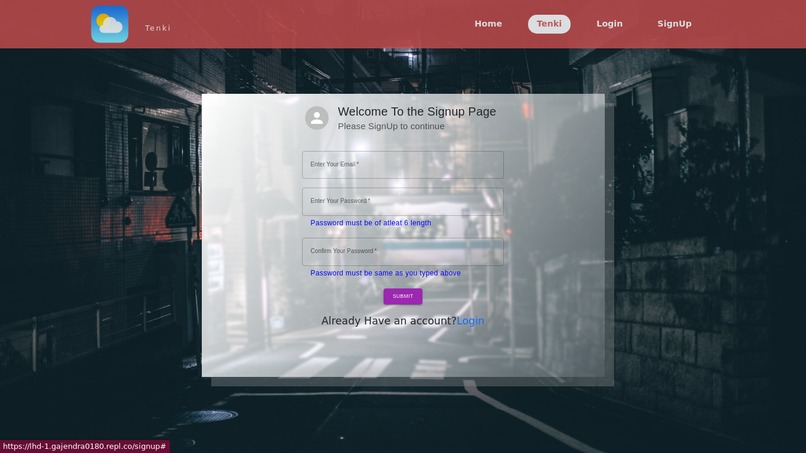
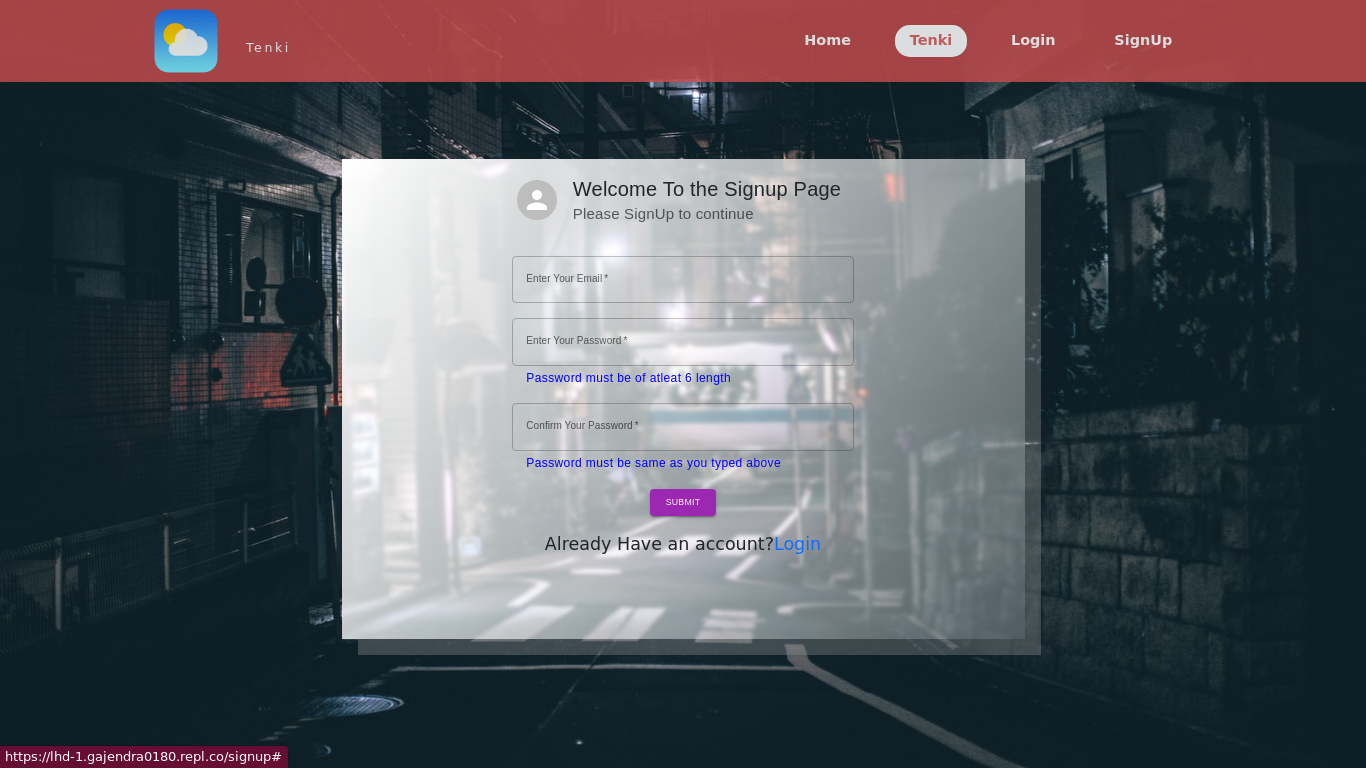
SignUp Page


Inspiration
Voice Communication is the feature of the web. There are many projects with the traditional search bar to search the weather report of the location but we thought of trying out something new. We tried integrating voice commands* into the webAPP so that it may facilitate user to use commands to search the weather report of any location.
What it does
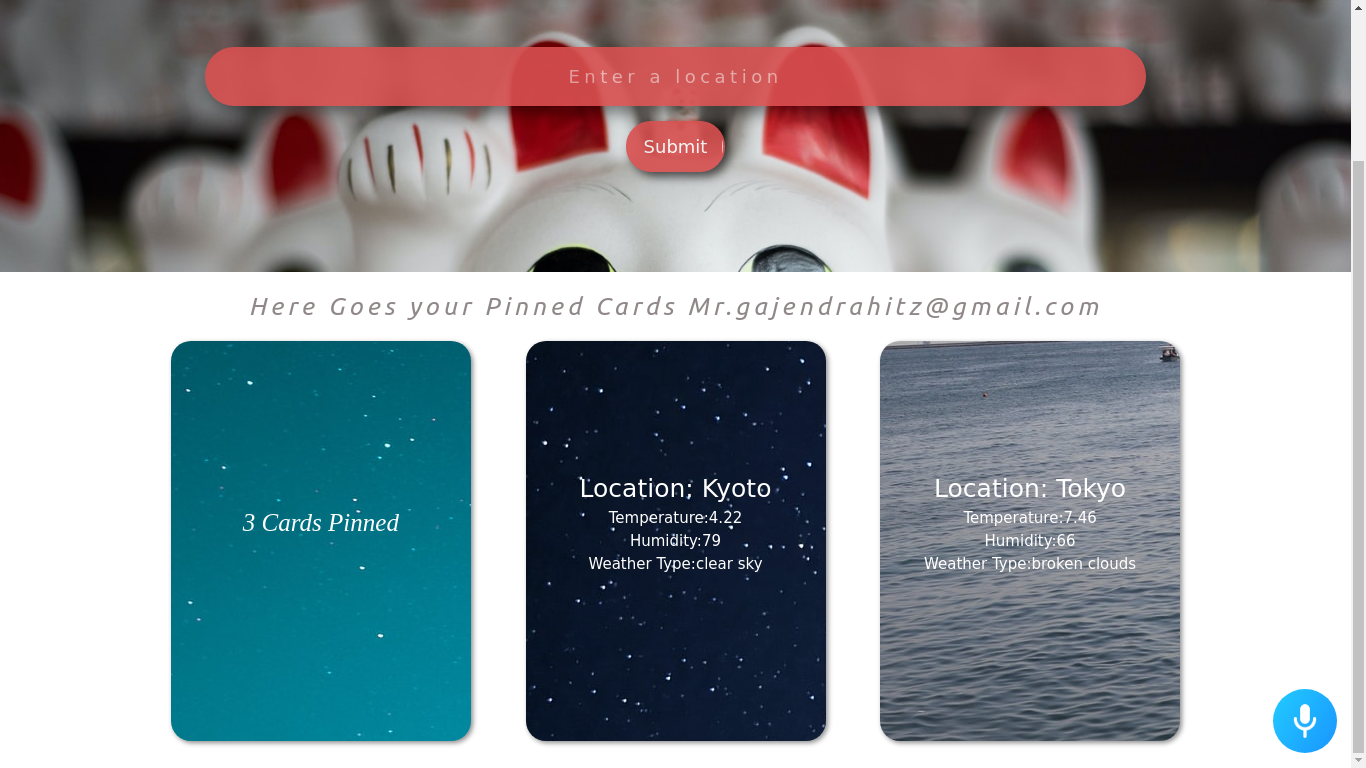
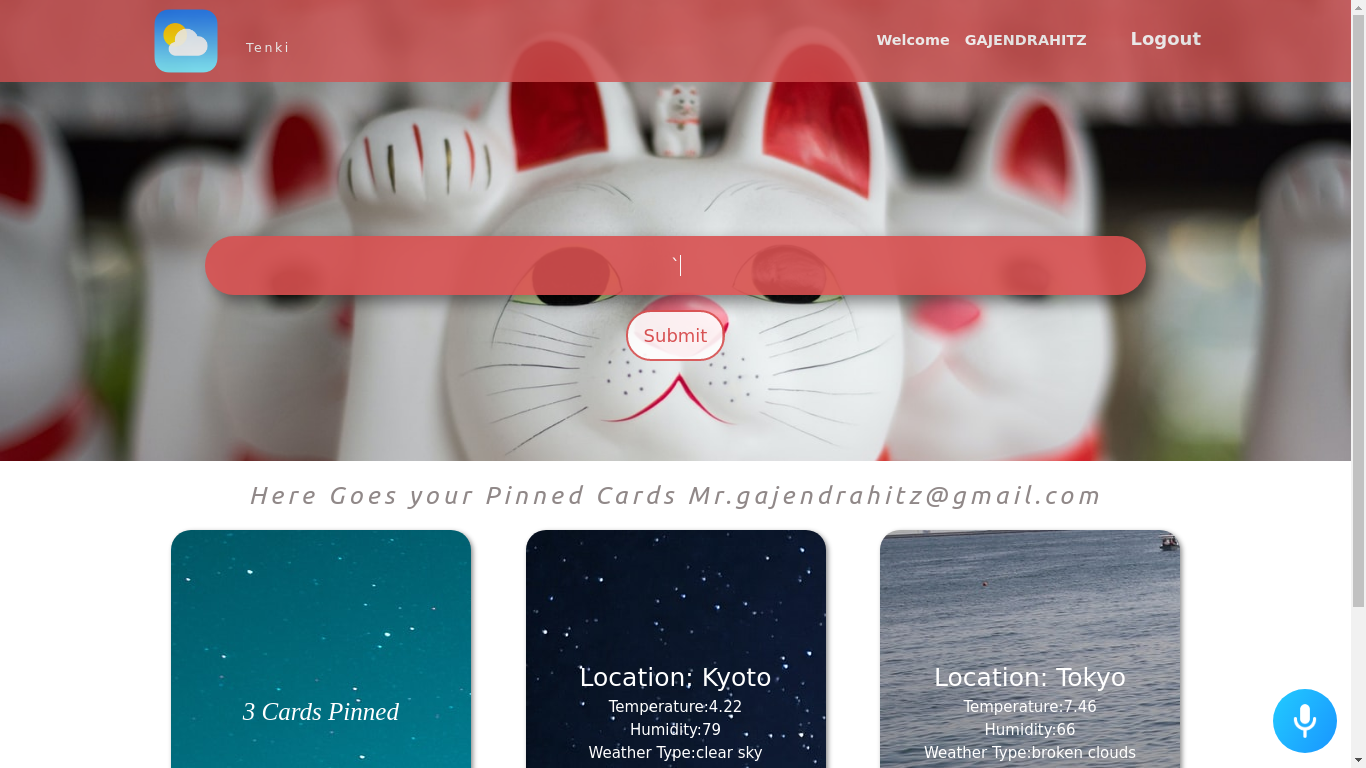
This is a basic weather web application with features like authentication,login-signup-logout ,serach weather report using the traditional search bar as well as with voice commands using the Alan AI. Alan is a complete Voice AI Platform that lets you embed a contextual voice assistant into your existing application UI. You can also use the Alan AI(in the form of a voice button at the bottom right of the page) to give commands and search the respective location. To use the voice features, try out : "Hey Alan, what's the temperature in {location}" or "Hey Alan, what's the weather report of {location} right now". You can manipulate the commands and Alan would recognise them because it uses AI technology to interpret what you meant to say and get the corresponding intent.
How we built it
We started with building the basic weather report search feature, but then we thought of something unique of integrating voice command to facilitate user to search the weather report. We searched the internet and found Alan AI suits our need. We started reading its documentation and finally came up with implementing it after tons of errors. After the weather report part was done we used firebase to build the authentication features in our web application. After all was done we started working on improving the UI of the application.
Challenges we ran into
The major challenge which we ran into was the creation of multi-Instances of the Alan AI button when we reloads or moves back to the previous page. After scratching our heads for long time we finally came to a fix and were able to fix it. We also encountered the error of non-persistent user after reloading of the page, we fixed this problem using the Local Storage from the client side and storing the user on the Local Storage and getting it from the Local storage after we reloads the page.
Accomplishments that we're proud of
We are proud to build our web application within the stipulated time and it's working quite perfectly.
What we learned
We learned about new technologies like Alan AI for voice communication , Firebase for authentication,login-signup-logout. We came to know about so many new hooks in reactJS.
What's next for Web Weather Application
We are looking forward to add messaging feature like Whatsapp and Storage Drive type Feature like Google Drive. We are planning to extend this project Multi Purpose web application or some team collaboration platform where users can collaborate and build things together.


Log in or sign up for Devpost to join the conversation.